
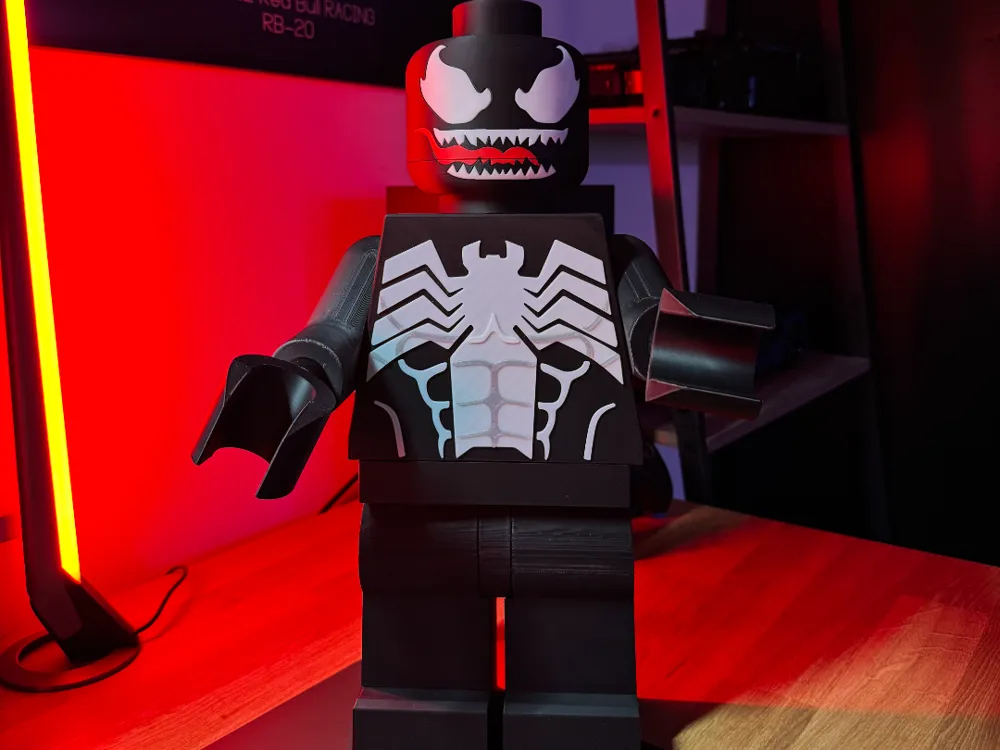
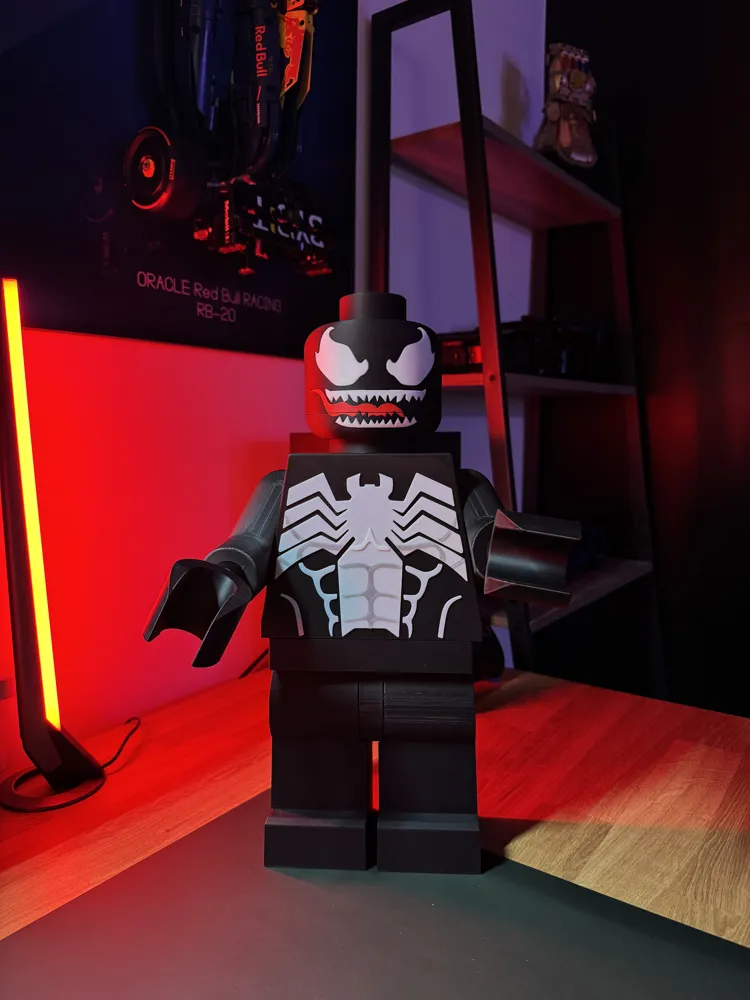
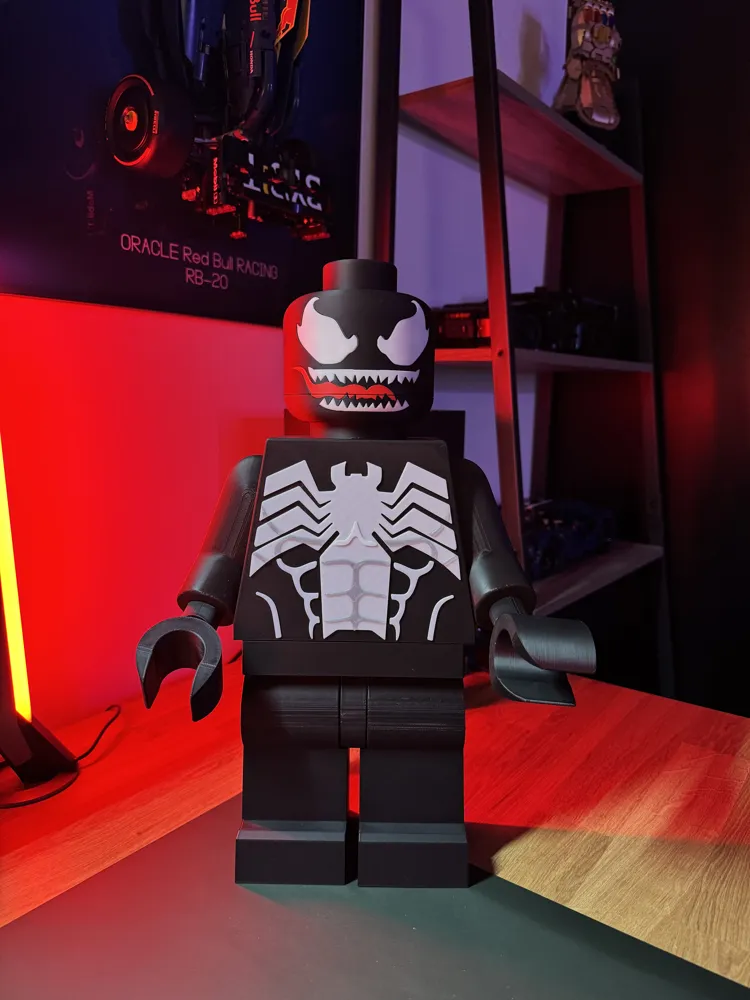
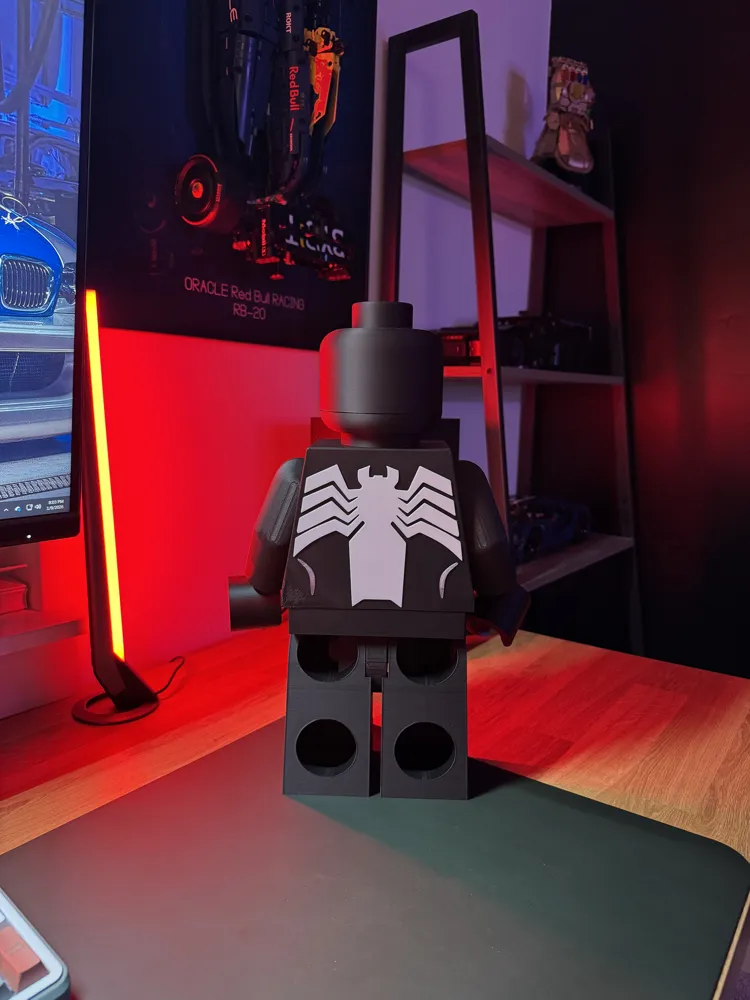
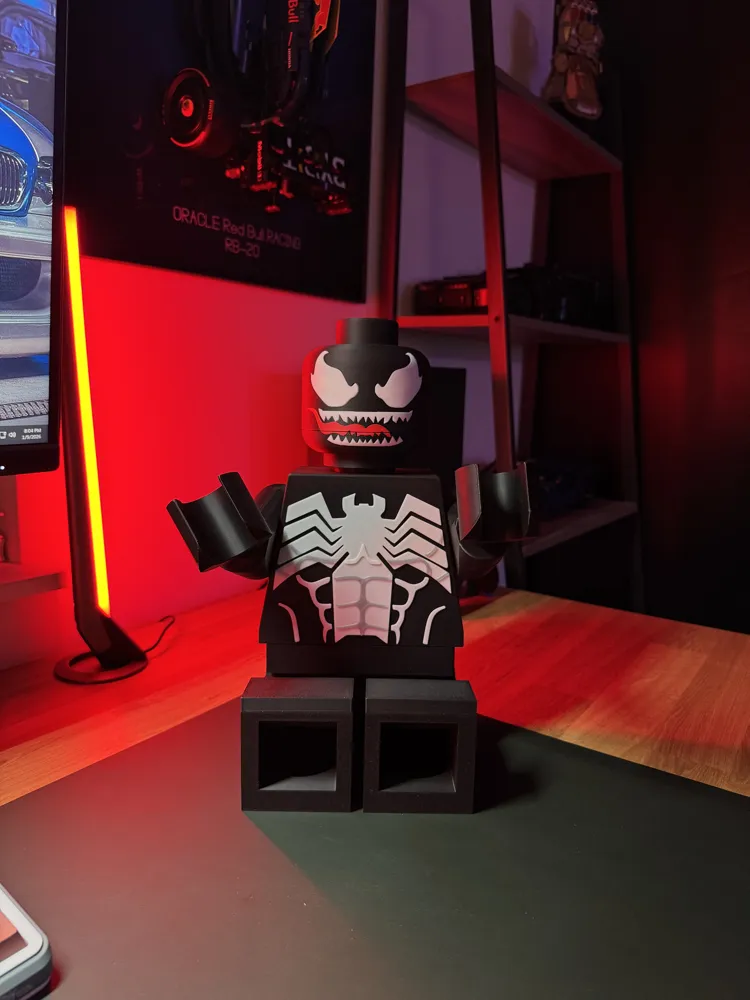
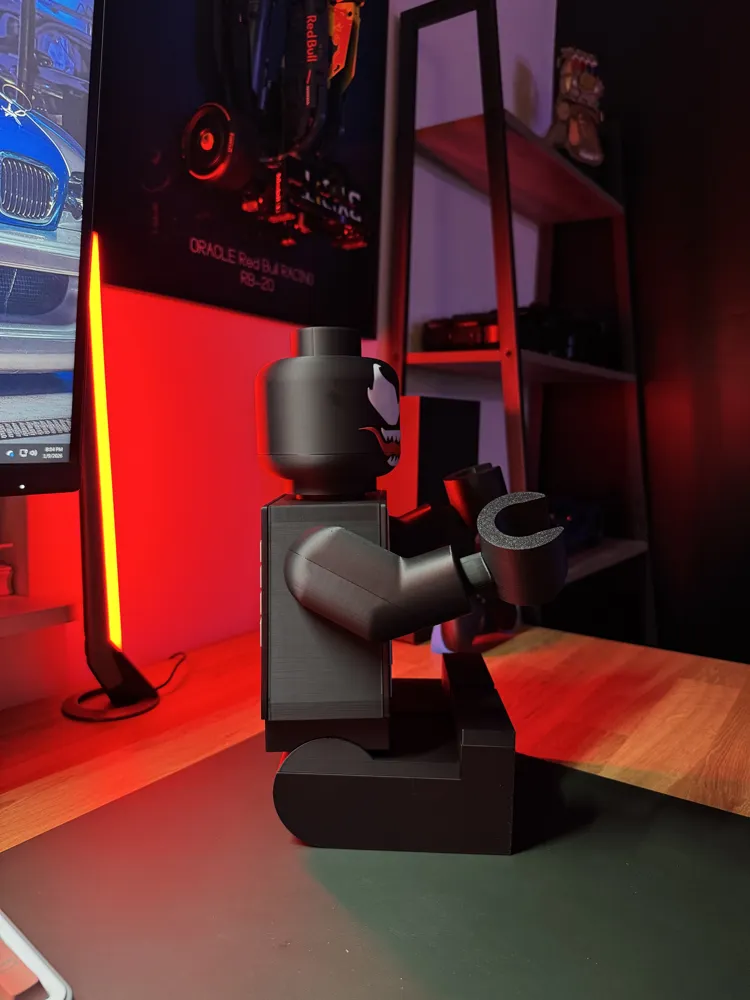
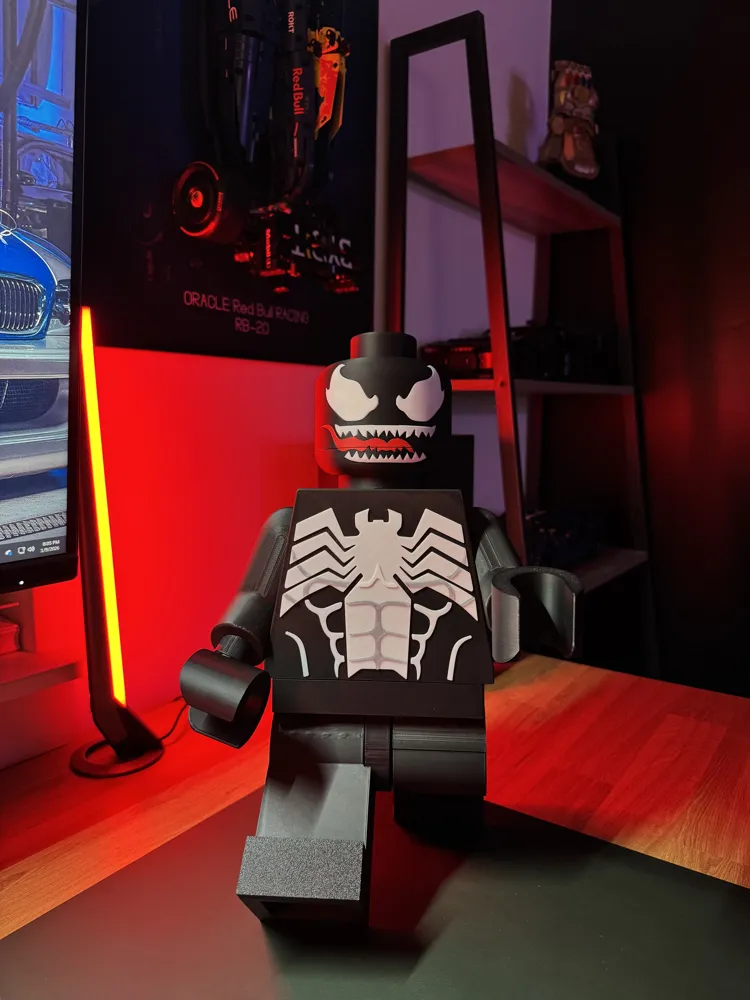
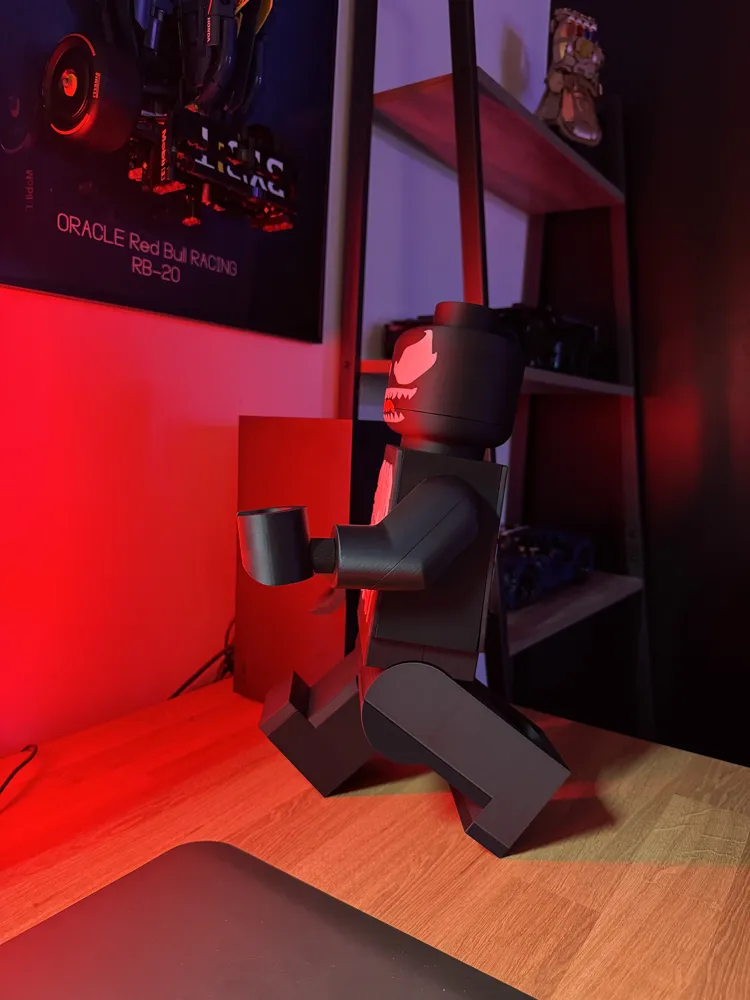

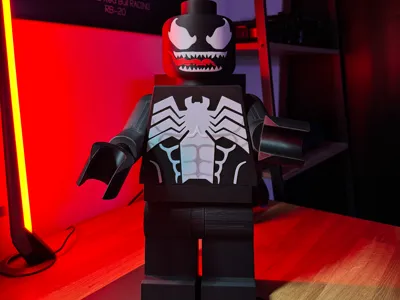
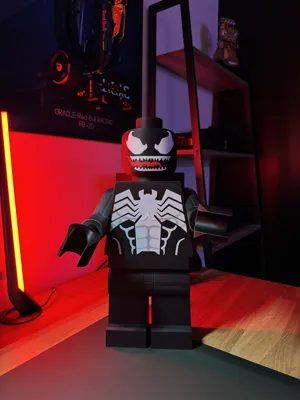
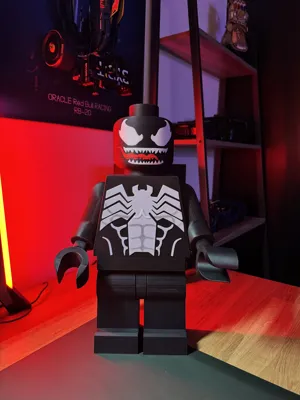
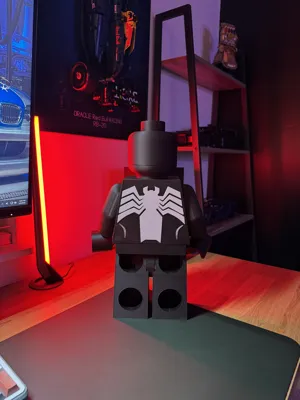
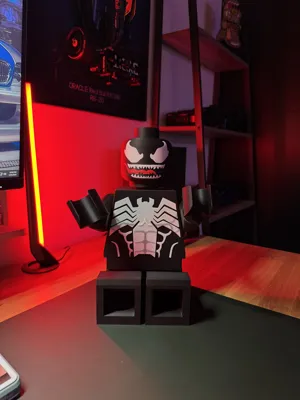
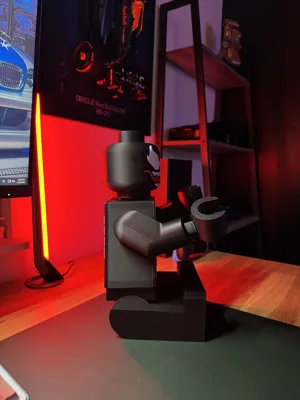
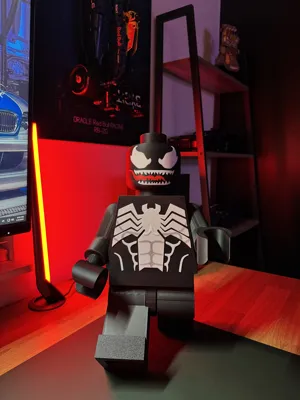
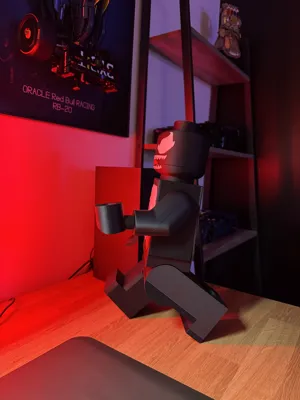
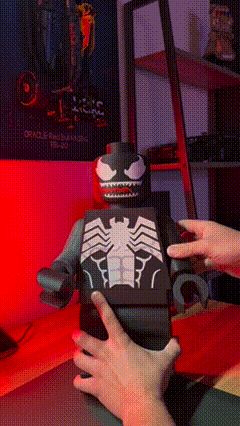
Venom Symbiote Brick Modular Figure (16")
Print Profile(2)


Description
THE PRINT PROCESS
Recommended Layer Height: 0.2mm. While you can achieve amazing results on single color prints by manually changing the color by layer. The best results are going to be with a multi-color printer, which is what we recommend. Or, you can always print all in one color and paint later, up to you!
3MF UNDERSTANDING
With the download of each 3D Model you will be provided a 3MF. This is the best way to print as the file should automatically map the colors correctly for you. If it does not, you will see on the objects tab that each layer/accent/design is labeled with the corresponding color it should be so you can manually change it. You can also reference the listing photos to see which colors go where, or you can freestyle and print in any color you want!. You are free to move objects around to different plates if you need to optimize your print flow. Some files we provide different verisons of the same item. In this venom file you will find a version where the head is printed in one piece, and one where the eyes are printed seperately.
NON MULTI COLOR PRINTERS
If you are using a printer that is not AMS/CFS/MULTI compatible, you can still achieve the results needed. Within the 3MF File you will find that each object is labeled with the color it should be. You can then add pause commands for your slicer to pause at the right layers and manually change filament. Additionally, you can always paint the print. We are always striving to make this easier for all by working on revisions to make these prints more single-color friendly.
SUPPORTS/INFILL?
Our designs are optimized to be printed with minimal/no supports and low infill to save you time and money on your print process! We usually use 8-15% infill on the body pieces. For supports, most items on your 3MF will print without the use of supports. Depending on your 3d Printer though, you may want to add supports in the following locations: head under the eyes, helmets under the eyes, and legs. Feel Free to try printing with no supports anywhere! Some printers have no trouble doing this, while others may need a bit of assistance.
ASSEMBLY
Assembling your piece couldn’t be easier! Don’t worry, it looks like a lot of parts, but it’s really not! You’ll have your piece together in no time! These pieces are made to snap together using rectangular joining pins you will find in your files. There are big and Small pins, on your plate you will find more pins than you need! There are extra in case some break or you lose them. Pin color does not matter. The small pins will be used on the legs and leg plates. The Big Pins everywhere else. They can be a bit tough to get in use some pliers and rubber mallet gently if you need! To attach the chest and black plates use a bit of glue and align the points, press together until the glue is holding, boom, done!
Snap the pieces all together and insert into/onto the main body and you’re done! An awesome huge mini figure!
THAT’S IT!
Yes, really that’s it. It’s easy! Happy printing and enjoy! Check out more of our prints from wherever you downloaded this from! We are always adding designs!
Documentation (1)
License

You shall not share, sub-license, sell, rent, host, transfer, or distribute in any way the digital or 3D printed versions of this object, nor any other derivative work of this object in its digital or physical format (including - but not limited to - remixes of this object, and hosting on other digital platforms). The objects may not be used without permission in any way whatsoever in which you charge money, or collect fees.


Comment & Rating (104)