Search models, users, collections, and posts

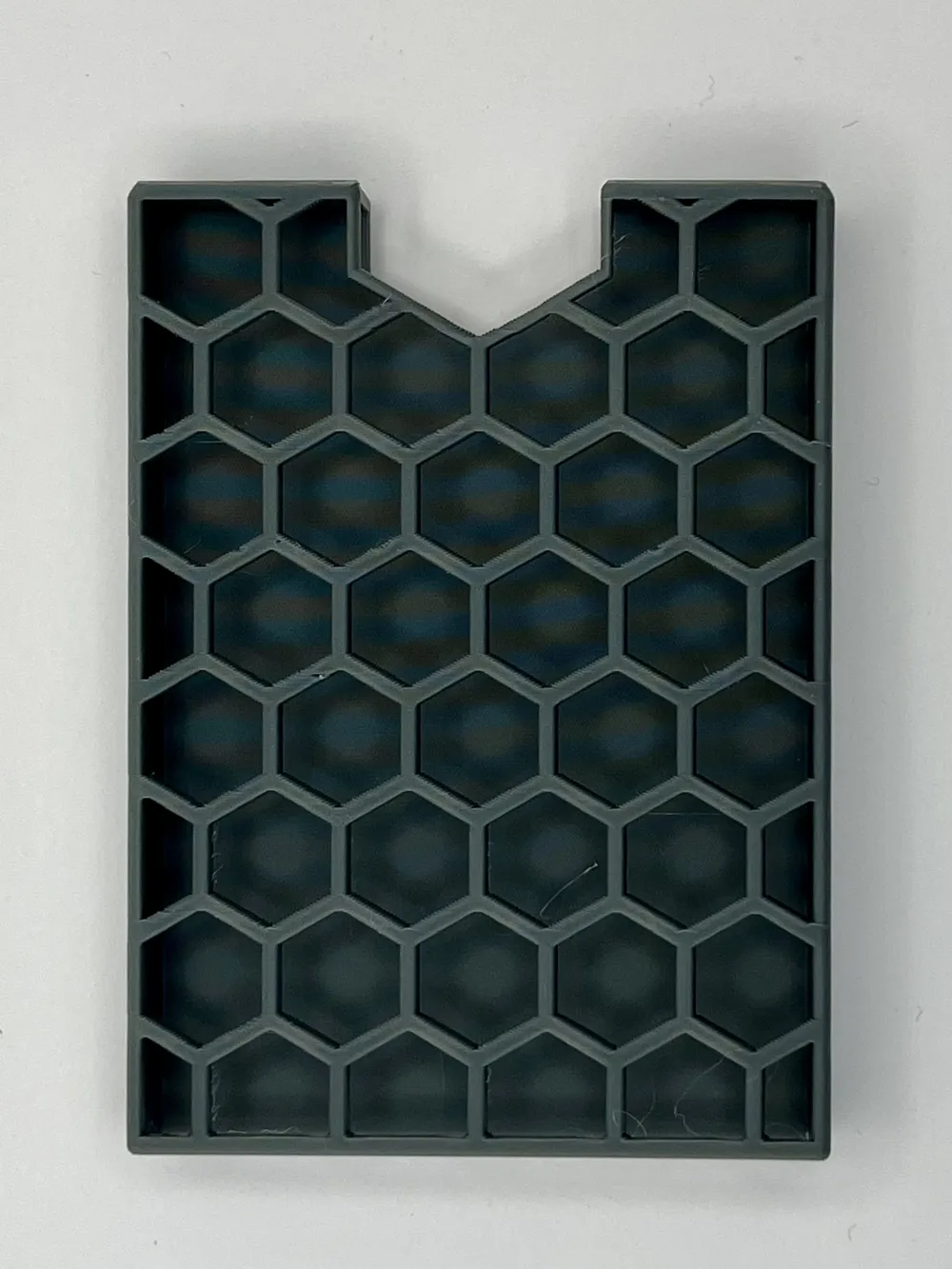
SSD SATA mount for P2S
Print Profile(2)

All
P2S
P1P
X2D
A1
H2C
H2D
A1 mini
X1
X1 Carbon
H2D Pro
P1S
H2S
X1E
A2L

0.2mm layer, 2 walls, 15% infill
Designer
1.9 h
1 plate
5.0(8)

9.5mm thickness
9.5mm thickness
Designer
1.9 h
1 plate

Open in Bambu Studio
Boost
44
167
20
3
60
37
Released 

Description

(One day, when Bambu Lab fixes the bug that requires you to format the external storage on odd days, this will be more useful than it is today.)


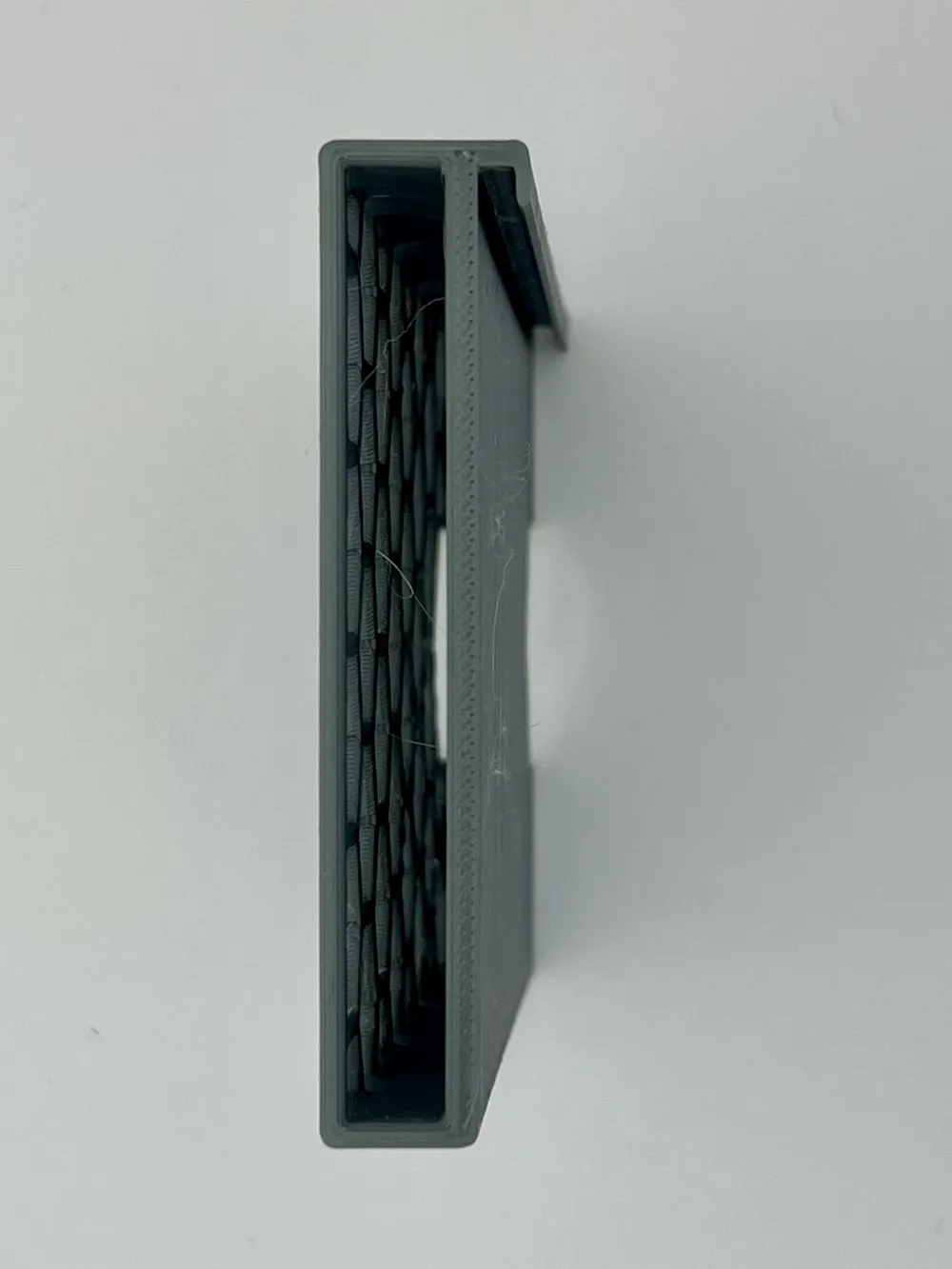
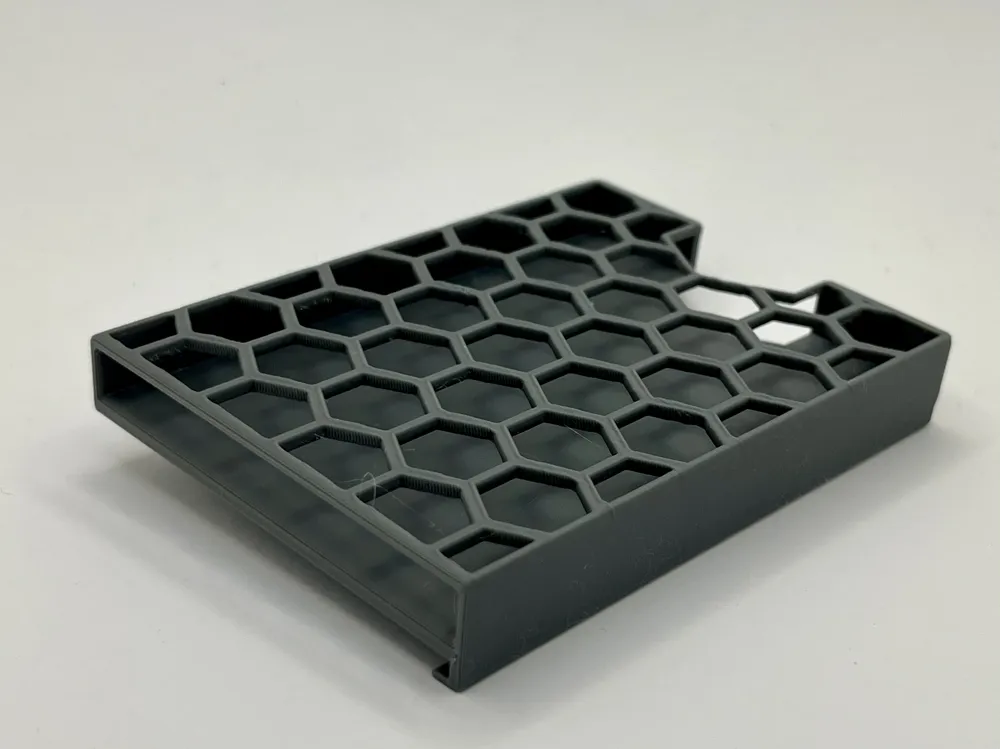
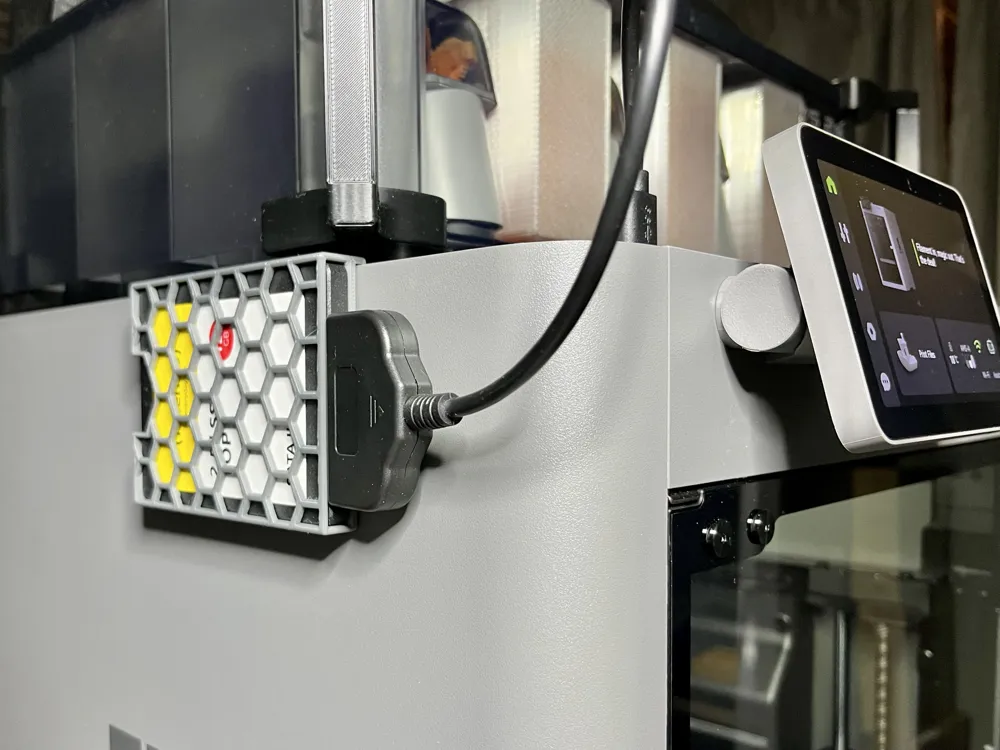
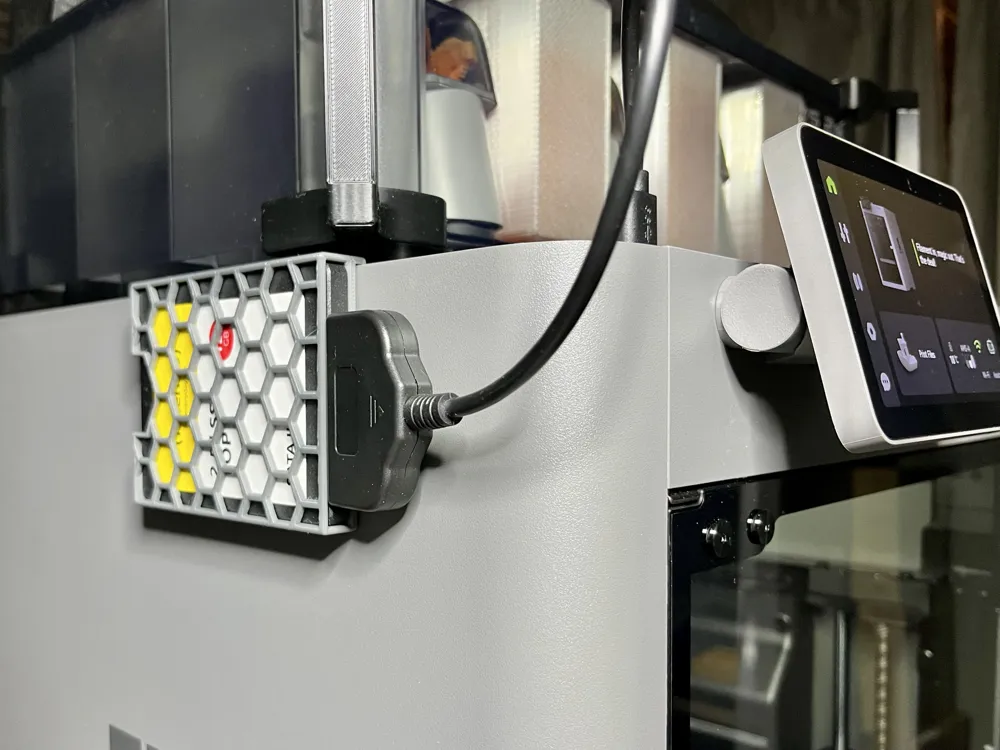
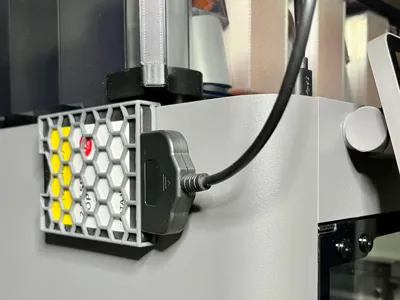
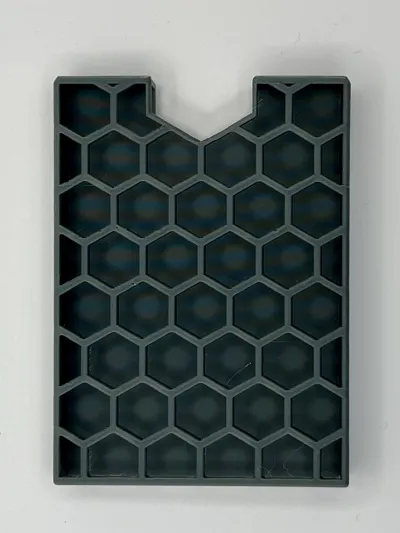
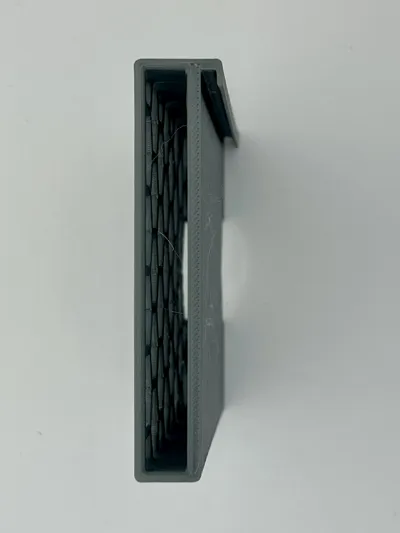
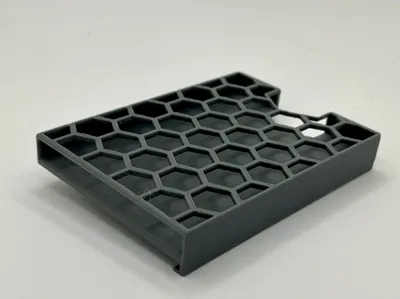
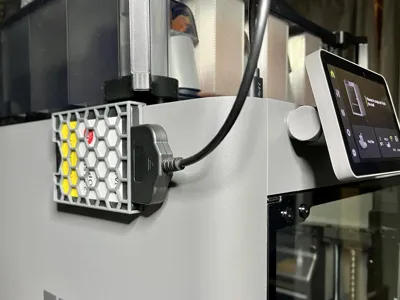
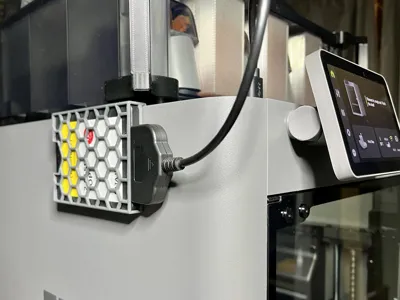
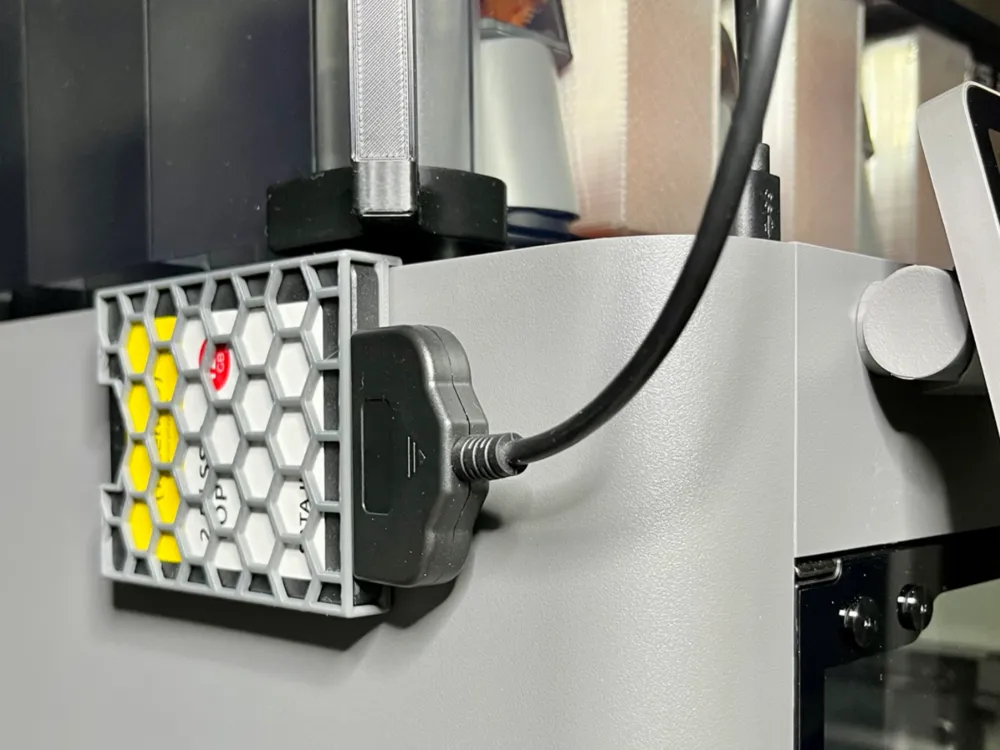
I have a pretty large (120 GB) flash drive, but 1/ I do not like to have it standing upright on top of the printer, 2/ I prefer to use it in other ways than always plugged into the P2S, and 3/ those timelapse recordings take up a lot of space very quickly; I might want to add a larger drive in the future. This sleeve/mount holds your 2.5" SSD out of the way, to the side of the printer.

Comment & Rating (20)

(0/1000)

could you design one with a little larger opening my ssd is a little taller ,I'll get you the measurement when I get home
The designer has replied
0
Reply
It would really surprise me that your SSD is “slightly taller”, since these are pretty standard: they should fit in laptops. If you prove me wrong (a picture would help), I will make another version.
0
Reply
here you go ,or are you supposed to take it out of the case?
0
Reply
yes the height is 13.40 mm and the width is 77.25 mm,if you could do a revised one that would be great,I don't know if it is because my drive is old,or which drive do you use,thank you
0
Reply
Print Profile
0.2mm layer, 2 walls, 15% infill
Poifect.
0
Reply
Boosted
Print Profile
0.2mm layer, 2 walls, 15% infill
It fits perfectly on the P2S. The disc just barely fits, but I guess that depends on each disc.
Show original
0
Reply
Print Profile
0.2mm layer, 2 walls, 15% infill
passt perfekt
0
Reply
I have a P2S and it’s claiming only flash drives. how can I get my SSD to work?
The designer has replied
0
Reply
Did you try letting the printer do the formatting or did you let an OS do that part? SSDs can be formatted the same as any USB would
0
Reply
I do not know where it claims that (mine simply says "USB storage"), but from a functional perspective there should not really be any difference. An SSB drive is faster and more reliable in general, although it may have higher power requirements. However, the one you see in my photos works perfectly fine. It stores .3mf files and timelapse videos like any flash drive I have used. The one difference is the "bug" I referred to in the description (if it is not a bug I would like to learn why). When I turn off the printer --which I almost never do-- the USB storage will have to be formatted for the P2S to recognise it.
0
Reply
I would assume if you format it on your pc first then plug it in to your printer it would pick it up.
0
Reply
Wow this is really clever. I may need to try this. Well done!
The designer has replied
0
Reply
Thanks!
0
Reply
Print Profile
0.2mm layer, 2 walls, 15% infill
Printed them for my 2 printers.
0
Reply
Print Profile
0.2mm layer, 2 walls, 15% infill
0
Reply
Print Profile
0.2mm layer, 2 walls, 15% infill
0
Reply
Print Profile
0.2mm layer, 2 walls, 15% infill
0
Reply

License

This user content is licensed under a Standard Digital File License.

You shall not share, sub-license, sell, rent, host, transfer, or distribute in any way the digital or 3D printed versions of this object, nor any other derivative work of this object in its digital or physical format (including - but not limited to - remixes of this object, and hosting on other digital platforms). The objects may not be used without permission in any way whatsoever in which you charge money, or collect fees.