
192 Piece Gridfinity Bin Set|42mm Base|49mm Height
Print Profile(4)

Description
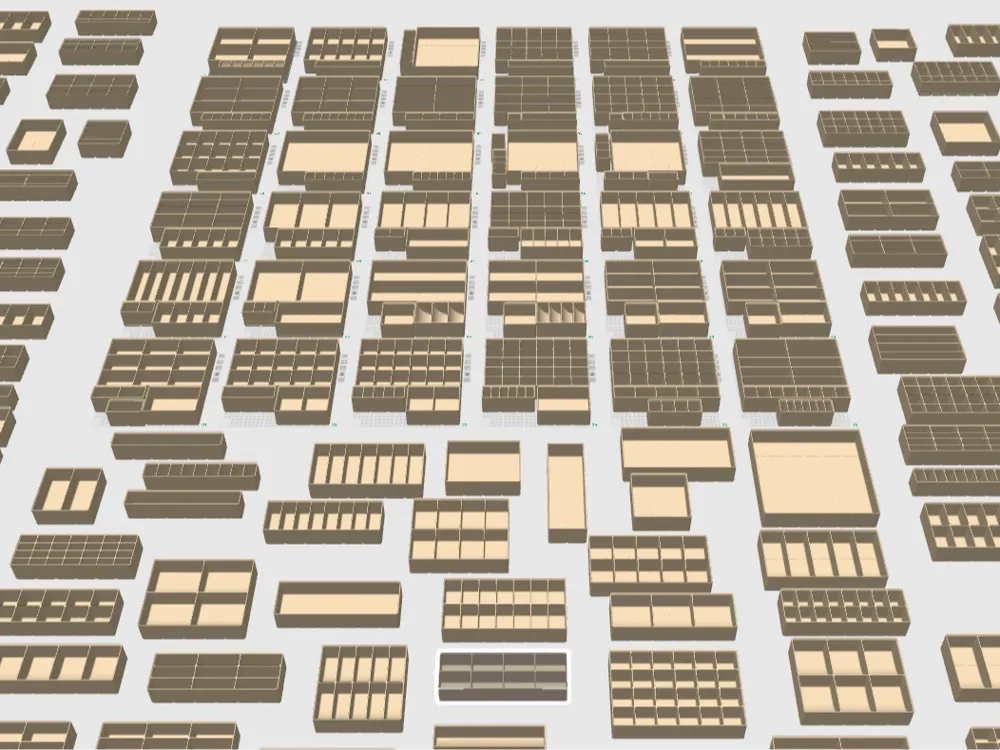
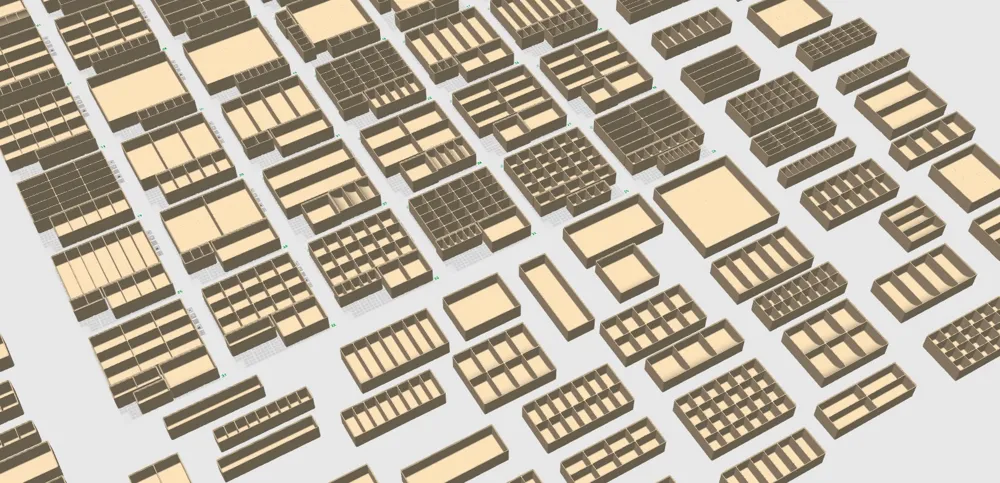
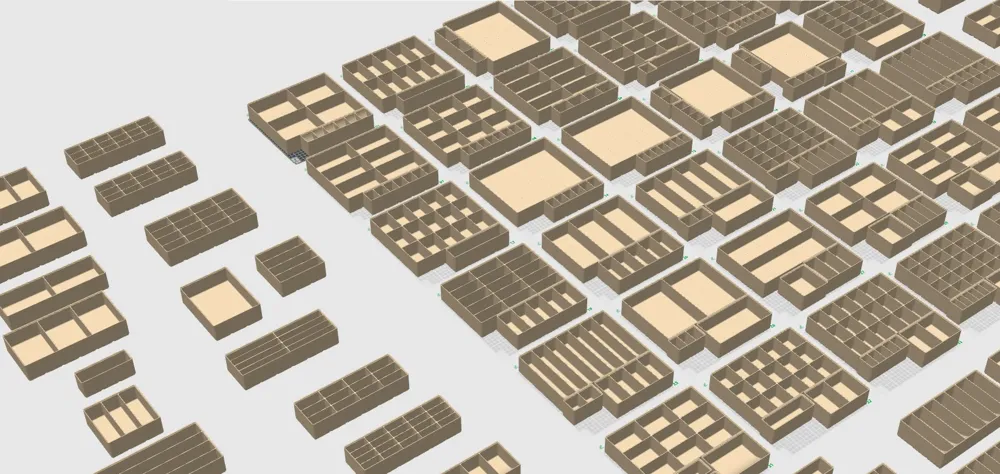
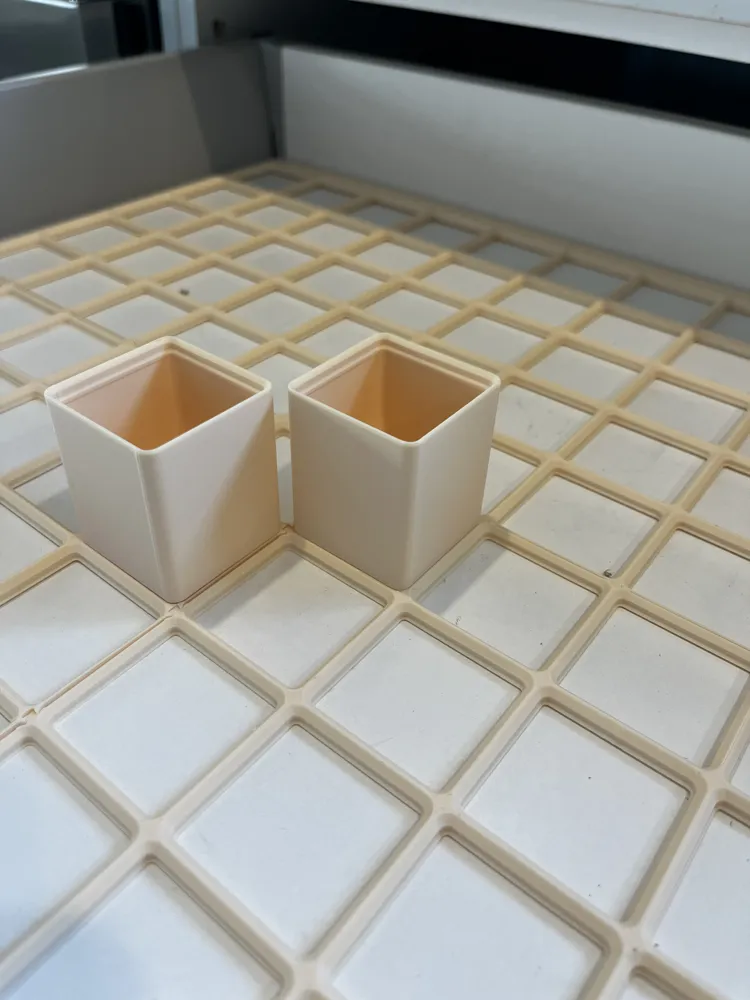
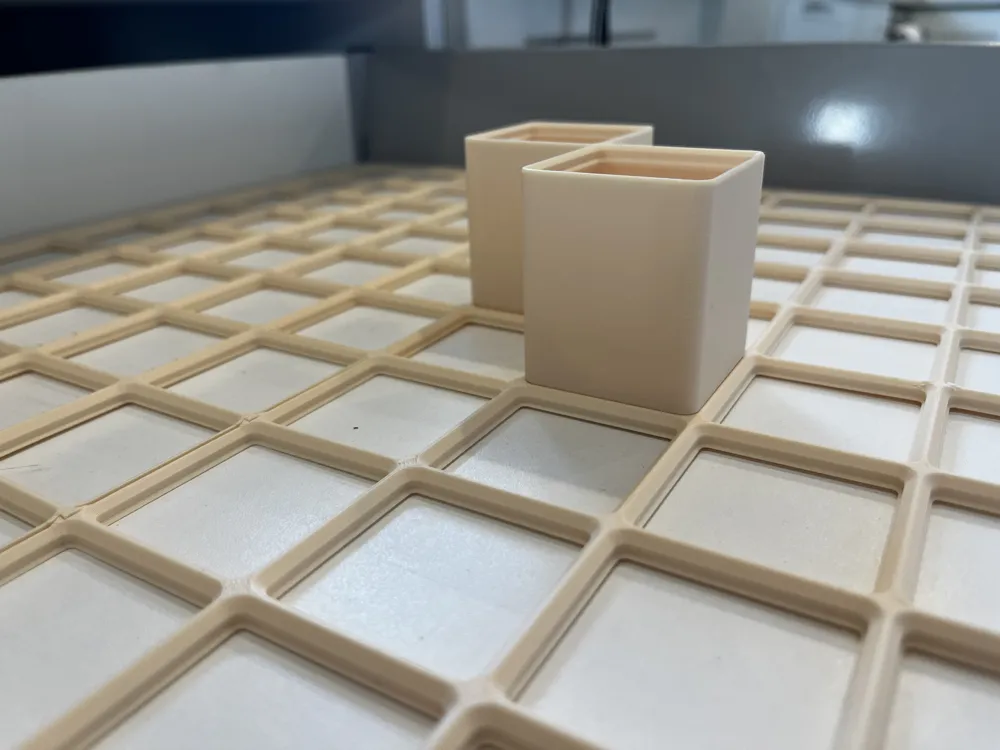
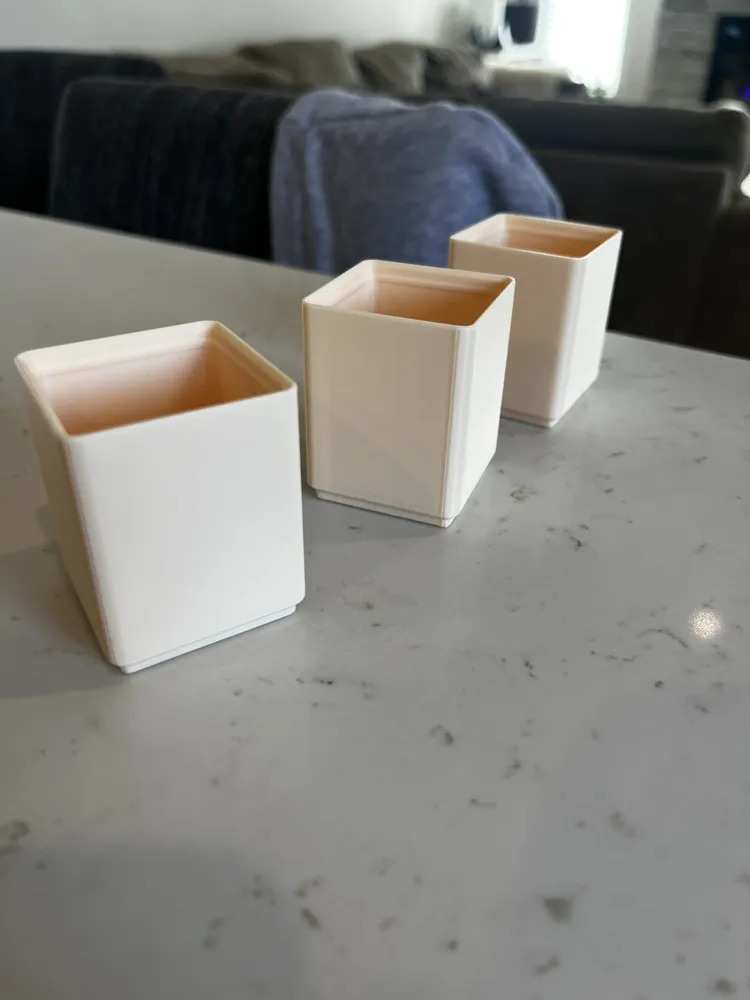
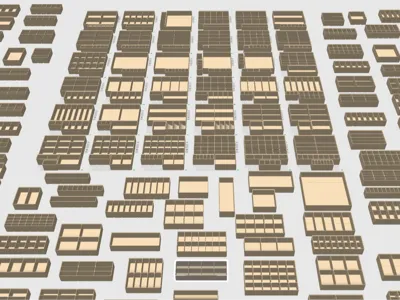
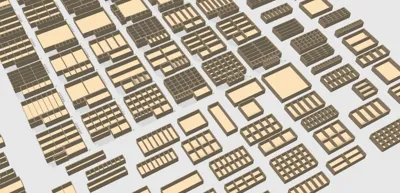
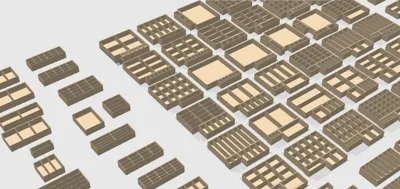
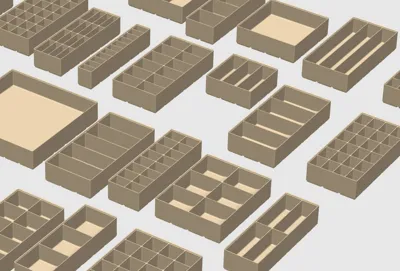
192-Piece Gridfinity Bin Set | 7 Units or 49mm tall
Note: Because the full library is large, the bins are split across three print profiles on this page. Each profile contains a different group of bins but uses the same tested print settings.
Download all three profiles to access the complete bin set.
42 mm Base | Heavy-Duty 2.4 mm Walls
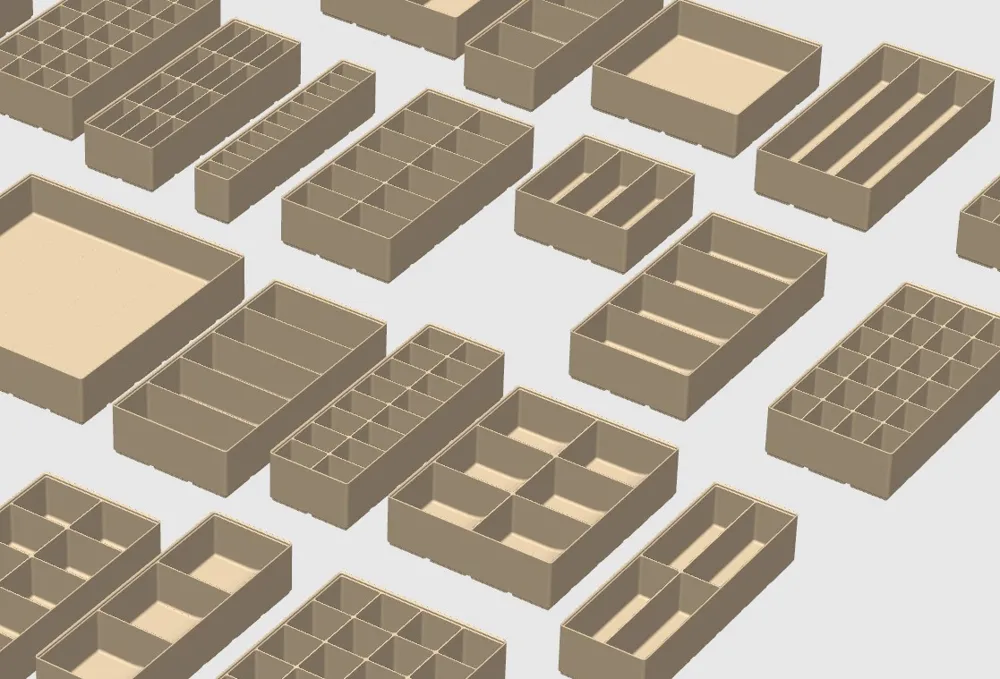
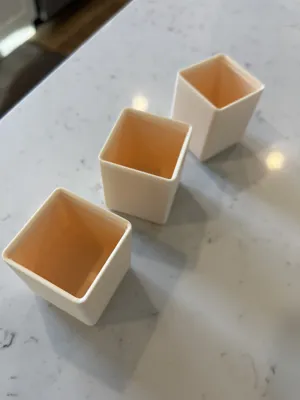
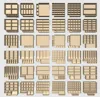
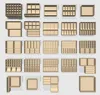
This set includes 192 Gridfinity bins with a wide range of widths and internal layouts. All bins share the same depth, so they line up cleanly and stay modular in a drawer.
The bins were designed with real junk drawer use in mind, focusing on strength, access, and long-term durability rather than ultra-thin walls.
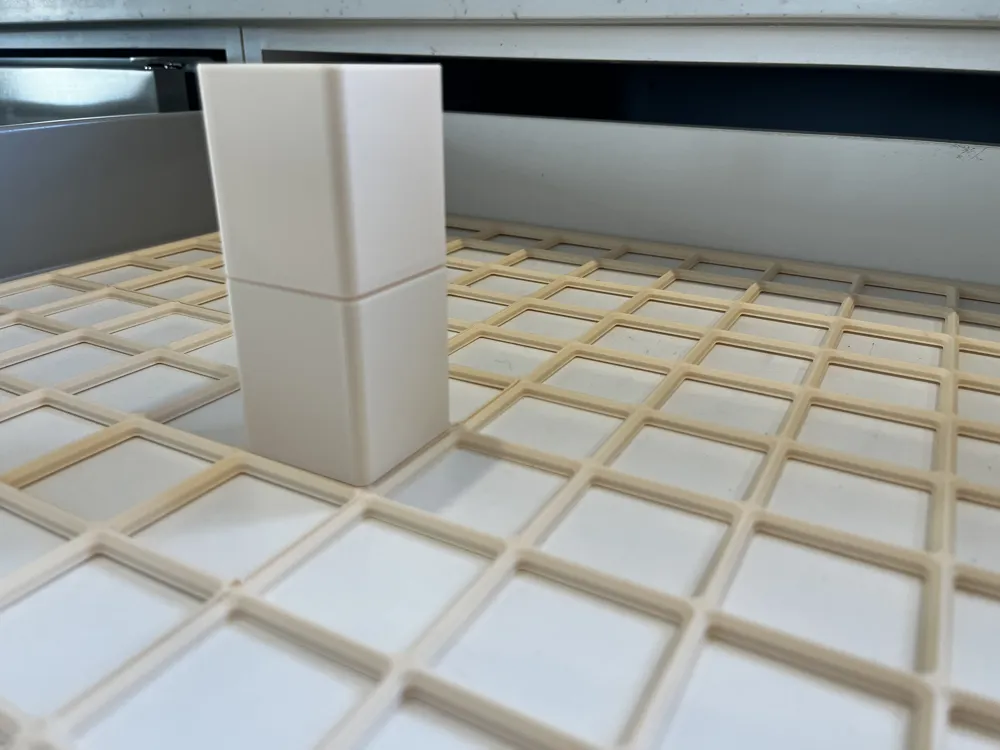
Height and stacking notes
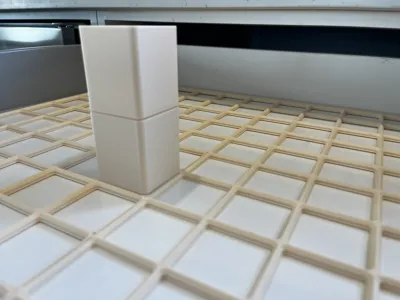
Depending on your drawer height, stacking two of these bins may be too tall and can interfere with the drawer lip when closing. Drawer sizes vary, so check your available drawer height before stacking.
They work best as single bins, or paired with a lower-profile bin on top to prevent items from piling up while keeping everything easy to grab. Additional heights are being tested to see what stacks best in common drawer sizes.
Bin details
- 42 mm Gridfinity standard base
- 2.4 mm walls for rigidity and heavy everyday use
- Consistent depth across all bins
- Standard Gridfinity stacking lip
- No magnets, no screws
Some bins include finger wells or angled interiors in smaller compartments to make items easier to remove. Check layouts before printing.
How to print what you need
This is a library-style set. You don’t need to print everything.
The easiest workflow I’ve found:
- Right-click the bin you want
- Export / Save as STL
- Open a new Bambu Studio project
- Import only the bins you plan to print
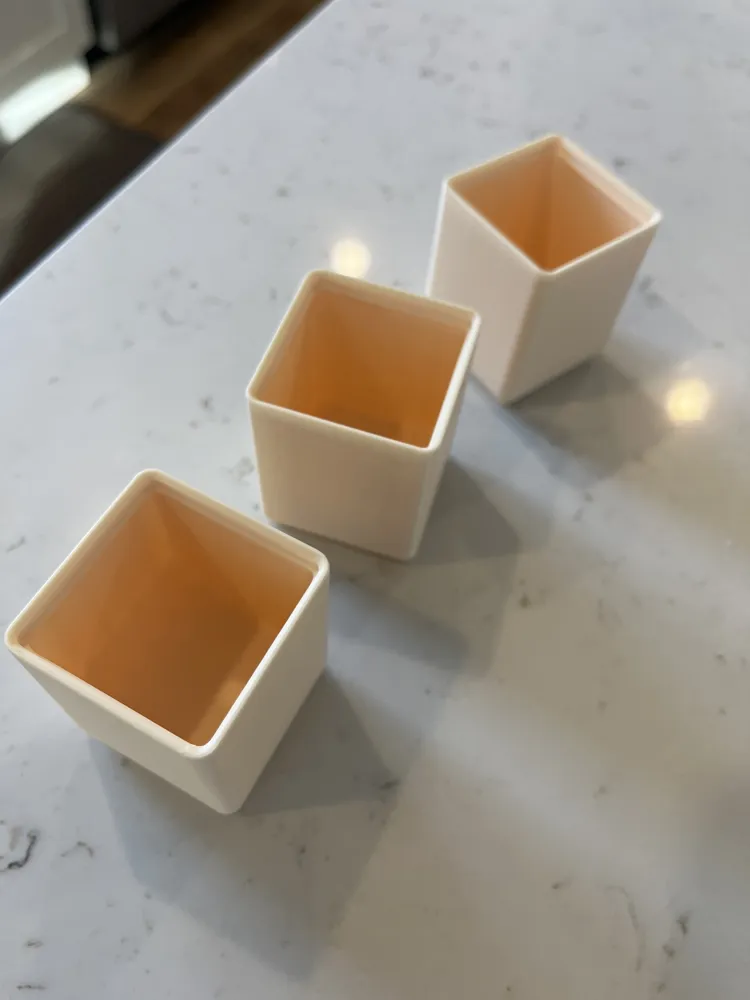
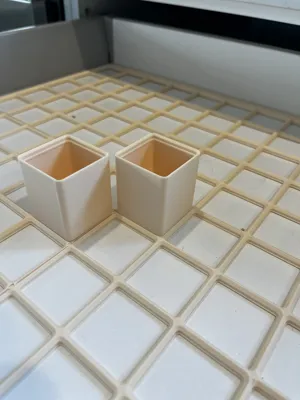
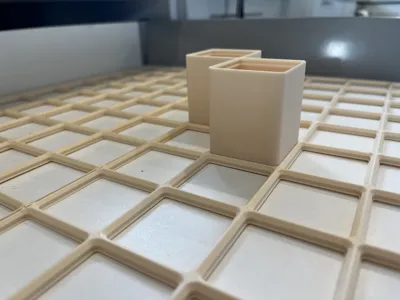
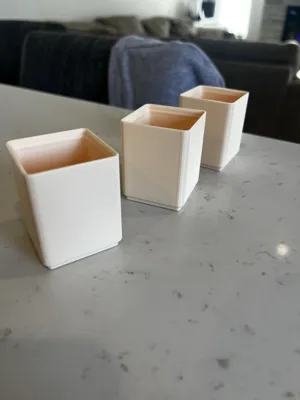
Printed and tested in PETG-HF with good results.
The thicker walls make these bins very sturdy and well suited for heavy, hard use.
License



Comment & Rating (267)