
BC-250 Steam Machine Slim Console
Print Profile(4)


Bill of Materials
- Listed in Description x 1:
Description
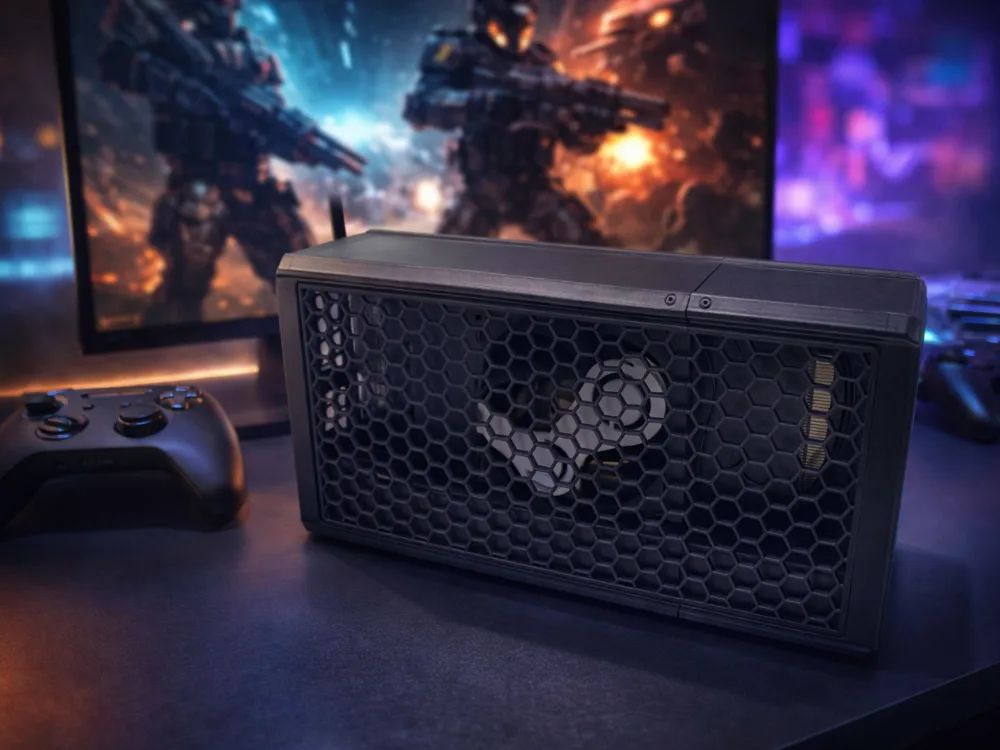
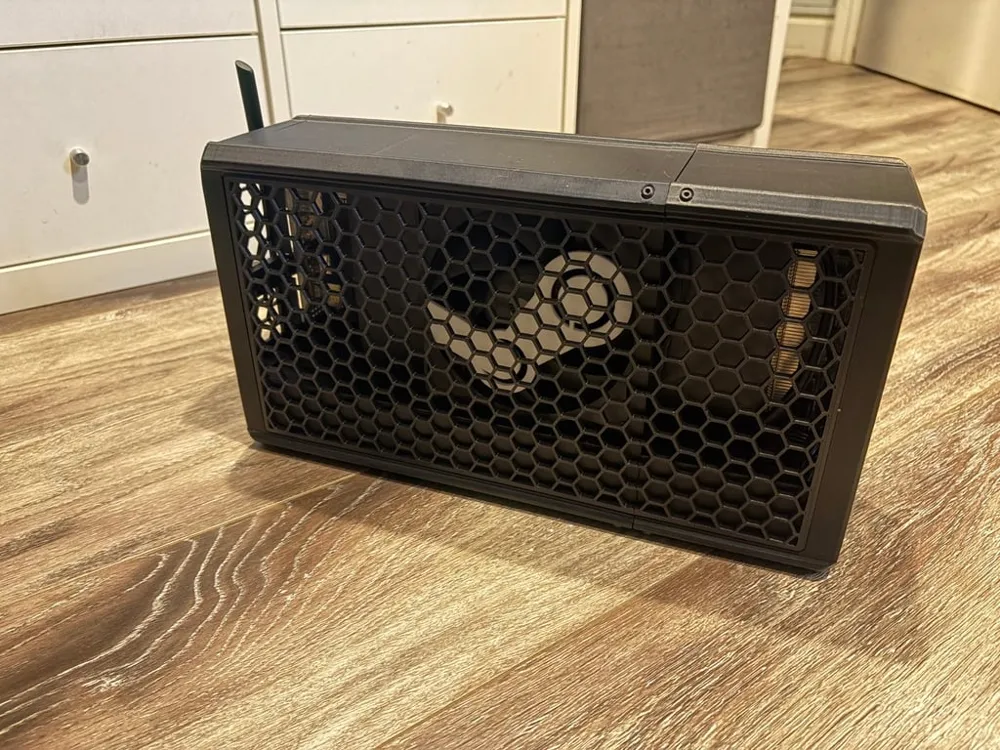
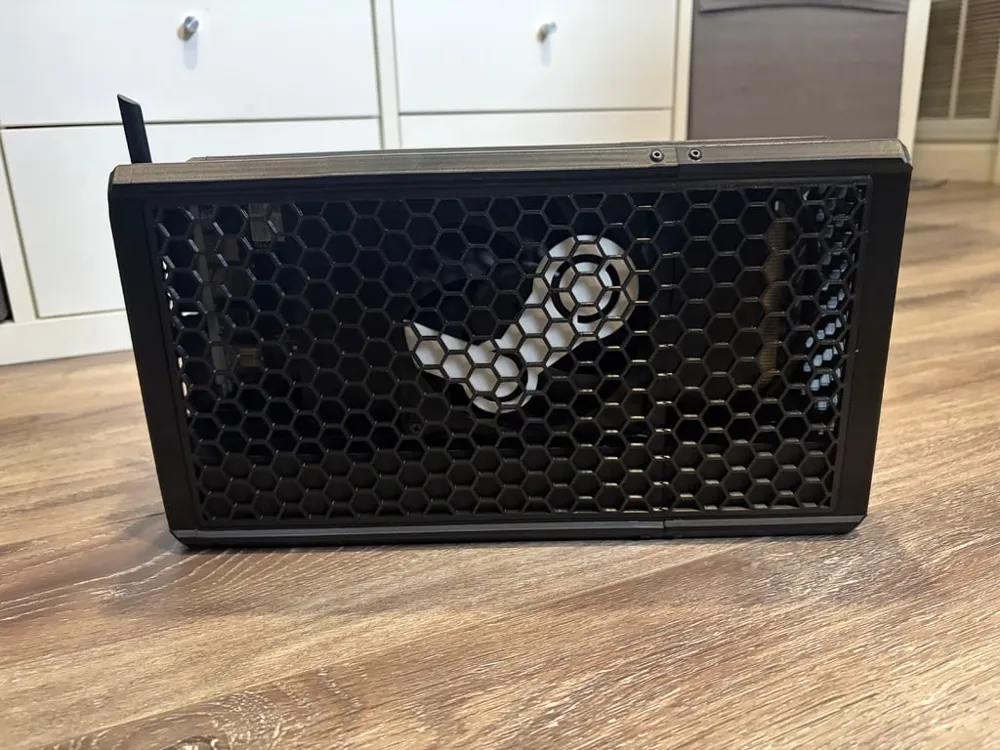
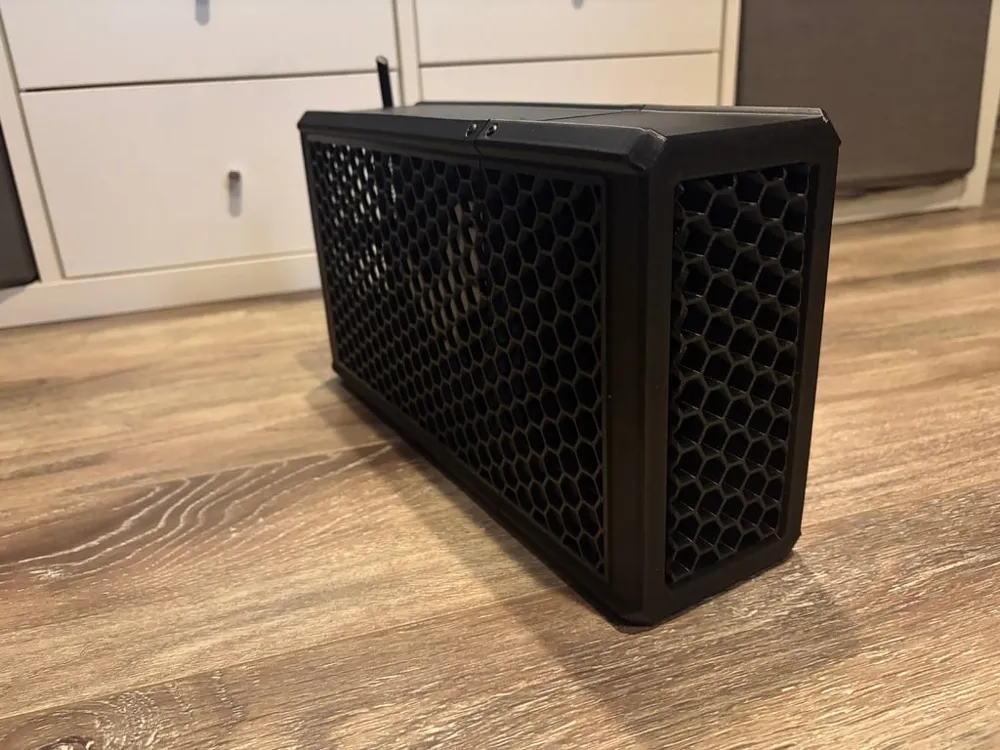
Build Overview
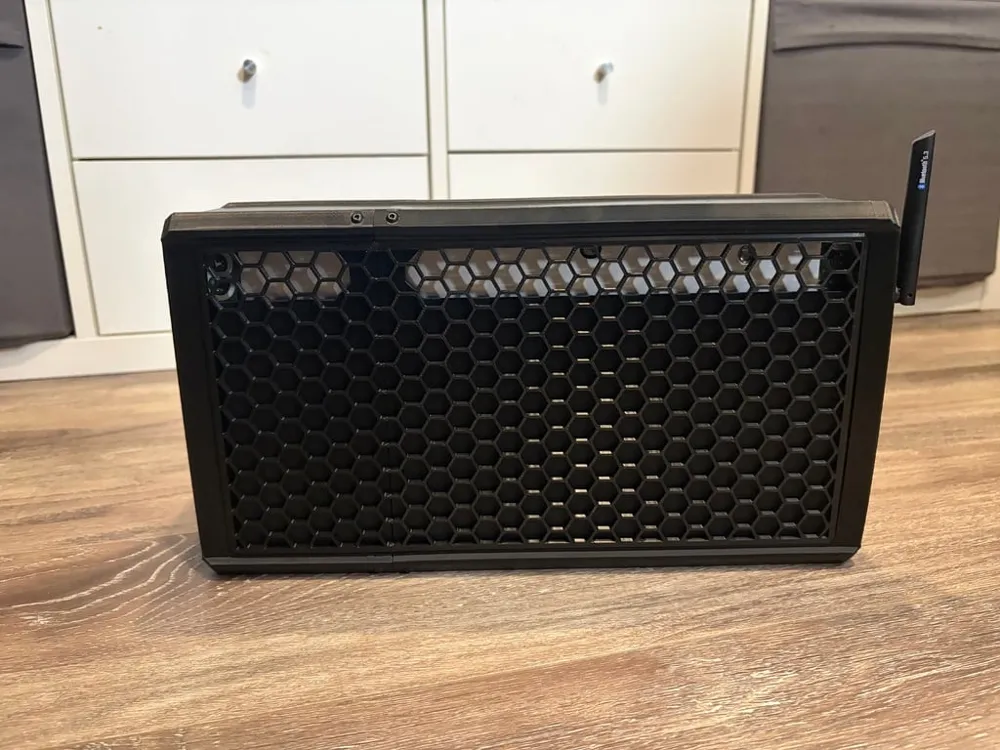
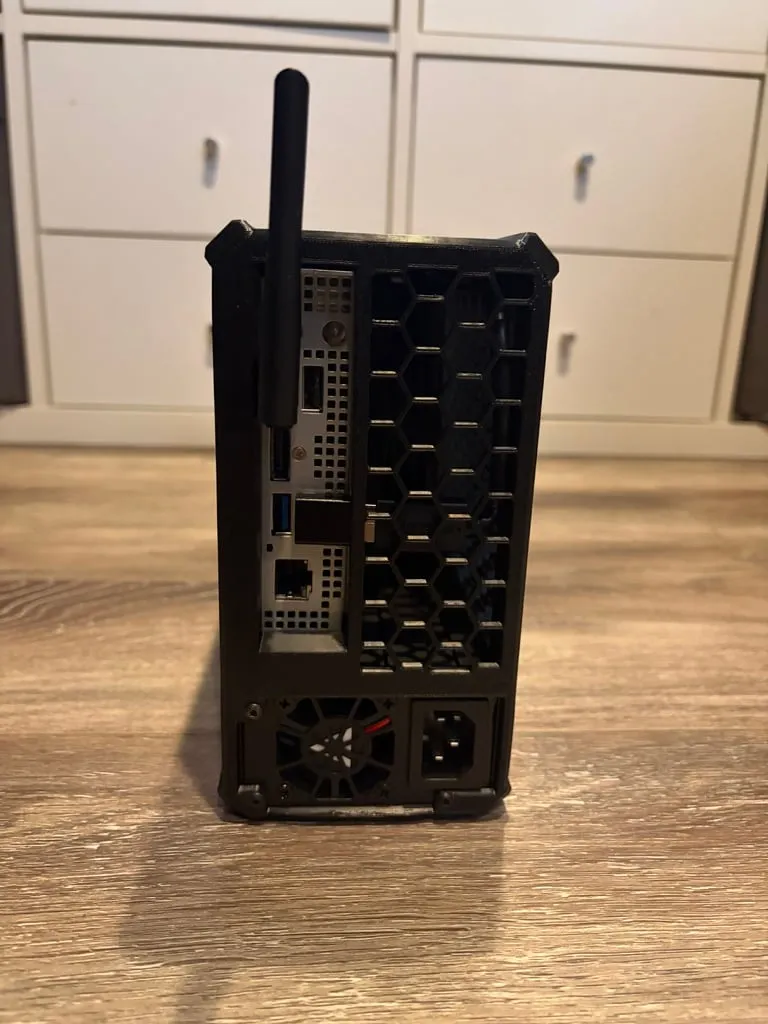
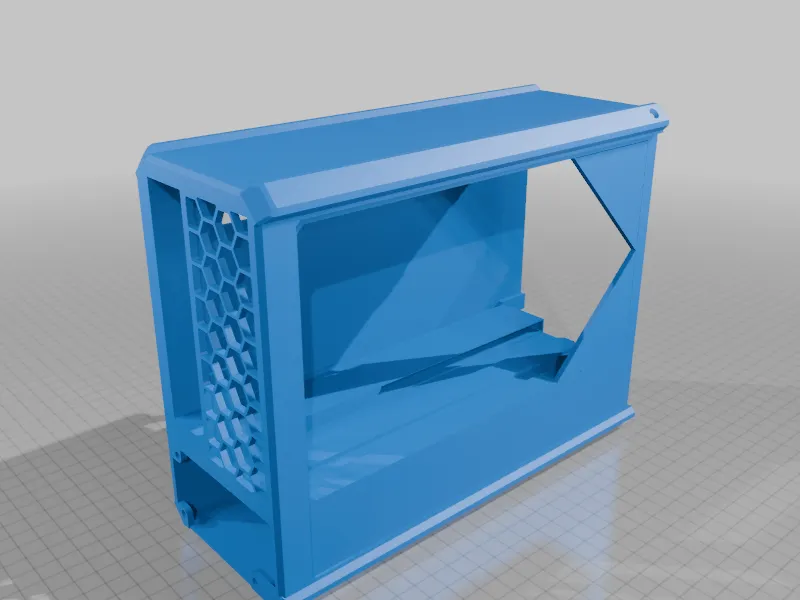
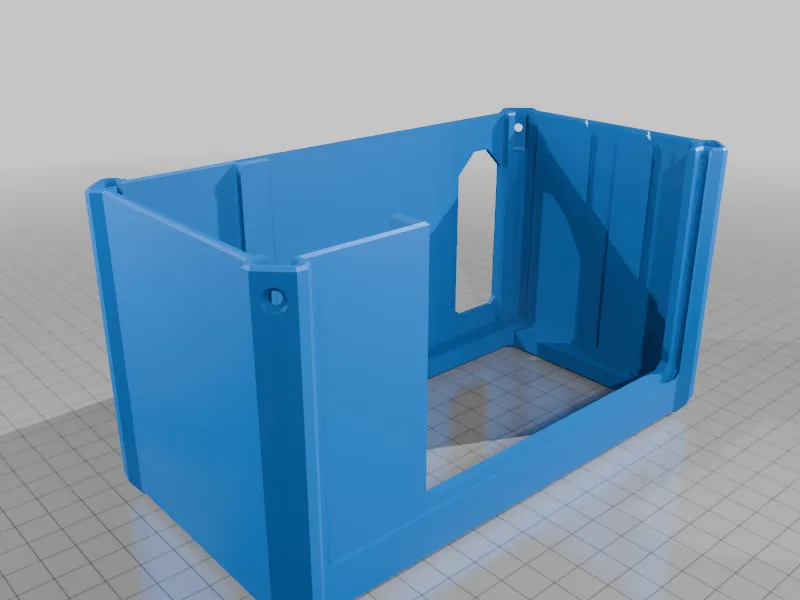
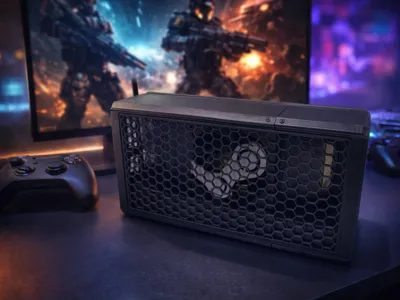
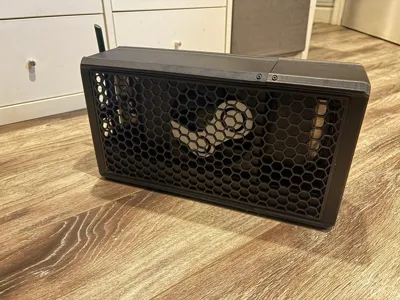
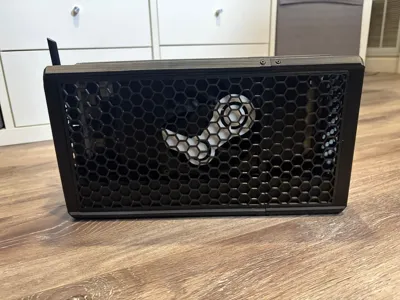
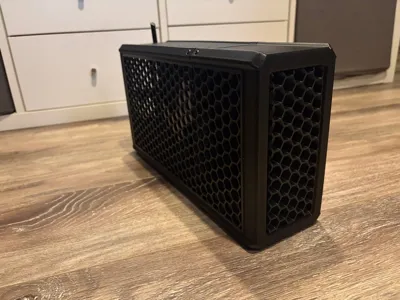
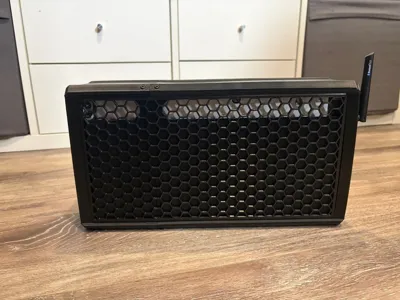
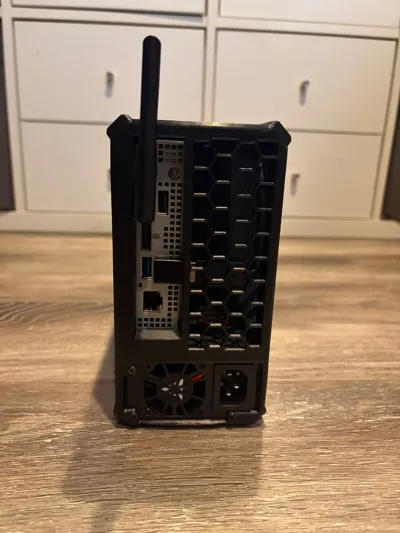
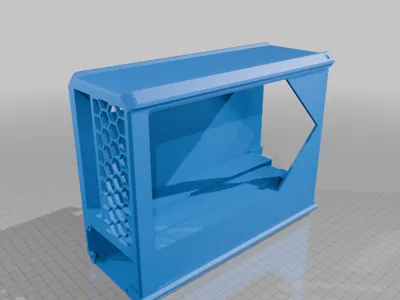
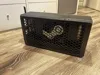
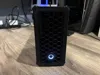
This is a modified version of the original case, updated to support an Apevia FLEX power supply.
I also bundled several custom accessories into one clean package that reflects what I personally designed and tested.
✨ Modifications & Included Files
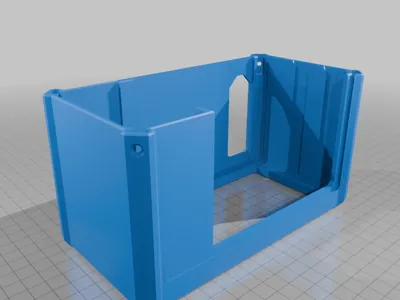
- Modified PSU walls to properly fit an Apevia FLEX PSU (https://amzn.to/4jyLCfF)
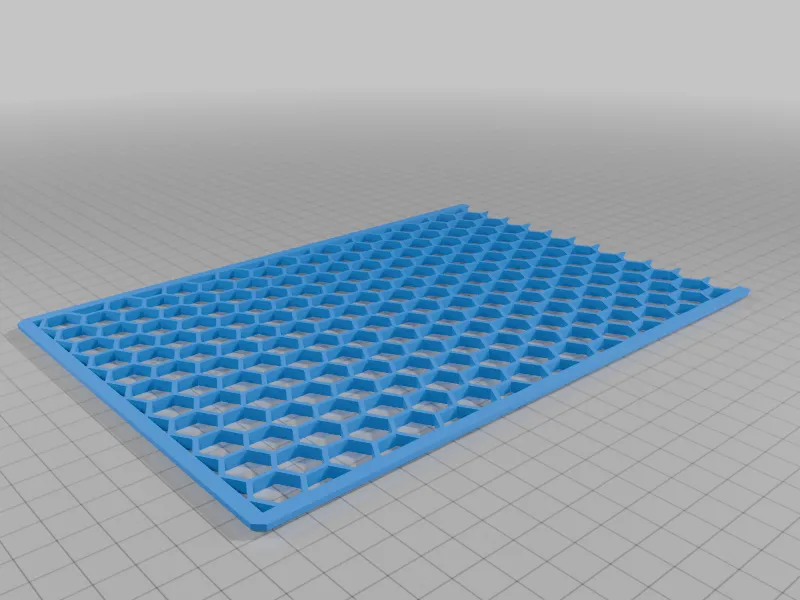
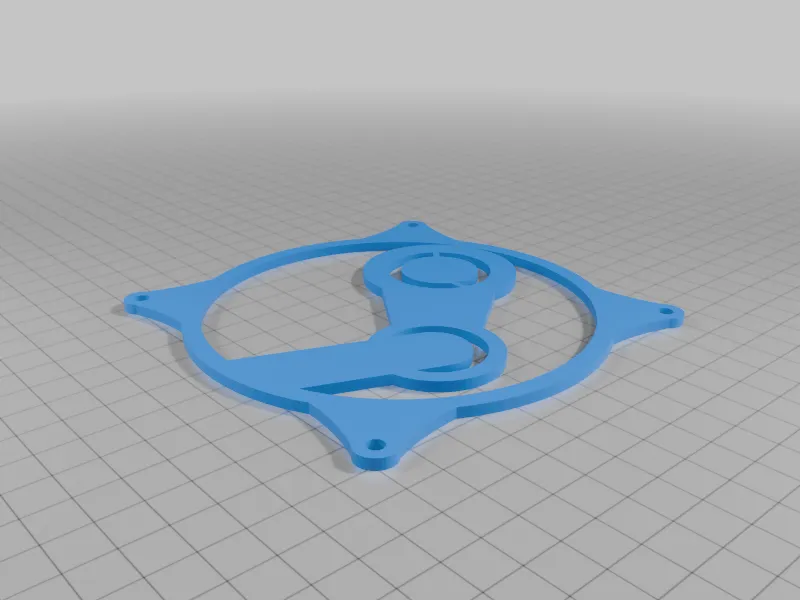
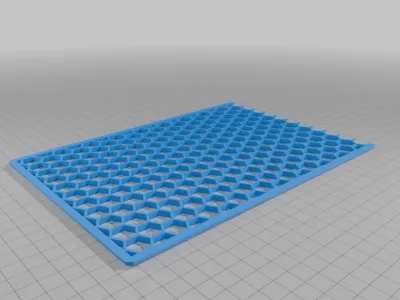
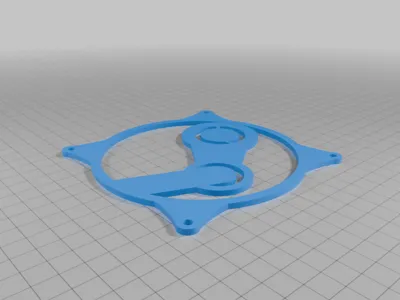
- Steam logo fan cover
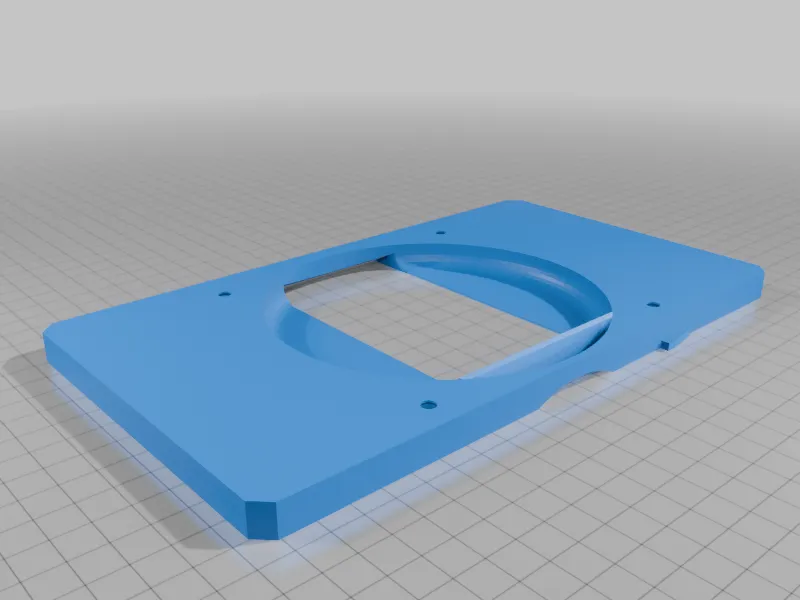
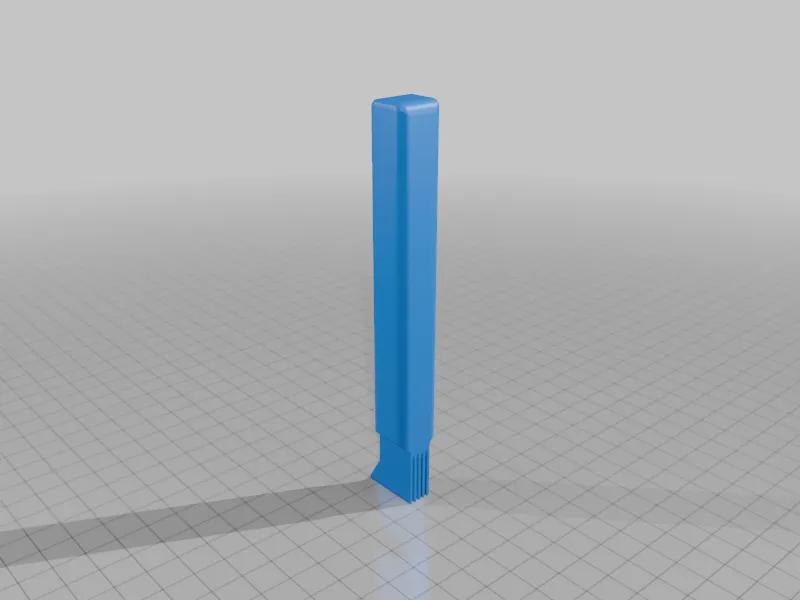
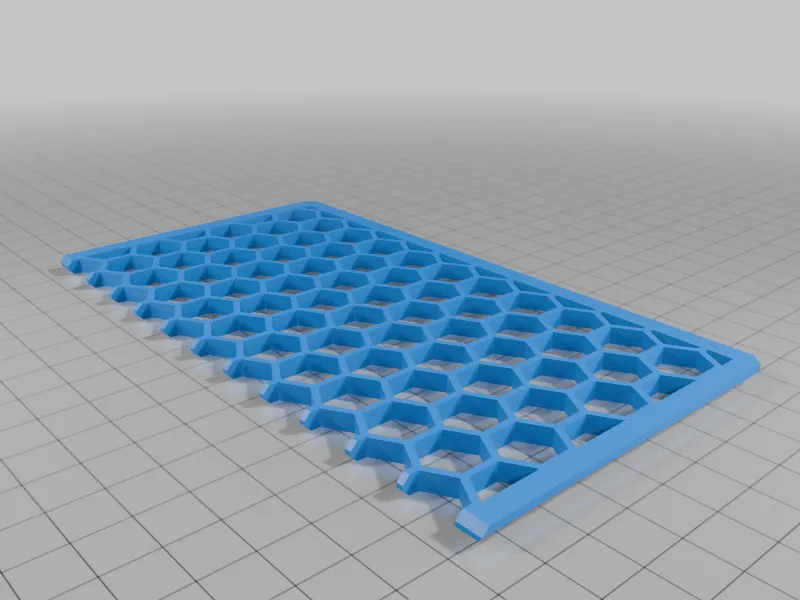
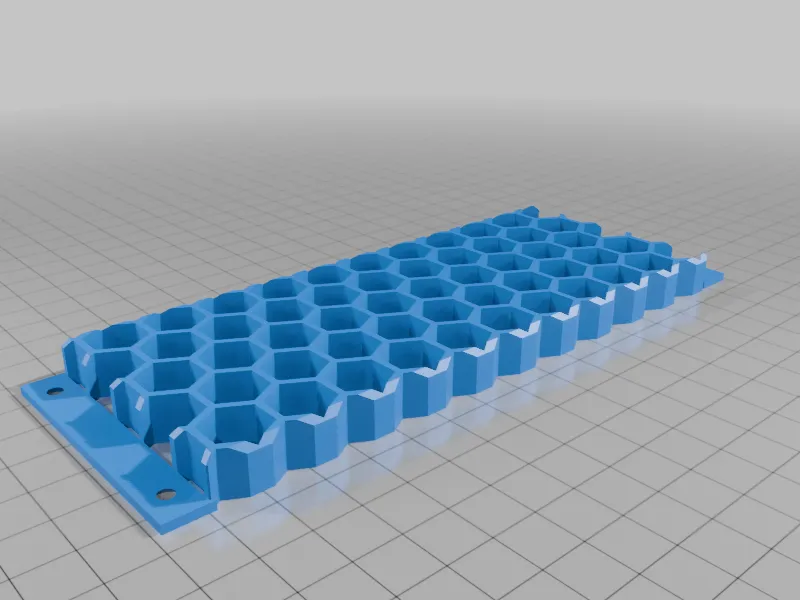
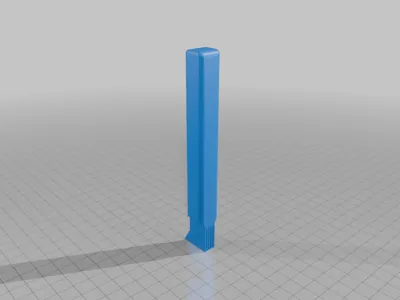
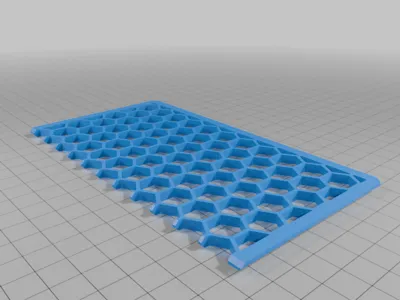
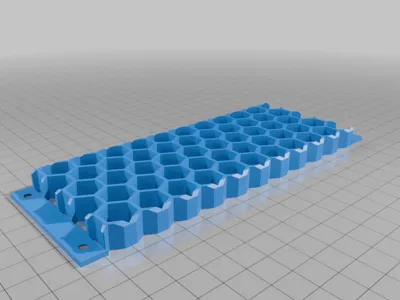
- Heatsink fin opening tool
- Packaged as a complete, ready-to-print case bundle
🧩 Build Materials & Parts List
All parts below were used in my build and confirmed to fit.
⚡ Power & Cables
- Power Supply:
Apevia PSU that fits.
https://amzn.to/4jyLCfF - Power Cable with Switch:
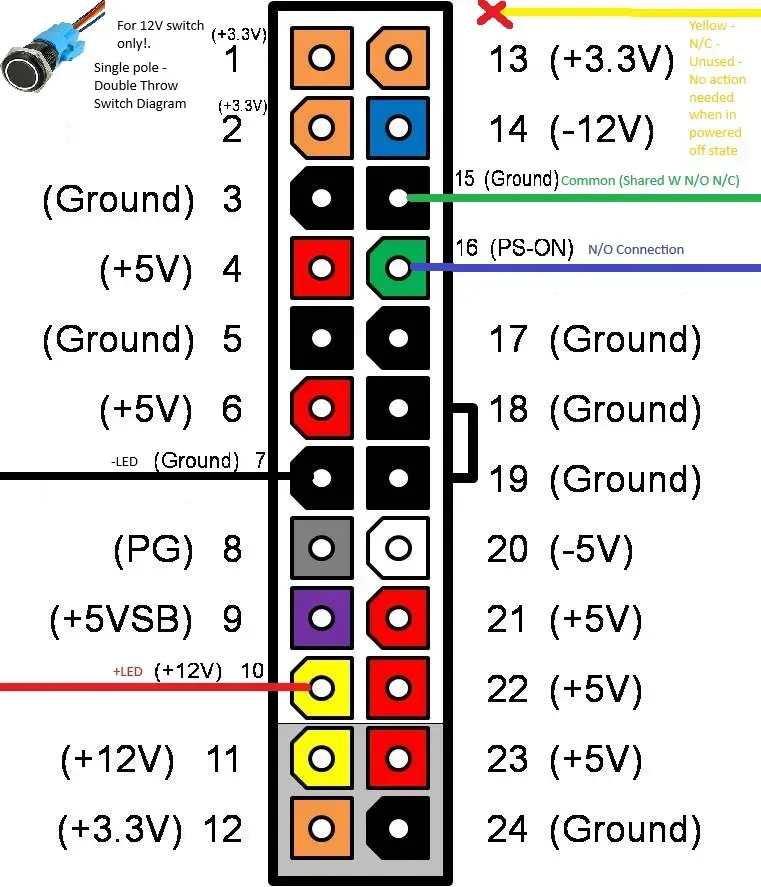
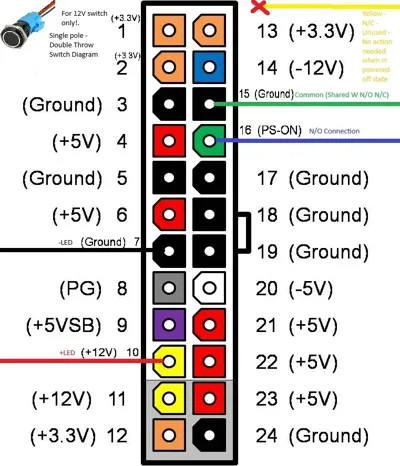
https://amzn.to/4sRjsRp - PSU Jumper Cable:
https://amzn.to/4jzJvbb - 16 mm Power Button:
https://amzn.to/49IUavR
❄️ Cooling
- 120 mm Fan:
https://amzn.to/4569SzF
🔩 Hardware
- M3 Threaded Inserts:
https://amzn.to/4pyzVXB - M3 Screw Assortment Kit:
https://amzn.to/4qdxwCF - 120 mm Fan Screws:
https://amzn.to/49xZRNd
💾 Storage
- USB HDD Enclosure:
https://amzn.to/4qEQVMS - NVMe SSD:
https://amzn.to/49xfynA
📡 Connectivity & Adapters
- Bluetooth Adapter:
https://amzn.to/45yu1P2 - Wi-Fi Adapter:
MSI (my build) https://amzn.to/4qfncKu
Other options: - All In one Bluetooth + Wifi https://amzn.to/47VrJe0
Netgear https://amzn.to/3LOWIR3
TP-Link https://amzn.to/45iirYo - USB Extension Cable (for internal Wi-Fi dongle mounting):
https://amzn.to/3YSstMh - 90° USB Adapter (required for USB front panel):
https://amzn.to/4qaeSf7
Quantity required: 4 for USB hub 1 for only Wifi internal USB - Internal USB Hub (Anker):
https://amzn.to/49CPYxz - DisplayPort to HDMI Adapter:
https://amzn.to/3LEFJAU - USB hub https://amzn.to/40oWuDU
🔌 Power Supply Compatibility
FLEX PSU Size
- Height: 42 mm
- Width: 83mm
Designed specifically around these dimensions for proper airflow and clearance.
🆕 Front Panel Options (Multiple Variants)
Choose ONE front panel depending on your build preference:
- Front_Panel_USB_with_16mm_Power.stl + Front_USB_Bracket.stl
- Includes 3× front USB ports
- Includes 16 mm power button
- Requires additional USB hardware (see Notes below)
- Best option for full front I/O access
- Front_Panel_16mm_Power_Only.stl
- Includes 16 mm power button
- No USB ports
- Clean look with physical power control
- No additional USB hardware required
- Front_Panel_No_USB_or_Power_Button.stl
- Clean front panel
- No USB ports
- No power button cutout
- Ideal for minimal builds or external power control
💡 Only one front panel needs to be printed.
🧠 VRAM Cooling – Optional Remix
If you want improved VRAM airflow and cooling, there is a compatible VRAM kit remix available:
This remix integrates cleanly with the case and can be printed separately if additional VRAM cooling is needed.
🖨️ Print Information
- Printer used: Bambu Lab P2S
- Tuned and tested on this printer for fit and reliability
🧱 Print Instructions
For a complete build, print the following quantities:
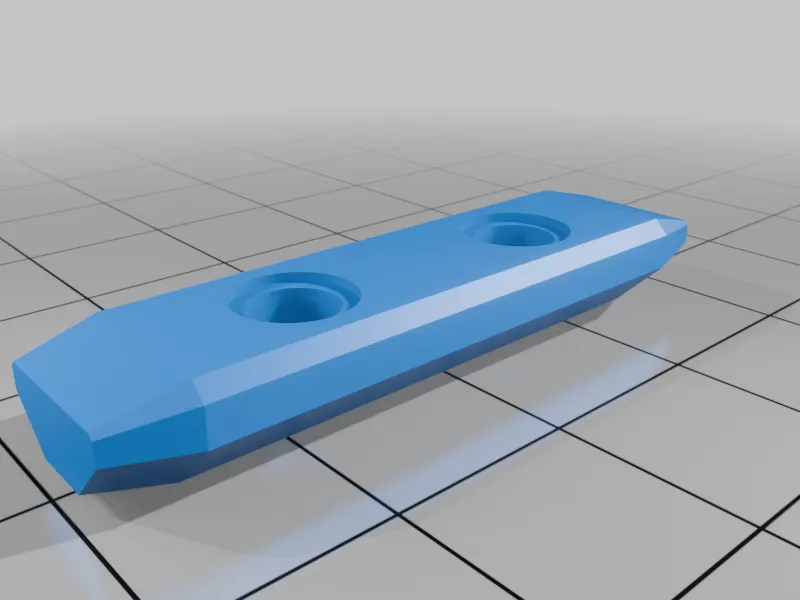
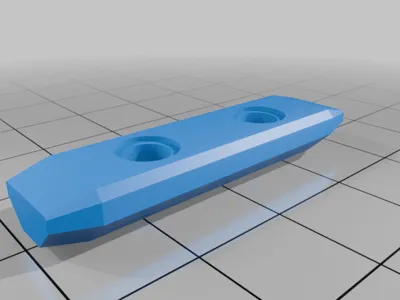
- PEG.stl × 4
- Large_side_panel.stl × 2
- Small_side_panel.stl × 2
- Back shell × 1
- Front shell × 1
- Front panel:
- Print ONE of the front panel options listed above
💡 Tip: Print panels with the outer face down for the best surface finish.
📦 Notes
- Front_Panel_USB_with_16mm_Power.stl requires:
- 3× 90° USB adapters https://amzn.to/4qaeSf7
- 1× internal USB hub https://amzn.to/40oWuDU
- Power-only and no-USB front panels do NOT require USB adapters or hub
- This package represents my final working configuration
- Dimensions and tolerances are optimized for the parts listed above
Happy printing 🚀
This remix is based on

License



Comment & Rating (73)