
Bambu P1 Series Dual Mount ( + Panda Touch)
Print Profile(1)
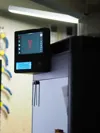
Description
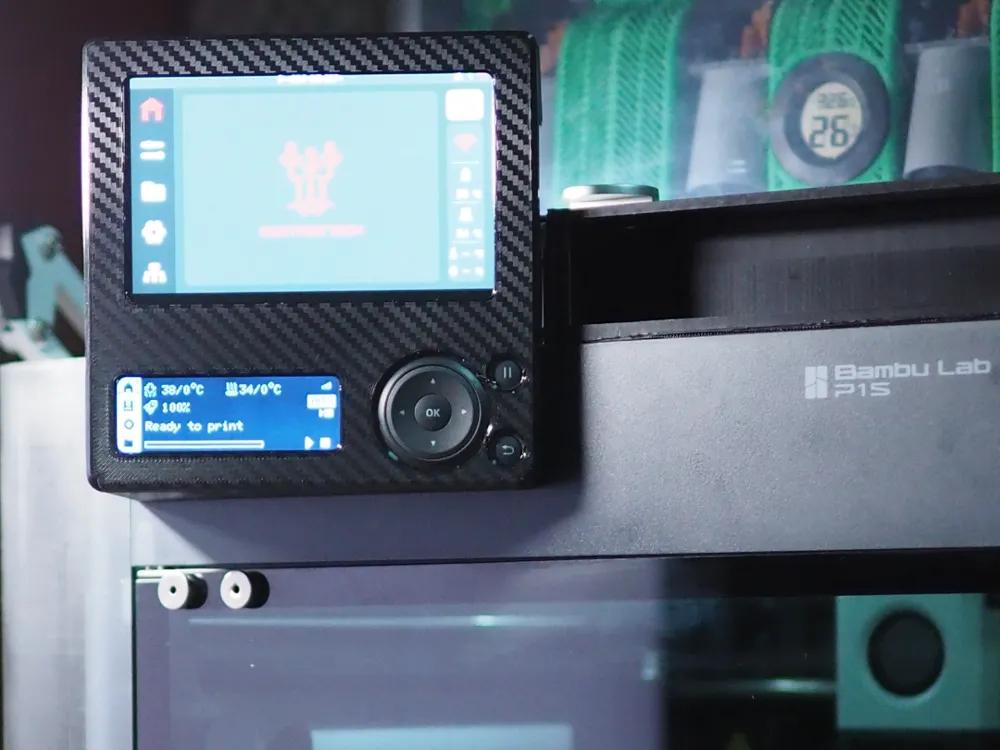
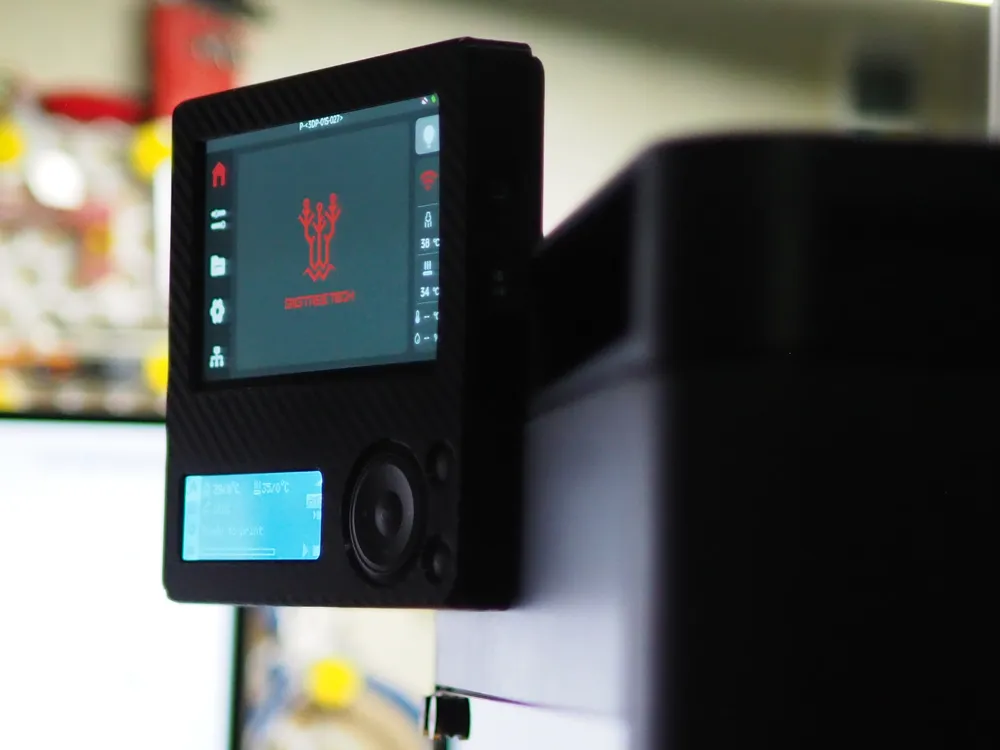
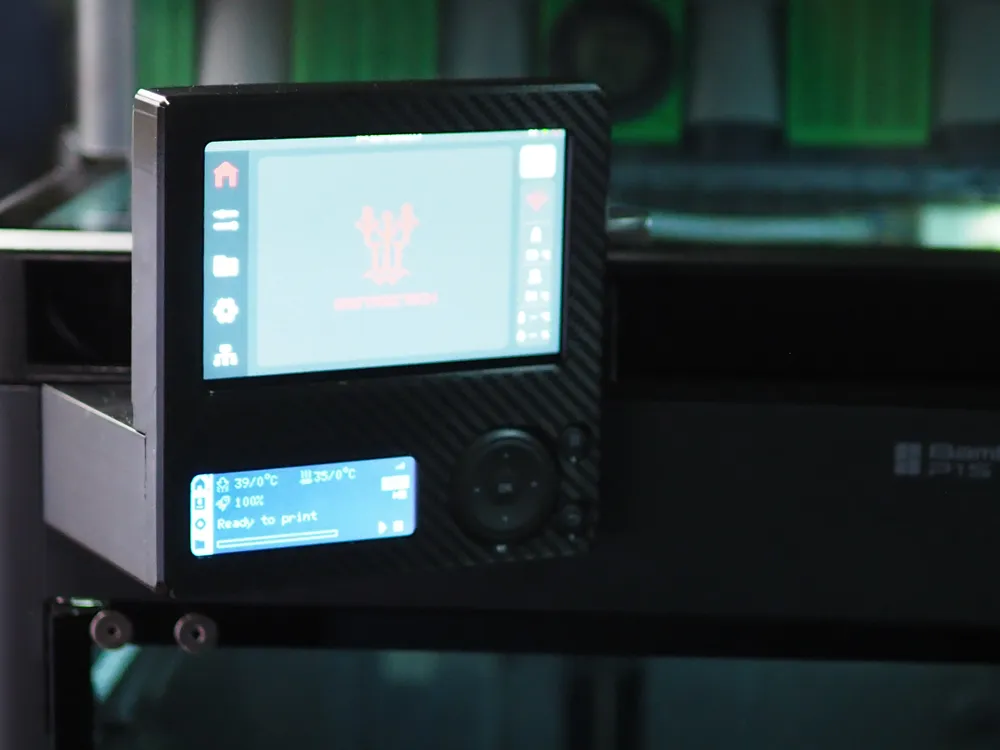
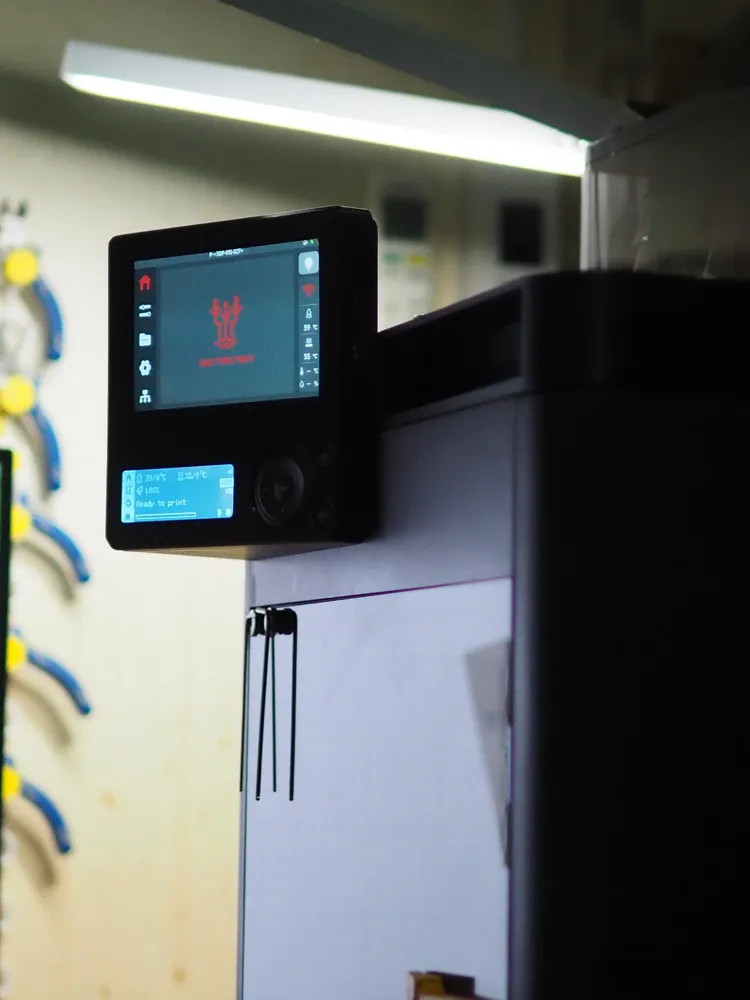
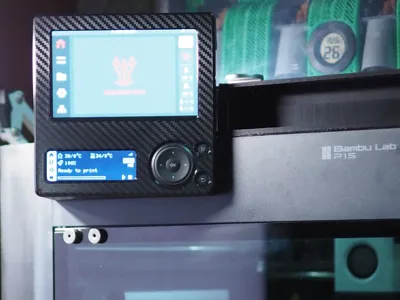
Bambu Lab P1 Series Dual Monitor Mount (Original Screen + Panda Touch) - Right-Side Desk Setup
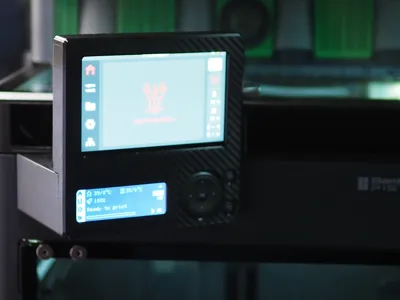
Description: Following my first ergonomic mount design, this version is specifically created for users who want to mount the Panda Touch and the Original Bambu Display side-by-side.
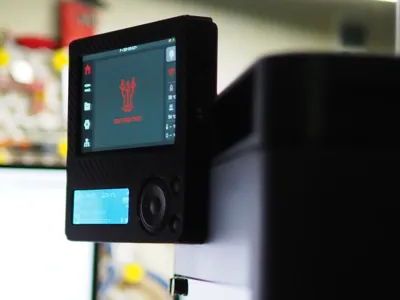
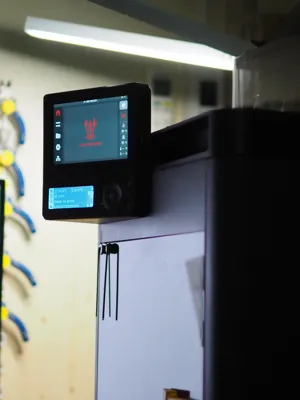
This mount is optimized for a Right-Side Desk Setup. If your printer sits on your desk to the right of your monitor or chair, this design tilts both screens to face you directly, making it much easier to monitor status and reach buttons without having to stand up or lean over.
💡 Design & Engineering Focus:
- Snug-Fit Design: The mount is engineered for a very tight and secure fit. It features interlocking tabs designed to hold the Panda Touch firmly. In my personal testing, the mount remained secure even when subjected to movement, though results may vary based on your printer's calibration and material choice.
- Stability: Designed to minimize screen wobble or rattle during high-speed printing. Both screens remain perfectly stable during operation.
- Maintenance Access: The structure allows you to remove the Panda Touch unit or access the backplate without needing to fully disassemble the mount.
- Support-Free: The geometry is optimized to be printed without any support material.
🔥 Pro Print Tips (To prevent warping):
- Bed Temperature: Set your bed temperature to around 80°C.
- Cooling Fan: Set the part cooling fan lower than the default auto setting, or turn it off entirely for the first few layers. This helps prevent the material from shrinking and warping (curling up) at the corners.
✨ Note on Aesthetics: The Carbon Fiber (Kevlar) texture shown in the photos is a result of using a Textured Carbon Fiber PEI Build Plate. It is NOT a generated 3D texture within the file itself. If you want to achieve the same look as seen in my pictures, please use a similar patterned build plate for your print.
🛠️ Recommended Print Settings:
- Material: PETG, ABS, or ASA are highly recommended. These materials provide the necessary toughness and slight flexibility for the locking tabs.
- Warning: I do NOT recommend using standard PLA for this model, as the locking tabs may be too brittle and could snap during assembly or usage.
- Wall Loops: 3-4 layers for better structural integrity.
⚠️ Assembly Tip & Disclaimer: Due to the snug-fit nature of this design, I highly recommend assembling and disassembling the parts 4-5 times before the final installation onto your printer. This helps "seat" the interlocking parts.
License



Comment & Rating (4)