Search models, users, collections, and posts

Pinewood Derby Axle Alignment Guide / Jig
IP Report
Print Profile(1)

0.2mm layer, 2 walls, 15% infill
Designer
14 min
1 plate
Open in Bambu Studio
Boost
36
161
10
0
262
227
Released
Description
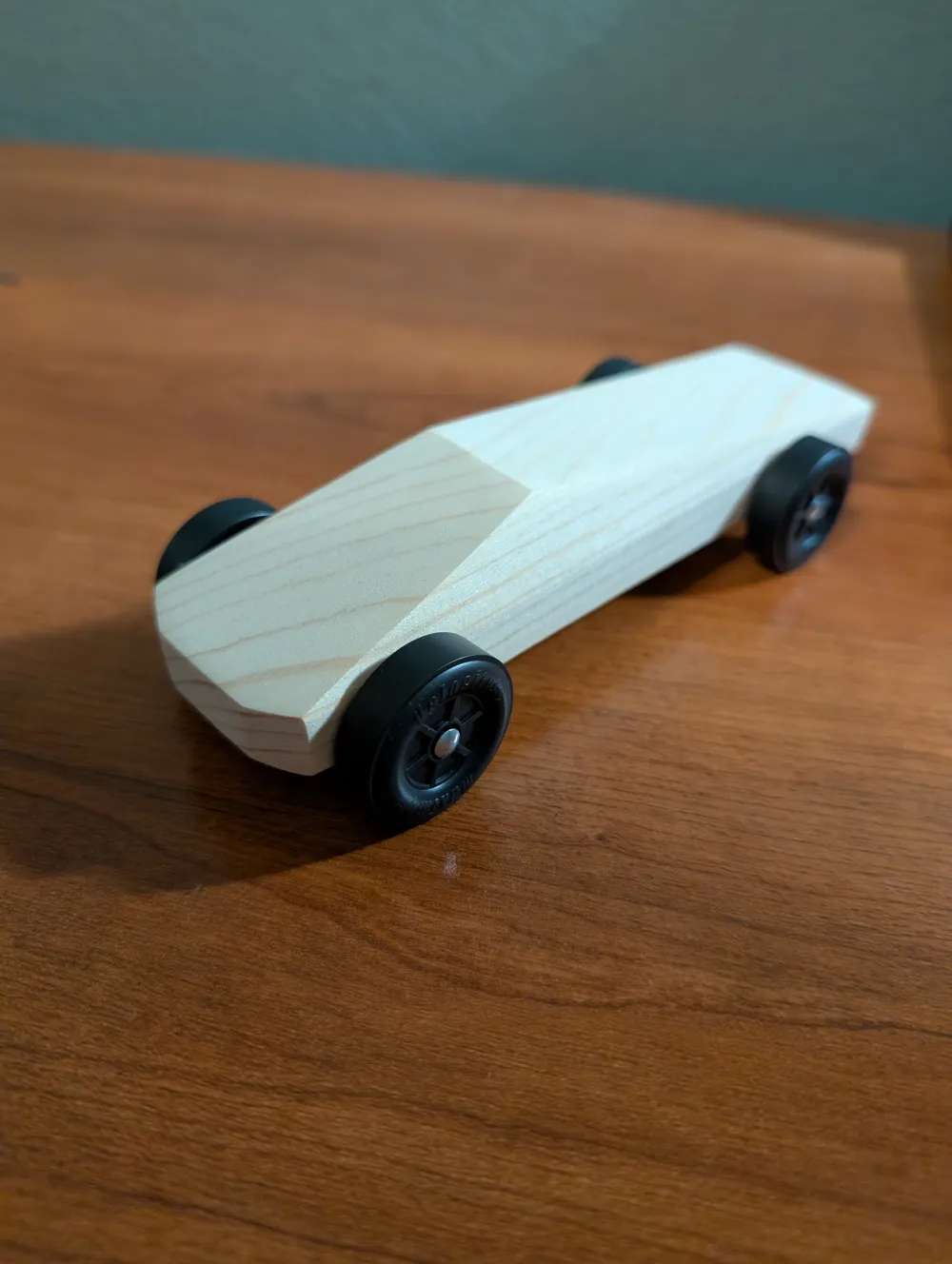
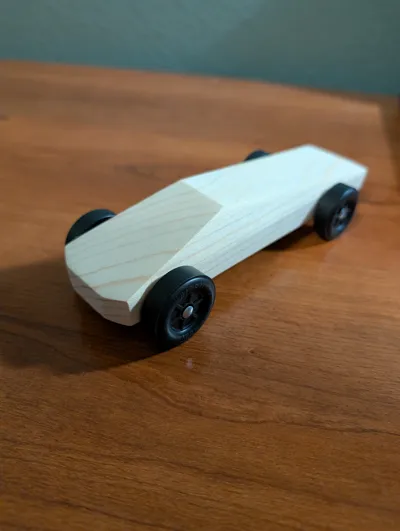
Building a Pinewood Derby car? Getting the axles (nails) inserted perfectly straight is one of the hardest parts of the build. If the axle goes in at a downward or upward angle, the car will rock or wobble.
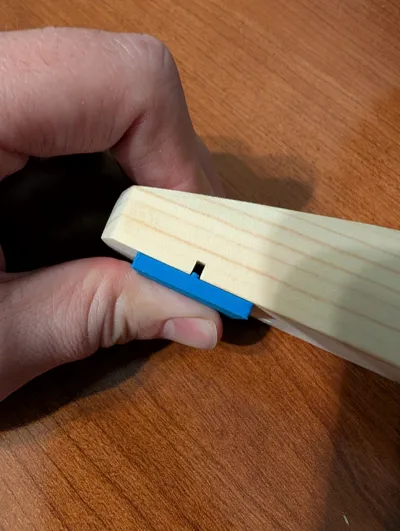
I designed this simple alignment jig to solve that problem. It slots directly into the pre-cut axle groove on the wooden block, guiding your axle insertion. It ensures your wheels sit flat and your car rolls straight!
How to Use
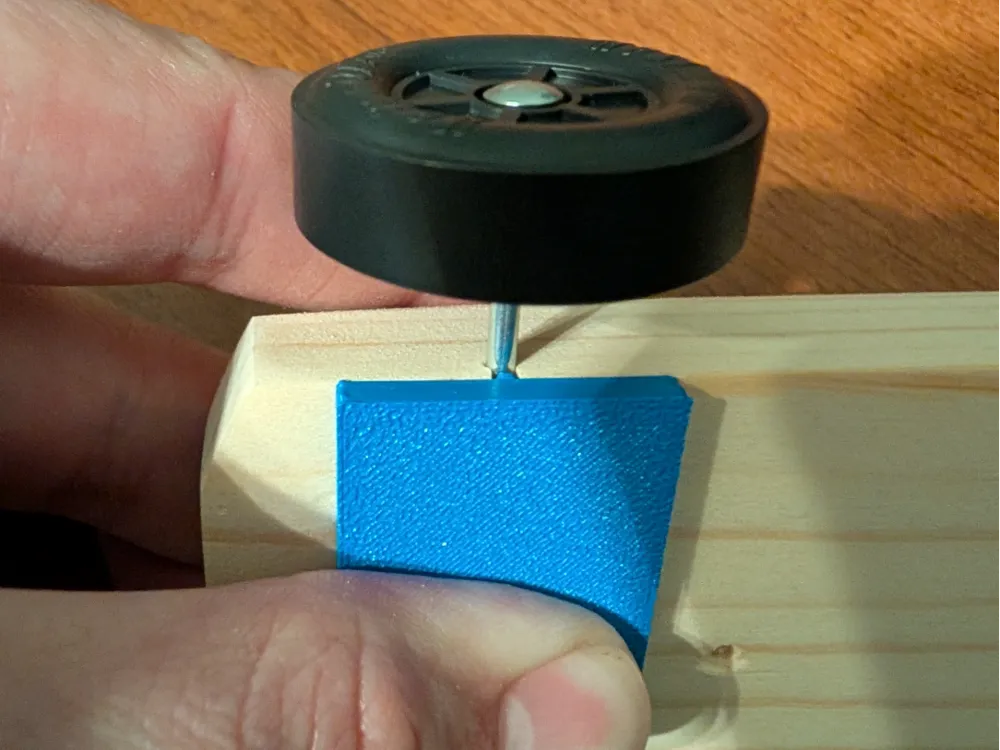
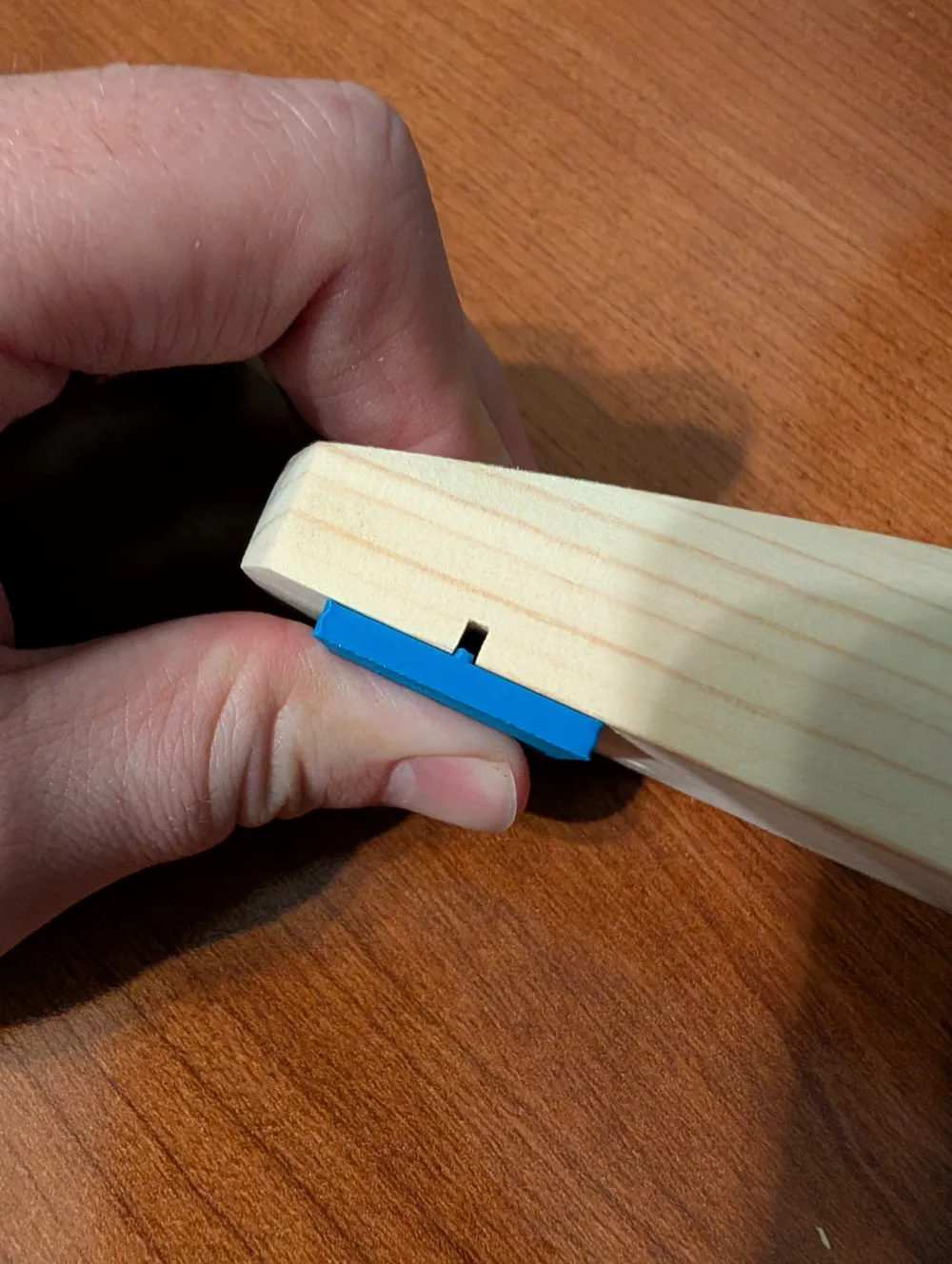
- Position the Jig: Insert the small rectangular tab on the 3D printed part into the pre-cut axle slot on your wooden car block.
- Hold Firmly: Press the flat face of the jig flush against the bottom of the car.
- Insert Axle: While holding the jig in place, insert your axle (nail) into the slot. The jig acts as a guide to prevent the nail from angling downward as you push it in.
License

This user content is licensed under a
Creative Commons Public Domain


Comment & Rating (10)