
xTool F2 Ultra Dual PMAG Fixture Jig v2
Print Profile(1)

Bill of Materials


Description
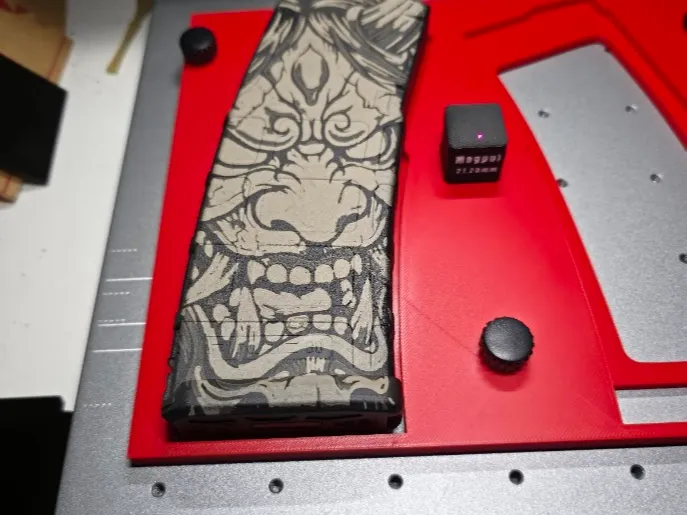
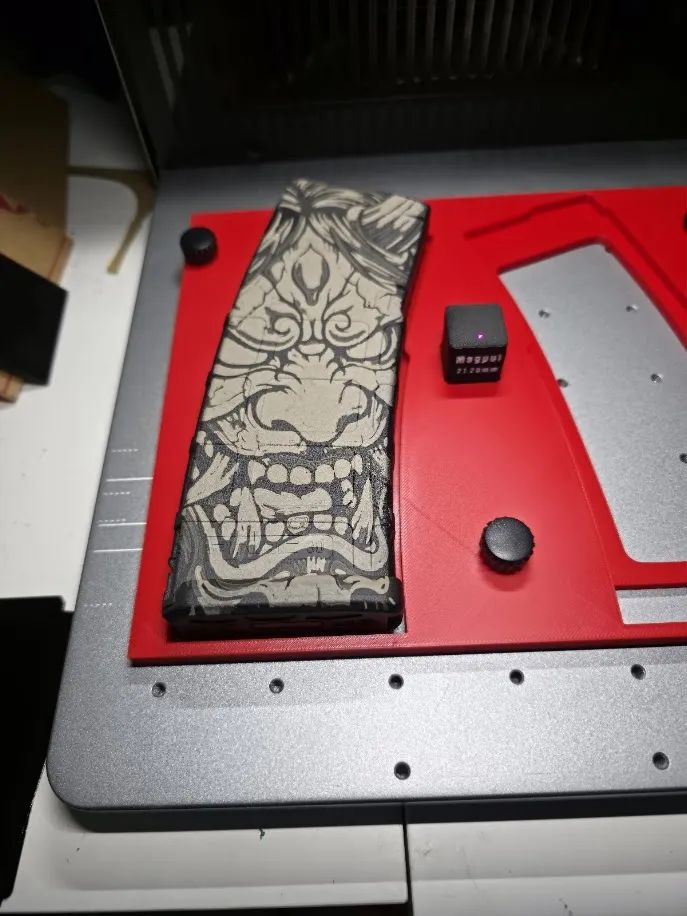
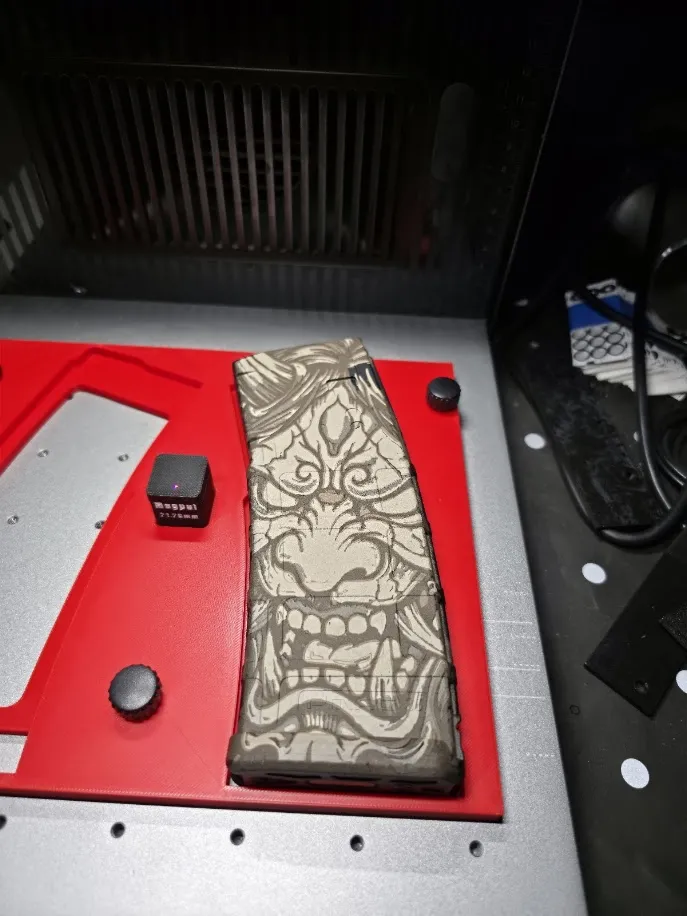
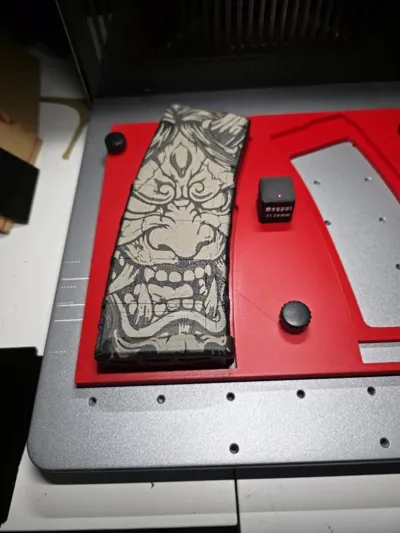
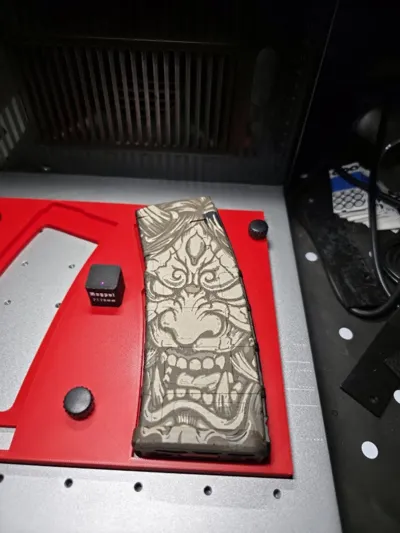
I recently purchased an xTool F2 Ultra and through I would give Magpul PMAG engraving a try. After I engraved a few I thought it would make the workflow easier to get the artwork aligned to the magazine.
I am using M4 x 10 mm Knurled Thumb Screws from Amazon (https://www.amazon.com/dp/B0F3DHFZ96) I would recommend getting some m4x12mm thumb screws over the the 10mm length. The 15mm long thumbscrews will not clamp the print down to the laser plate.
I used BambuLab PLA Basic in red mostly for the pictures, but I'm sure PETG, ABS, or Nylon will work just fine. The power settings are low enough that PLA should hold up just fine.
If you are not engraving a lot of magazines you may want to look at my single fixture jig that will let you engrave one magazine in the same fixture:
https://makerworld.com/en/models/2228564-xtool-f2-ultra-pmag-single-fixture-jig#profileId-2424335
Note:
I did move the leveling block 5mm towards the front of the jig so the dot is more aligned in the center
The jig was modeled at 9mm tall
The center square for the auto height spacer is a 2mm recess
I found that the jig was a little over 9mm and the depth of the square hole for the alignment spacer was just under 2mm. If you find that this is the case for you then you can scale only the z-axis to makeup or take away the difference. Do not scale X/Y as the auto height spacer will no longer fit.
I removed the text from the auto height spacer as it increased the print time to much and I can just use the laser to engrave the the text.
The workflow of this jig is fairly straightforward:
- Place one or two magazine on each side
- Place your calibrated and printed spacer block in the center
- Auto level the machine in xTool Studio
- Line up the artwork
- Engrave the magazine(s)
- Flip the magazine(s) to the opposite sides
- Flip the artwork and re-align
- Engrave the magazine(s)
I printed this on both the H2C and the X1C with no issues.
It should work on the other Bambu printers as long as it fits on the build plate
Collection of my xTool models
https://makerworld.com/en/collections/19368938-psf-xtool
License

You may create derivative works based on this object, provided that all such derivative works are published exclusively on the MakerWorld platform and include proper attribution to the original creator. You may not share, upload, host, distribute, or publish this object—or any derivative work of this object—on any other digital platform, marketplace, or distribution channel. Commercial use of this object and any derivative works is strictly prohibited. This includes, but is not limited to, selling, renting, sublicensing, or using the object in any context in which you receive monetary compensation or other financial benefits.


Comment & Rating (13)