
3-in-1 Ultimate Multi Fidget Toy (Print in Place)
Print Profile(4)


![[Optimized] 0.2mm layer, 2 walls, 15% infill](https://makerworld.bblmw.com/makerworld/model/US78545037fbdbae/609479448/instance/2026-01-15_138202129128e.jpg?x-oss-process=image%2Fresize%2Cw_100%2Fformat%2Cwebp)

Bill of Materials

Description
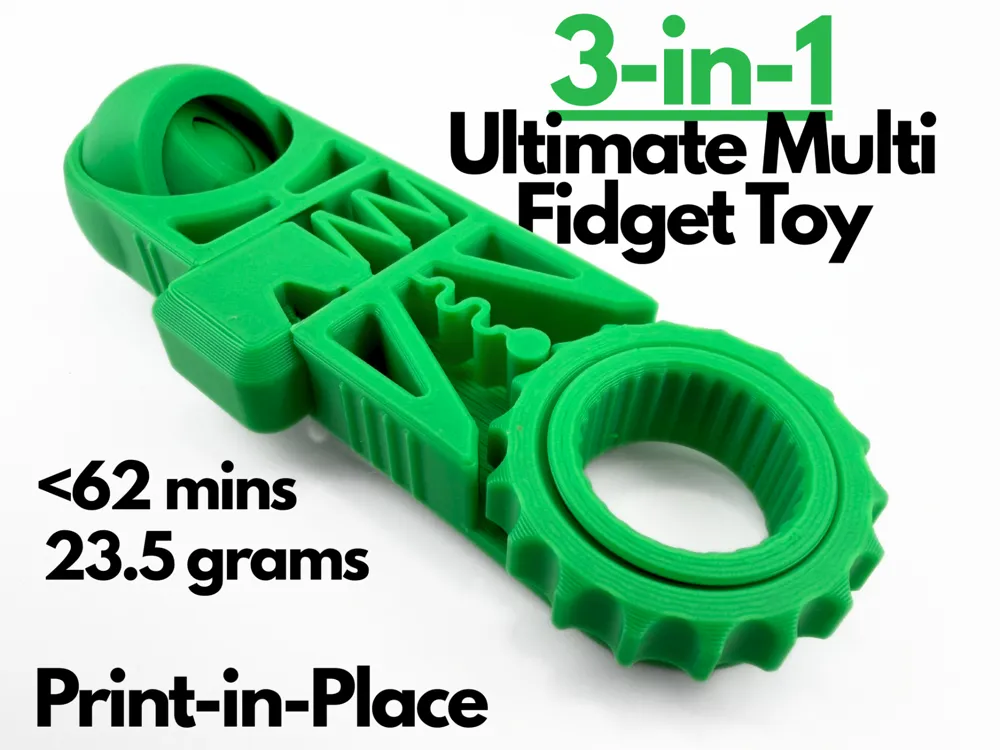
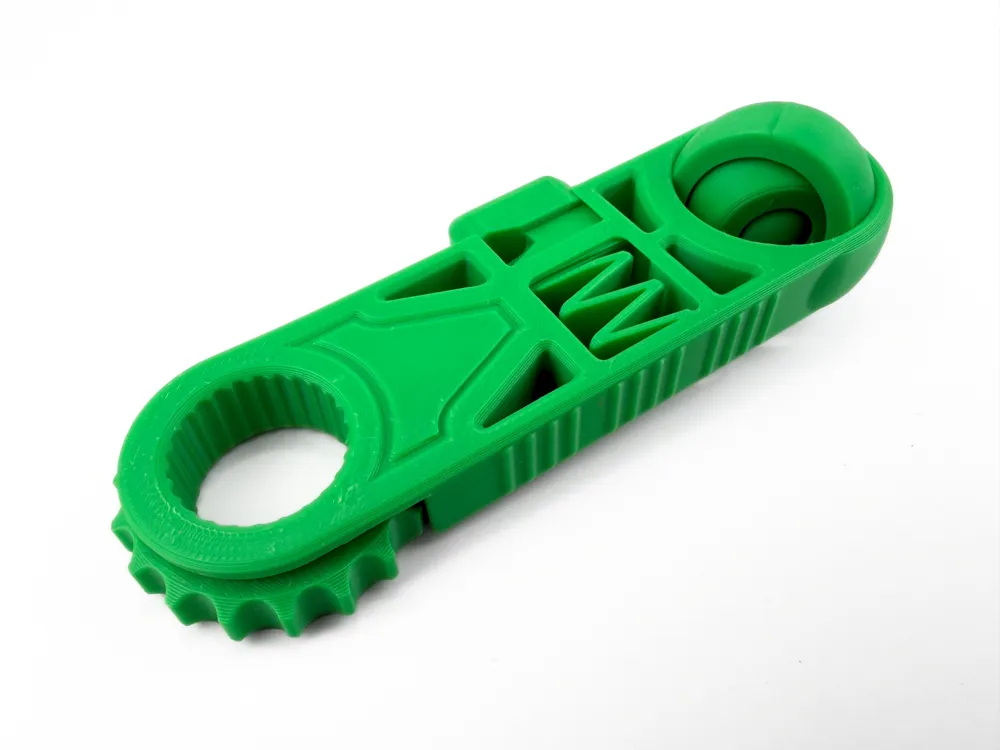
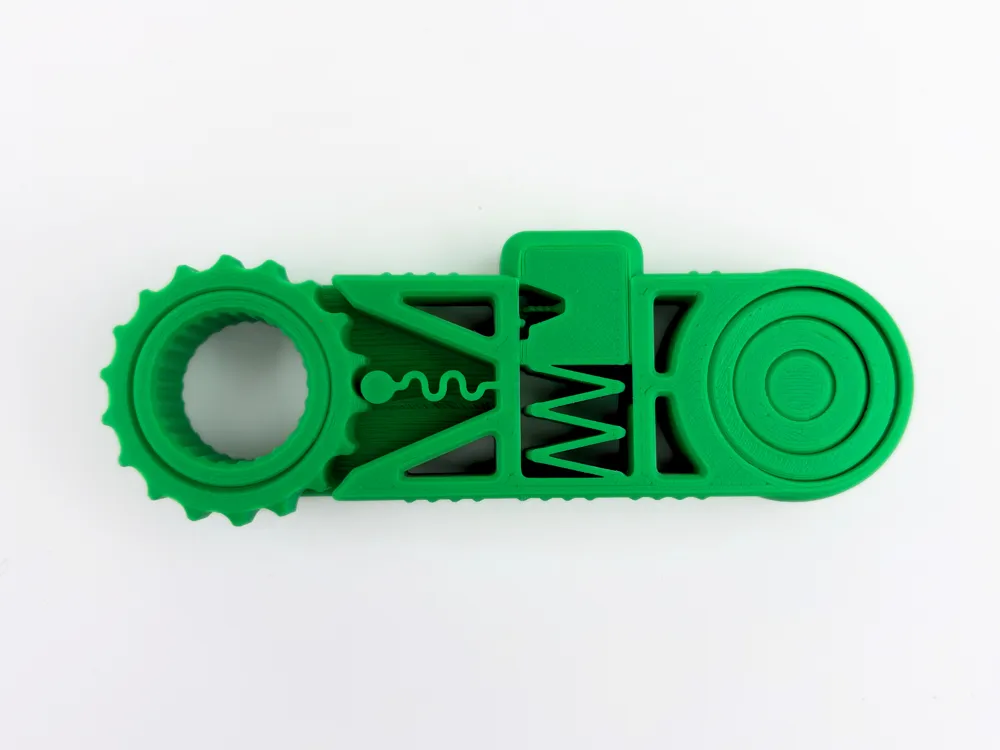
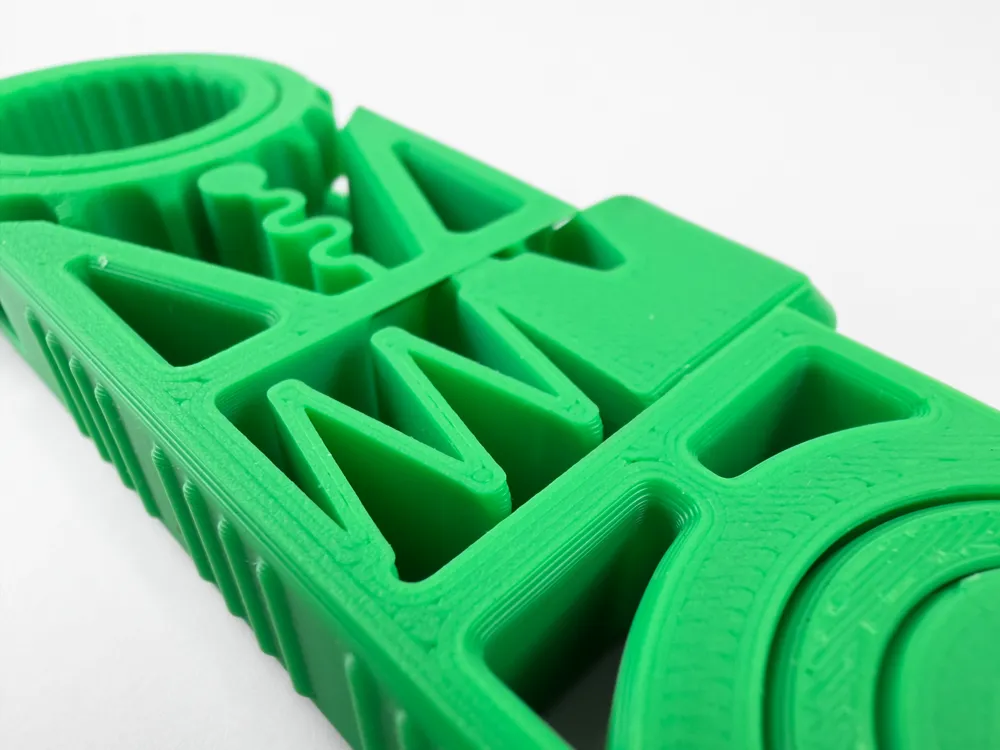
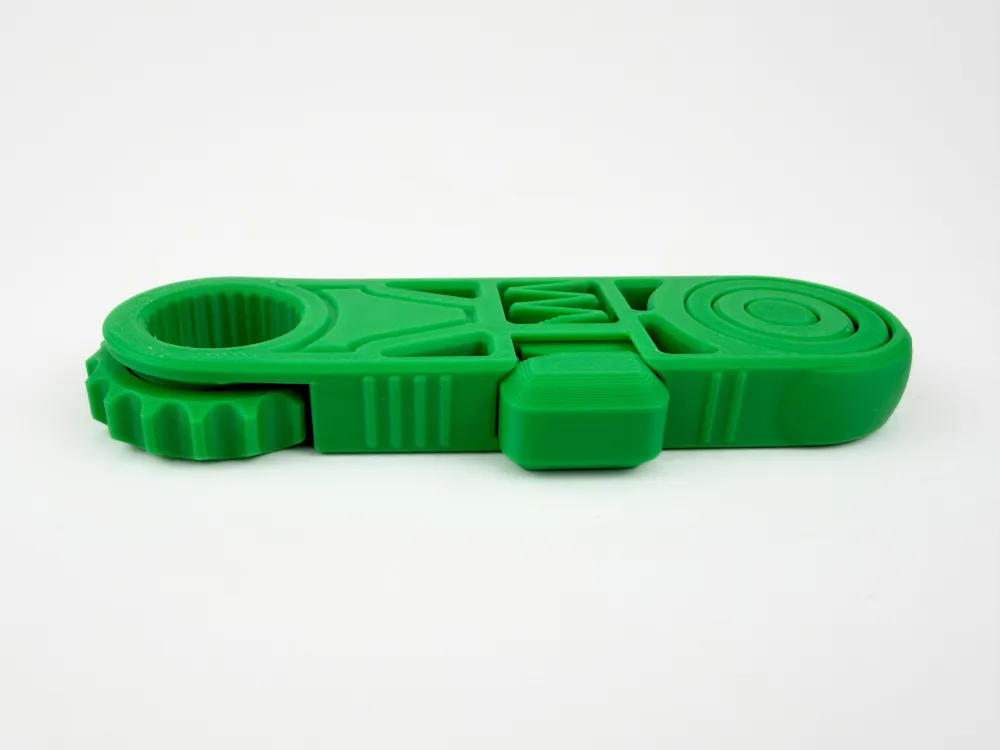
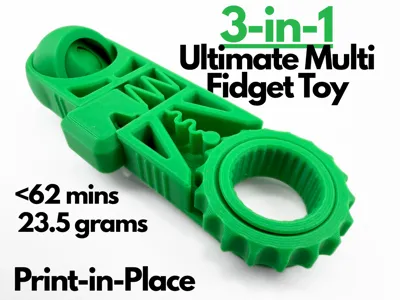
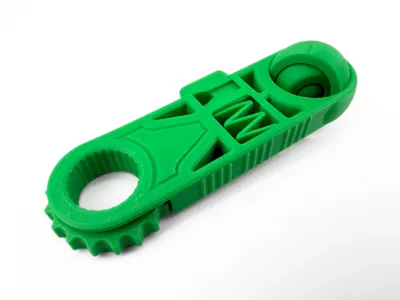
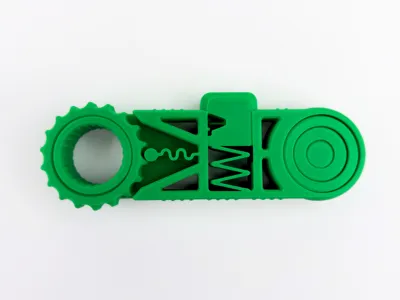
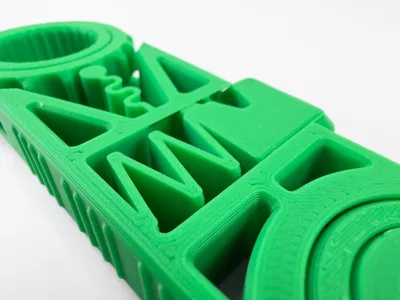
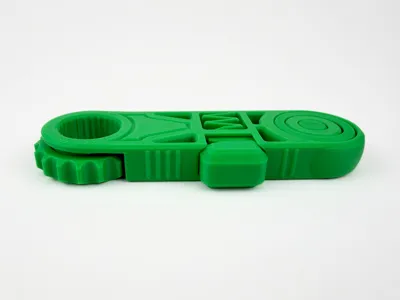
This satisfying multi fidget includes 3 unique and perfected fidget toys. This gives you more options and an overall more pleasant experience. On one of the ends, the fidget includes a large ratcheting wheel clicker with a textured ring going through it. In the middle, there is a button clicker fidget with the same tried and true design. On the other corner, there is a 3 layer gyro, with each ring rotating freely in any direction. Textured bumps were added on the sides of the 3 in 1 Ultimate Multi Fidget to add some extra grip. This is a relatively small print taking only 62 mins and 23.05 grams of filament. This fidget is a compact and efficient way to pack 3 mesmerizing fidgets in the palm of your hand.
Boost Me (for free)
If you like this model, please consider boosting it! It helps out a ton :)
Membership
Want to sell my 3D printed fidget toys? Become part of my Commercial License Membership program!
Printing Instructions:
- Prepare the Print Bed
- Clean the print bed thoroughly with isopropyl alcohol to ensure proper adhesion.
- Additional adhesive for the print bed is highly recommended! I suggest using 3D-Lac spray or a glue stick.
- Download the Print Profile
- Send the pre-configured print profile to your Bambu Lab printer through the Bambu Handy app or Download and open the pre-configured print profile in Bambu Studio.
- Send the pre-configured print profile to your Bambu Lab printer through the Bambu Handy app or Download and open the pre-configured print profile in Bambu Studio.
- Select Your Printing Options
- Choose your filament type and color.
- Select your print bed type (e.g., textured or smooth).
- Confirm your printer settings, ideally for a Bambu Lab printer.
- Start Printing
- Begin the print job. No supports are necessary.
License

You shall not share, sub-license, sell, rent, host, transfer, or distribute in any way the digital or 3D printed versions of this object, nor any other derivative work of this object in its digital or physical format (including - but not limited to - remixes of this object, and hosting on other digital platforms). The objects may not be used without permission in any way whatsoever in which you charge money, or collect fees.


Comment & Rating (473)