
UNIFILAMENT - join filaments - anti-waste

Print Profile(1)

Bill of Materials


Description
Boost Me (for free)
Downloading is FREE for you, but EPIC for me. 🚀 Strange world, isn't it? You can support my work without spending a cent
🔗 UNIFILAMENT – Join your 3D filaments
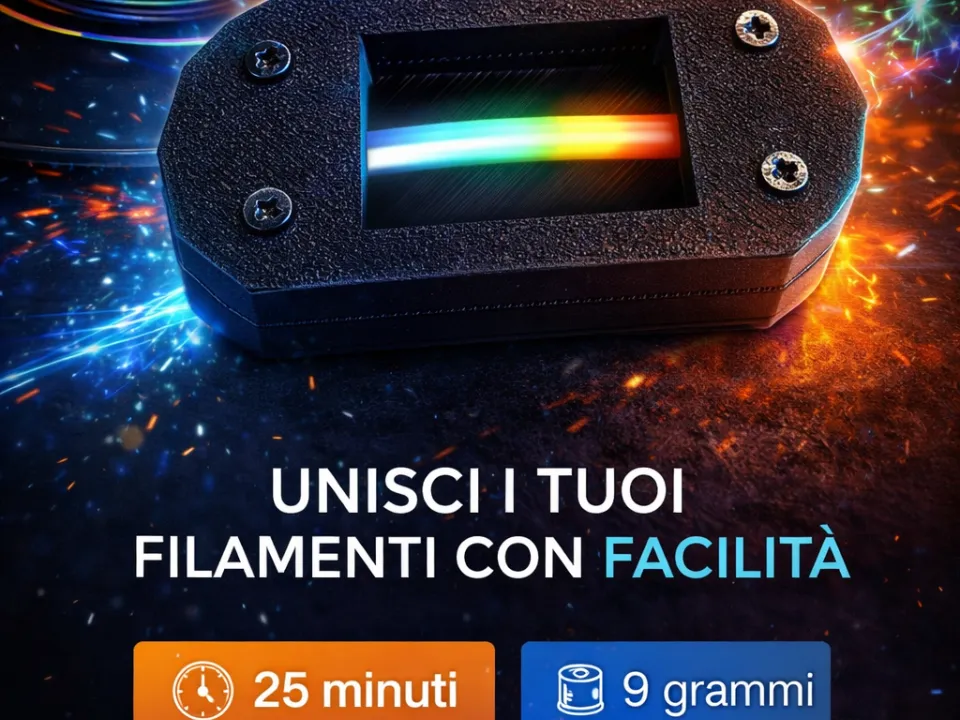
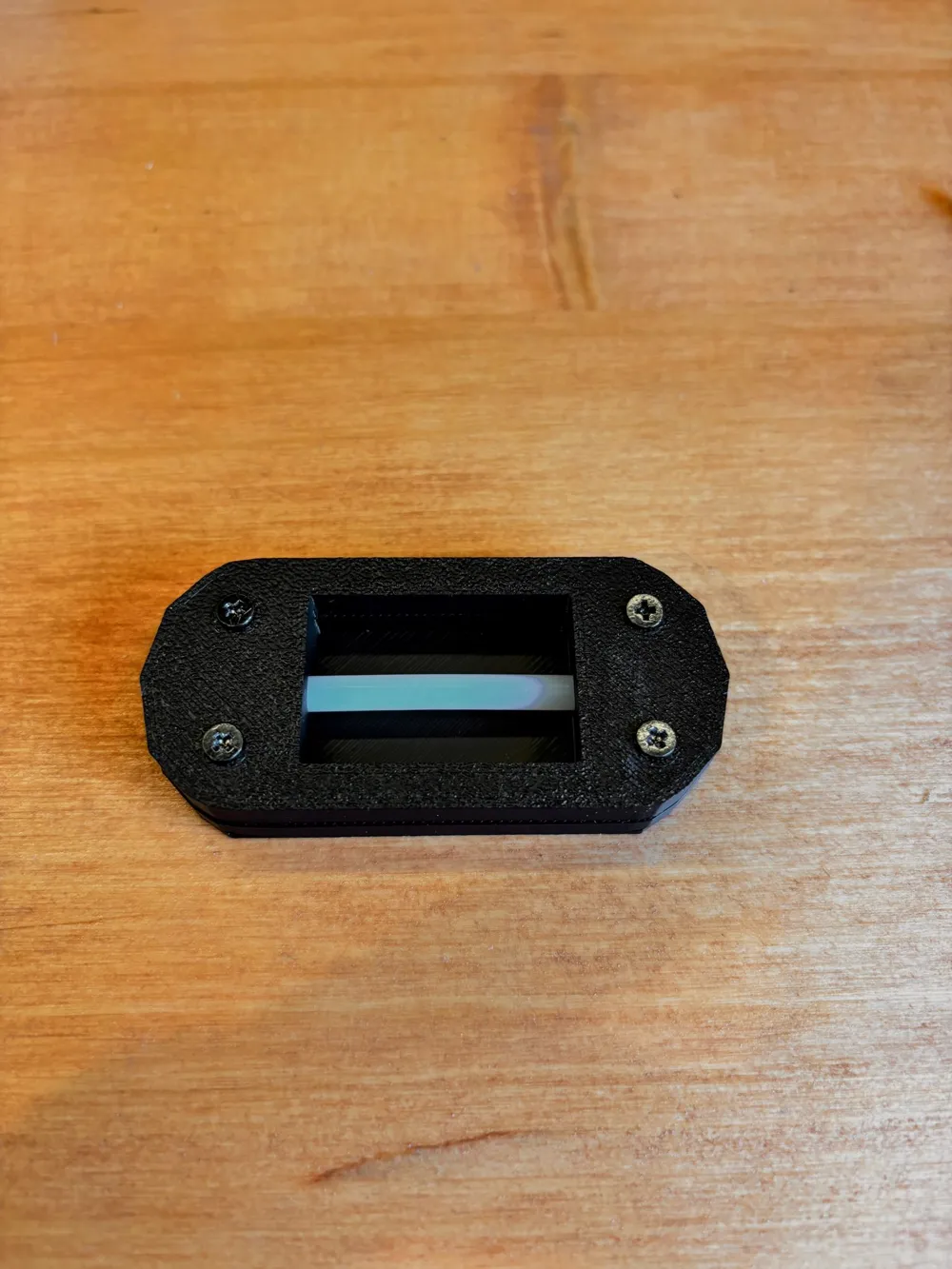
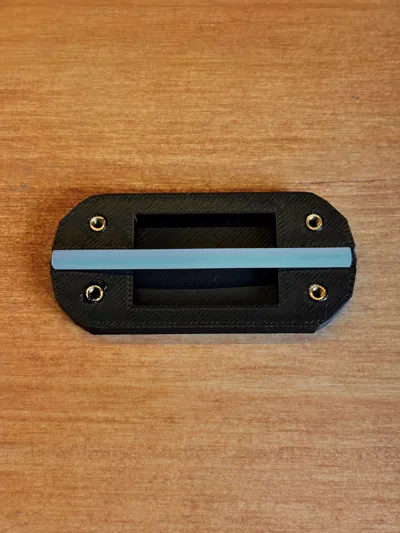
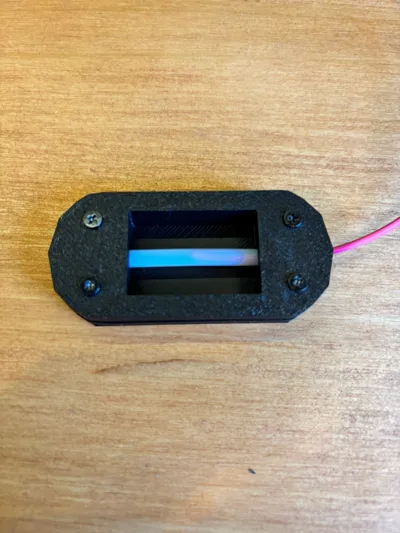
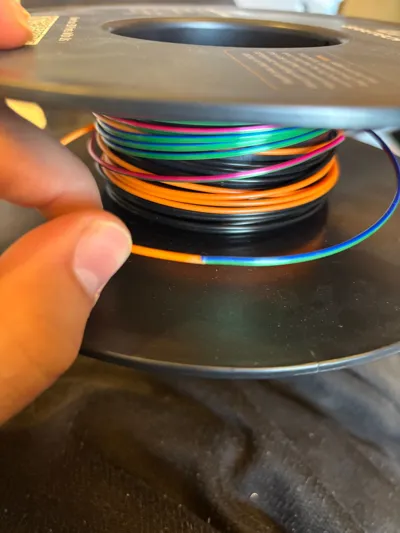
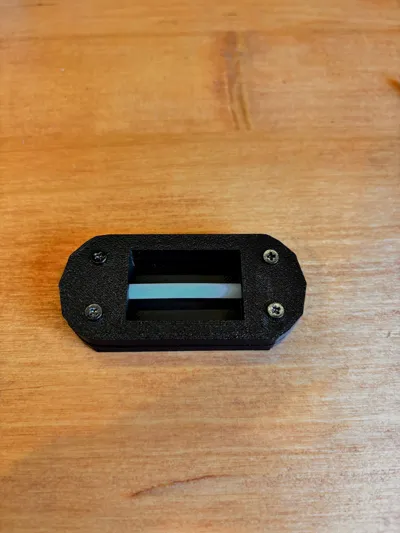
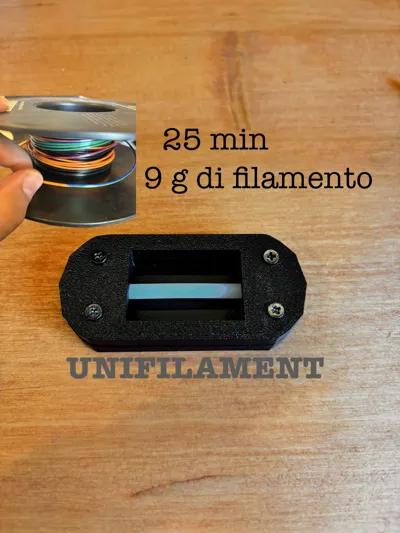
UNIFILAMENT is a practical 3D printing filament joiner designed to recover filament scraps and reduce waste. Thanks to its compact and precise design, it allows two filament ends to be welded simply, quickly, and effectively, achieving a uniform and reliable joint.
The body is optimized for 3D printing and ensures correct filament alignment during melting, improving joint quality and print continuity. Ideal for makers, hobbyists, and professionals who want to utilize every last centimeter of filament.
⚙️ Main features
- ✅ Recover and reuse filament scraps
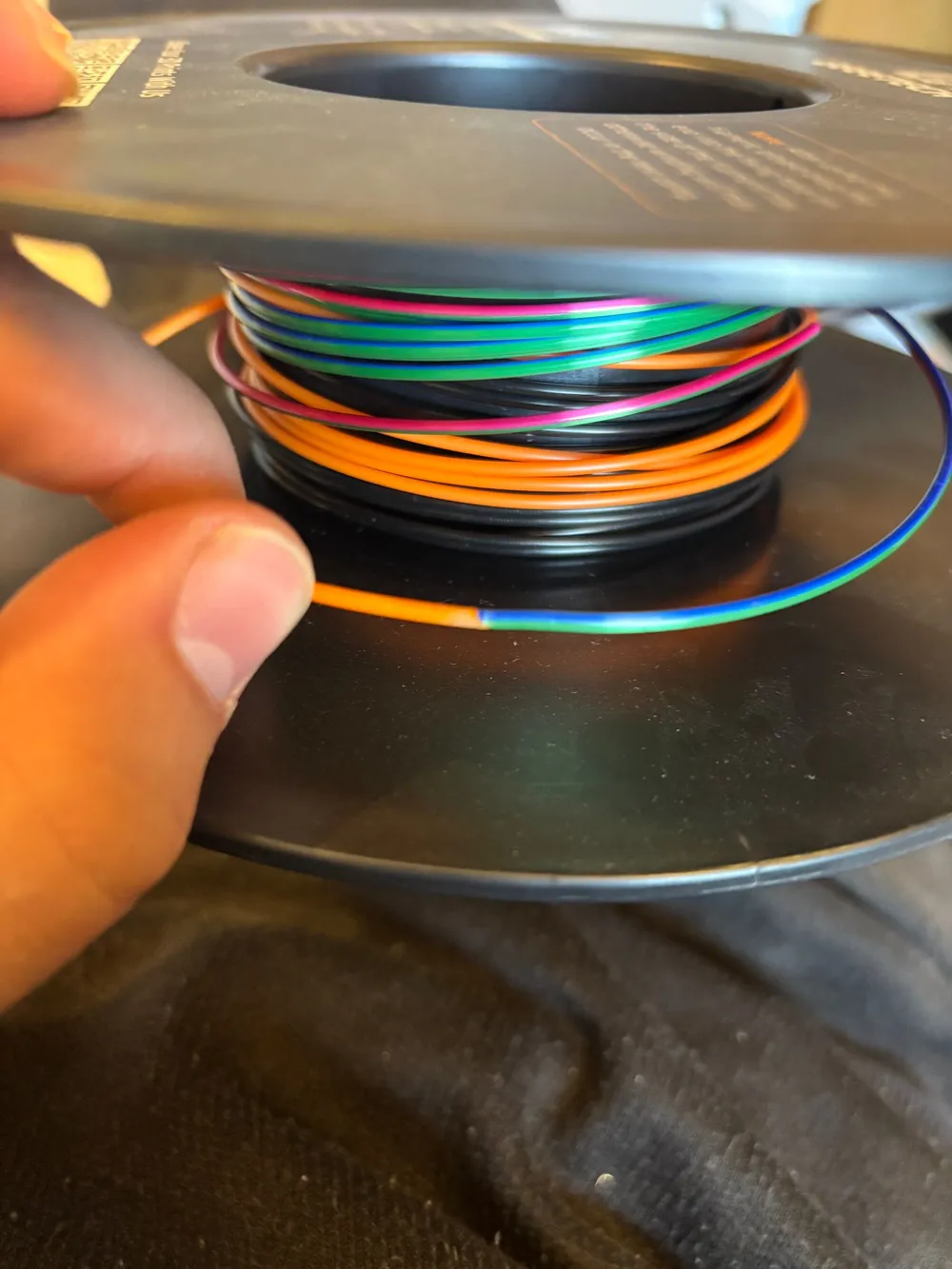
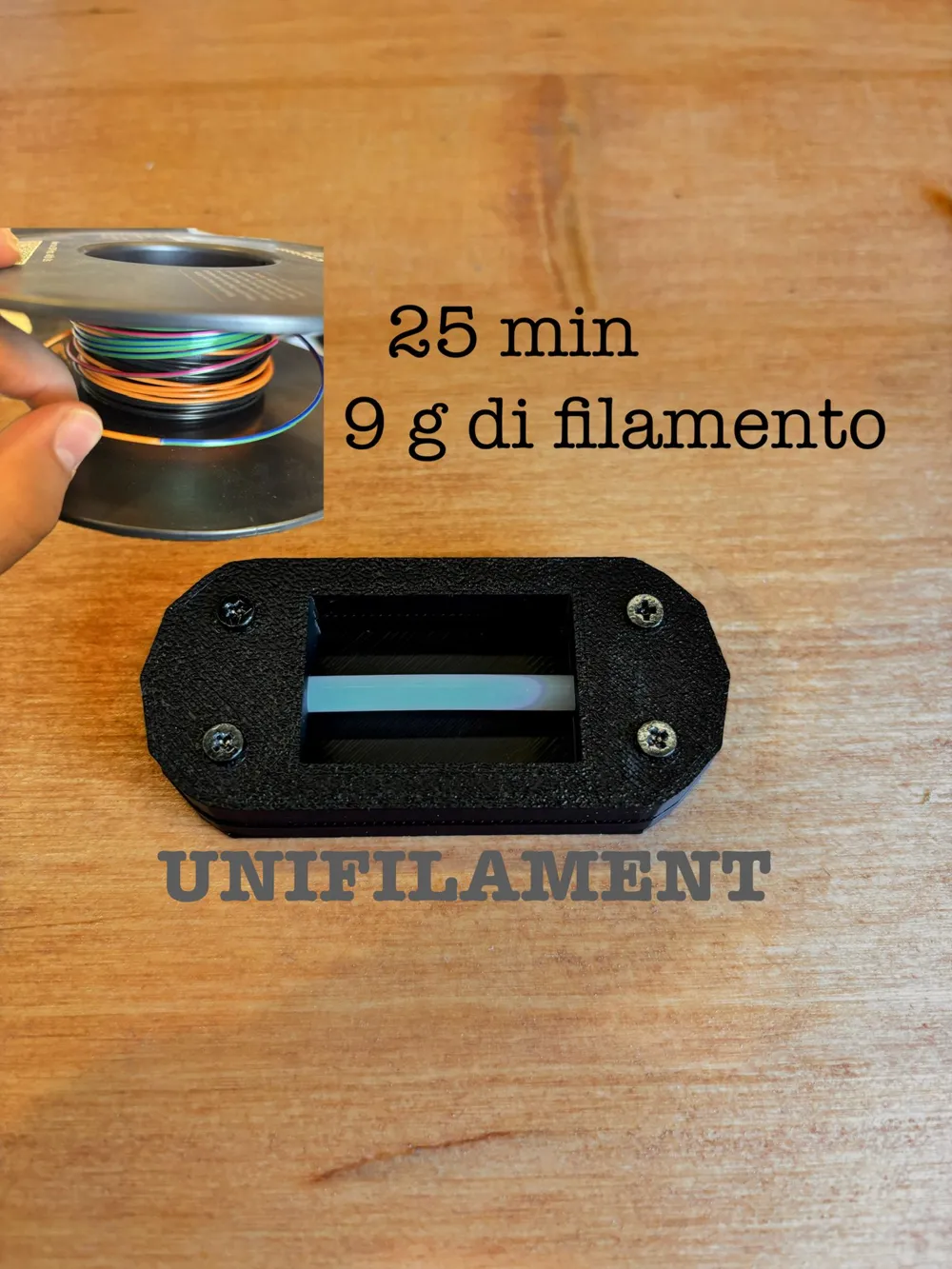
- ⏱️ Print time: approximately 25 minutes
- ⚖️ Material consumption: approximately 9 grams of filament
- 🔧 Compact and robust design
- 🧲 Simple assembly (standard screws)
- 🎨 Compatible with PLA, PETG, ABS filaments (and similar materials)
ASSEMBLY
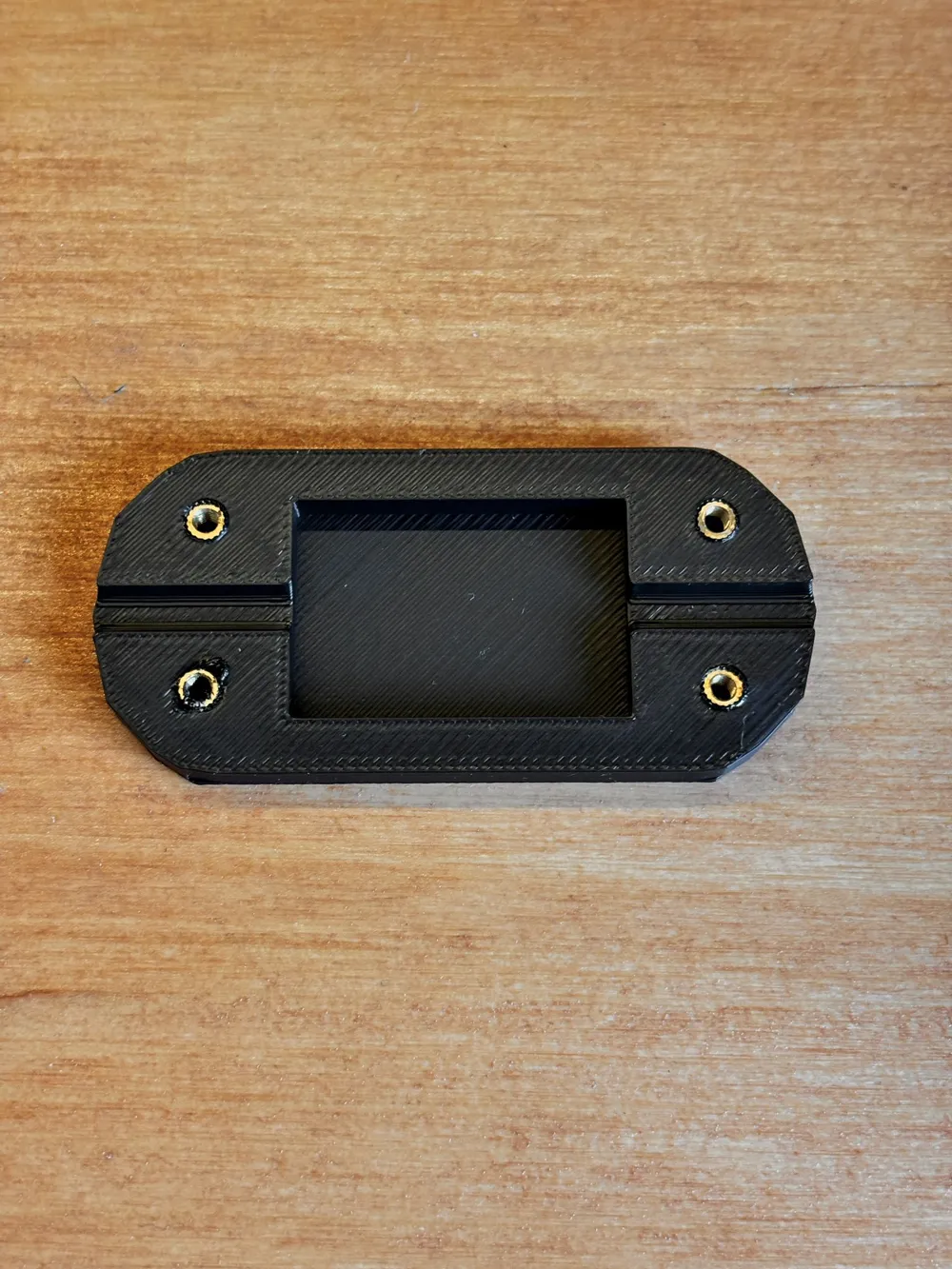
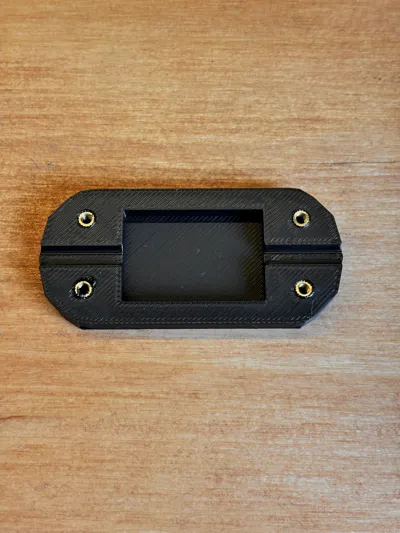
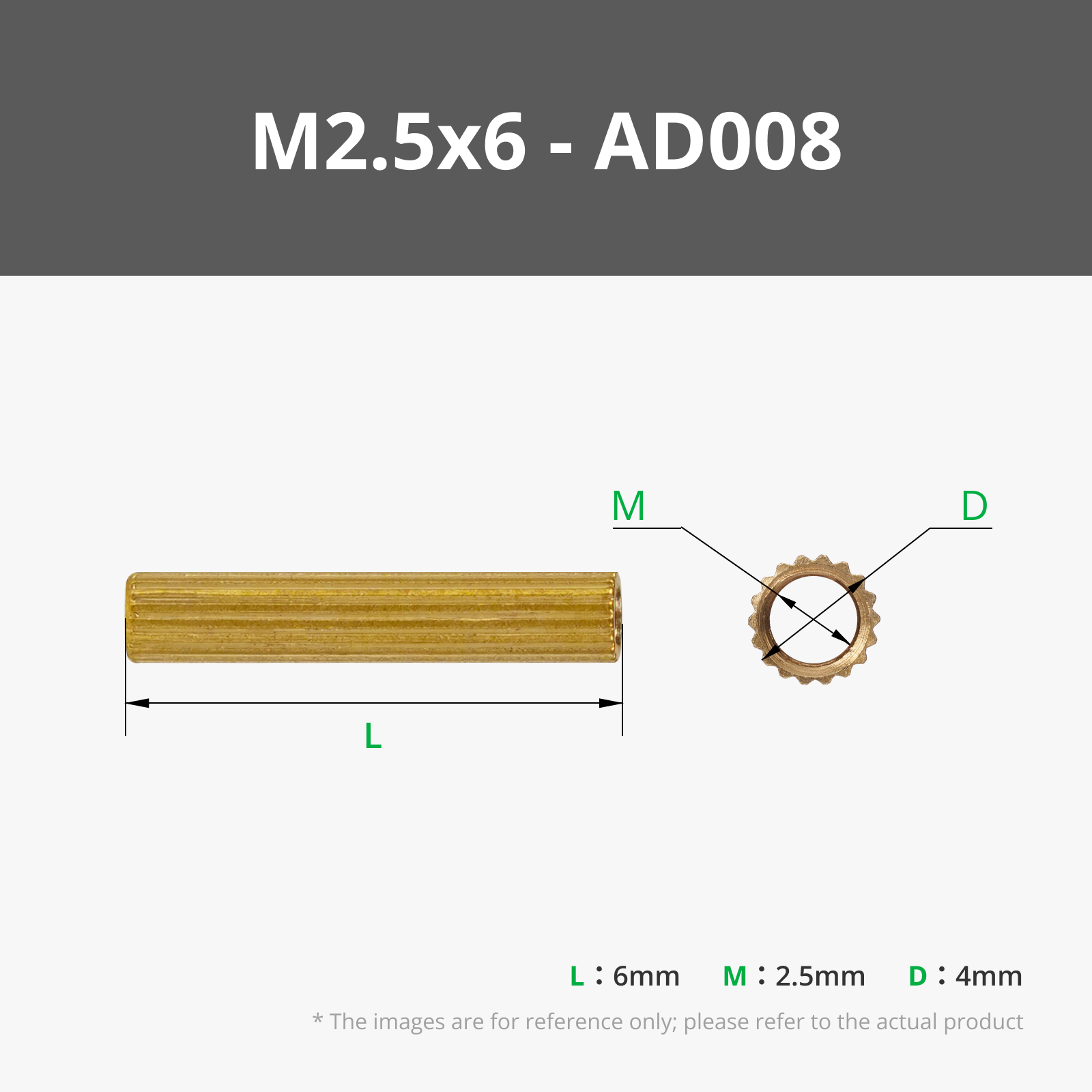
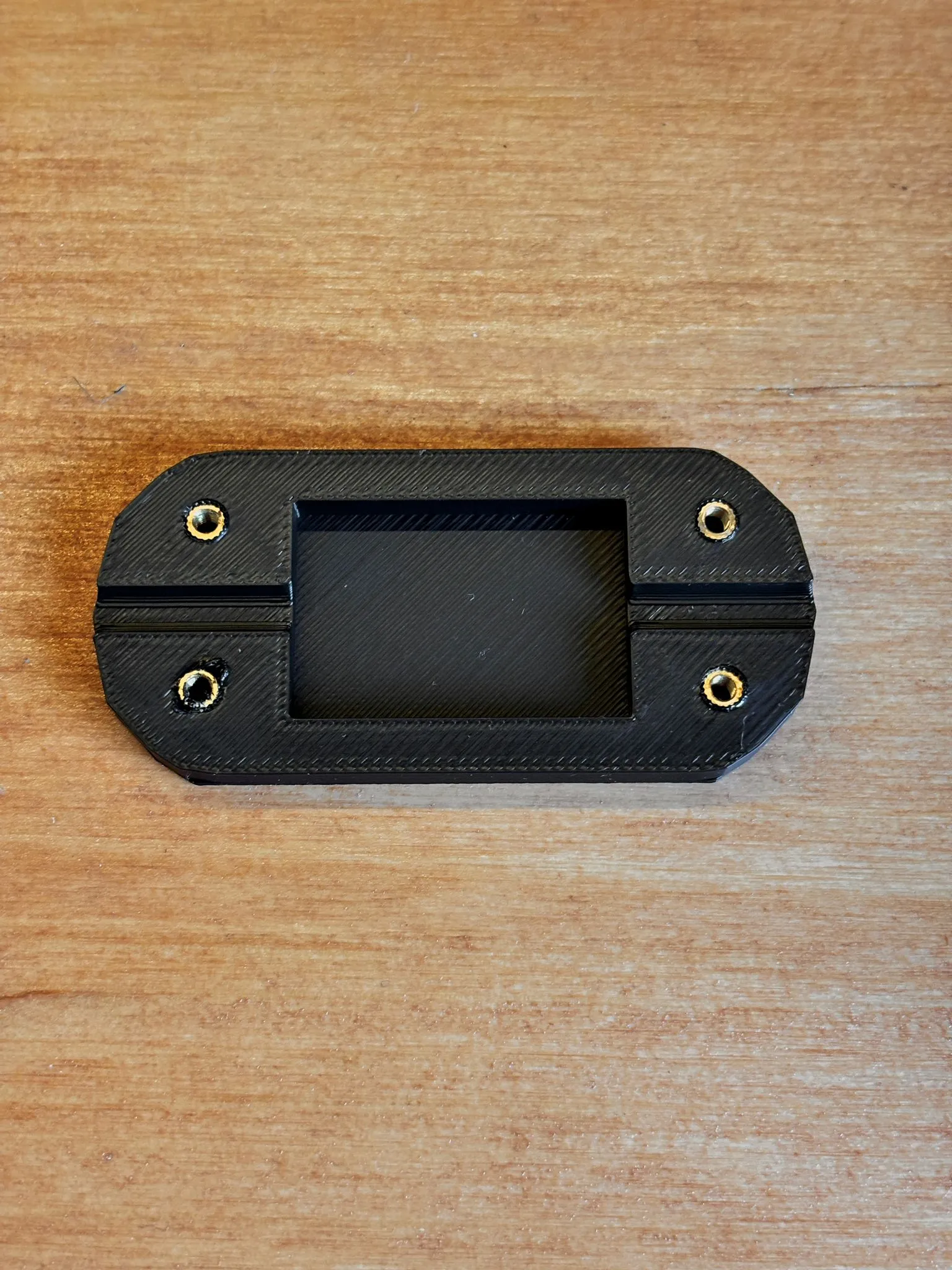
1- Heat a soldering iron and insert the 4 M2.5x3x3.5 inserts into the appropriate holes in the bottom part of the piece (the one with the solid center).
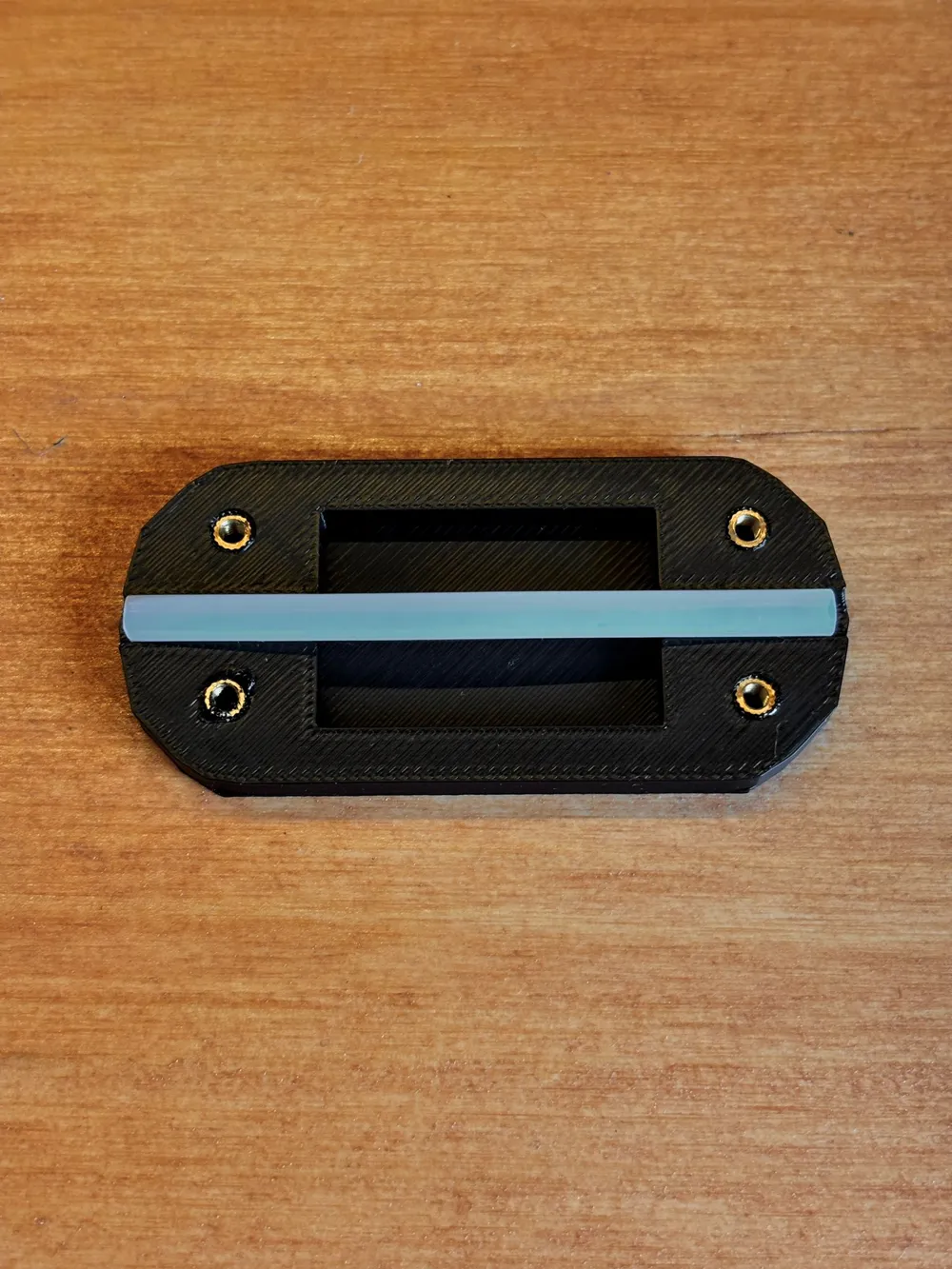
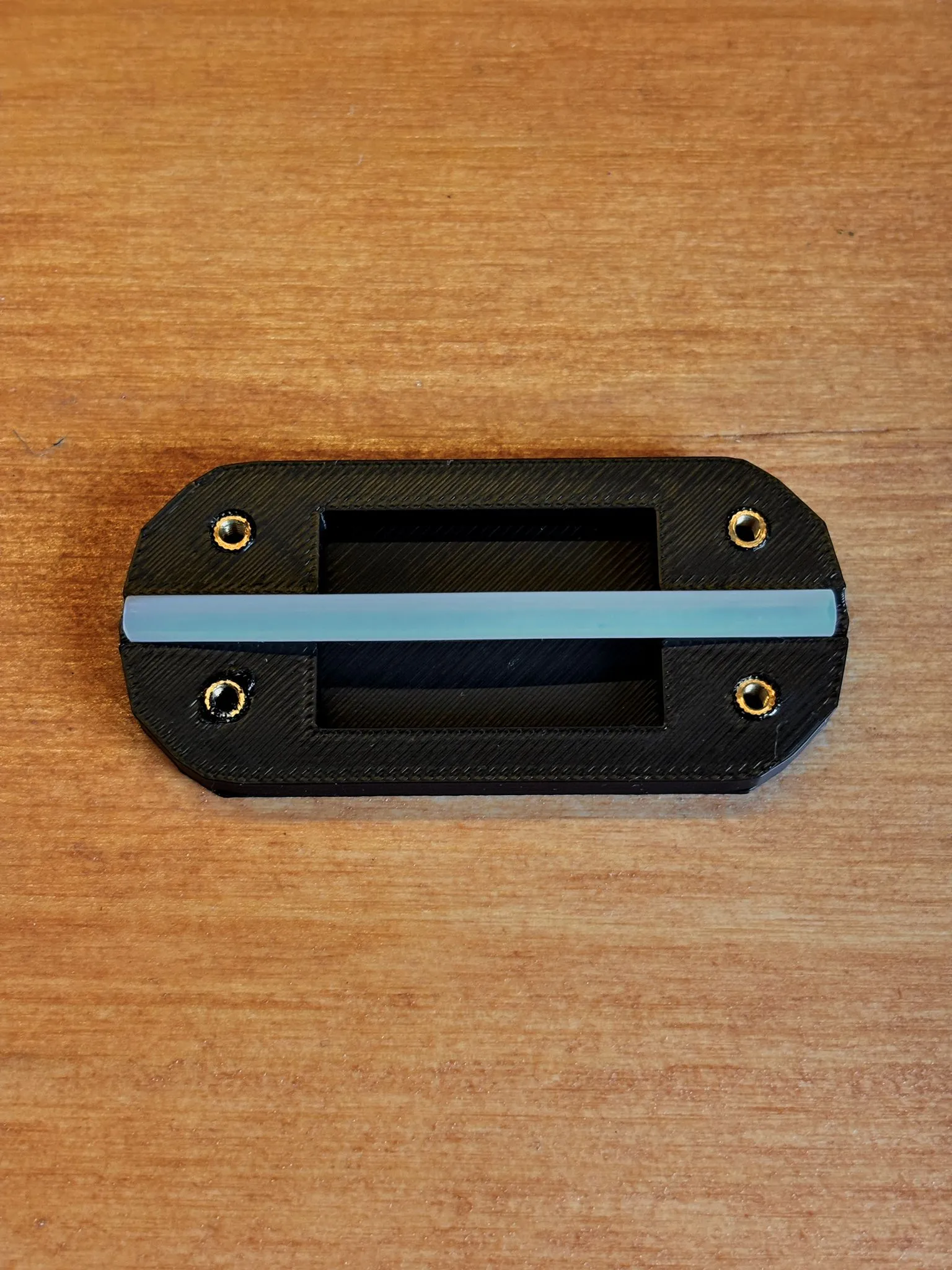
2- Cut the PTFE tube to the desired length, roughly as long as the printed part.
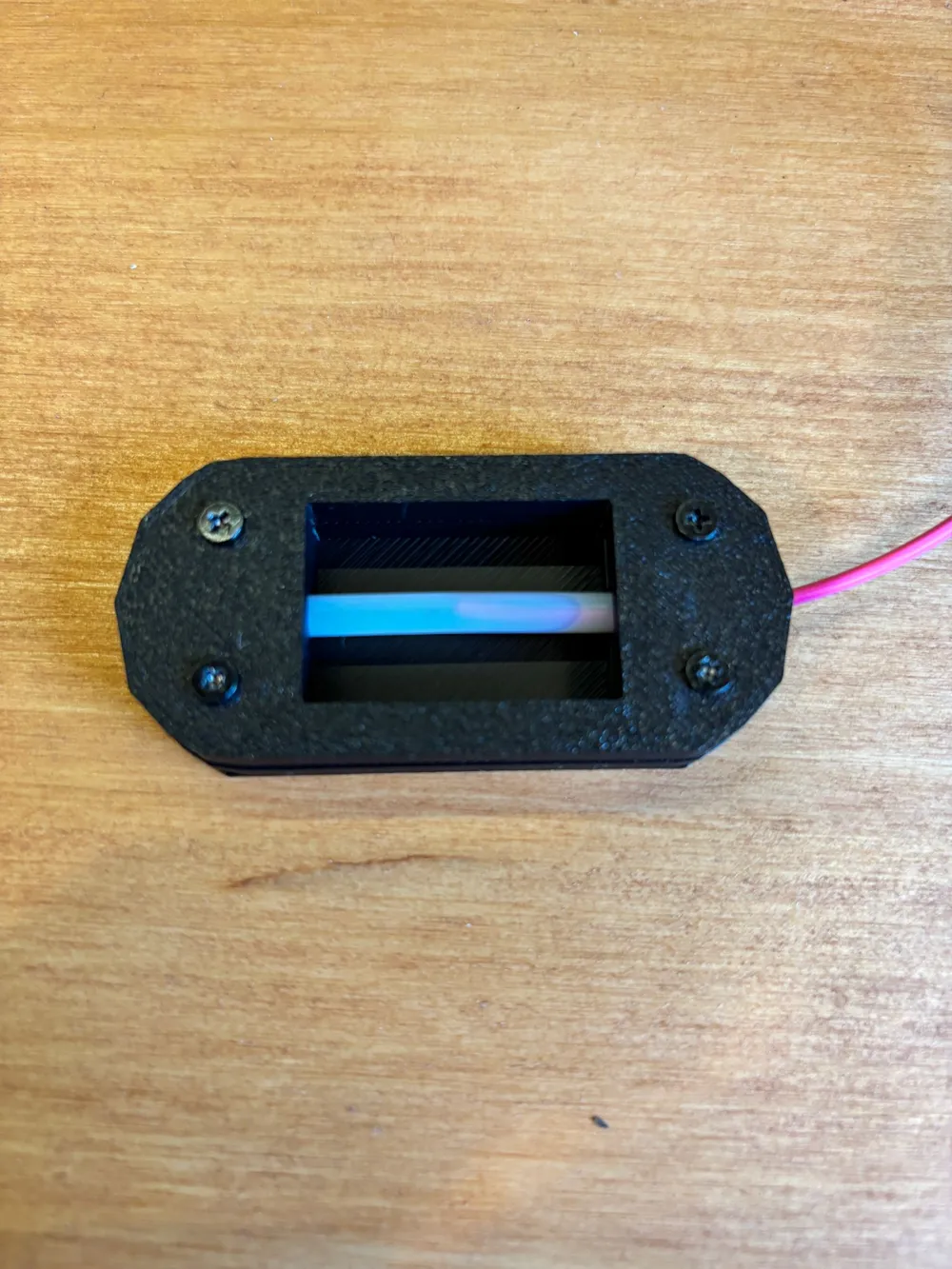
3- Insert the tube into its housing and close Unifilament with 4 M2.5x8 screws.
4- Unifilament is ready for use, so heat the two ends of the filament and make them meet inside the small tube, and the magic is done.
I recommend cutting the filament at 45 degrees so that there is more contact surface.
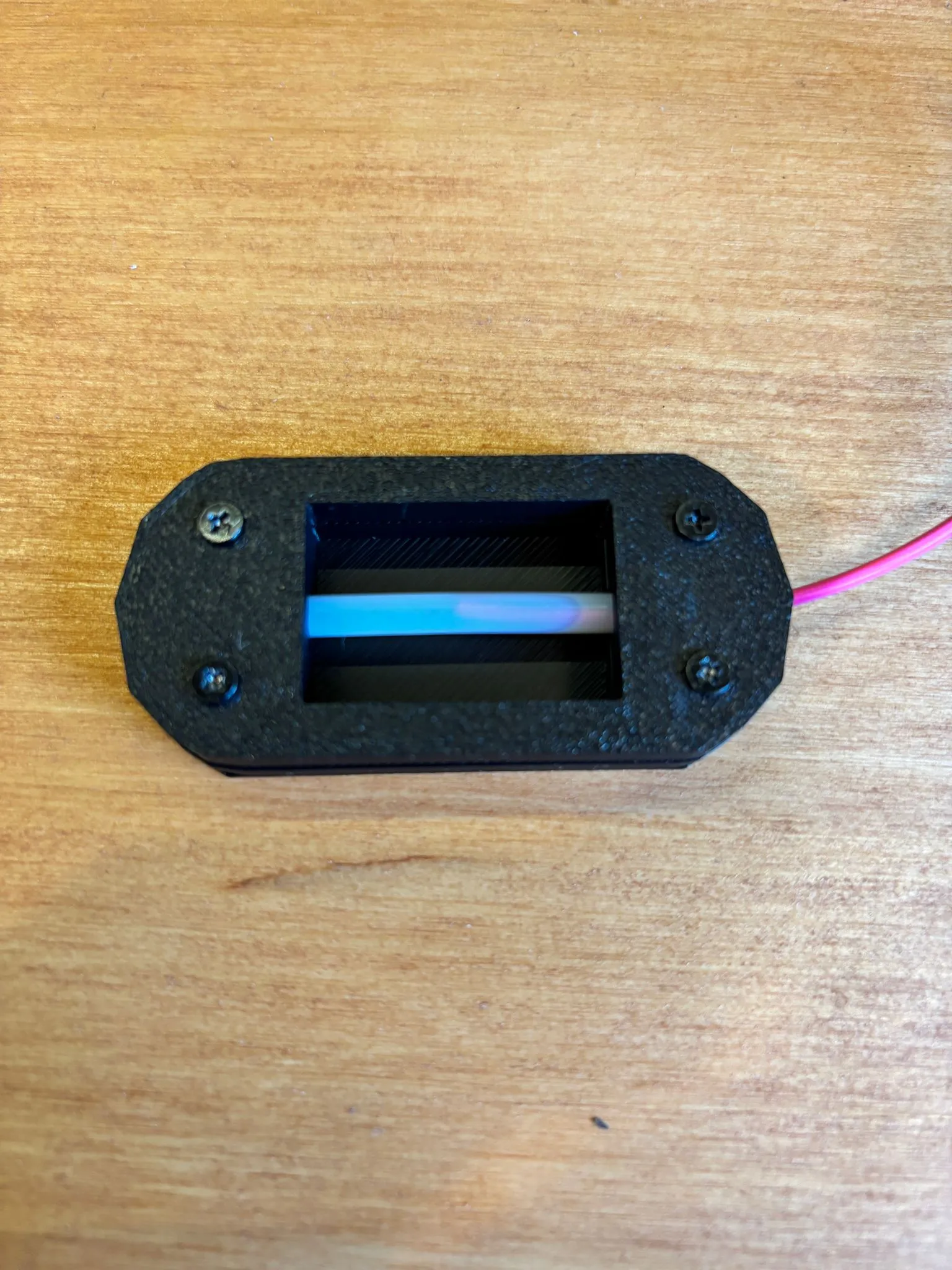
It takes a little
Boost Me (for free)
I made you save a lot of filament, so I think I deserve it :-)
of practice but you will see that you save a lot of filament!
If you like my creations, support me, here is everything I have created https://makerworld.com/it/@fracogo04/upload
License

You shall not share, sub-license, sell, rent, host, transfer, or distribute in any way the digital or 3D printed versions of this object, nor any other derivative work of this object in its digital or physical format (including - but not limited to - remixes of this object, and hosting on other digital platforms). The objects may not be used without permission in any way whatsoever in which you charge money, or collect fees.


Comment & Rating (5)