
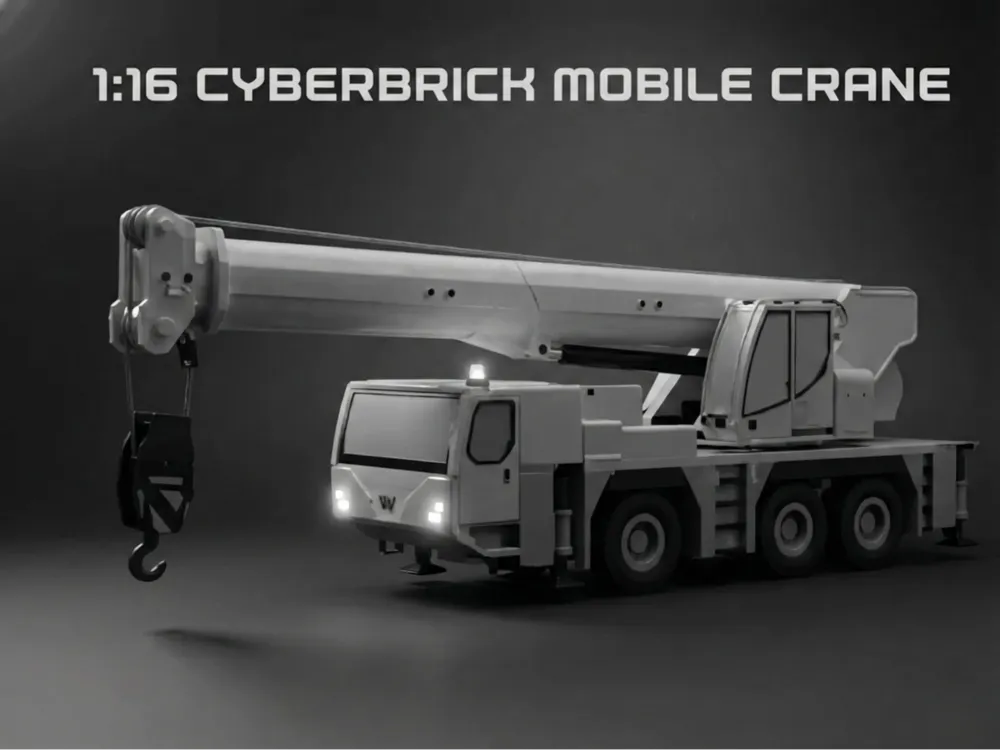

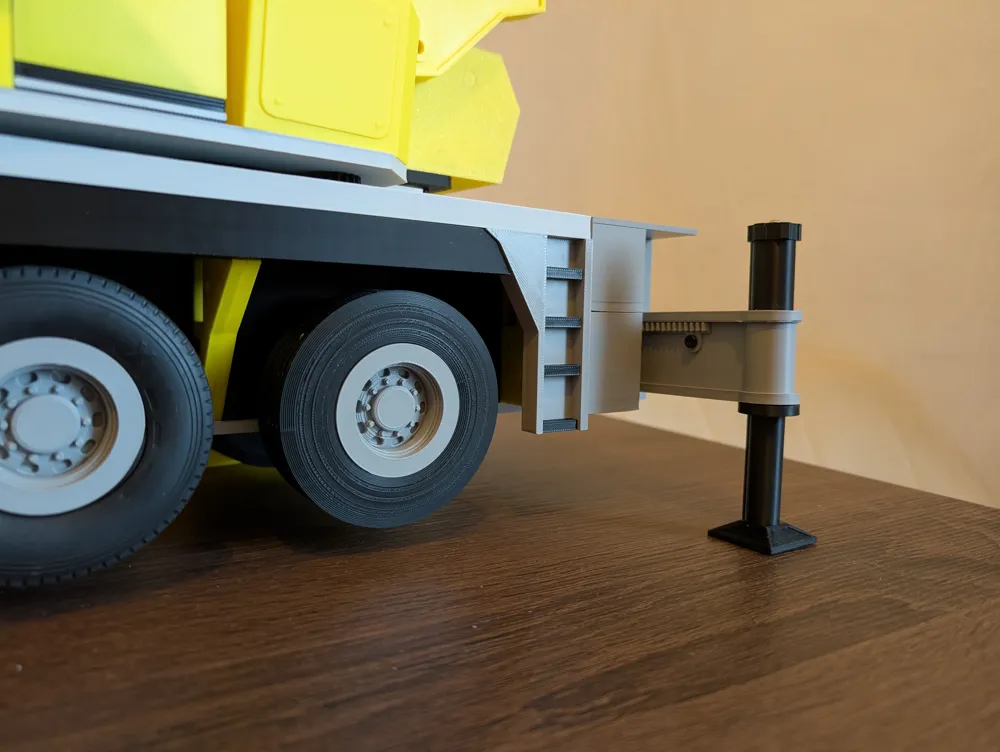

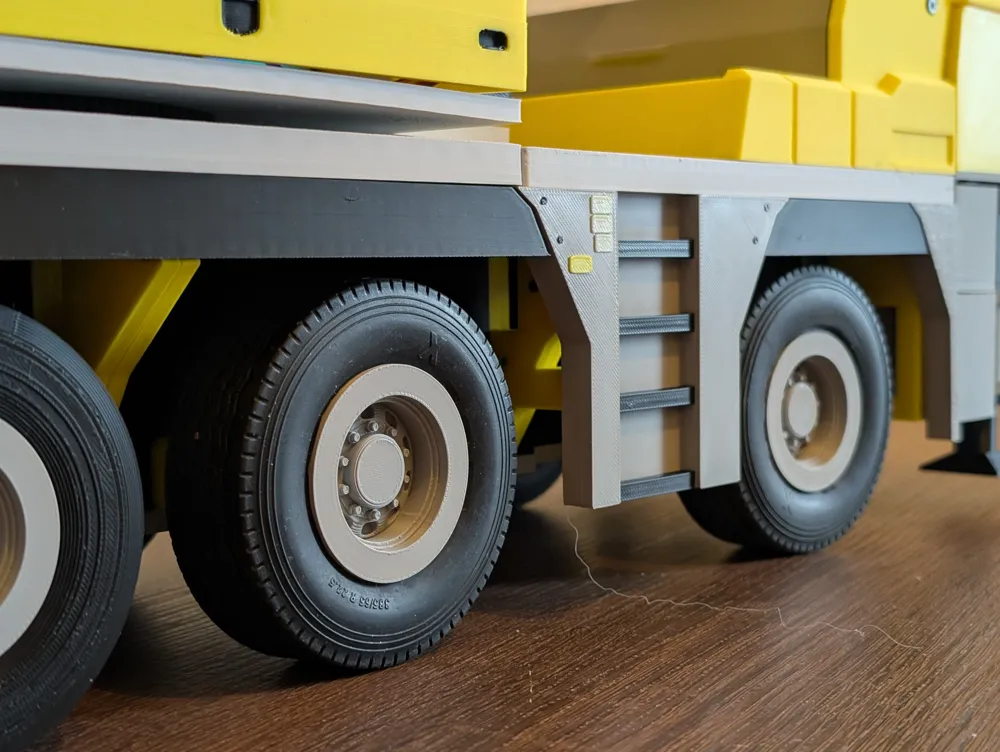
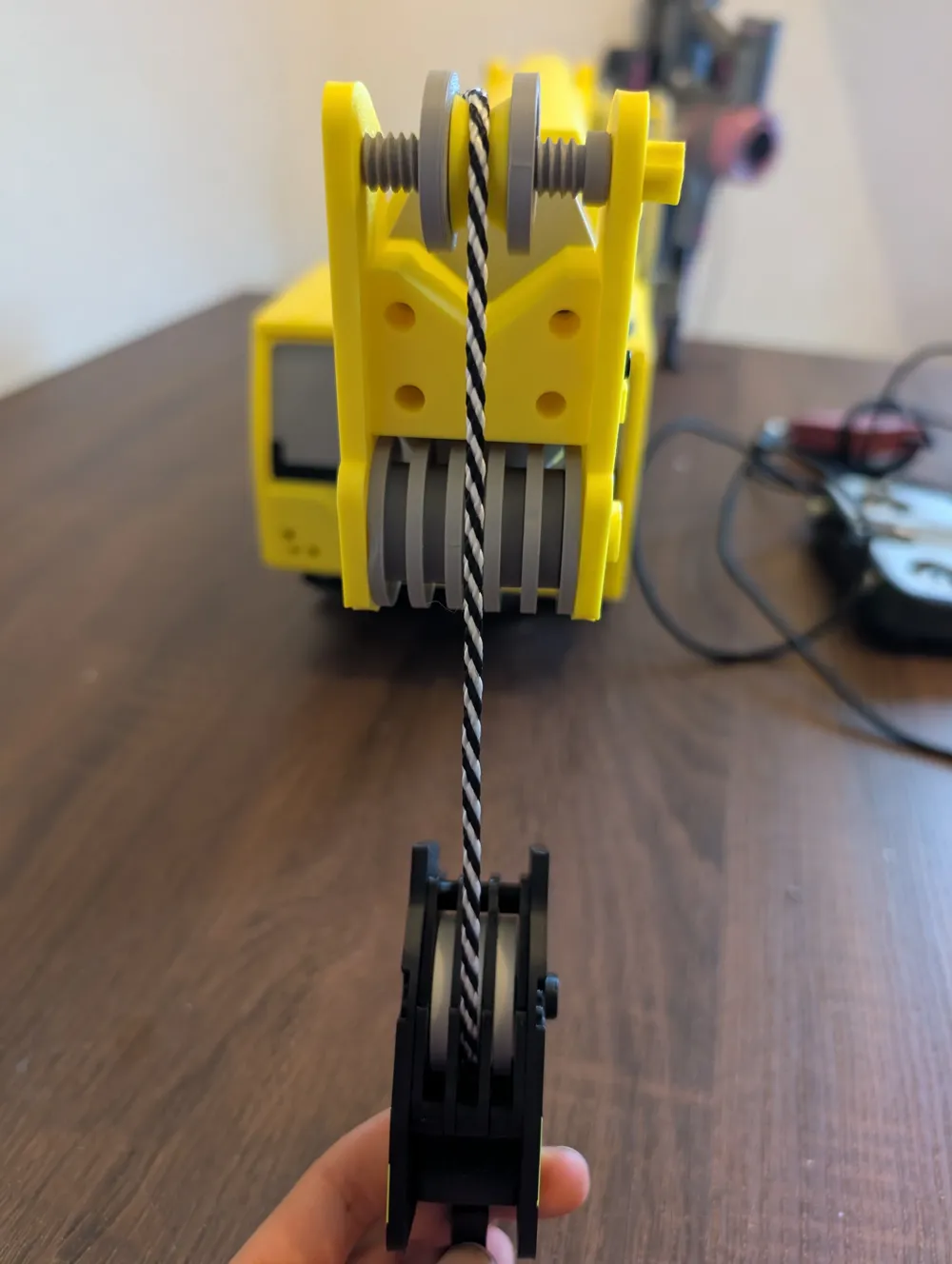
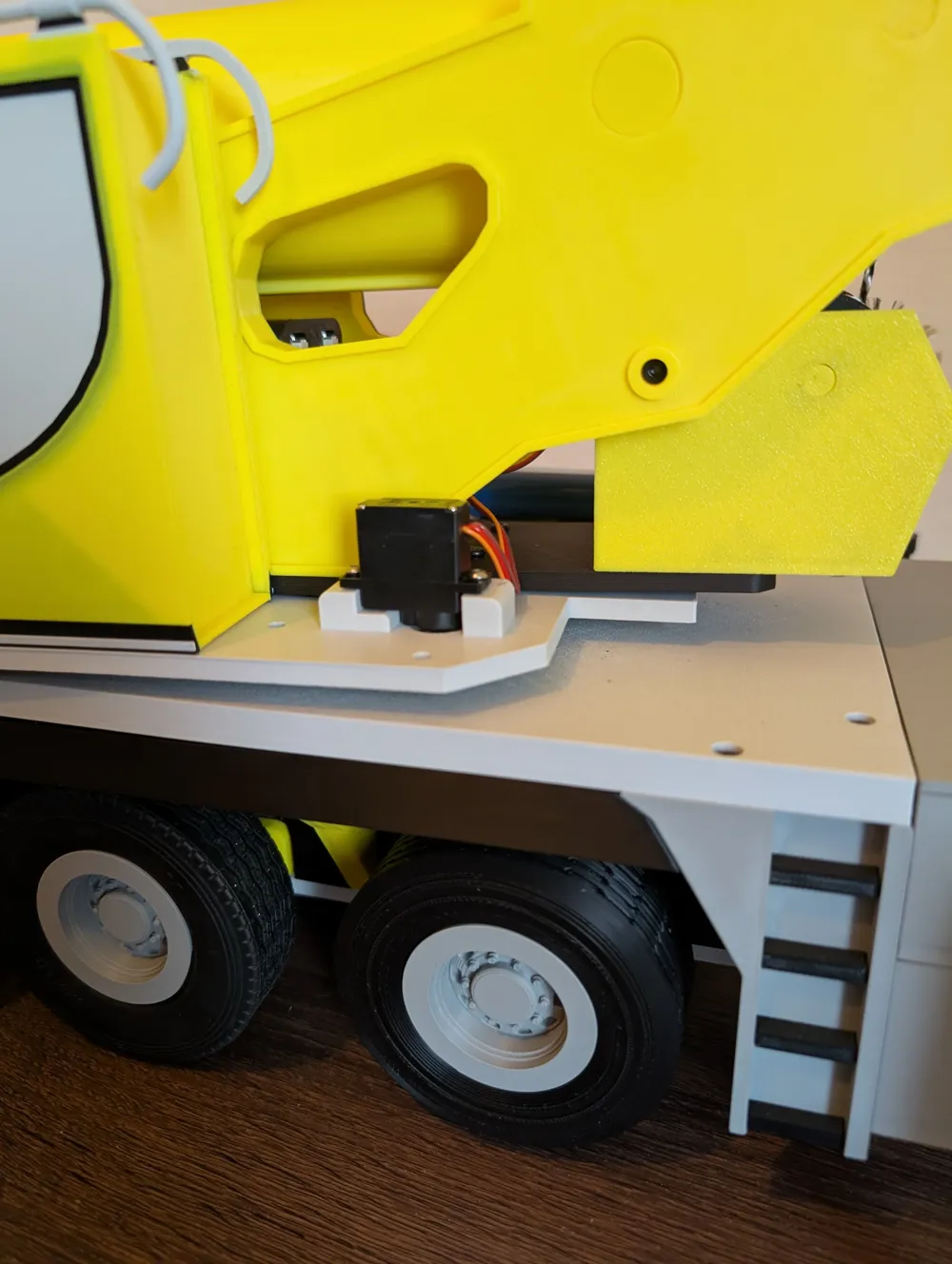
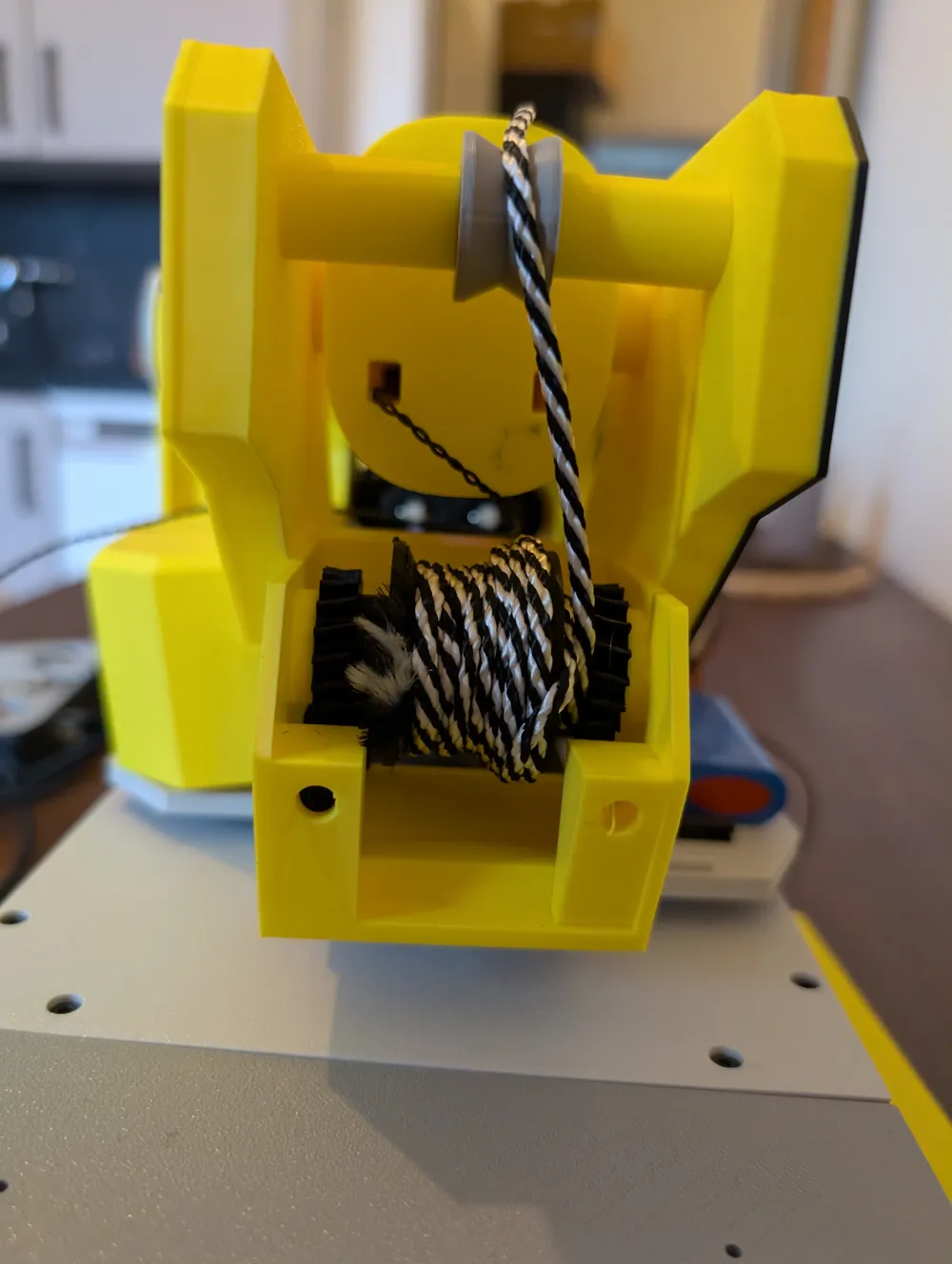

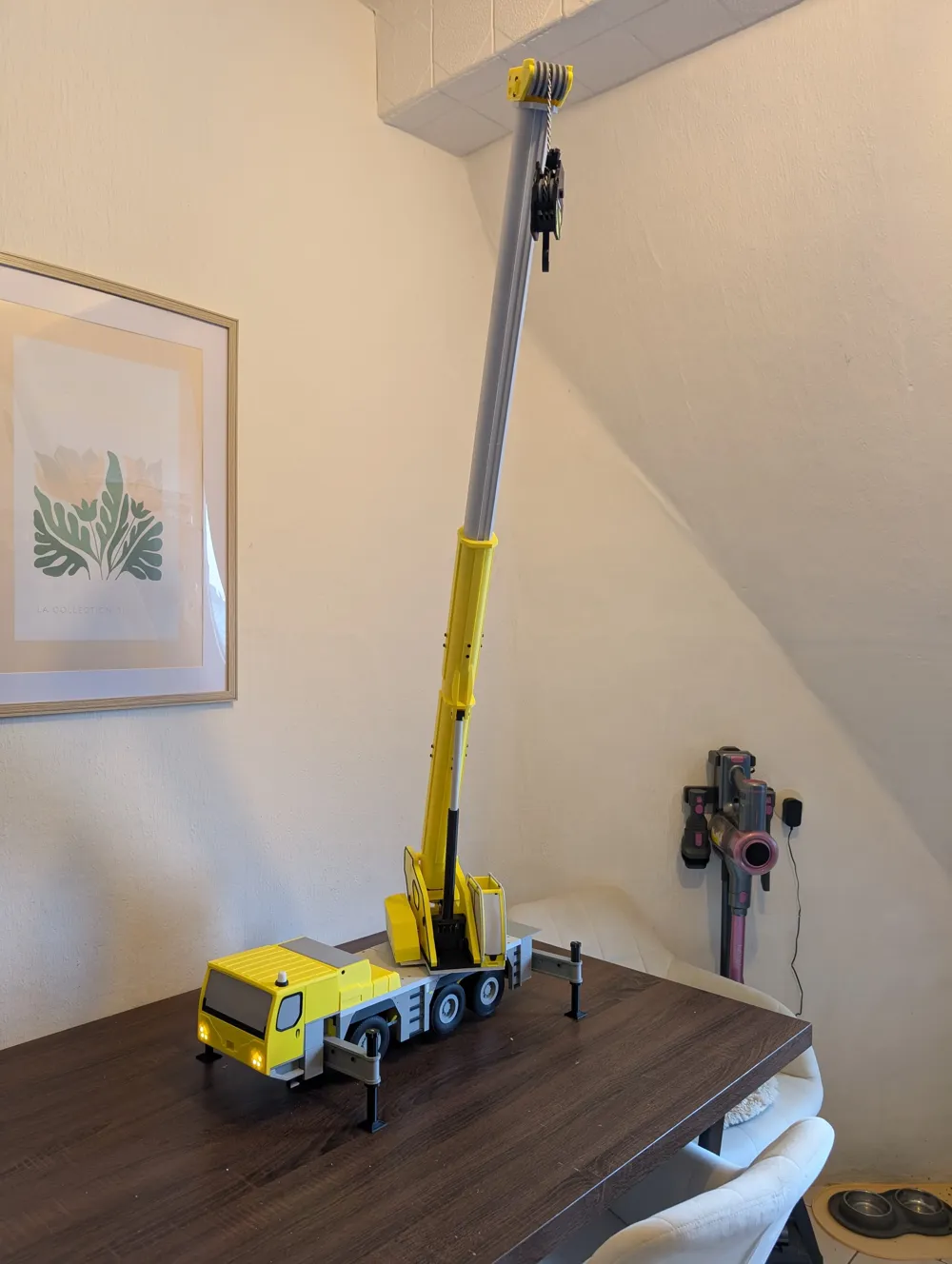
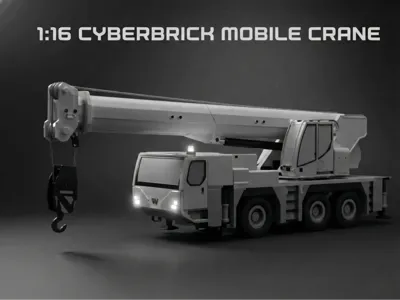

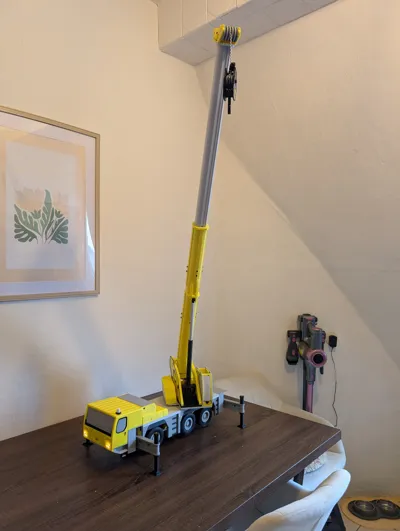
1:16 Cyberbrick Mobile Crane uncolored


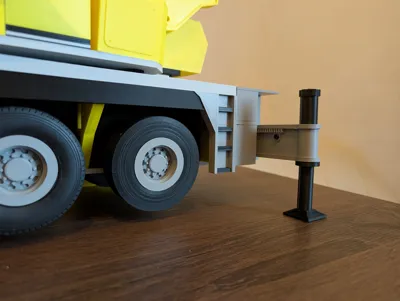



Bill of Materials




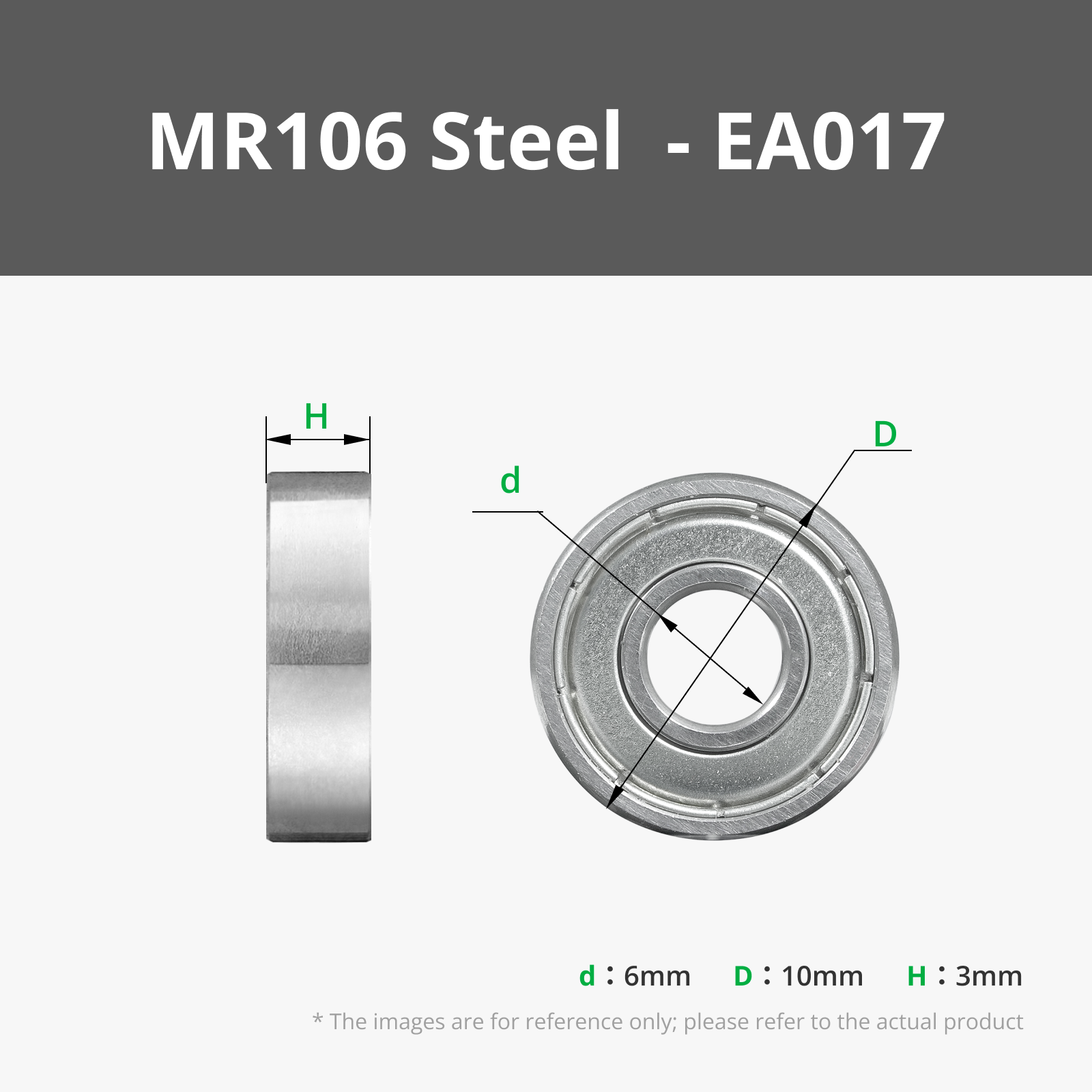


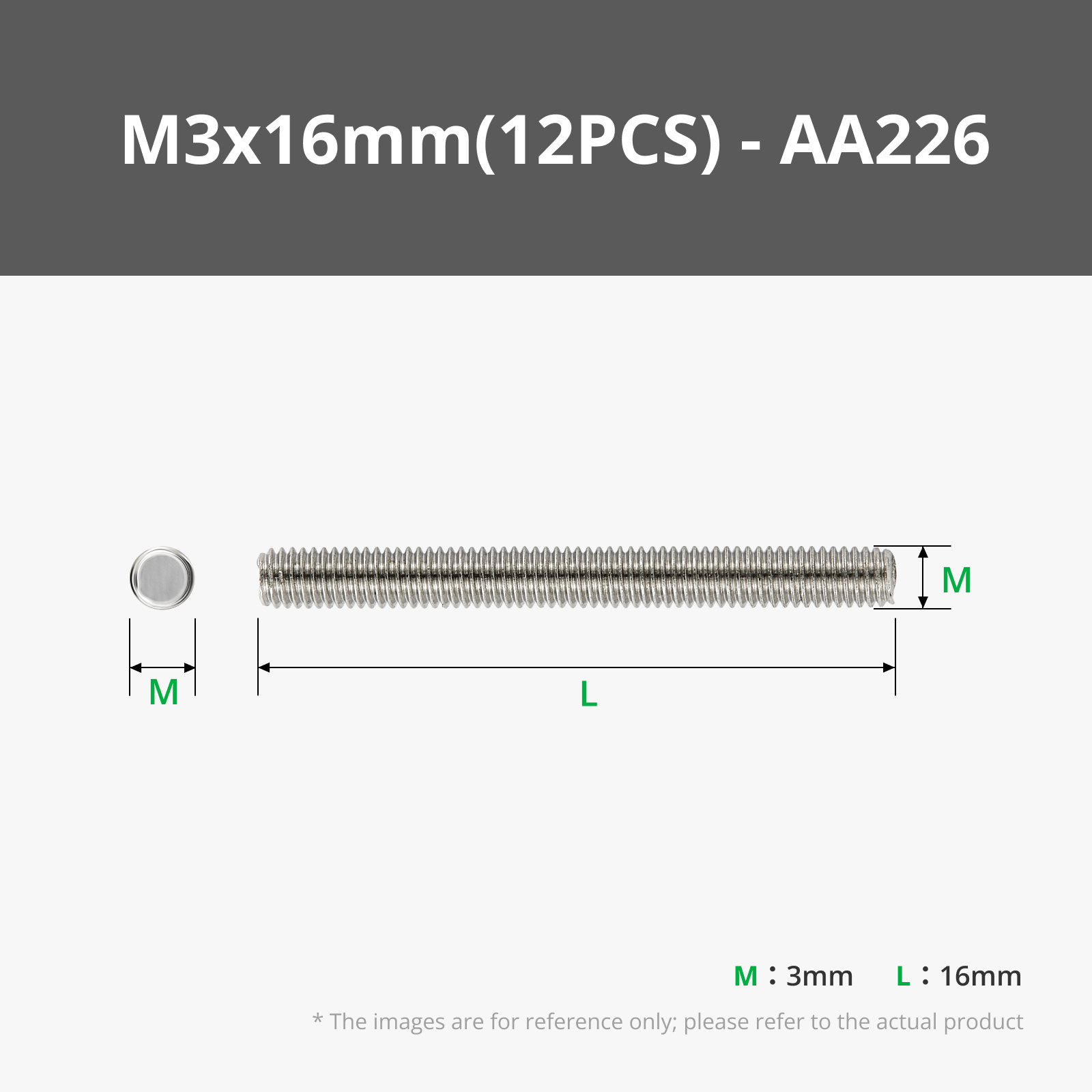


Description
For details, please refer to the crowdfunding page
!Important!
https://makerworld.com/en/models/2210985-1-16-cyberbrick-mobile-crane-colored#profileId-2403500
---------------------------------------------------------------------
There are optional parts to reduce costs
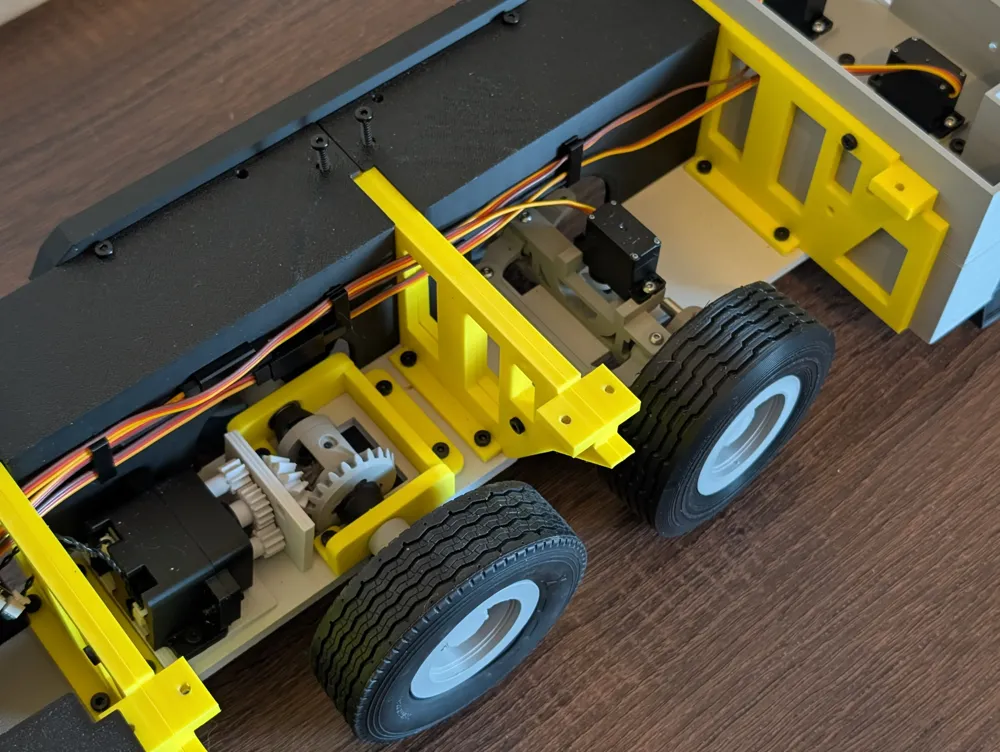
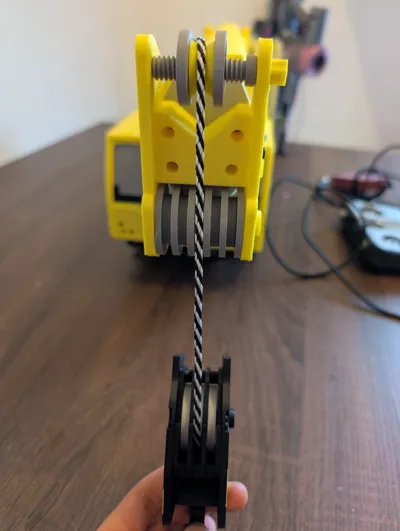
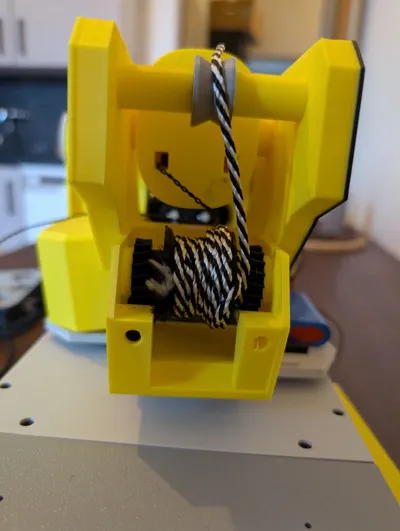
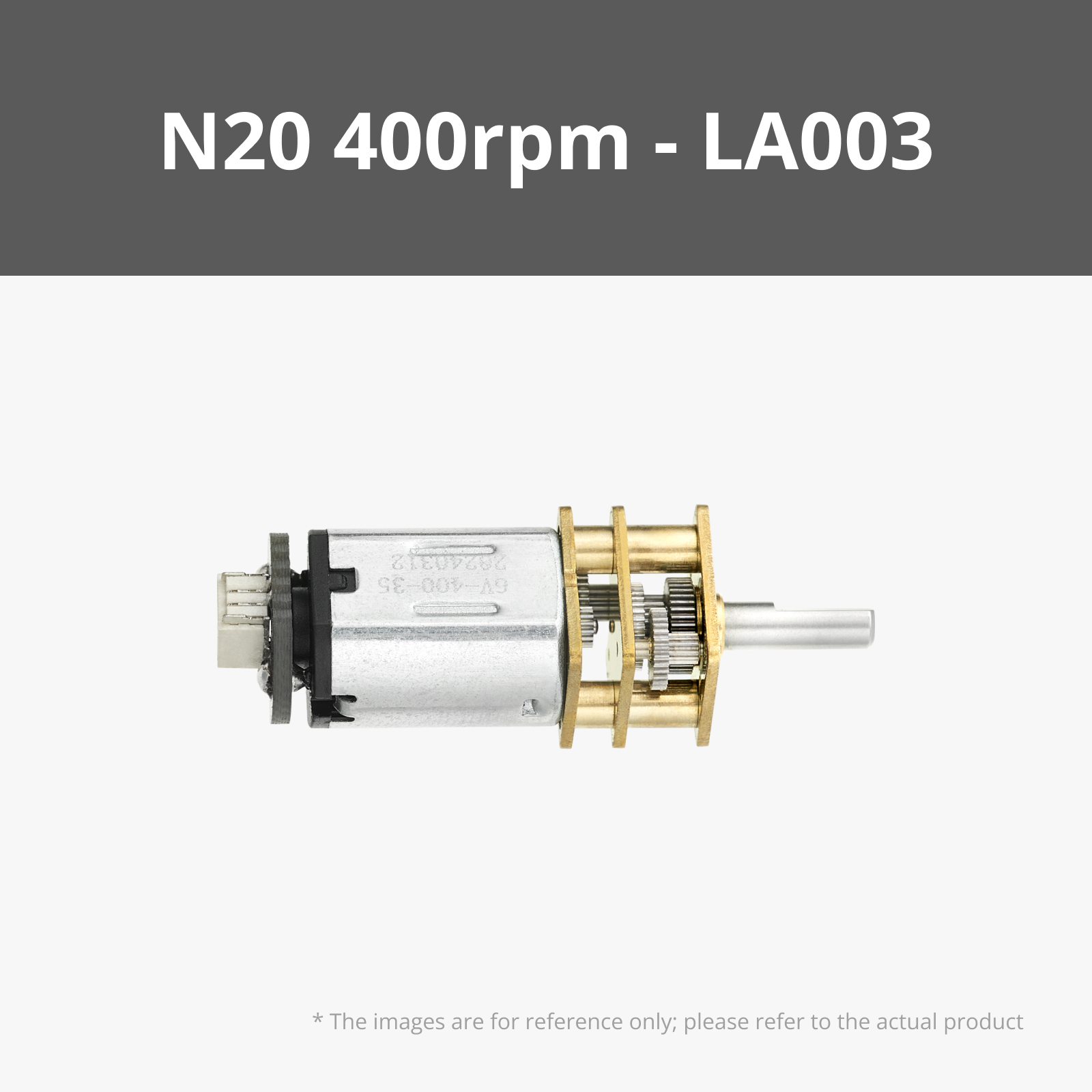
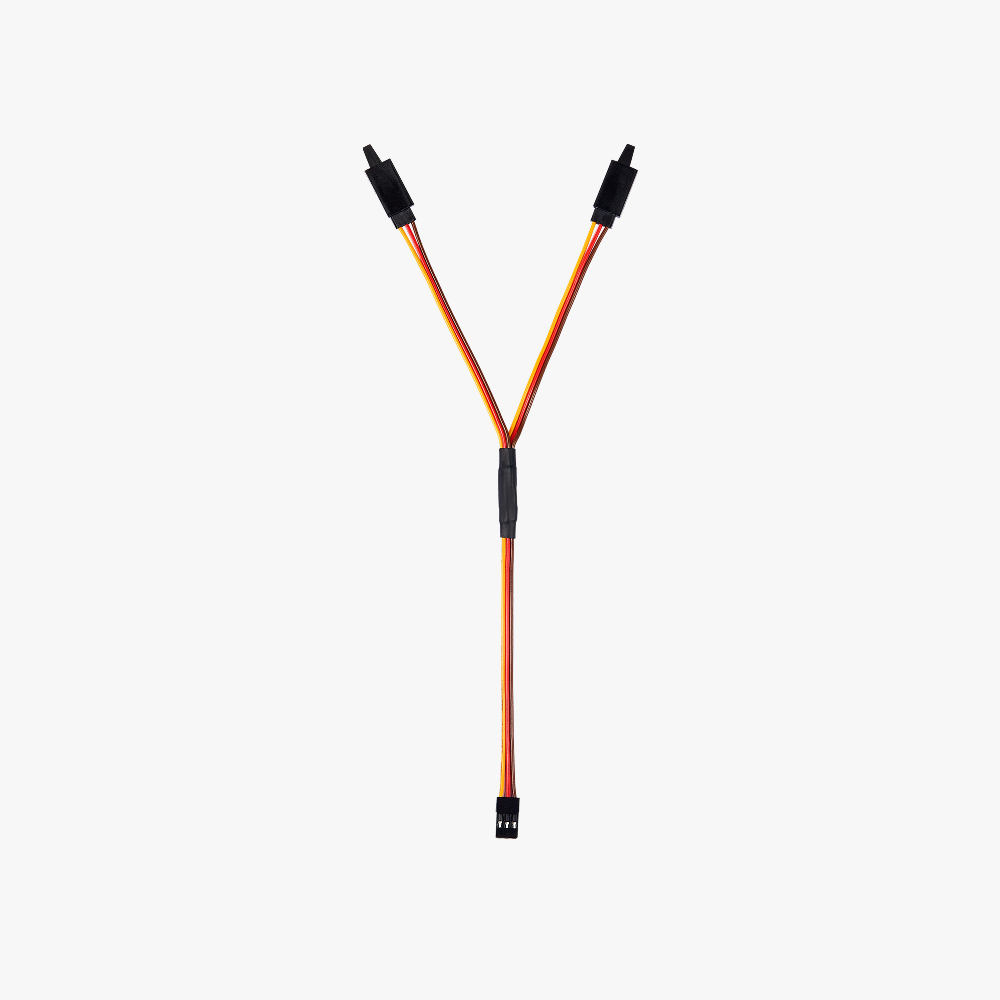
The winch uses one servo but can also be equipped with two, for this you need to add the following to your cart
-1 360-degree servo
-1 Y cable XC012

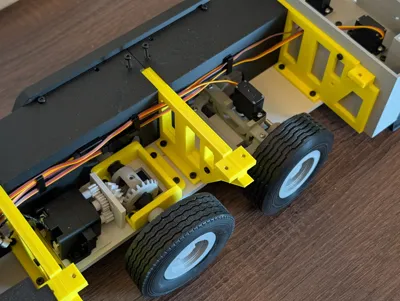

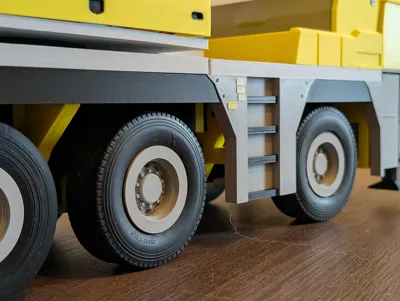
You can 3D print all tires or use 1:16 Tamiya tires, I got mine from Amazon, I'll provide the link below
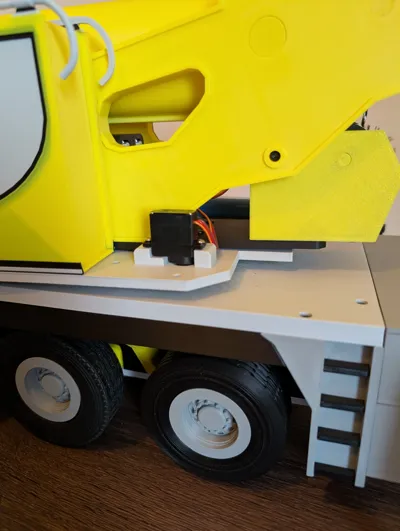
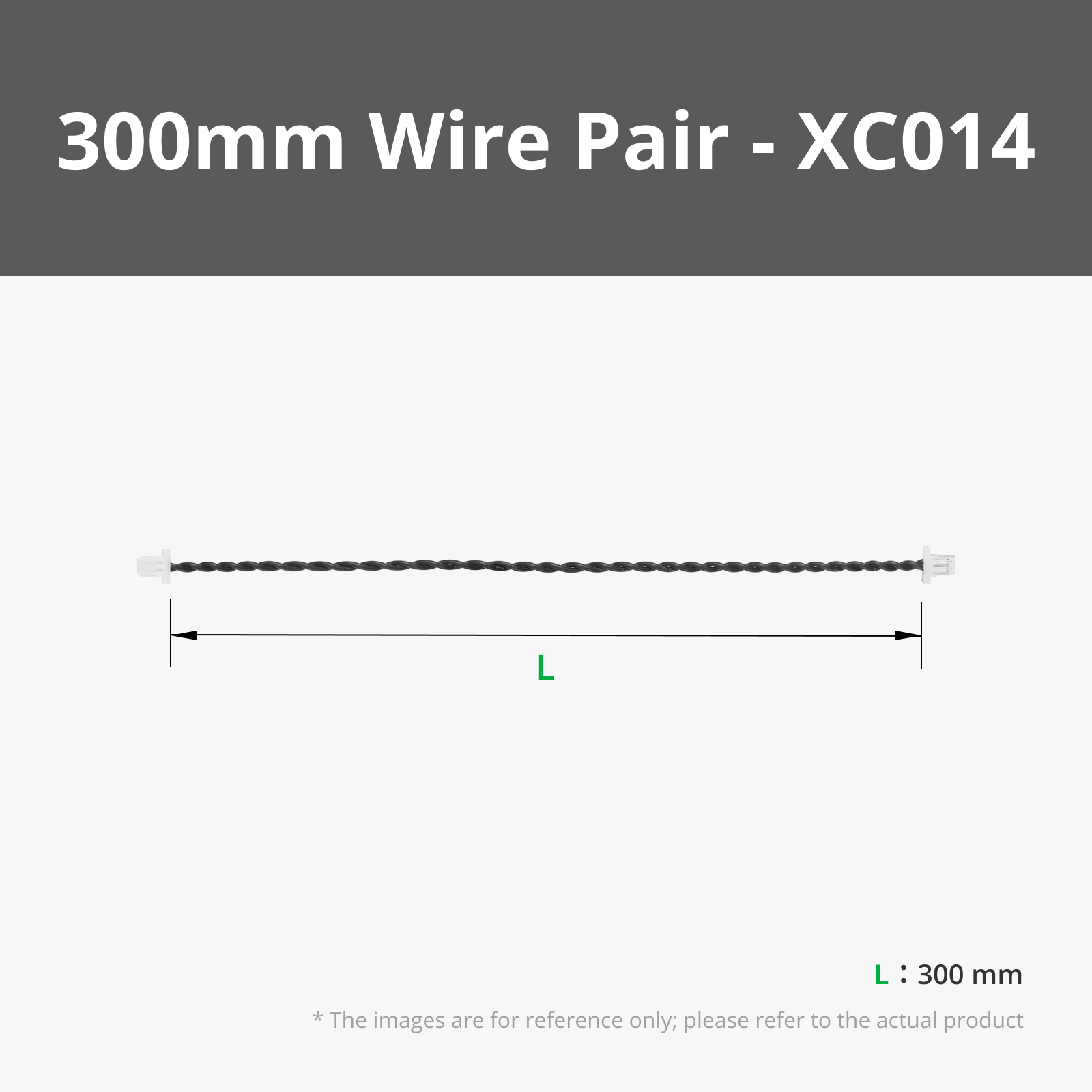
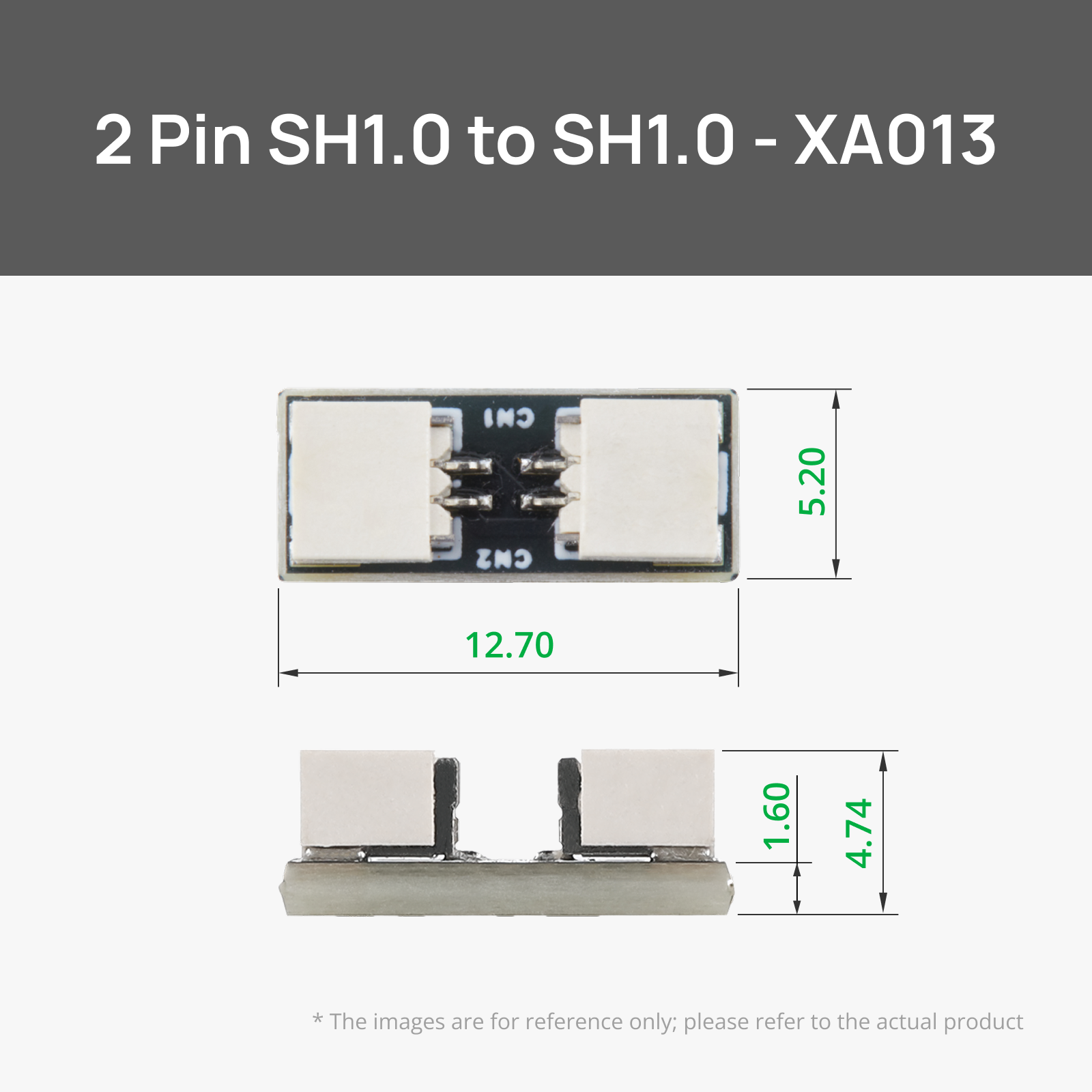
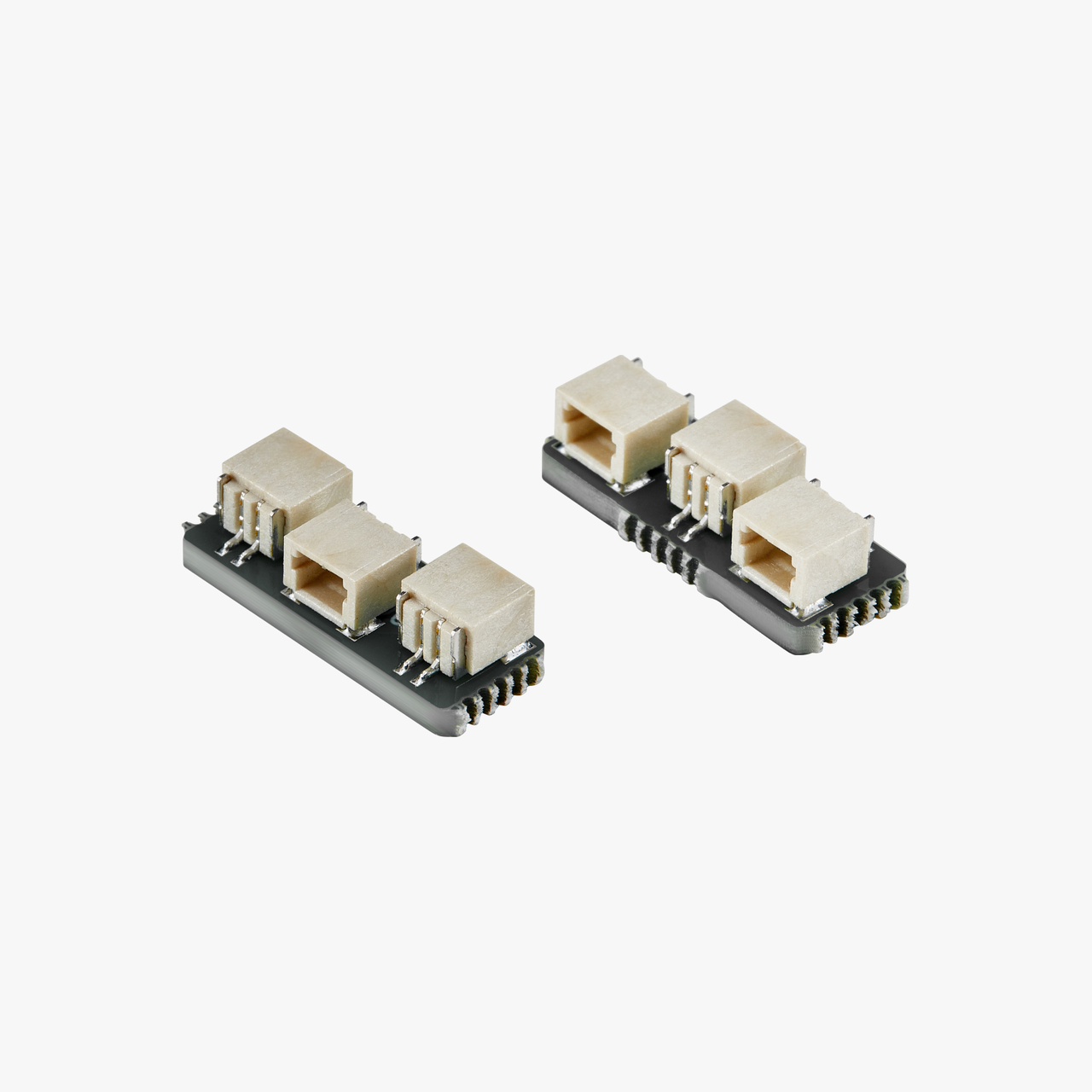
Two very long cables are needed in the crane boom, if you have a soldering iron you can make them yourself, otherwise the XA013 connectors are used. These can be removed from the cart
---------------------------------------------------------------------
The instructions are only available as a video and will be provided under the Drive Folder Link which is in the documentation txt file, where you can also find the configuration files. The remote control can be found under my profile:
https://makerworld.com/en/models/1953745-cyberbrick-dual-remote#profileId-2099569
Documentation (1)

License

You shall not share, sub-license, sell, rent, host, transfer, or distribute in any way the digital or 3D printed versions of this object, nor any other derivative work of this object in its digital or physical format (including - but not limited to - remixes of this object, and hosting on other digital platforms). The objects may not be used without permission in any way whatsoever in which you charge money, or collect fees.


Comment & Rating (2)