
eSun Perfect preset for P2S - all Filament
Print Profile(1)
Description
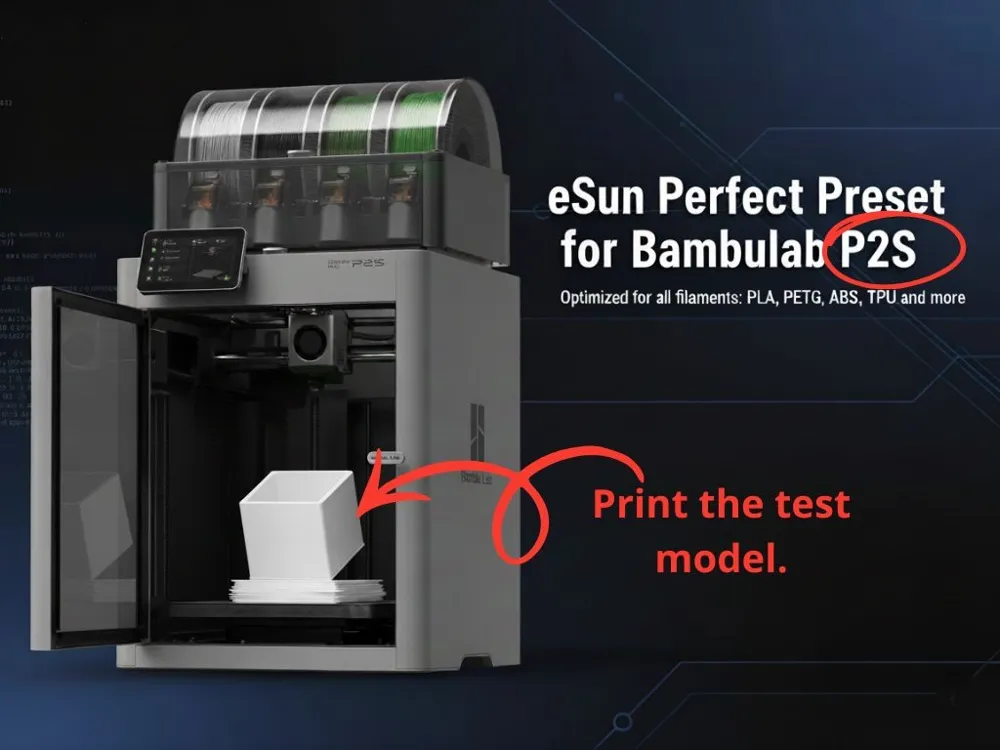
This preset was developed specifically for the Bambu Lab P2S with the goal of providing a ready-to-use, stable, and repeatable base upon which to build advanced calibrations with eSUN filament.
Preset Contents
- Optimized parameters to maximize the P2S's enhanced extrusion and high speeds, ensuring an excellent balance between surface quality and reduced print times.
- "Plug & play" configurations for immediate startup on the P2S, with minimal manual interventions but room for personalized fine-tuning.
- Full compatibility with standard P2S setups (plate, hotend, and 0.4 mm nozzle).
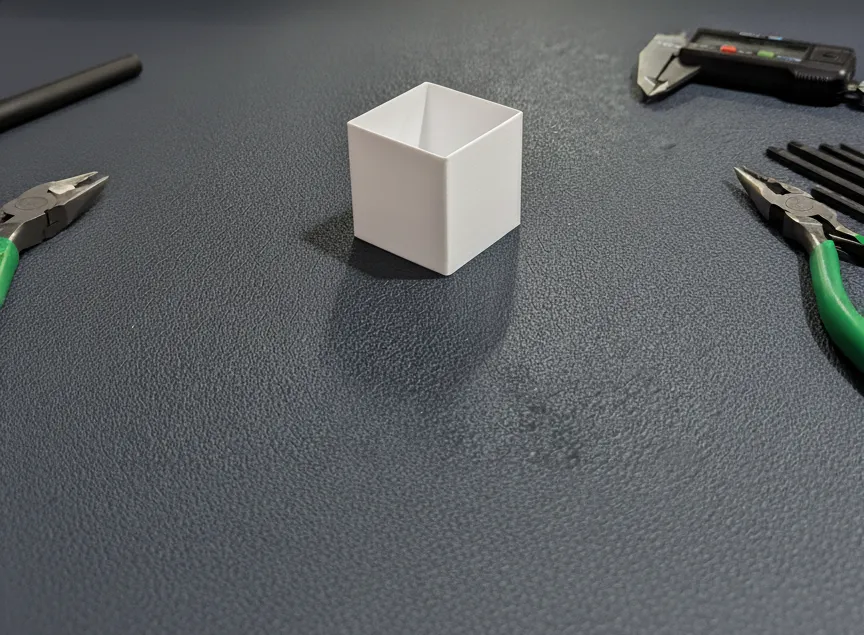
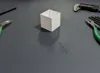
Included Test Cube 30x30mm
A dedicated test model (cube) is included in the package to verify flow, walls, dimensional accuracy, and first-layer quality on the P2S.
Downloading and printing this cube is essential: it generates valuable points as recognition for the hard calibration work, far surpassing the few points from the .zip alone.
Importance of the Cube
Printing the cube yields a higher-performing calibration, adapting the profile to variations between eSUN lots (even of the same type) and different P2S units, for near-perfect results.
Hardware and filament differences are inevitable, but the cube enables corrections for optimal prints.
How to Import the Preset?
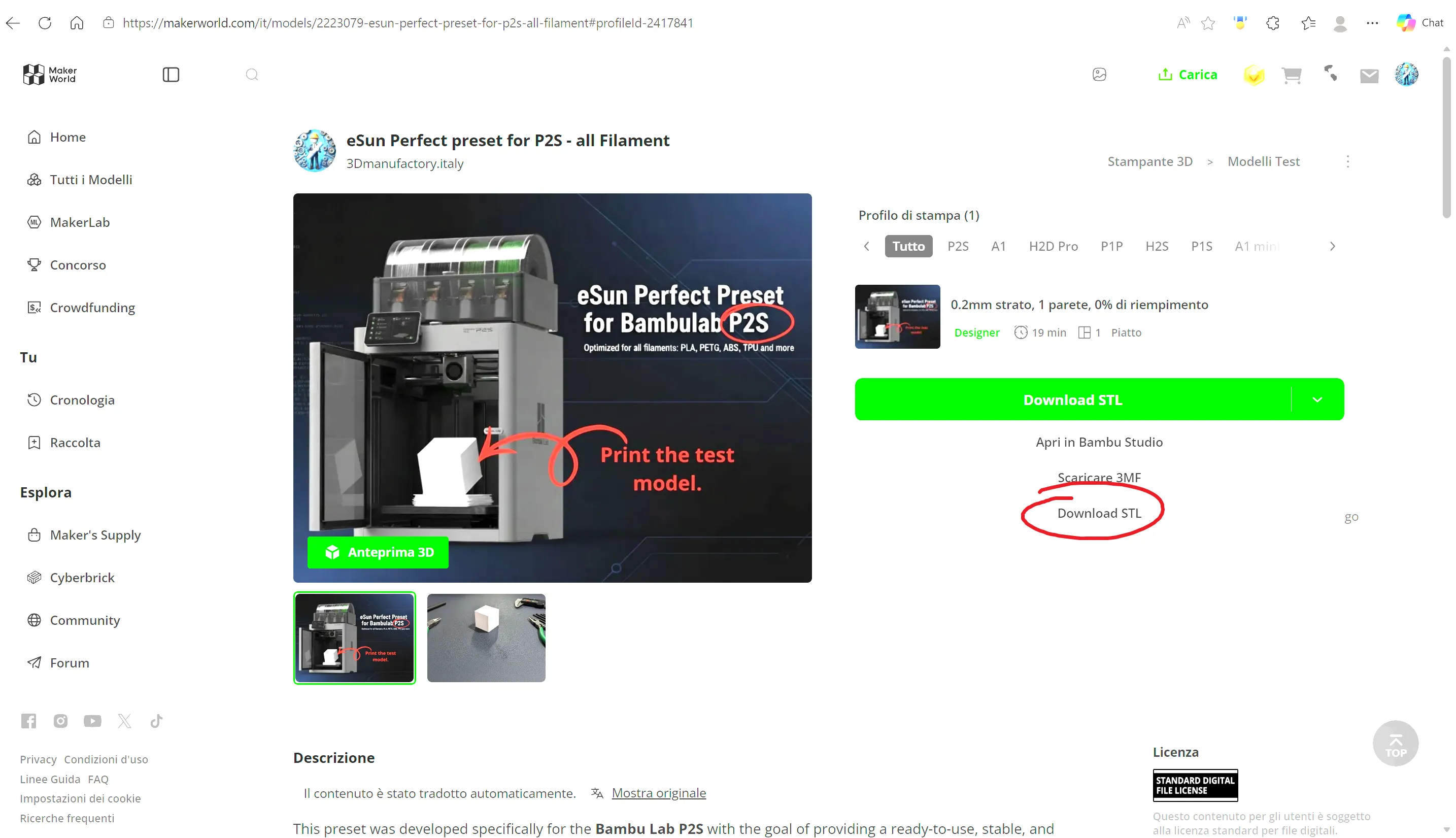
Download the P2S.zip file from MakerWorld.
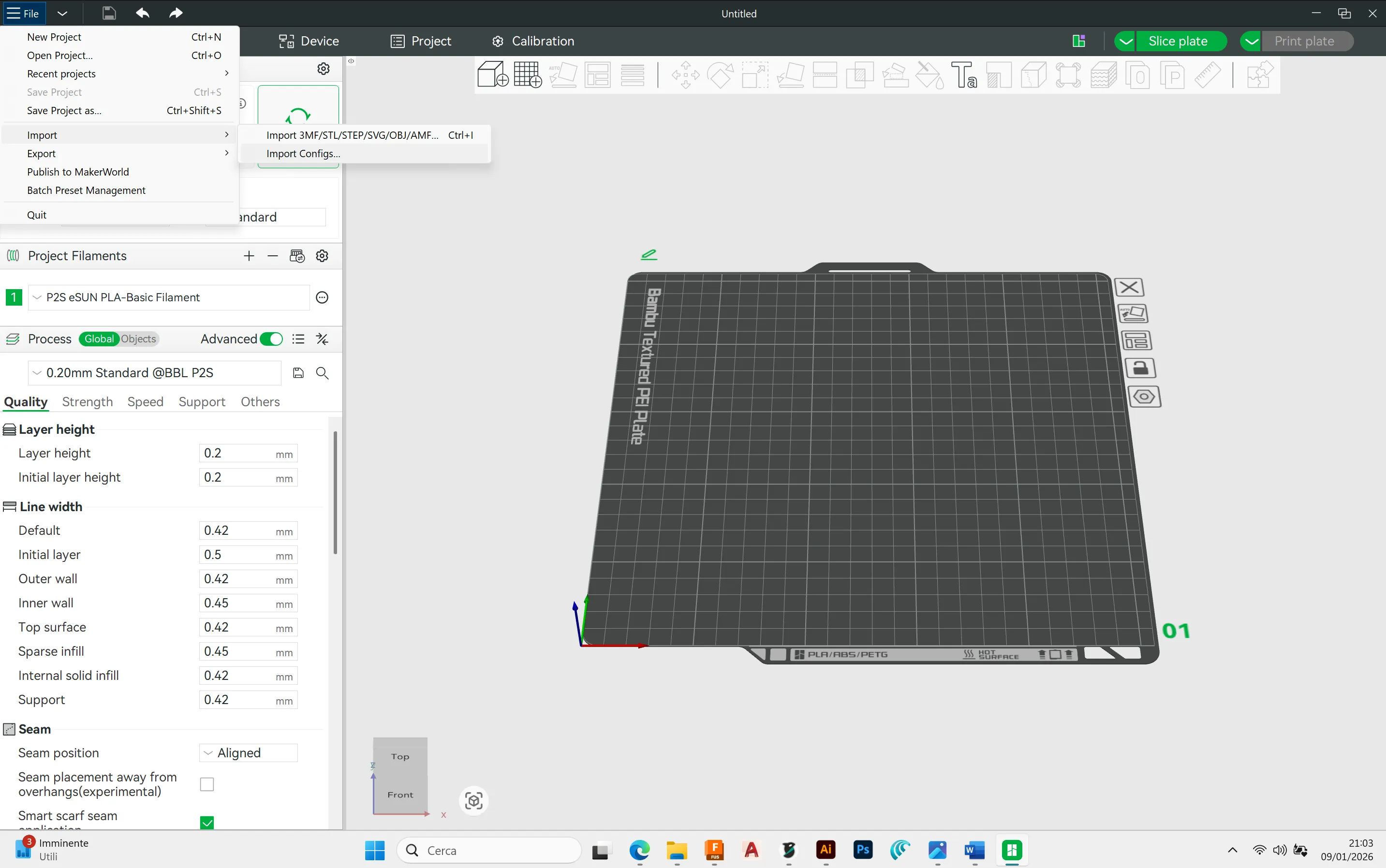
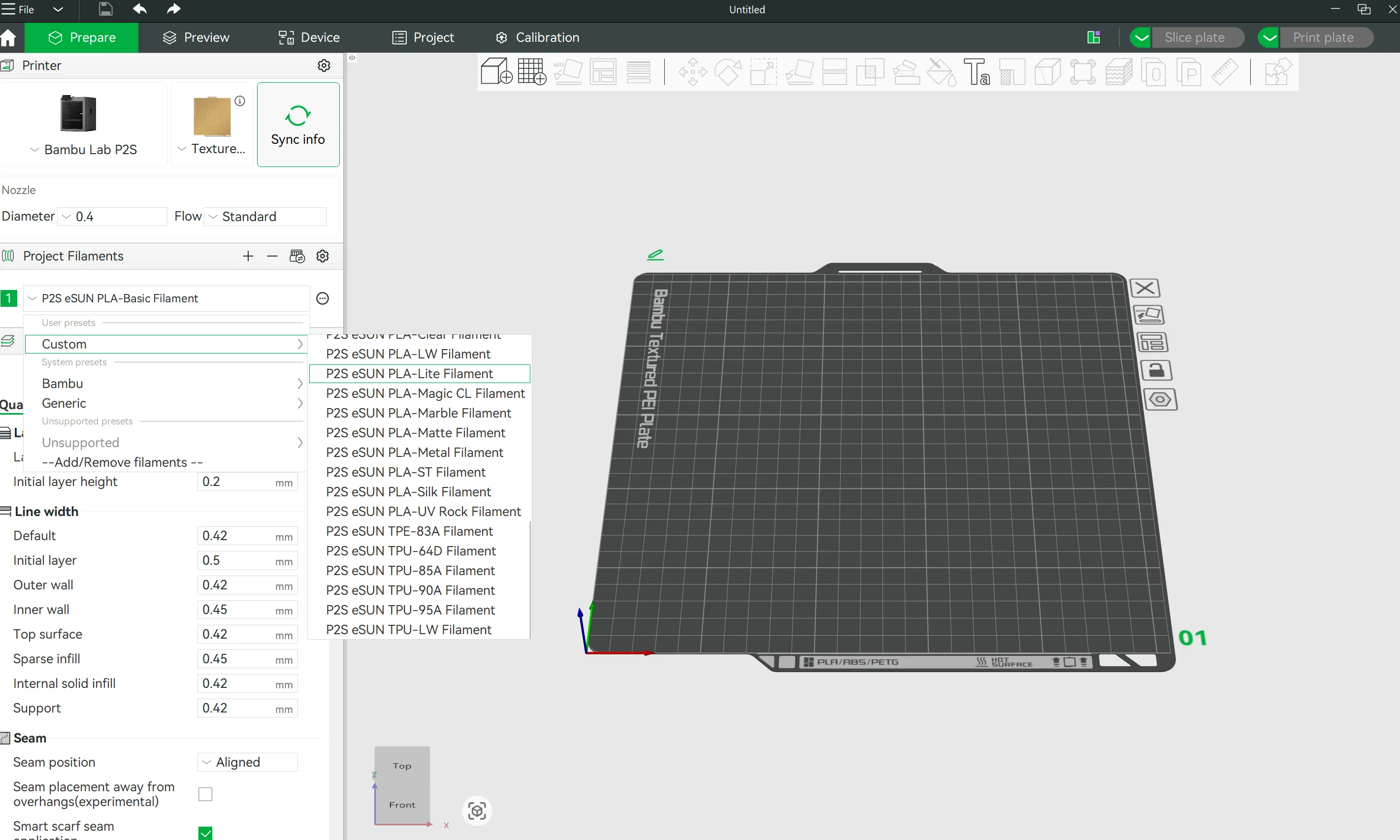
Open Bambu Studio and click on File >> Import >> Import configs.
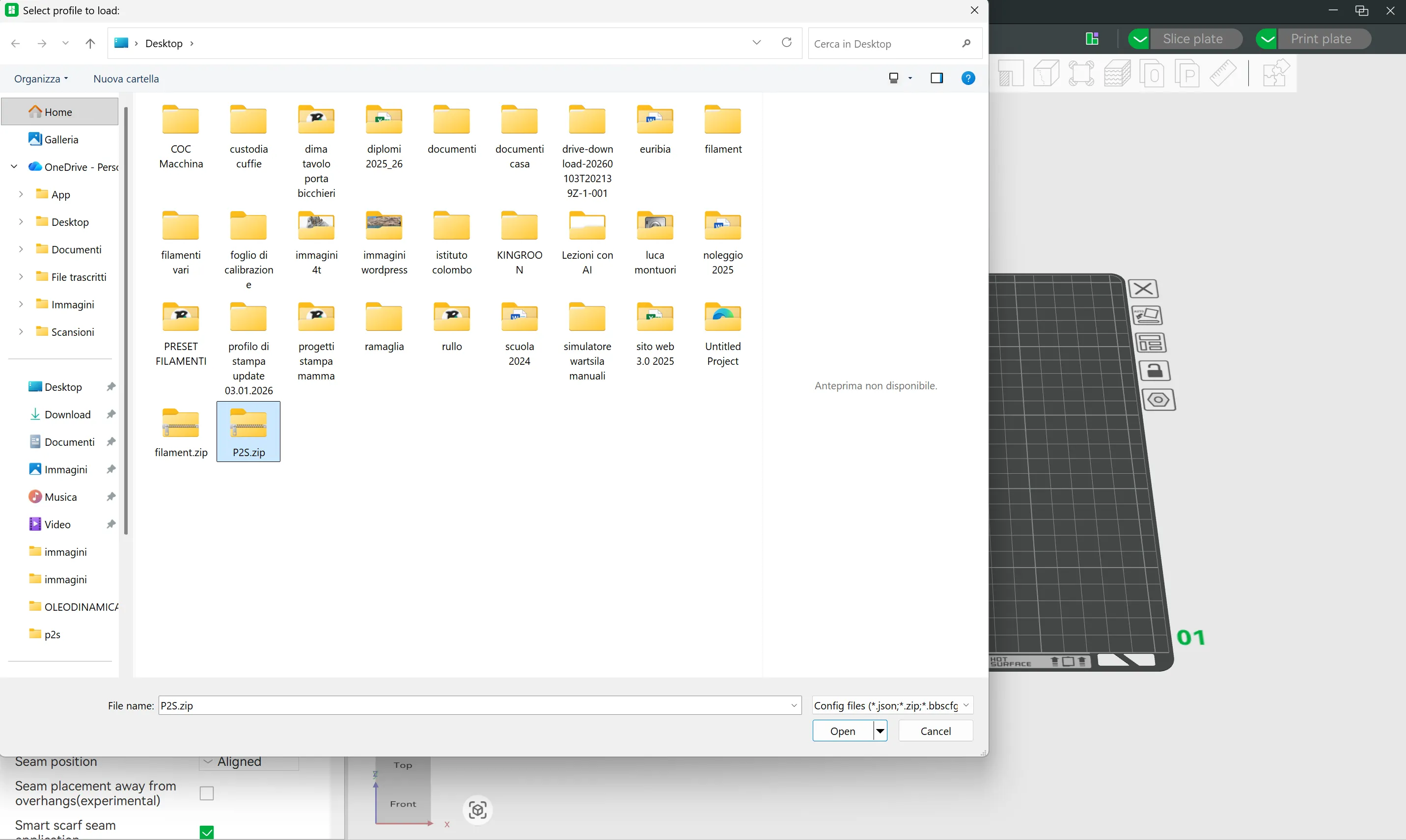
Select the downloaded P2S.zip file >> Open.
Select the desired eSUN filament.
How many of you have printed the cube with my P2S presets? Top results? A boost motivates me to make them for other filaments!
Boost Me (for free)
Support me!
Update 28.02.2026 n.1
Not convinced by the first layer? I've created a dedicated test model with a step-by-step guide to optimize it perfectly!
Update 28.02.26 n.2
Tired of printing first layer test sheets that end up straight in the trash? Check out my zero-waste solution to reuse them! ;)
PS: Do you use filaments from different brands or Bambu Lab? I’ve put together some highly optimized print profiles for the different Bambu printers—you’ll find everything at the link below, take a look!
https://makerworld.com/it/models/2196052-bambulab-optimized-print-profiles#profileId-2384951
eSun preset filament for A1 mini → https://makerworld.com/it/models/2445352-the-no-fail-esun-profile-pack-for-a1-mini#profileId-2683942
eSun preset filament for P2s → https://makerworld.com/it/models/2223079-esun-perfect-preset-for-p2s-all-filament#profileId-2417841
License

You shall not share, sub-license, sell, rent, host, transfer, or distribute in any way the digital or 3D printed versions of this object, nor any other derivative work of this object in its digital or physical format (including - but not limited to - remixes of this object, and hosting on other digital platforms). The objects may not be used without permission in any way whatsoever in which you charge money, or collect fees.


Comment & Rating (52)