
Collapsing Dual-Bladed Lightsaber
Print Profile(1)


Description
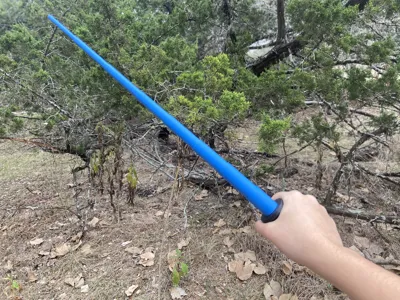
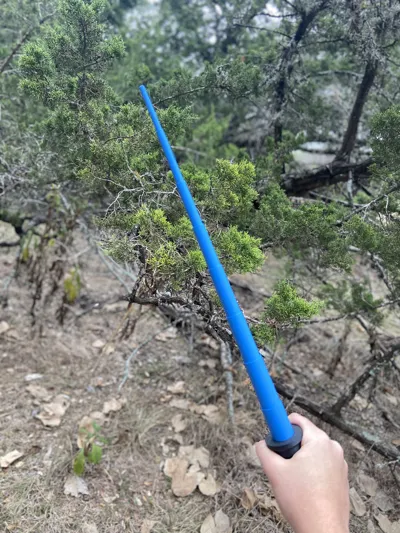
⚔️ Collapsing Dual-Bladed Lightsaber ⚔️
One handle… or two. Your choice. Maximum drama either way.


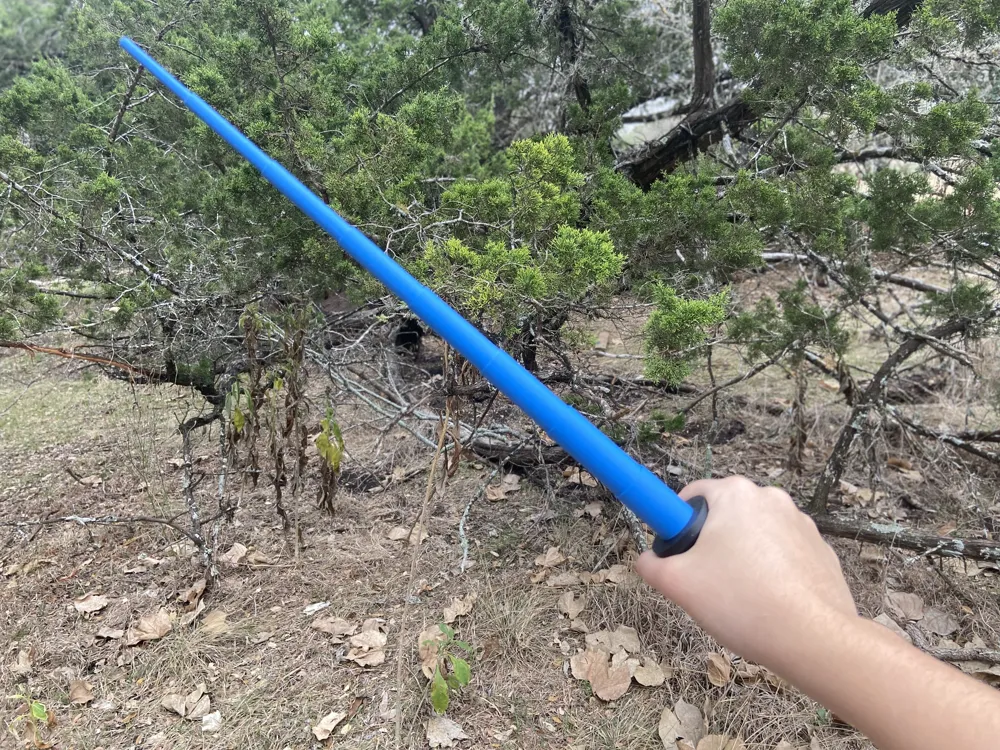
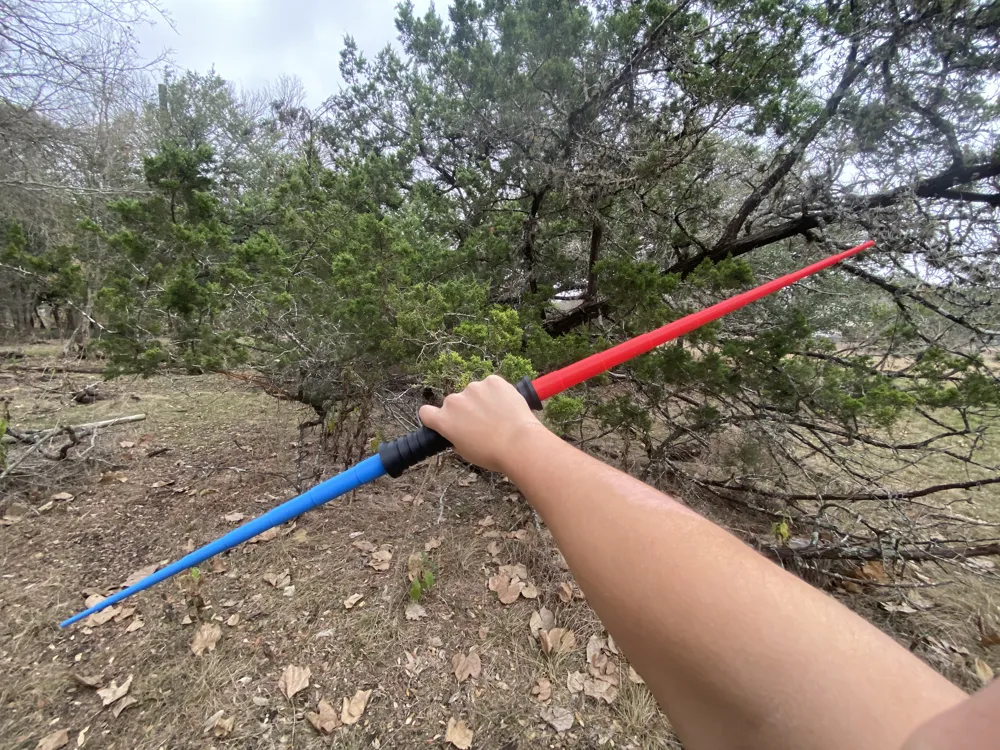
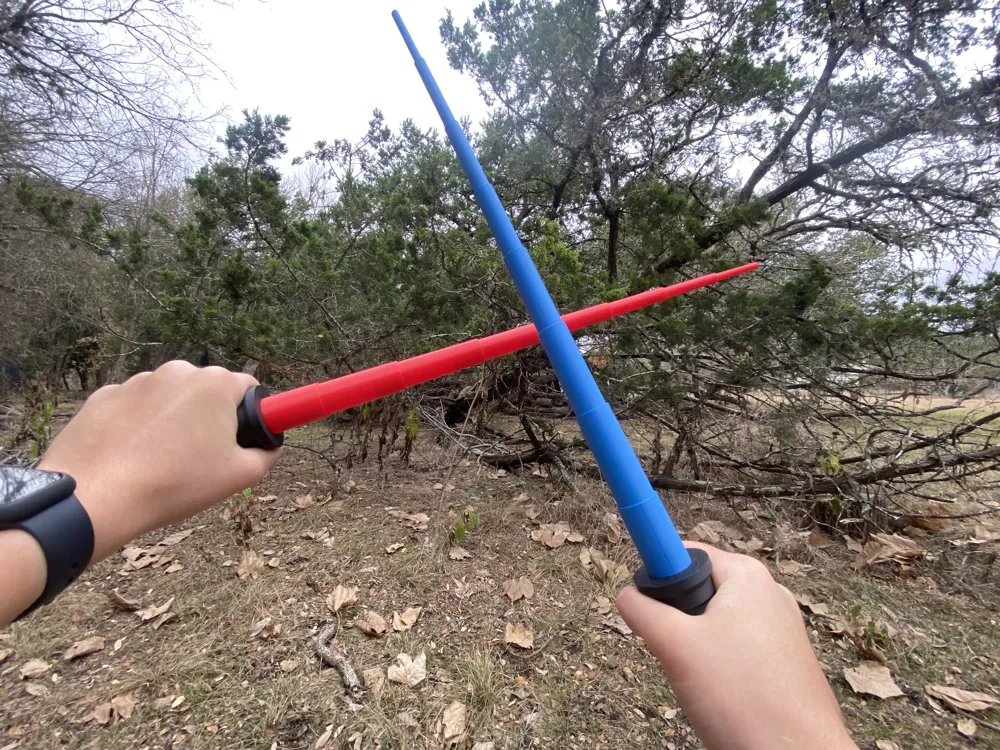
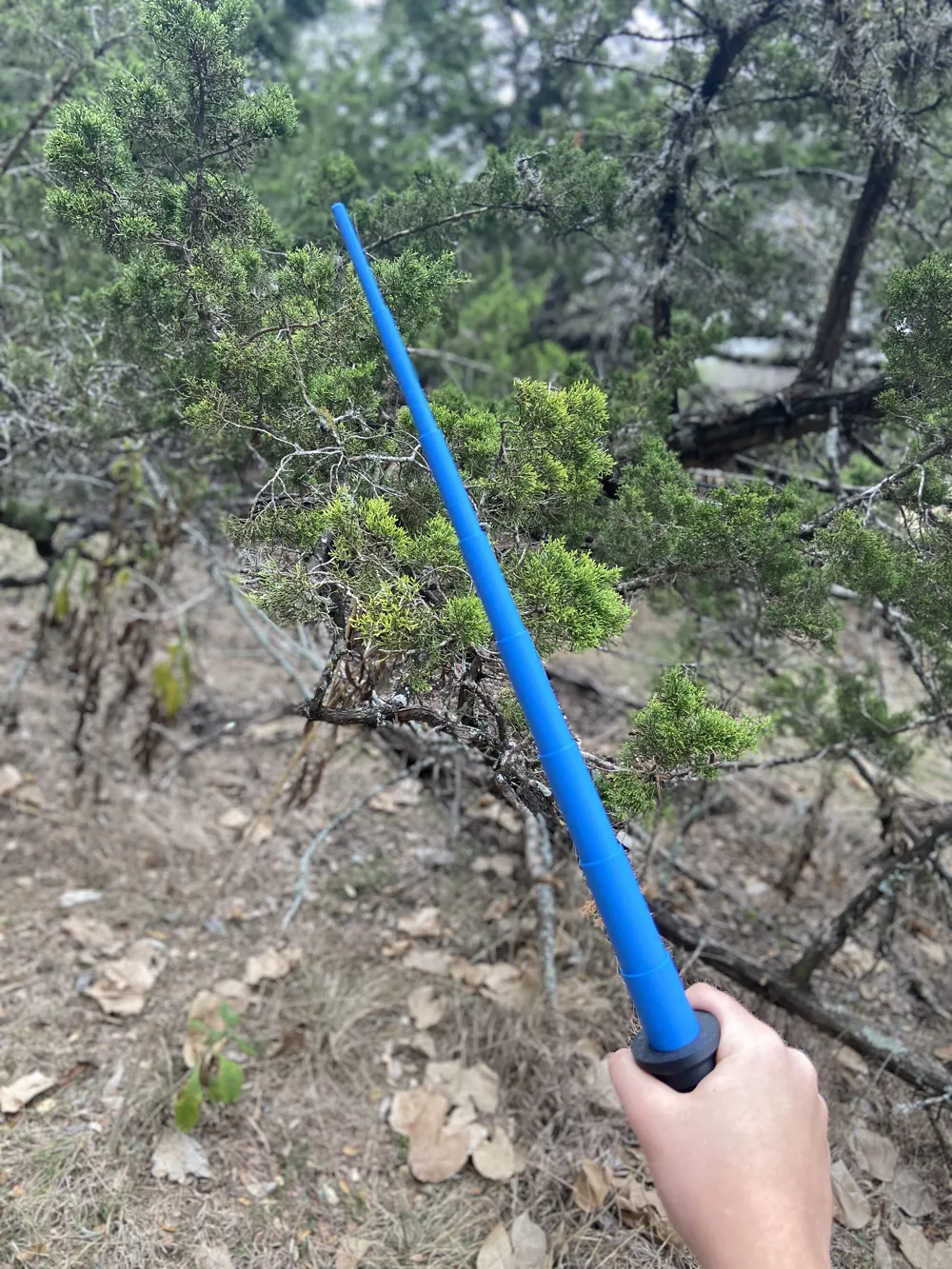
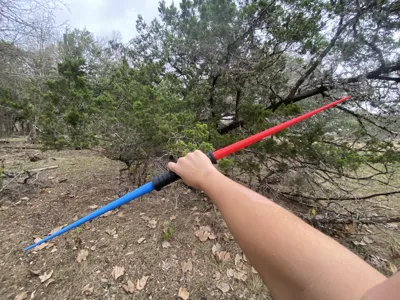
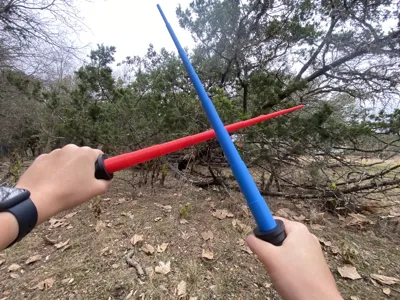
This modular collapsing lightsaber system is designed for flexibility, smooth motion, and that unmistakable sci-fi flair. Each lightsaber functions on its own as a compact, extendable blade — or you can connect two individual sabers together to form a full dual-bladed staff. When you’re done, simply separate them again and return to single-blade mode.
Keep it dual-bladed permanently, swap configurations on the fly, or mix colors for extra visual impact — this model is all about options.
✨ Features
- Collapsing / extending blade mechanism
Blades retract cleanly into the handle and extend with a satisfying, tactile motion. - Modular dual-blade system
Two individual lightsabers can be easily connected to create a dual-bladed staff, then separated again whenever you want. - Single or dual mode
Use each saber independently or keep them joined as a permanent dual-bladed build. - Print-in-place friendly design
Designed for smooth movement right off the printer with minimal supports. - Highly customizable
Mix filament colors, blade styles, or scale sizes to create your ideal saber setup. - Great for display or light play
Perfect for cosplay, shelf displays, or dramatic spinning (control strongly encouraged).
🖨️ Printing Notes
- Recommended layer height: 0.2 mm
- Recommended nozzle size: 0.4 mm
- Recommended infill pattern: Grid
- PLA, PLA Matte, or PLA+ recommended for best results
- Print blades on a SuperTack plate for maximum adhesion to mitigate failures. If you don't have one, make sure to clean your plate with soap and water and/or isopropyl alcohol.
- I've designed this lightsaber to be printable on all printer types, even the A1 Mini, so don't worry about models being too large!
- No glue required for assembly.
- If you want just a single-bladed saber, print the plates labeled “Blades,” “Hilt,” and “Standard Endcap.” To assemble, just slide the blades into the back of the hilt (the side you want to put in first has the centerpiece that has a chamfered tip), screw on the endcap, and you're done!
- If you're feeling adventurous and want to make the dual-bladed one, you'll need to print two sets of hilts, two sets of blades, and the endcaps depend on the exact configuration you want.
- If you want to snap them together for a mighty staff but then twist them apart to have two sabers in an instant, print the plate labeled “Dual-Blade Mode Snap-Lock Caps” (the one with two similar sized small-ish parts). Before using them though, the snap-lock endcaps are a bit finicky and I would recommend twisting them together by themselves as hard as you can and then twisting them appart just to get the snapping going. Do that several times, and once you feel like it's working, thread one endcap onto each hilt with the blades and enjoy!!
- If you instead want to keep the blades permanently connected, print the plate labeled “Dual-Blade Mode Screw-On Connector Cap,” which threads onto both hilts to keep them locked together tight.
🎨 Customization Ideas
- Translucent filament for glowing blade effects
- Two-color or glow-in-the-dark blades
- Metallic or matte finishes for the hilt
- Matching or contrasting saber pairs
⚠️ Important Notes
- Blade durability: The blade can snap if too much force is applied.
- Blade retraction: If you push in the topmost segment of the blade first followed by the second, they could accidentally not go inside of one another, causing the rest of the retraction to fail. If this happens, just unscrew the endcap and put the blade back together carefully. To prevent, just be mindful when you're pushing the blade back in.
- Endcaps & threads: When screwing in the endcaps that retain the blades, do not overtighten — excessive force may cause the threads to snap, which leads to you having to reprint the hilt and and encap.
- Size: Please keep in mind that this model was prototyped and finalized on the A1 Mini and is designed to be quickly printable. Therefore, it's not that big of a lightsaber and only ~2.5 feet with a single saber. If you're looking for a bigger model, I'll try to release a different lightsaber soon.
Boost Me (for free)
These models take a lot of time and energy to create and even more to refine them! It would mean a lot to me to have you boost me and even give me some feedback to make more models like this in the future! Thank you all for your support!
License

You shall not share, sub-license, sell, rent, host, transfer, or distribute in any way the digital or 3D printed versions of this object, nor any other derivative work of this object in its digital or physical format (including - but not limited to - remixes of this object, and hosting on other digital platforms). The objects may not be used without permission in any way whatsoever in which you charge money, or collect fees.


Comment & Rating (59)