
Customizable Iron Man Finger
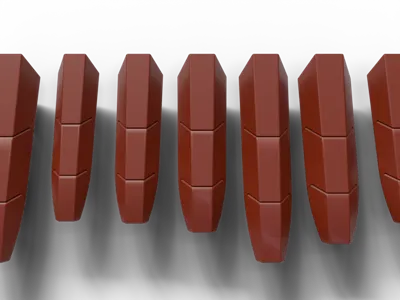
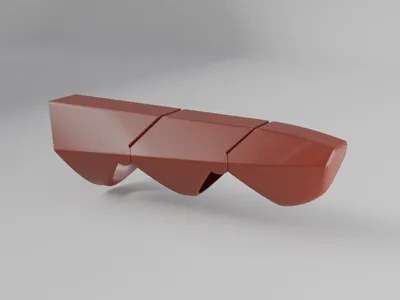
Print Profile(2)

Description
READ INSTRUCTIONS FIRST
The configurator is not perfect, and there may be some issues list below!
UPDATE 29.03.2026: Added a Thumb print profile with various sizes. (If you need another size just ask for it in the comments!) I couldn't implement it into the configurator yet so I manually exported some sizes. Hope they fit :)
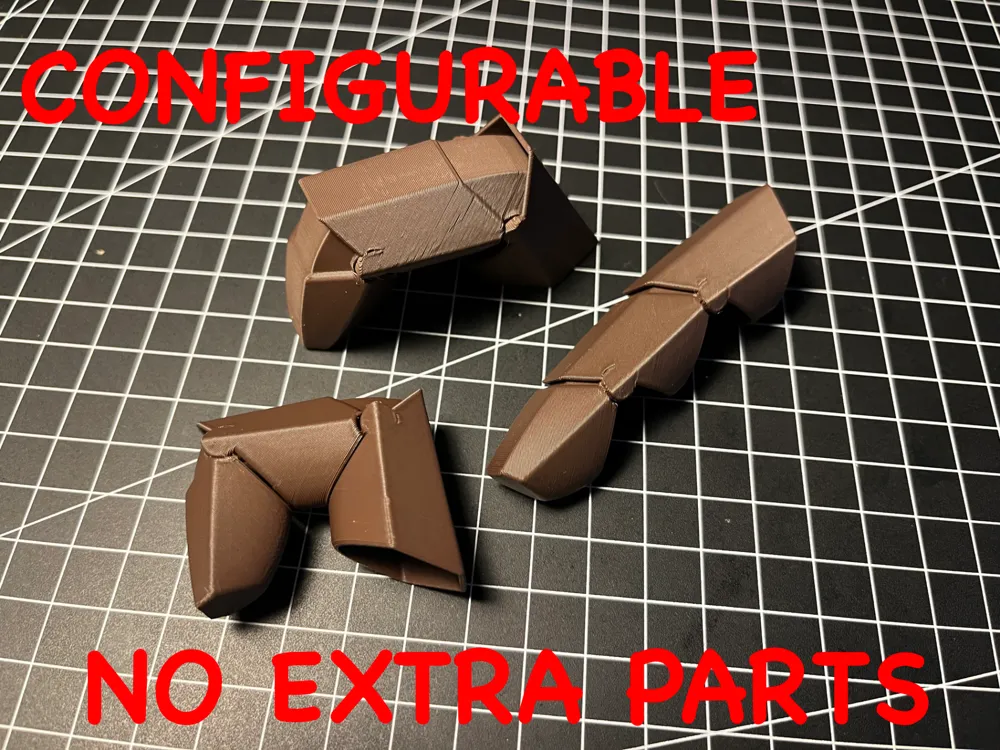

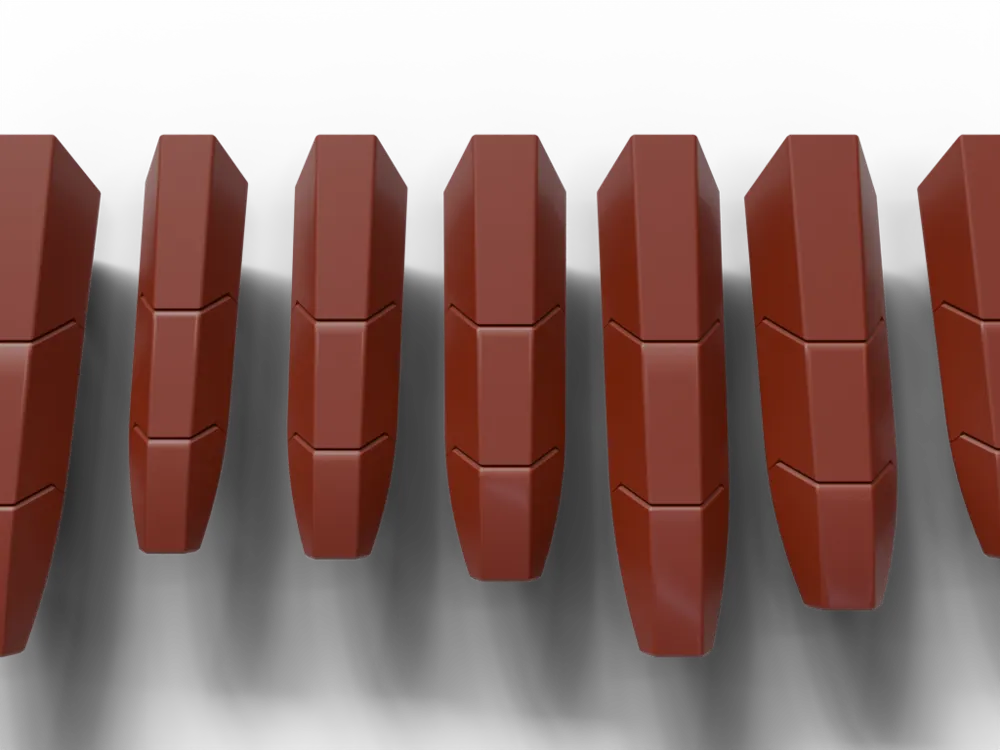
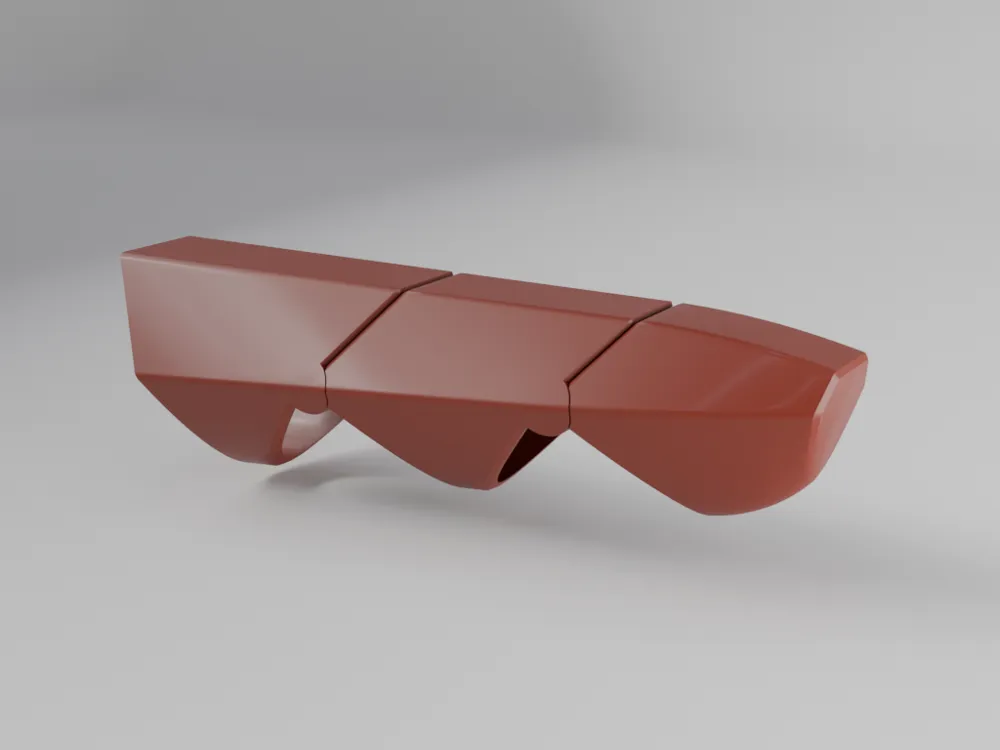
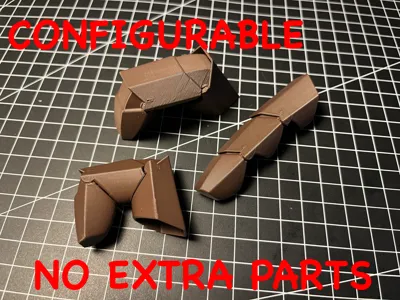
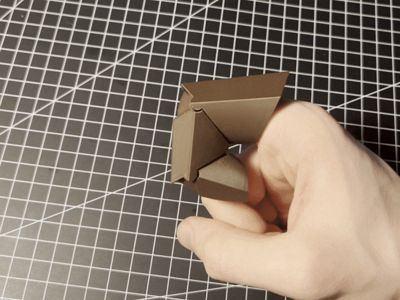
This is an Ironman-inspired wearable finger that requires no extra parts. It is fully articulated and simply clips together after printing. It can be easily configured to your finger dimensions. Just enter 4 dimensions that can be easily measured on your finger and hit print!
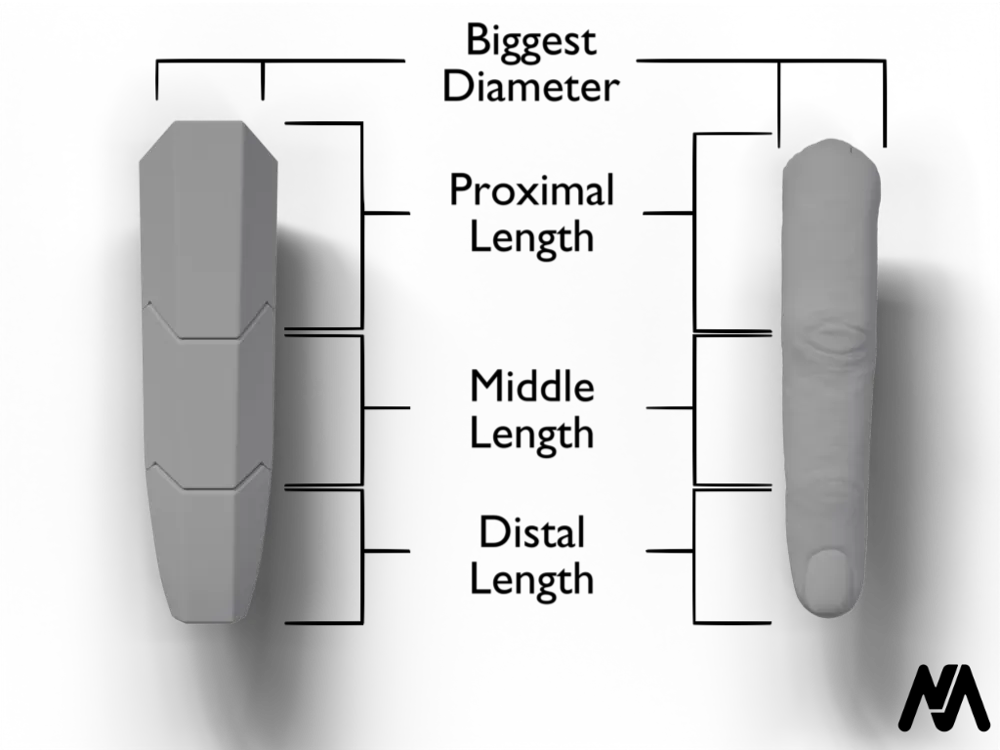
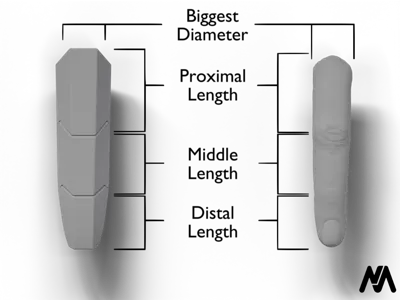
How to measure (image):
- Proximal Diameter (measure the largest diameter in front of your main knuckle)
- Distal Length (measure from the tip of your finger to the center of the nearest joint)
- Middle Length (measure from the center points of the two middle joints)
Proximal Length (measure from the center points of the main knuckle to the next joint)
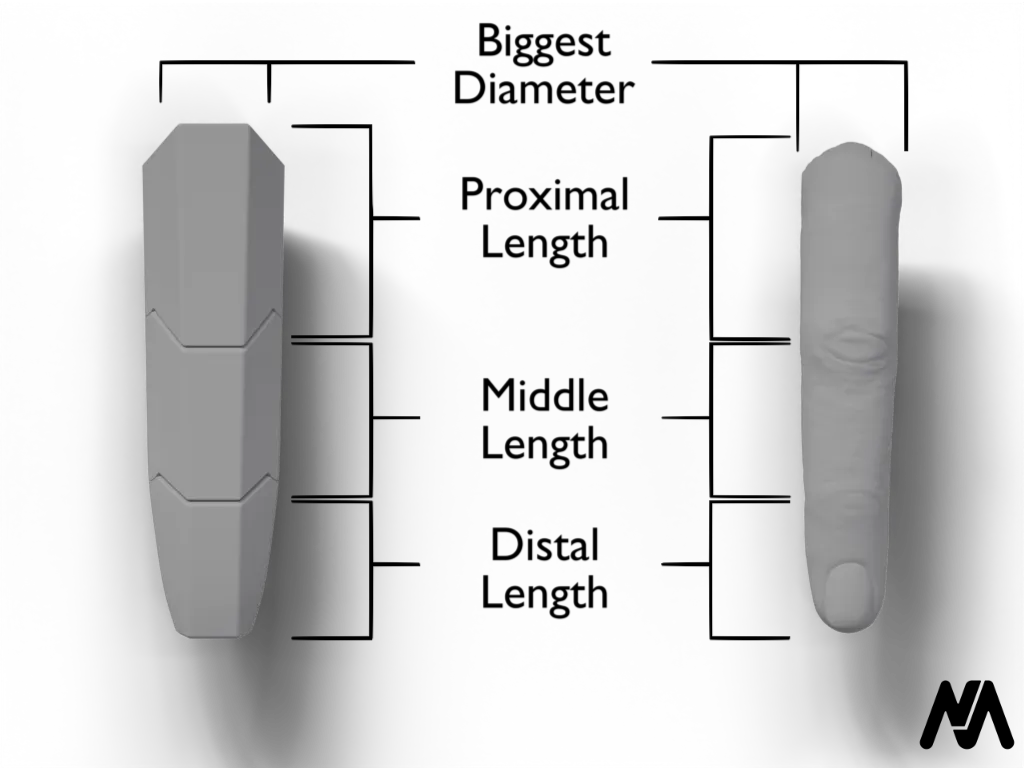
It’s better to go bigger than smaller if you’re unsure.
Because of the hinges you should around 4-5mm to the Biggest Diameter value.
How to prepare for print:
- When importing the model into your slicer, you will need to split the model into objects (Right-click on the model -> Split -> To Objects).
- Then, press "Auto Orient" (top bar -> 3rd from the left).
- After that, you're done!
Optimal Orientation:
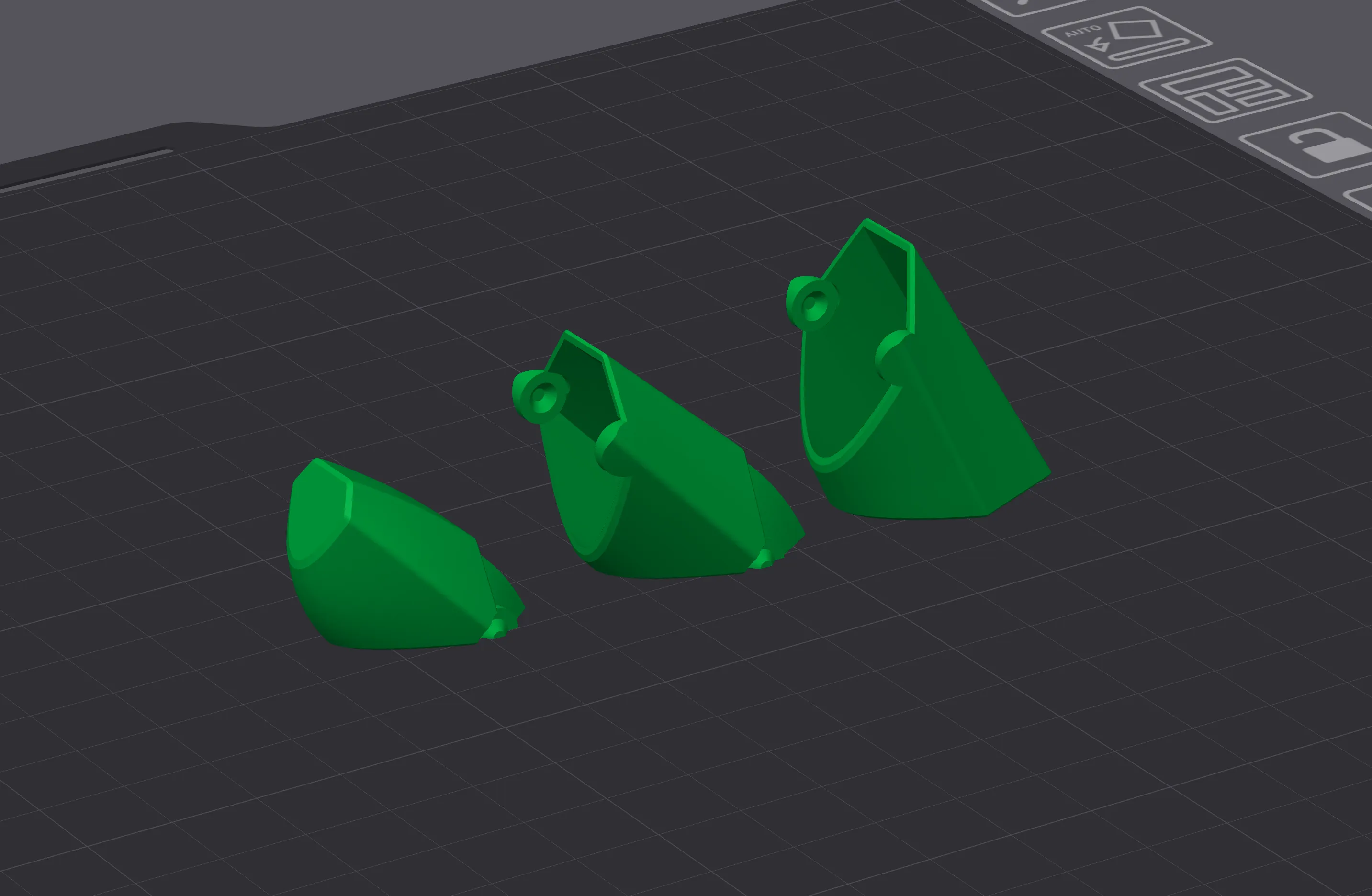
Common issues with the configurator:
- Missing details (not fatal):
- Sometimes there are missing fillets along the edges. This is purely aesthetic and can be fixed by adjusting the Length values (±1mm).
- Faulty model after generation (fatal):
- Strange middle length sizing: for example, if the Proximal Diameter is 25mm (fairly large), but the middle Length is 15mm (fairly small). Avoid making the middle length more than ~5mm smaller than the Proximal Diameter.
If you encounter any other issues when generating or importing the model into your slicer, please let me know in the comments (a picture of the model would be very helpful). I will try to adjust the file to resolve the problem.
License

You shall not share, sub-license, sell, rent, host, transfer, or distribute in any way the digital or 3D printed versions of this object, nor any other derivative work of this object in its digital or physical format (including - but not limited to - remixes of this object, and hosting on other digital platforms). The objects may not be used without permission in any way whatsoever in which you charge money, or collect fees.


Comment & Rating (86)