
Print Profile(1)

Description
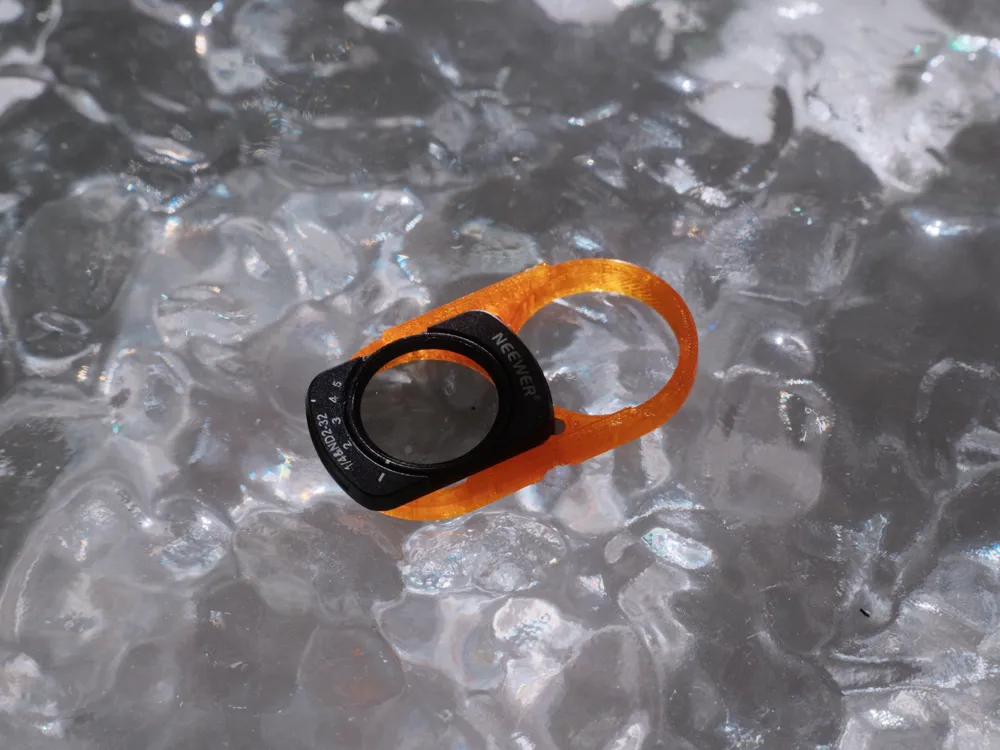
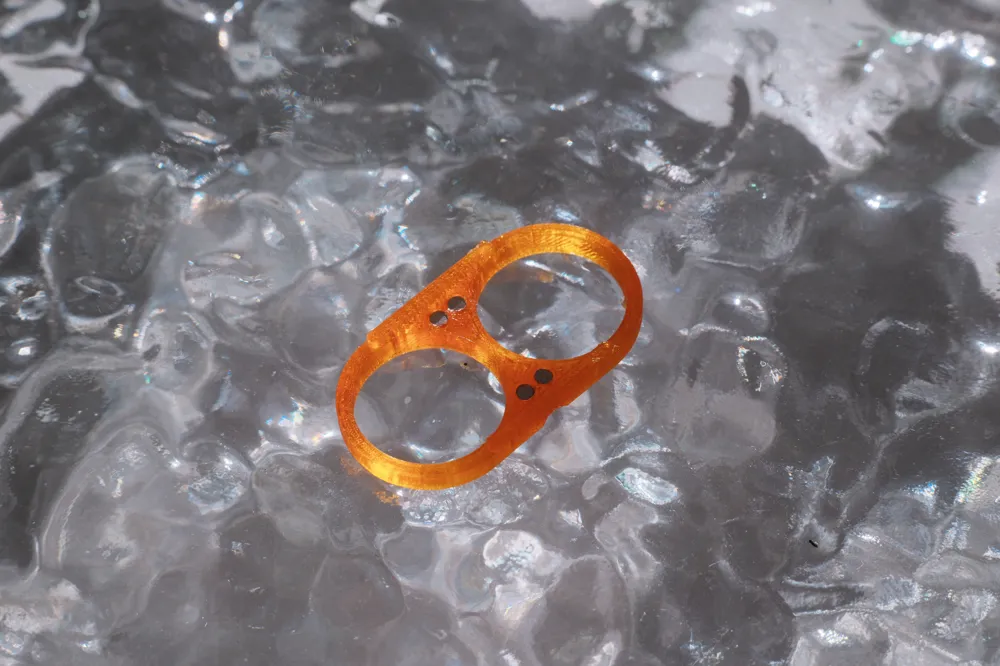
This is Uitas. To thank everyone for their support of the Pro version iPhone Little Lotus adapter ring, we have now decided to open source the Little Lotus design solution for standard iPhone models. This adapter ring can connect DJI Pocket 3 filters to iPhones and is compatible with some phone cases;
I have designed for standard models from 13 to 16. To make it convenient for everyone to add their own configurations based on the model, I publish each model separately. You can go to the homepage to view other models;
Note, this solution relies on friction to snap onto the lens's metal ring. Different 3D printers have different printing accuracies, and different filaments have different sinkage rates. It cannot be guaranteed that it will work directly after printing. You need to adjust the X-Y inner contour compensation based on your printer and filament conditions;
Non-3D Printed Accessories
2mm diameter, 1mm thick circular magnets
Suggested Auxiliary Tools
T7 screwdriver, 502, 495, 406, and similar glues
Printing Recommendations
- When printing with rigid materials such as PETG or PLA, you need to appropriately increase the X-Y contour compensation. Different printers and different filaments require different values, so there is no universal data;
- When printing with soft materials such as TPU, you can appropriately reduce the X-Y contour compensation to make the installation more secure;
- The size is relatively small, it is recommended to print with 100% infill directly;
Assembly Notes
- The polarity of Pocket 3 filter magnets from different brands and models is not entirely consistent, so you need to install them according to your specific filter;
- After adding contour compensation, the magnet holes might be too small to fit or too large to hold securely. You can use a T7 screwdriver to enlarge the holes or apply a little glue;
Usage effect reference: http://xhslink.com/o/6xytEtAlNXU
License



Comment & Rating (0)