Search models, users, collections, and posts

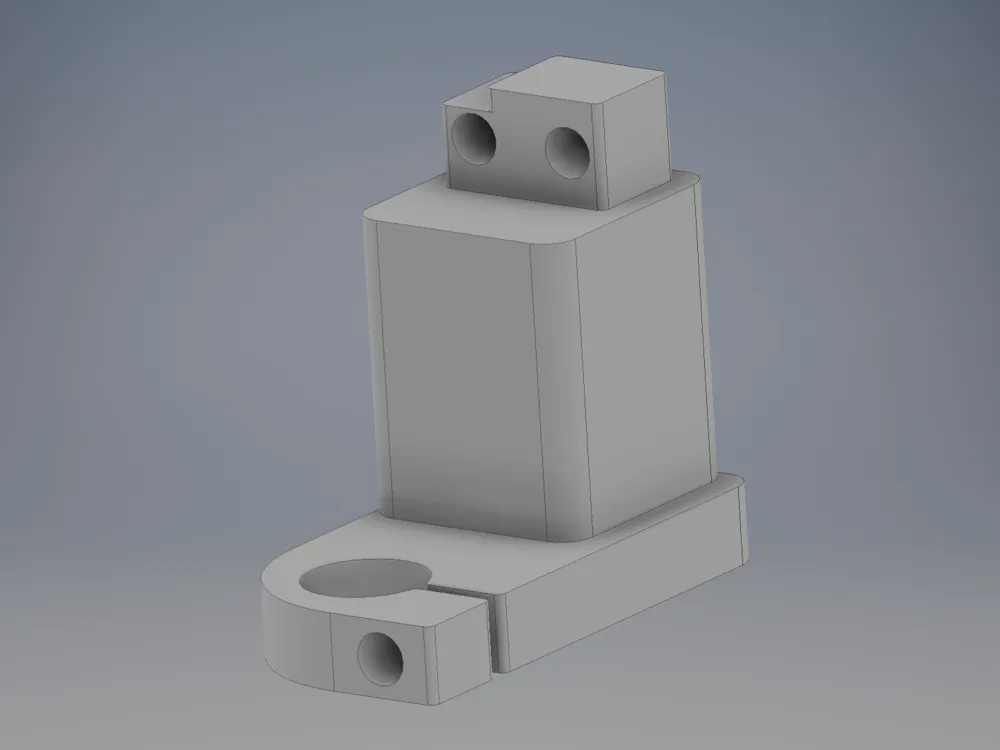
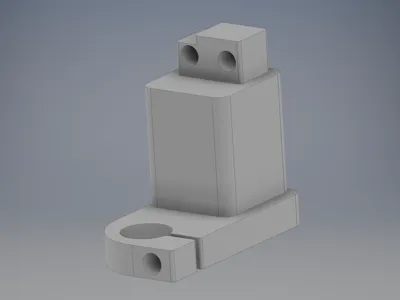
Dial gauge holder for Bambu Lab X1/P1
IP Report
Print Profile(1)

PETG HF 0.12mm layer, 5 walls, 15% infill
Designer
54 min
1 plate
Open in Bambu Studio
Boost
4
18
1
1
28
23
Released
Description
Content has been automatically translated.
Dial Indicator Holder for Bambu Lab X1/P1 (Hotend Replacement) – Fast Bed Leveling
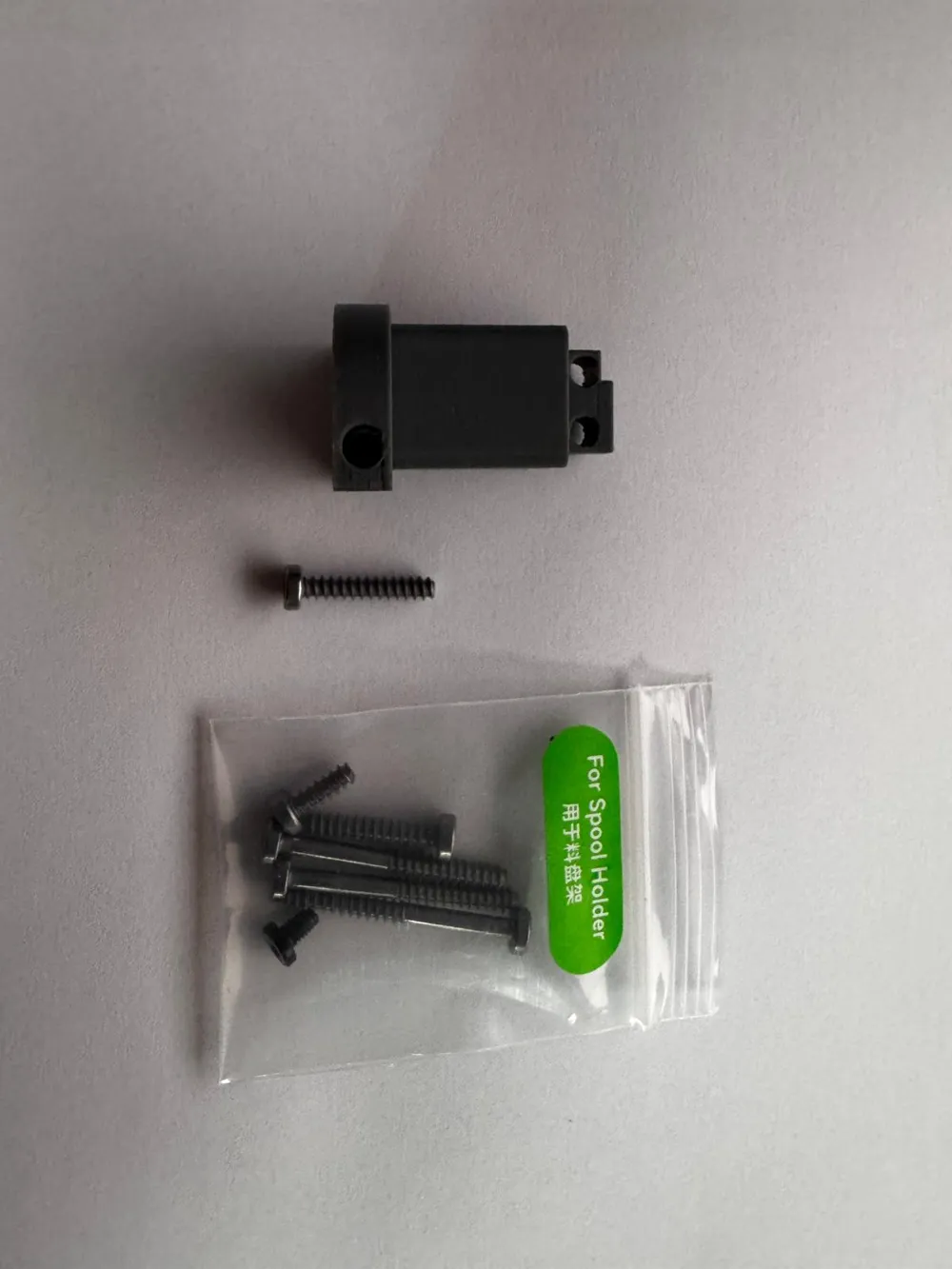
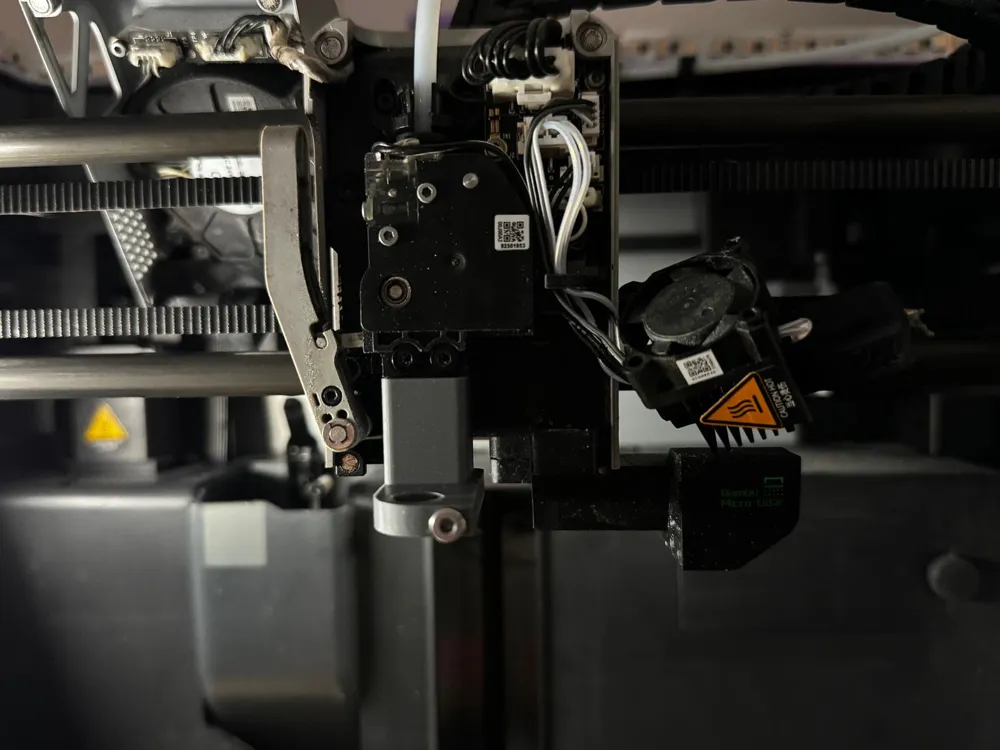
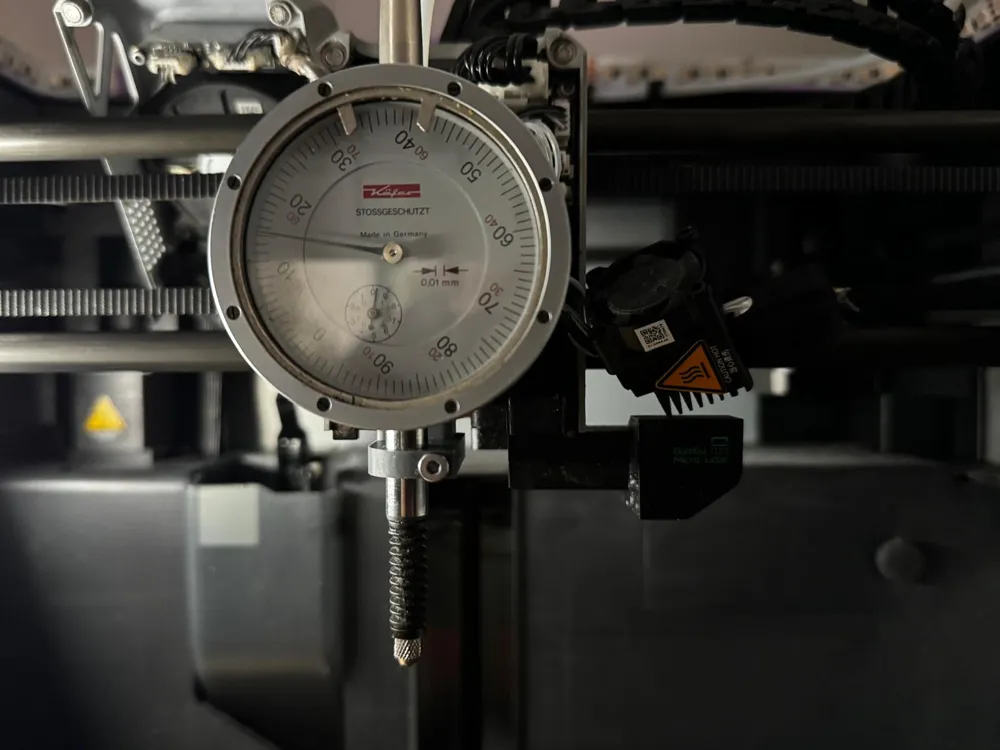
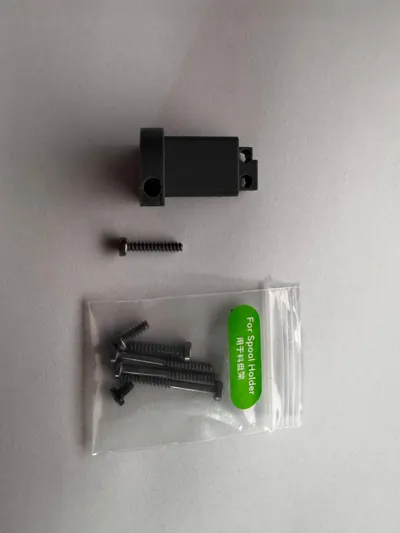
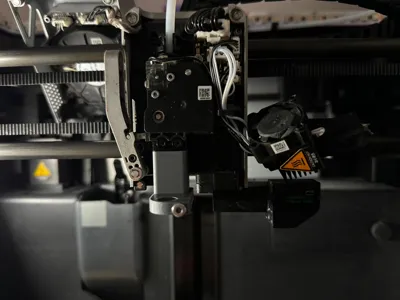
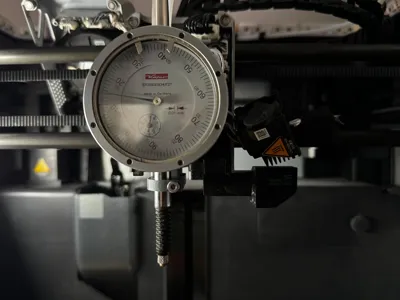
With this dial indicator holder, you can quickly and reproducibly level ("bed tramming") the print bed of your Bambu Lab X1/X1C and P1P/P1S. The holder is mounted instead of the hotend on the toolhead. A dial indicator is then inserted into the lower seat and securely fixed with a set screw (see photo)
Compatibility
- Bambu Lab X1 / X1C
- Bambu Lab P1P / P1S
Required Hardware
- 1× Set Screw for fixing the dial indicator (as in the photo; e.g., from a Bambu screw kit/"Spool Holder" bag)
- Dial indicator with suitable shaft diameter for the lower seat
Assembly & Usage (Brief)
- Turn off/cool down printer, remove hotend
- Mount the holder at the hotend position on the toolhead
- Insert the dial indicator into the lower bore
- Tighten the dial indicator with the set screw until it sits without play (do not overtighten)
- Move the bed to several points and level it using the dial indicator reading
Notes
- Zero the dial indicator before measuring and work with even contact
- The set screw should grip cleanly; if it is too long/short, use a suitable variant
License

This user content is licensed under a
Creative Commons Attribution-Noncommercial-NoDerivatives


Comment & Rating (1)