
Print Profile(2)
Description
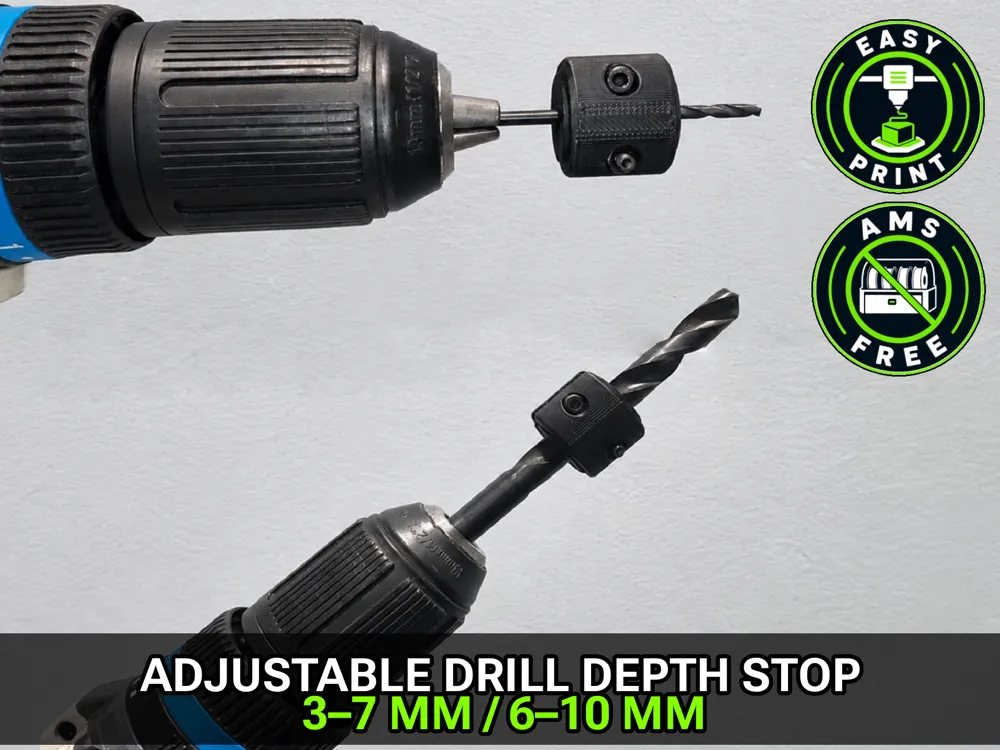
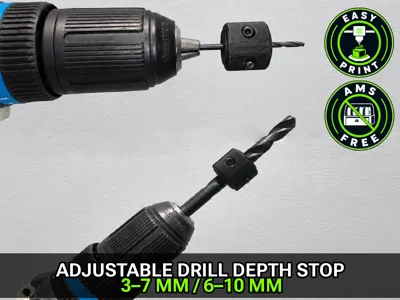
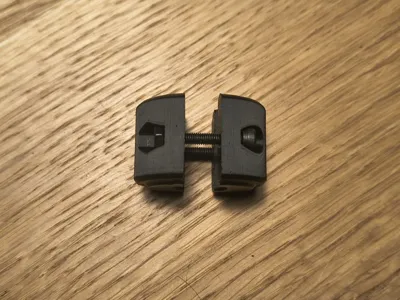
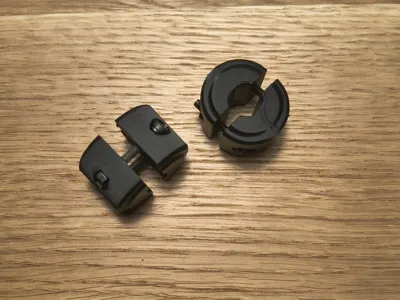
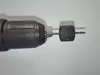
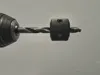
This adjustable drill depth stop was created after searching MakerWorld for a single, adjustable solution… and finding mostly one depth stop per drill bit size.
That works — but it also means:
- multiple prints
- more filament
- and a small collection of depth stops you have to keep track of
Instead, this design focuses on adjustability.
One depth stop for smaller drill bits.
One for slightly larger ones.
No need to print a new part for every size.
Less plastic.
Less clutter.
Same precision.
Versions included
Two adjustable versions are available:
- 3–7 mm (≈ 1/8" – 1/4")
- 6–10 mm
Together, they cover most common small and medium drill bit sizes.
Assembly
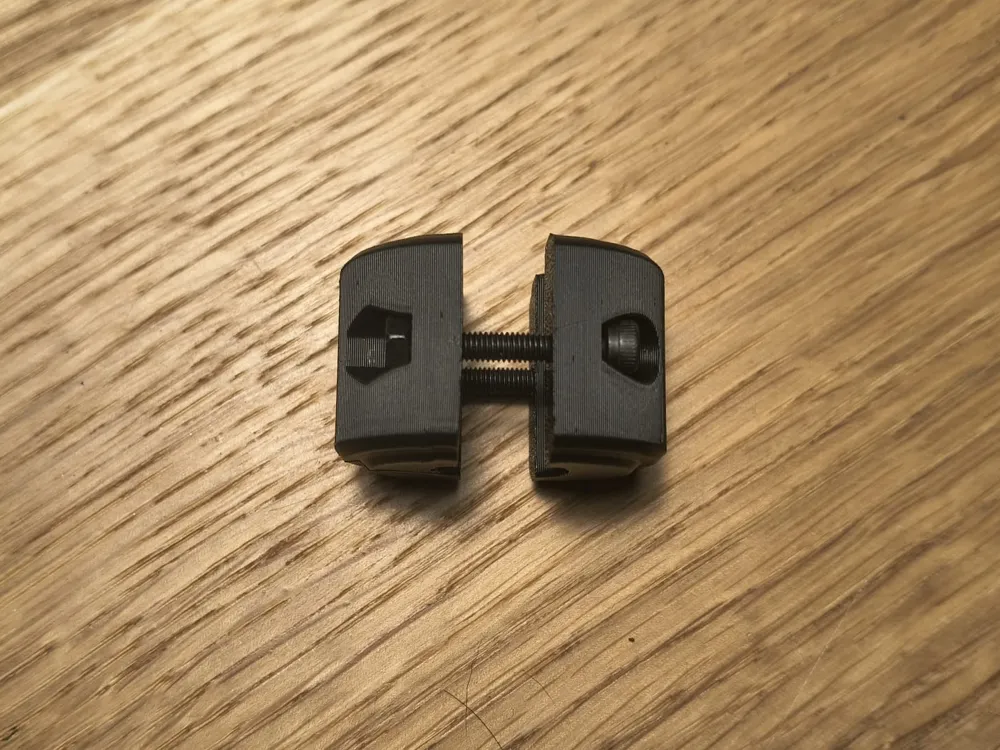
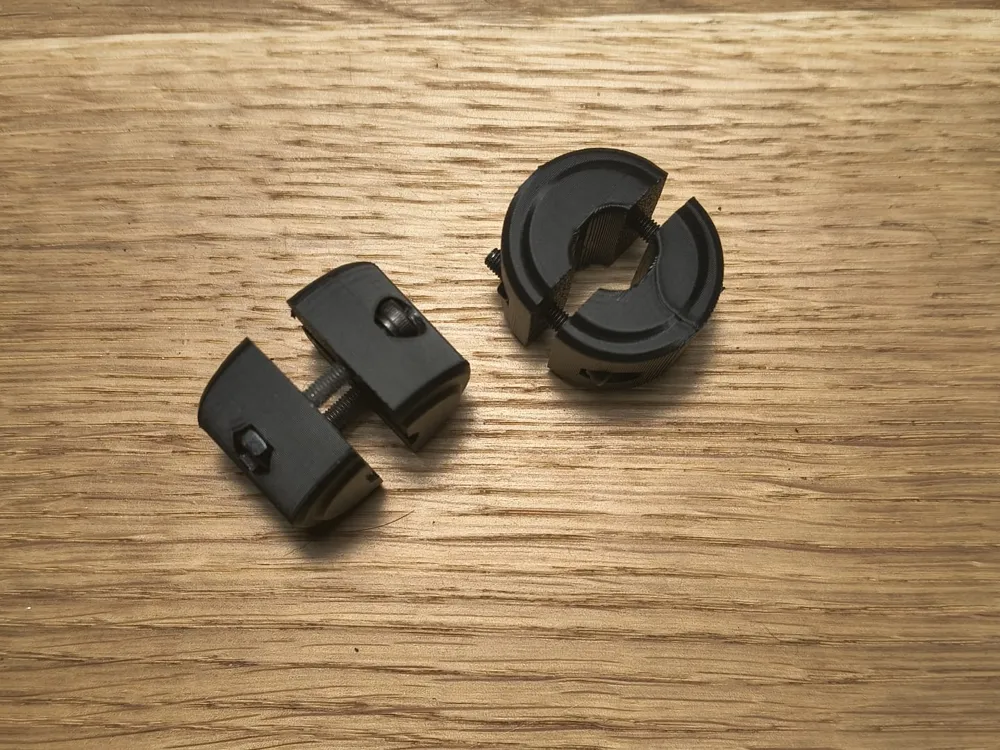
To assemble one depth stop, you will need:
- 2× M3*20mm screws
- 2× M3 nuts
Simple hardware. Simple assembly.
Features
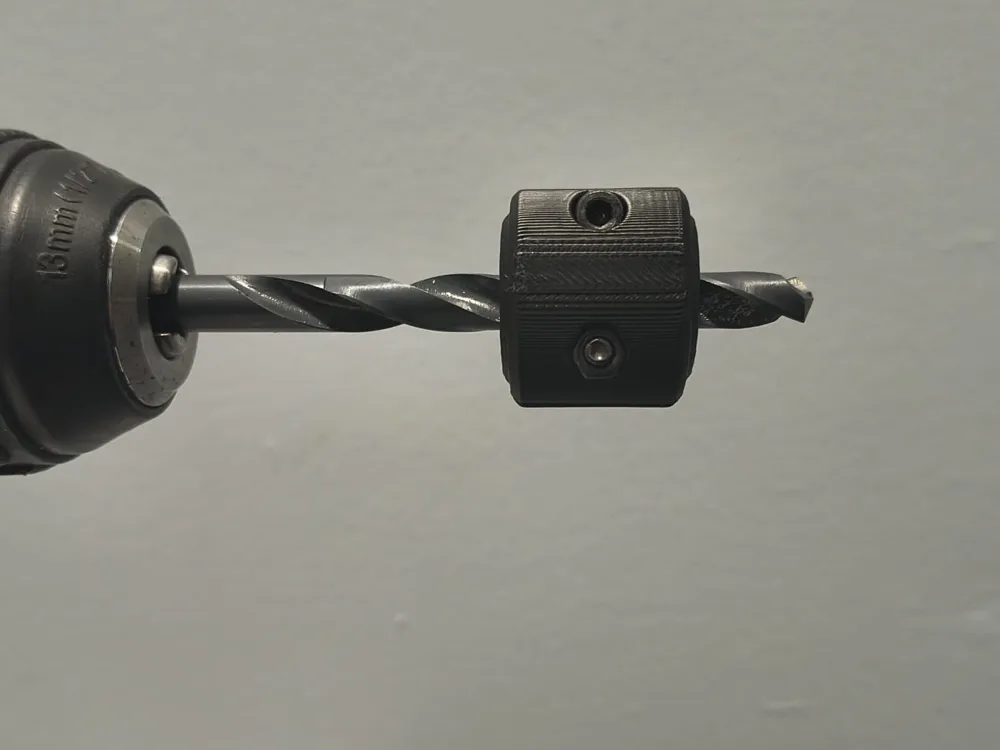
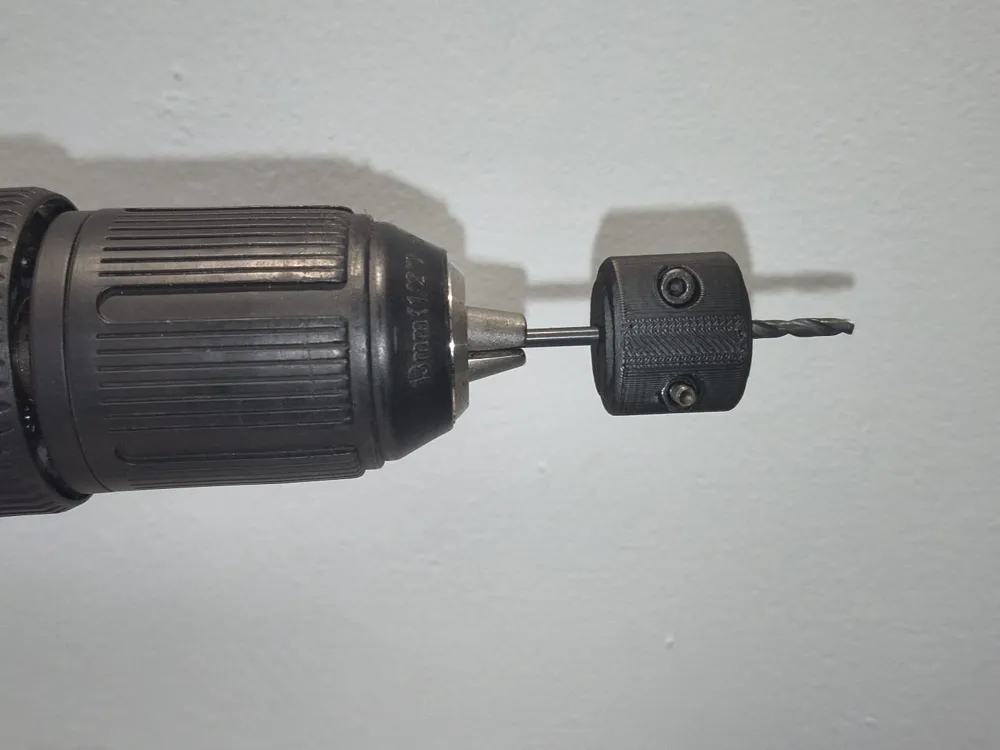
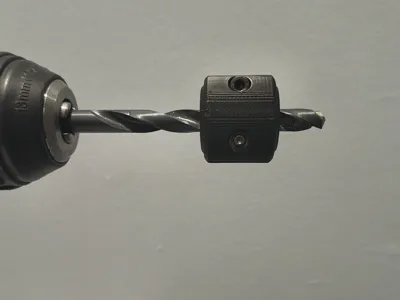
- Adjustable drilling depth control
- Covers multiple drill bit sizes per version
- Reduces the need for multiple single-size stops
- Saves filament and storage space
- Compact and lightweight design
- Uses standard M3 hardware
Perfect for
- Woodworking
- DIY projects
- Repetitive drilling
- Anyone who prefers one adjustable tool over many single-purpose ones
Notes
Make sure the depth stop is tightened securely before drilling.
Adjust once — drill many times.
Boost Me (for free)
Useful? A boost is always appreciated 🙂
☕ If you like this model, you can support me here:

🛠️Before You Start Printing
Before printing, give the bed a quick clean 🧽 — good adhesion = better first layer and accurate geometry.
Use dry filament (wet filament loves to pop, string, and ruin dimensions).
When using my MakerWorld profiles, make sure the selected material matches what you’re actually printing. Different materials shrink and behave differently — the wrong profile can mean wrong dimensions.
Also, my STL files are designed and dimensioned for PLA. If you print them in PETG, you may need to slightly rescale the model to compensate for different shrinkage.
Clean bed. Dry filament. Correct material. Done 😄
License

You may create derivative works based on this object, provided that all such derivative works are published exclusively on the MakerWorld platform and include proper attribution to the original creator. You may not share, upload, host, distribute, or publish this object—or any derivative work of this object—on any other digital platform, marketplace, or distribution channel. Commercial use of this object and any derivative works is strictly prohibited. This includes, but is not limited to, selling, renting, sublicensing, or using the object in any context in which you receive monetary compensation or other financial benefits.


Comment & Rating (0)