
Spacerless - Gridfinity Baseplate Generator
Print Profile(2)


Description
Spacerless - Gridfinity Baseplate Generator
🔥 UPDATE: The matching Spacerless Bin Generator is now LIVE! Create custom bins (and crazy shapes) that fit this baseplate perfectly without gaps:
👉 Spacerless - Gridfinity Bin Generator

📐 Auto-Fit to Drawer • 🧩 Print-Bed Tiling • 📍 Filament Pins • 🧲 Magnets • 🏷️ Labels
This parametric generator creates Gridfinity-compatible baseplates with one clear goal: zero wasted space in real drawers.
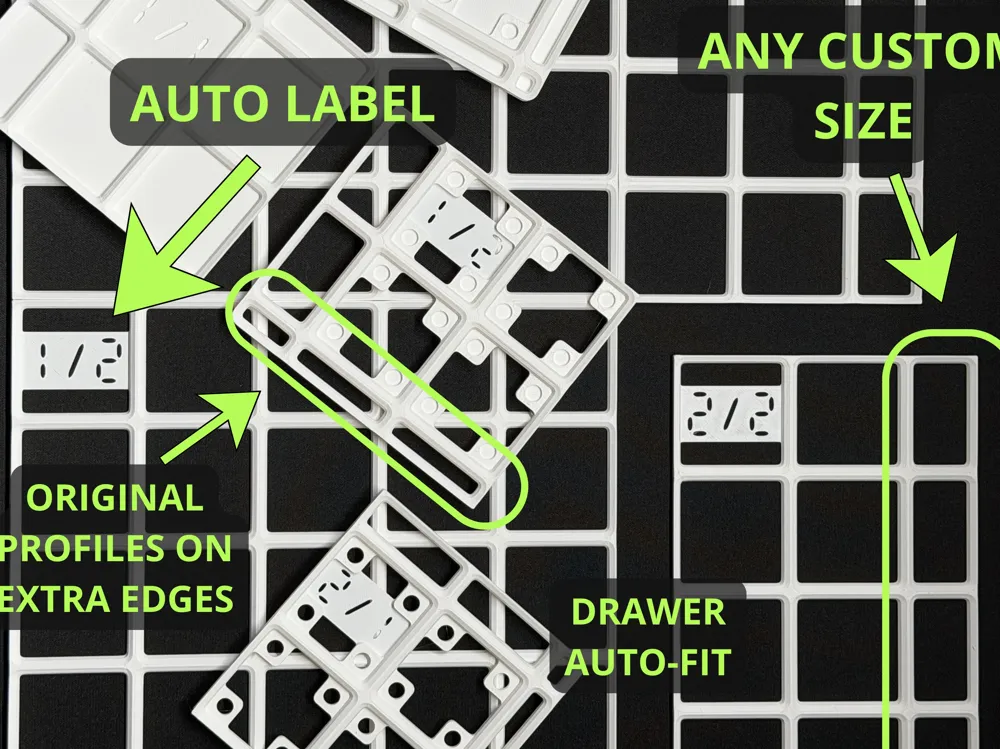
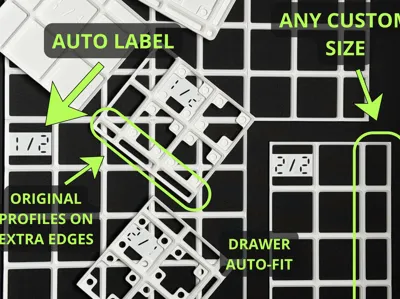
Most Gridfinity tools generate wasted space by filling gaps with useless "spacers" or filler blocks. This generator supports true spacerless fitting. It extends the functional baseplate geometry from 1 to 41 mm in 1 mm steps, matching your actual inner drawer size and avoiding dead zones entirely.
🚨 Important: MakerWorld limitation + Extra Large Grids
MakerWorld has a parametric limitation when the model is generated as separate build plates.
If MakerWorld shows a critical error:
- Switch to the Extra Large Grids customizer profile (the one where objects are not distributed across separate build plates by MakerWorld).
- The generator will still cut/tile the baseplate, but in this mode, you must do the final distribution yourself:
✅ Extra Large Grids steps (Bambu Studio / OrcaSlicer):
- Download the STL.
- Split to objects (separate tiles into individual parts).
- Use Auto Arrange to place tiles on build plates (press A on the keyboard).
This is a MakerWorld parametric constraint, not a model geometry issue.
🚀 Quick Start (Recommended)
1️⃣ Pick the sizing method Go to [01 Sizing Mode]
- Auto-fit to drawer ✅ (Recommended)
- Manual (set grid size + extensions yourself)
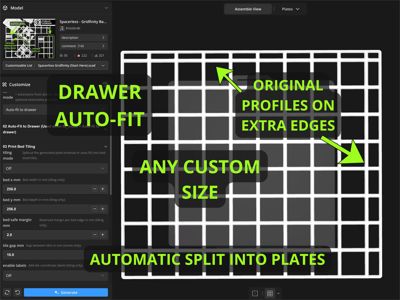
2️⃣ Auto-Fit to Drawer (best for real drawers) Go to [02 Auto-Fit to Drawer]
- drawer_x_mm / drawer_y_mm → inner drawer width/depth (mm)
- clearance_per_side_mm → Clearance default is now 0.0 mm per side (exact sizing by default; add 0.5-1.0 mm per side if you need easier insertion or your measurements are uncertain or you make a very large drawer)
- fit_x_distribution / fit_y_distribution → choose where the leftover space goes.
- Symmetric: Splits space evenly.
- Left / Right / Top / Bottom: Pushes the grid to one side and puts all extensions on the opposite side.
How it works: Fits the largest possible full 42 mm Gridfinity grid and uses the leftover area as spacerless extensions (1–41 mm) instead of generating separate filler blocks.
3️⃣ Print-Bed Tiling (when the plate is larger than your bed) Go to [03 Print Bed Tiling]
- tiling_mode = On
- Set bed_x_mm / bed_y_mm and bed_safe_margin_mm
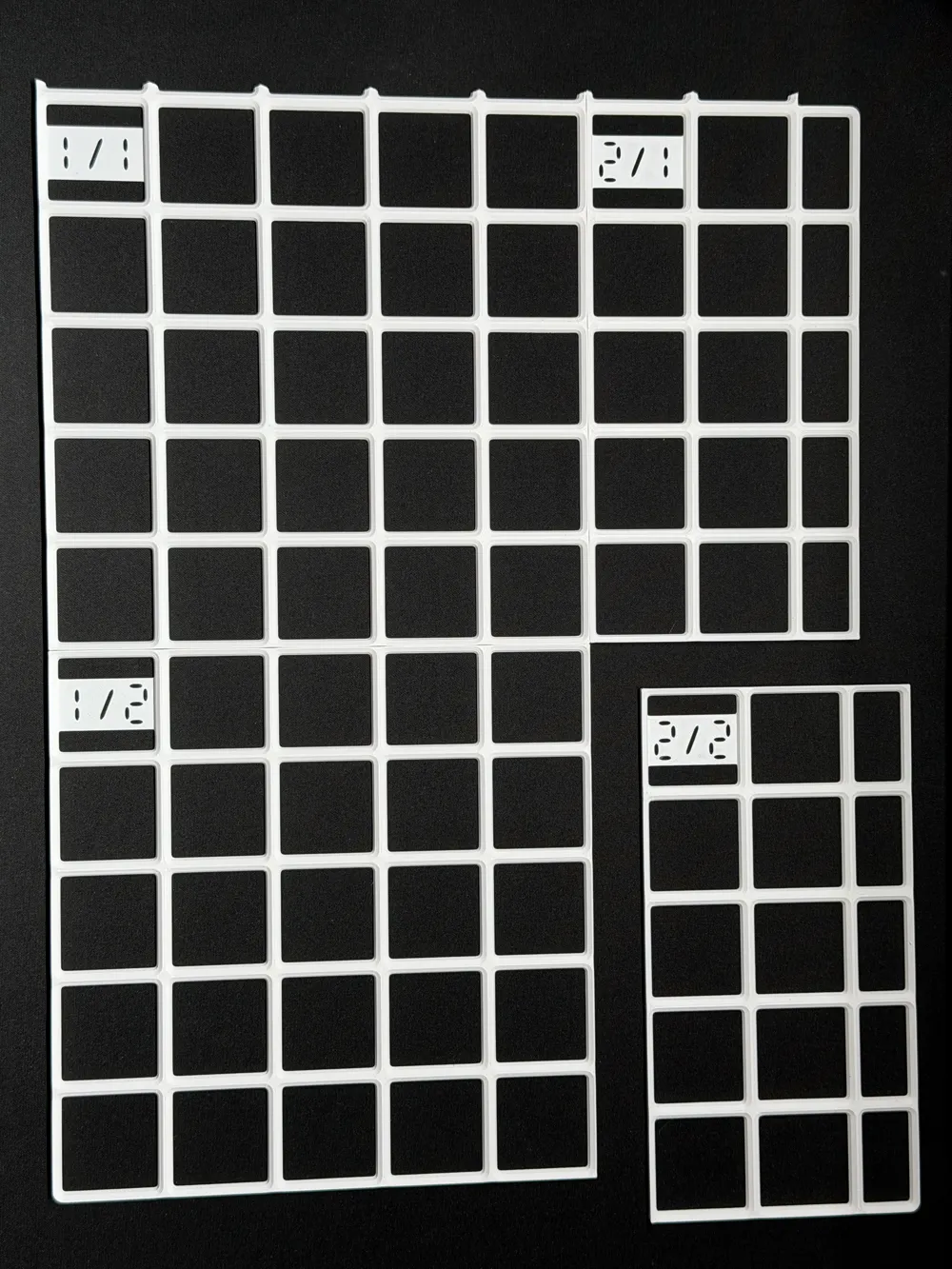
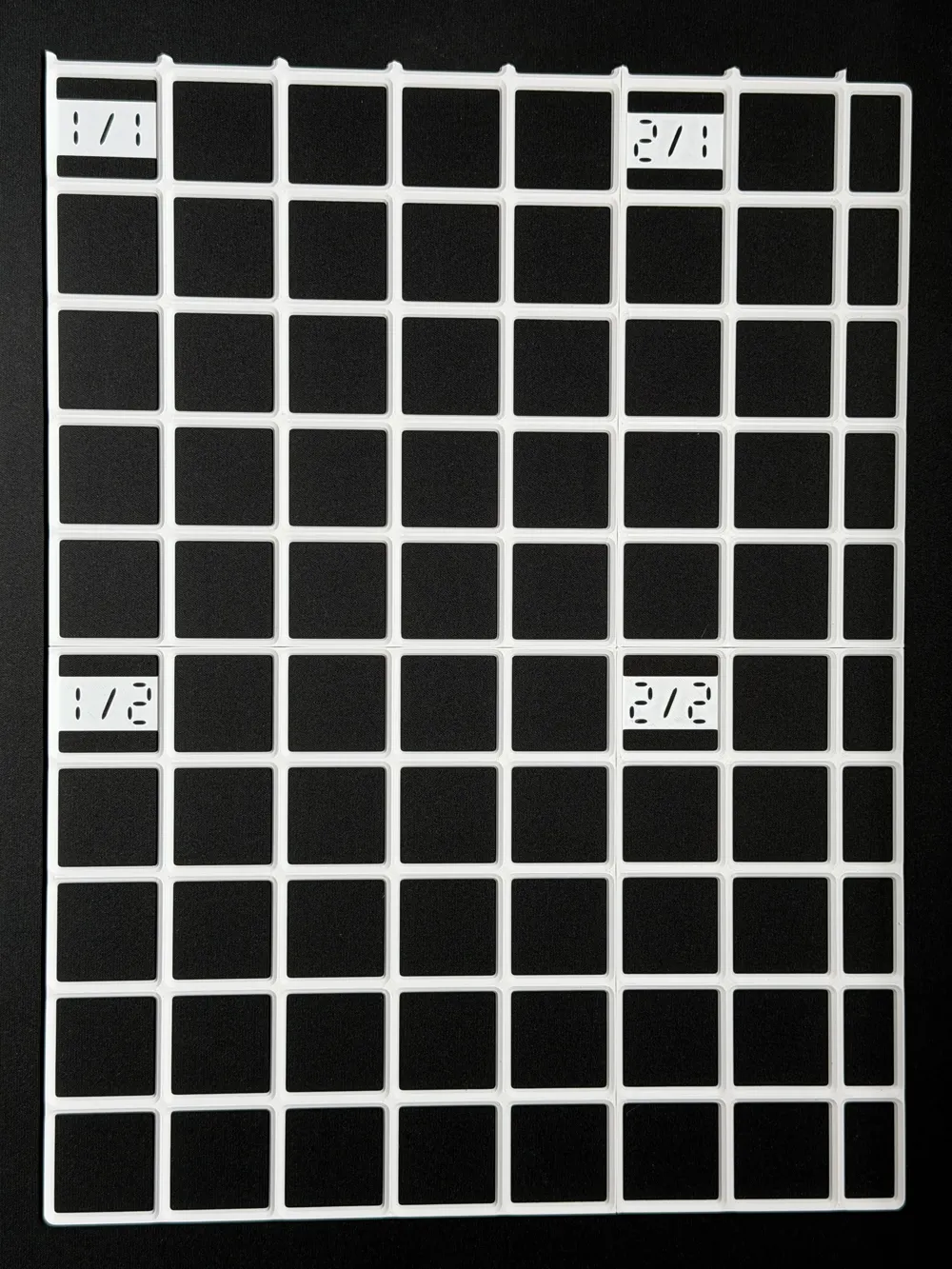
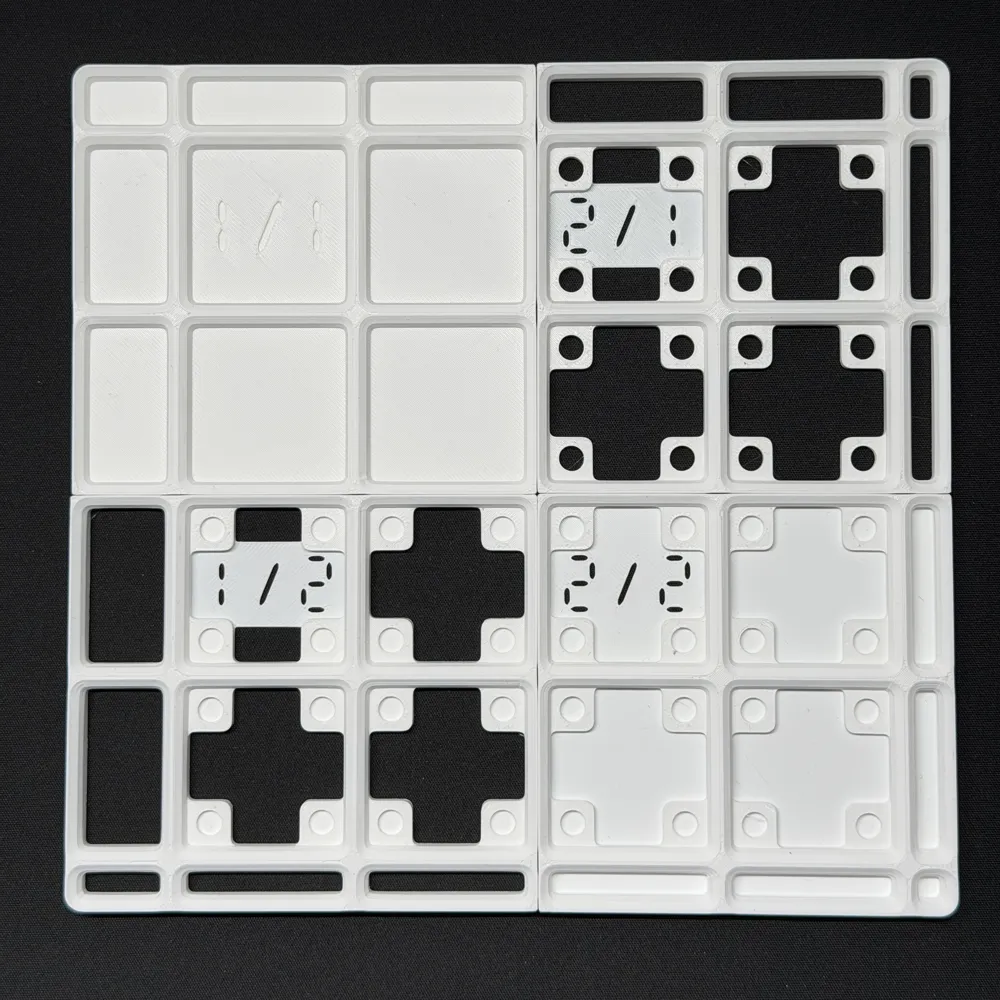
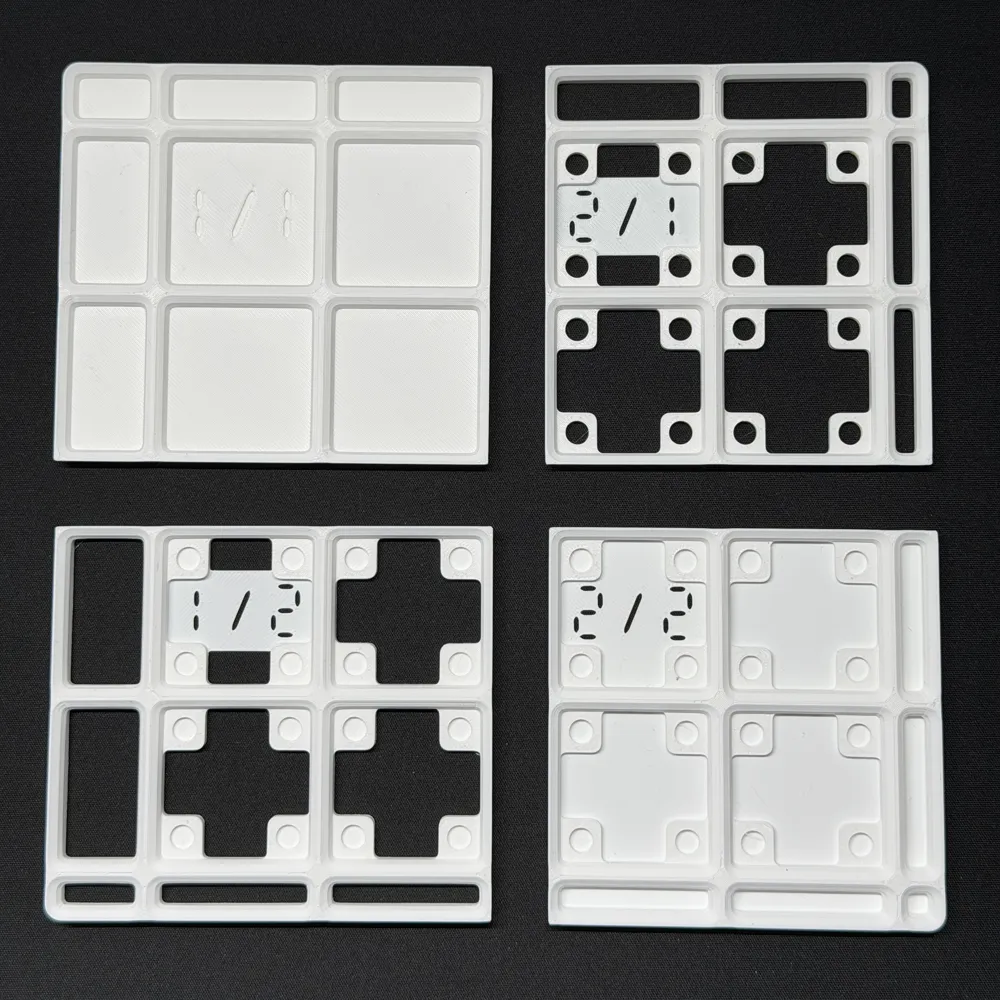
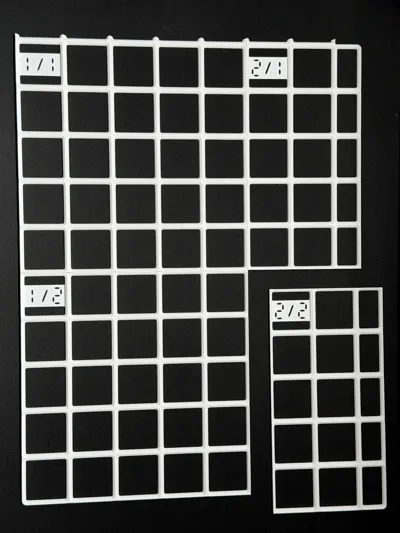
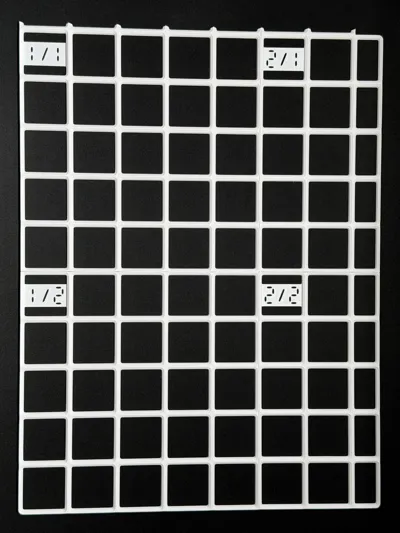
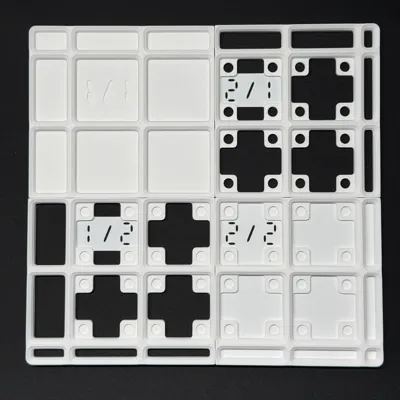
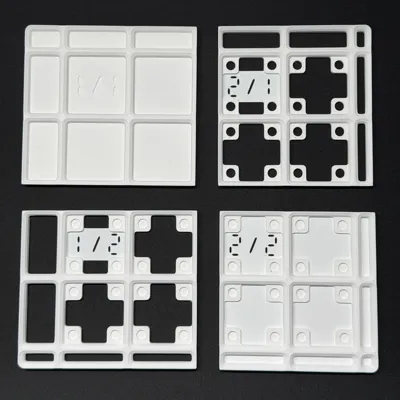
🏷️ Label Logic:
- Labels are always generated in the top-left corner of the tile.
- Format is Column / Row (e.g., 1/2 means 1st Tile in the 2nd Row).
✂️ Tiling Tip: If the generator produces a useless fragment (e.g., a single small 42x42 block or a thin strip) in the corner of the layout, simply slightly reduce your bed_x_mm or bed_y_mm setting. This forces the cut line to shift, merging that small piece into a larger, more stable tile.
📏 Spacerless Extensions (The Key Feature)
Extensions are designed to eliminate the need for useless "spacer" blocks:
- Works in Auto-Fit and Manual modes.
- Supports 1–41 mm extensions with 1 mm precision.
- Includes corner logic so side extensions meet cleanly.
- Design Note: For extensions under 11 mm, the outer wall is intentionally left open without an edge rim. This prevents visual clutter and ensures the walls don't merge poorly.
Why it matters: Real drawers almost never match perfect multiples of 42 mm. Coarse solutions waste space with fillers. This one lets you dial in the fit down to the millimeter using functional baseplate area.
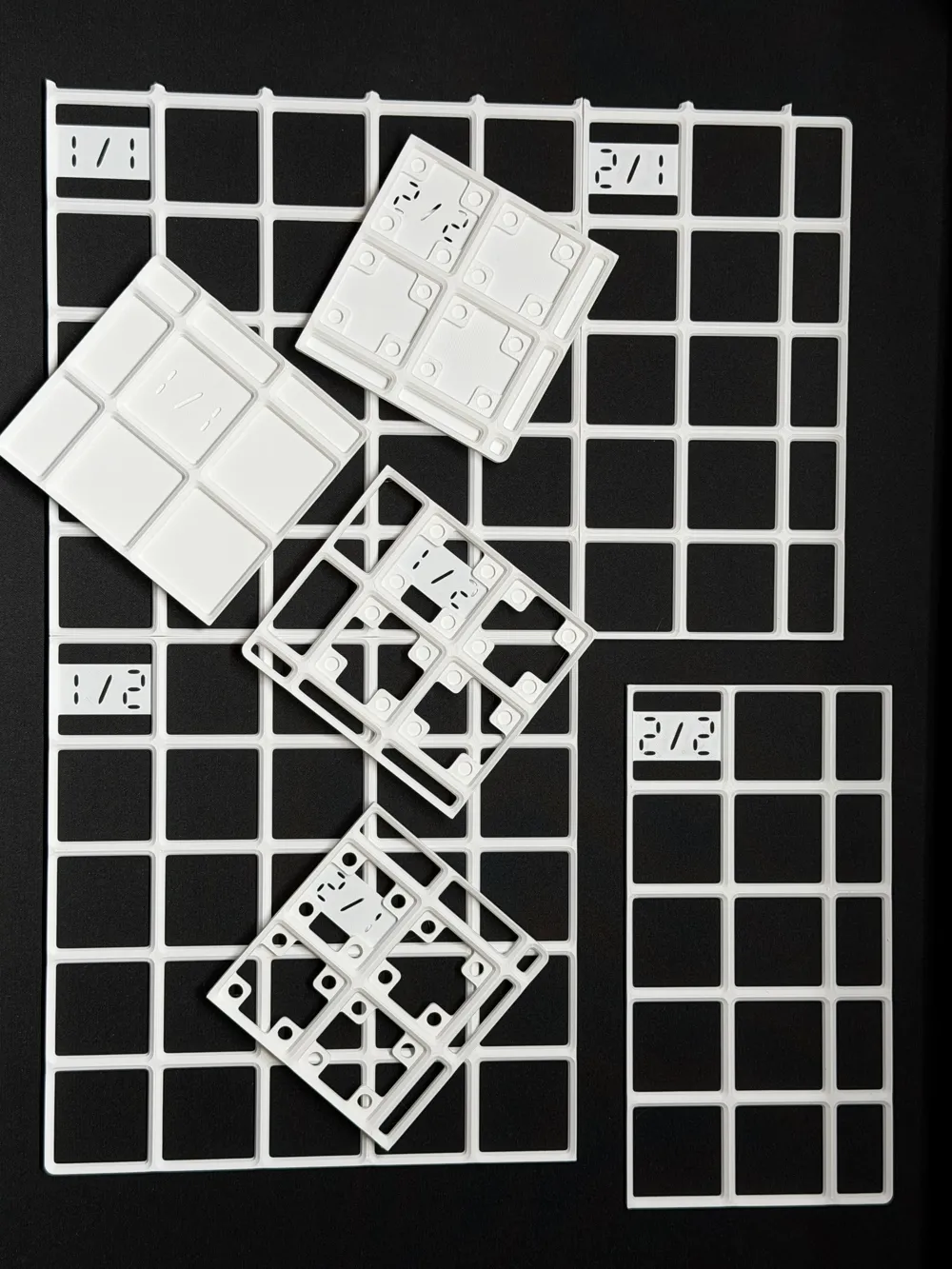
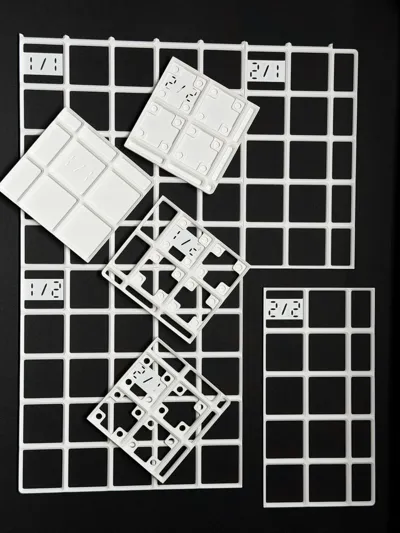
📍 Filament Assembly Pins (Tile Alignment)
Go to [08 Filament Assembly Pins] This section controls the filament-based alignment pin system used to precisely align tiles when printing large baseplates in multiple parts.
You define the pin hole depth and a tapered two-diameter hole. Because the hole narrows inward, a piece of standard filament can be pushed in and will seat snugly (the taper self-centers and tightens as you insert it).
⚙️ Tolerance Testing: Based on my testing, the optimal settings for assembly are an outer hole of 2.25 mm and a hole end of 1.75 mm. To connect the parts, use filament segments approximately 20–24 mm in length for PLA. For PETG, you may want slightly longer segments—around 24–27 mm—to achieve a similarly snug fit.
I have also included a test plate print profile so you can test these tolerances yourself and see what works best for your specific printer setup.
🧲 Magnet Holes
Go to [07 Magnet Holes]
- Off
- On (Blind holes) → pockets with a solid floor.
- On (Through holes) → open through. You can tune diameter, depth, wall thickness, and fillet radius around the magnet “ears”.
🧱 Base Extra Thickness (Stiffness)
Go to [09 Base Extra Thickness]
- Off: standard.
- Solid: full solid layer under the plate.
- Skeleton: adds thickness while keeping the underside open (lighter). Use Solid for maximum stiffness, or Skeleton when you want extra strength without filling everything.
⚙️ Printing Recommendations
Safe practical defaults (adjust to your printer/material):
- Layer height: 0.20 mm (or 0.16 mm for extra clean edges).
- Walls: Min 2.
- Top/Bottom: 4–6.
- Infill: 10–20% (more if you want extreme stiffness).
- Supports: Not required.
- Material: PLA works well; PETG if you want higher heat resistance.
🛠️ Assembly Tips (Tiled Mode)
- Wait at least 1 minute after printing before removing the tiles from the build plate. Letting them cool down prevents warping, ensuring a perfectly flat base.
- Use Filament Assembly Pins (if enabled) to align seams.
- Optional: glue seams for a permanent baseplate.
- Place the assembled baseplate into the drawer and verify clearance.
Update (12.01.2026)
- Profile geometry fixed (matches the reference profile consistently across the model).
- Clearance default is now 0.0 mm per side (exact sizing by default; add 0.5–1.0 mm per side only if you need easier insertion or your measurements are uncertain)
License

You may create derivative works based on this object, provided that all such derivative works are published exclusively on the MakerWorld platform and include proper attribution to the original creator. You may not share, upload, host, distribute, or publish this object—or any derivative work of this object—on any other digital platform, marketplace, or distribution channel. Commercial use of this object and any derivative works is strictly prohibited. This includes, but is not limited to, selling, renting, sublicensing, or using the object in any context in which you receive monetary compensation or other financial benefits.


Comment & Rating (69)