Search models, users, collections, and posts

Print Profile(1)

0.16mm layer, 2 walls, 15% infill
Designer
1.3 h
1 plate
Open in Bambu Studio
Boost
35
49
11
10
104
57
Released
Description
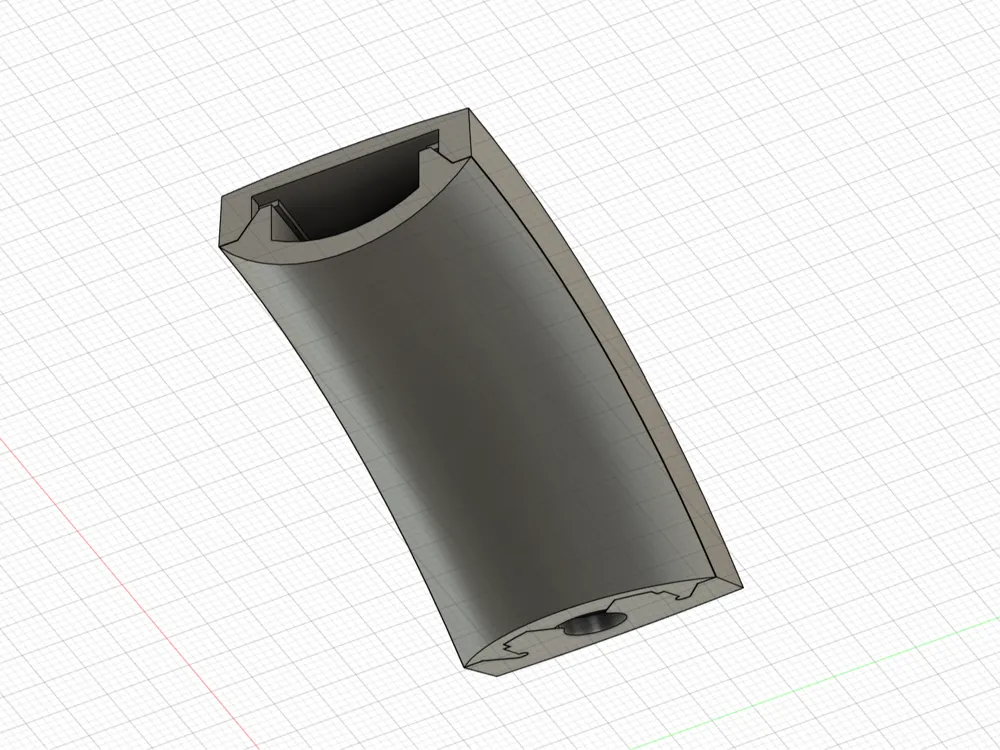
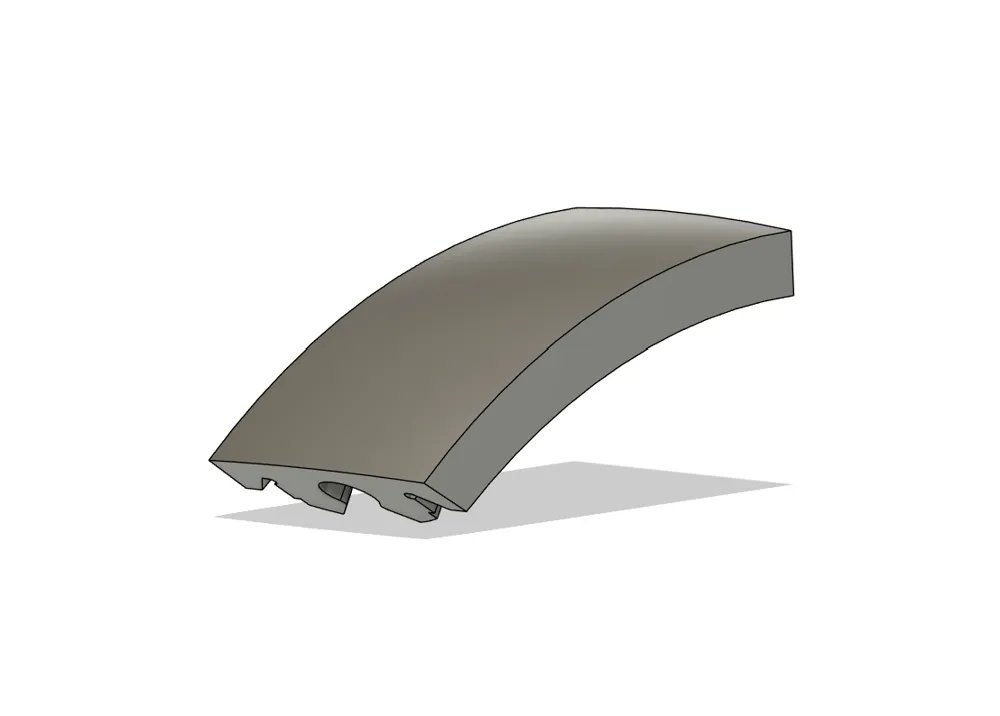
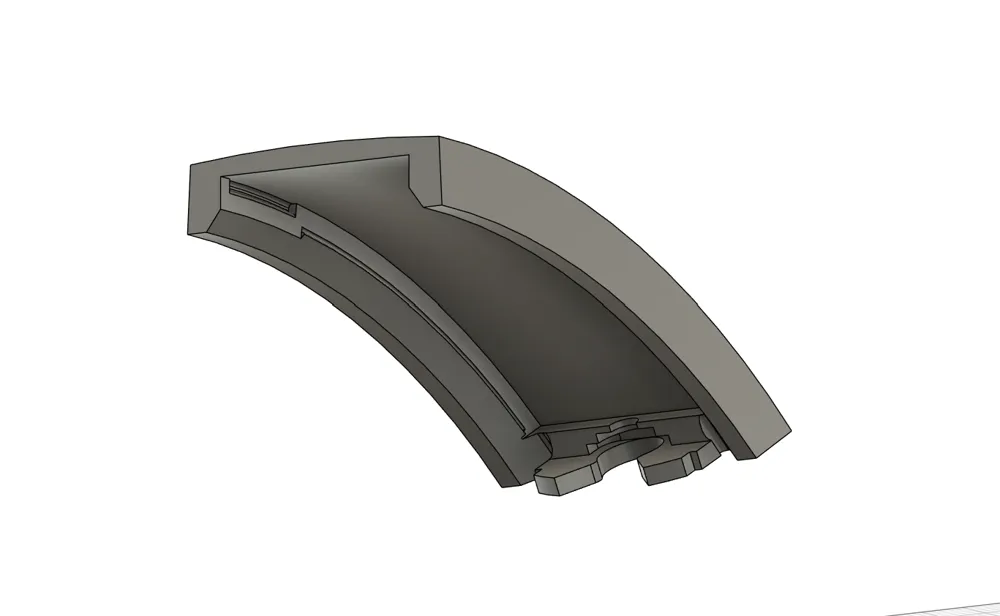
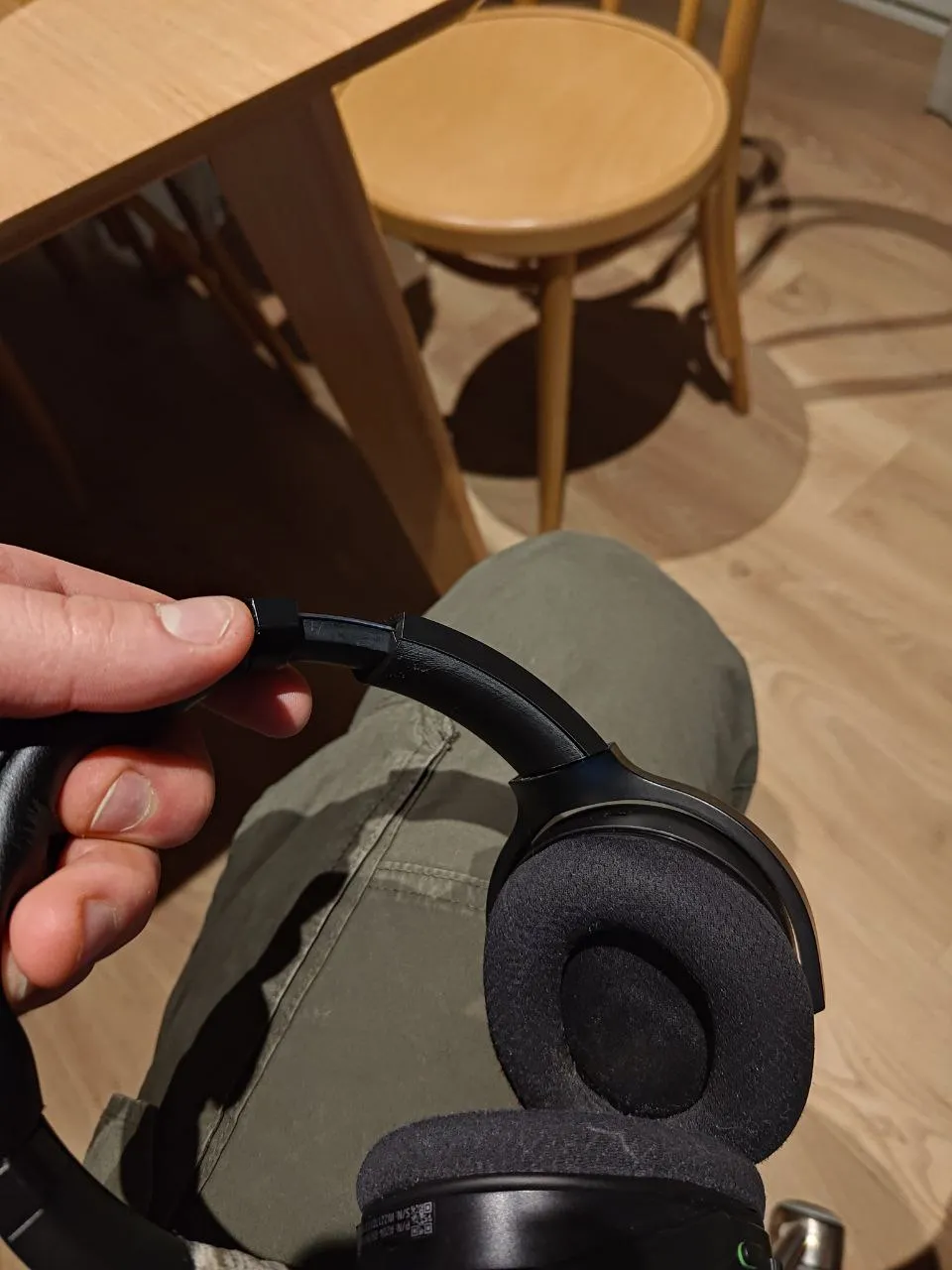
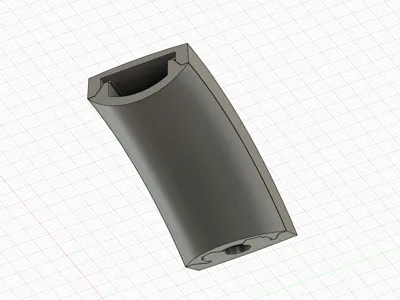
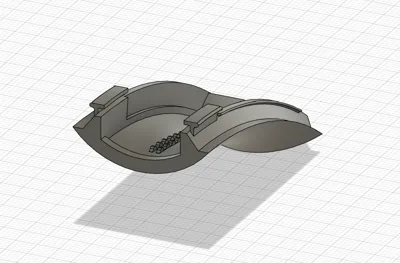
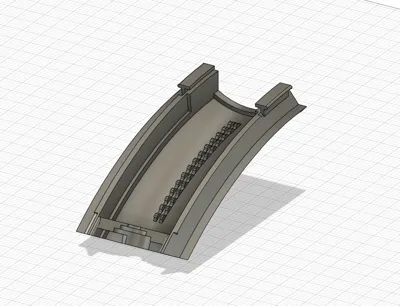
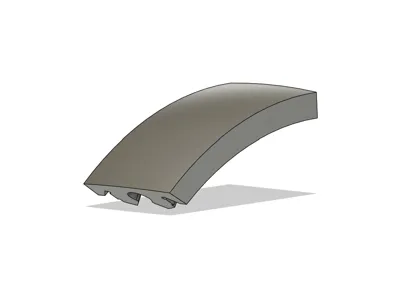
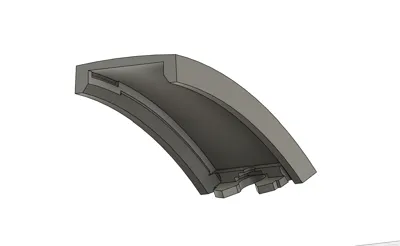
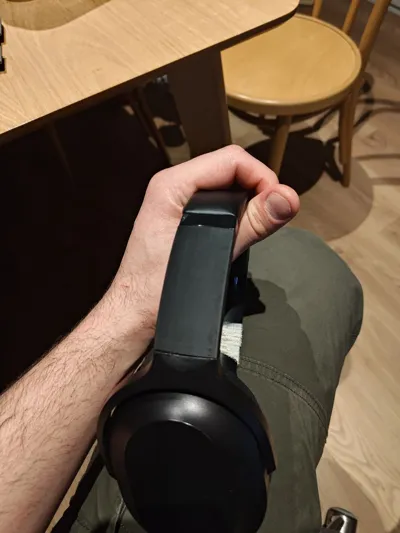
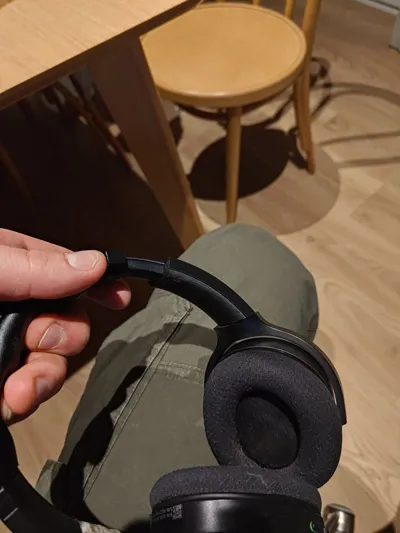
This is a replacement for a Razer Barracuda plastic slider part.
No glue, no screws required.
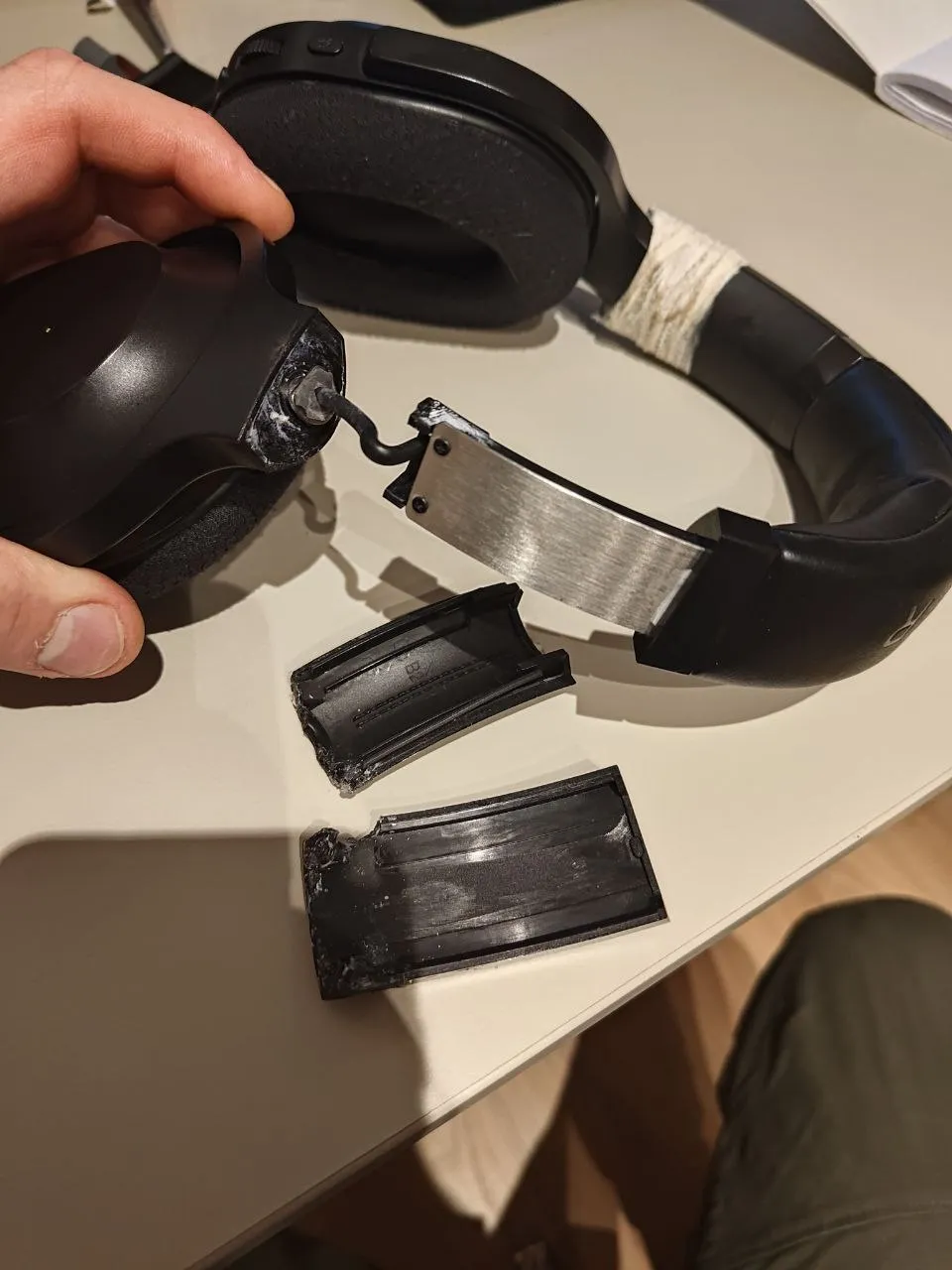
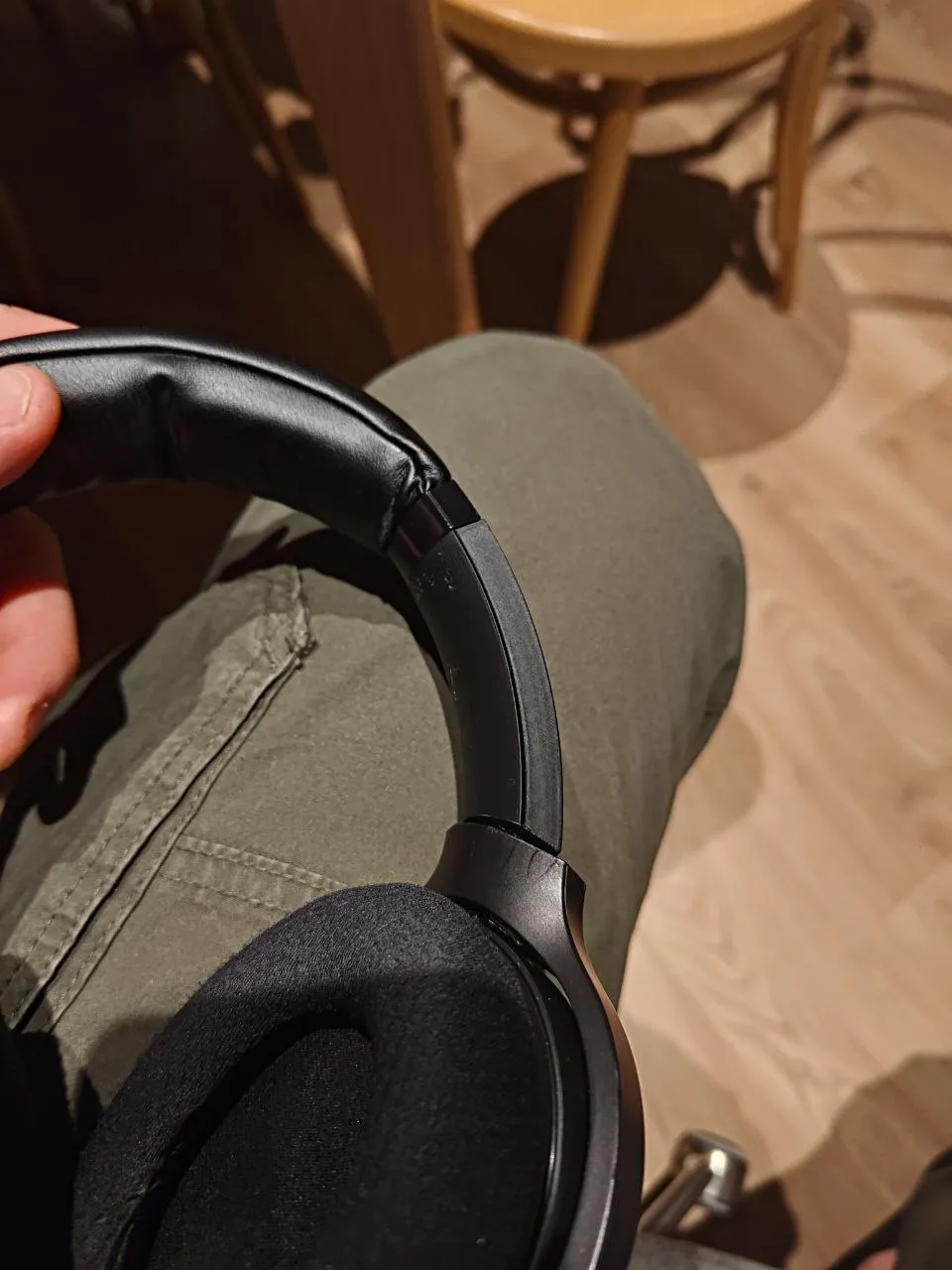
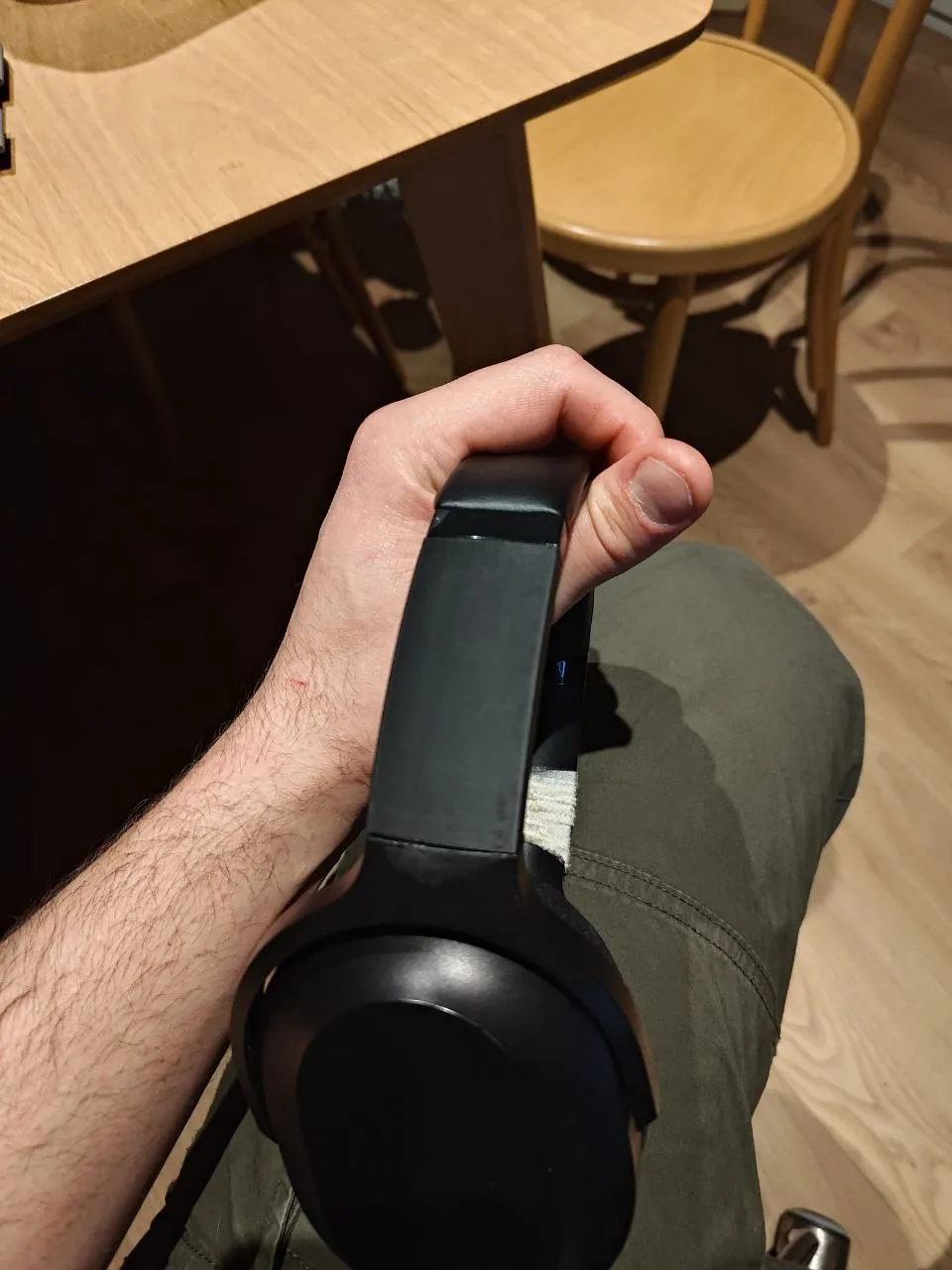
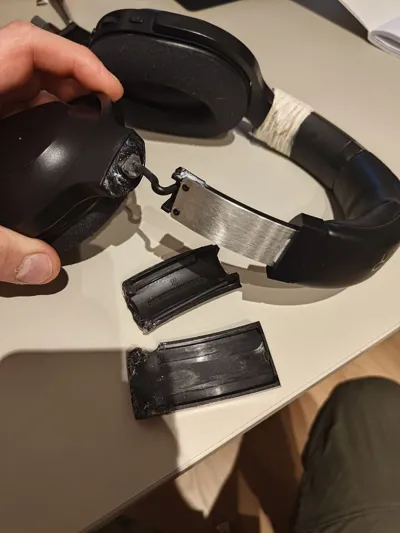
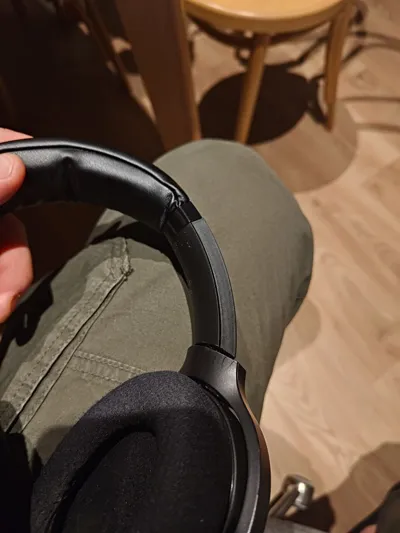
I had a problem with mine: after some time and use the plastic near the joint crumbled and the housing of the speaker fell off. I haven't found a model for this part, so I modeled it myself. If you find yourself in such a situation, this is for you.
In my case this happened for both sides (as you can see by makeshift tape repairs). The other side got replaced as well after the photos were taken.
Tips for assembly:
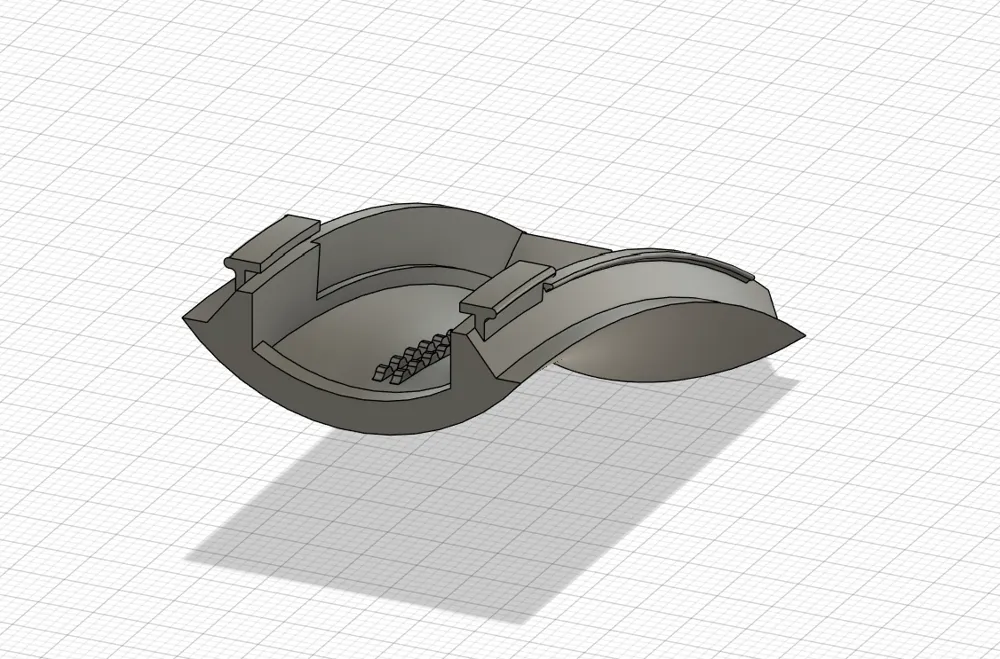
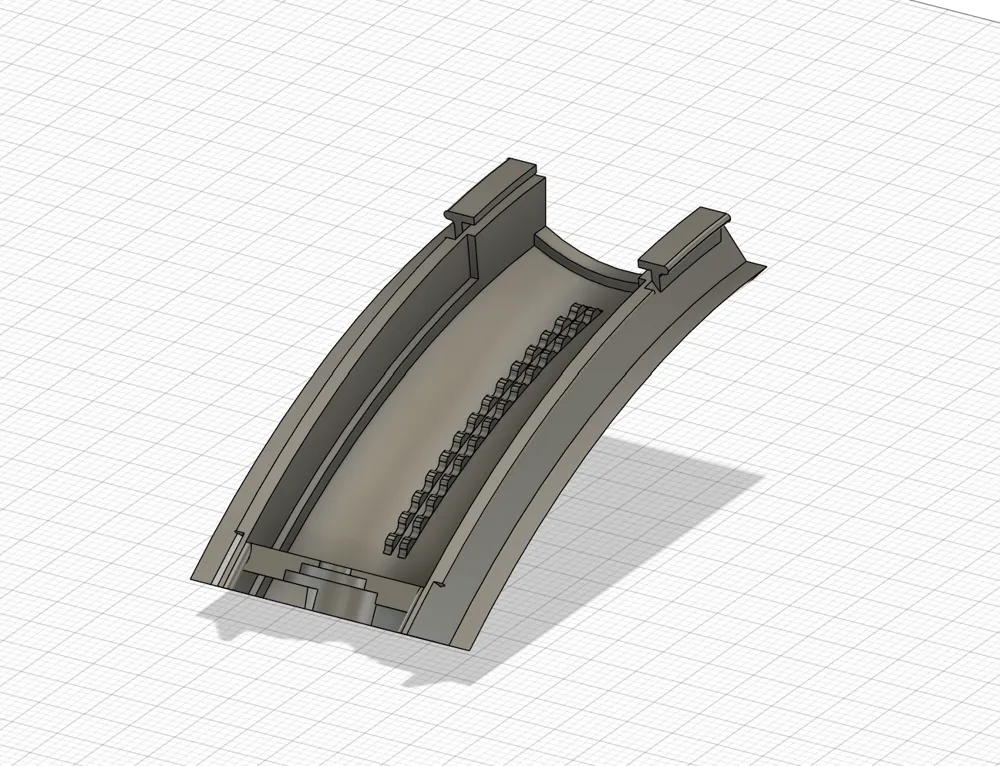
- Attach the inner slider part and put the guides onto the metal rail of the headband.
- Attach the outer slider part onto the metal joint of the speaker housing.
- Make sure the wire doesn't get in the way, put it inside the cavity of the headband.
- Snap the two parts together near the metal joint of the speaker housing (at the bottom).
- Snap the two parts together near the rail guides (at the top).
License

This user content is licensed under a
Creative Commons Attribution-Noncommercial


Comment & Rating (11)