
Coffee Clicky
Print Profile(1)




Description
Membership
Want to SELL PRINTS of this model legally? or become a SUPER SUPPORTER Obtain a COMMERCIAL LICENSE or MEMBERSHIP here!
Boost Me (for free)
ENJOYING THIS DESIGN? I love the craft of 3D printing and the art of design. If this model brought a smile to your face, please consider giving it a boost, like, or following me here to see more of my work!
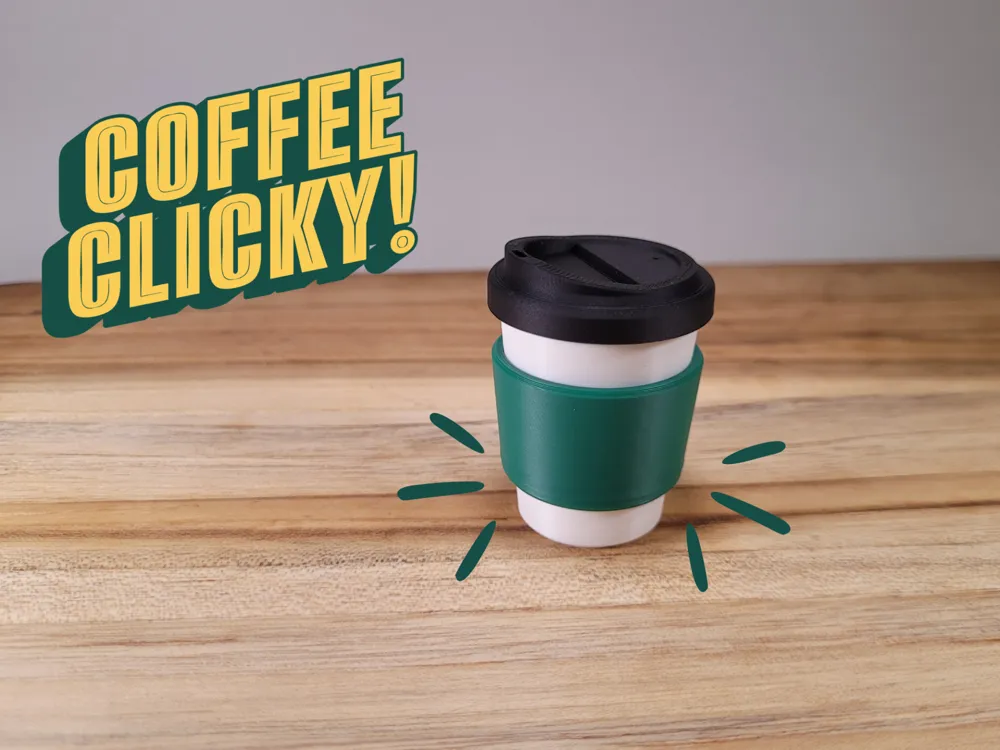
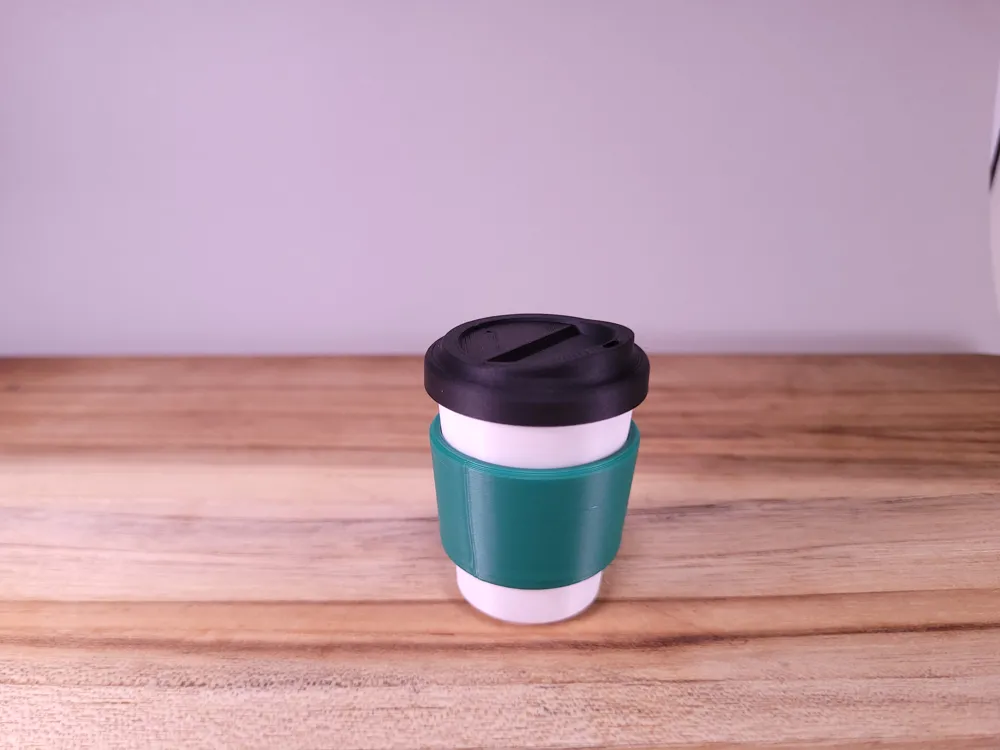
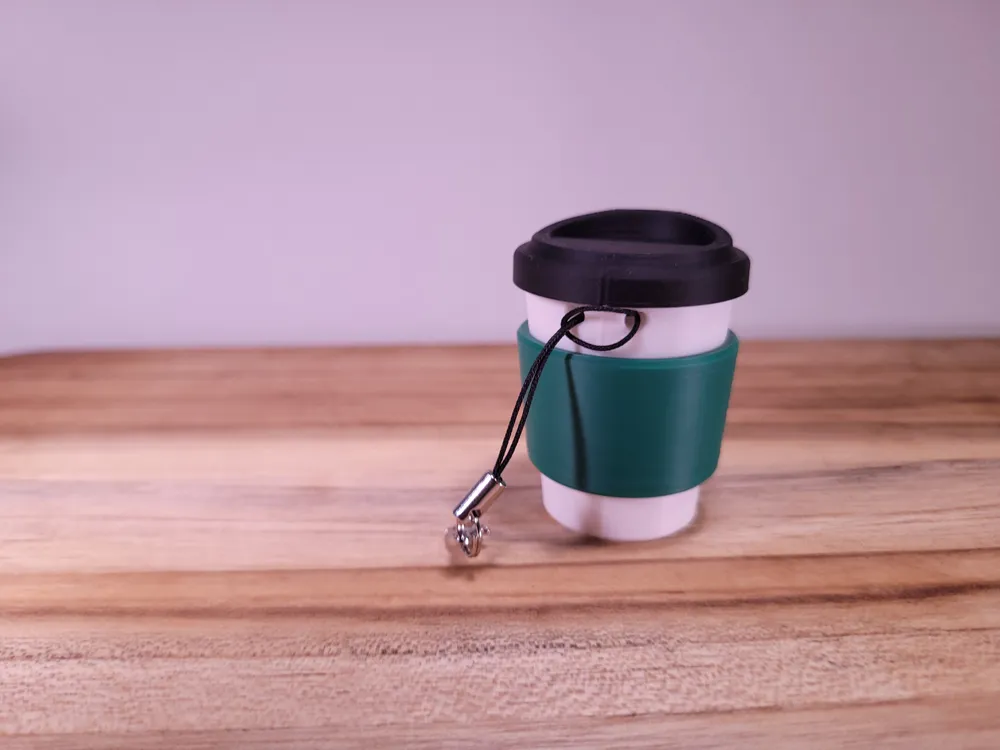
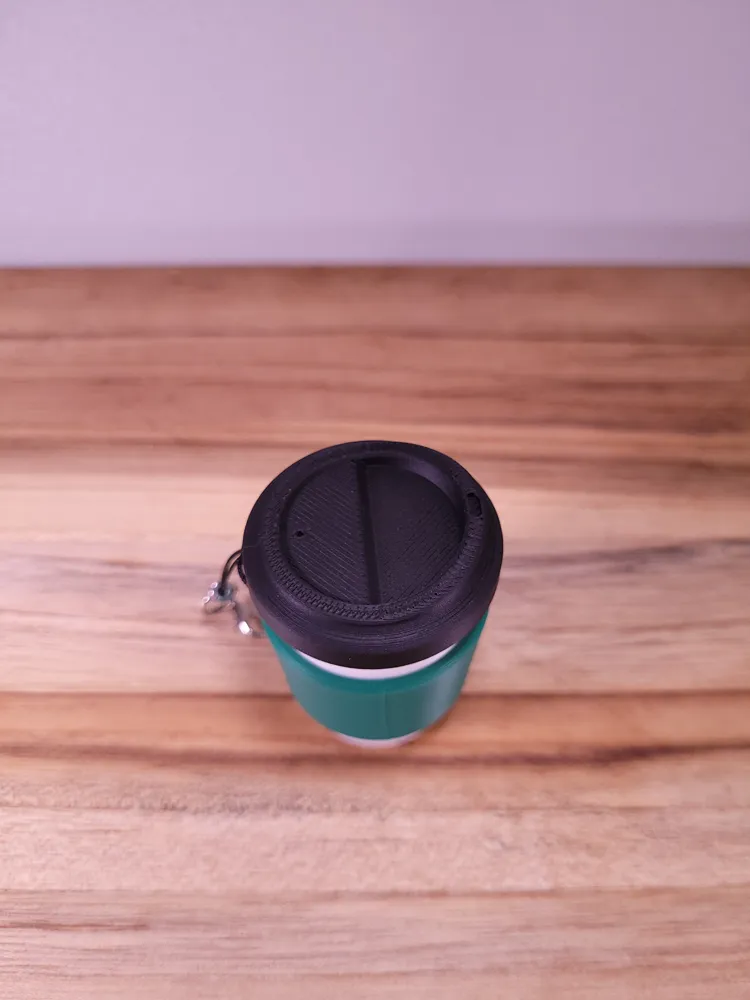
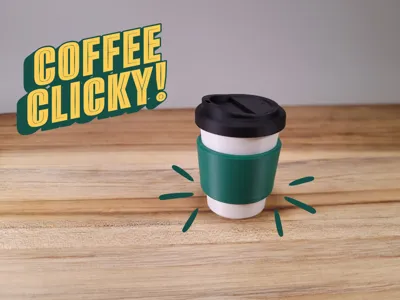
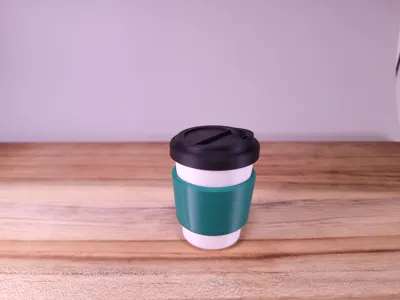
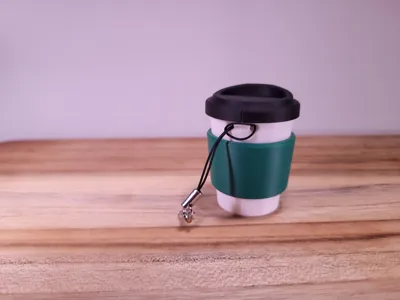
I'm excited to drop the files for my original Coffee Fidget Clicker. This adorable, fun, and quirky fidget toy is a great addition to any collection! It features a soft cartoonish styling, perfect for any coffee lover. This stress relief tool provides a soothing tactile experience with every satisfying click. The design is compact and portable, and a keychain hole is provided so you can click this onto your favorite bag or purse for on-the-go stress relief.
- No Supports
- Brim needed
- Multiple Parts
- Glue Needed
Design Highlights!
It is approximately 60mm (2.36 inches) long and 38mm (1.50 inches) in diameter at 100% scale.
I can't wait to see your makes! Tag @NovusPrints in your photos and videos, and let me know how you like it!
YOU WILL NEED A KEYBOARD SWITCH FOR THE CLICKER MECHANISM!!!
This model is designed to fit most standard mechanical keyboard switches, specifically the Kailh Switch type.
I can't wait to see your makes! Tag @NovusPrints in your photos and videos, and let me know how you like it!
Assembly Instructions
- Take the Keyboard Switch and insert the cross-shaped stem into the top Clicker part until fully seated
- Take the bottom Clicker part and press it onto the top part, sandwiching the keyboard switch. Squeeze until you hear an audible click.
- Take the Sleeve and Line up the Notches to match the recesses on the clicker top. Slide up as far as possible
- Glue lid onto top part (Optional: Add a dab of glue to the recesses of the sleeve.
License

You shall not share, sub-license, sell, rent, host, transfer, or distribute in any way the digital or 3D printed versions of this object, nor any other derivative work of this object in its digital or physical format (including - but not limited to - remixes of this object, and hosting on other digital platforms). The objects may not be used without permission in any way whatsoever in which you charge money, or collect fees.


Comment & Rating (9)