Search models, users, collections, and posts

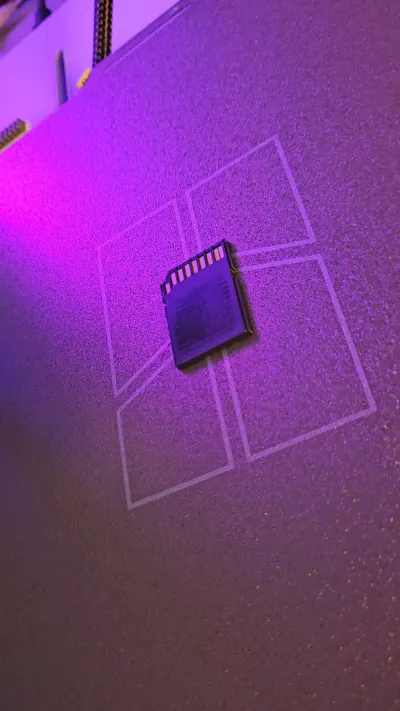
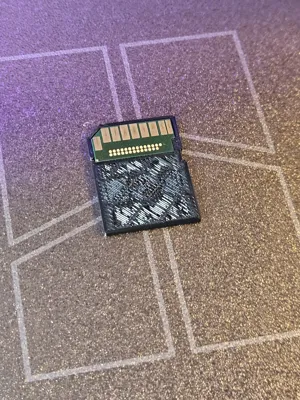
Camera SD card Enclosure Body
IP Report
Print Profile(1)

0.08mm layer, 2 walls, 15% infill
Designer
16 min
1 plate
Open in Bambu Studio
Boost
6
12
3
0
24
9
Released
Description
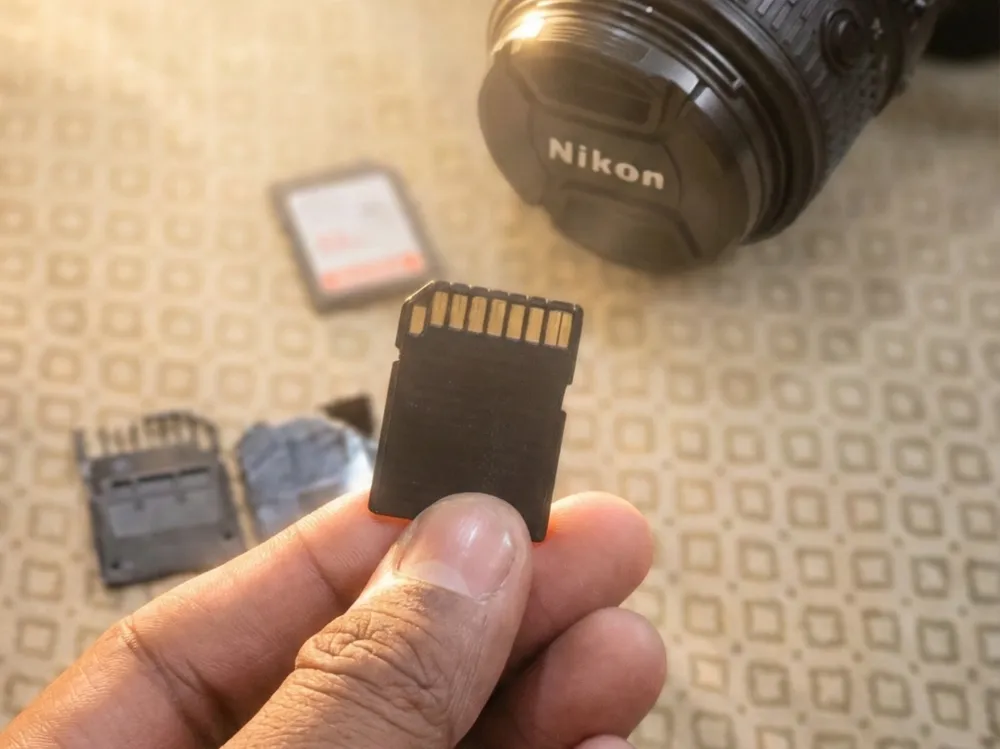
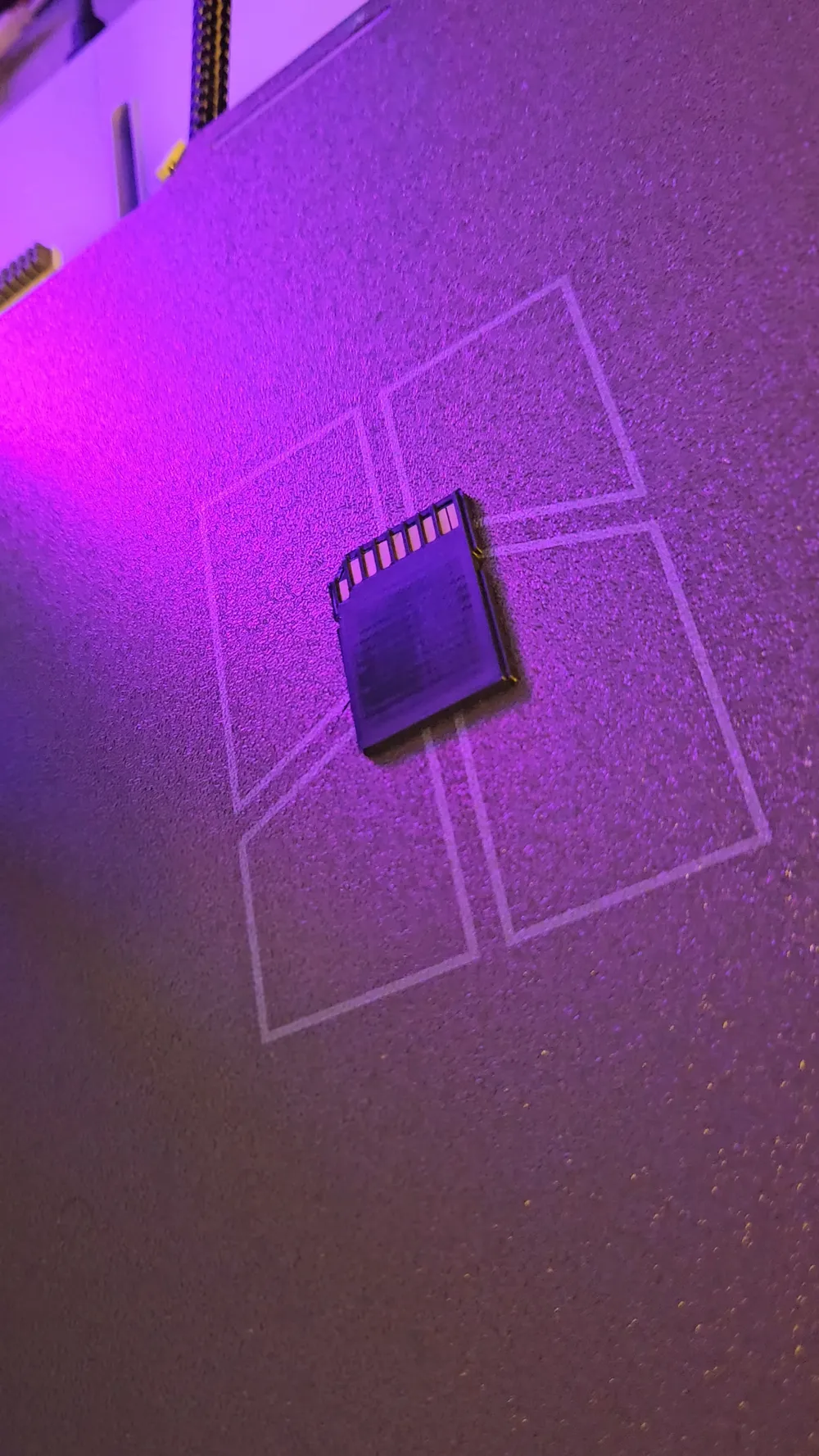
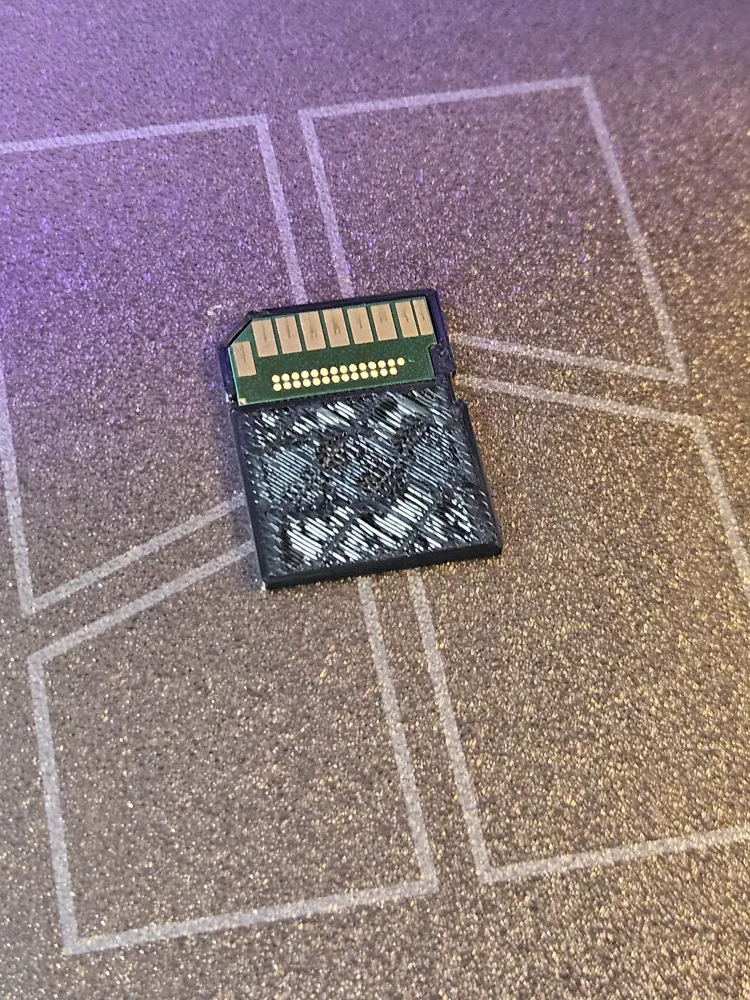
This model is designed to embed a real SD card during the print for maximum strength and a clean, factory-finished look.
Printing Steps:
- Start the print normally using standard settings.
- Add a pause at the specified layer where the SD card cavity is fully formed.
- Carefully insert the SD card (from an old or broken card) into the cavity.
- Ensure it sits flush and fully seated
- No debris or filament strands should remain inside the cavity
- Resume the print.
- Reduce the print speed to 50% after resuming to allow proper encapsulation of the SD card and improve layer bonding.
License

This user content is licensed under a Standard Digital File License.
You shall not share, sub-license, sell, rent, host, transfer, or distribute in any way the digital or 3D printed versions of this object, nor any other derivative work of this object in its digital or physical format (including - but not limited to - remixes of this object, and hosting on other digital platforms). The objects may not be used without permission in any way whatsoever in which you charge money, or collect fees.


Comment & Rating (3)