
Customizable Interlocking Drawer Divider
Print Profile(0)
Description
Instructions in Spanish and English
Instructions in Spanish and English
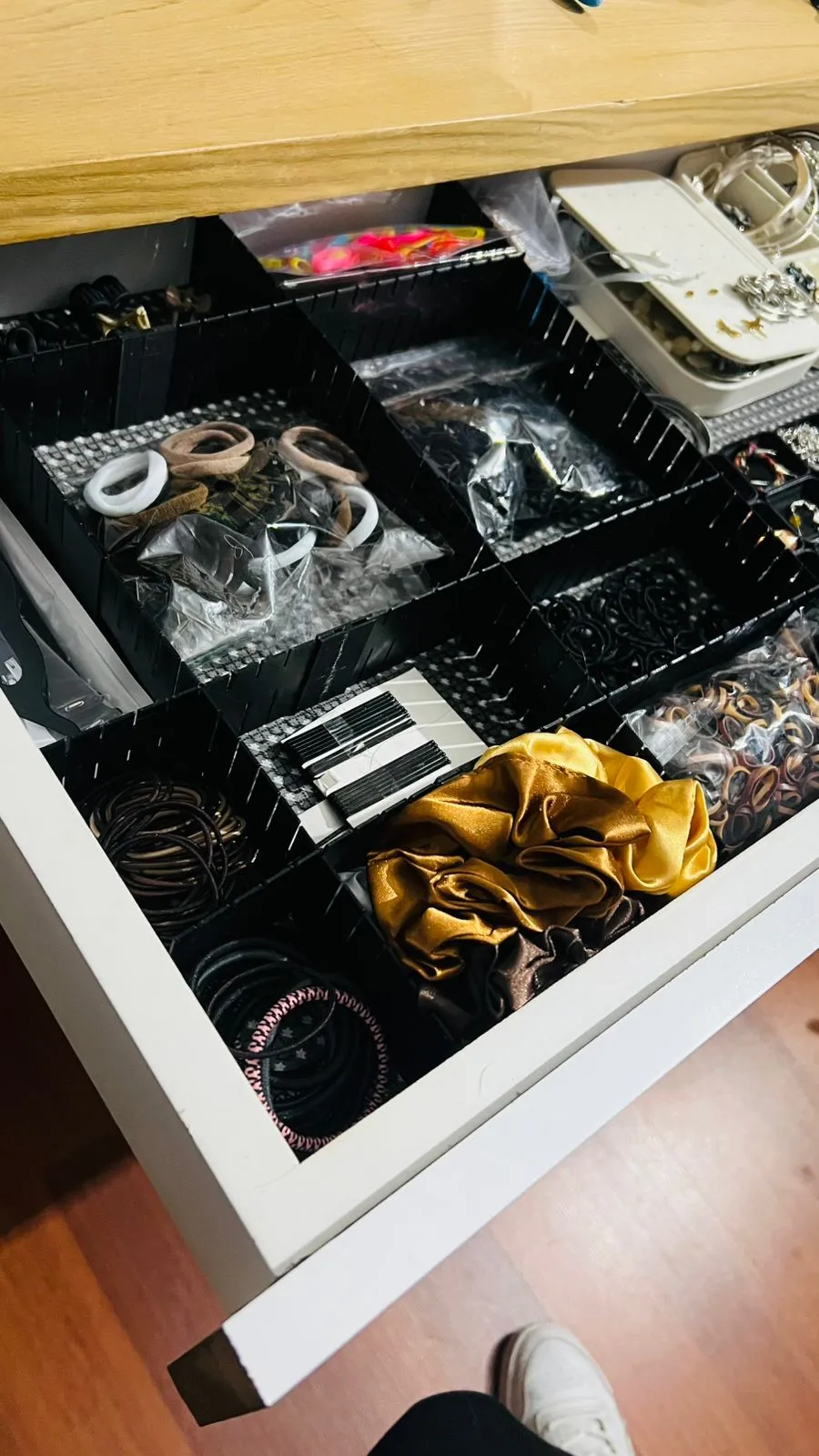
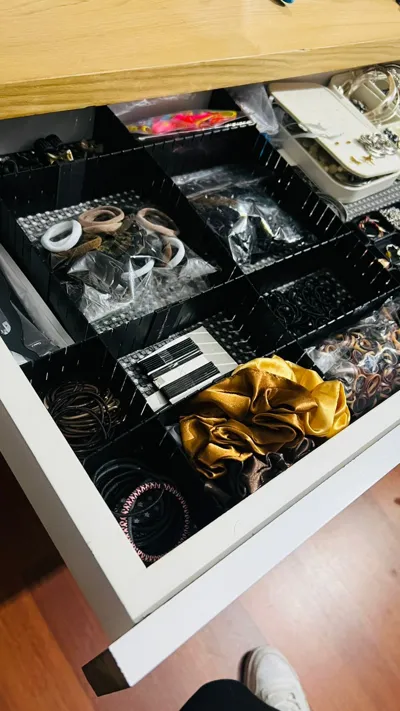
This design corresponds to a **parametric modular drawer divider system**, intended to adapt to drawers of different sizes and configurations, allowing only the required parts to be manufactured for each specific case.
The system allows a drawer to be divided into **rows and columns** and automatically generates:
- Internal dividers
- Connectors between segments when a divider exceeds the maximum printable length
- Side walls (left, right, top, and/or bottom), when required
The entire assembly is organized as a **kit of parts** ready for 3D printing and assembly.
System Parameters: What Can Be Modified and What Should Not
The system is designed to be **parametric**, but not all parameters should be modified.
To avoid errors, parameters are divided into **user-configurable parameters** and **internal system parameters**.
1. User-Configurable Parameters (CAN BE MODIFIED)
These parameters define the specific drawer to be built.
They are the **only values the user should change**.
Drawer Dimensions
| Parameter | Description |
|---|---|
| ANCHO_CAJON | Internal drawer width along the X axis. Represents the total available width. |
| LARGO_CAJON | Internal drawer length along the Y axis. Represents the total available length. |
These values determine the final length of all dividers and walls.
Internal Layout
| Parameter | Description |
|---|---|
| FILAS | Number of rows the drawer will be divided into. |
| COLUMNAS | Number of columns the drawer will be divided into. |
From these values, the system automatically calculates:
- How many internal dividers are required
- The orientation of each divider (lengthwise or widthwise)
Side Walls (Optional)
These parameters allow the user to decide whether the drawer should be **open or closed** on each side.
| Parameter | Description |
|---|---|
| PARED_IZQ | Enables or disables a wall on the left side of the drawer. |
| PARED_DER | Enables or disables a wall on the right side of the drawer. |
| PARED_ABAJO | Enables or disables a wall on the bottom side of the drawer. |
| PARED_ARRIBA | Enables or disables a wall on the top side of the drawer. |
When a wall is enabled:
- It is generated as a **full divider**
- It follows the same segmentation logic as other dividers
- It is automatically integrated into the set of parts
Printing Constraints
| Parameter | Description |
|---|---|
| Lmax | Maximum printable length for a single piece. If a divider exceeds this value, it is split into segments. |
This value depends on the size limitations of the 3D printer.
Divider Dimensions
| Parameter | Description |
|---|---|
| H | Height of the divider (vertical dimension inside the drawer). |
| t | Material thickness of the divider. Recommended value: 1–1.5 mm if the part will be cut with scissors. |
These parameters define the final geometry of all divider pieces.
HOW THE SYSTEM WORKS
1. Drawer Division into Rows and Columns
The user defines:
- Drawer width and length
- Desired number of rows and columns
From this:
- Lengthwise dividers separate the columns
- Widthwise dividers separate the rows
Example:
- A drawer with 4 rows and 3 columns generates:
- 2 internal lengthwise dividers
- 3 internal widthwise dividers
2. Automatic Segmentation into Printable Sections
A divider may be longer than the maximum size allowed by the printer.
To handle this:
- A maximum printable length (Lmax) is defined
- If a divider exceeds this value, it is split into multiple segments
- Each segment is printed separately
Example:
- A 320 mm divider with Lmax = 200 mm is split into:
- 2 segments
- This requires **1 connector** to join them.
3. Connectors Between Segments
Connectors are generated based on the number of segments:
- Each junction between two segments requires one connector
- The total number of connectors depends on:
- The number of dividers
- The number of segments per divider
Important notes:
- There is **no overlap** between segments
- The connector occupies a **real physical space** between pieces
- Connector dimensions are correctly aligned with the divider axes to ensure proper printing and assembly
4. Side Walls at Drawer Edges
The system allows walls to be added on any of the four drawer sides:
- Left
- Right
- Bottom
- Top
Each wall:
- Behaves exactly like a divider
- Uses the same segmentation logic
- Is automatically included in the set of generated parts
Walls are **not treated as special elements**, but as additional dividers in their respective direction:
- Left/Right walls → lengthwise dividers
- Top/Bottom walls → widthwise dividers
This allows enclosing drawers where some compartments would otherwise remain unsupported.
5. Part Layout Organization
For easier review and printing, the parts are visually organized into rows:
- **Row 1:** Lengthwise dividers (internal + walls)
- **Row 2:** Widthwise dividers (internal + walls)
- **Row 3:** Connectors required for assembly
This layout makes it easy to:
- Quickly verify that the number of parts is correct
- Export each part individually for 3D printing
6. System Advantages
- Fully **parametric**
- Reusable for different drawer sizes
- Avoids printing unnecessary parts
- Automatically adapts to changes in rows, columns, or dimensions
- Simplifies assembly through dedicated connectors
- Supports both open and closed configurations depending on selected walls
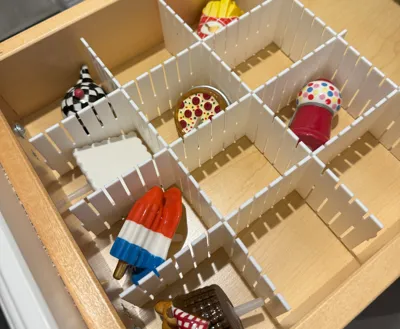
This remix is based on

License

You may create derivative works based on this object, provided that all such derivative works are published exclusively on the MakerWorld platform and include proper attribution to the original creator. You may not share, upload, host, distribute, or publish this object—or any derivative work of this object—on any other digital platform, marketplace, or distribution channel. Commercial use of this object and any derivative works is strictly prohibited. This includes, but is not limited to, selling, renting, sublicensing, or using the object in any context in which you receive monetary compensation or other financial benefits.


Comment & Rating (3)