
Cessna C152 Panel Cockpit Flight Simulator
Print Profile(1)

Description
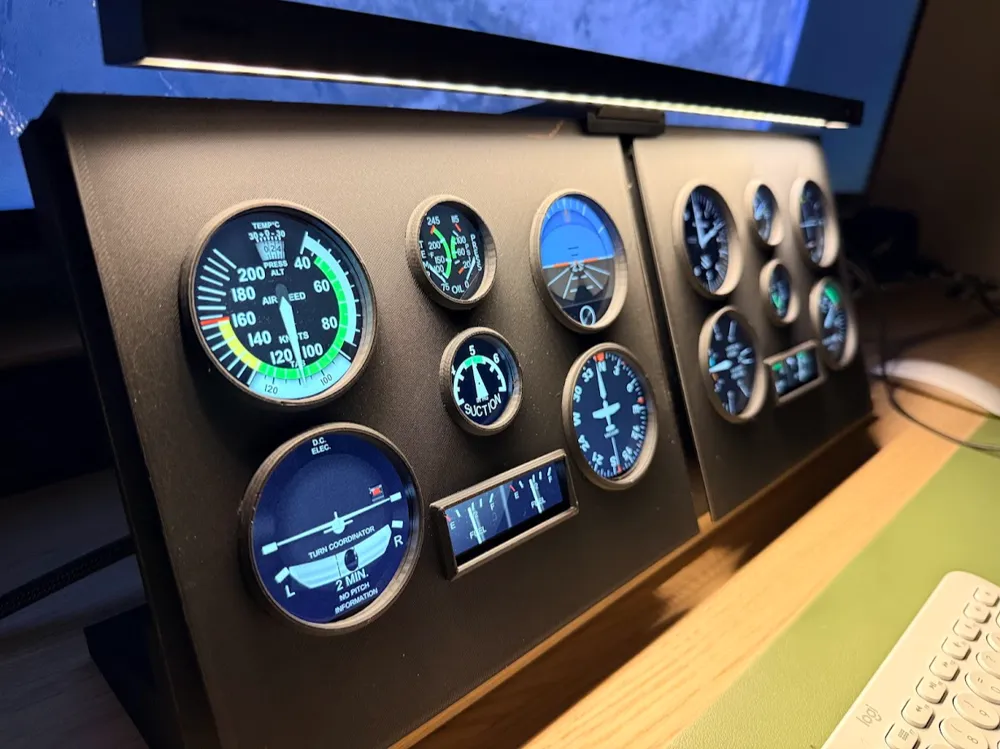
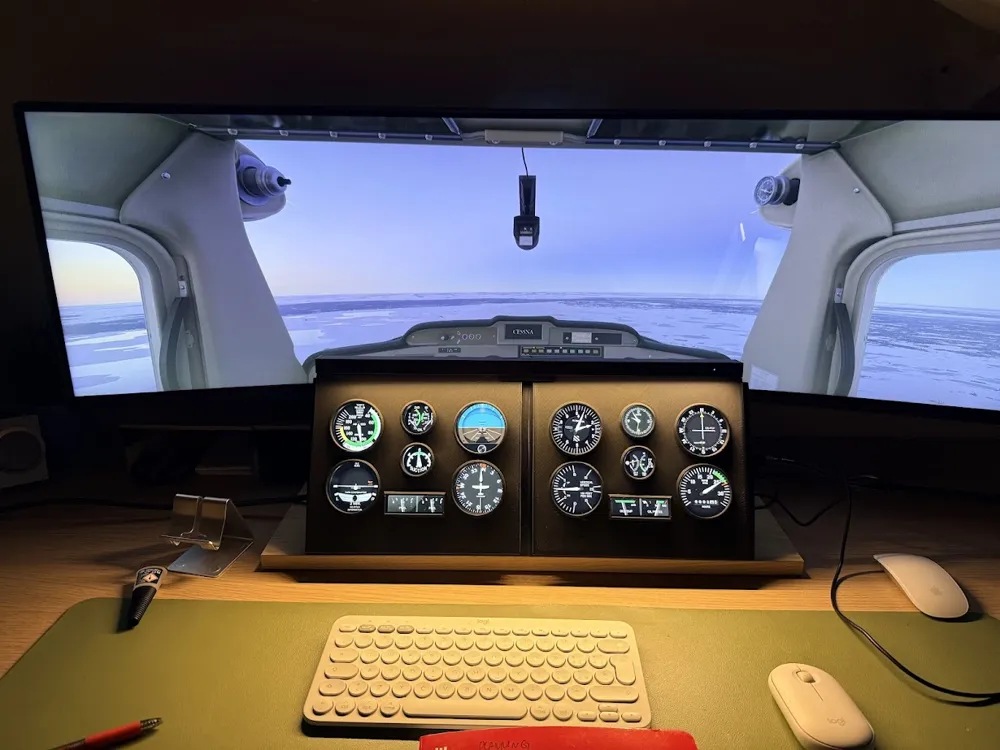
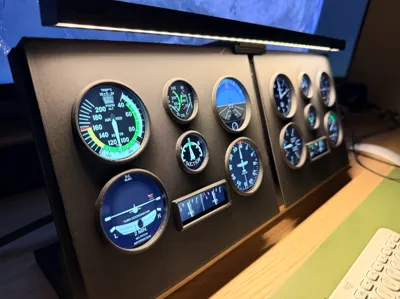
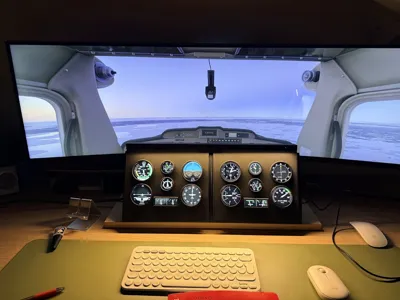
This project consists of a 3D-printed cockpit panel for a Cessna 152, designed to integrate two touch screen monitors and create a compact, realistic flight simulation setup.
The cockpit requires:
- Two monitors (Magedok 8.9'' link amazon: https://www.amazon.it/-/en/dp/B0DJ6NZCQZ?ref=ppx_yo2ov_dt_b_fed_asin_title&th=1)
- Two HDMI cables
- Two 90-degree HDMI adapters, recommended to reduce cable stress and improve cable routing inside the structure
The monitors can be mounted to the 3D-printed structure in two ways:
- Snap-fit into the printed frame, or
- Fixed using silicone, which is the recommended solution for better stability and vibration damping
The classic Cessna “steam gauge” instruments are designed as removable capsule units. When these instruments are removed, the two monitors can be used as standard PC displays, making the setup versatile and suitable not only for flight simulation but also for general computer use.
Both monitors are touch-enabled, allowing direct interaction with avionics, instruments, or software interfaces.
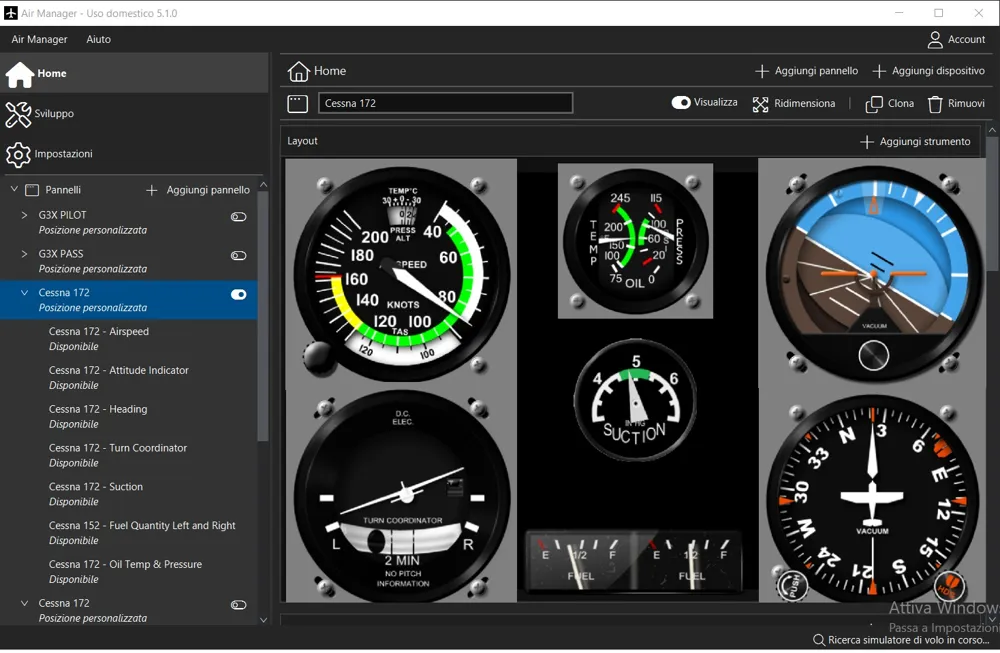
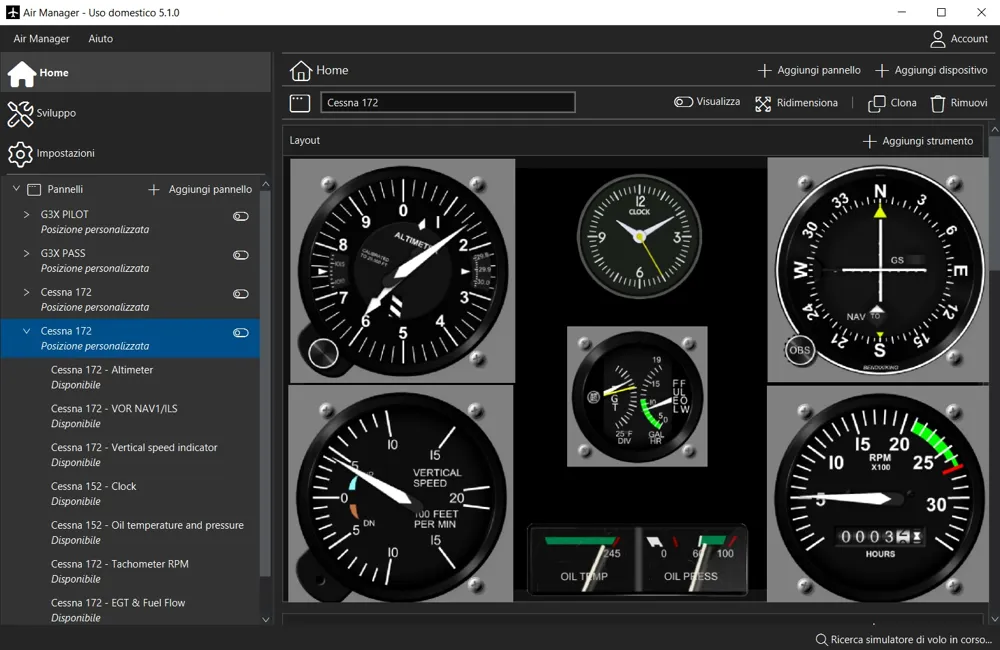
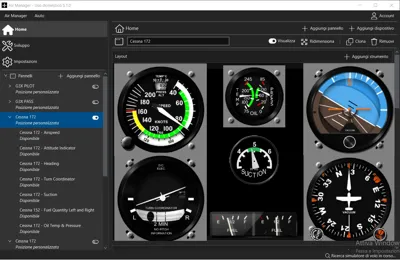
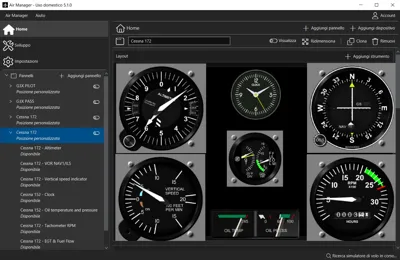
To use the cockpit as shown in the project photos, an Air Manager license is required.
Within AirManager, the user must search for and modify the Cessna 152 cockpit panel, exactly as demonstrated in the project images.
This modular design allows the user to easily switch between a realistic Cessna 152 cockpit layout and a dual-screen PC configuration.
Boost Me (for free)
Boost Me!
License



Comment & Rating (3)