
U1 Top Cover 2 Versions With Filter (V1 & V2)
Print Profile(2)


Description
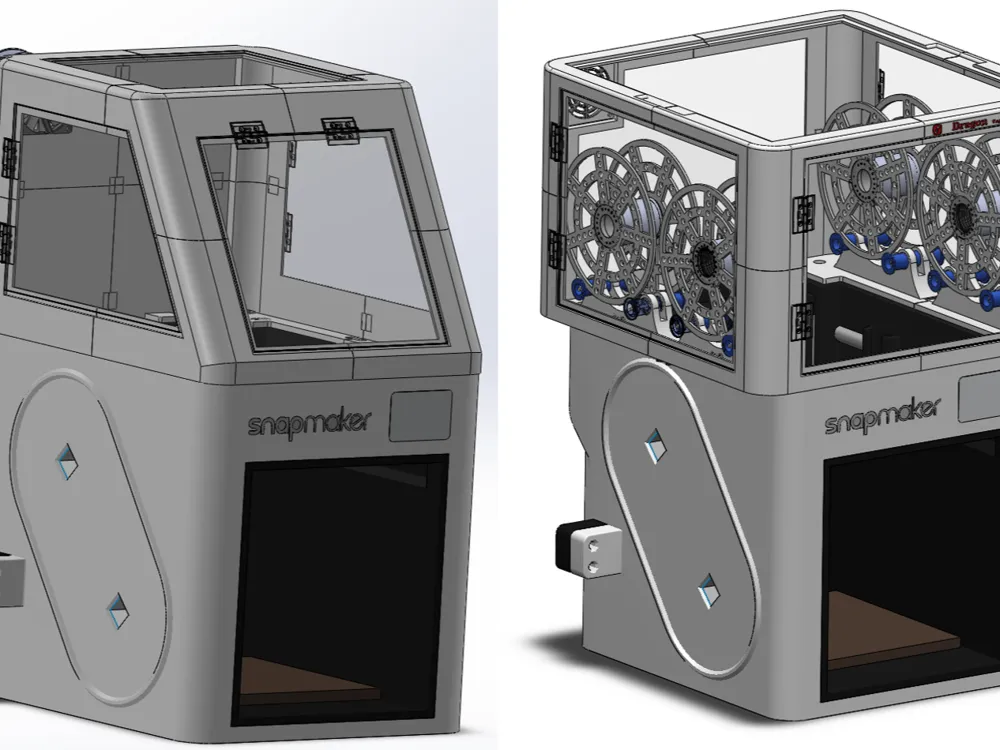
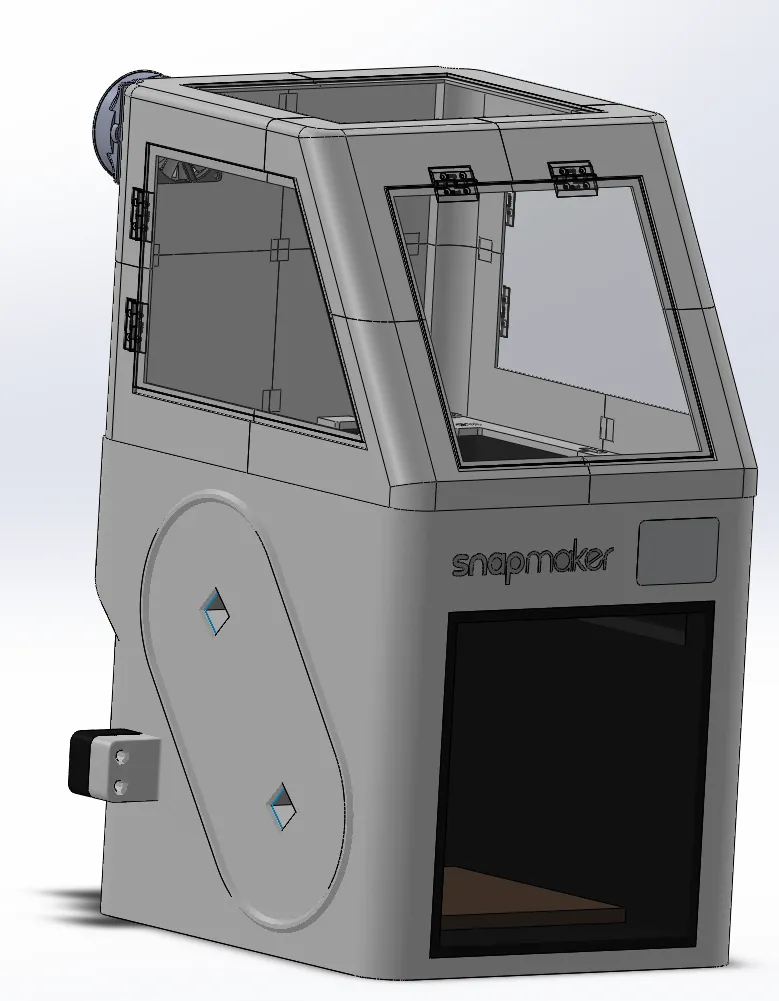
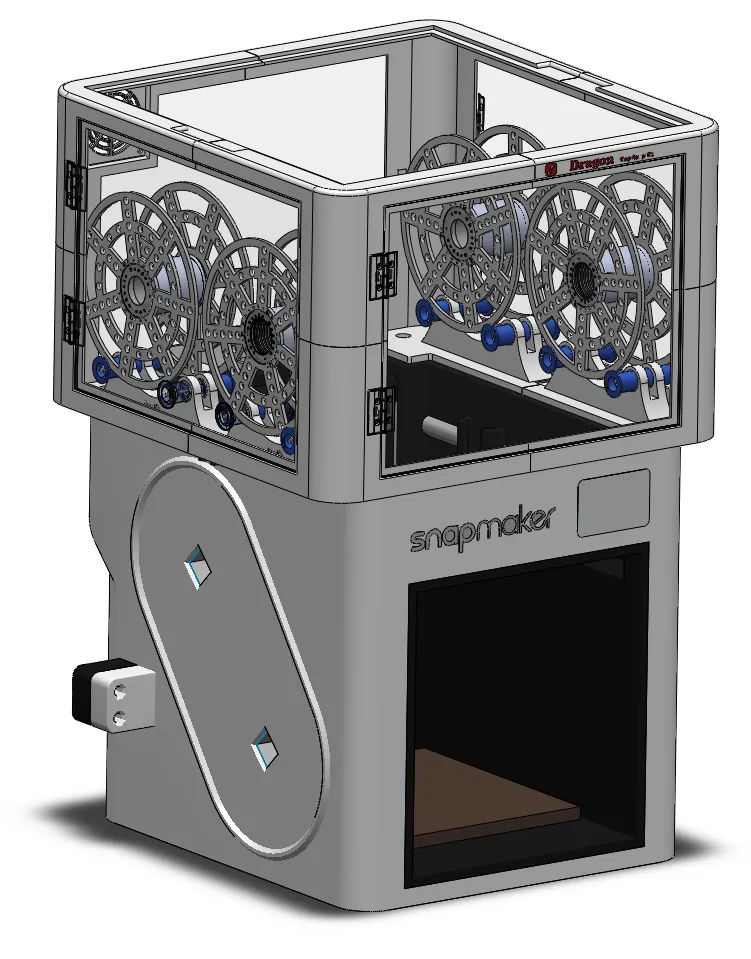
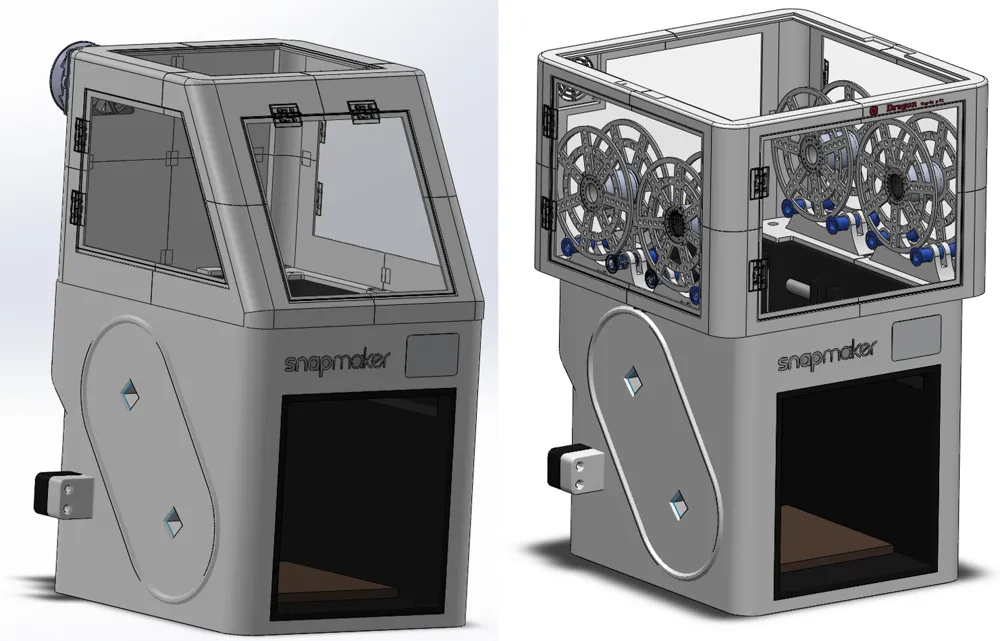
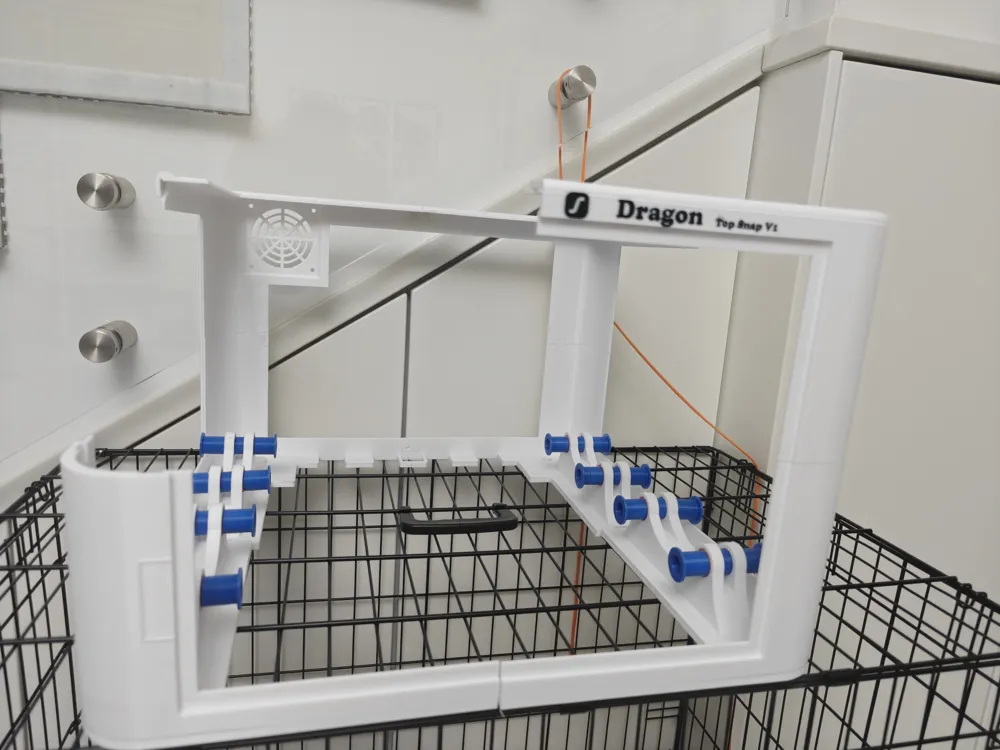
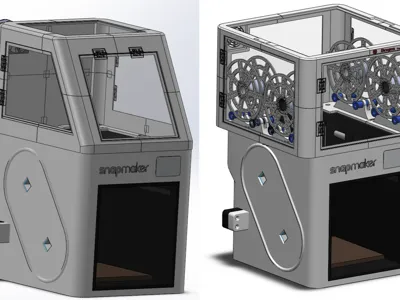
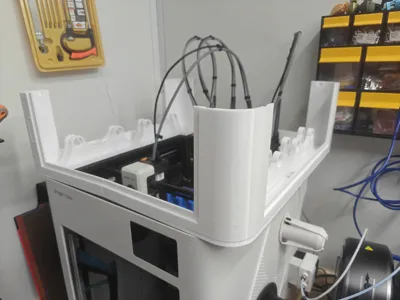
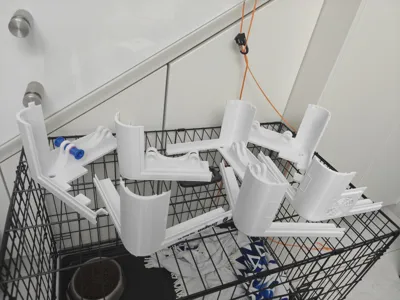
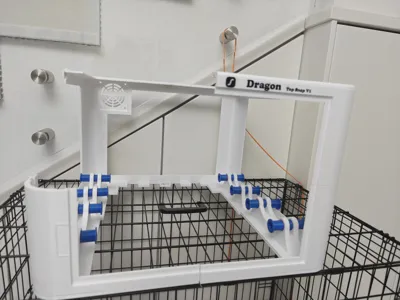
This is My Original Design For the closure of the Snapmaker U1 Printer
New Optione V3 uploaded
https://makerworld.com/en/models/2420616-u1-top-cover-4-spools-cassette-v3-with-fan-fillter#profileId-2658988
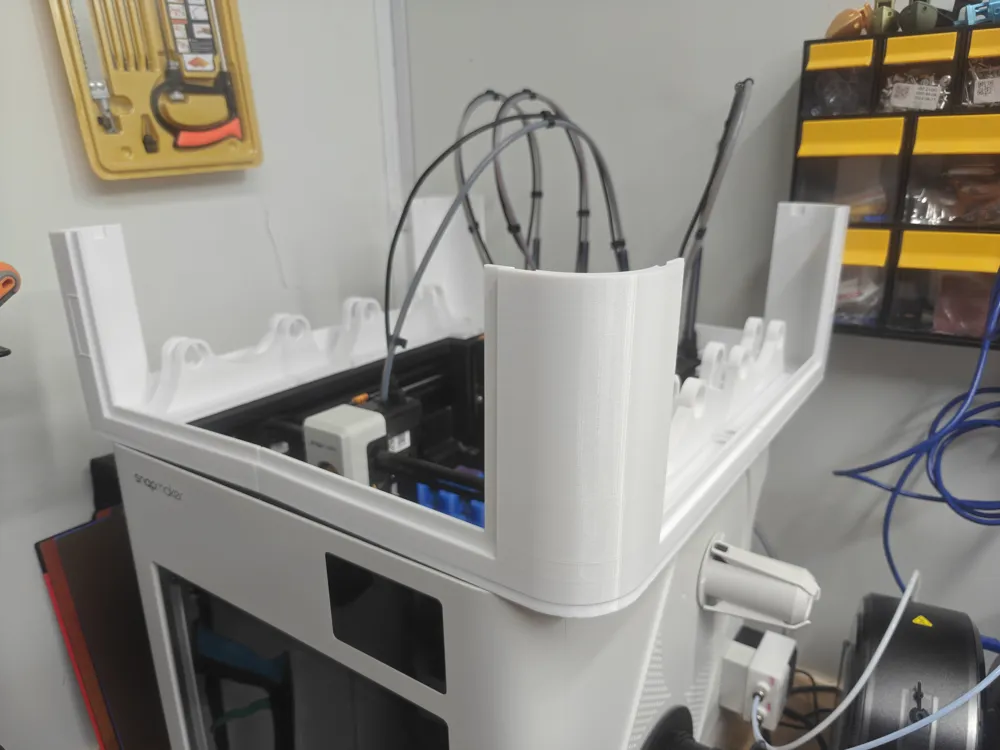
25-Apr-2026: New AddOn for the stability of the tubes and cables inside the cover.
I made an Extender for the guide rails of the tool-heads (see link)
https://makerworld.com/en/models/2713218-u1-heads-tube-holder-extender-with-cable-clips#profileId-3004508
the user “trapp” made an extra guards for the spools, so even in an earthquake, the spools can't fall into the printer
https://makerworld.com/en/models/2569922-u1-top-cover-filament-fall-guard-dragon3d-model#profileId-2832727
Important!!!!! -→> the 3MF files in the “plate” top are for printing with the Bambu H2 printer, and with the “STL/CAD” files, you can find 3MF files made for printing with the Snapmaker U1 Printer
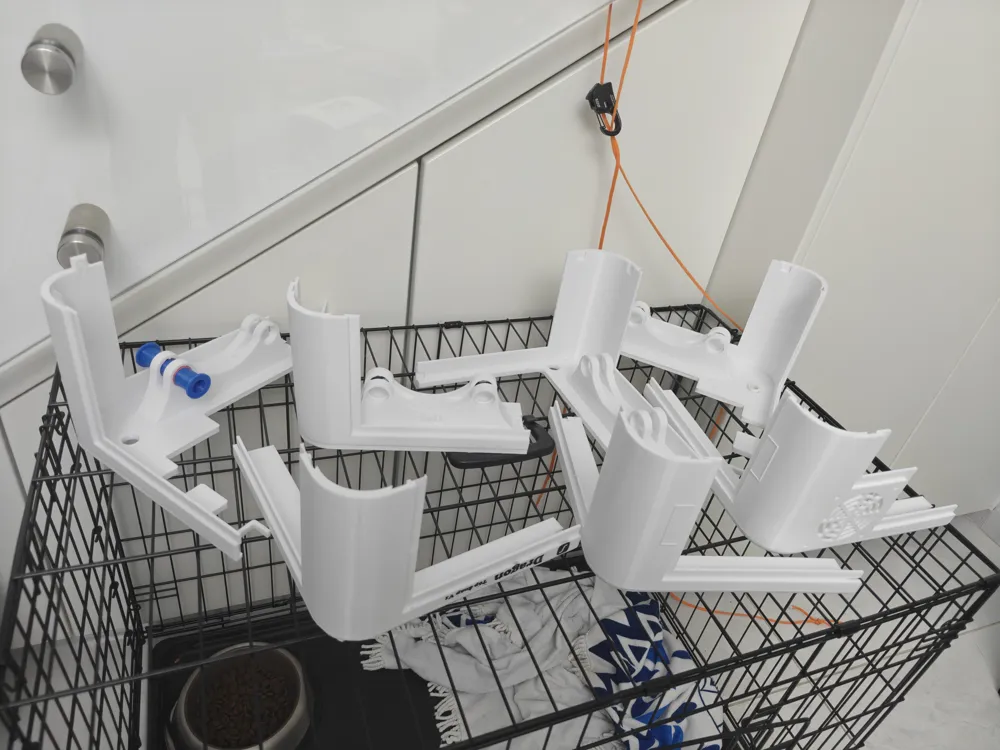
In the 3MF, the printed parts are PETG, and the supports are PLA
You can select one of the two options
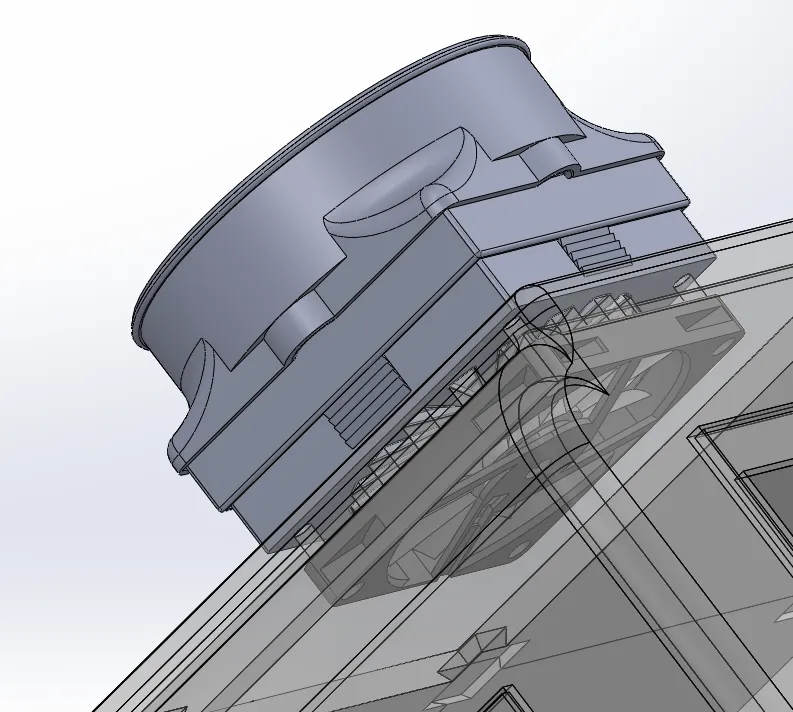
All the options can be mounted with a fan and a filter, and 3 hinged Panels (1 in the front, and one on each side of the cover)
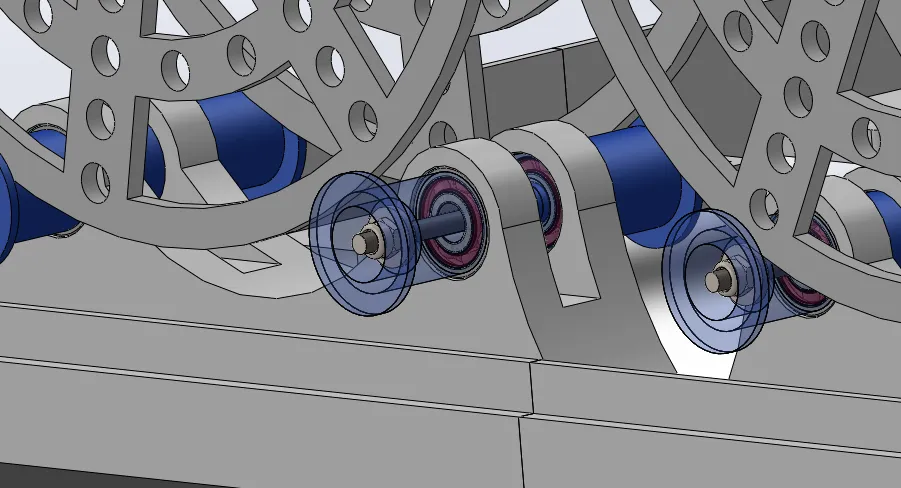
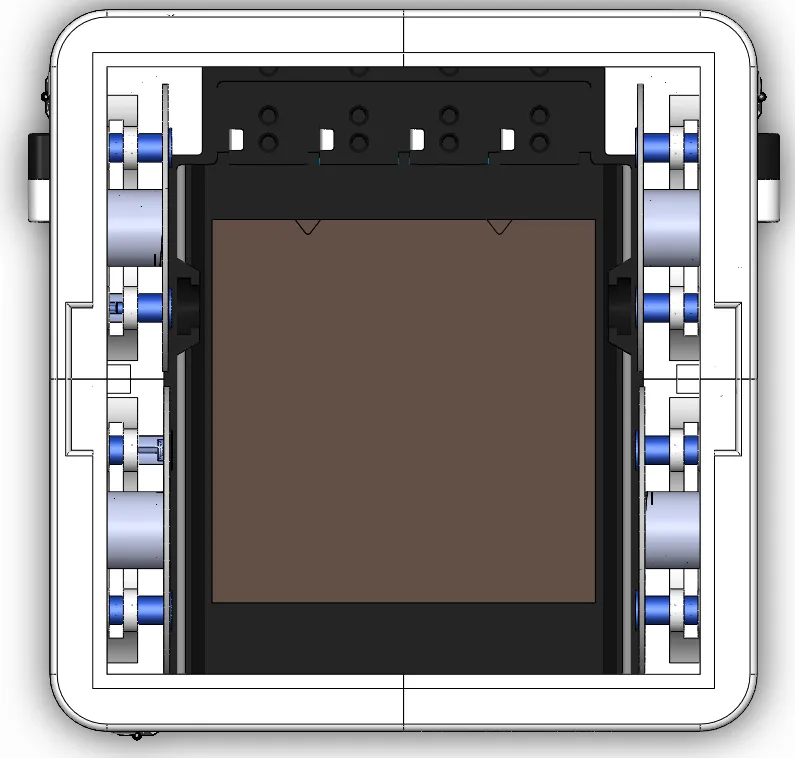
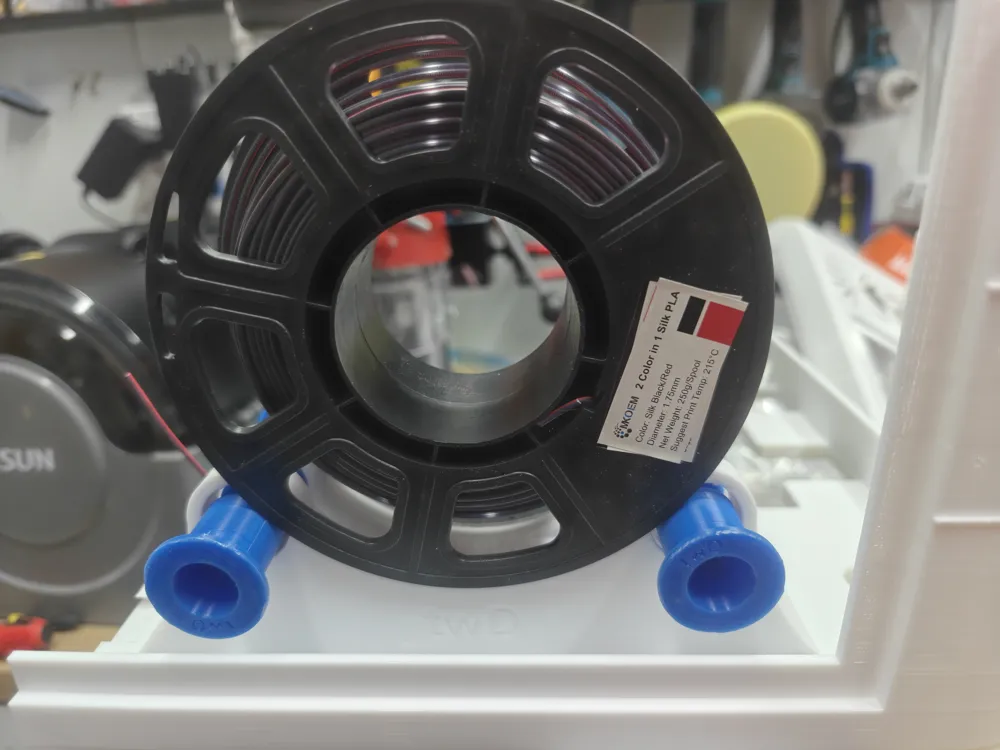
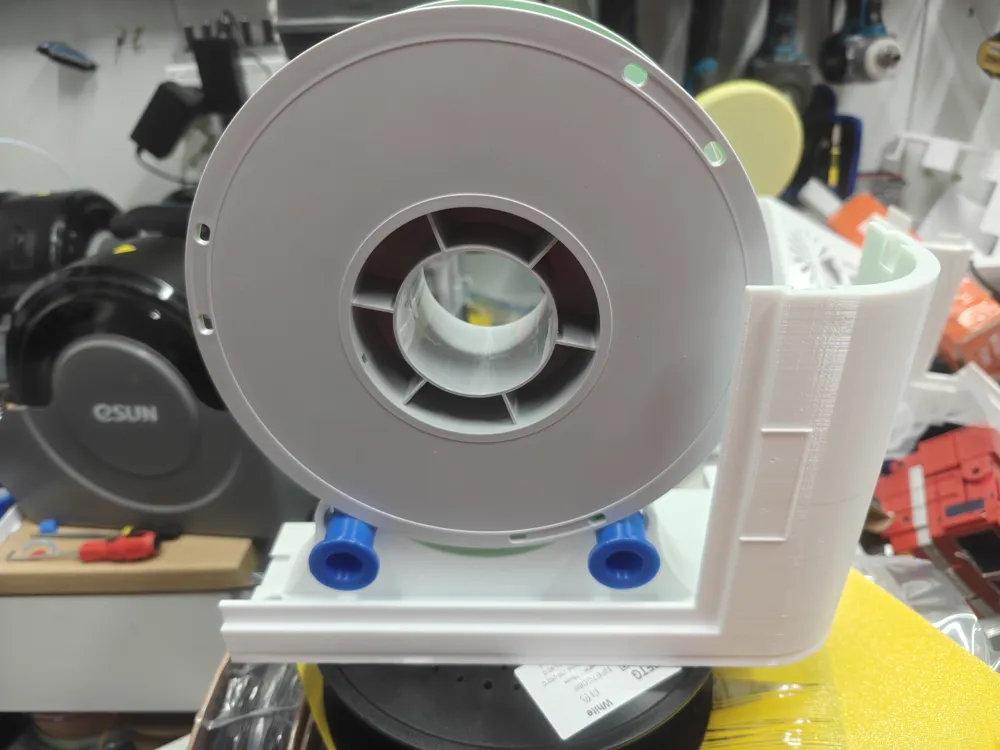
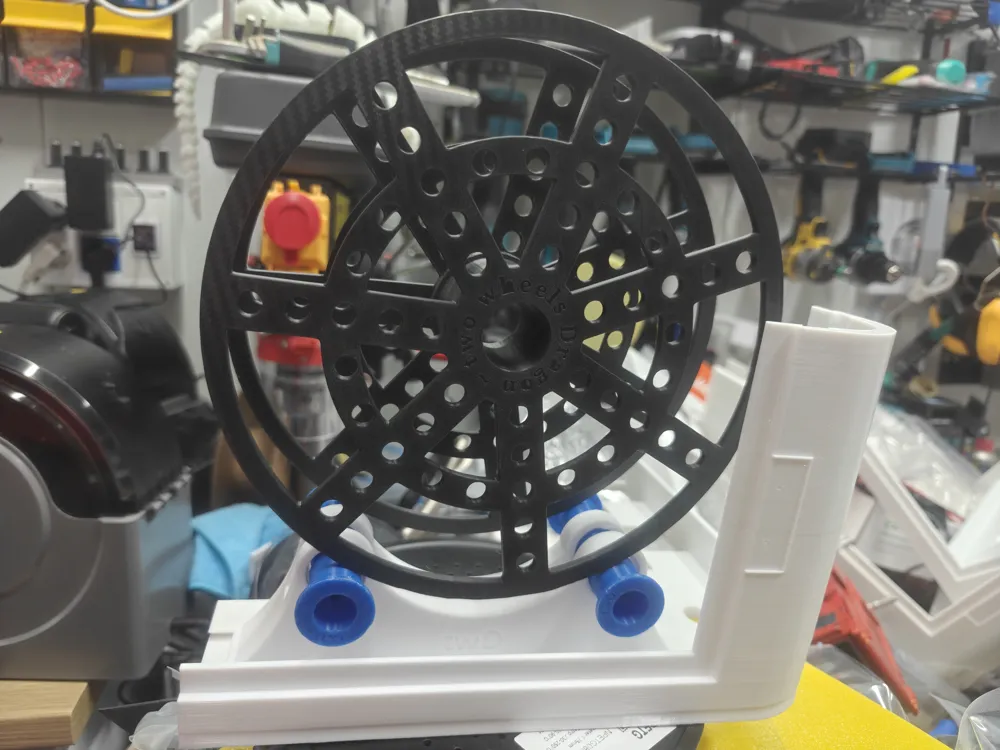
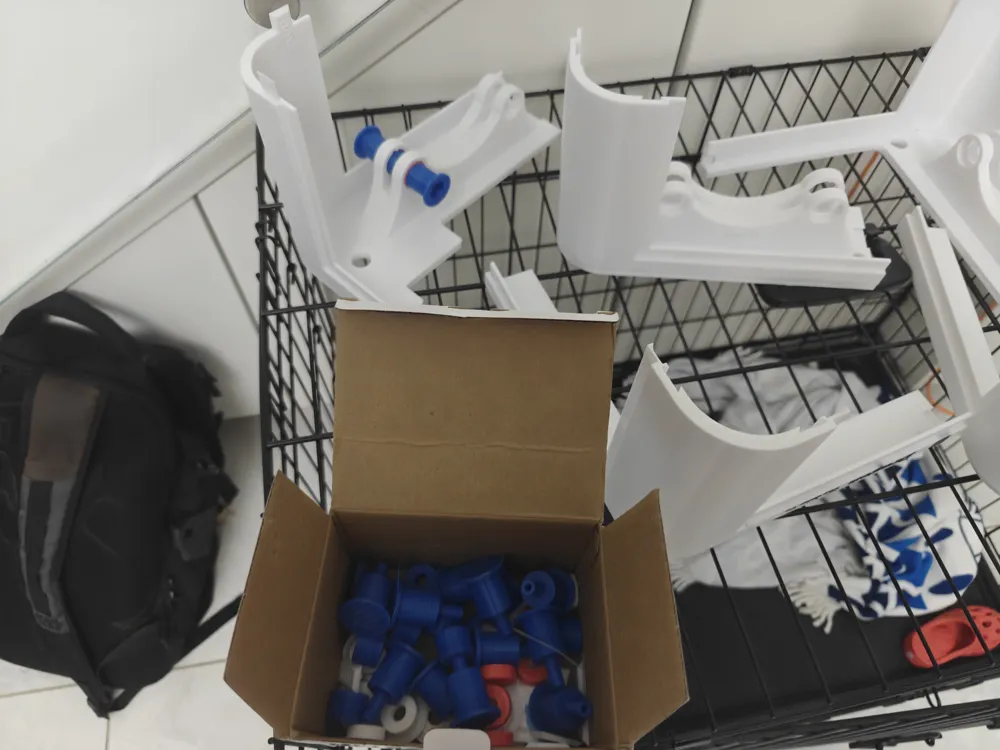
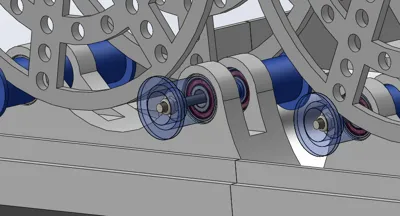
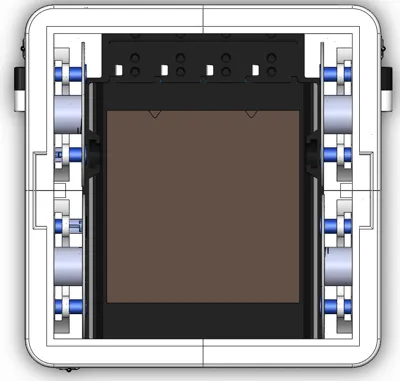
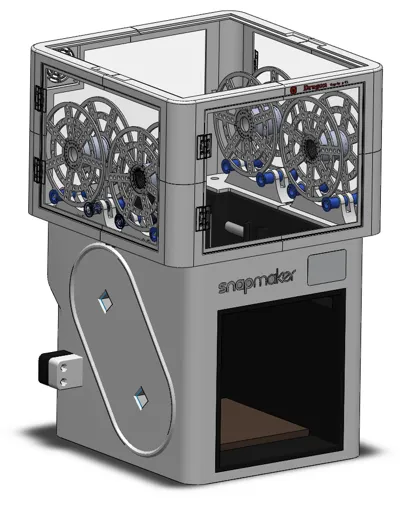
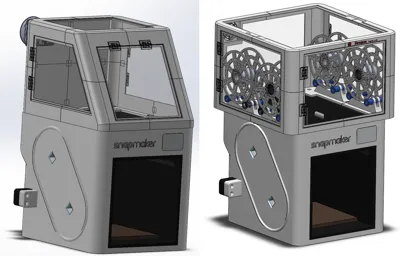
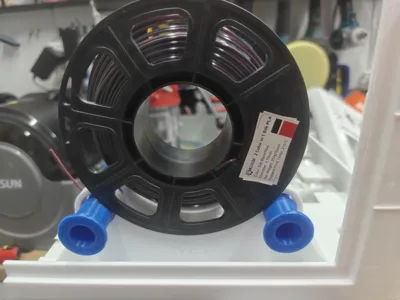
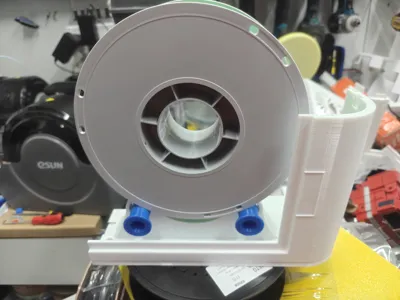
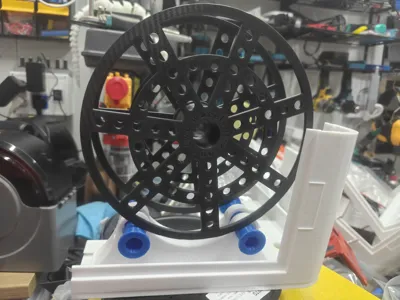
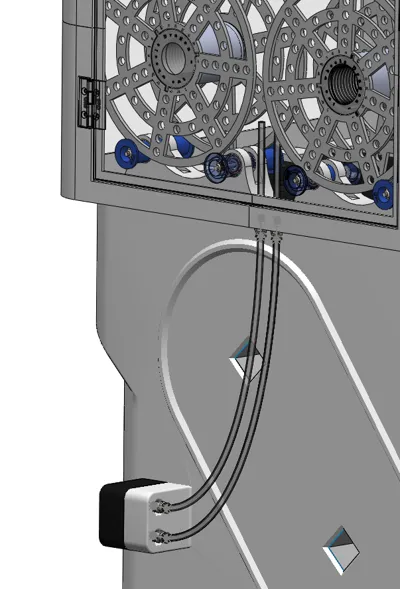
Option V1.x → is the Top Cover with 4 Spool Rollers inside the Cover that keeps it all in the same environment as the printed unit and keeps the Filaments from the outside environment, like moisture and dust
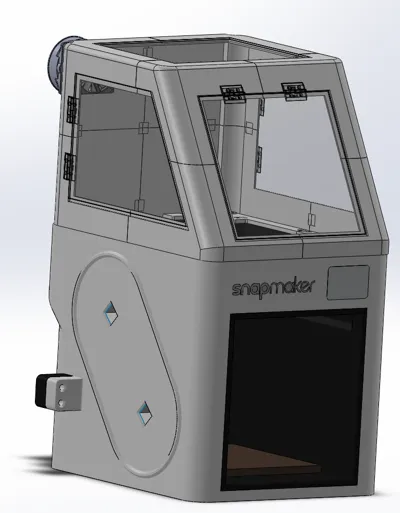
Option V2.x → is the Top Cover with the sloop in the front for the best visibility and service access
In addition to the printed parts, you will need the transparent panels 3mm thick (See Attached PDF for each Version)
You also need these parts:
- 8 Units of M4 screw 70mm length (304 stainless steel) → https://a.aliexpress.com/_c4URyYdN → Select the “M4 70mm”
- 4 Units of M4 screw 30mm length (304 stainless steel) → https://a.aliexpress.com/_c4URyYdN → Select the “M4 30mm”
- 12 Units of M4 Nylock Nut (304 stainless steel) → https://a.aliexpress.com/_c4sCs0In → Select the “304 stainless steel M4”
- 16 Units of M4x9x1 flat Washer (304 stainless steel) → https://a.aliexpress.com/_c4m6wmVd → Select the “M4x9x1”
- 16 Unit of 608 (Skateboard) Ball Bearings → https://a.aliexpress.com/_c3ohXPkB → Select the “608RS” or “608ZZ”
- 6 Units of 45mm Plastic Transparent Hings → With Glow https://a.aliexpress.com/_c3oaV5w7 , With screws https://a.aliexpress.com/_c4rLOA07 → Select the 45mm units
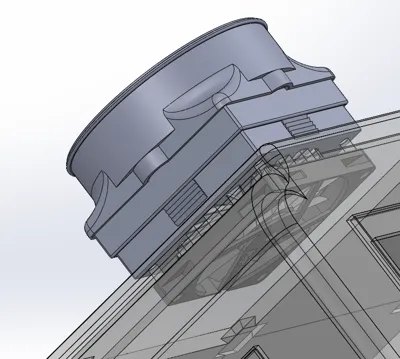
- 1 Unit of 24V Fan 80x80x10mm 2 wires Dual Ball Bearing → https://a.aliexpress.com/_c3nHgKYL → Select type “24V Ball 2P-XH2.54”
- 1 Unit of HEPA Layer Activated Carbon Filter → https://a.aliexpress.com/_c4E4aJMf → Select Any Qty
- 1 Roll of White Single-Sided Foam Tape 10mm wide, Thickness 1mm → https://a.aliexpress.com/_c407Visb → Select “5m, 1mm, 10mm”
- 1 Roll of White Double-Sided Foam Tape Sealed 10mm wide, Thickness 1mm → https://a.aliexpress.com/_c4eGXffz → Select “White 5mX1mm, 10mm”
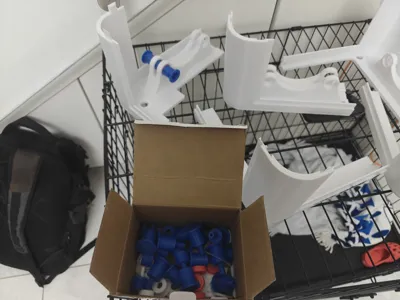
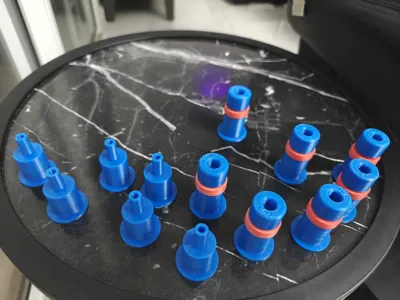
- 4 Units of PC4-M10 Pneumatic Fitting (M10 PTFE 4mm Tube ADP) → https://a.aliexpress.com/_c4lJSu3D → Select “PC4-M10”
Note: I will add the Assembly Instruction Document soon
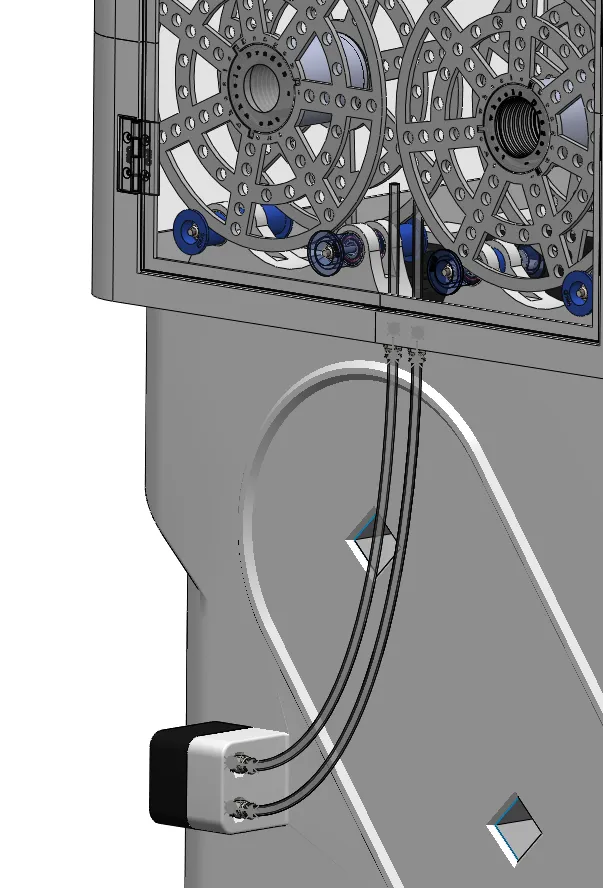
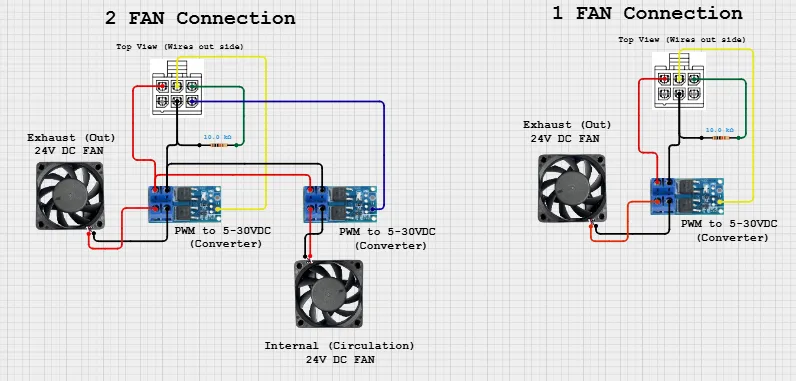
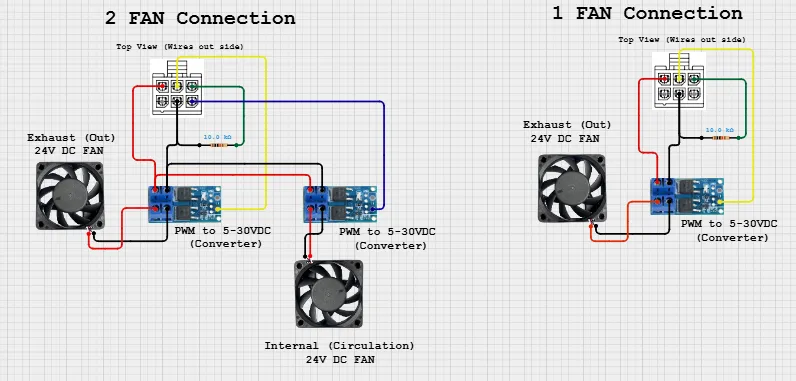
For the option for connecting the Fan to the designated Connector on the top of the printer (between Heads 3 and 4)
You will also need those Parts: (See for more data https://github.com/WilliamTheMaker/BuildMyOwnBlackBox_for_Snapmaker_U1)
- 1 unit of MOSFET PWM Regulator 24V → https://a.aliexpress.com/_c3yLcjaF
- 1 Unit of 6 pins Micro-Fit MX3.0 Double Row Male Plug Housing+Female Terminal → https://a.aliexpress.com/_c3CTwCHd → Select “2X3P”
- 24AWG Electrical Wires → https://a.aliexpress.com/_c3FM40IB
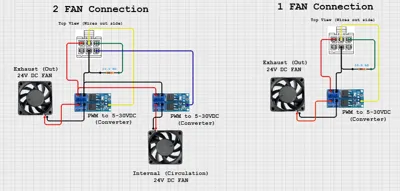
* For the electric connection of the Fan with the PWM to the Top Cover U1 Original Connector, see the attached Document taken from Discord and this drawing on the connection needed
Documentation (3)
License

You may create derivative works based on this object, provided that all such derivative works are published exclusively on the MakerWorld platform and include proper attribution to the original creator. You may not share, upload, host, distribute, or publish this object—or any derivative work of this object—on any other digital platform, marketplace, or distribution channel. Commercial use of this object and any derivative works is strictly prohibited. This includes, but is not limited to, selling, renting, sublicensing, or using the object in any context in which you receive monetary compensation or other financial benefits.


Comment & Rating (53)