
Apple MacMini M4 10 Inch 2U Rack Mount with 2xNVME
Print Profile(1)

Bill of Materials

Description
Hi together.
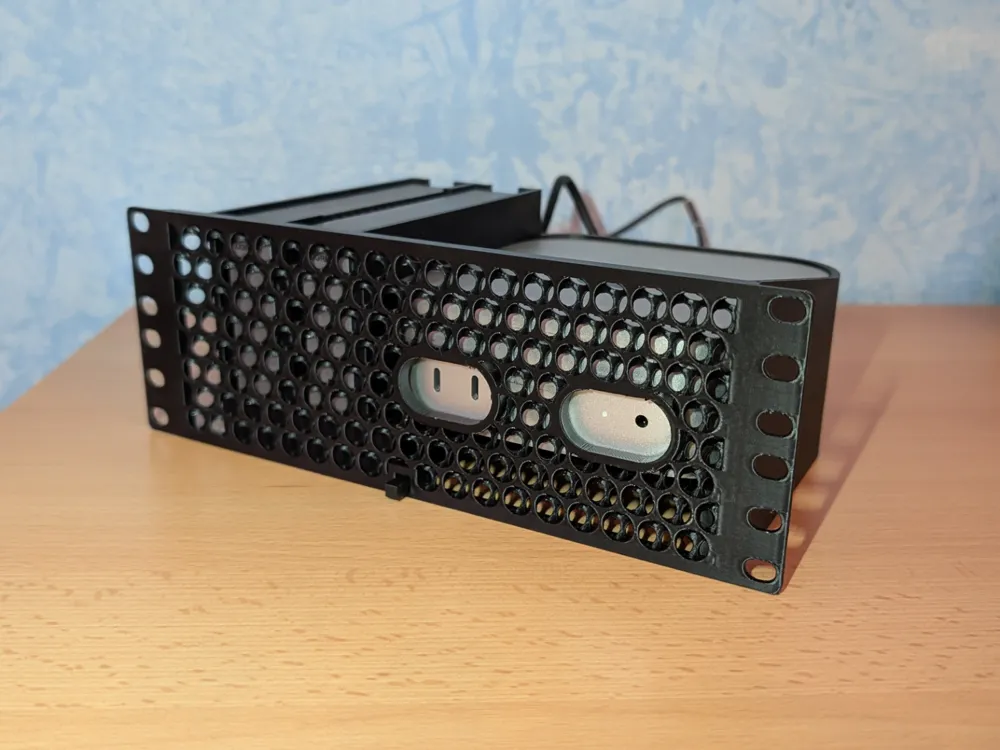
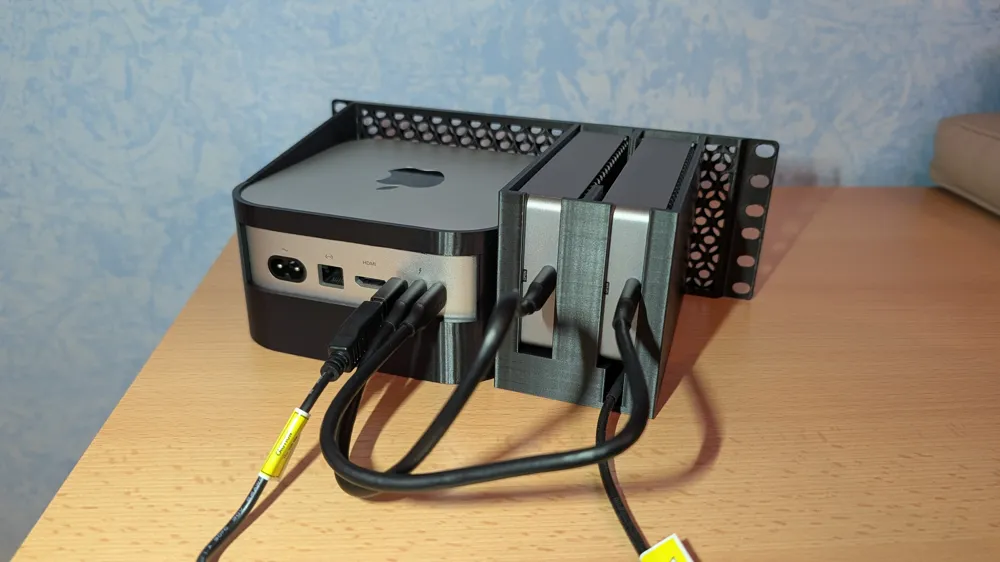
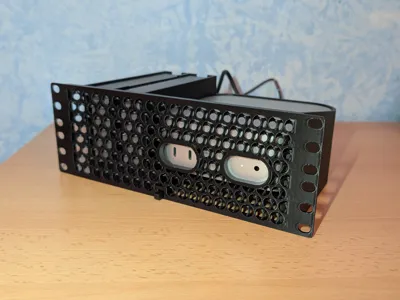
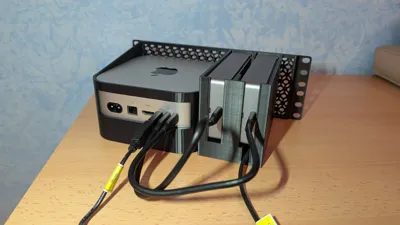
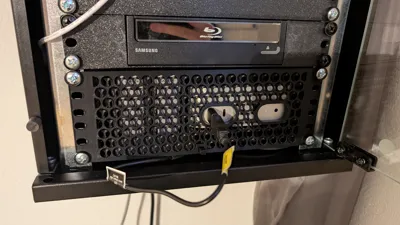
I have made an 10 Inch 2U rack mount for an Apple Mac Mini M4 with 2x 40Gbps active cooled NVME SSDs.
With this setup you can expand your memory with 2x 8TB high speed drives and use your MacMini as a very powerful media server.
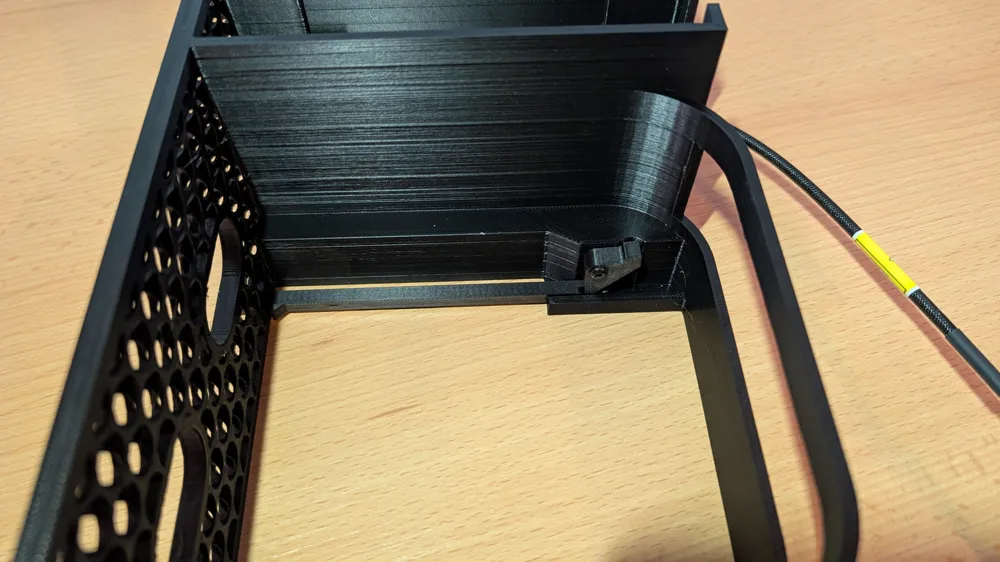
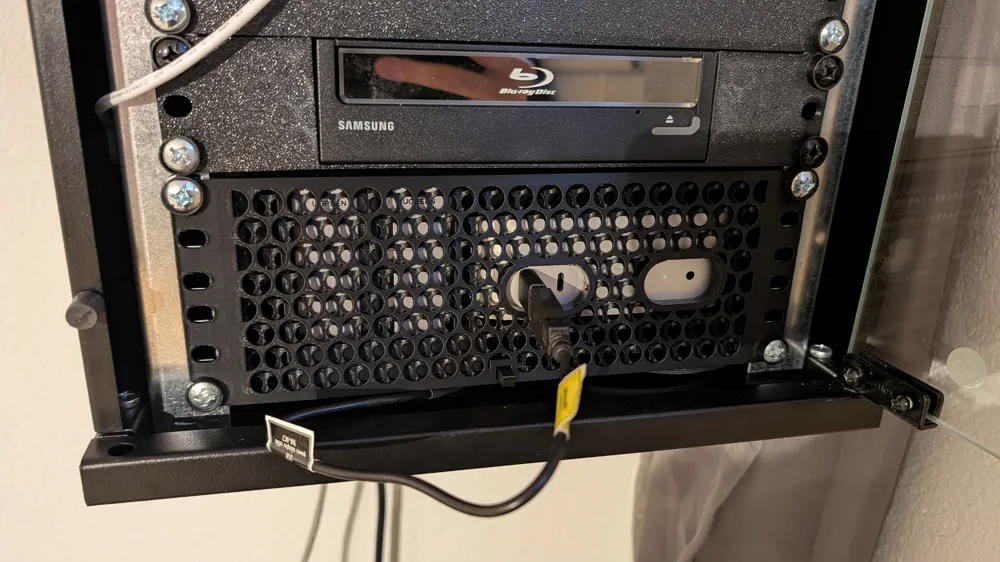
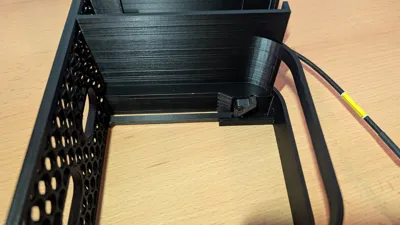
Because of the very good placement of the power button and the not available ability to power on the mac after shutting it down and cutting the power, i have also a solution to press the power button from the front side.
Update: With MacOS Tahoe 26.5 you can now power on your mac after AC is back like on other maschines. So if you dont want to run the system 24/7 you can now use a smart power plug.
So lets start to build it.
What do you need?
- Apple Mac Mini M4 (not important how many RAM or disk space. it must be the M4 model)
- 2x 40Gbps NVME Enclosures from Ugreen. This Model: https://eu.ugreen.com/products/m2-nvme-ssd-enclosure-40gbps?_pos=2&_sid=56d8ae7fa&_ss=r
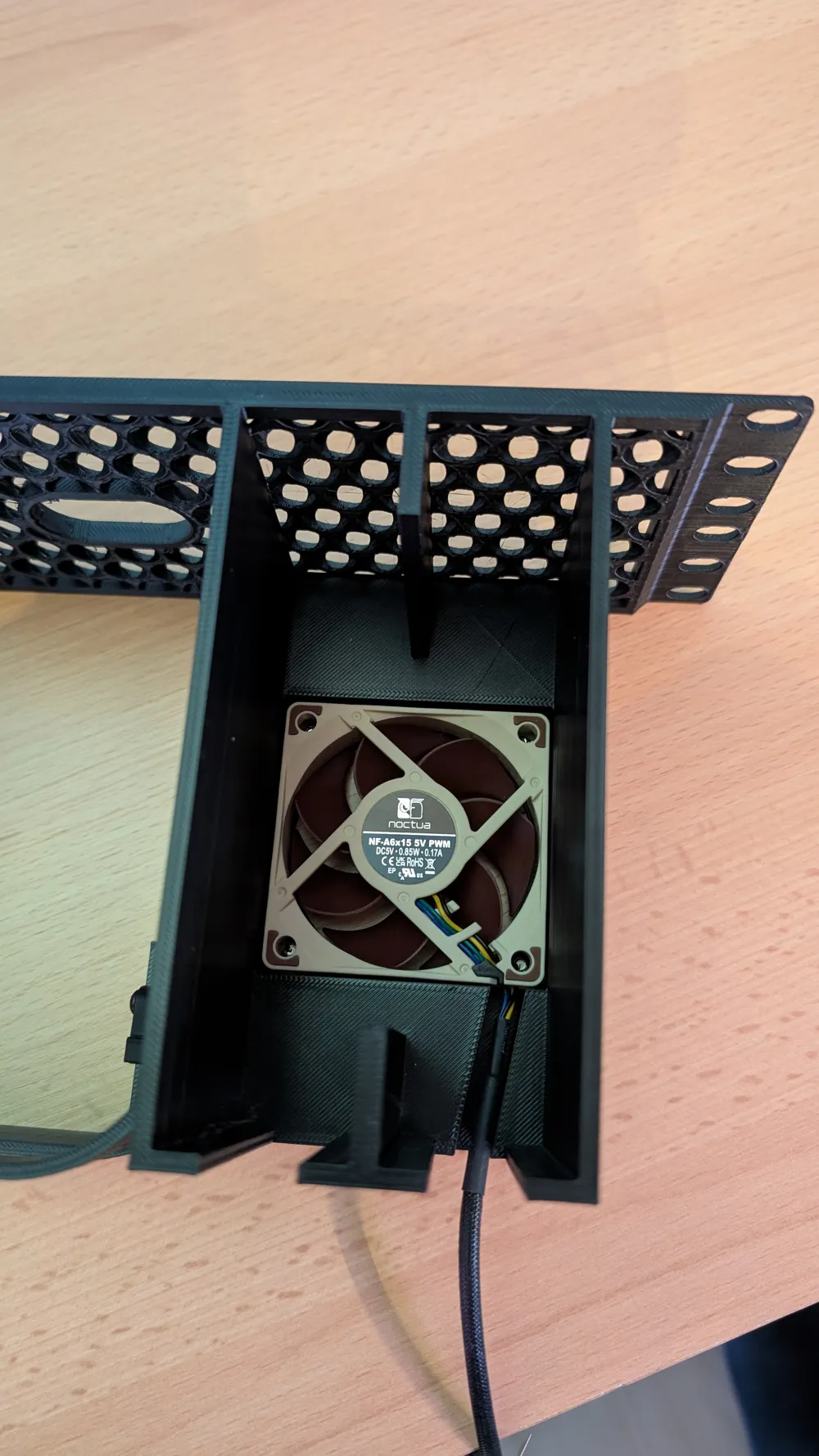
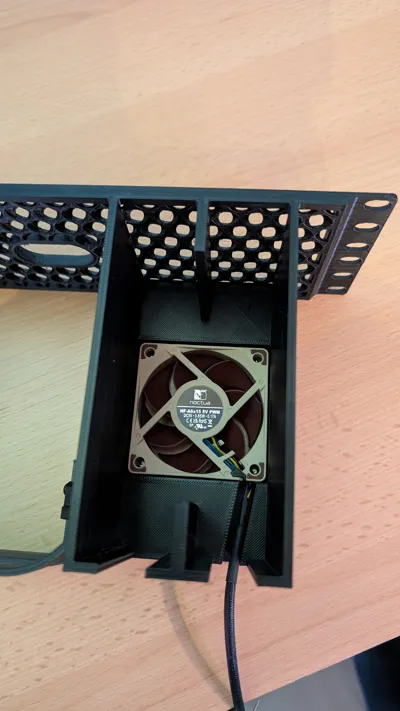
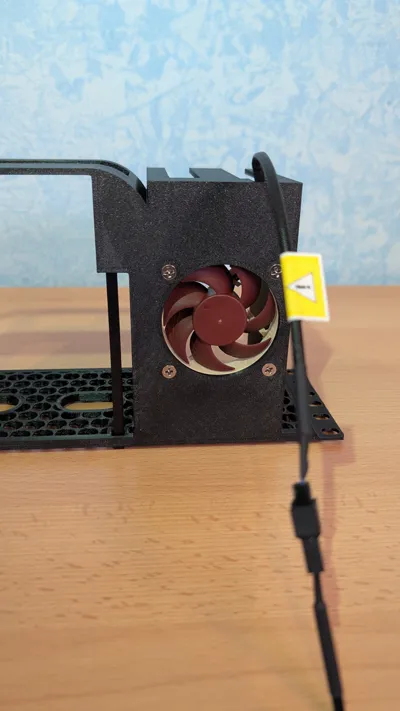
- 1x 60mmx15mm Fan for active cooling the SSDs. I can recommend the Noctua NF-A6x15 https://www.noctua.at/en/products/nf-a6x15-5v
- 1x USB-C to USB-A adaptor if using the noctua fan https://www.amazon.de/dp/B0BZ3RBJ4F?ref_=ppx_hzsearch_conn_dt_b_fed_asin_title_5&th=1
- 1x Bambulab BT3x10mm screw (AA222) for the power button
Assembly (very easy):
install the power button mechanics by lay in the long pusher. Then stick in the little pusher element into the long pusher and secure it with the BT3x10 screw. Make shure to not tighten it to much so it can move complete free without any resistance. No worrys the mass of the mac mini is enough to not lift up and push back the pusher mechanics if the screw is not tightened
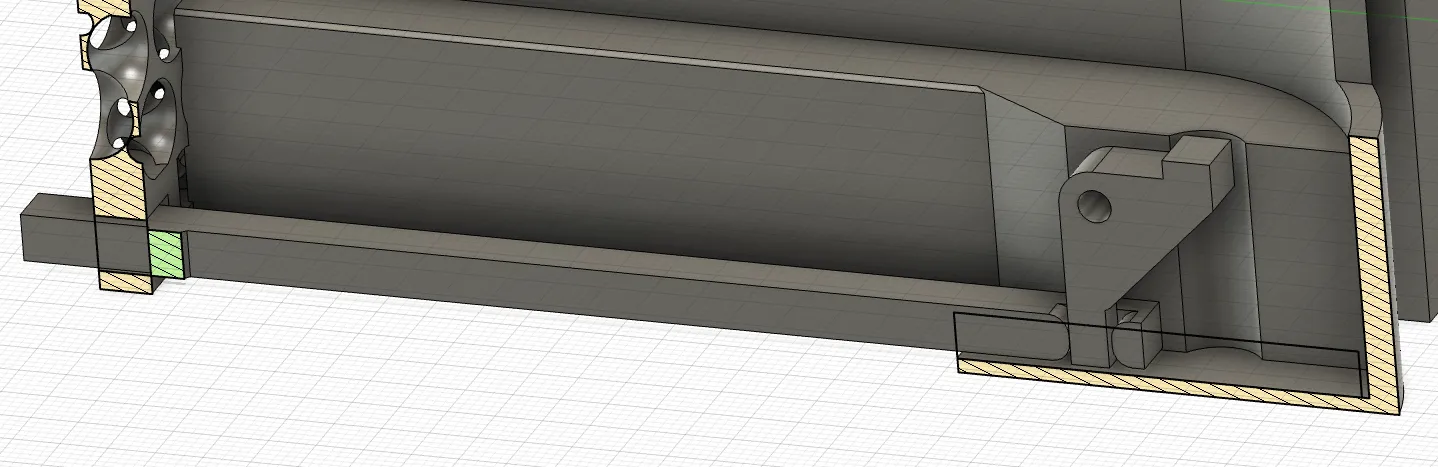
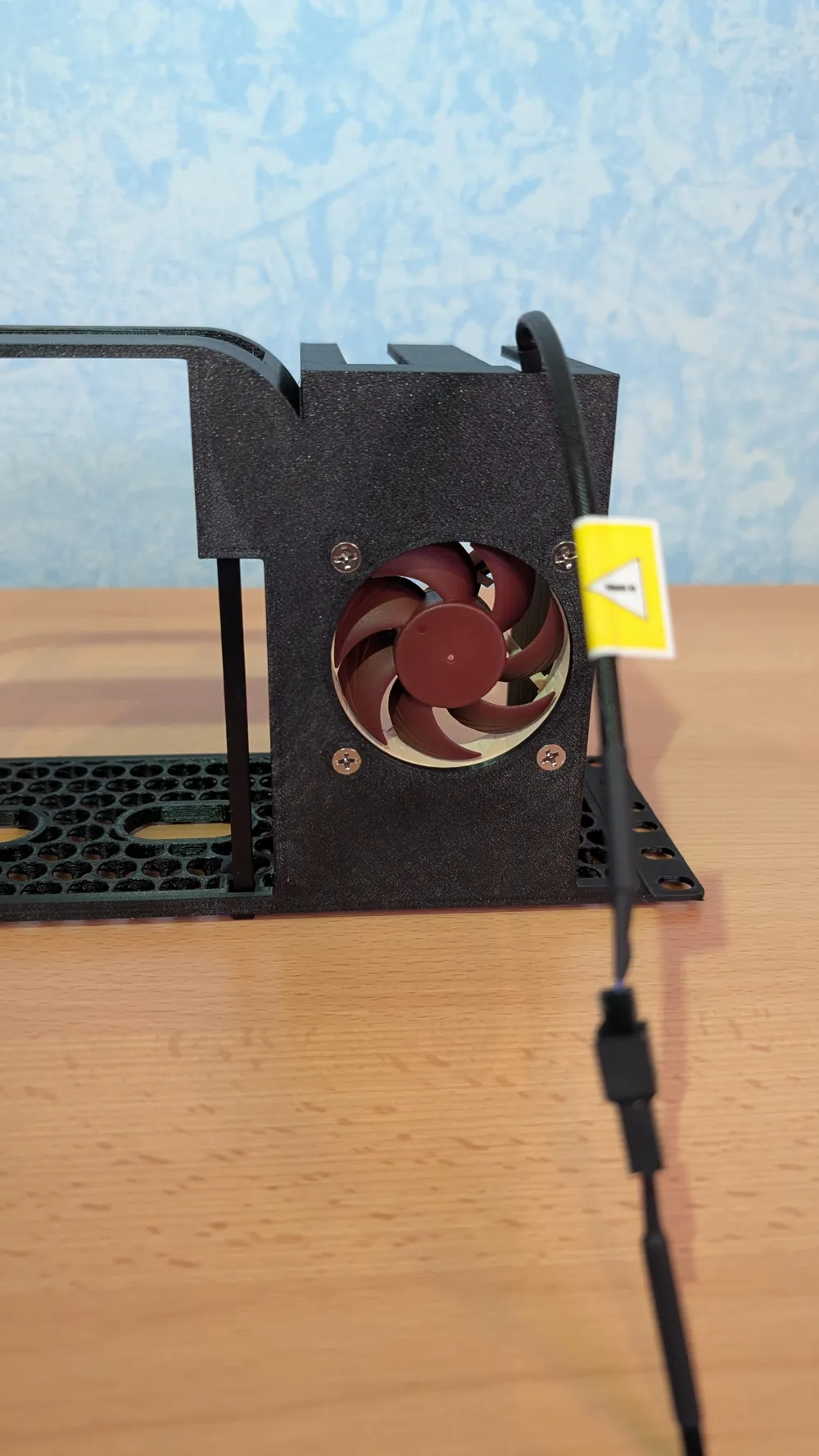
- Install the fan with 4 normal fan screws. If you have the noctua fan you can simply connect the fan with the MacMini with the USB-C to A adaptor
- Slide in the MacMini
- Slide in the SSDs and connect it to the MacMini with the cables that came with the SSDs enclosures
- Ready. Your Mac Mini is ready to set up.
License

You may create derivative works based on this object, provided that all such derivative works are published exclusively on the MakerWorld platform and include proper attribution to the original creator. You may not share, upload, host, distribute, or publish this object—or any derivative work of this object—on any other digital platform, marketplace, or distribution channel. Commercial use of this object and any derivative works is strictly prohibited. This includes, but is not limited to, selling, renting, sublicensing, or using the object in any context in which you receive monetary compensation or other financial benefits.


Comment & Rating (6)