Search models, users, collections, and posts

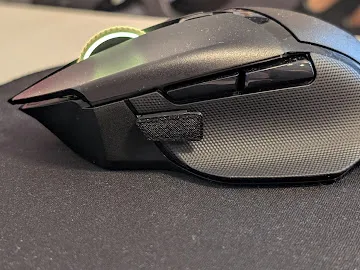
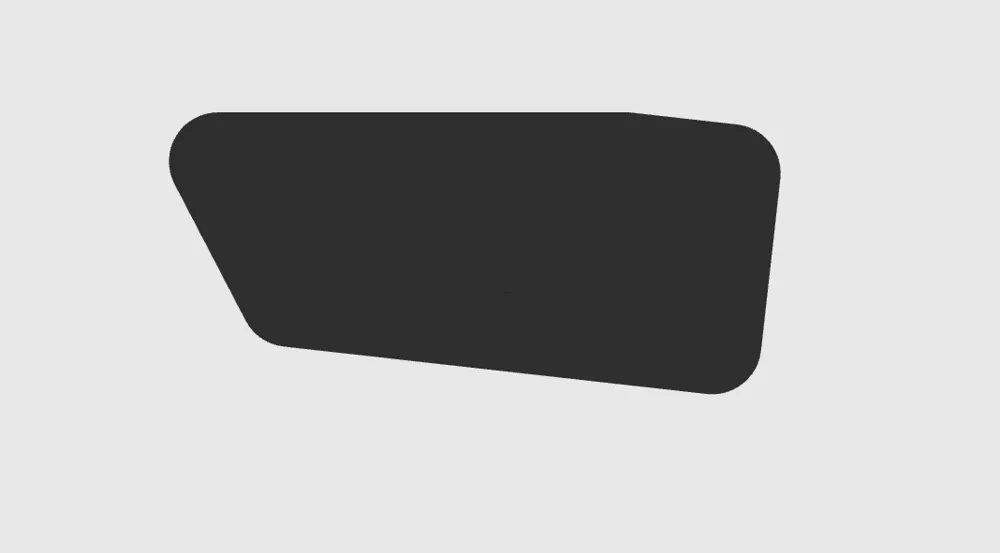
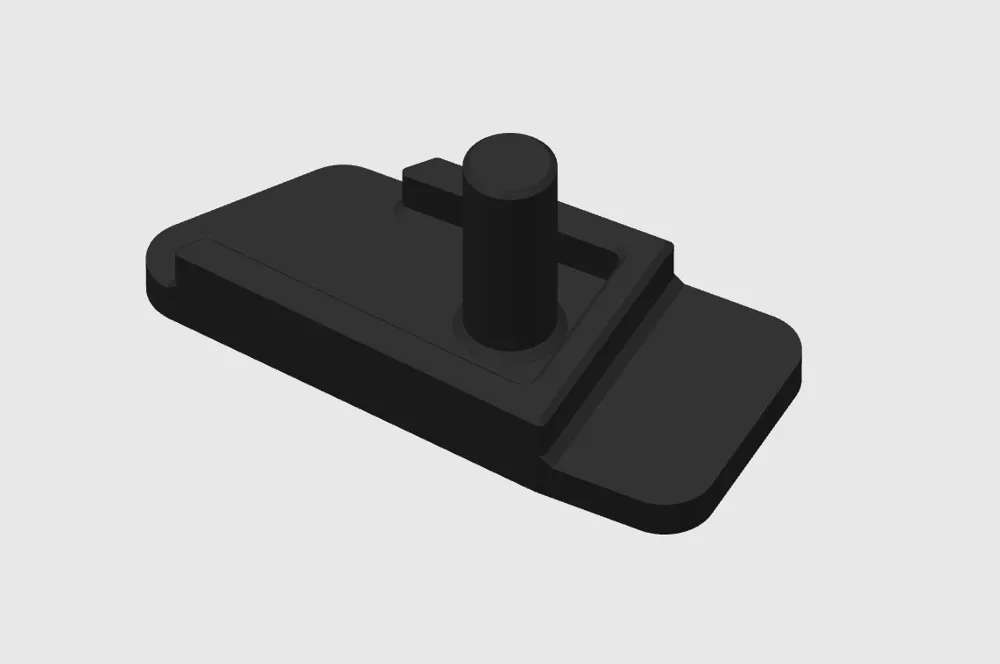
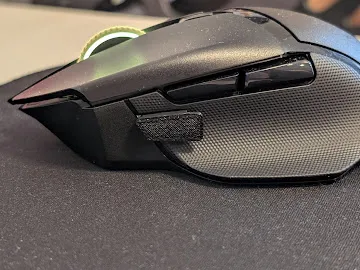
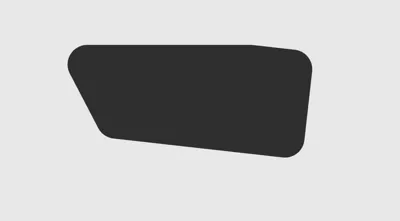
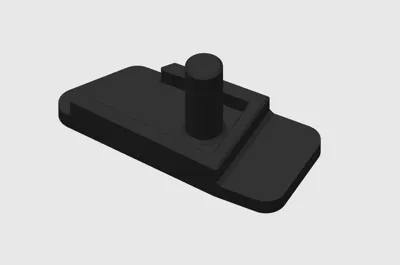
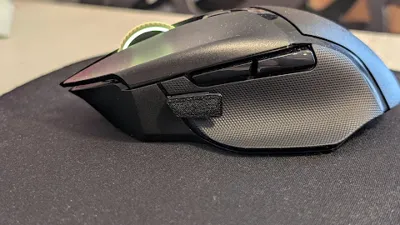
Tasto Shift Razer Basilisk V3 x Hyperspeed
IP Report
Print Profile(1)

0.12mm layer, 2 walls, 15% infill
Designer
13 min
1 plate
Open in Bambu Studio
Boost
4
11
0
0
23
13
Released
Description
Content has been automatically translated.
Attention! To install this button, the original one must be removed. Mouse disassembly is required
The following steps and compatibility refer to the Razer Basilisk V3 X HyperSpeed model. Compatibility with other Basilisk mouse versions is not guaranteed
1- Remove the Teflon feet from under the mouse (heat with a hairdryer for approximately 30-40 seconds and carefully remove them to avoid bending; they can be re-glued afterward)
2- Remove 6 screws; a Phillips head and T6 screwdriver are required
3- Open the mouse casing
4- Remove the screw that holds the button in place
5- Reassemble everything
Now you can slide out the original button and install the new one
License

This user content is licensed under a
Creative Commons Attribution-Noncommercial-Share Alike


Comment & Rating (0)