
Change Light Color
Print Profile(2)


Bill of Materials




Description
Boost Me (for free)
𝗬𝗼𝘂𝗿 𝗳𝗿𝗲𝗲 𝗕𝗼𝗼𝘀𝘁 = My design supply pack 📦 Click "𝗙𝗼𝗹𝗹𝗼𝘄" to get more useful models! 👀
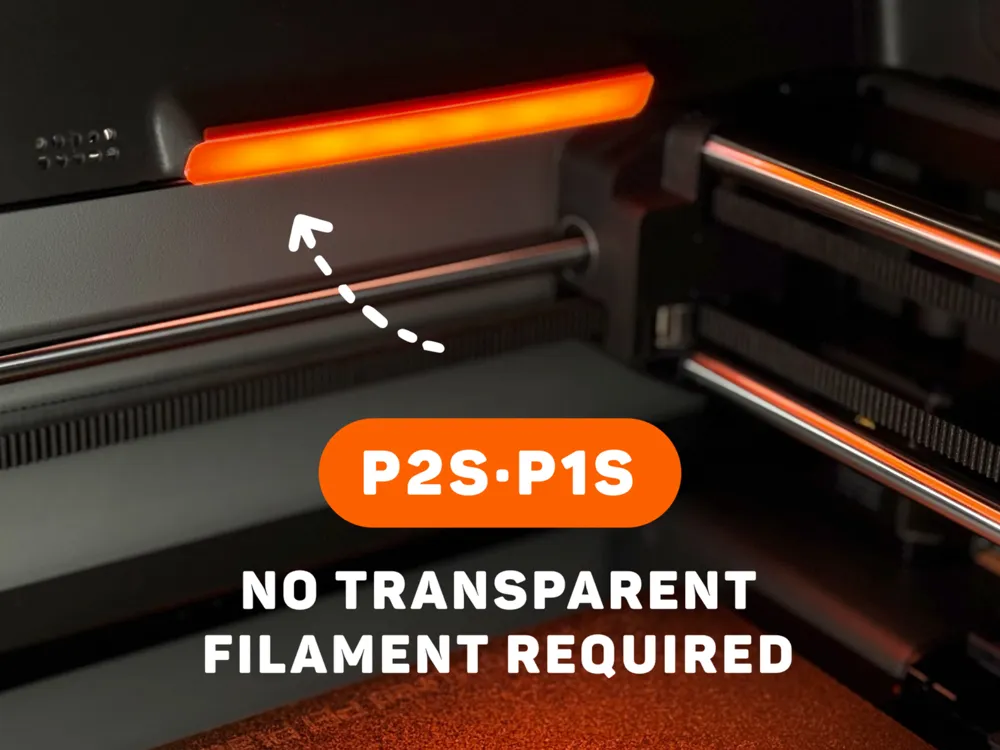

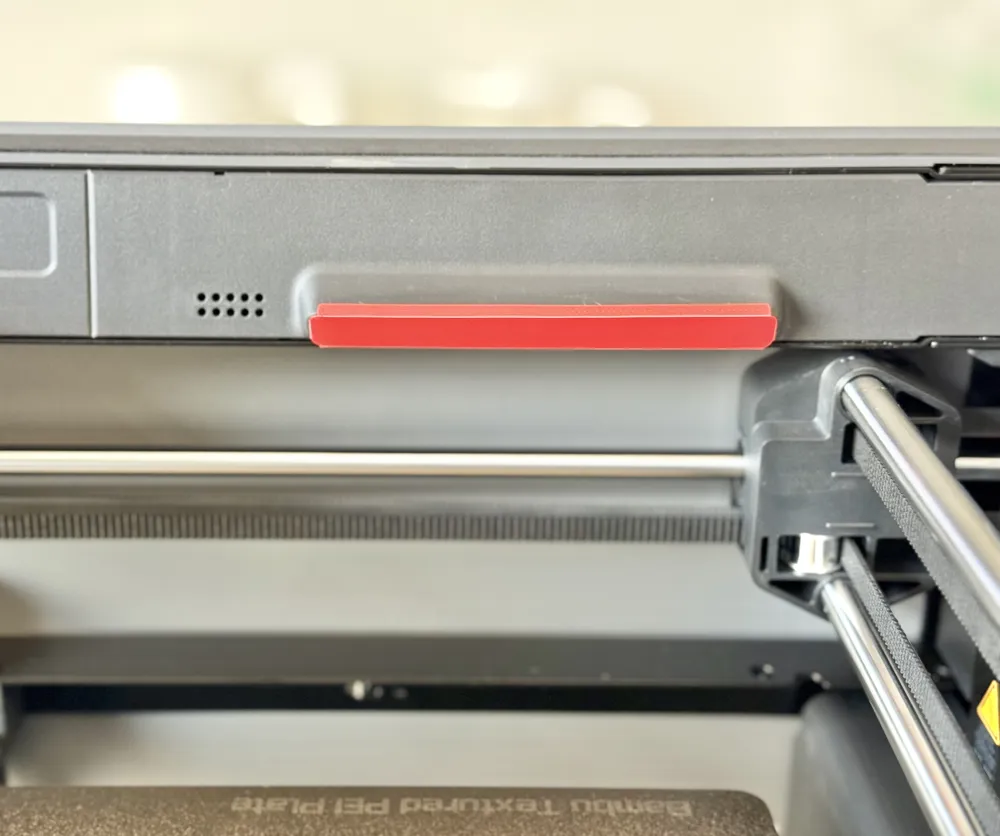
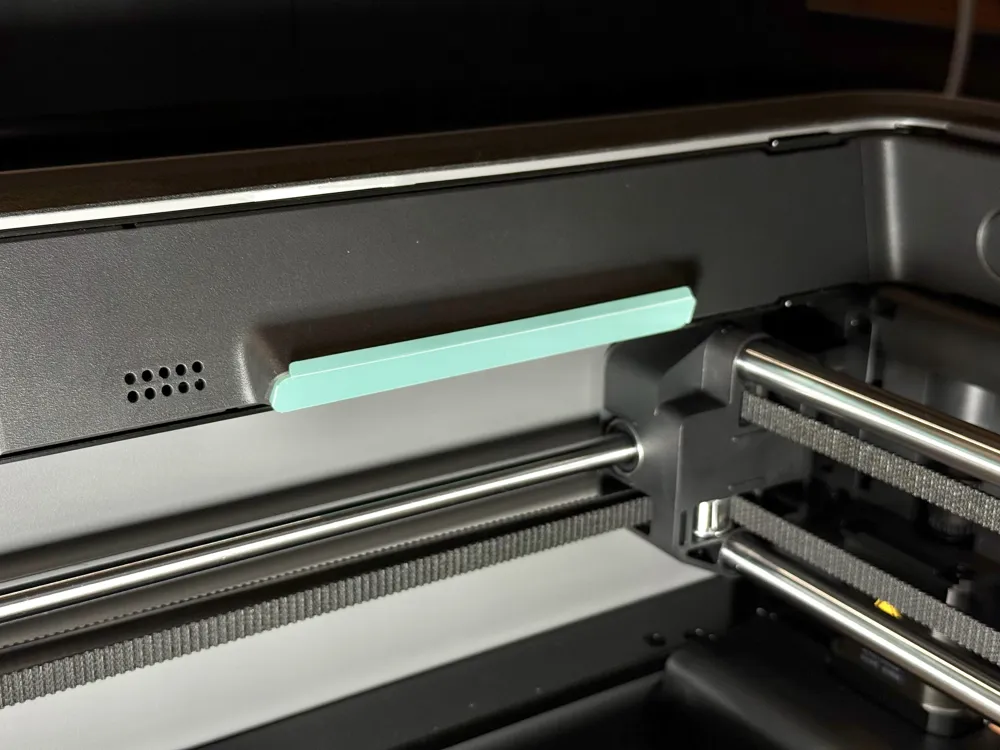
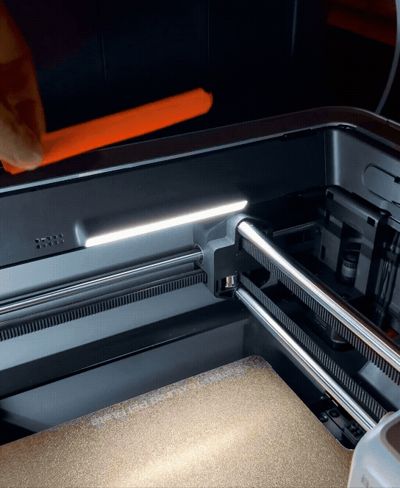
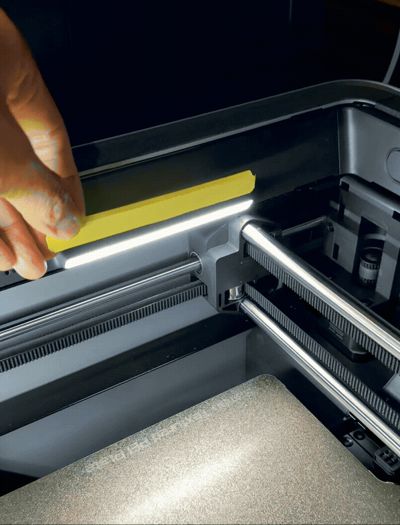
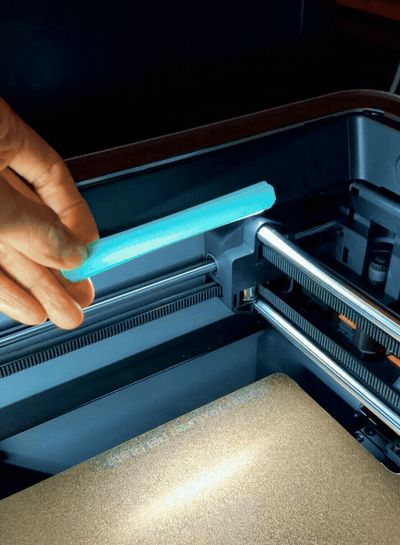
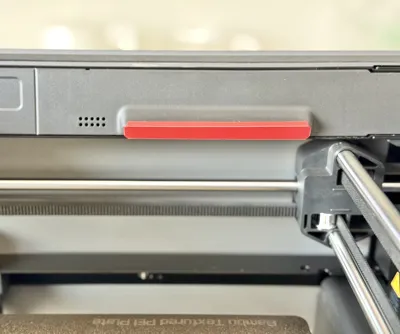
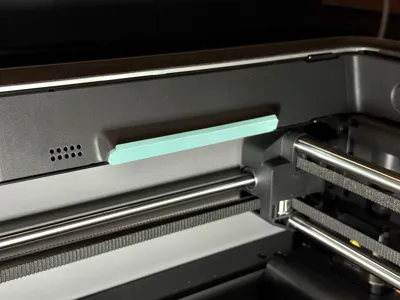
Now, you can change the color of the lights on the left side of your P2S/P1S using this model. Transform the previously monotonous white light into a more colorful display, try decorating your printer now!👀
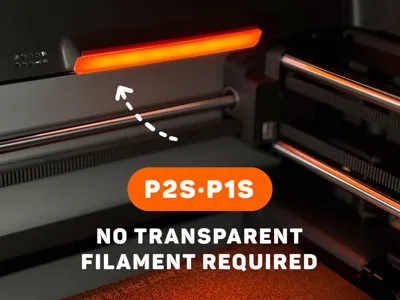
🧲Tip: No need to use translucent filament; PLA is recommended to achieve light transmission.


💡 Installation:
1. First, fold the four protruding edges of the model.
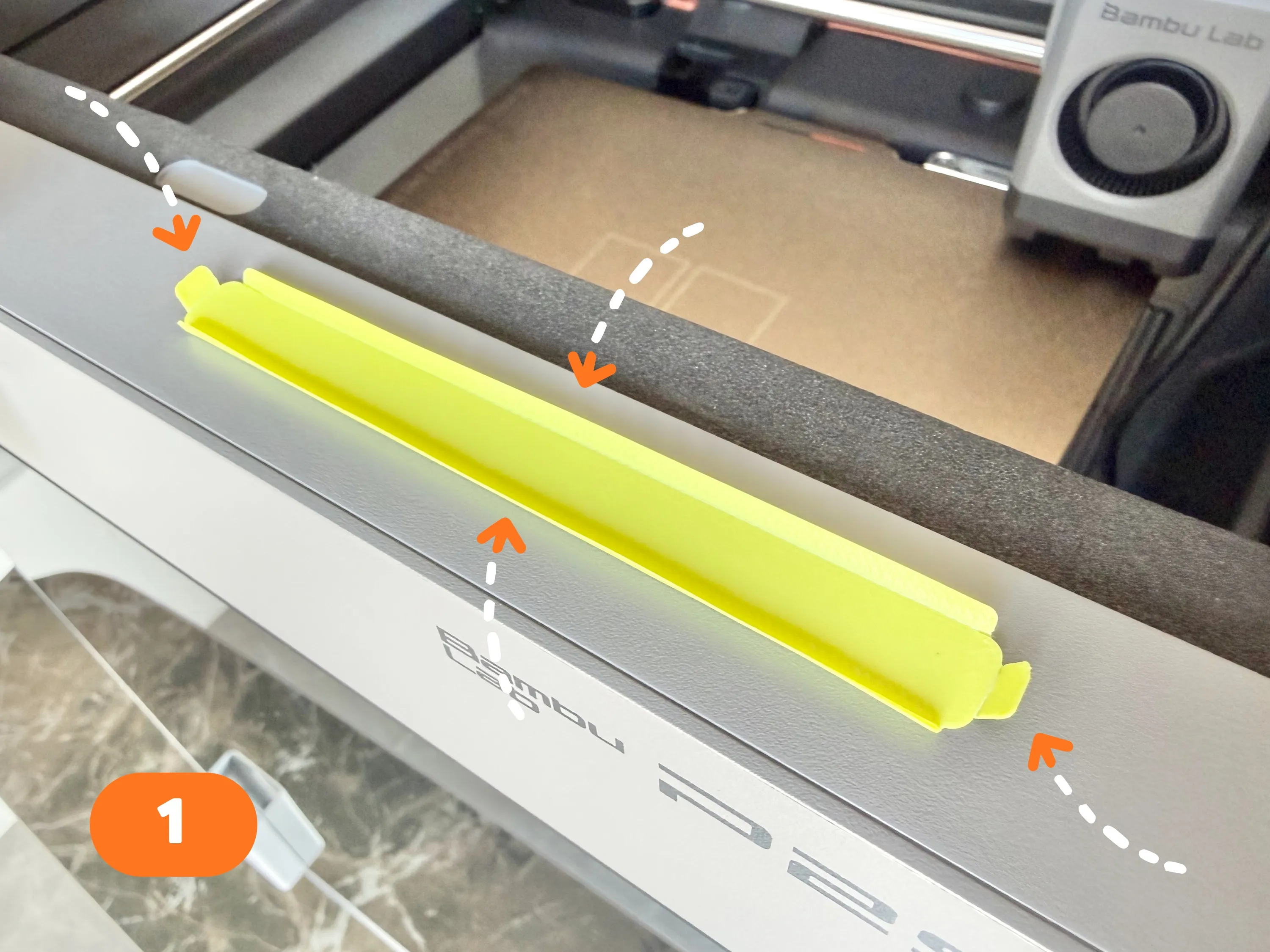
2. Insert the small protrusion on the right side into the gap to the right of the printer's LED light.
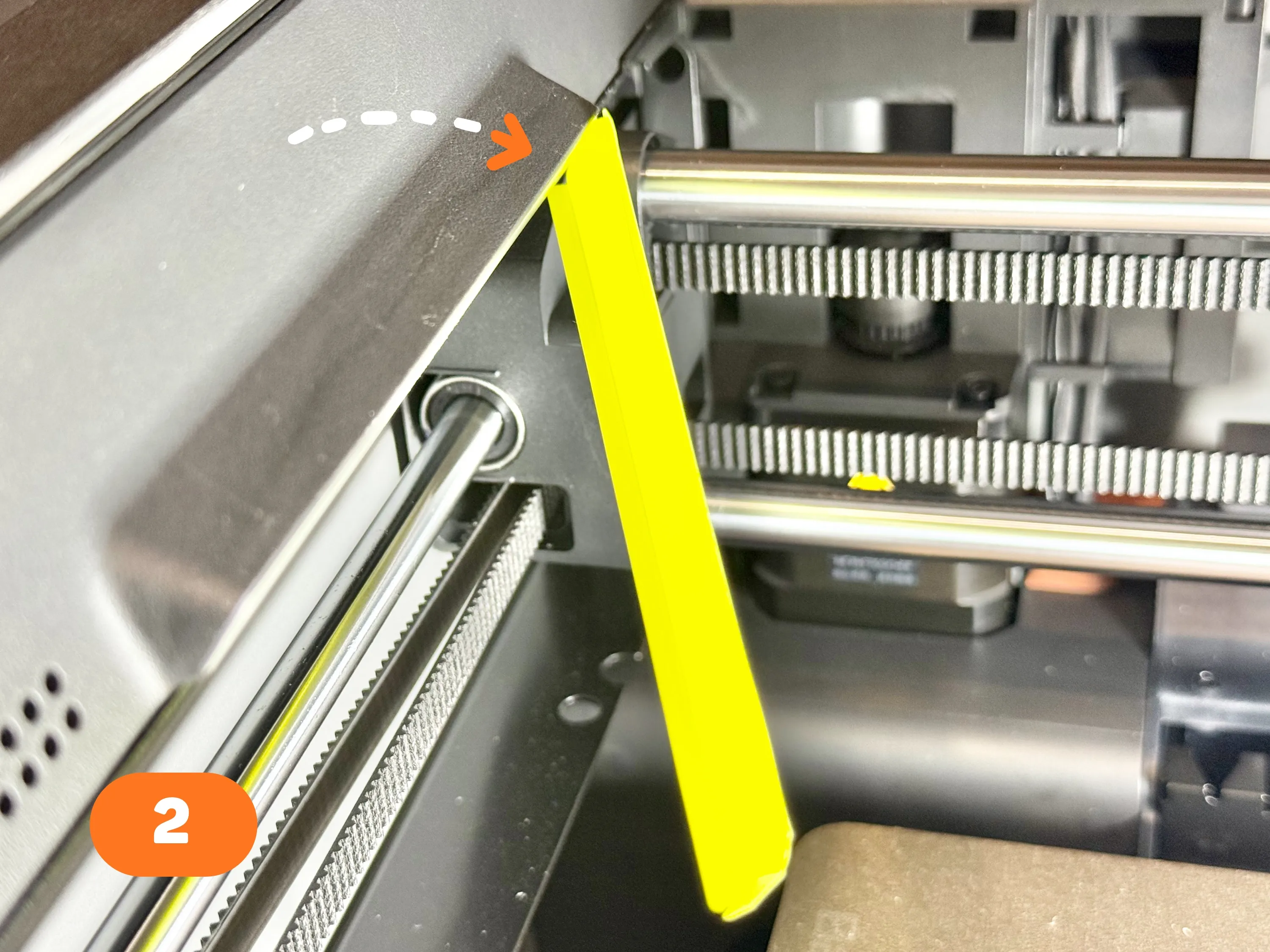
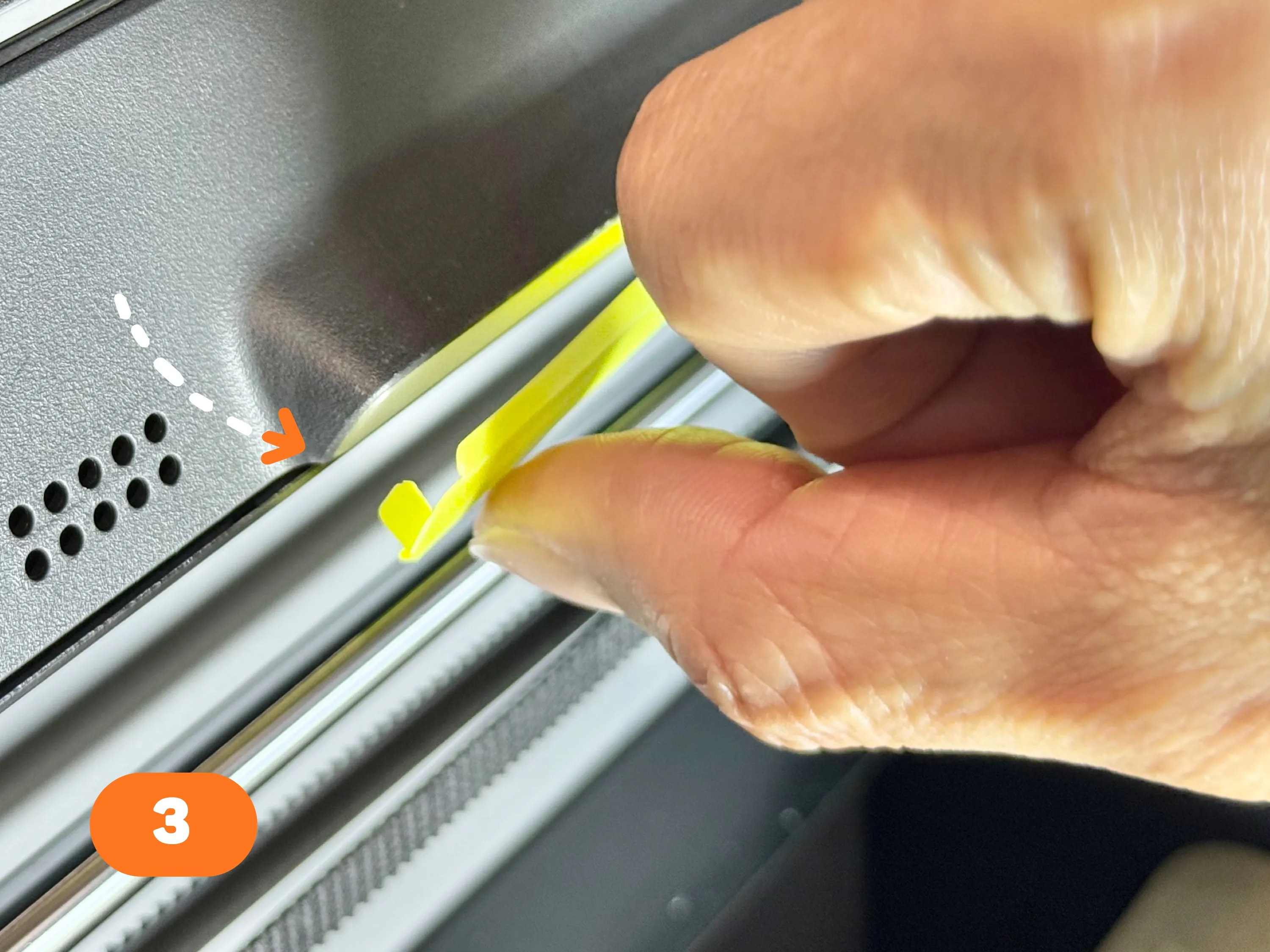
3. Insert the small protrusion on the left side into the left gap (the longer protrusions on the top and bottom are for light shielding and do not need to be inserted into any gaps).
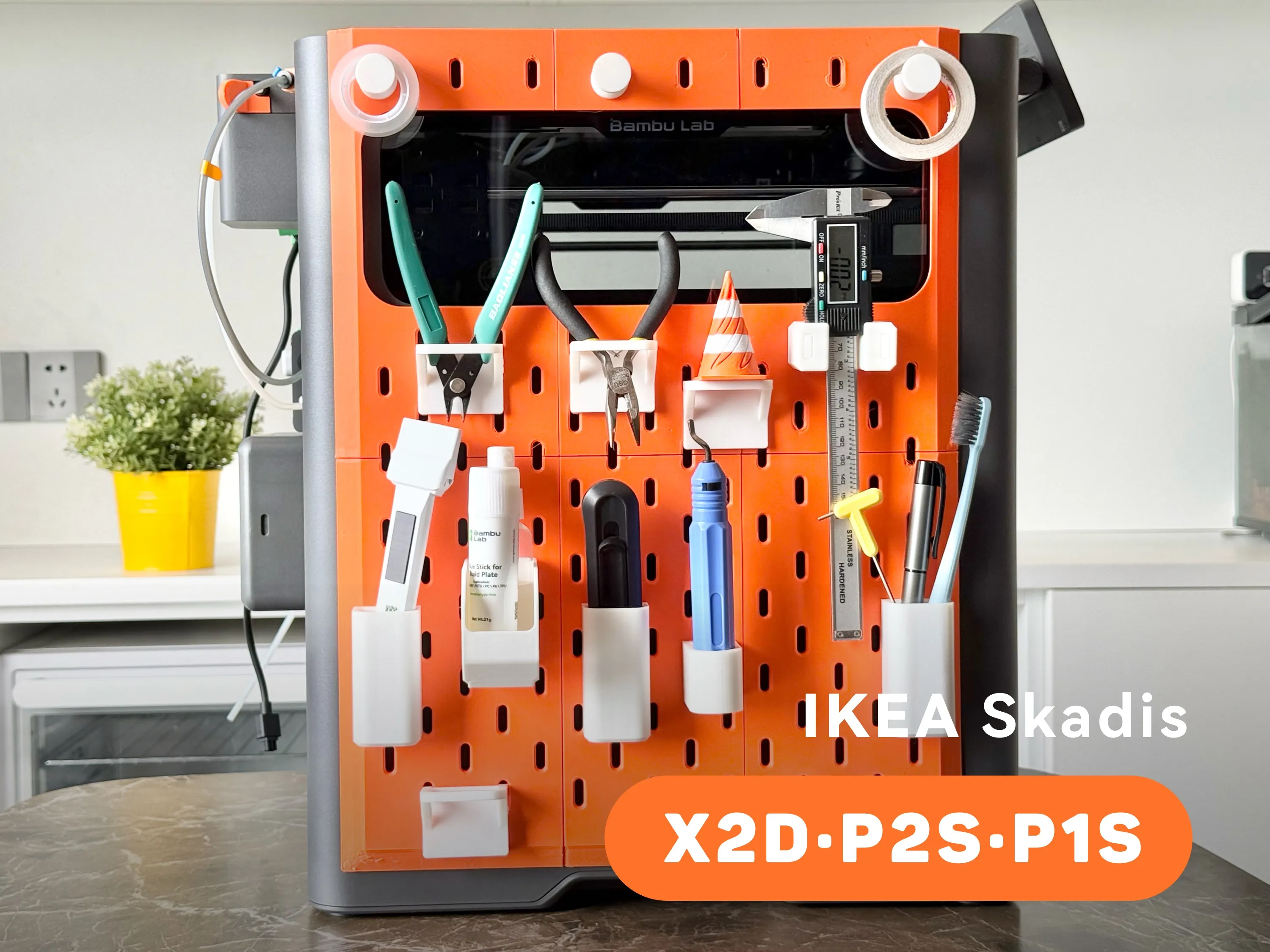
- - - New models - - - | |
 |  |

Boost Me (for free)
𝗬𝗼𝘂𝗿 𝗳𝗿𝗲𝗲 𝗕𝗼𝗼𝘀𝘁 = My design supply pack 📦 Click "𝗙𝗼𝗹𝗹𝗼𝘄" to get more useful models! 👀
License

You may create derivative works based on this object, provided that all such derivative works are published exclusively on the MakerWorld platform and include proper attribution to the original creator. You may not share, upload, host, distribute, or publish this object—or any derivative work of this object—on any other digital platform, marketplace, or distribution channel. Commercial use of this object and any derivative works is strictly prohibited. This includes, but is not limited to, selling, renting, sublicensing, or using the object in any context in which you receive monetary compensation or other financial benefits.


Comment & Rating (159)