
T300 DIY Handbrake Mount
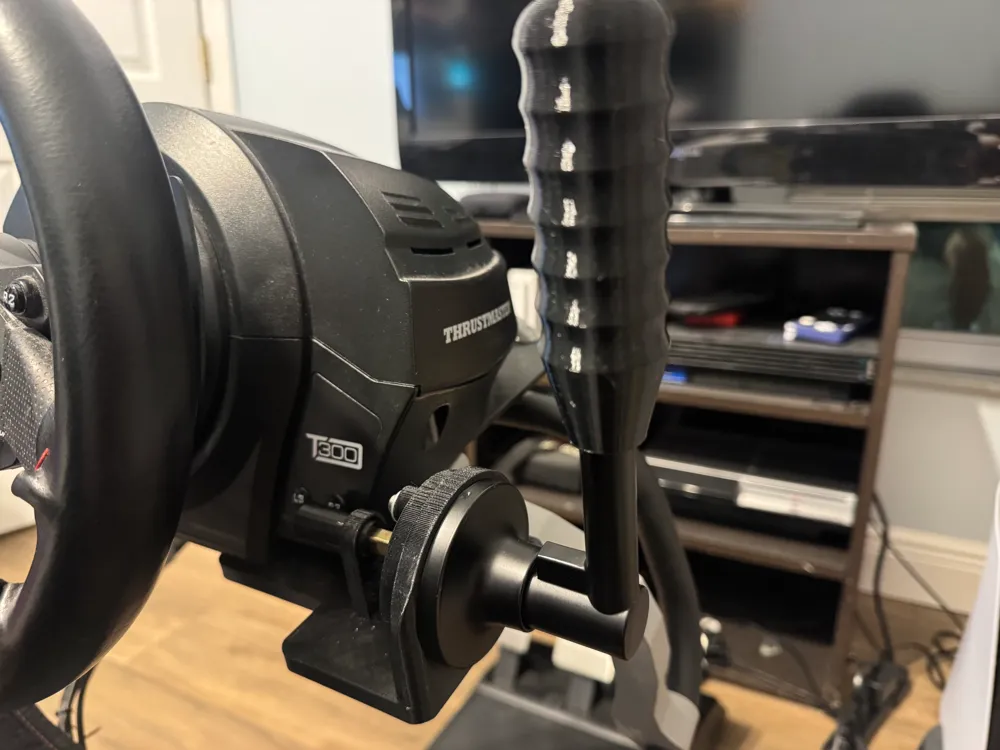
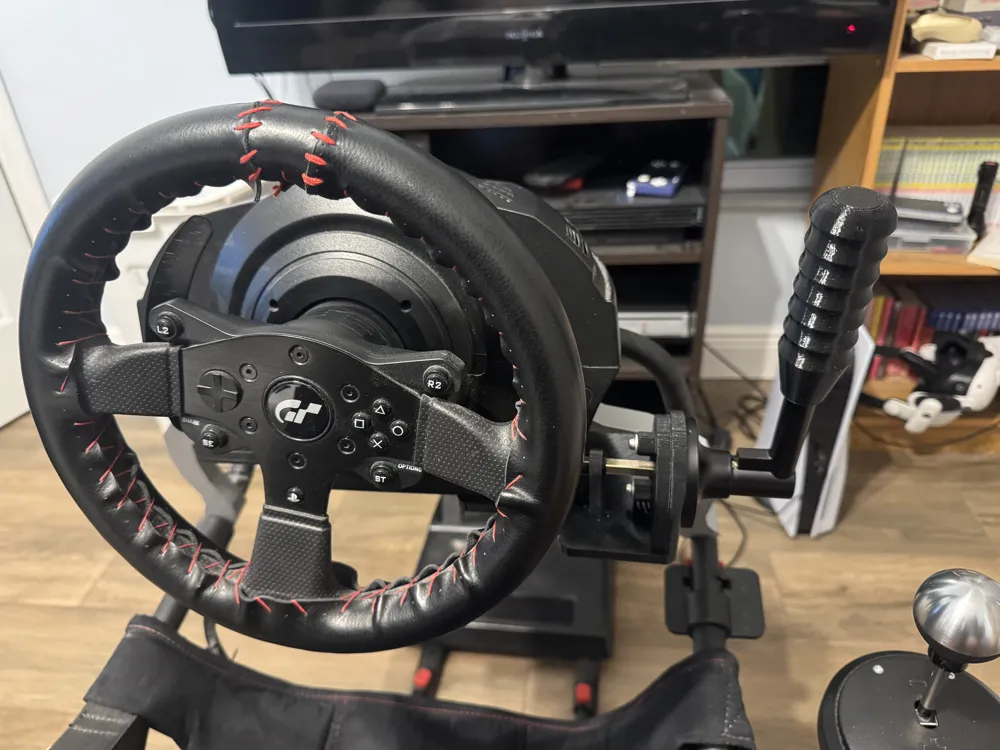
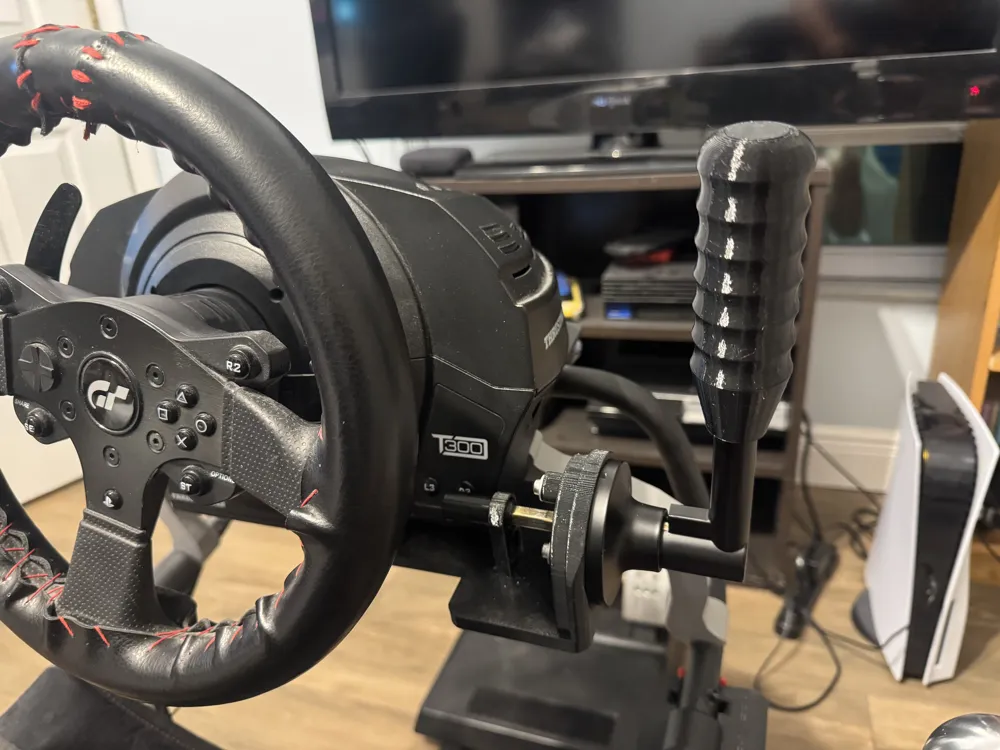
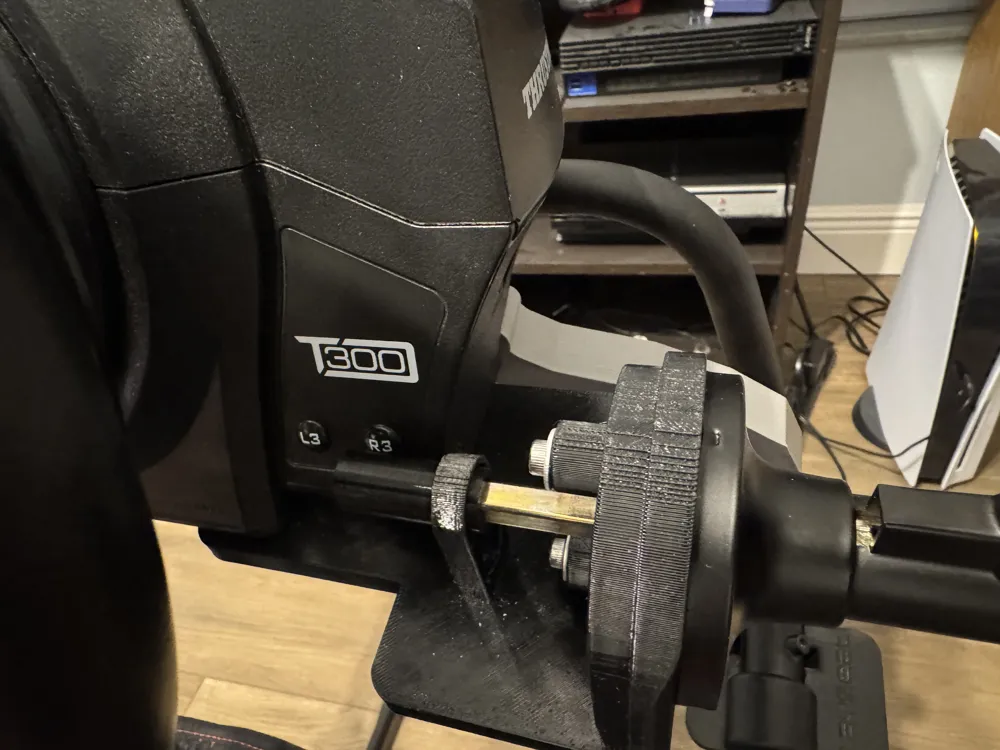
Print Profile(1)

Description
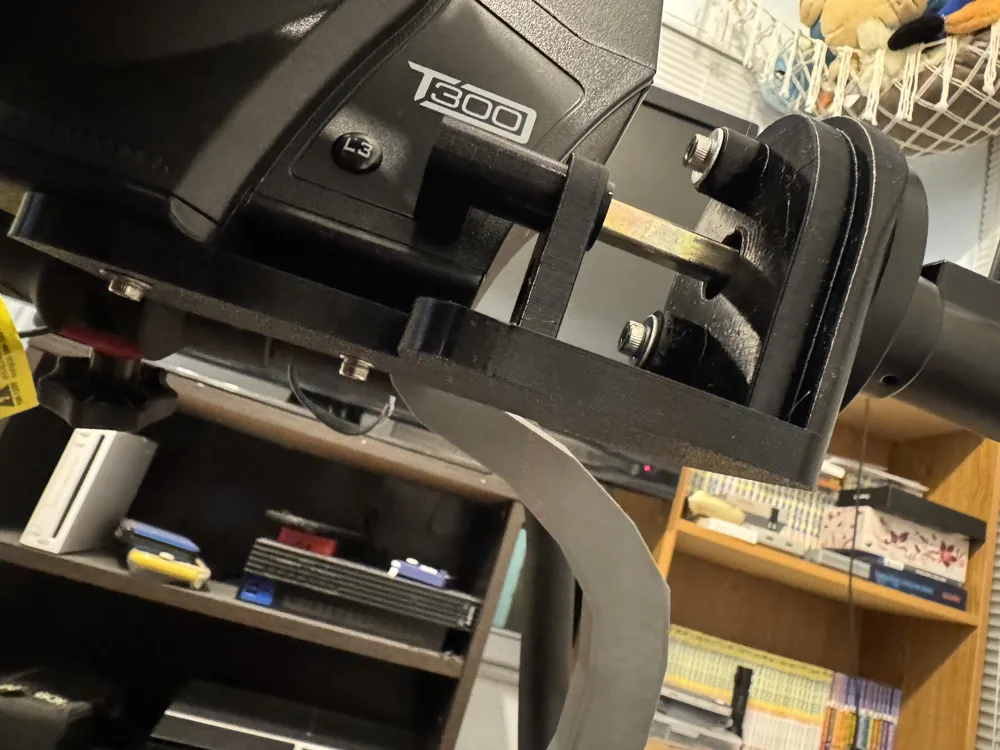
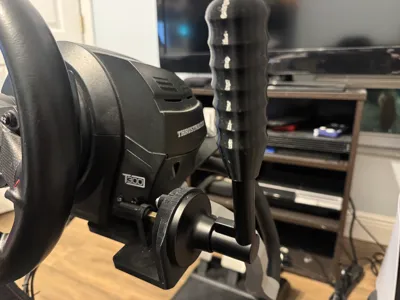
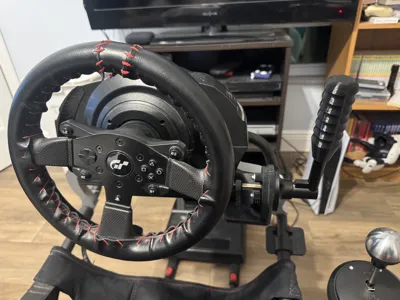
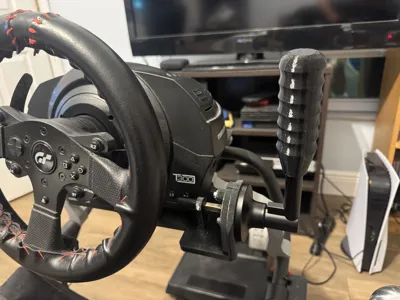
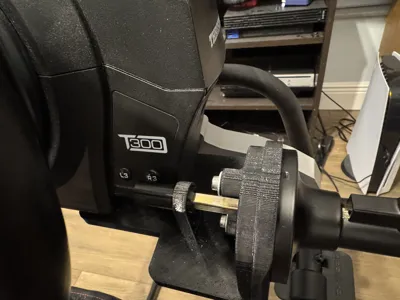
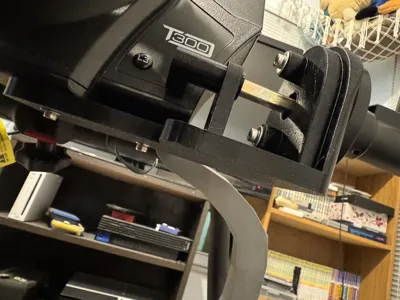
There are very few handbrake options for the T300 on console. Most require expensive official attachments or a drivehub which is equally expensive. This mount attempts to make use of the R3 button placement on the T300 wheelbase as the handbrake input without requiring any drilling or opening up the wheelbase. It is held in place by removing 2 screws from the wheelbase near the front right and uses a doorknob handle to mimic the lever pullback motion. NOTE* You will need about 10mm of clearance beneath the wheelbase.
Use 5 walls and at least 30% infill so it will be sturdy.
Materials required:
1x Standard doorknob handle (I measured based on this item from Amazon https://a.co/d/fR0WbLP)
1x M4 "30" bolt
1x M3 "30" bolt
2x M4 "6" bolts
4x M4 washers
Directions:
- Attach door handle and DIY Mount together with M4 washer + M4 "6" bolts
- Attach optional handle knob if
- Remove original screws from underneath wheelbase
- Mount with M4 washers and M4 "30" and M3 "30" bolts
- Slide key on to peg and adjust so it rests in natural position right below R3 button
I'm still trying to perfect the Key model as I don't know how rough the repeated sliding input will be on the R3 button, use at your own risk.
License



Comment & Rating (2)