
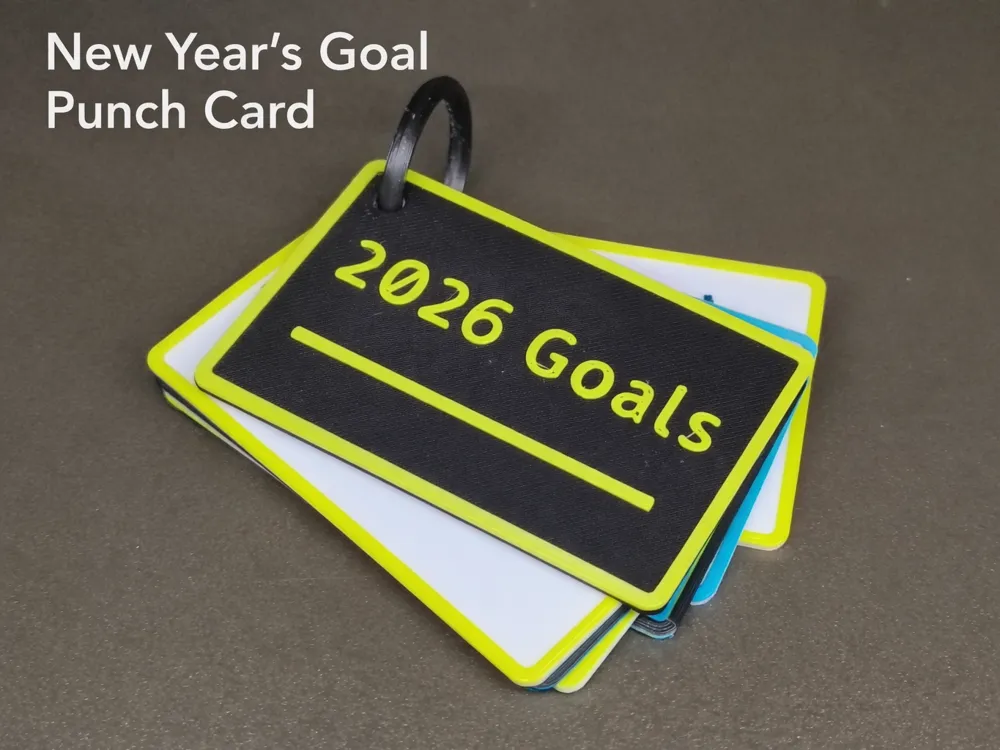
new years goal punch card
Print Profile(2)


Description
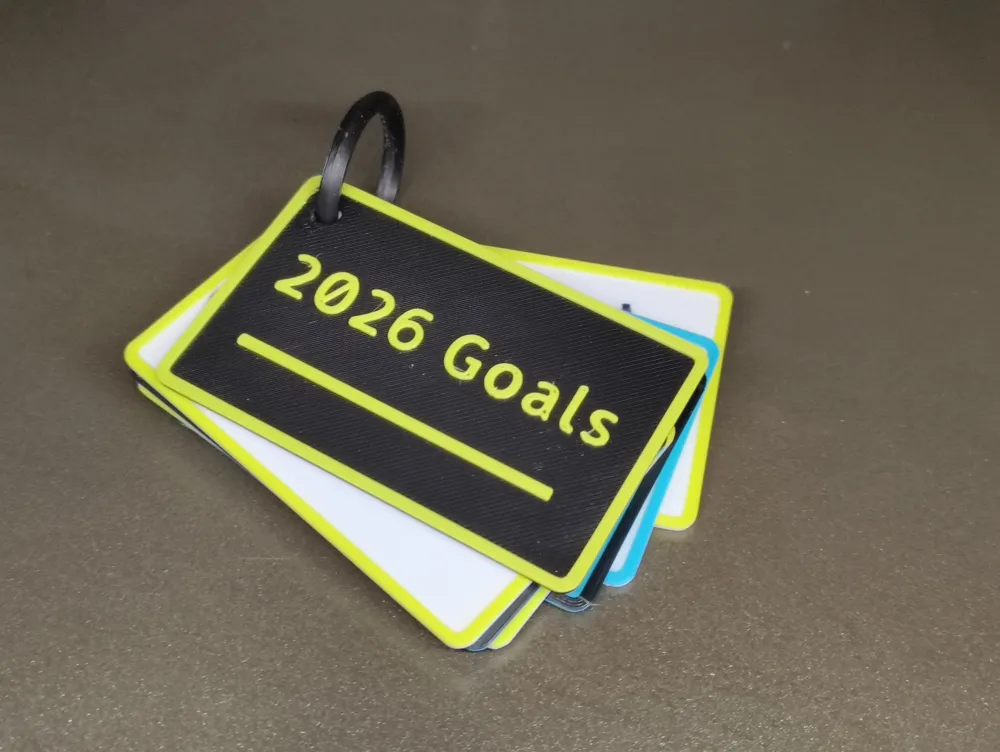

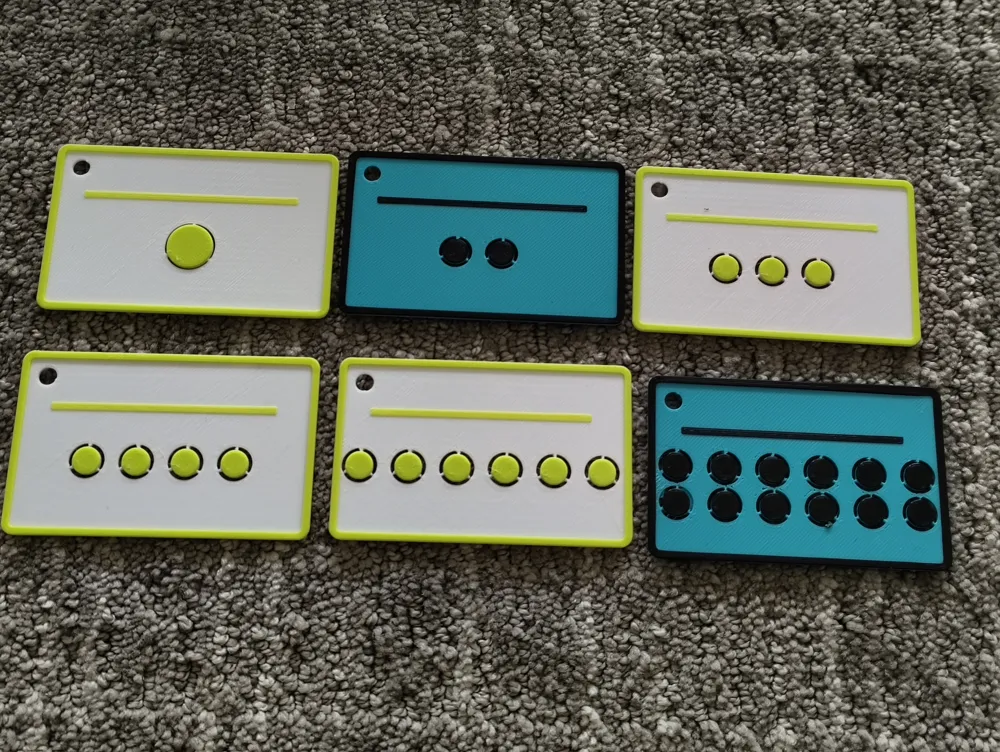
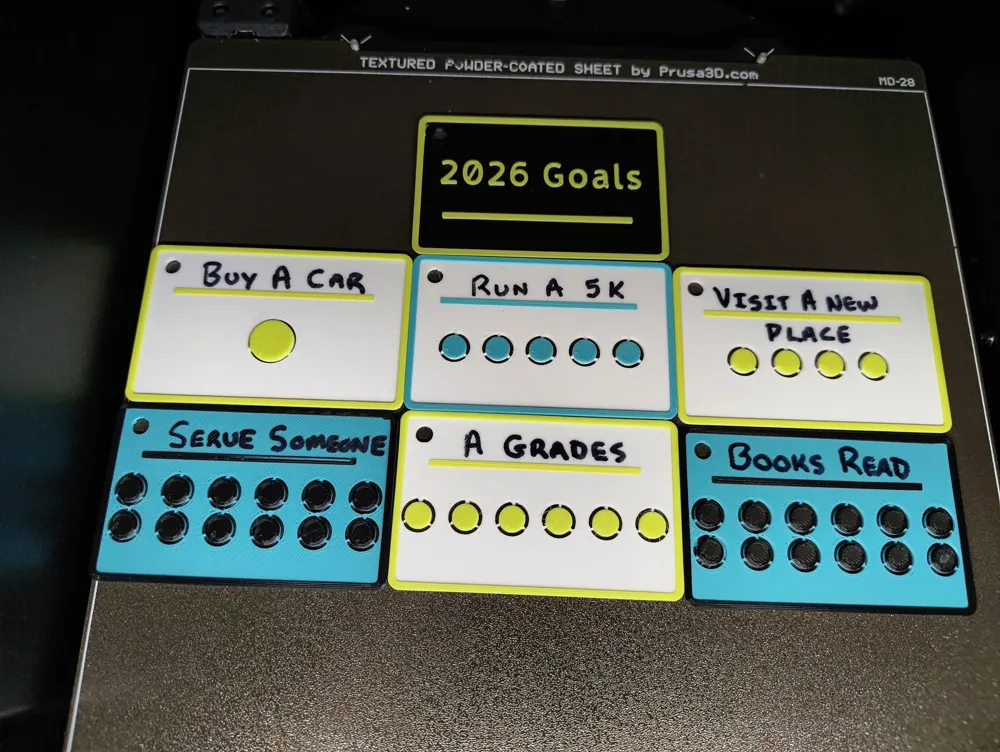
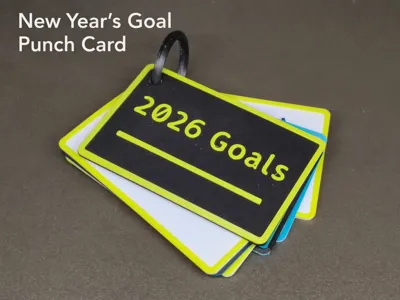
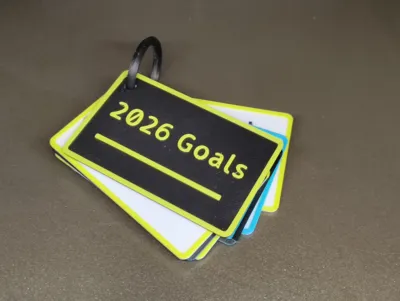
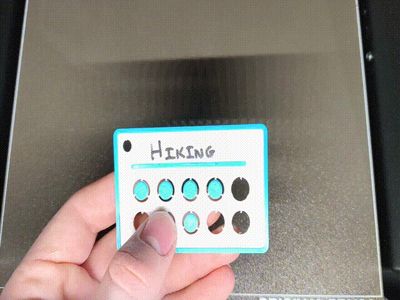
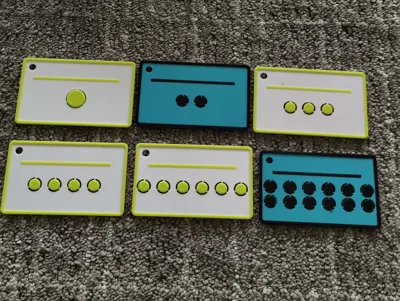
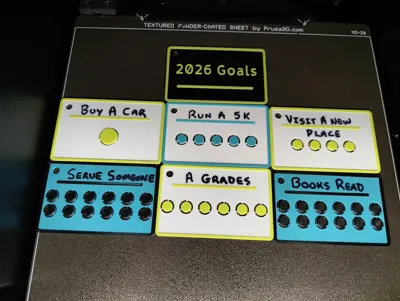
These are 3D printable goal punch cards designed to help you track progress in a simple, visual way. There are multiple versions included with different numbers of punch holes, so you can choose how many goals or milestones you want to track. The front cover comes in two options: one with space for writing a goal, and a blank version if you want a clean, minimal look.
instructions for printing
to do the 2 colors you will either need a multicolor unit or you will need to manually change the filament during the print, the included files have gcode pauses in the right spot to change the filament. if you are slicing on your own it is on layer 8 with a .2mm layer height that you will pause
every slicer has a pause at layer feature, prusaslicer will do it automatically but you will want to take the top one out.
print with any filiment, pla works best, and any strength settings works but the clip will need 5 walls.
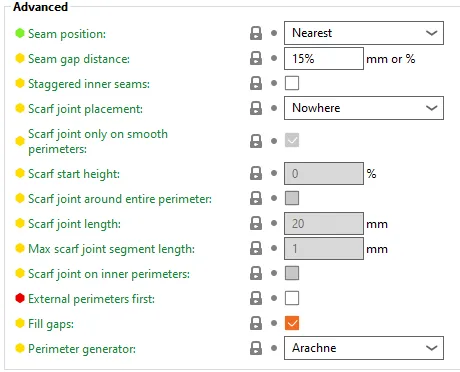
enable arachne in your slicer!
you will need to turn on advanced settings and it will be in the quality, arachne is already enebled in the ready to print 3mfs but if you are sllicing your own you will need to turn it on, this is what it looks like in bambu and prusa slicer

The cards are intentionally very customizable You can write your goal directly on the card with a Sharpie or pen, add text in CAD, or add text and color in the slicer using multi-color printing. The goal area is open so you can format or label it however works best for you.
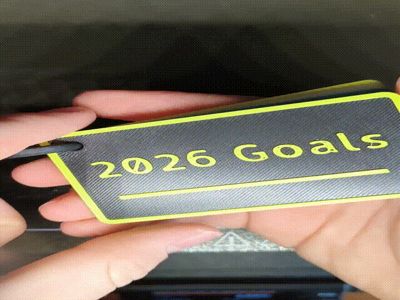
There is also a 3d printable clip but any keychain or other loop would work
An Onshape link is included for easy editing, with even more configuration options and a customizable tab so you can change layouts, hole counts, and front styles without rebuilding the model. This makes it easy to adapt the card to different uses, whether that’s habit tracking, project milestones, or personal challenges.
Onshape link for editing: https://cad.onshape.com/documents/5a46b10fa3a9d6ff5bbbcc26/w/da225011a3550656dbe54ae1/e/796a1ff8007e75eb0edca208
Boost Me (for free)
if you like the model a boost would be greatly appreciated
License



Comment & Rating (4)