
Ocean Wave2
Print Profile(1)

Description
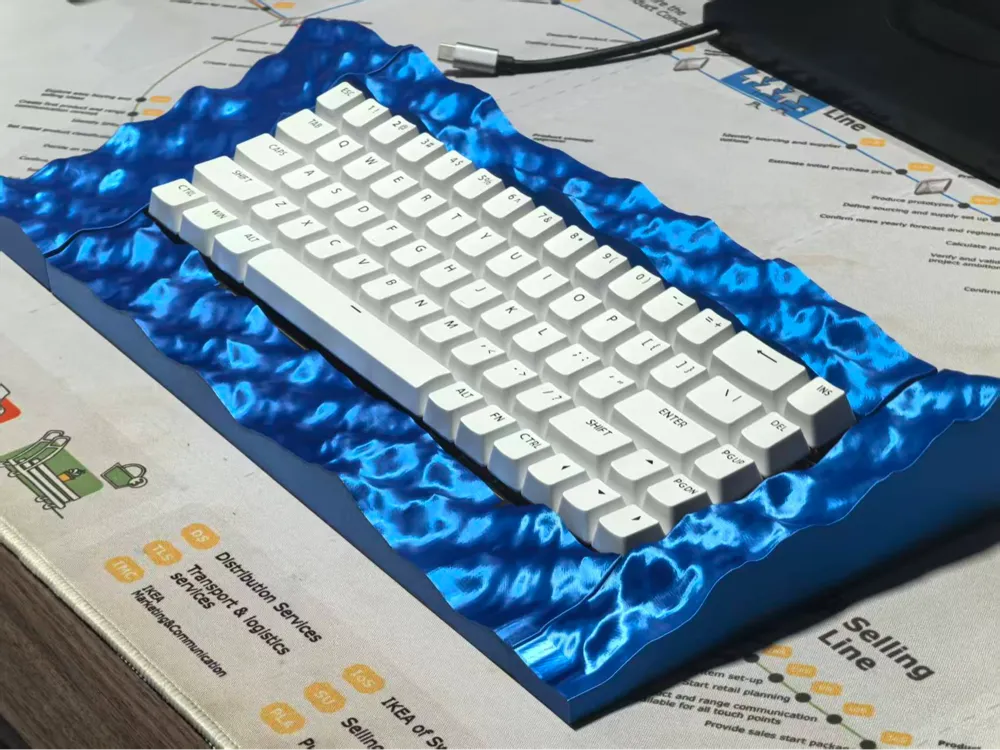
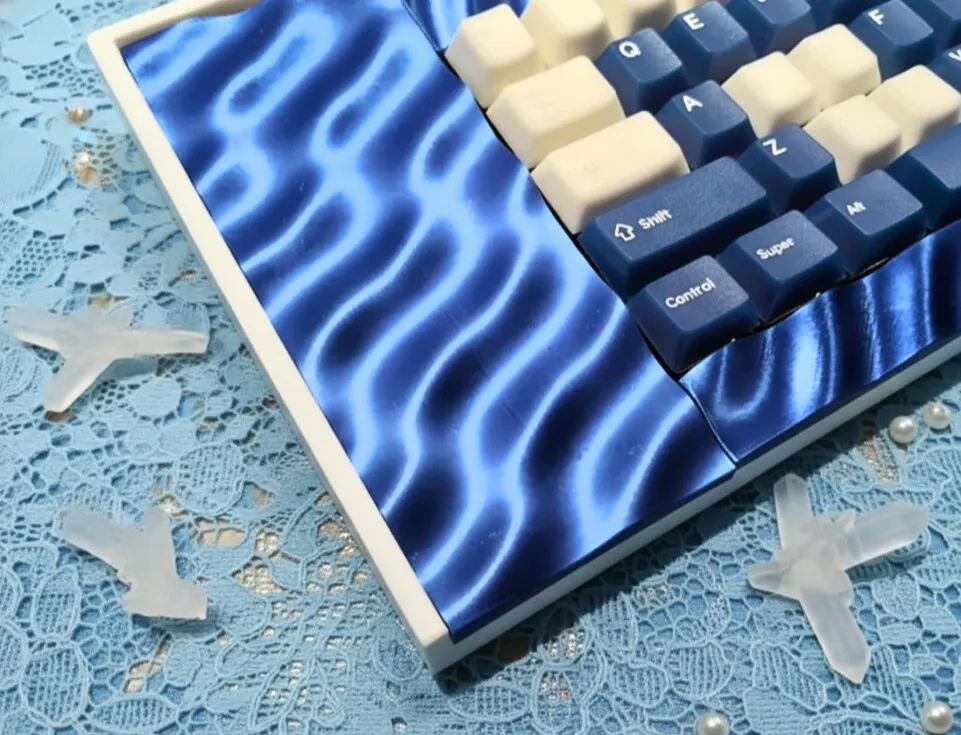
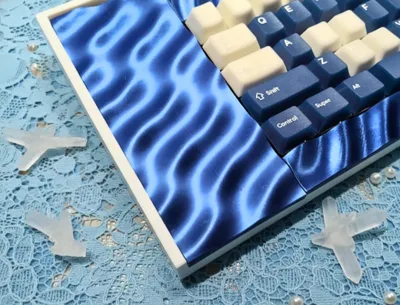
Ocean Wave – 3D-Printed Keyboard with Ocean-Style Ripples, Transforming Your Desk into a Dreamscape
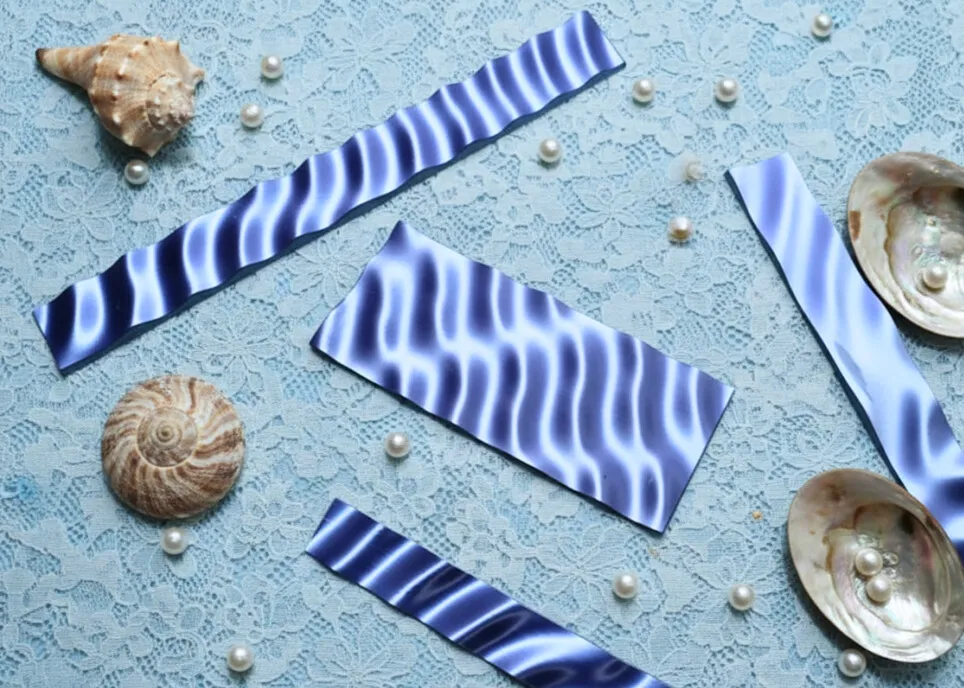
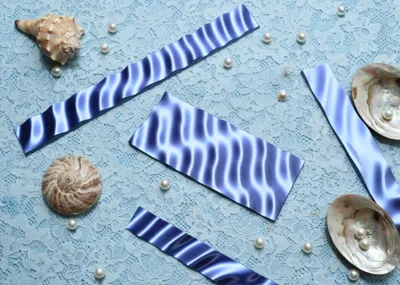
Crafted by Makesenstudio, the Ocean Wave keyboard draws inspiration from the ever-moving ocean, realized as a luminous surface that ripples with light. Each texture is 3D-printed using recycled ocean plastics—a tangible step toward cleaner seas and sustainable creation.
In collaboration with tylmandesign, we transform recycled plastic bottles into functional, wave-inspired keyboard cases, demonstrating how waste can be reborn as beauty. We hope this inspires makers to create with both skill and conscious responsibility.
😊 Why You’ll Love It:
• 🧩 Buy One, Build Hundreds – Buy one kit, unlock fresh design files. You can DIY hundreds of files and customized by you.
• Continuous official releases — we regularly publish new designs and Models
• Creator collaborations — work with designers to produce remixed and original creations
• Open to everyone — every user can create, customize, and share their own designs
• 🛠️ A Pro Mechanical Keyboard – This is not a toy—it’s a solid, durable, and great-to-use keyboard built for real work.
• HMX custom switches with 60M+ keystrokes
• A Black FR4 immersion gold plate found in $200+ keyboards
• 32+ years of battery life, and ultra-low <2.5ms latency
• ⌨️ Ready in 10 Minutes – Download the files, print ,build, and type. Simple steps, pure making joy.
(Assembly Guide in the end)
📐 Quick Note:
- Only the keyboard case requires 3D printing—download the model to get the design files.
- For a complete keyboard, an additional $79.99 Keyboard Kit is required.
🛒 Purchase Keyboard Kit Link: https://bit.ly/4jeKXzD
📸 Kit details are shown in the image.
📋 Build & Print:
• 🎯 How to Get a Working Keyboard
- Step 1 → Download the model files
- Step 2 → Purchase the Keyboard Kit
- Step 3 → Print the case using your 3D printer
- Step 4 → Assemble the printed case with the kit
- Step 5 → Done! Start typing.
• 📂 Design Files:
Click below to download the keyboard files
Want more designs? Explore our full gallery →https://makerworld.com/zh/@Makesenstudio/upload
• 🖨️ 3D Printers: Compatible with all Bambu Lab Printers
• 💬 Community: Join the discussion on Discord:https://discord.gg/97JSHMyKN7
• 🎥 Assembly Guide: 👇
License



Comment & Rating (0)