
Mag(net)ic Box: Fully Parametric Maker
Print Profile(5)


Description
✨ Discover the Mag(net)ic Box! ✨
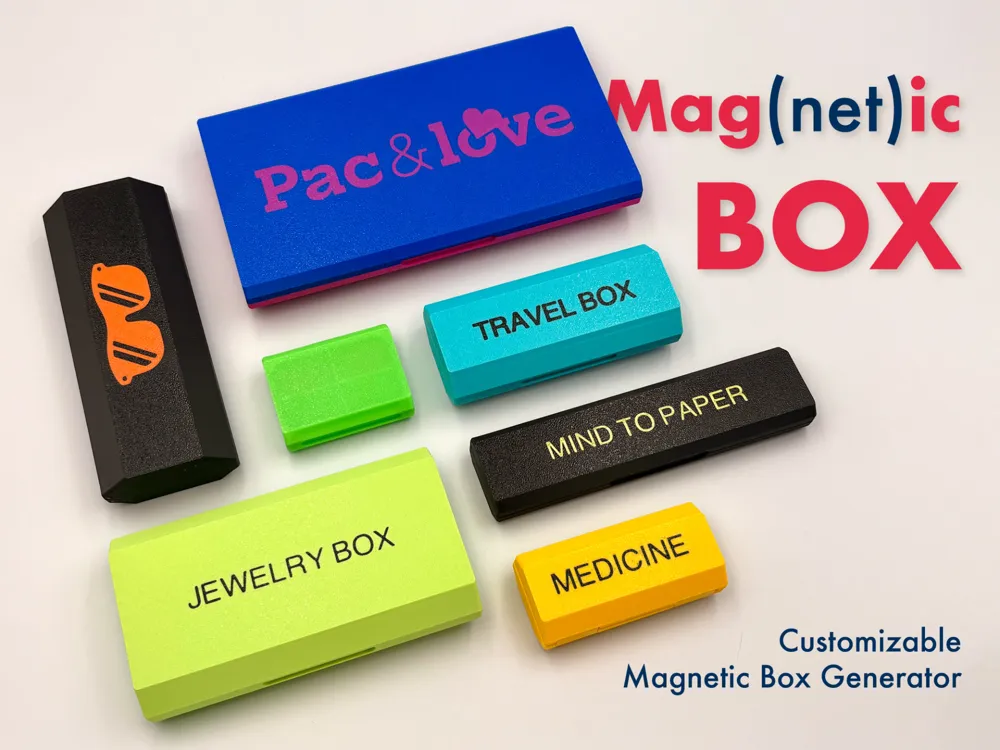
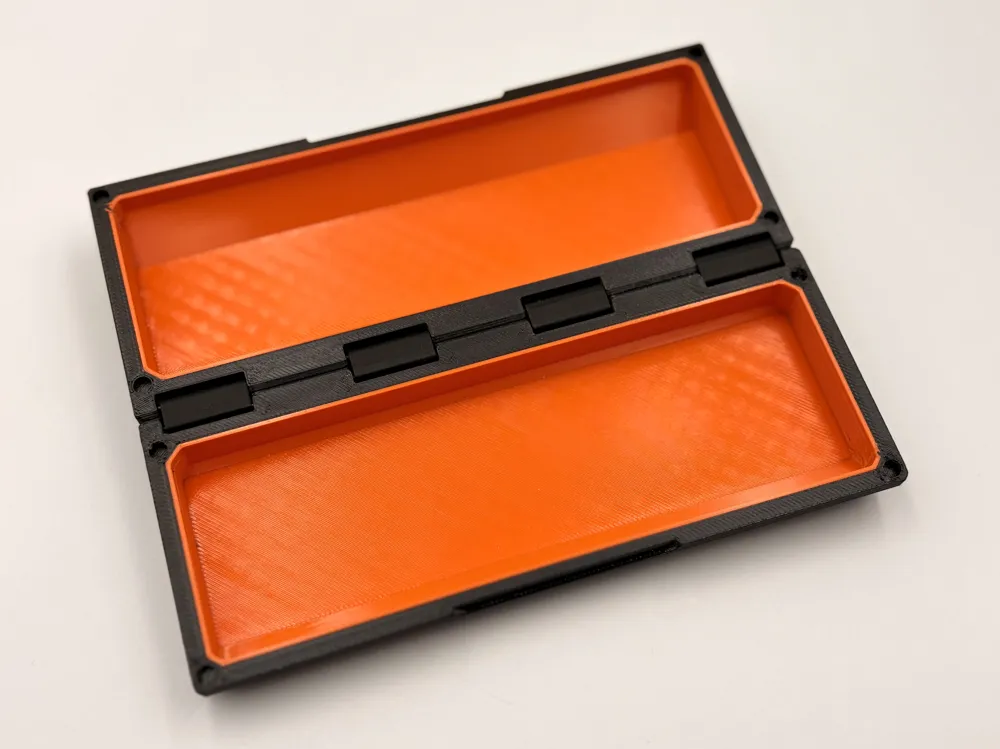
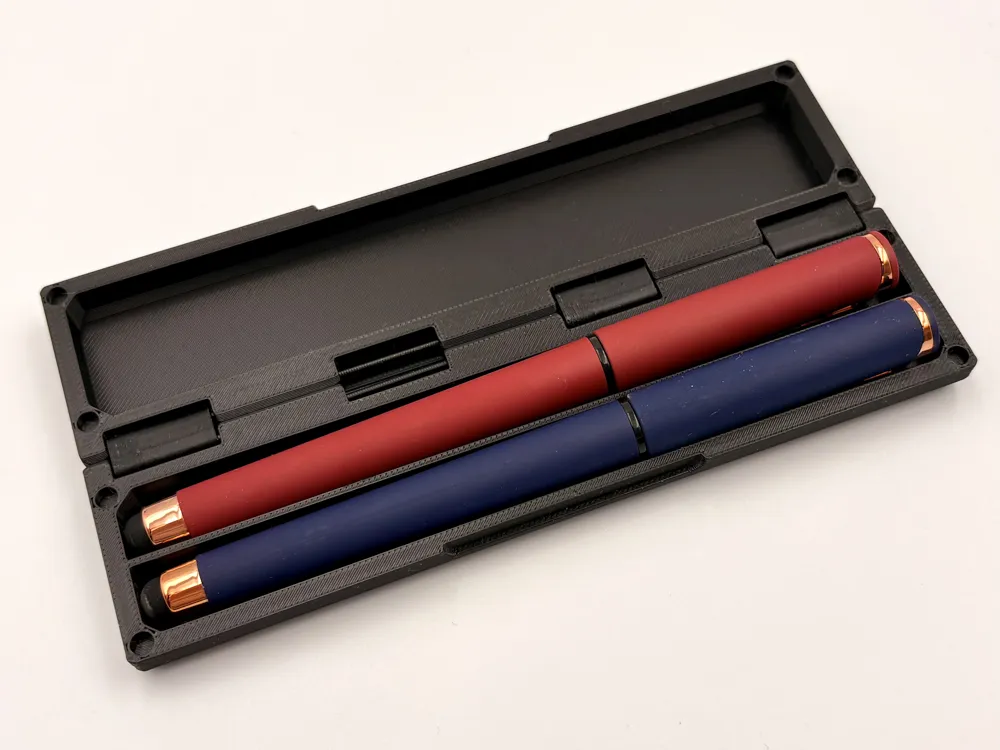
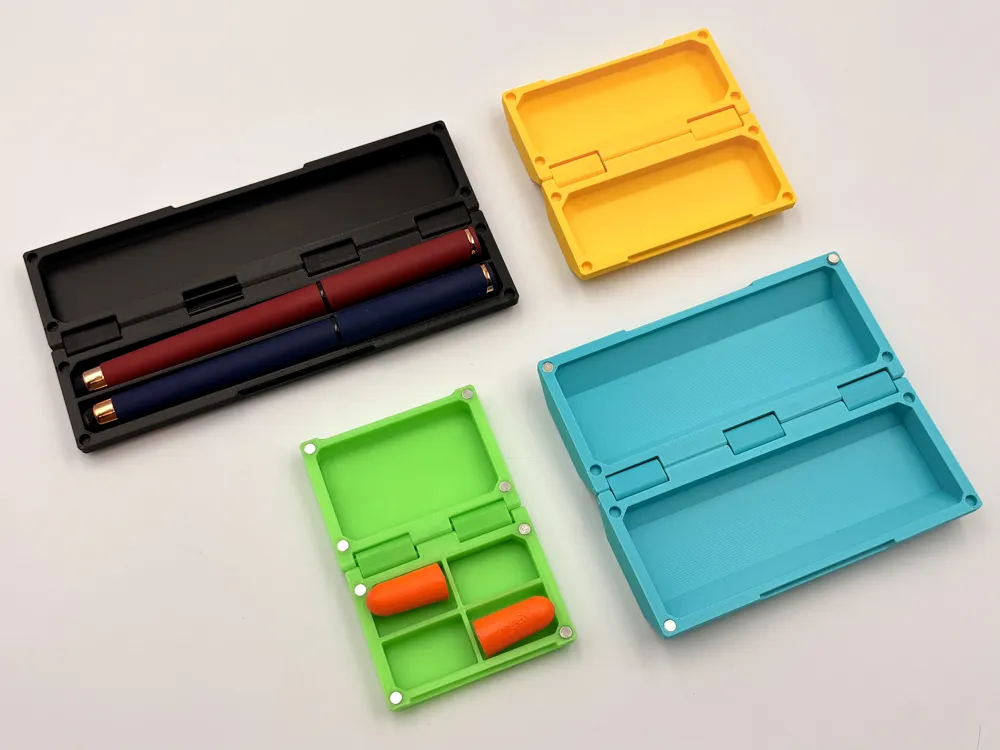
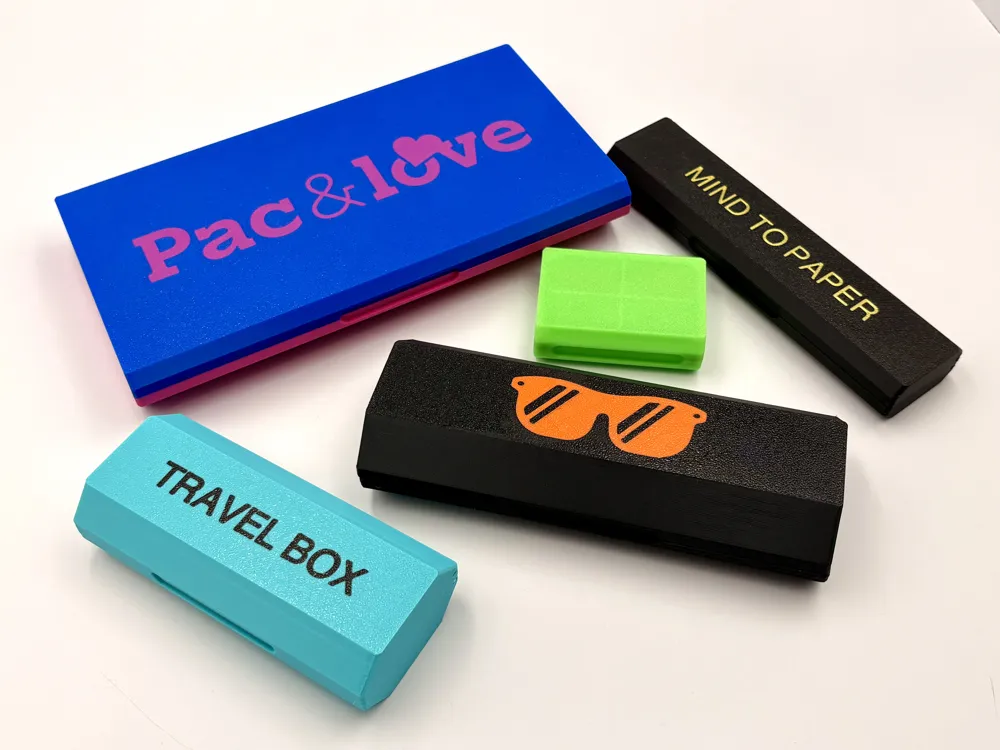
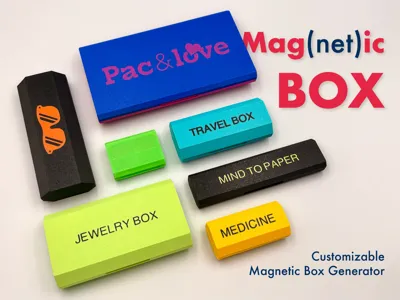
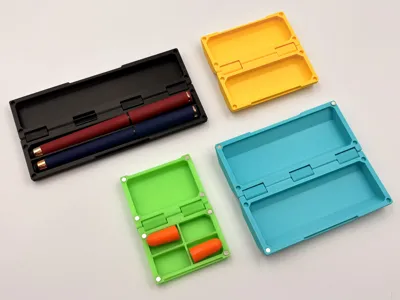
Why is it called Mag(net)ic? Because it's a Magnetic storage solution that is Magically customizable! This isn't just one box; it's a professional Fusion 360 generator that lets you create the perfect container for any object in seconds. From a tiny Jewelry Box to a rugged Travel Case or a sleek Medicine Organizer, you define the dimensions, and the generator does the rest.
🔧 Smart engineering features
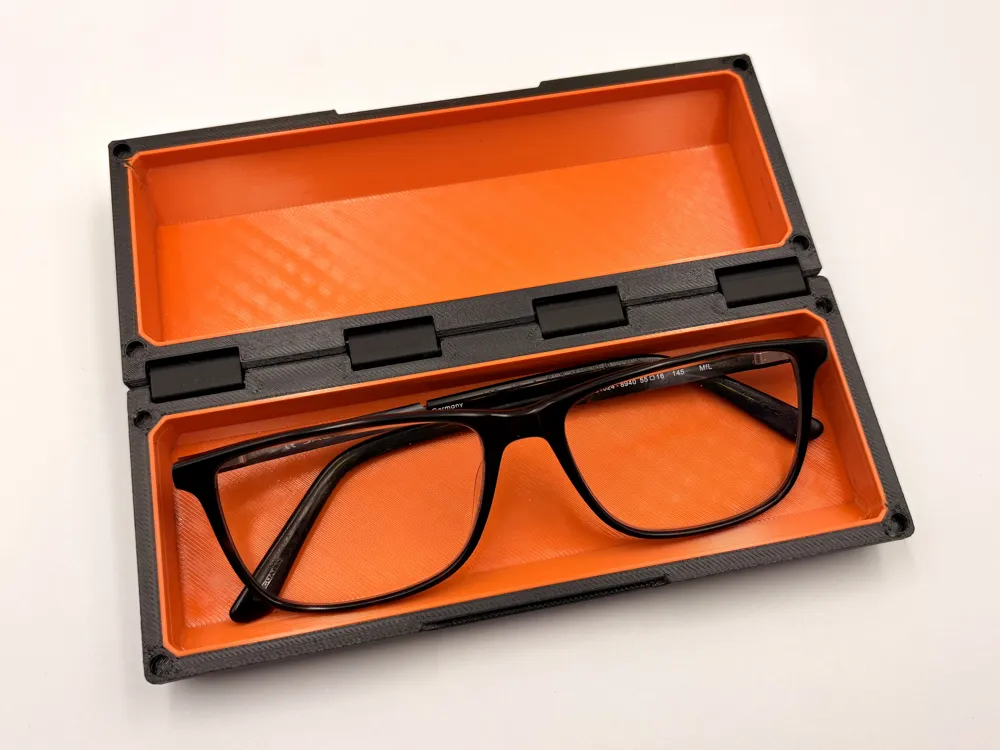
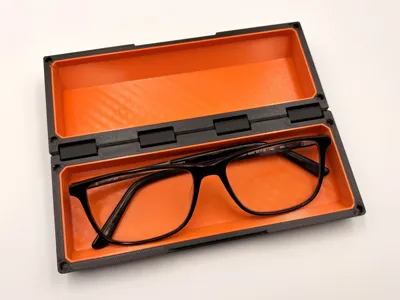
- Automatic hinge system: depending on the width of your box, the generator automatically calculates and adds the optimal number of hinges to ensure maximum durability and smooth operation.
- Filament hinge pins: no extra screws needed! The hinges are joined using a simple piece of 1.75mm filament strand — a cost-effective way to create a strong and reliable pivot.
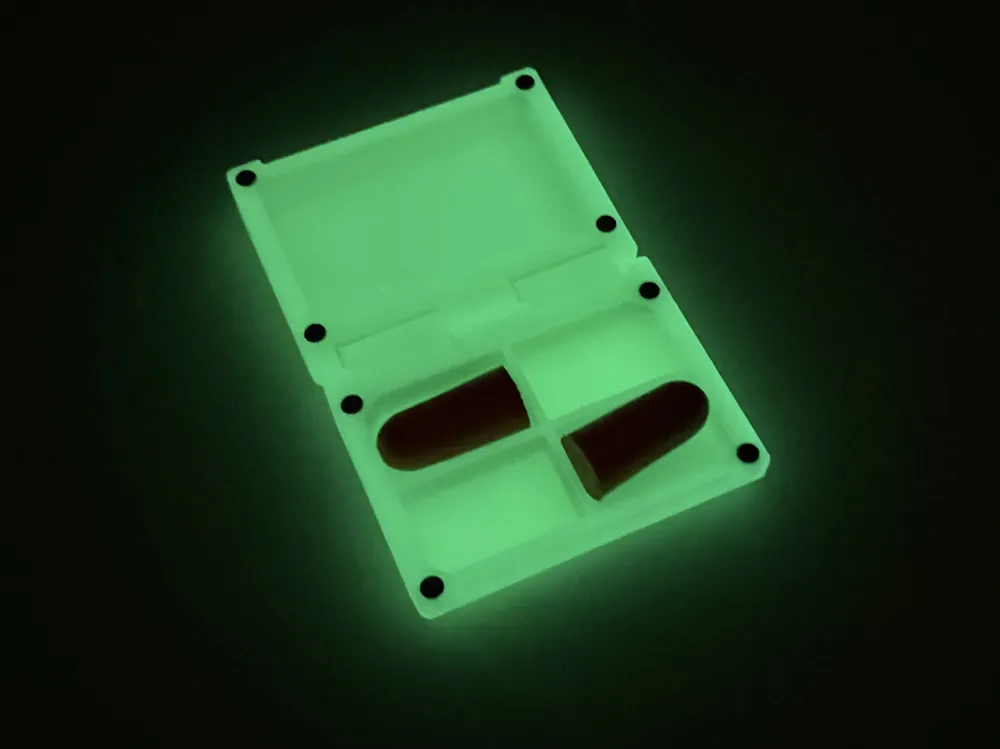
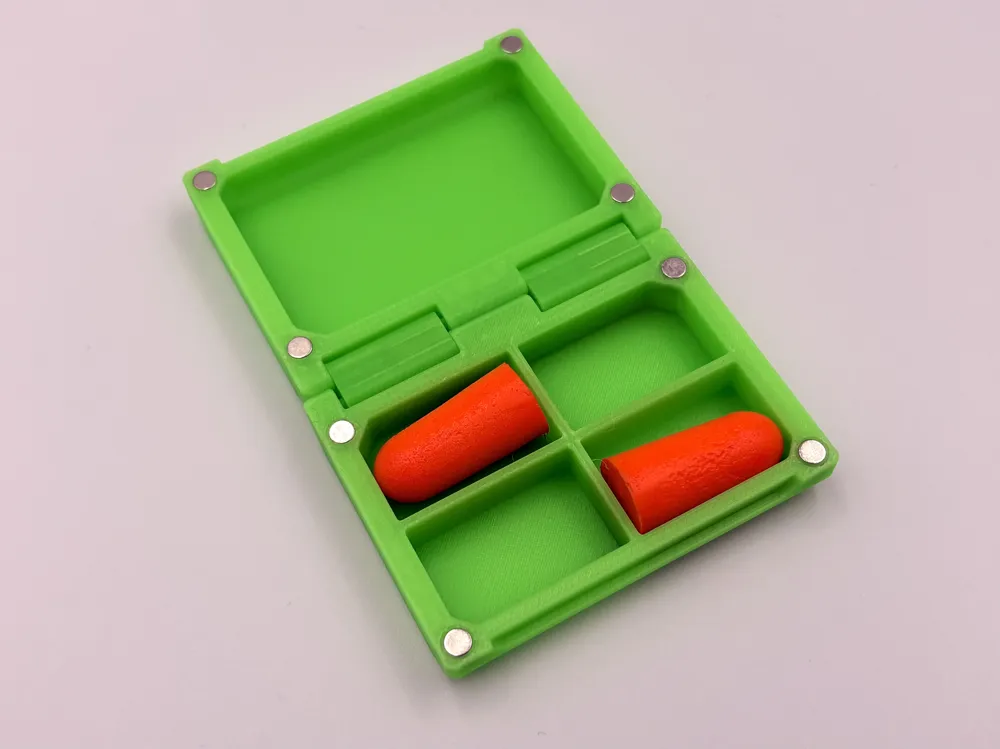
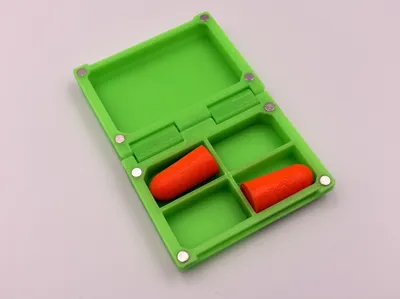
- Magnetic snap: securely close your box with cylindrical magnets. The model automatically adjusts the holes based on your input.
🔧 How to customize your box
You can change all dimensions directly in the MakerWorld Customizer! The model uses the following parameters:
- Inner dimensions: set your desired Length inside, Width inside, and Height inside (refers to one half of the box).
- Magnet fit: specify the diameter and width of your cylindrical magnets — the box automatically adds a 0.2mm tolerance for a perfect fit.
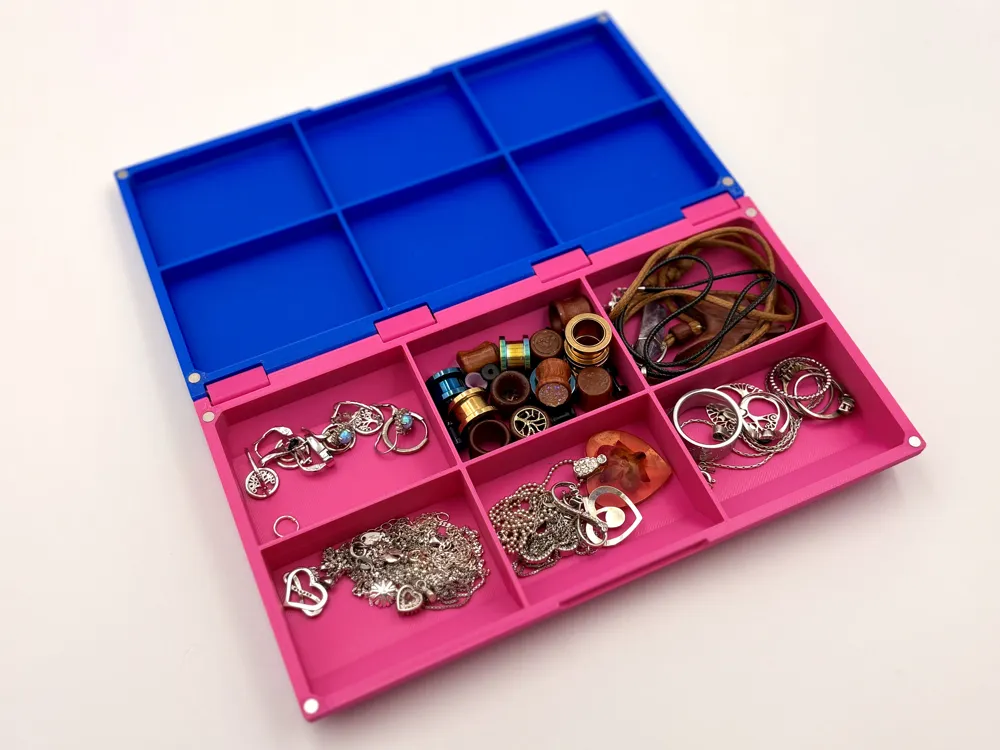
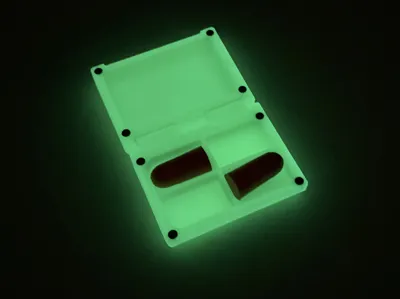
- Internal dividers: use Row Count (horizontal) and Column Count (vertical) to create compartments. Use "1" for no dividers.
- Lid customization: set Lid Grid On to "1" to match the bottom dividers, or "0" for an empty lid.
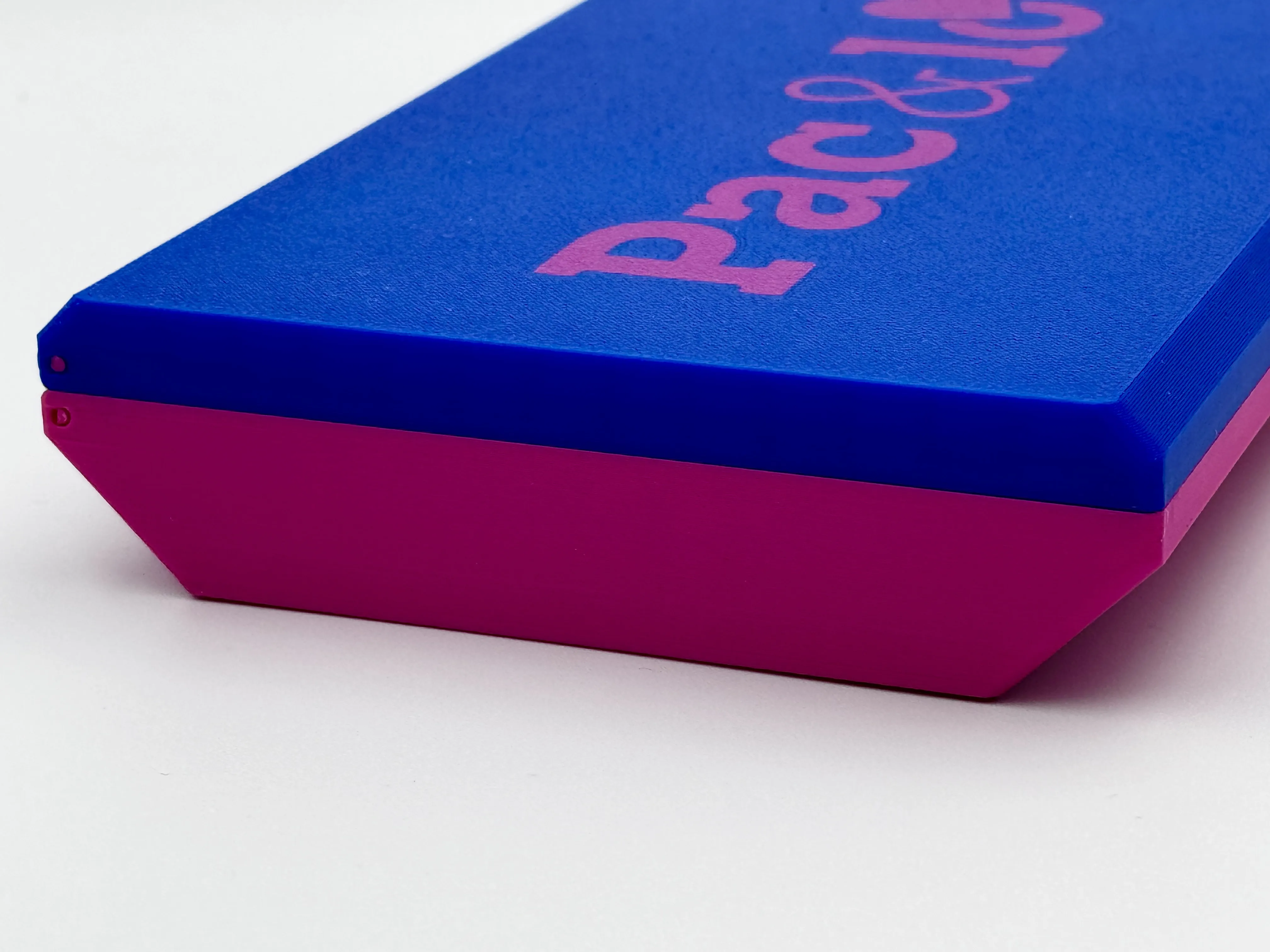
- Shape control: the Top Lip Height parameter defines the vertical straight wall — adjust it to control how slanted or straight the outer sides appear.
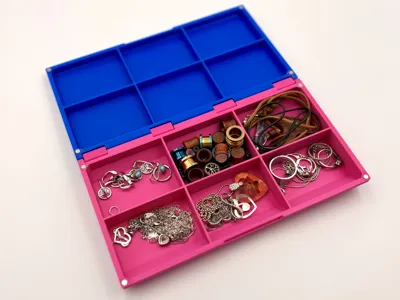
Small tip: you can customize the generator twice with a different width or top lid height, load both to Bambu Studio, and combine parts to make asymmetric boxes — like a jewelry box.
📋 Log of changes
- 2026-01-04 19:34 — repaired an error with artifacts connected with Height.
🎨 How to add text or logos (easy guide)
Want to personalize your Mag(net)ic Box with a name or a cool icon? It's simpler than you think! Follow these steps to create a custom inlay.
- Create your own version of the Mag(net)ic Box.
- Open it in Bambu Studio.
- Select the box and split it into objects.
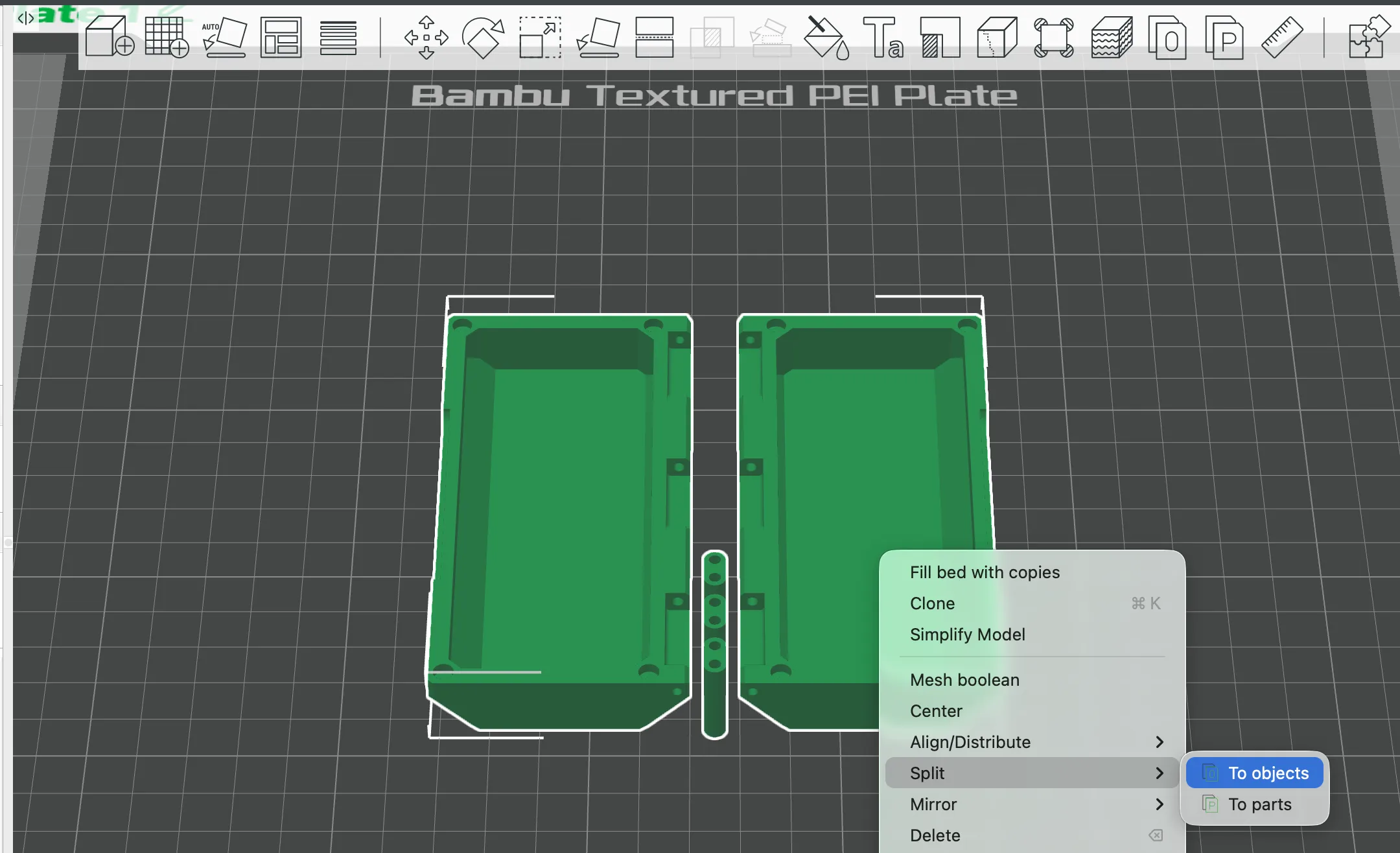
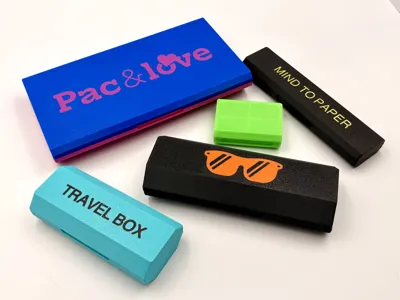
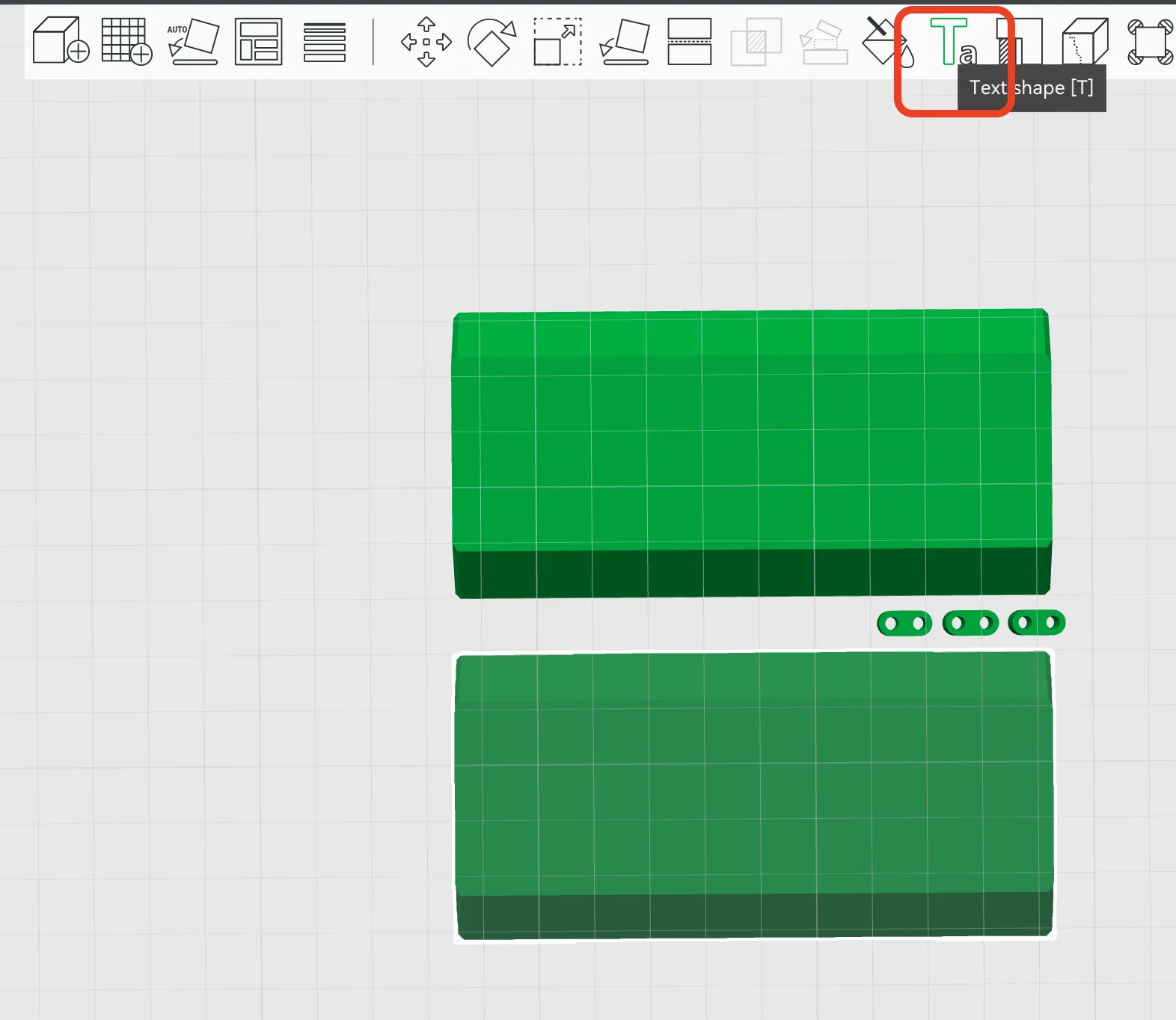
- Select the top lid and use Text Shape.
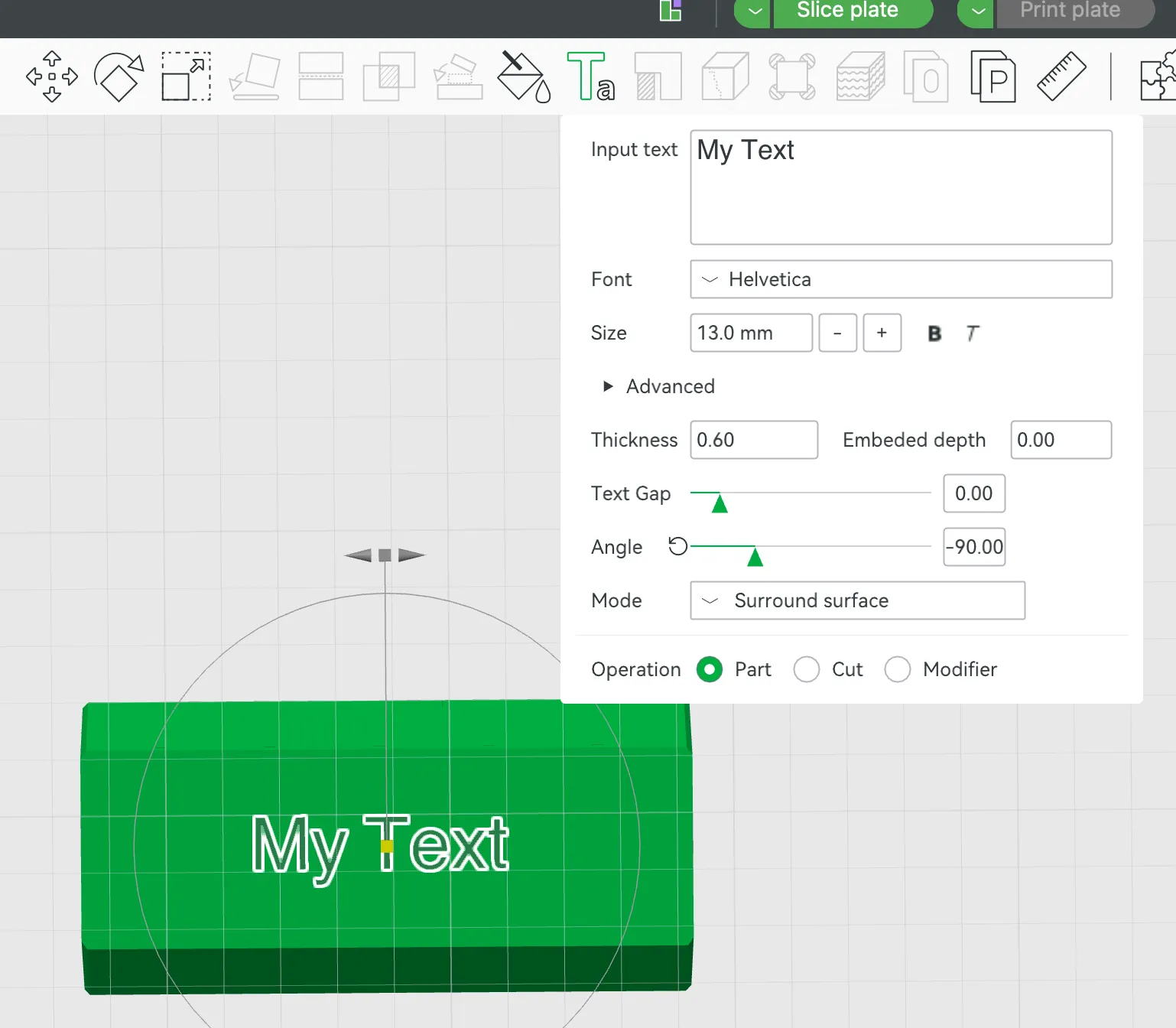
- Write your text, set thickness to 0.6 (approx. 3 layers), and adjust the angle.
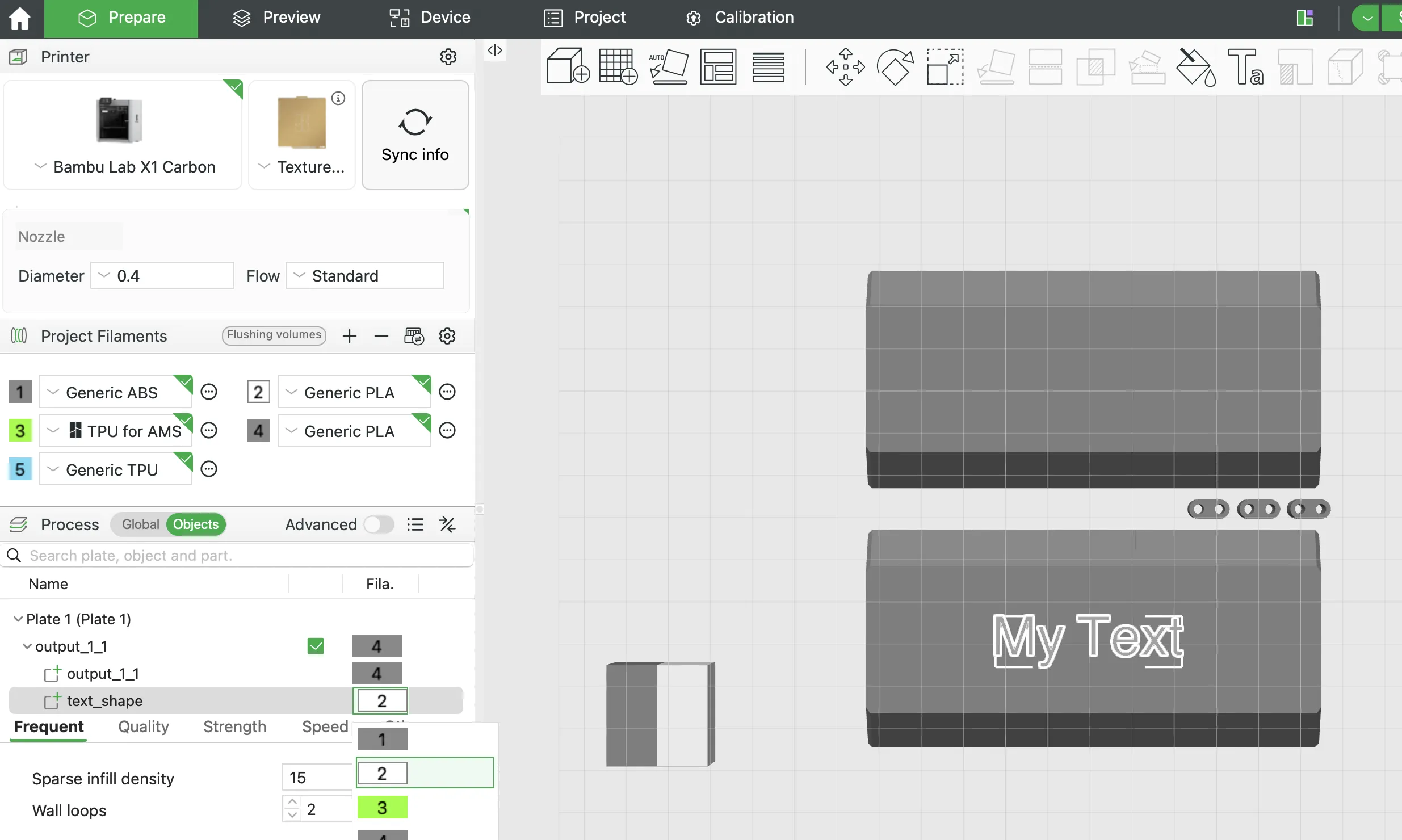
- Choose filaments for the parts and the text object.
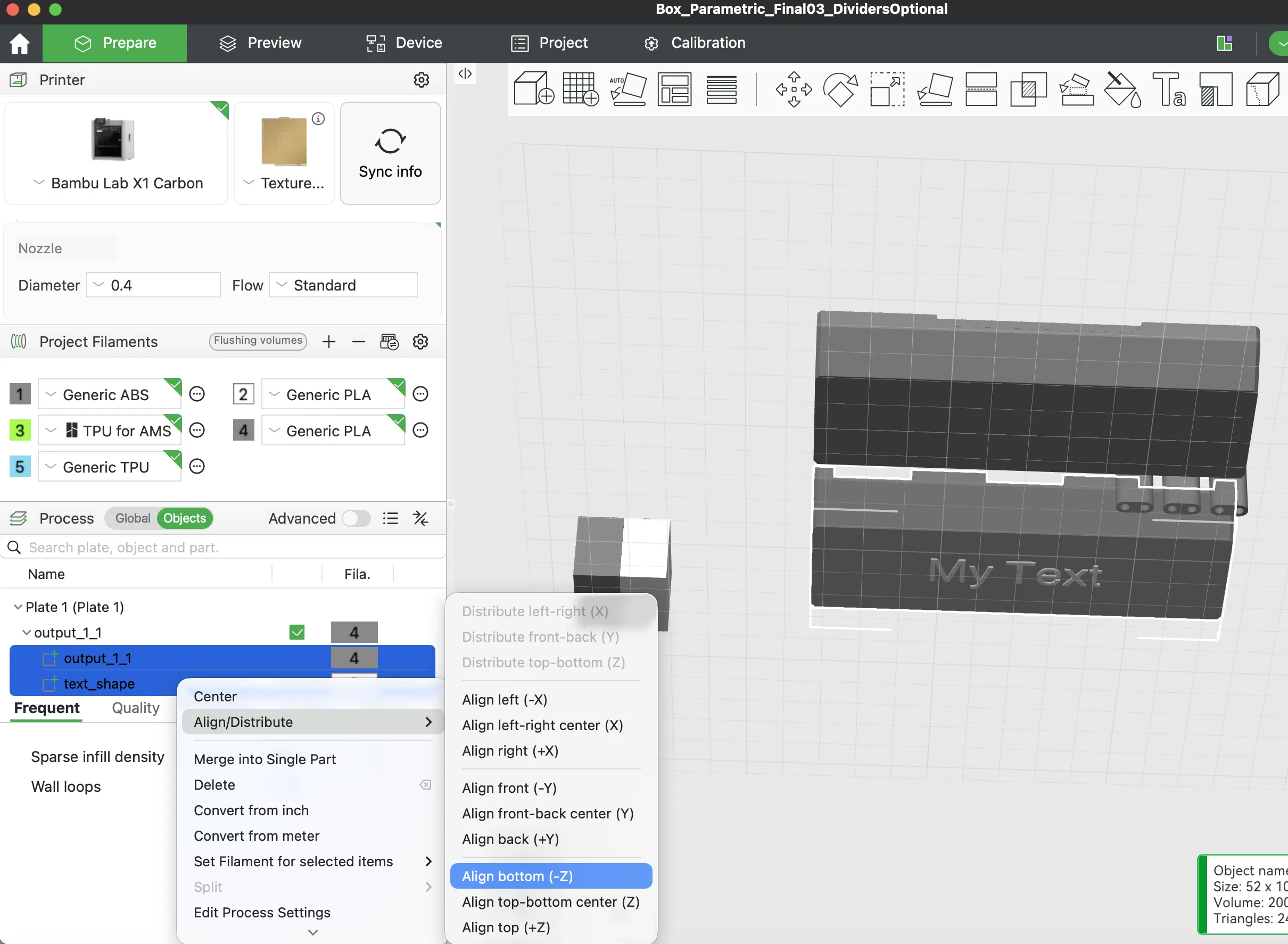
- Select the lid and the text object, then choose Align Bottom -Z.
- Slice and check that the first layer shows your text and lid — that's all you need to print!
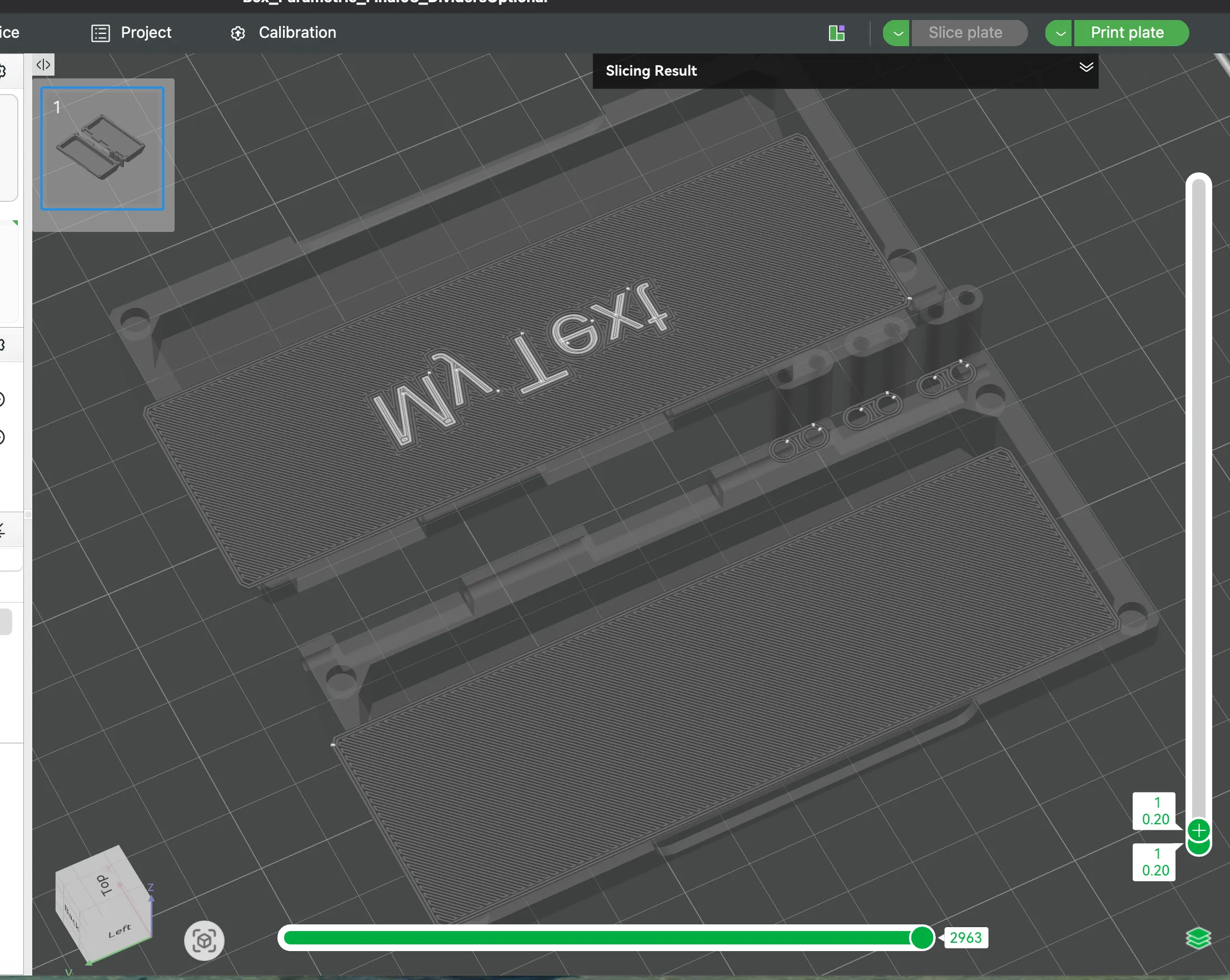
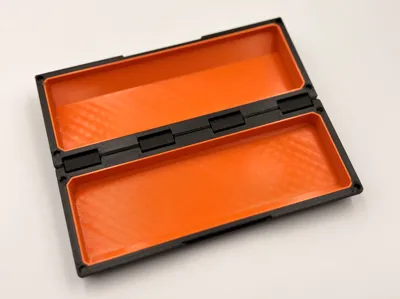
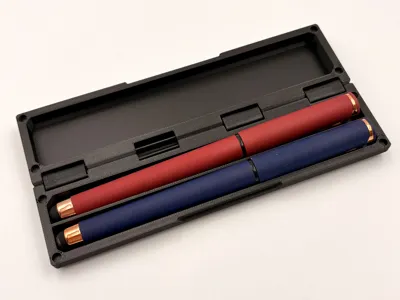
💡 You can also print some of the ready-made boxes shown in the pictures — print profiles for them are included in this model.
Boost Me (for free)
If this generator saved you time and helped you organize your life, please consider giving me a Boost! Your support allows me to keep developing complex parametric tools and fun models for the community. Every boost keeps the creativity flowing!
Membership
By becoming a Member, you support the development of more parametric generators and advanced mechanical designs. Members get early access to my latest utility models and exclusive design files. Let's build better tools together! 🚀
More organizer and jewelry box models from me:
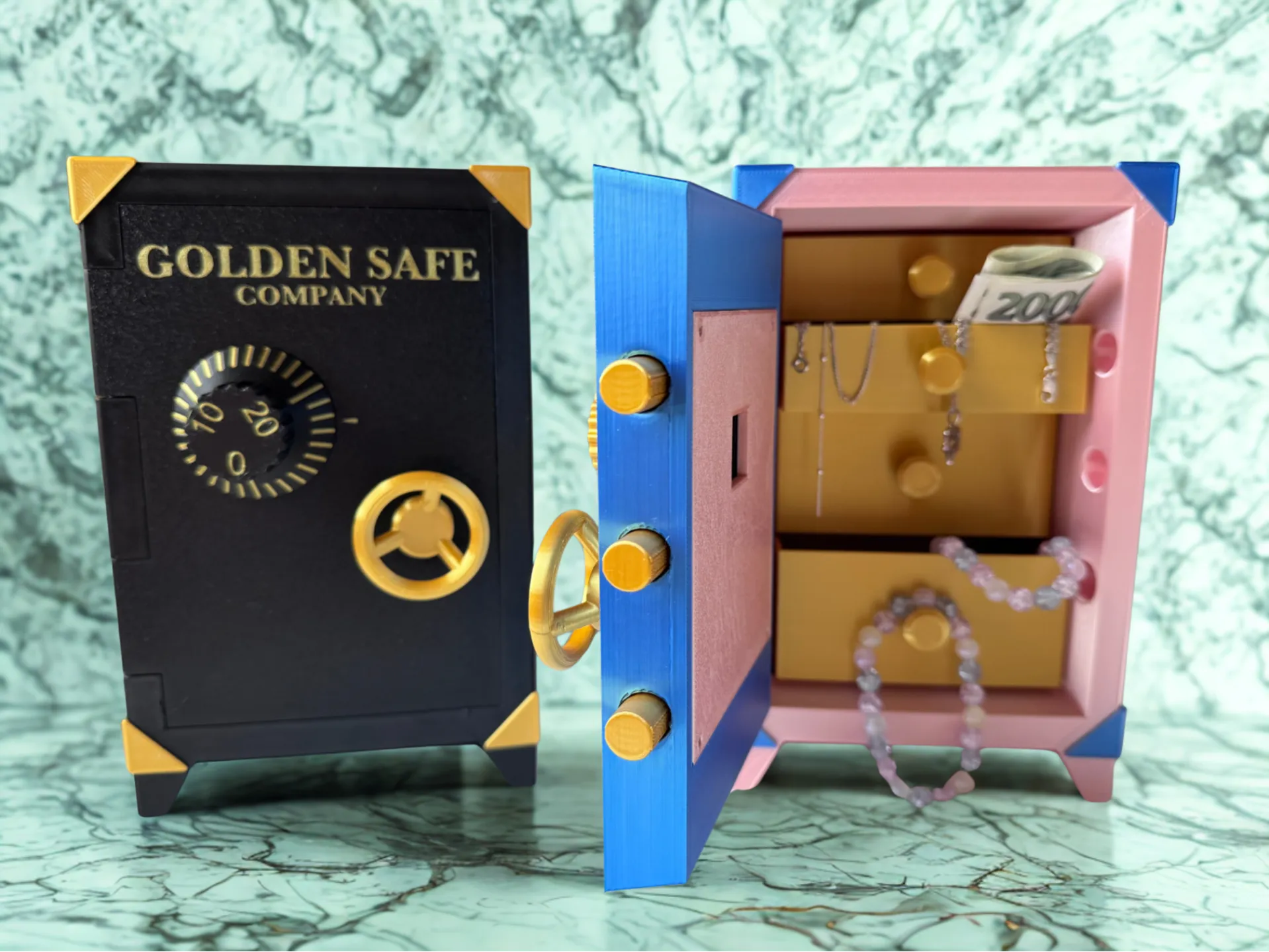
Secret Safe Jewelry Box
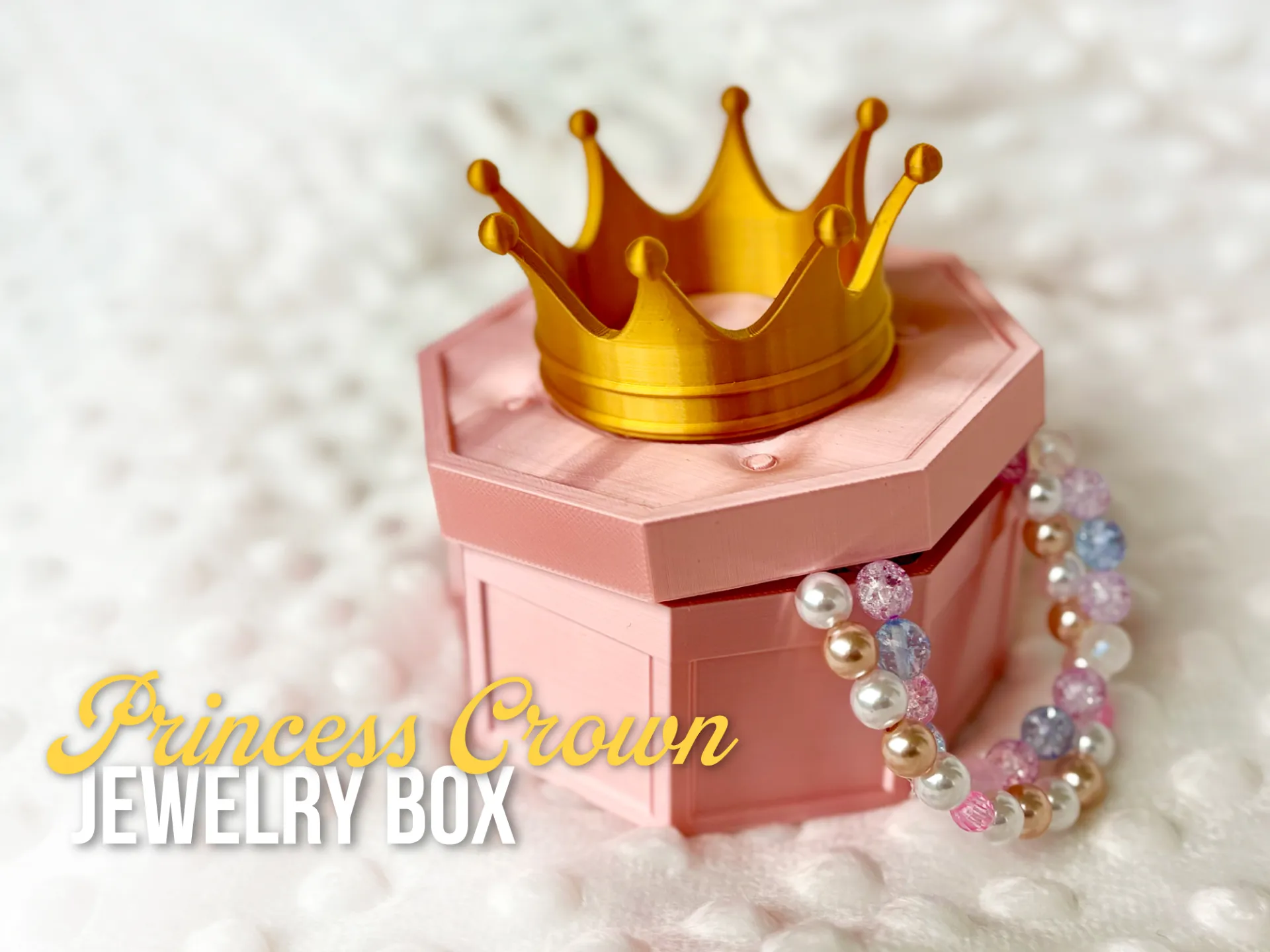
Princess Crown Jewelry Box [NO AMS]
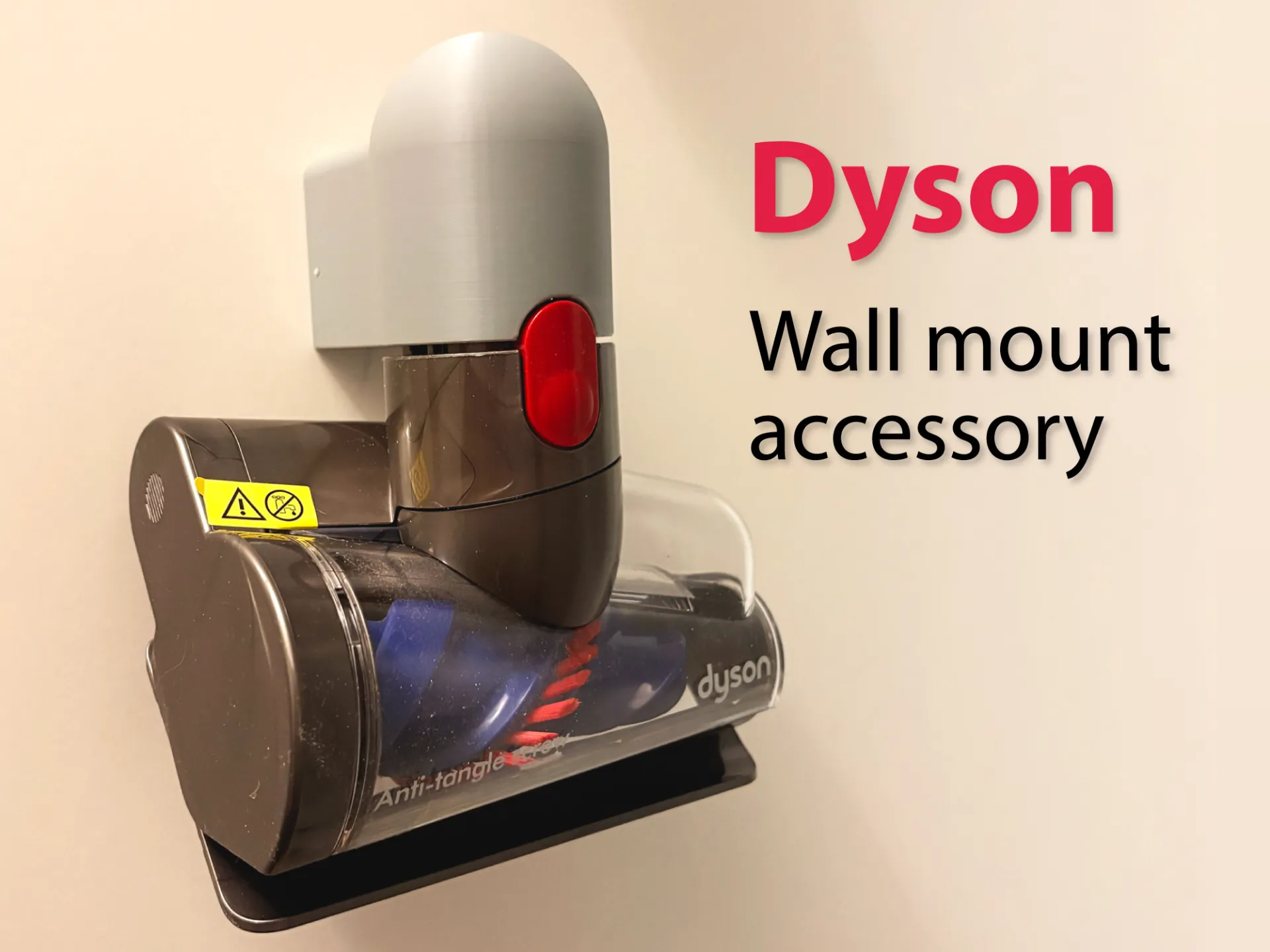
Dyson Wall Mount Accessory Holder
and more…
https://makerworld.com/en/@behunekmartin
License

You shall not share, sub-license, sell, rent, host, transfer, or distribute in any way the digital or 3D printed versions of this object, nor any other derivative work of this object in its digital or physical format (including - but not limited to - remixes of this object, and hosting on other digital platforms). The objects may not be used without permission in any way whatsoever in which you charge money, or collect fees.


Comment & Rating (12)