
Polypropylene Printing Profile
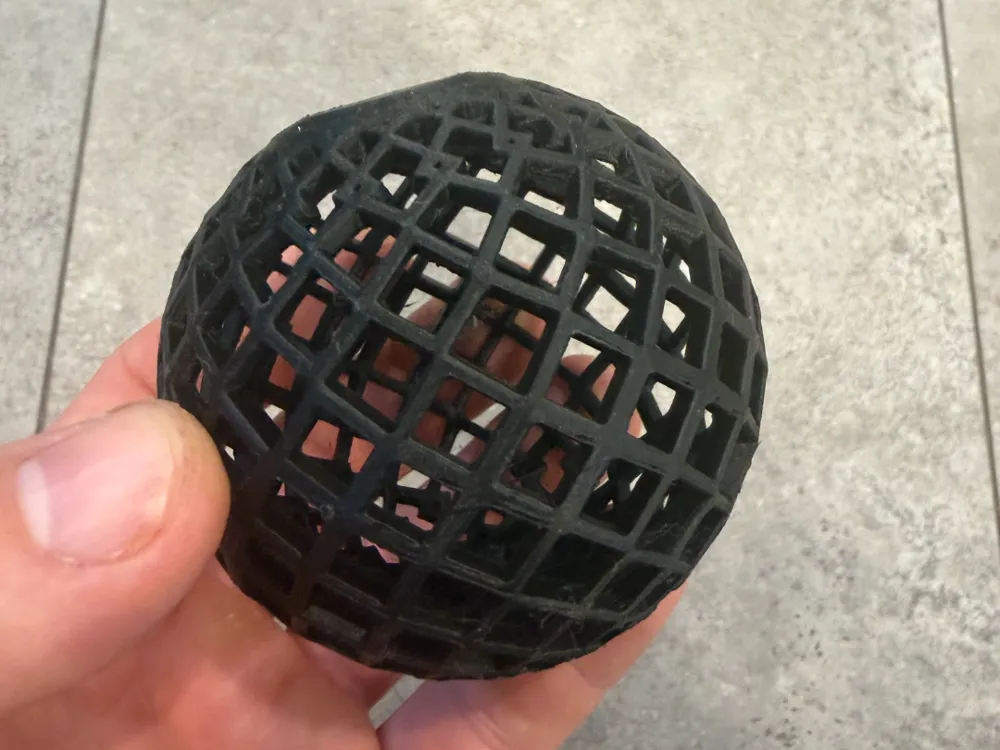
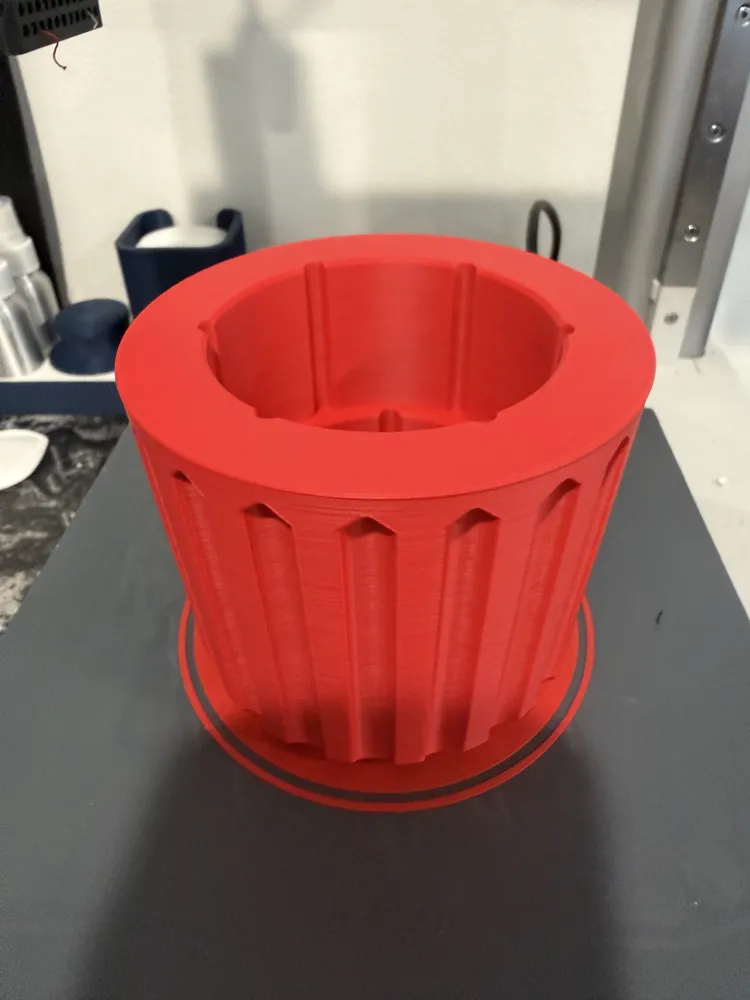
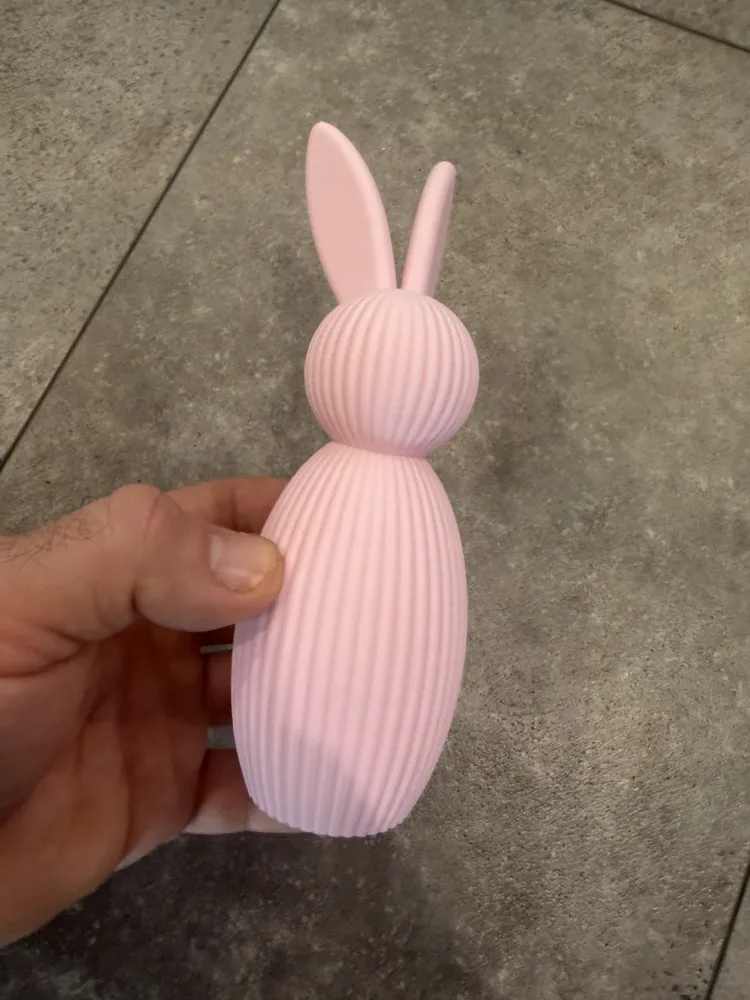
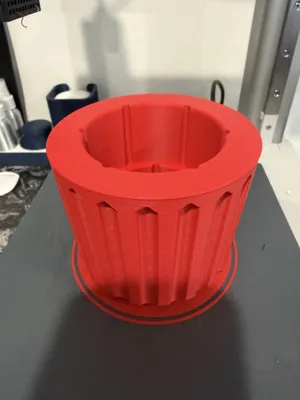
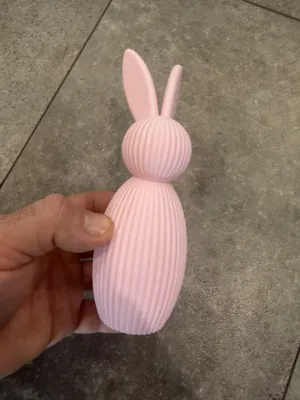
Print Profile(1)

Description
NOTE: This profile is for use with a Buildtak Plus+ PP surface. If you attempt to print PP on another surface, you may need to adjust the build plate temperatures. (I always set mine as textured PEI, but all of the temperatures have been set to 25). I highly recommend the buildtak surface as it works better than any other option I have tried.
This is the printing profile with the settings I use for printing polypropylene. I print it regularly on my A1 mini and X1C. These settings case be used with either a high flow nozzle or a standard flow nozzle, but I would suggest calibrating your flow rate for either option prior to doing any large prints.
Also, it is possible to do multicolor PP with an AMS. The only thing to watch out for is the length of the tubing, because after a couple feet you will likely have feed issues.
License



Comment & Rating (3)