Search models, users, collections, and posts

Mario Kart & Luigi Kart - CyberBrick
IP Report

Print Profile(5)

All
P1S
H2D Pro
H2C
P1P
X1E
H2S
H2D
A1
X1 Carbon
X1
P2S
X2D
A2L
A1 mini

0.2mm layer, 2 walls, 15% infill
Designer
7.9 h
5 plates
4.6(14)

A1 Mini 0.2mm layer, 2 walls, 15% infill
Designer
8 h
6 plates
4.7(3)

0.2mm layer, 2 walls, 15% infill
Designer
7.9 h
5 plates
4.0(4)

0.2mm nozzle, 0.1mm layer, 4 walls, 15% infill
Designer
37 min
1 plate
Click to see more

Open in Bambu Studio
Boost
1162
3052
67
65
788
323
Released 

Bill of Materials

Maker's Supply Kits and Parts
Select all
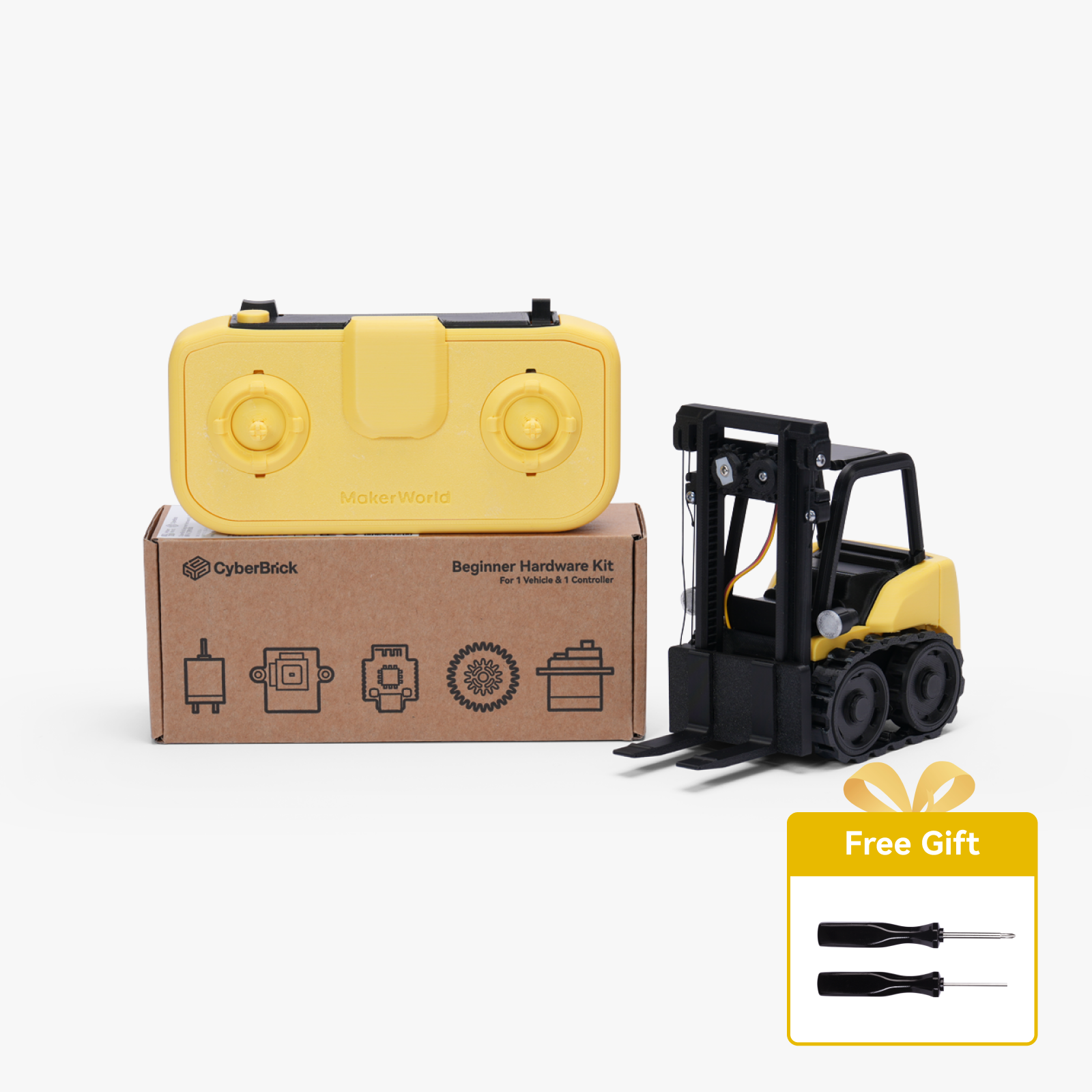
Beginner Hardware Kit - ZK004 (1 Vehicle, 1 Remote)
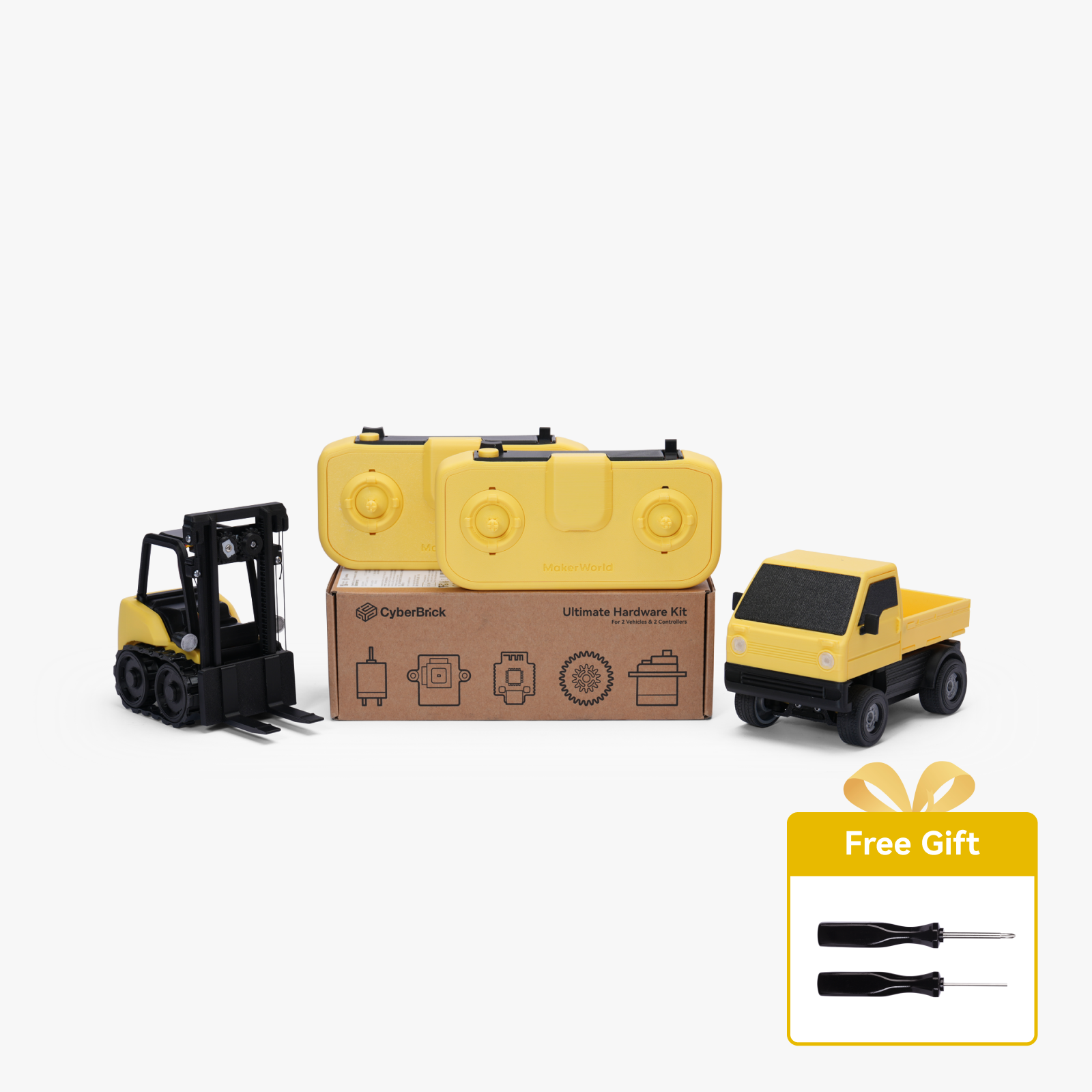
Ultimate Hardware Kit - ZK003 (2 Vehicles, 2 Remotes)
Bambu Filaments
Select all
Matte Charcoal (11101) / Filament with spool / 1kg
Blue (10601) / Filament with spool / 1kg
Yellow (10400) / Refill / 1kg
Matte Scarlet Red (11200) / Filament with spool / 1kg
Matte Grass Green (11500) / Refill / 1kg
Matte Ivory White (11100) / Filament with spool / 1kg

Description

Content has been automatically translated.
Show original

Boost Me (for free)

If you like this project, I would be very happy about a Boost to support my work and future developments. Thank you very much! 💛🚀


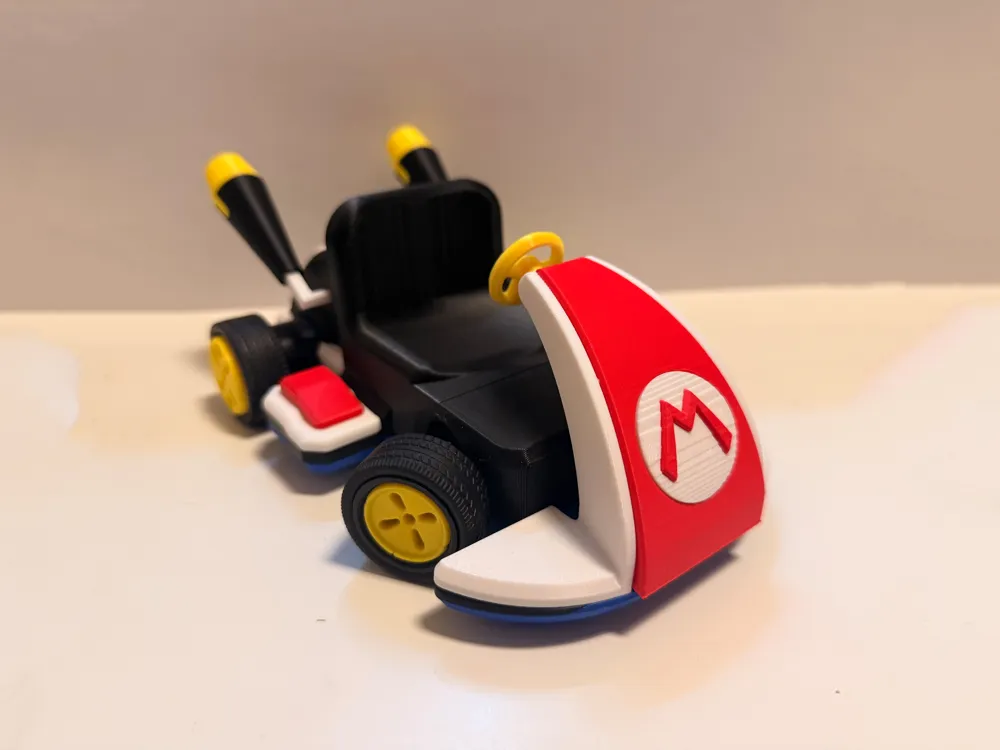
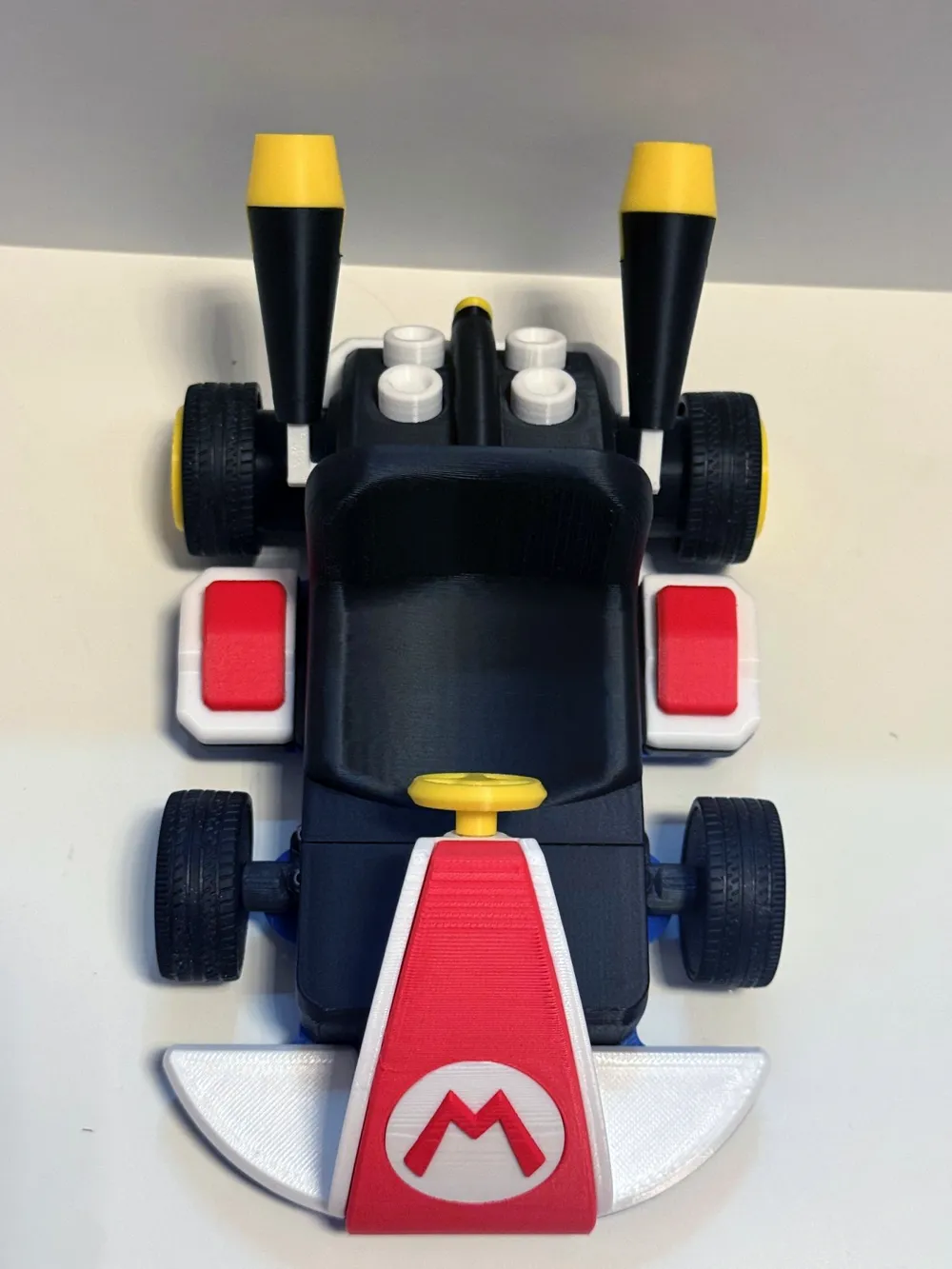
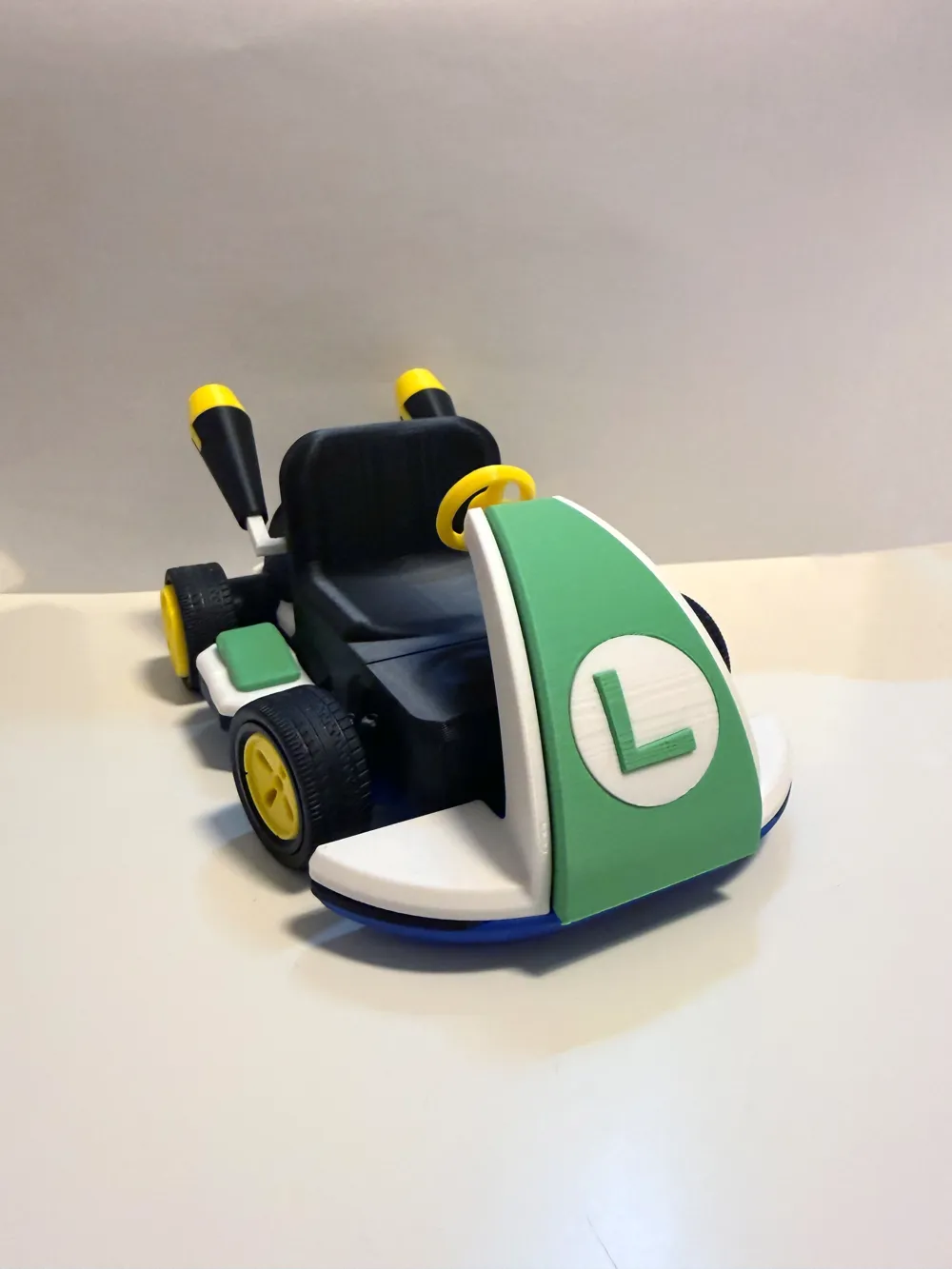
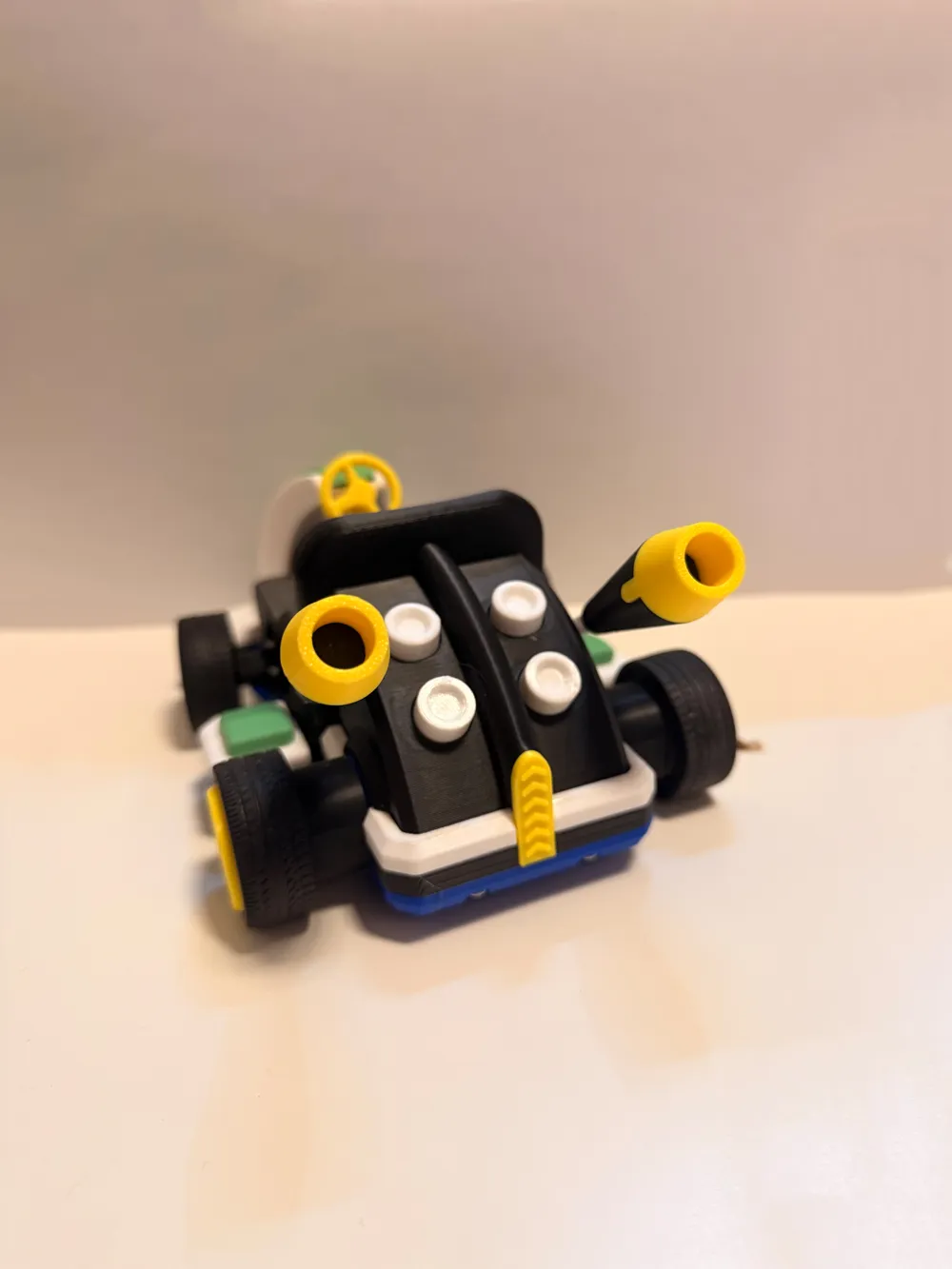
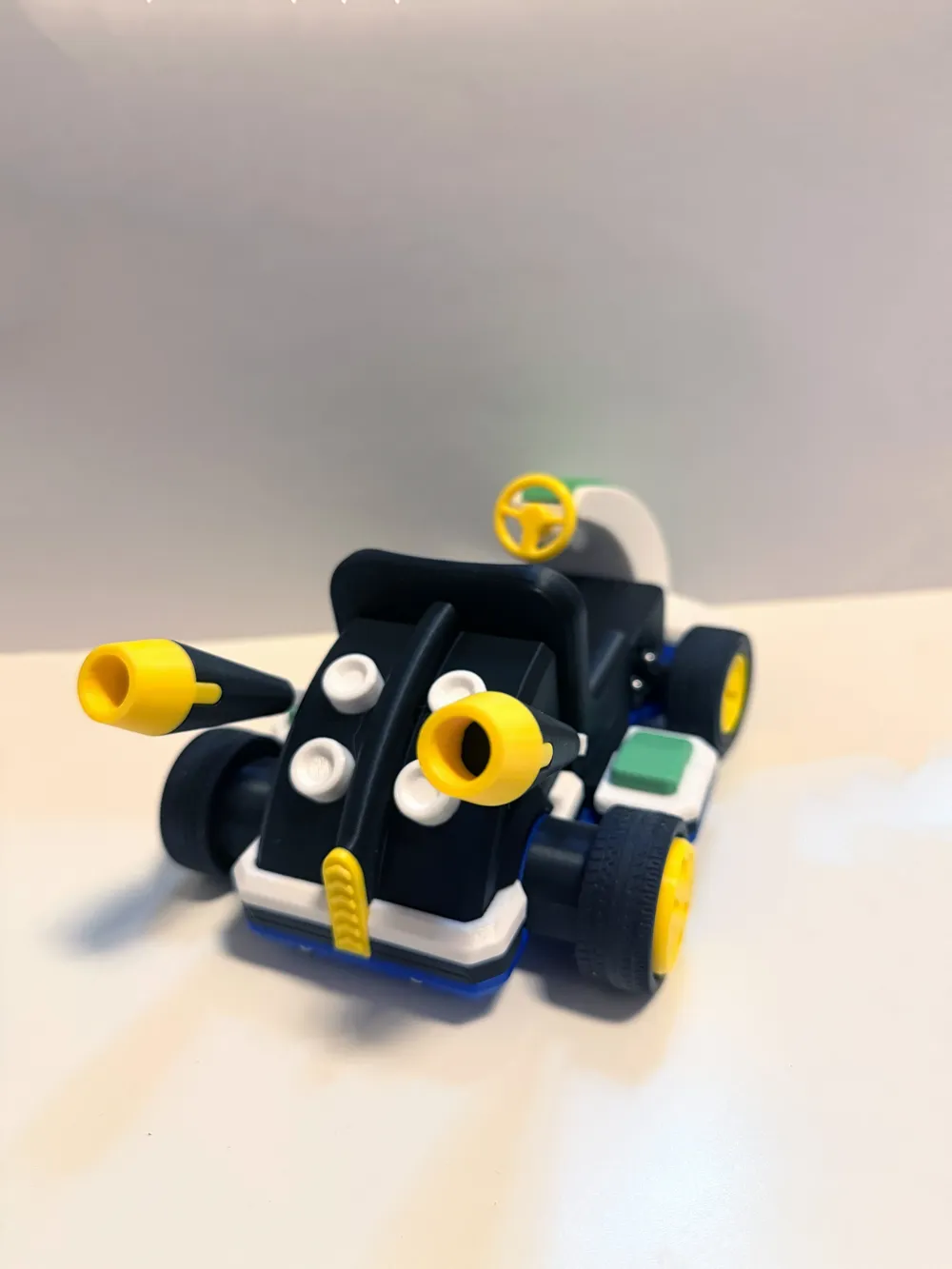
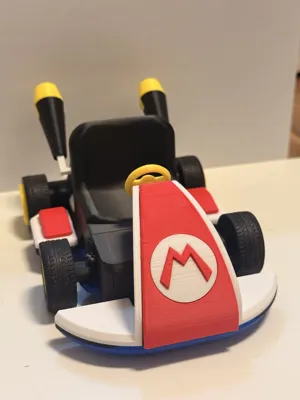
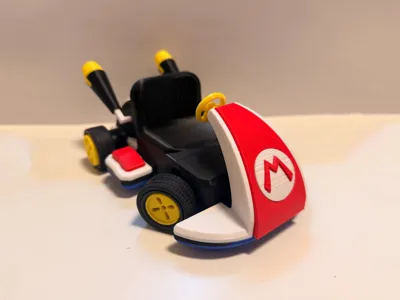
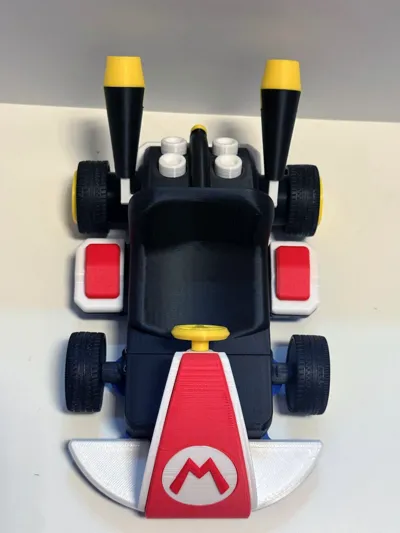
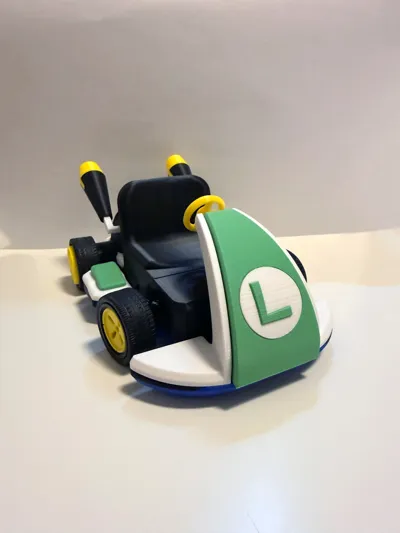
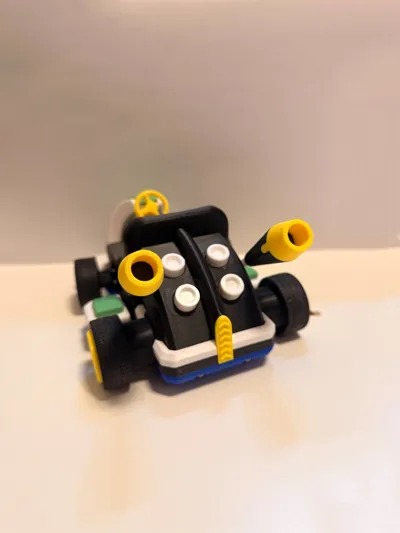
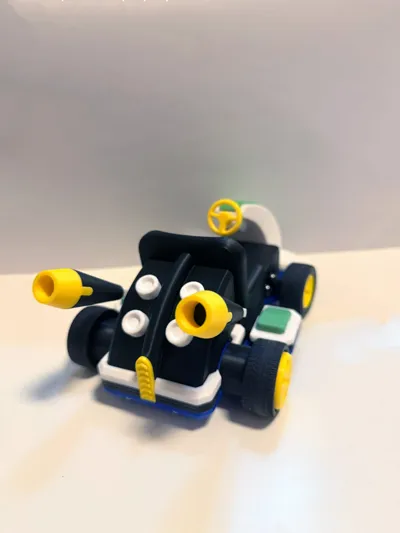
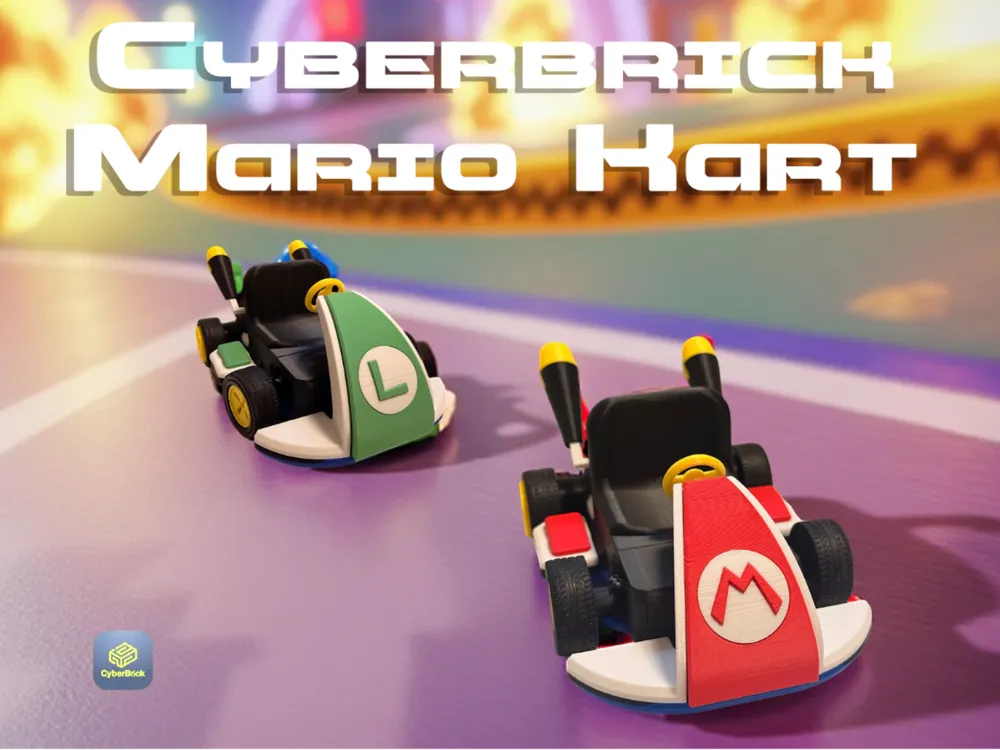
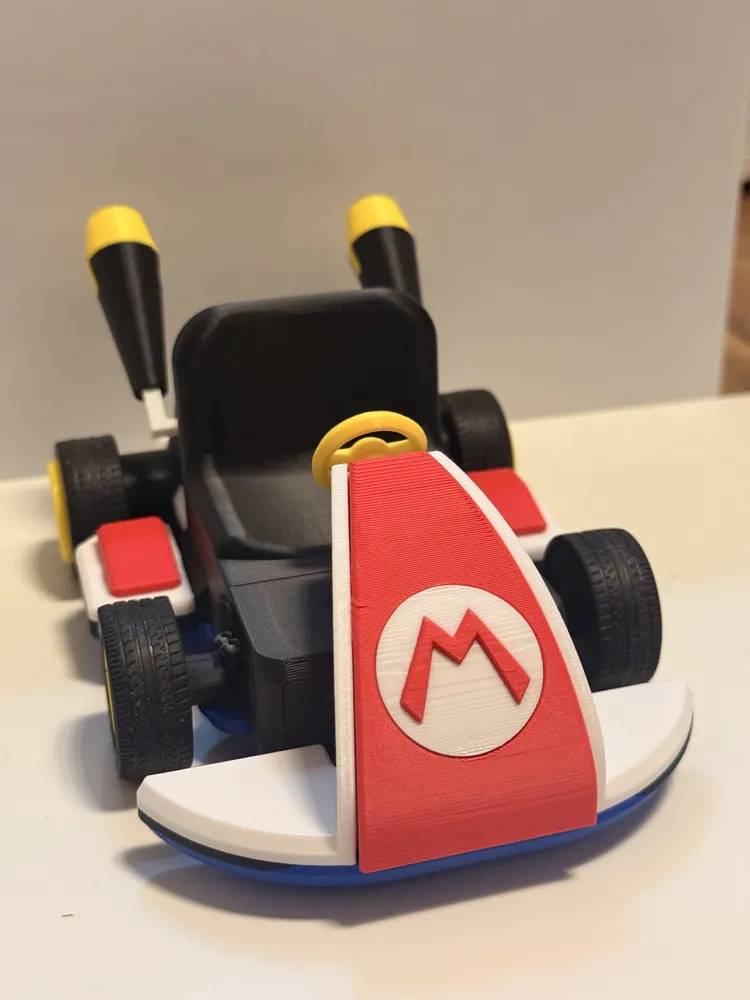
This 3D model represents a remote-controlled Mario Kart vehicle that was specially developed for use with CyberBrick components. The model combines the iconic Mario Kart design with functional construction.

Design & Construction

The kart's appearance is based on the classic Mario Kart style with a compact body and wide track. All components were designed to allow for a clear structure, good stability, and easy assembly.


Print Profiles & Variants

A dedicated print profile is available for each kart, containing all necessary parts in the appropriate color variant – either Red (Mario) or Green (Luigi).


In addition to the two print profiles for the vehicles, there is another print profile for the gears, which are used in the rear axle and in the steering.  

👉 Recommendation: These gears should be printed with a 0.2 mm nozzle.


Note on the gears:
The gears are already included in the print profiles for the vehicles and are printed there by default with a 0.4 mm nozzle.
However, if you notice problems with stiff-running rear wheels, it is recommended to re-print the gears using a 0.2 mm nozzle to achieve smoother operation of the mechanism.

Remote Control

A remote control is required for operation. It is recommended that users use the official remote control.
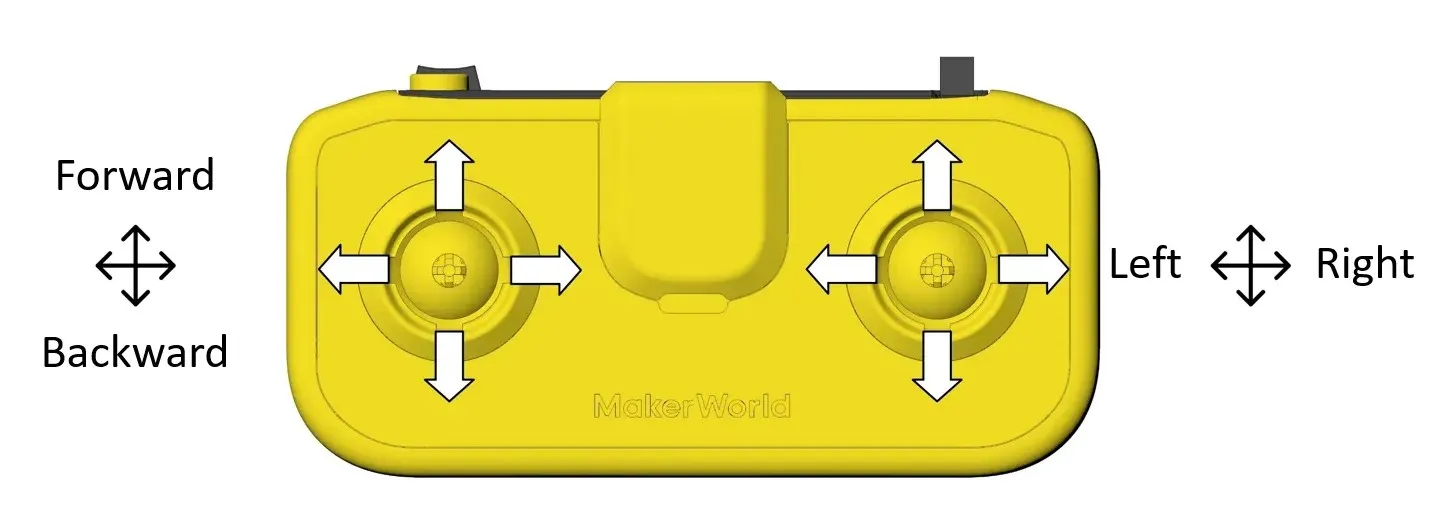
To assemble the car, you need to purchase the following parts:

1x CyberBrick Starter hardware kit - ZK004 (for 1 kart & 1 remote control)

or

1x CyberBrick Ultimate hardware kit - ZK003 (2 karts & 2 remote controls)

Assembly Instructions

Please take the time to carefully read the assembly instructions before assembling. I have tried to explain each step as detailed and understandable as possible – even if some steps seem self-explanatory at first glance.
Therefore, do not be deterred by the length of the instructions: they are meant to help you achieve a clean, functional, and durable result.


Documentation (1)

Assembly Guide (1)
Assembly Guide for CyberBrick powered Mario Kart.pdf

CyberBrick Files (1)

FAQ
Official RC Framework
MarioKart

Comment & Rating (67)

(0/1000)

Lovely, printed on A1 Mini with Mario figure from a link in the comments here which is a perfect fit :) Luigi is next!
6
Reply
Boosted
Hello, Can you tell me what file Mario is? It seems to fit perfectly 😀
Show original
2
Reply
Replying to @Eelfe :
im interested too
0
Reply
Hello, I saw your model and it looks great. But I wonder why it is not compatible with the a1 mini. I would be happy to receive a response and an optimized version for the a1 mini
The designer has replied
Show original
designer
2
Reply
Hi, actually all the parts fit on the print bed of the A1 mini. I'll check the settings to see if I can enable it for the A1 mini afterwards. I didn't notice when uploading that the checkmark for the A1 Mini was missing. Thanks for the hint! :) I found the problem. The A1 Mini was already selected, but not all of the black parts fit on one plate. I will upload two extra profiles for the A1 mini shortly :)
(Edited)
Show original
1
Reply
Ok👍and thank you for the work
Show original
0
Reply
I wanted to ask again about the red car on the second black print plate, a few parts are overlapped on the lower left half. Is that correct or did that happen when the two print plates were split
Show original
0
Reply
Print Profile
0.2mm layer, 2 walls, 15% infill
nice one 👌👌👌
profile
2
Reply
Print Profile
0.2mm layer, 2 walls, 15% infill
great project with great finish.
0
Reply
hello another question is it normal that when the car is on and the remote control is connected, both rear wheels turn slowly and jerkily backwards
The designer has replied
Show original
0
Reply
Hi, no, that's not normal. Open the CyberBrick app on your PC and calibrate the joysticks
Show original
0
Reply
yes exactly, I just noticed it too I did it and now it works but my car is very jerky and extremely slow and something is wrong with the motors how is that
(Edited)
Show original
0
Reply
Replying to @user_1968671428 :
has been resolved it works great after a few touch-ups
Show original
designer
1
Reply
Congratulations friend on the project. It might be my pickiness, but would you have the figurines to be printed? or would you recommend any figurine project to put on the karts?
The designer has replied
Show original
0
Reply
Hi Storani, unfortunately, I don't have suitable figures for these karts. I work exclusively with SolidWorks, which is very well suited for parametric models, but less optimal for figures. Perhaps one of the Mario models already available on MakerWorld will fit – however, I haven't tested this yet.
Show original
0
Reply
@TerryPark Hello friend! where are the models? could you indicate? The links did not appear
(Edited)
Show original
1
Reply
IT IS POSSIBLE THAT THE COVERS ARE MISSING
The designer has replied
Show original
0
Reply
which covers
Show original
1
Reply
Replying to @Dittelsmann :
In the file I downloaded, the wheels do not have that drawing, therefore I interpret that they are tires, the tires are the ones that go on the rims, some come with inner tubes (not from a photo), they are made of rubber, and are inflated, the inner tubes go between the tire and the rims, this makes the tire take shape and therefore roll
Show original
0
Reply
Replying to @memoland3d :
wtf are you even saying
designer
3
Reply
Hello beautiful I printed it too can I ask you about the remote control what do I need to do and the parts to buy? I'm inexperienced with the electronic part
The designer has replied
Show original
0
Reply
Hi, I assume you have the Cyberbrick hardware kit “ZK004” or “ZK003,” which contains all the necessary parts. The remote control model is the standard remote control from BambuLab :)
0
Reply
Replying to @Dittelsmann :
grazie
0
Reply
how would I combine all these parts to print one model with the H2C?
1
Reply
you would download and use a CAD software to fuse the parts together. or you can use Bambu studio to Boolean mesh the parts together but that would be extremely tedious and imprecise not sure why you’d want to print a single multicolor print. even with an h2c it’s going to take significantly longer, be significantly worse quality, and have significantly worse tolerances. i doubt it would even function without printing it several times to dial in the tolerances, and even then the moving parts are going to be massively worse quality in their actuation and function. all in all it’s going to be a whole lot more work for a massively inferior end result that I’d wager won’t even function correctly, all just to avoid some very basic and straightforward assembly.
(Edited)
designer
2
Reply
Is it possible to assemble the cart without the robotics parts? to use it only for decoration
Show original
1
Reply

License

This user content is licensed under a Standard Digital File License.

You shall not share, sub-license, sell, rent, host, transfer, or distribute in any way the digital or 3D printed versions of this object, nor any other derivative work of this object in its digital or physical format (including - but not limited to - remixes of this object, and hosting on other digital platforms). The objects may not be used without permission in any way whatsoever in which you charge money, or collect fees.