
BaofengUV-5RH/5RM/5G Switch Volume Knob / Accidental Touch Protection
Print Profile(1)

Description
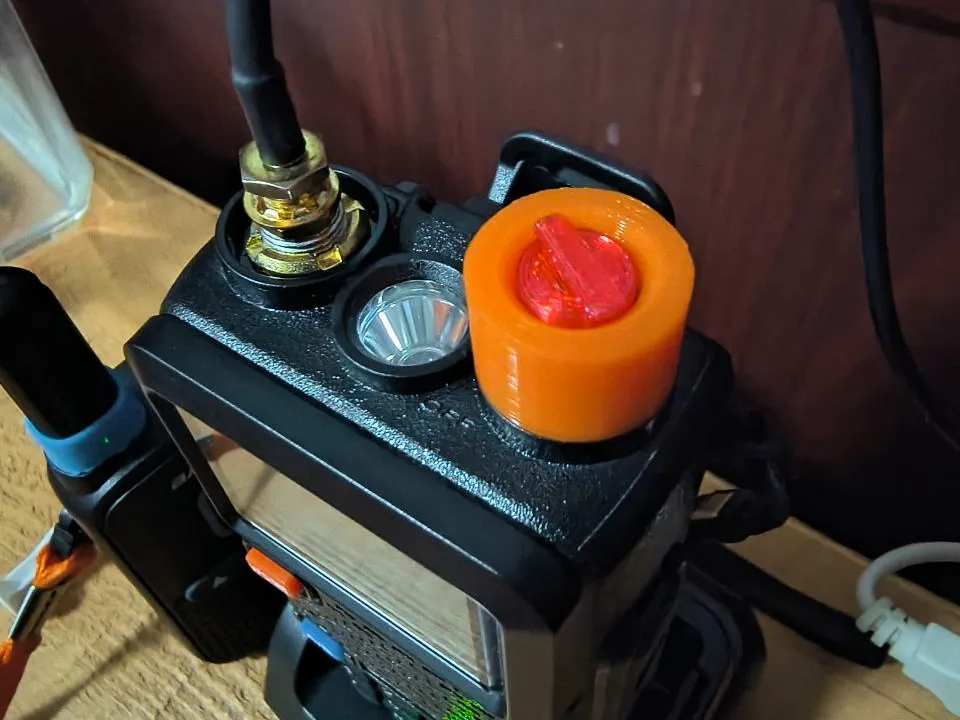
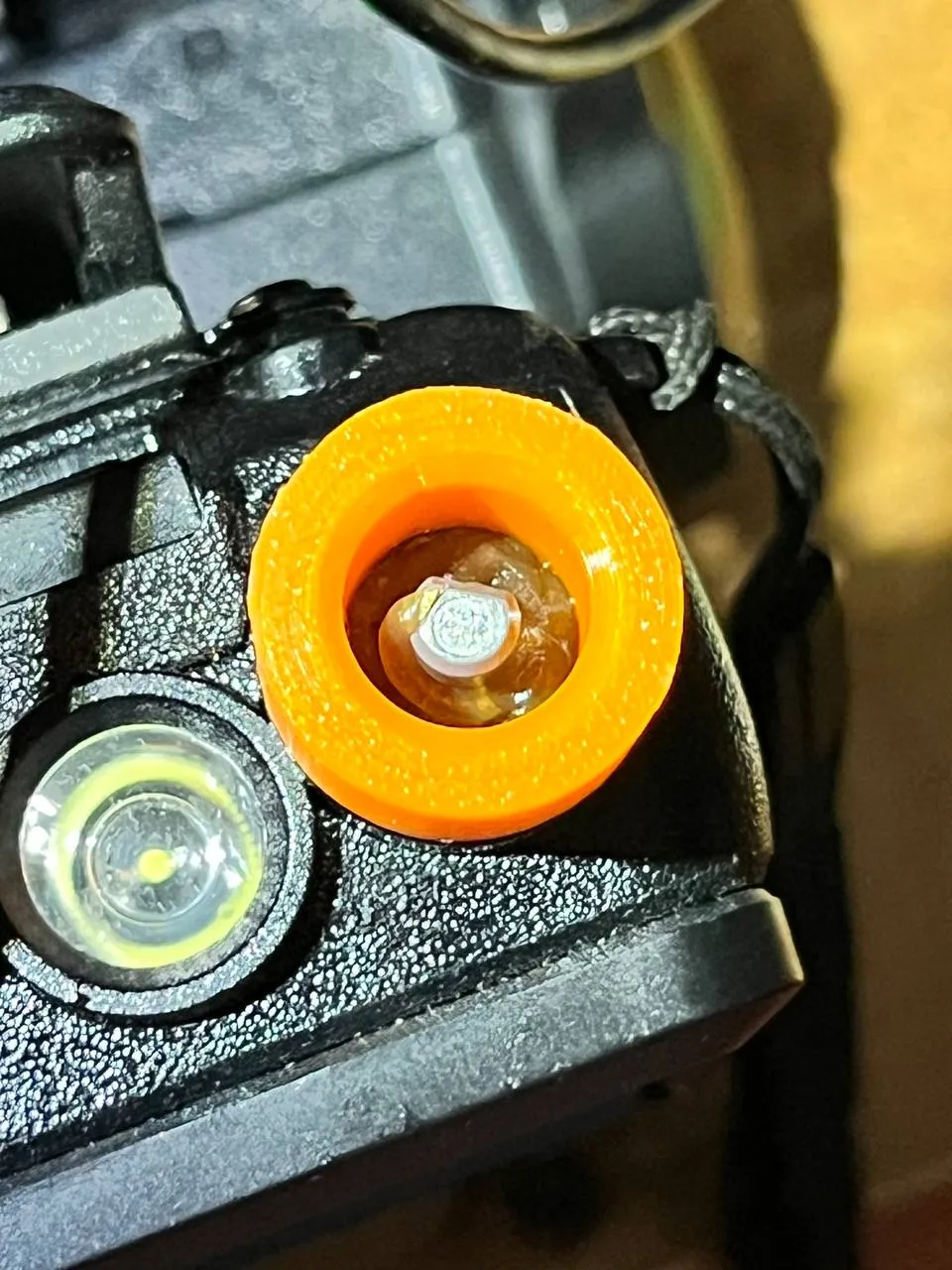
Accidental touch protection switch knob. You need to glue the orange protective ring onto the casing using super glue, then insert the middle knob into the opening. When turning on and adjusting the volume, pinch the protrusion on the top of the red knob with your fingertip and rotate it.
You can also try applying high-viscosity lubricant inside the orange protective ring, which might provide better waterproofing.
License

You shall not share, sub-license, sell, rent, host, transfer, or distribute in any way the digital or 3D printed versions of this object, nor any other derivative work of this object in its digital or physical format (including - but not limited to - remixes of this object, and hosting on other digital platforms). The objects may not be used without permission in any way whatsoever in which you charge money, or collect fees.


Comment & Rating (0)