
Gear Ball Free Spinning Smooth Edge Great for Kids
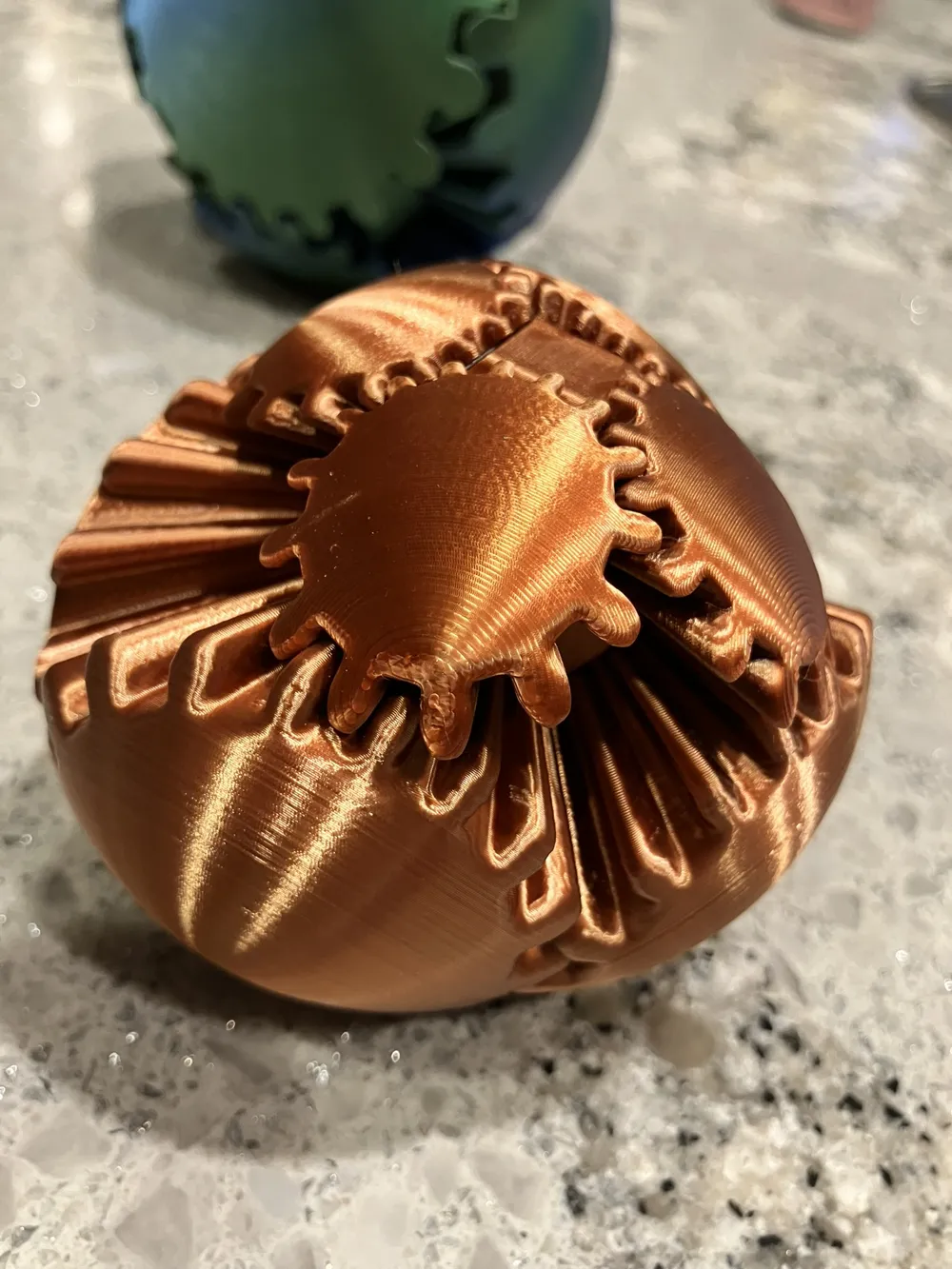
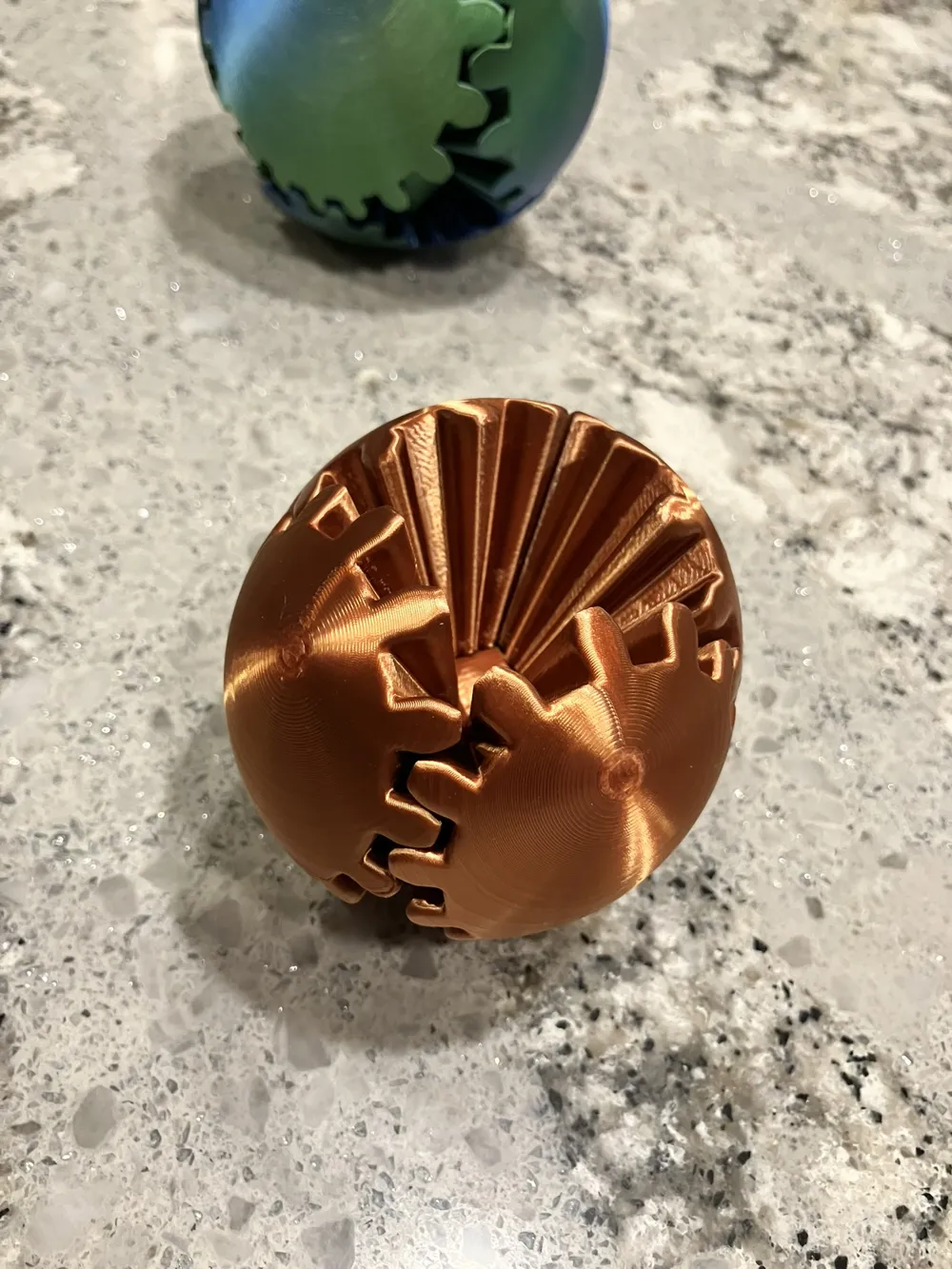
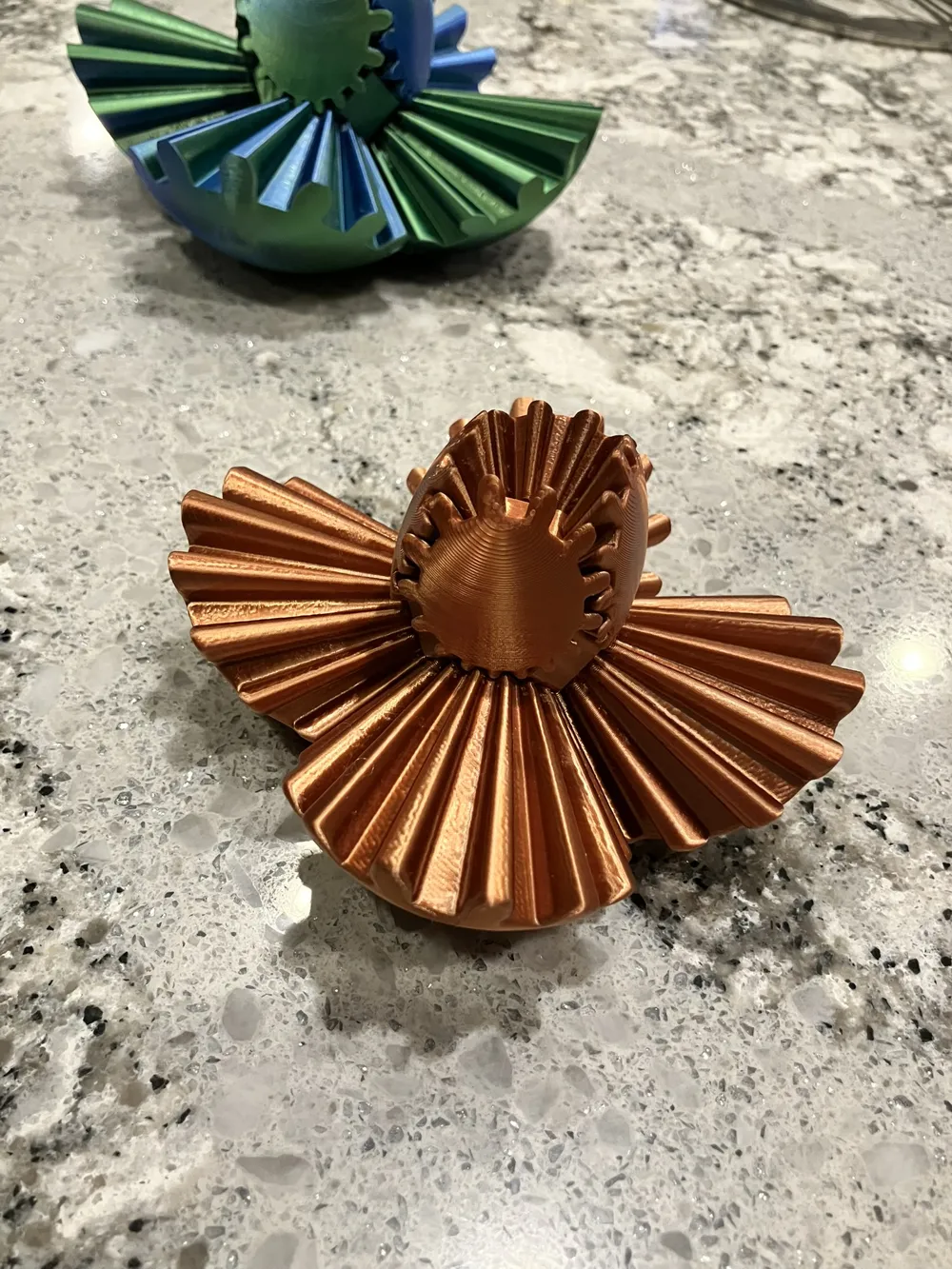
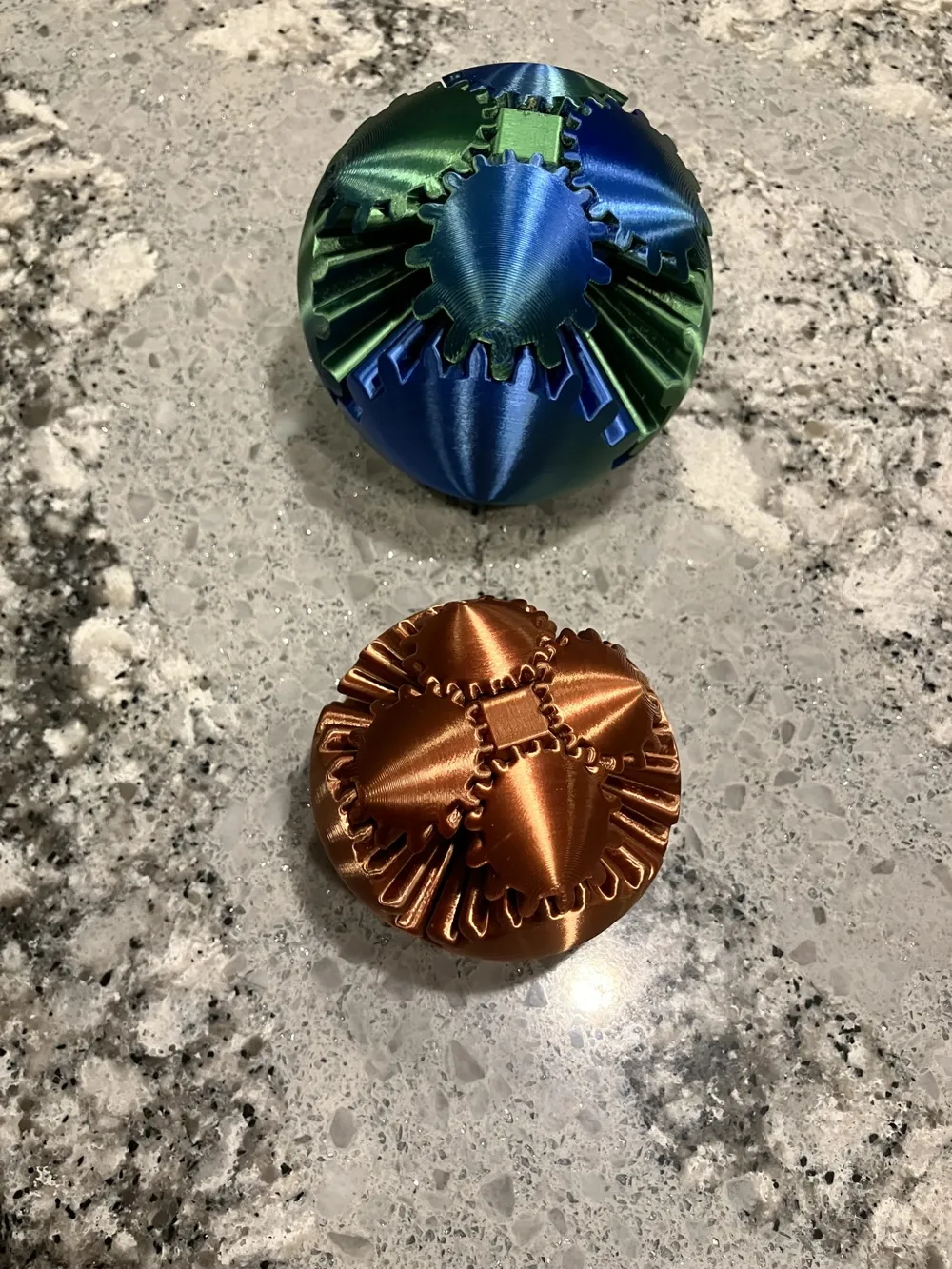
Print Profile(2)


Bill of Materials











.jpg)


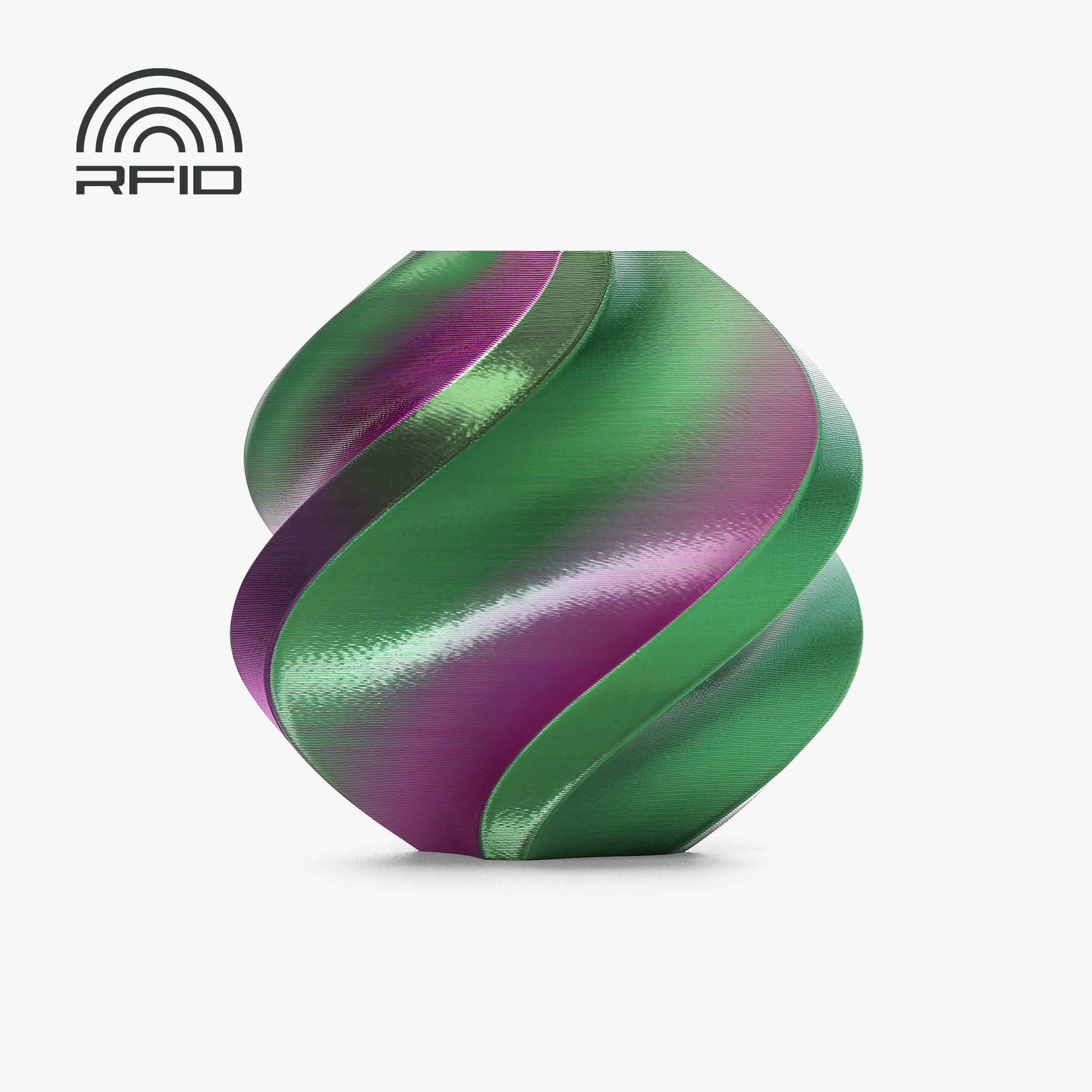

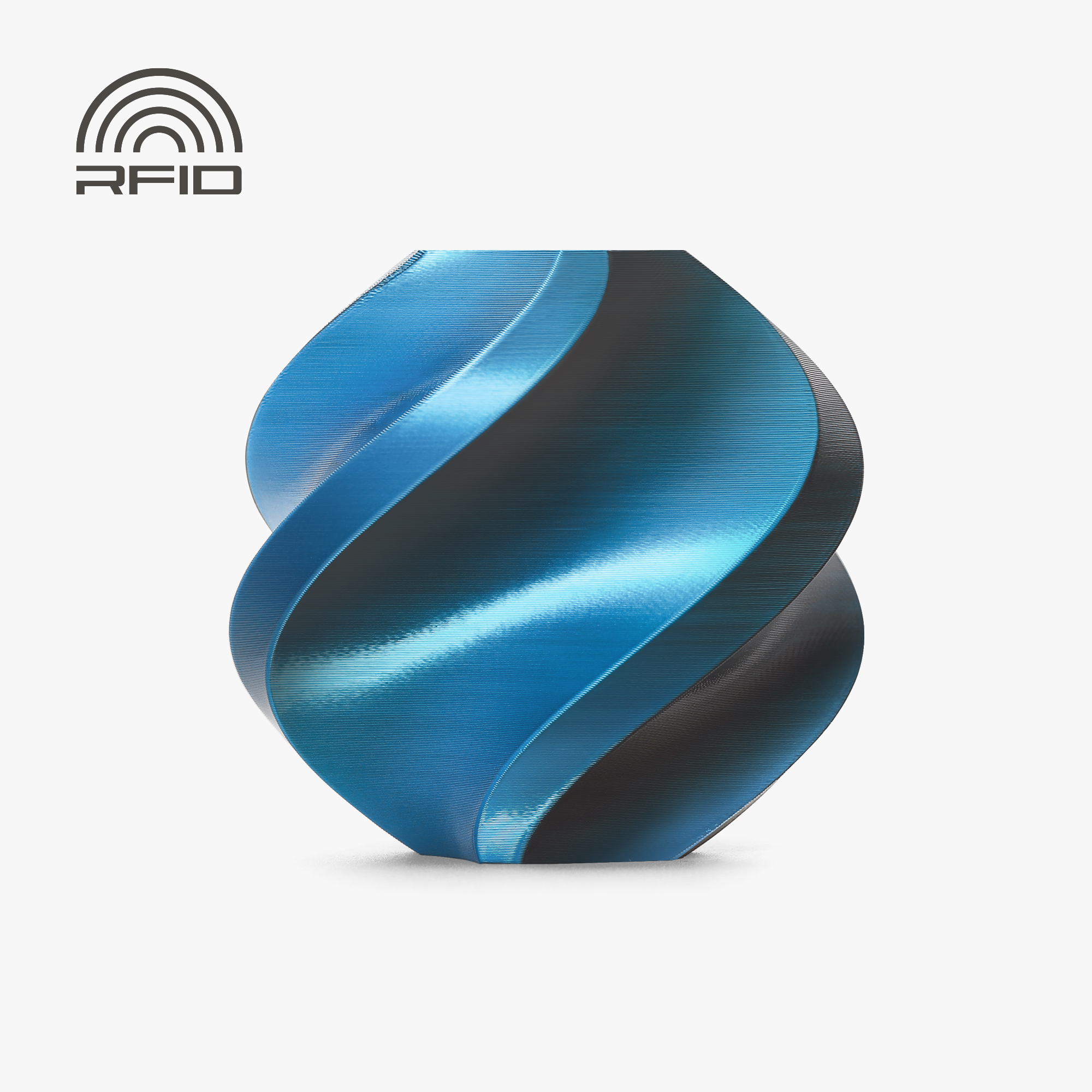



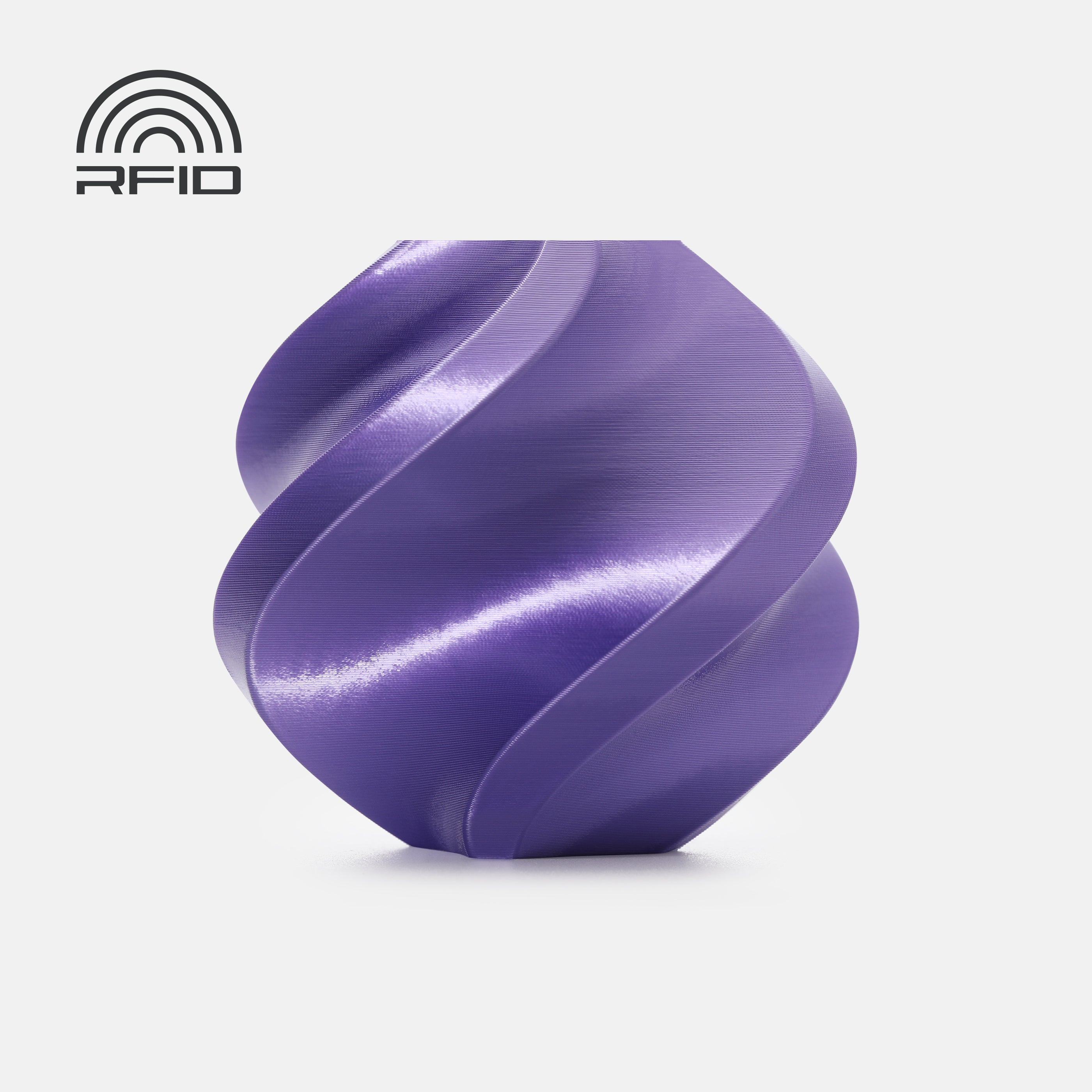









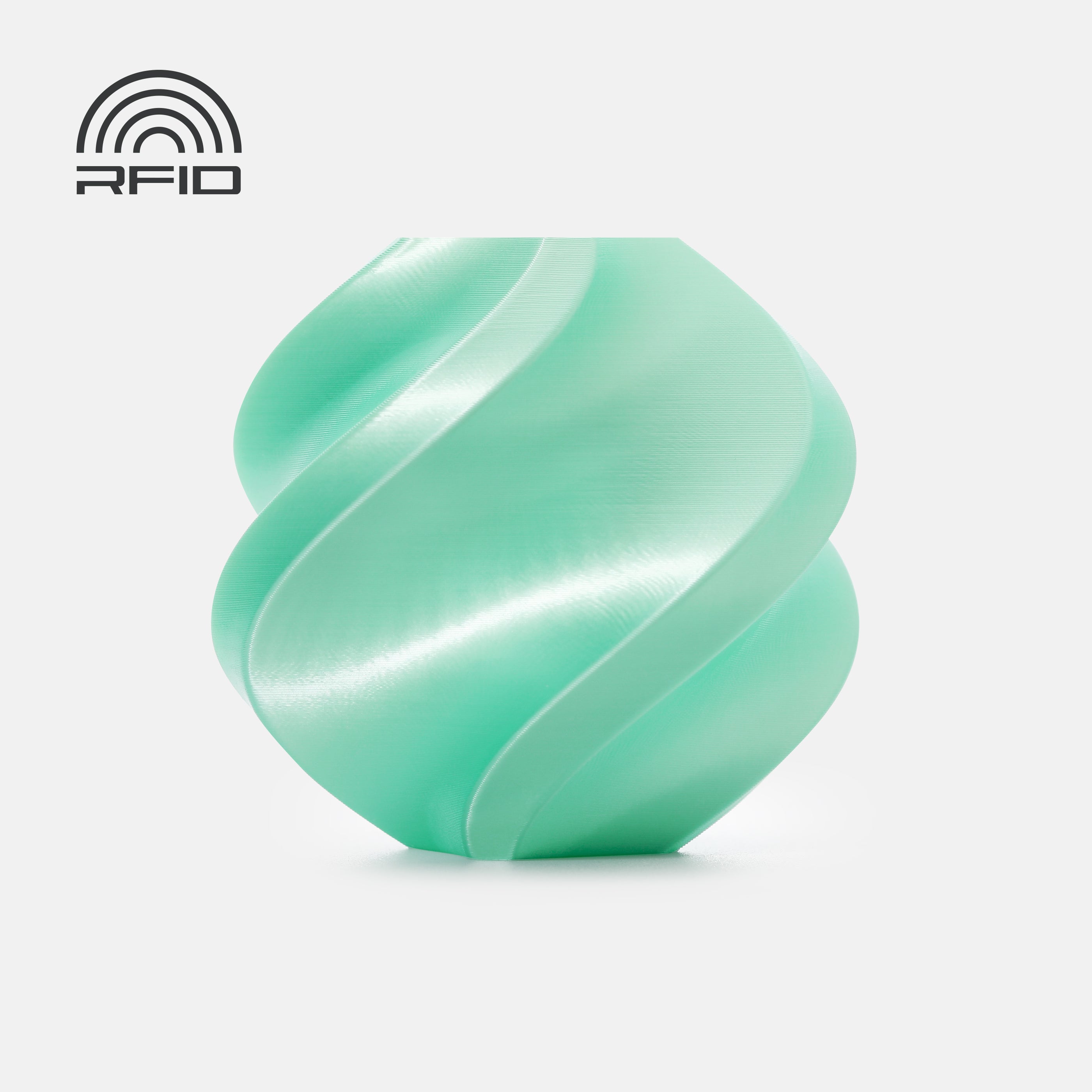













Description
Get in on the hype!
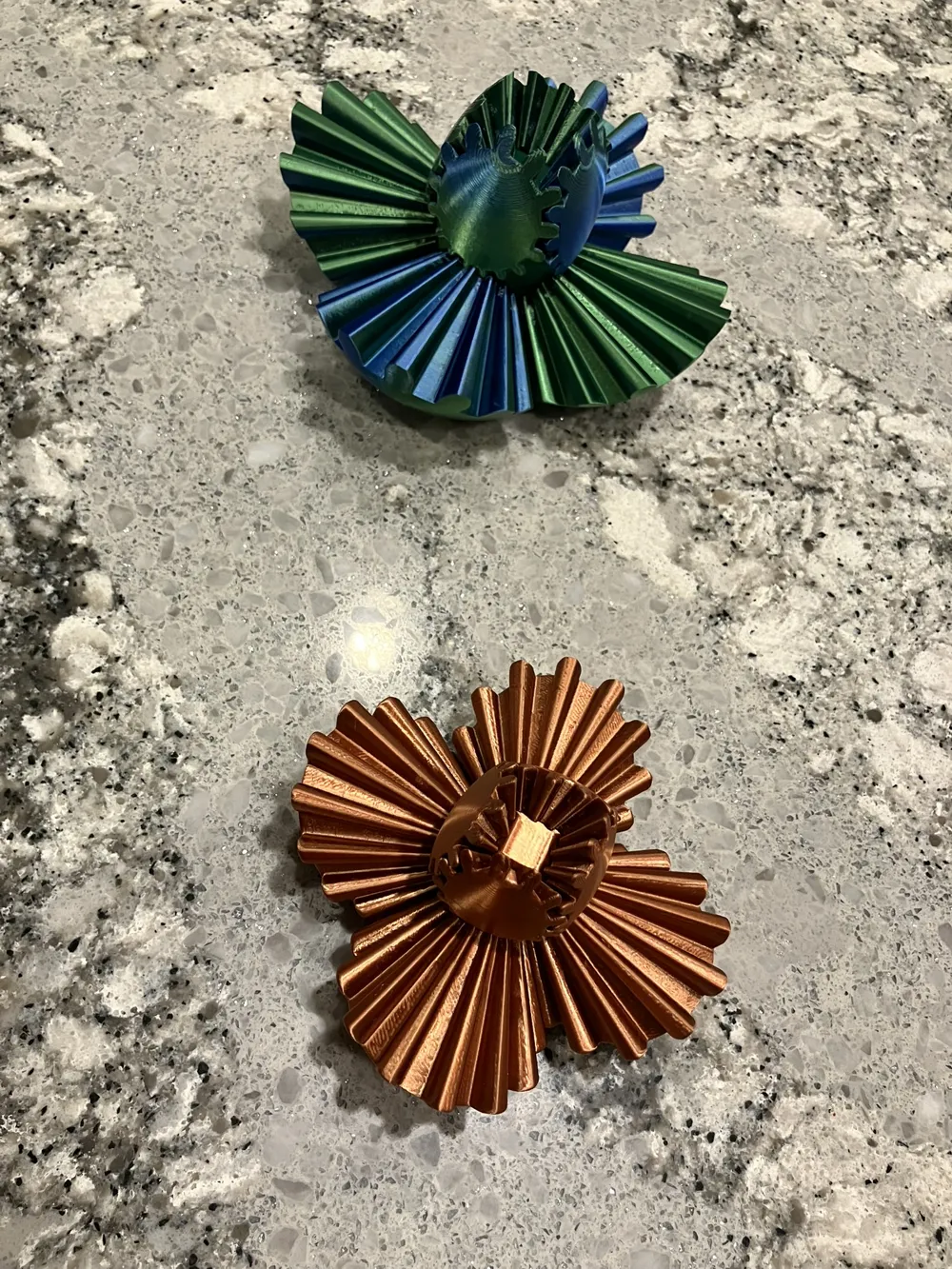
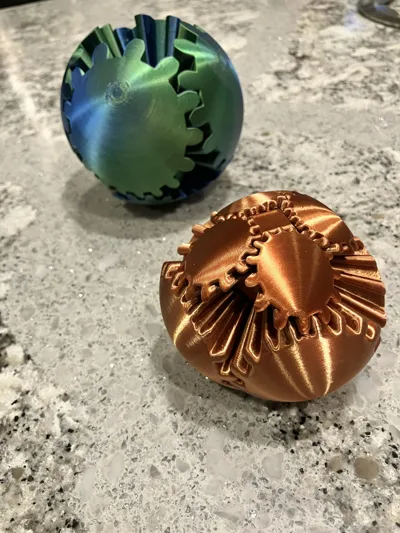
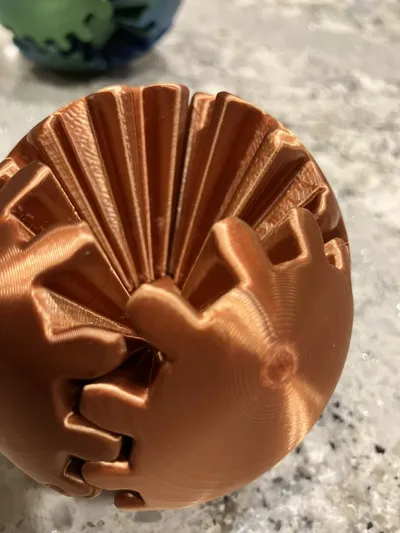
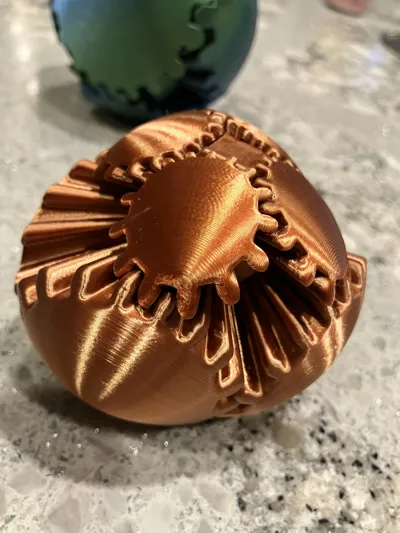
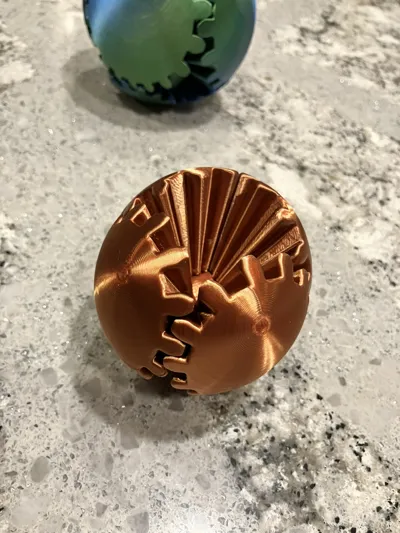
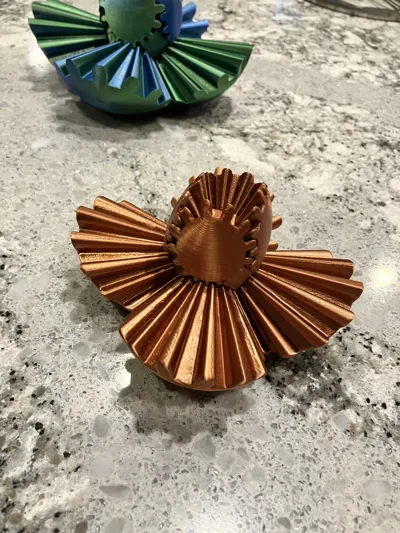
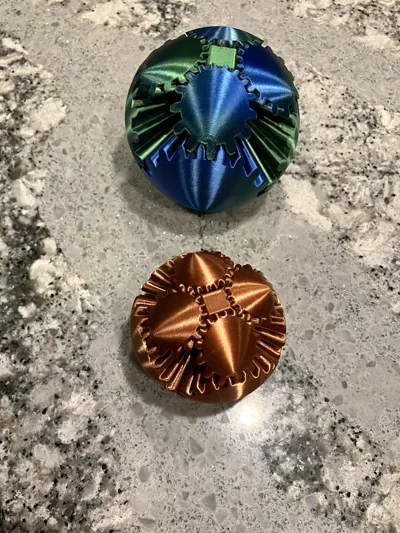
Welcome to the gear ball! A fun mind blowing fidget toy you've probably seen on social media, but had no clue how it works! Well, rest assured, with these profiles you can make your own free spinning version! The best part is, they cost 10,20,30$ online and yours can be just a few dollars!
Why the remix?
I found the original ball to be quite hard to turn, requiring "working in" and even then it wasn't quite as good as I liked. I also found the size to be unnecessarily large and the edges to be pretty sharp, even for me, much less my kids.
What's different?
- Integrated the Gear Ball Connector by Caleb into this Gear Ball - Many thanks!
- Imported design from thingaverse by skylarmt (OG Designer RuvenBals) - Many thanks!
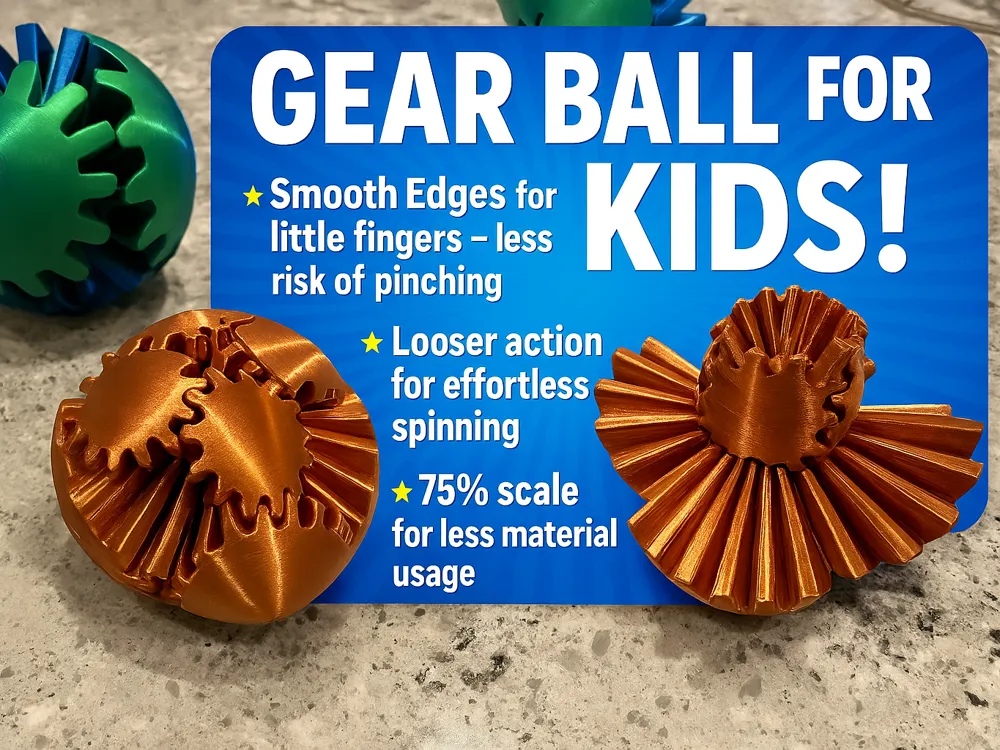
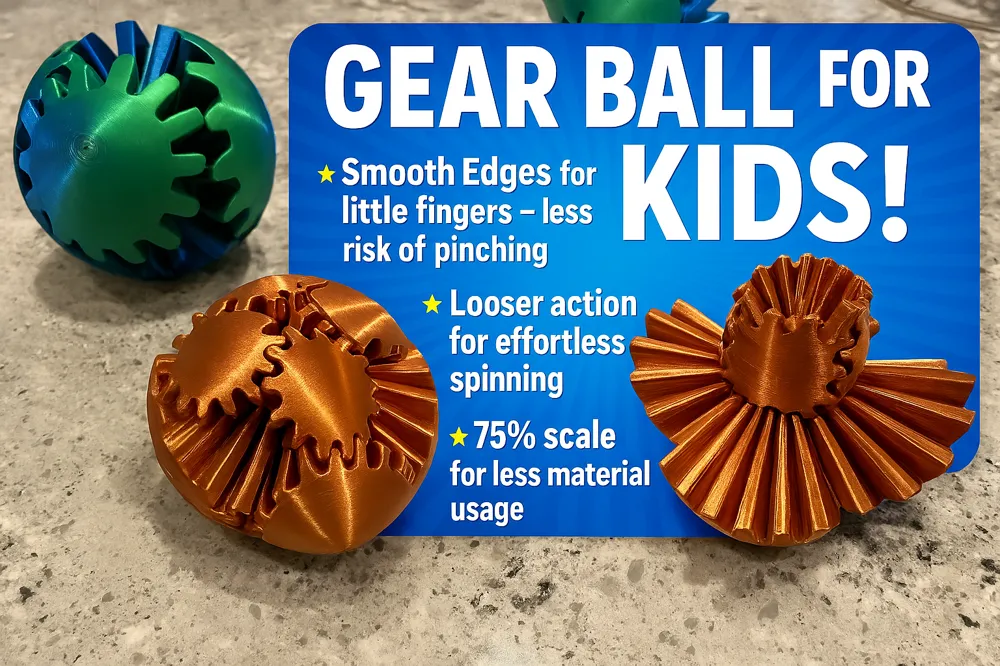
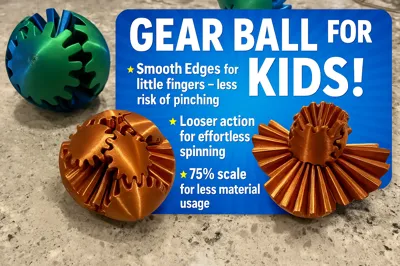
- Scaled entire model to 75% to make it easier for kids to use, and use less material (scale back to 125% for bigger)
- Scaled gear pieces 103% in the Z to make it easier to turn without compromising connector pocket strength.
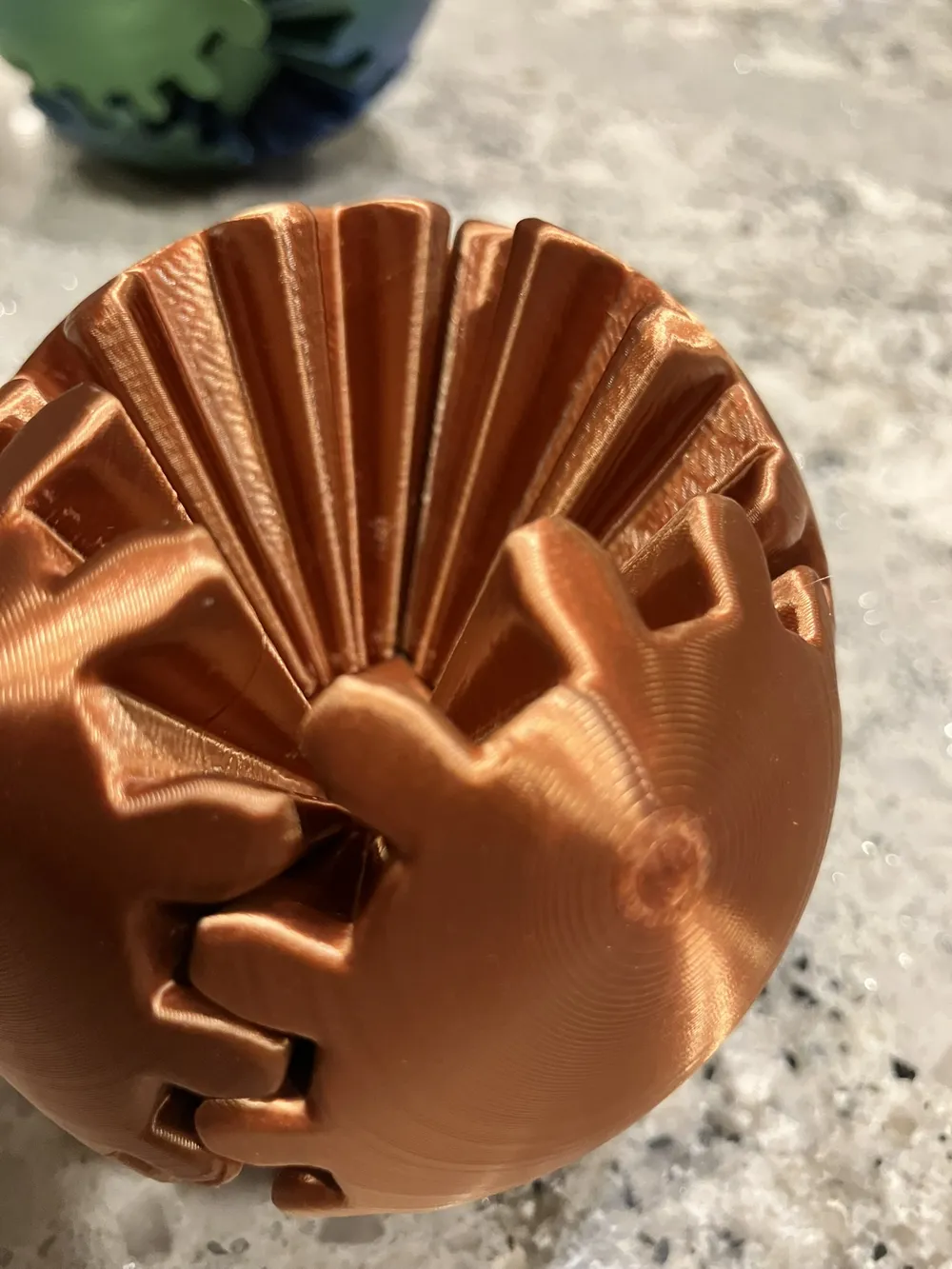
- Added 1 to 1.5mm rad to gear edges to make smooth edges with softer handling and less risk of pinching with small fingers (and adults too if I'm honest!)
Printing Instructions
Choose a print profile attached above. I have my Centauri Carbon and A1Mini as a machine (with different profiles), but you should be able to import into any slicer.
Bed adhesion is critical
with this one!
It definitely requires a freshly washed/degreased build plate with (preferably) Dawn dish soap. After washing you can also try glue/nano adhesive or a brim (although preferably not, brims are hard to get off the parts).
Because I've believe in this stuff so much, I've become a Vision Miner Nano Adhesive affiliate. I have purchased their 45$ bottles time and time again because of it's clean application (I use a shop towel) and fast drying. It goes on clear and isn't messy like glue stick. The application lasts between build plate washings. And washes off easily. I highly highly recommend this stuff for critical jobs, and I use it on every gear ball that I print, for peace of mind.
You can try a sample here:
https://visionminer.com/zwnbed
Or get a full bottle (50ml or 120ml) here:
https://visionminer.com/hzhxy6
Slicer Settings:
Pay Attention to all Profile Settings! Many are set for a reason! If you change ANYTHING - Nozzle size, printer, filament, it can import your settings and discard mine.
Transfer=“transfer current changes to new preset without saving the new preset”
Save=“save current preset then load the new preset without transfering current changes”
Discard =“discard current changes, just load the new preset with its settings”.
I always use “transfer” (gives me the chance to reset some of the changes in the new preset since it hasn’t been saved). You can always reset them after the fact in the slicer (orange reset button next to the field). It highlights what's different about my settings from yours.
Settings that may differ:
- Nozzle: 0.6 (or 0.4)
- Strength
- Walls: 2 to 3
- Layer Height: 0.12-0.18
- Sparse Infill: 10% Gyroid (or more if you want)
- Quality
- Wall Generator: Arachne //preferably not classic - better with small details
- Walls Printing Order: Inner / Outer
- Detect Overhanging Walls: Checked
- Speed
- Other layers speed
- Outer wall: 40mm/s //slower outer wall speed for nice looking wall but depends on your printer
- Travel Speed: 250mm/s //halved to reduce risk of catching tall objects and knocking over
- Acceleration //halved to reduce risk of catching tall objects and knocking over
- Normal Printing: 5000mm/s
- Outer Wall: 2500mm/s
- Jerk (optional) - reduce this from 9 to 5 for reasons above.
- Other layers speed
- Supports: Disabled
- Others: Brim --> No-brim
Recommended Filament:
You can print in just about anything. Be aware, different filaments will produce different part tolerances. You may need to print oversize connector pins (102-103% oversize) to combat a loose fit. This can be done separately per below.
My personal gear ball makes:
- Silk PLA
- I used Elegoo PLA Silk, Eryone PLA Silk, Bambu Lab Silk+ (FLOW CALIBRATED)
- In both I Calibrated (in Orca Slicer) and Dried them (using my creality drier) and used the following overrides (your mileage may vary:
- Nozzle Temp: 225C
- Flow Ratio: 0.98
- Pressure Advance: 0.02
- Max Volumetric Speed: 7.5mm/s
- Setting Overrides --> Retraction --> 0.5mm
Reprinting Objects:
- You can disable the other objects before you print. Both in the app and the on PC version.
- In Bambu Studio under “Objects” near Global, you’ll see checkboxes to disable the bigger objects.
- In Bambu Handy under “Select Parts to Print” you can also disable the bigger objects.
Assembly:
*NOTE* Pliers HIGHLY recommended. Otherwise assembly can be challenging.
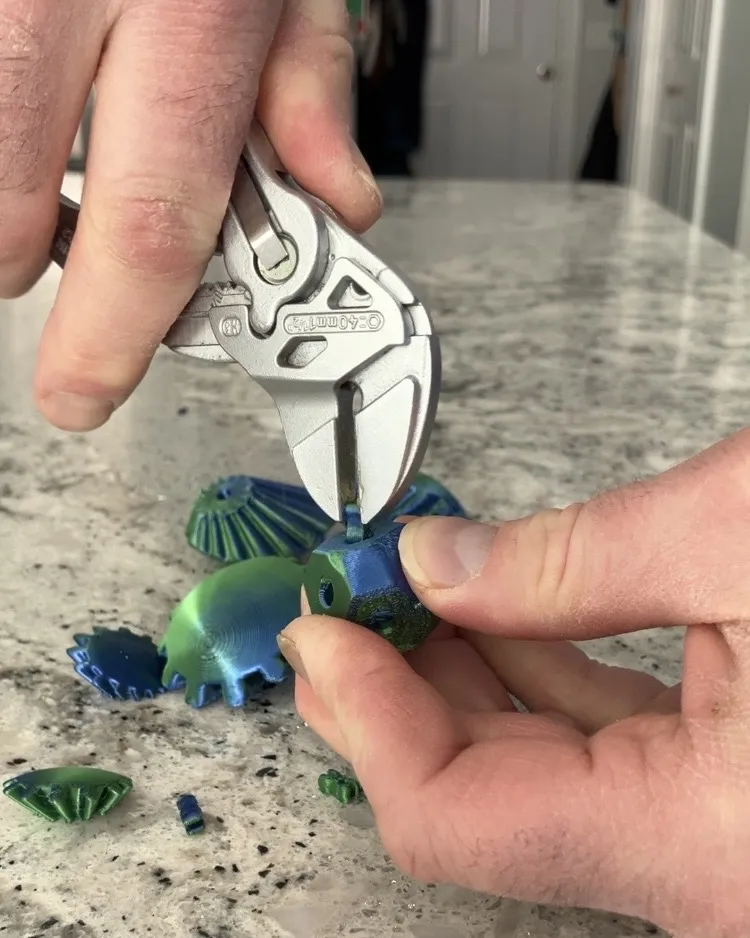
I assembly the gear ball using knipex pliers to assemble the pins (video following)
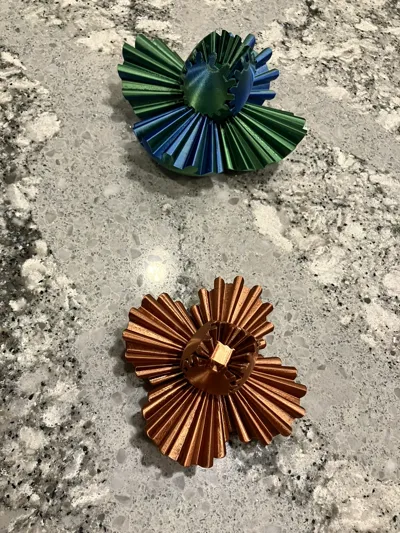
- Press the pins/connectors into the gear "heart".
- Assemble the little gears
- Try to align the top of each gear to the pin directly above it
- Keep track of their "alignment" when pressing them in, when done they should make smooth ring all the way around. Any offset gear will be obvious. This is important for the next step!
- Assemble the big gears
- Use the same assembly method as the little gears, aligning the top of each gear to the pin directly above it


More detailed assembly videos:
See this video on youtube (by the original creator):
Or TikTok: https://www.tiktok.com/@3dprintexplorer/video/7377173734882594094?is_from_webapp=1
Notes:
- If you need to pull gears out and try again - you can, but be aware every time you remove a pin it might make it less durable, and more prone to popping out. But pins can be easily reprinted
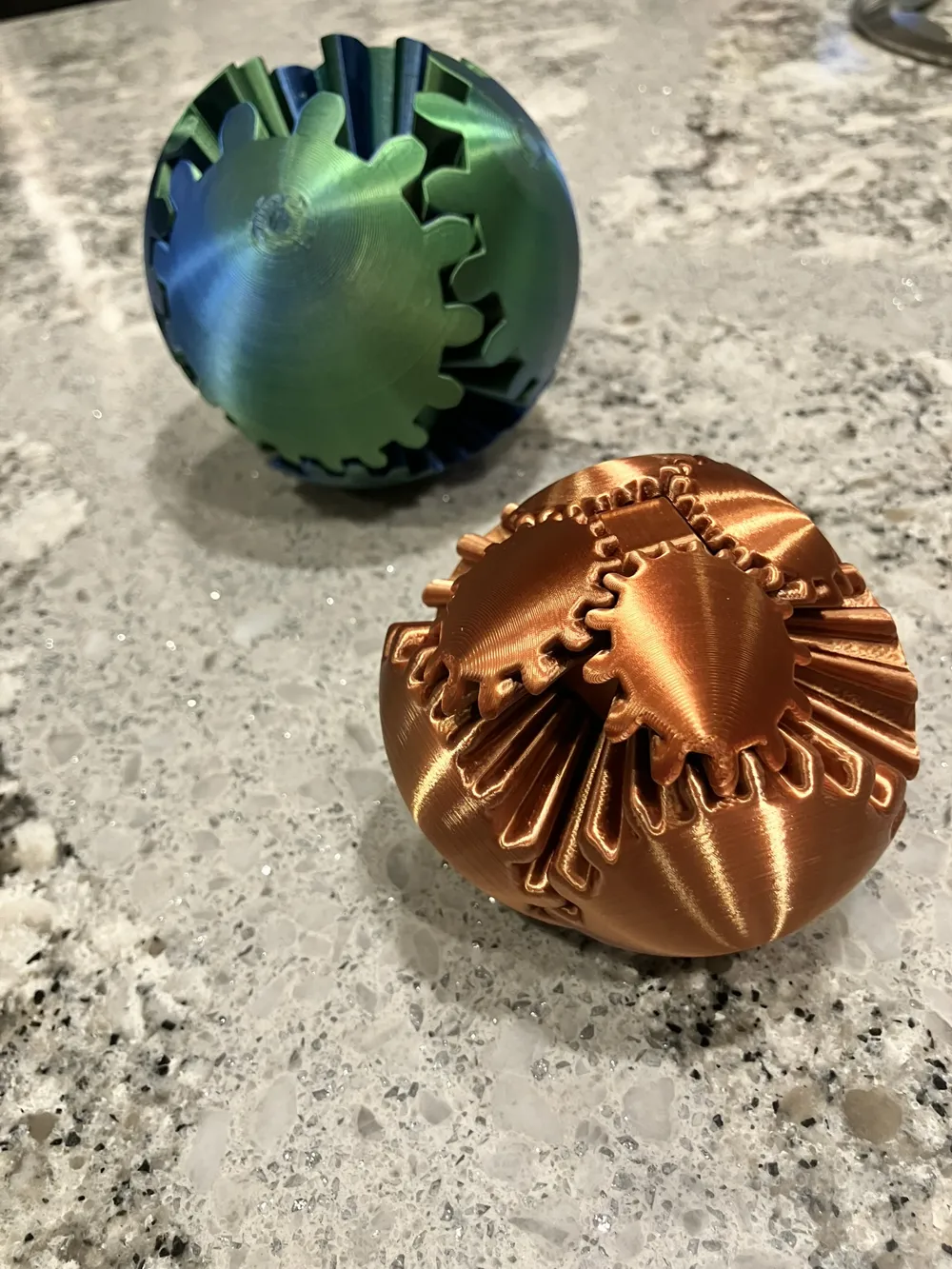
Title Image was created with AI, but you can see my original model photos in the files.
If you have any feedback let me know and I'll do my best to correct it. I'm not immune to being human…
That's it! Enjoy!
Boost Me (for free)
If you like my obscure designs, want to support my work, and also share it with more people, please consider boosting me! If you don’t have any boosts, I appreciate a like, download, and follow. They all motivate me to keep up the good work!
Membership
Consider my subscription or lifetime commercial license to print my models commercially. Only original designs apply (not remixes or derivatives), see my profile for details.
This remix is based on


License



Comment & Rating (674)