
Mounting Frame for Creality Chamber Heater P1S
Print Profile(0)
Description
Hello 3D printing friends
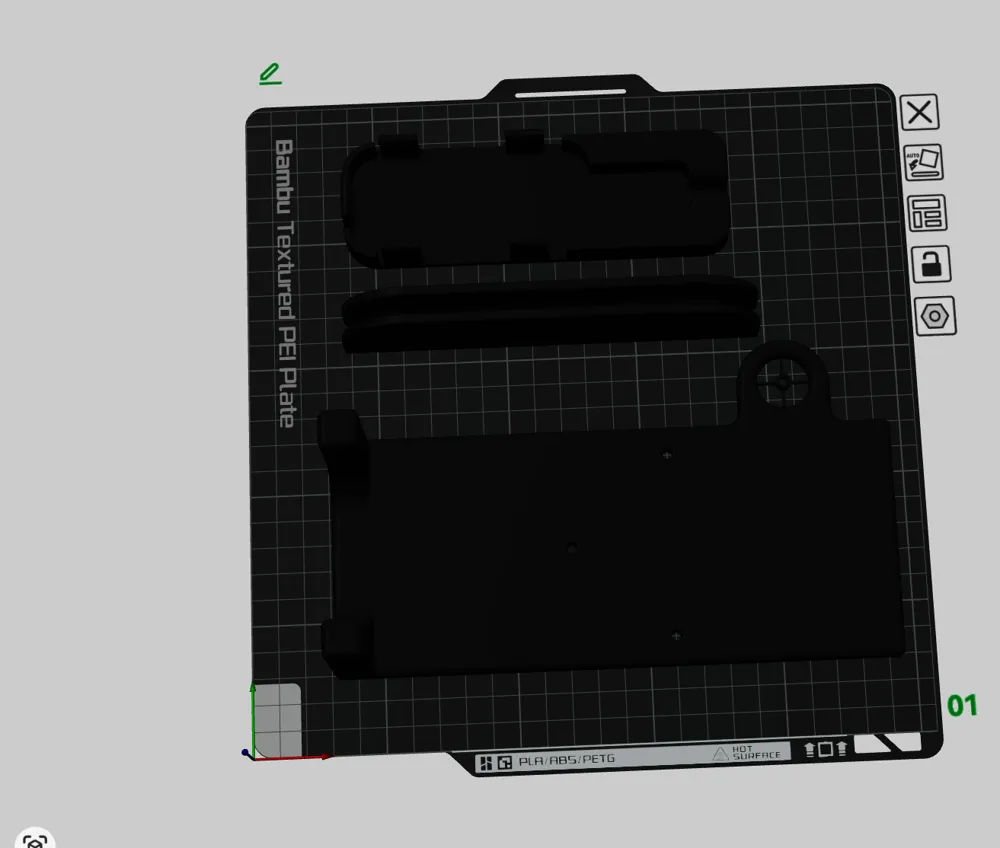
The printed installation aid is needed
Drill bit 3-3.3 mm
Step drill bit that can reach 20mm diameter
Something for deburring
Side cutters
Phillips screwdriver
Allen key set
3 M3X16 screws if you install it with my installation aid
It should also work without with the original screws
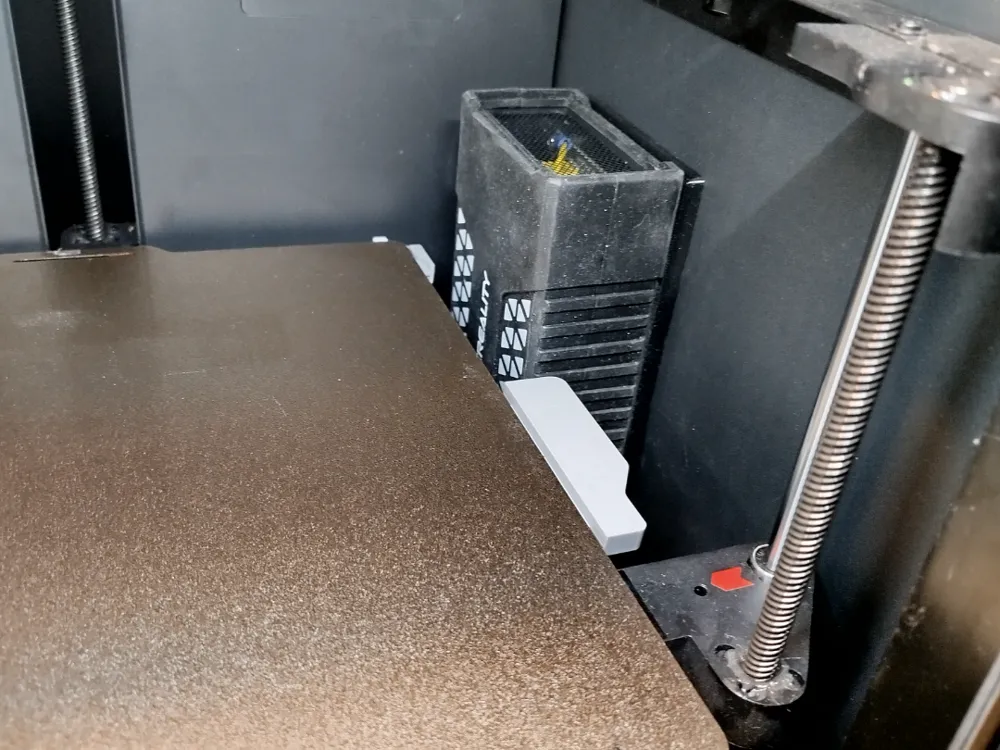
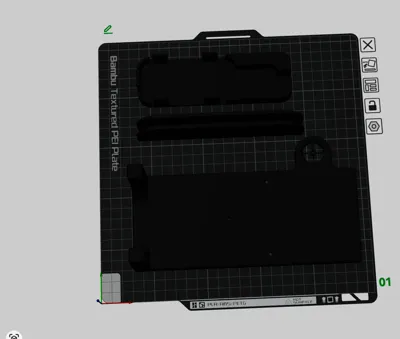
This model is used for installing a Creality chamber heater into the P1S
It serves as a drilling template for a 3.2 mm drill bit And then for mounting
For drilling, mark the spot for the cable feed-through on the back wall and ensure the feet lie flat on the bottom
Drill through the 3 holes for screwing on the chamber heater and the hole for the cable feed-through
Then enlarge the hole for the cable feed-through from the outside to a diameter of 20 with a step drill bit and deburr
Remove the 4 webs on the printed adapter with side cutters
Remove the silicone sleeve from the chamber heater
Remove the 4 screws and remove the cover
Remove the cable for power and the remote control Tip take a picture of the cables
Now you can feed the cables through the 20 mm hole and reassemble everything
I glued the holder for the remote control and cable guide to the housing with double-sided tape
License

You shall not share, sub-license, sell, rent, host, transfer, or distribute in any way the digital or 3D printed versions of this object, nor any other derivative work of this object in its digital or physical format (including - but not limited to - remixes of this object, and hosting on other digital platforms). The objects may not be used without permission in any way whatsoever in which you charge money, or collect fees.


Comment & Rating (1)