Search models, users, collections, and posts

Universal Instax Photo Rolodex | Wide, Square
IP Report

Print Profile(3)

All
X1 Carbon
P1P
H2S
H2D
X1E
H2D Pro
P2S
X1
A1
P1S
H2C
X2D
A2L

Instax Square - 0.2mm layer, 2 walls, 15% infill
Designer
5.1 h
4 plates
4.8(20)

Instax Wide - 0.2mm layer, 2 walls, 15% infill
Designer
5.8 h
4 plates
4.4(8)

75mm x 75mm Shikishi - 0.2mm layer, 2 walls, 15% infill
6.6 h
5 plates

Open in Bambu Studio
Boost
1452
4634
52
24
920
468
Released 

Bill of Materials

Bambu Filaments
Select all
Matte Ivory White (11100) / Refill / 1kg
Matte Latte Brown (11800) / Refill / 1kg

Description

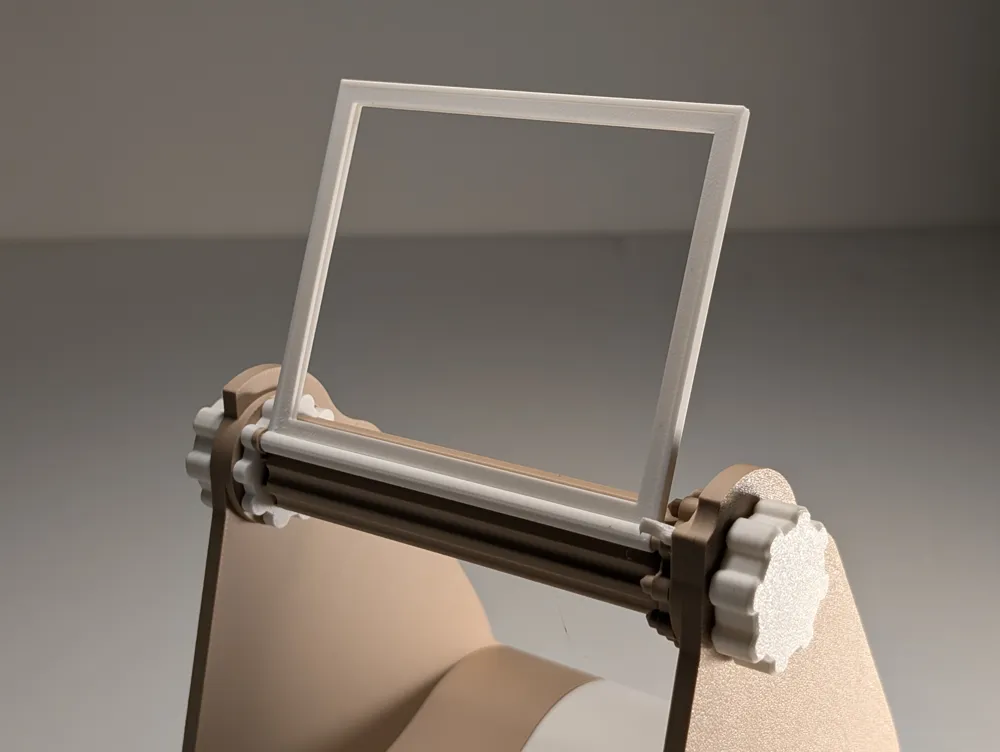
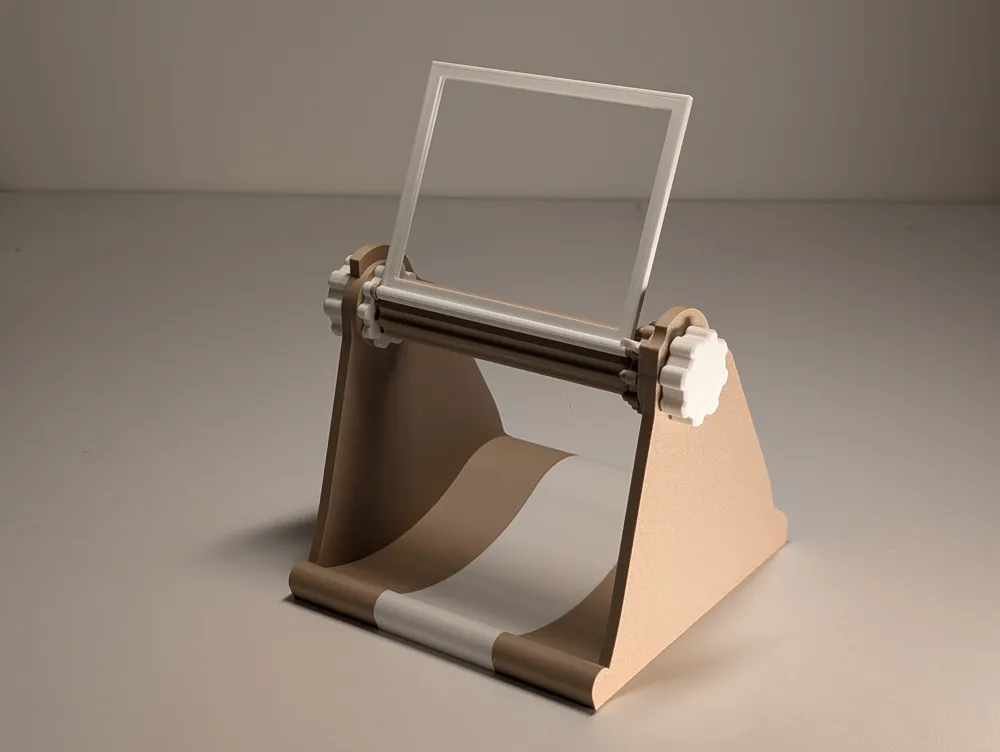
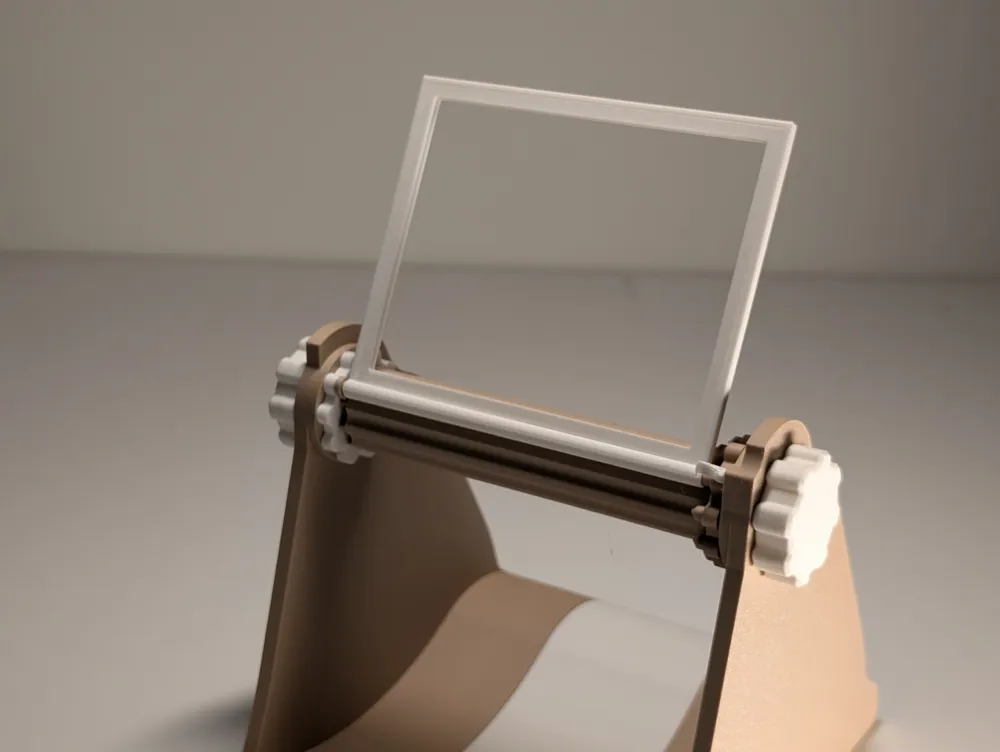
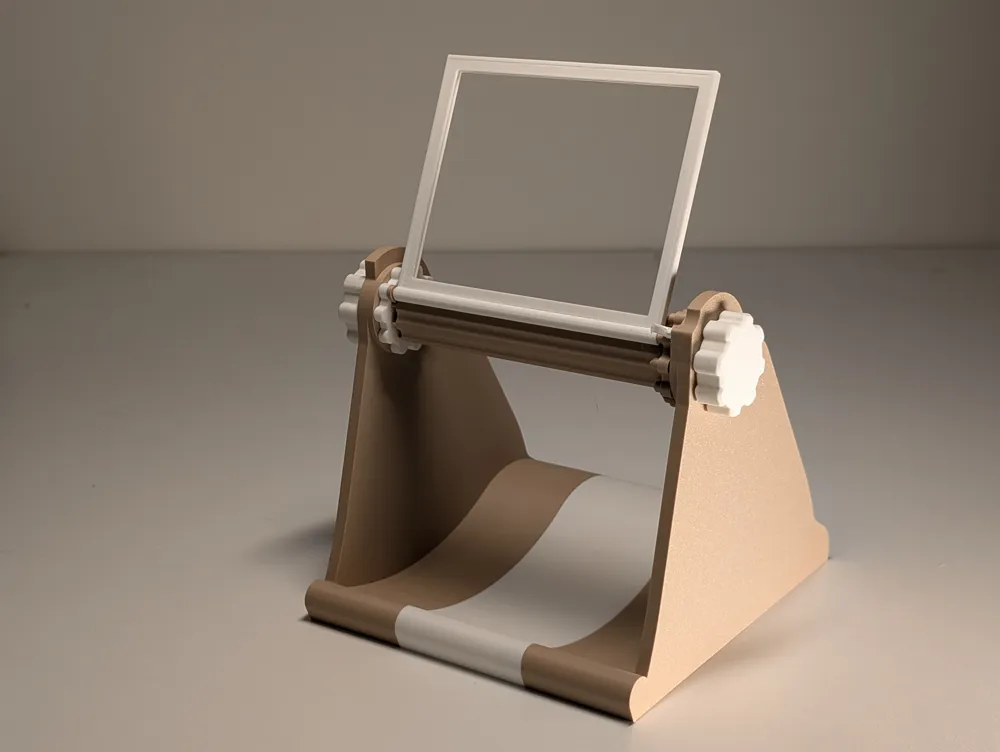
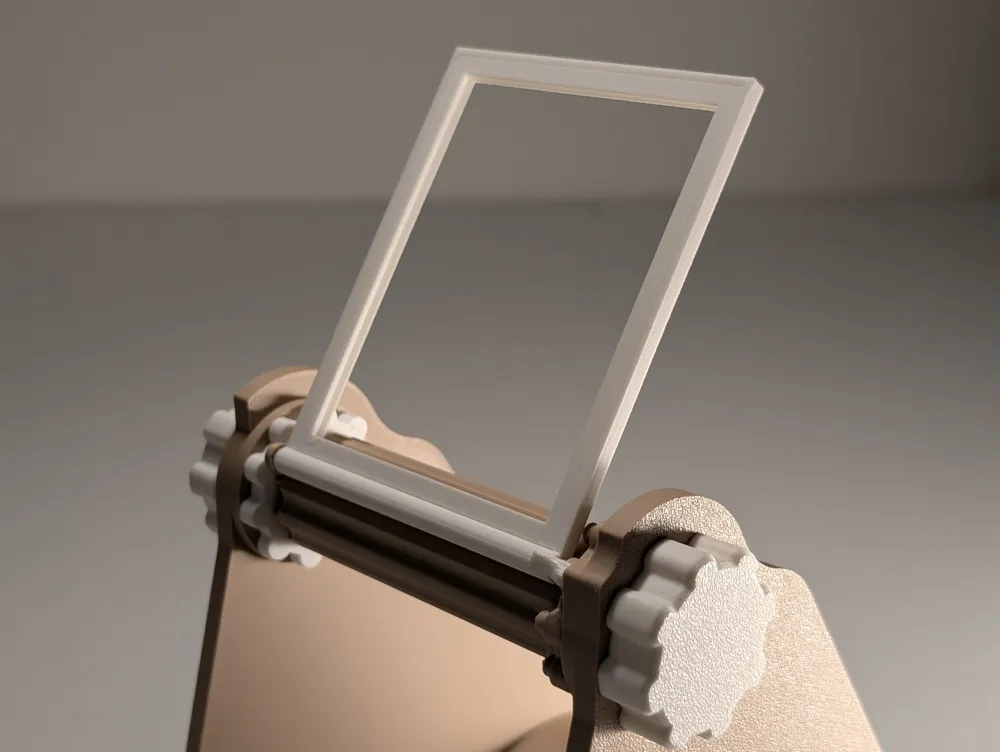
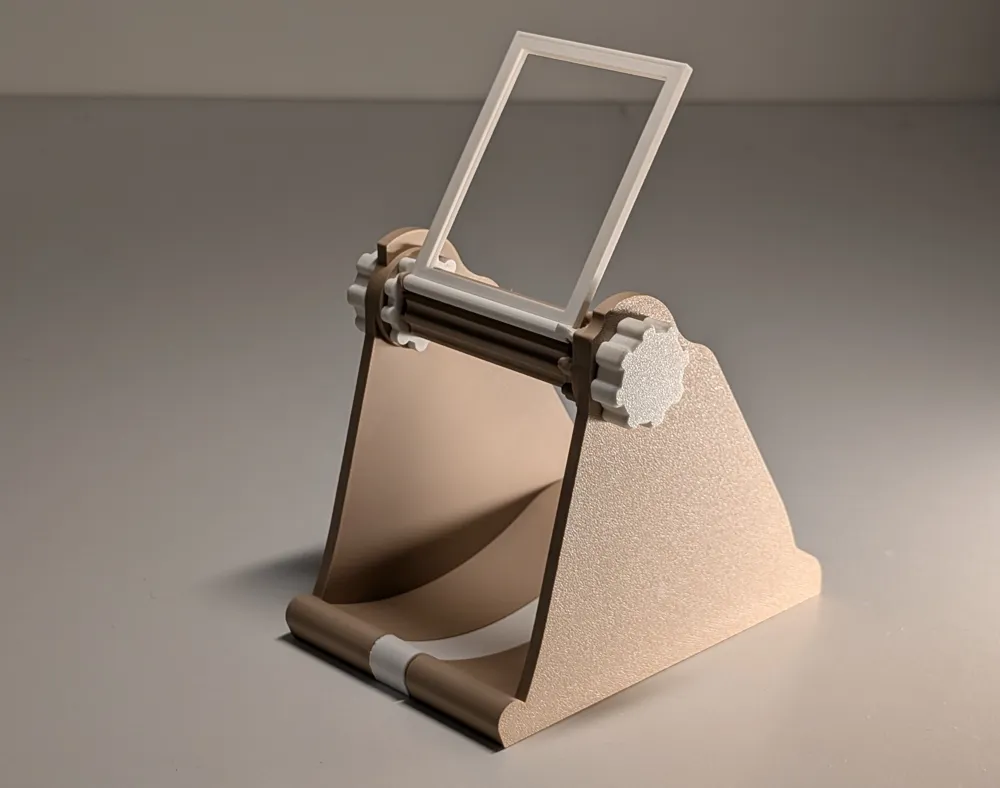
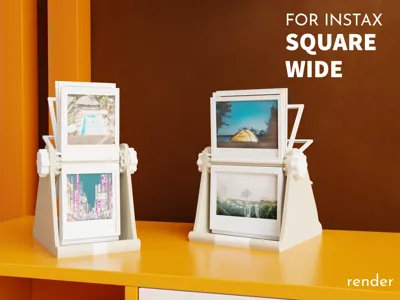
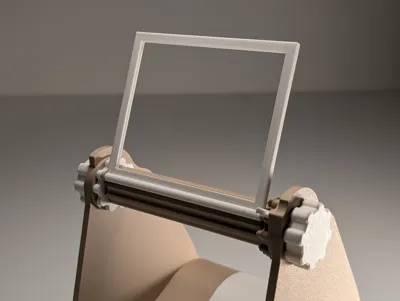
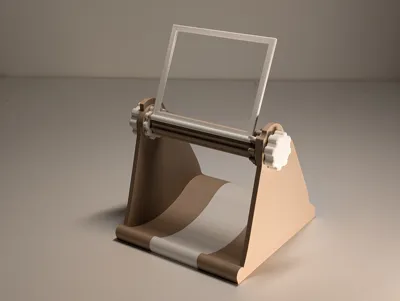
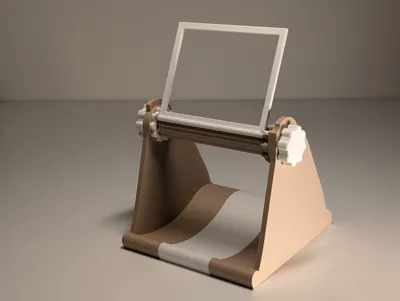
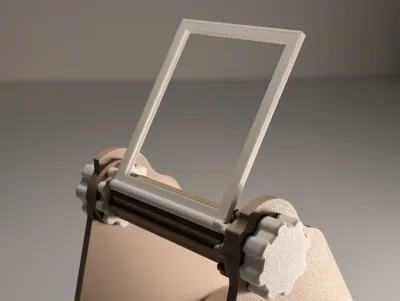
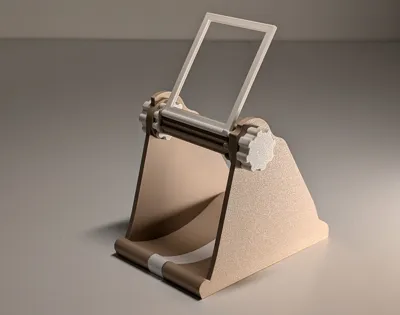
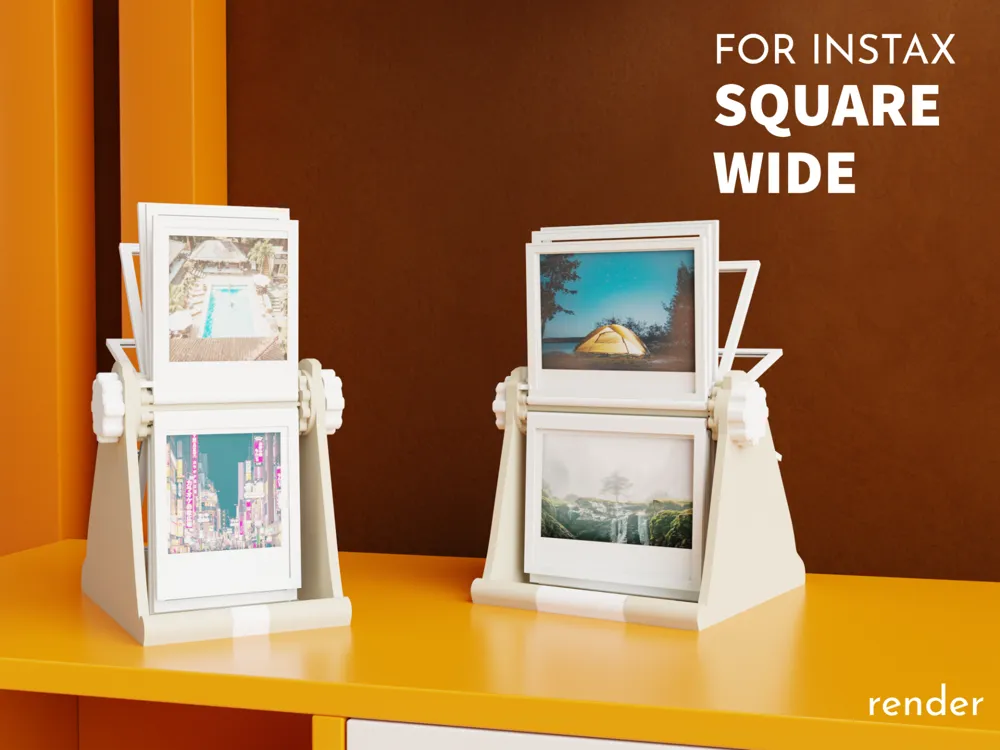
📸 Universal Instax Photo Rolodex | Wide, Square, Mini

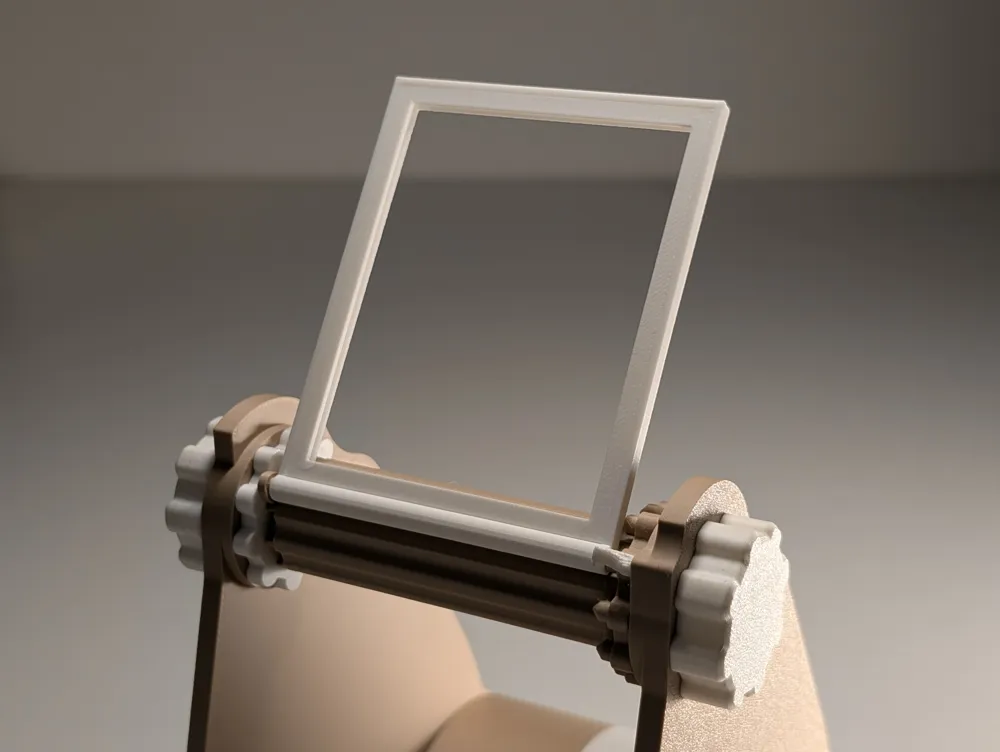
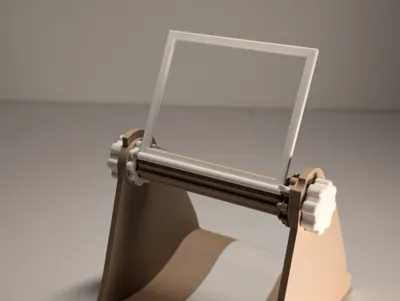
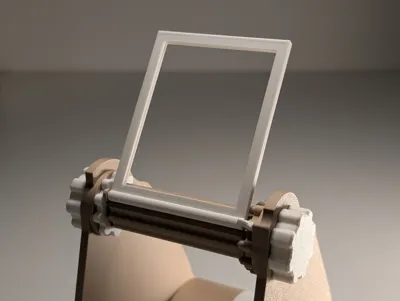
A fun and functional way to store and display your Instax memories! Simply snap your photos into the rotating frames and flip through them like a vintage Rolodex 🔄✨


🚀 What’s New in This Version?

  • Universal Compatibility – one design for Instax Square, and Wide formats. 
  • Improved Picture Frames – Easy to print and assembly, better look.
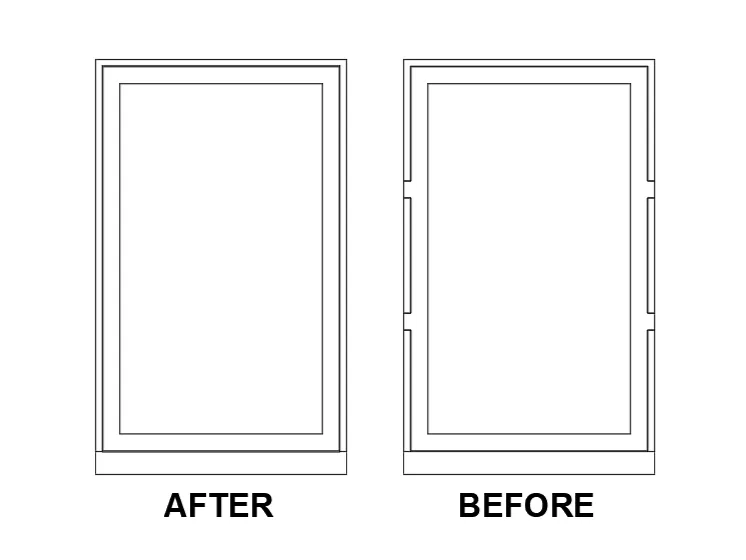
  • Improved Frames Inserting Mechanism – easier assembly, no falling frames. 
  • Improved tolerances

⚙️ Printing instructions

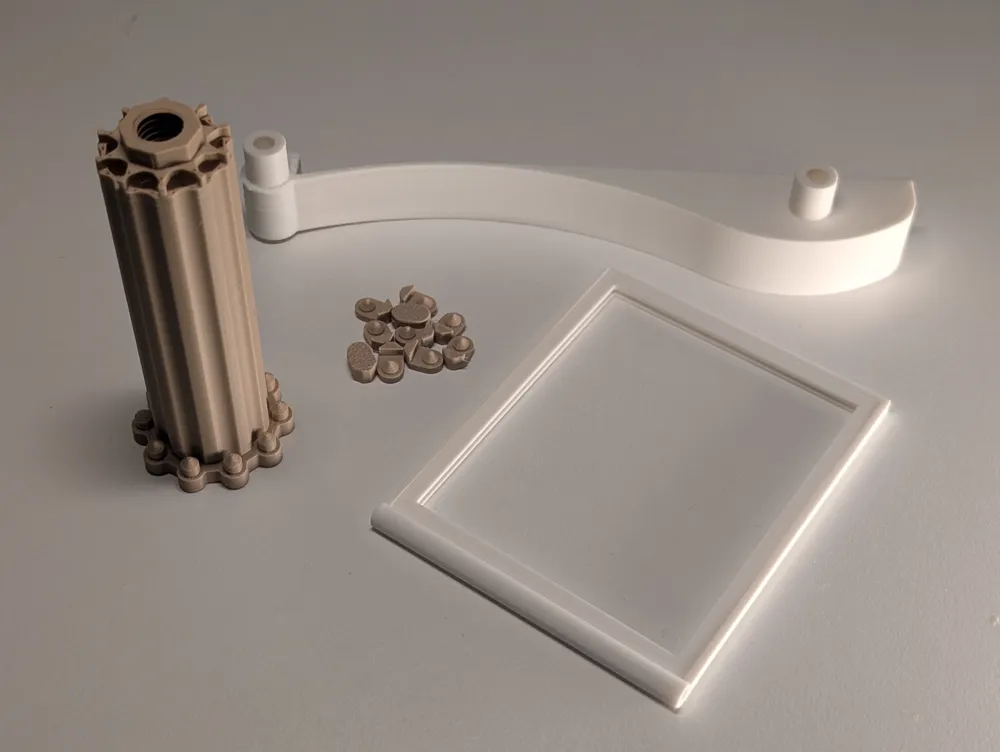
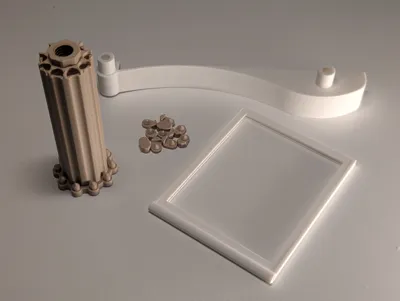
  • Each film format has it's own printing profile with required parts
  • Follow Plates printing x notes
  • Use the print profile settings for better result

⚙️ Assembly Note


Please read the assembly guide carefully to ensure a smooth and stress-free build.


🛠️ Assembly Guide


  1. Insert Photos into Frames
    Place each photo into the Bottom Part of the frame, then snap on the Top Part to secure it.
    🔁 Repeat for all frames.
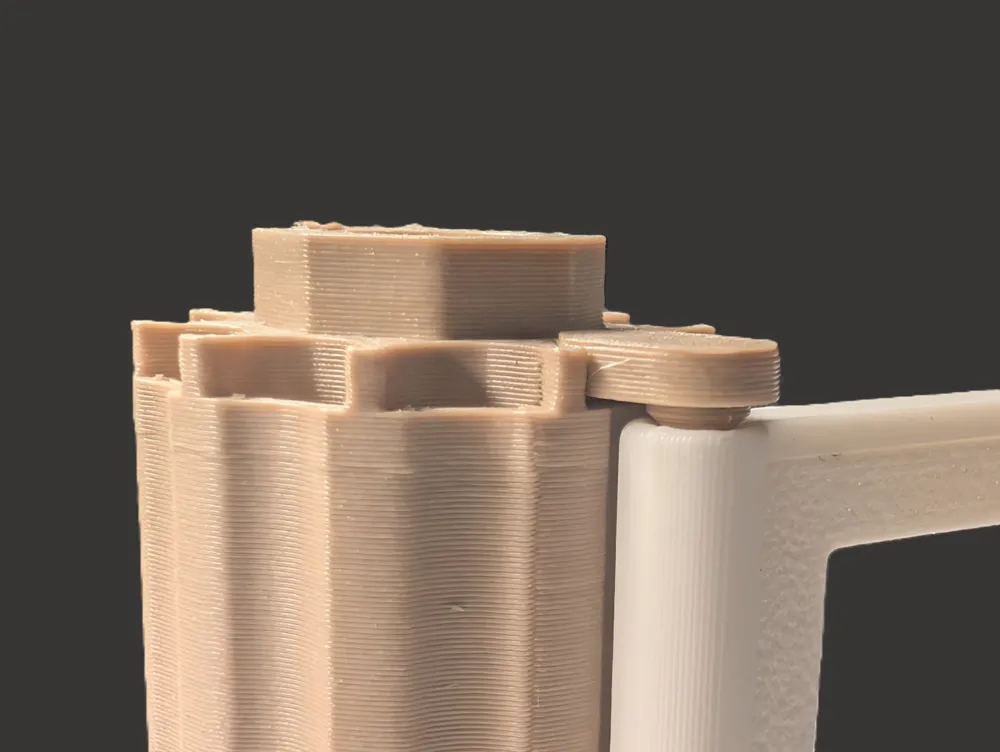
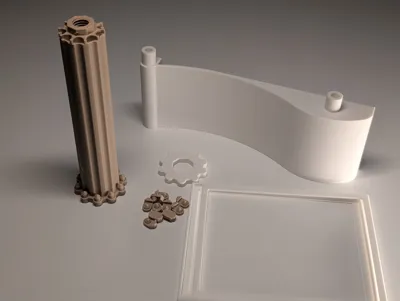
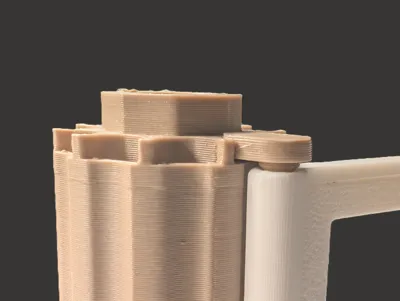
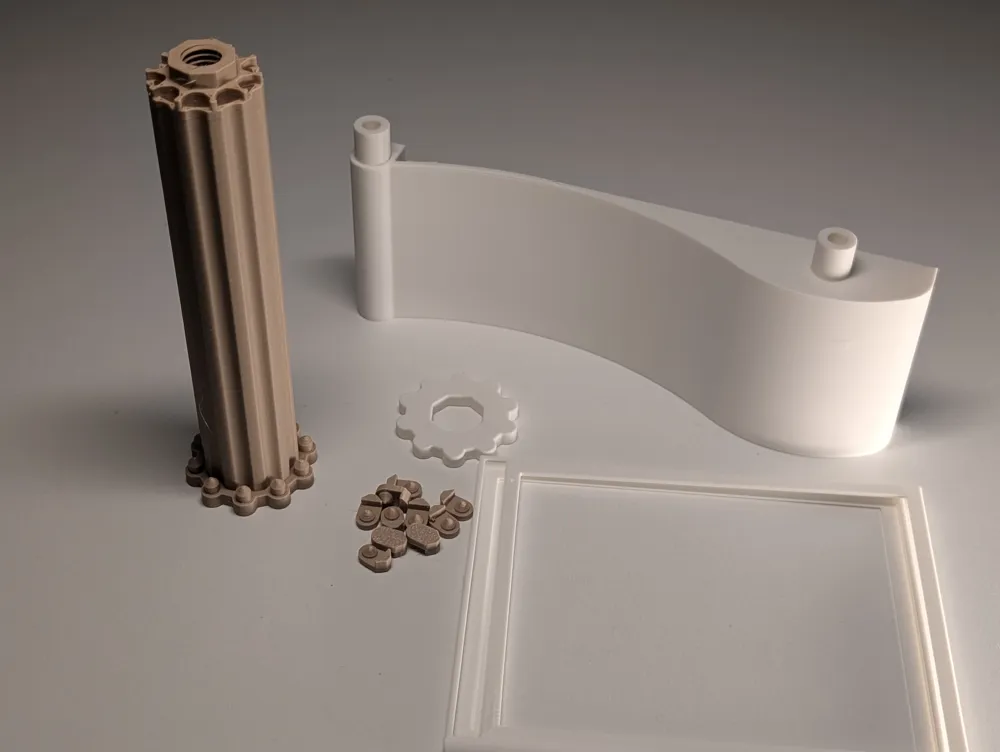
  2. Insert the frames to the drum and lock it with Drum Insert. Repeat for all frames. Finish with Drum Lock as shown in the picture. 
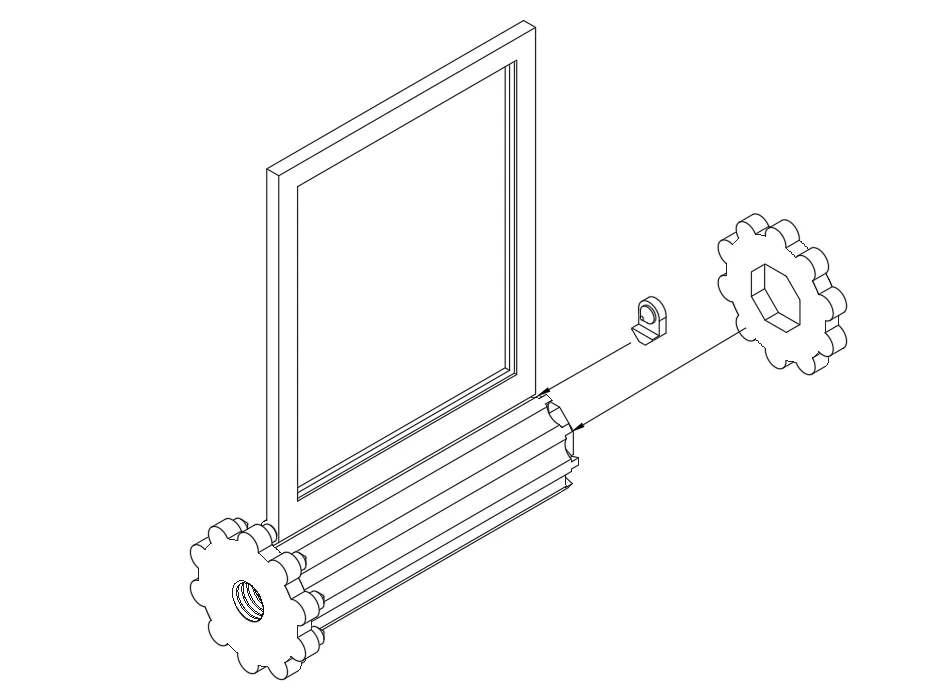
  3. Install the Clicker and Extender
    Insert the Clicker and Extender (for Square and Wide modification only) into its dedicated slots and secure the Clicker with the Clicker Screw.
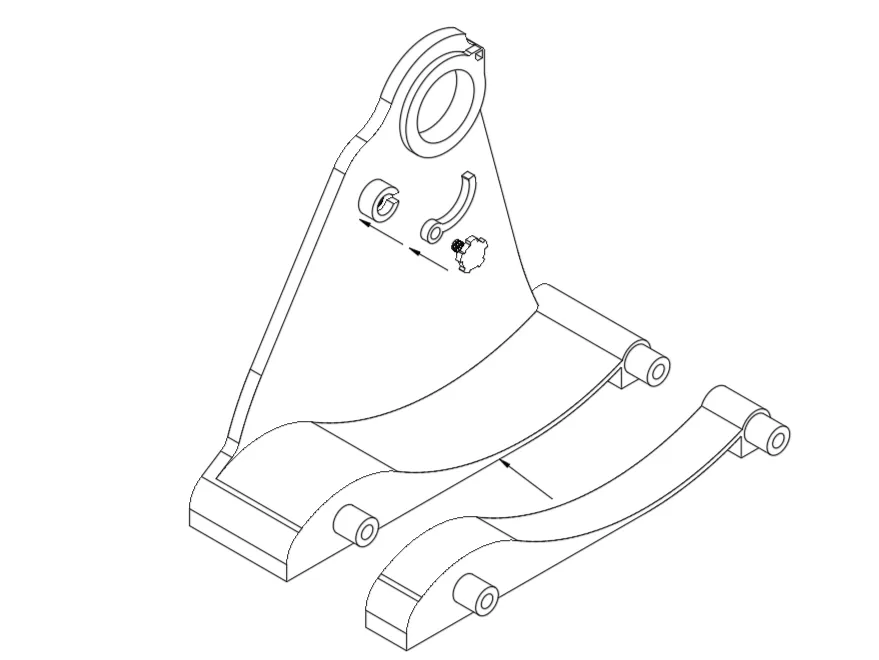
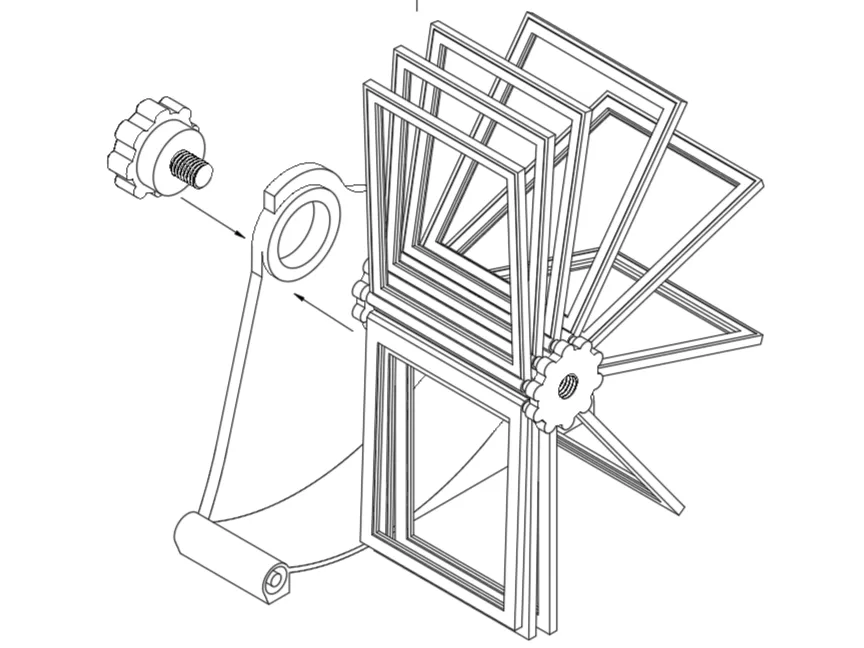
  4. Insert the drum with frames
    Secure the drum with picture frames using the Left Knob.  

    ⚠️ Important: The threads are left-handed — rotate the knobs counter-clockwise to tighten.
    This is intentional and prevents loosening during rotation.
  5. Assemble the Case
    Align and attach Case Right  and Case Left using the guiding pins. Secure the assembly with the Right Knob.
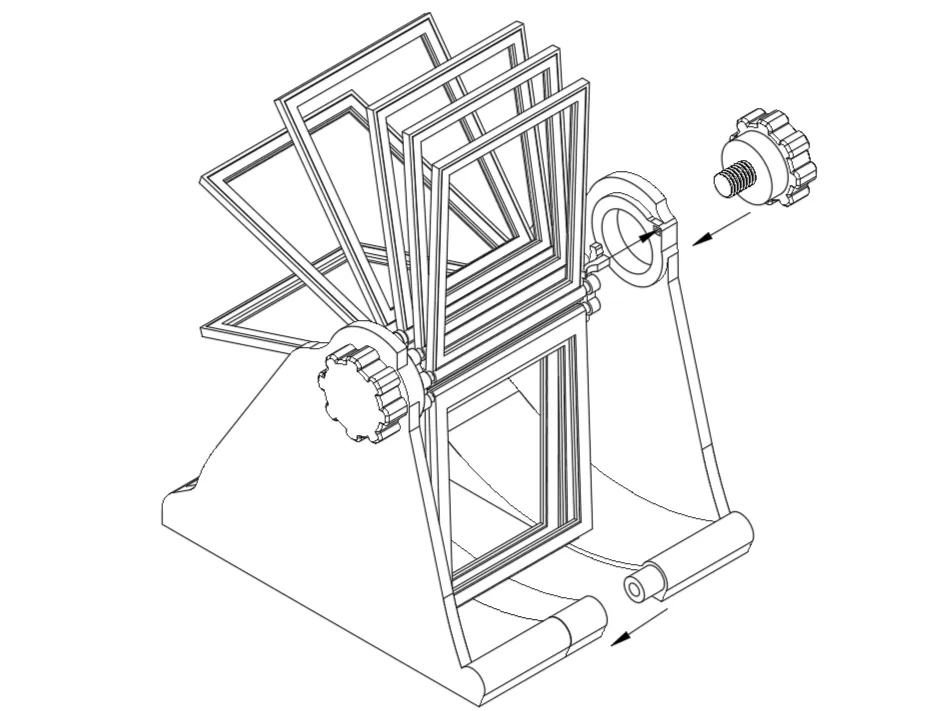
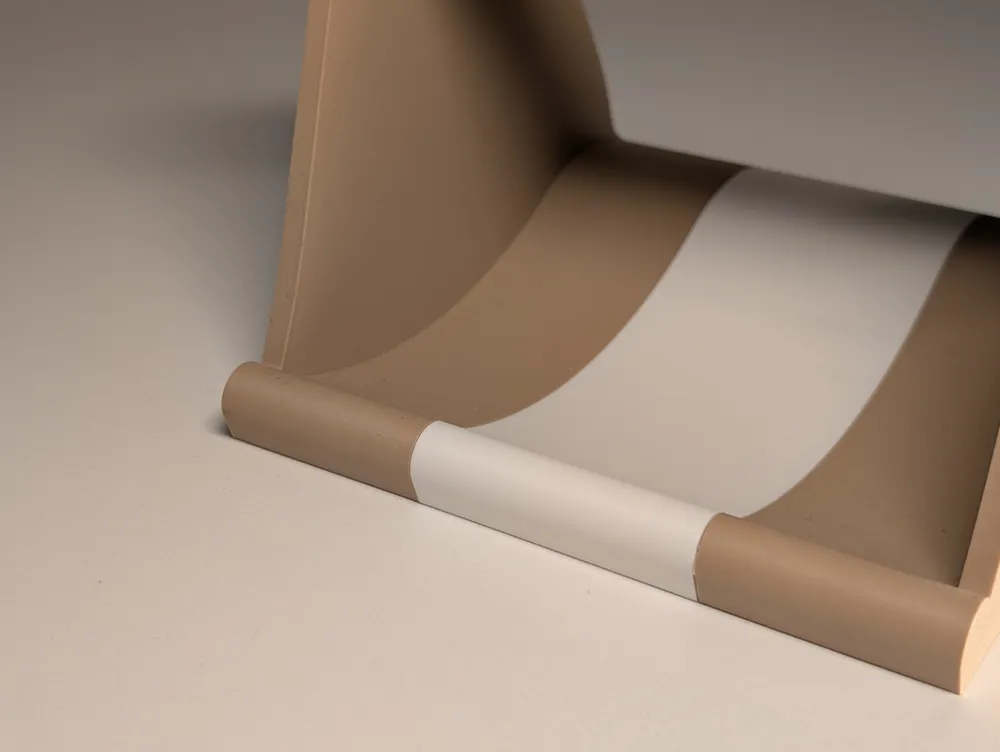
  6. Insert the Stopper (Optional)
    Place the Stopper into its designated slot to complete the assembly. This feature is optional to hold the picture in perfect vertical position and prevent it from falling. 


🤖 AI Use Disclosure
This model description and text were created with the assistance of AI to improve clarity and presentation.
The design itself is fully original.


Boost Me (for free)

Love this design? Show some love with a boost, share it with your fellow makers, or leave a review! It’ll help me keep creating (and maybe fuel my coffee fund for late-night design sessions). Let’s keep the 3D-printing magic alive!

Comment & Rating (52)

(0/1000)

Print Profile
Instax Square - 0.2mm layer, 2 walls, 15% infill
Prints beautifully. I used Matte terracotta and Matte Bone White. Mechanism works great. Only minor gripe is the "stop" pin. Would have preferred a small pin that went through the complete frame which can be pushed and pulled in and out of the way. Current pin is a bit hard to remove and easy to lose. Some minor tips for those printing: You can print 3 frames at a time when printing for square. You can also easily put the white gears inside a frame on the plate to print them simultaneously(if you want them to be the same color obviously). For those struggling with pushing the inner frames in: There's a very small slot in the outer frame for the inner frame to fit snugfly into.. Make sure you have the side of the inner frame facing you with a small ledge. it will click right into the slot at the front of the outer frame. Don't fully press the inner frame into the back of the outer frame, only put it into that small slot.
(Edited)
The profile uploader has replied
profile
2
Reply
Hello! Thank you so much for this great and detailed review! Thank you for sharing the picture and your advices/recommendations! very appreciated!
0
Reply
Also, I've notices that you put the stopper in the wrong direction. So if you rotate it 180 degrees, you won't need to remove it, you can just keep rotating pictures.
0
Reply
Replying to @WAYWO :
Ah very nice! Thanks!
0
Reply
Print Profile
Instax Square - 0.2mm layer, 2 walls, 15% infill
Modified a bit to fit 75mmx75mm parts. Works great!
2
Reply
hey I'm finding the photo squares don't fit into the photo frame, am I doing something wrong?
The designer has replied
designer
1
Reply
Hey! it seems very wrong :( There are several possible reasons: 1) it's the orientation of the frame. Even though it says "square" the film format is not real square, so you can try this first, 2) using the adaptive layer Hight like setting like in original print profile, 3) as you can see in the image, the frame has cavity, so you don't need to push the insert the all way through, you have to click it into the cavity. I hope it helped, let me know if it doesn't work !
0
Reply
Print Profile
Instax Square - 0.2mm layer, 2 walls, 15% infill
The idea is nice and the final model looks great, however, I had problems with the tolerance of the fittings I used Sunlu PLA+ and printed in an environment with 65% humidity, some fittings were extremely tight. I don't know if the clearances are too small or if my filament suffered deformation (shrunk or swelled) During the assembly of the frames on the drum, one of the drum fittings broke, as a push was necessary for the part to fit. The fixing buttons were so tight to fit into the appropriate space of the side walls that they did not rotate, it was necessary to sand the fitting of the side walls and the buttons to minimize friction and allow the drum to move. I ended up adding some white lithium grease to alleviate this pressure during movement
(Edited)
The profile uploader has replied
Show original
profile
1
Reply
Hello! Thank you so much for the detailed review! Very appreciate it!
0
Reply
Print Profile
Instax Wide - 0.2mm layer, 2 walls, 15% infill
Strength Issue:size
The profile uploader has replied
2
Reply
Hey! it seems very wrong :( There are several possible reasons: 1) it's the orientation of the frame. Even though it says "square" the film format is not real square, so you can try this first, 2) using the adaptive layer Hight like setting like in original print profile, 3) as you can see in the image, the frame has cavity, so you don't need to push the insert the all way through, you have to click it into the cavity. I hope it helped, let me know if it doesn't work !
0
Reply
same issue for me
0
Reply
could you design one for 4x6 pictures? love this idea.
The designer has replied
2
Reply
Hey :) Thank you! You mean 4 x 6 cm? or?
0
Reply
Replying to @WAYWO :
4inx 6in. Approximately 10cm x 15cm.
1
Reply
Replying to @CaptVal :
I also want it in those measurements
Show original
0
Reply
Print Profile
Instax Wide - 0.2mm layer, 2 walls, 15% infill
Great for gifting
Show original
0
Reply
Print Profile
Instax Wide - 0.2mm layer, 2 walls, 15% infill
Other Issues:It seems there is an error with the horizontal model frames, I saw several in the comments and even after doing everything they recommend, they still don't fit 🥲
Show original
1
Reply
Boosted
Print Profile
Instax Square - 0.2mm layer, 2 walls, 15% infill
Simply perfect
The profile uploader has replied
Show original
profile
1
Reply
Thank you!
0
Reply
Hello! Is there a list of the required units for each part?
Show original
0
Reply

License

This user content is licensed under a Standard Digital File License.

You shall not share, sub-license, sell, rent, host, transfer, or distribute in any way the digital or 3D printed versions of this object, nor any other derivative work of this object in its digital or physical format (including - but not limited to - remixes of this object, and hosting on other digital platforms). The objects may not be used without permission in any way whatsoever in which you charge money, or collect fees.