
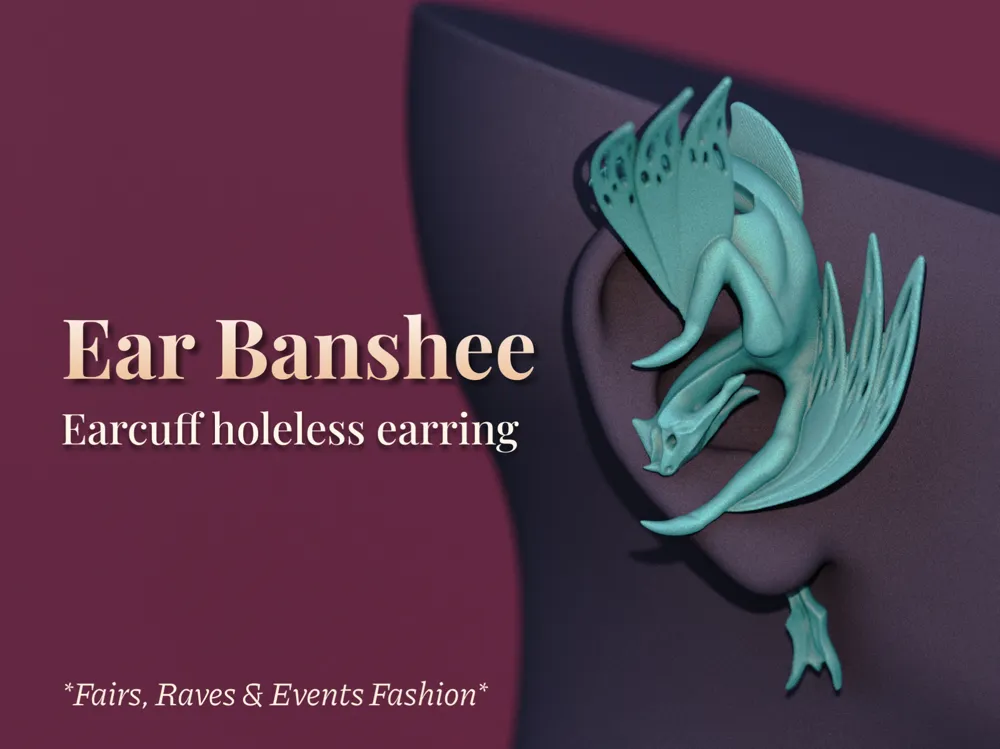
Ear Banshee - Earcuff Holeless Earring
Print Profile(2)


Description
*Creator Message*
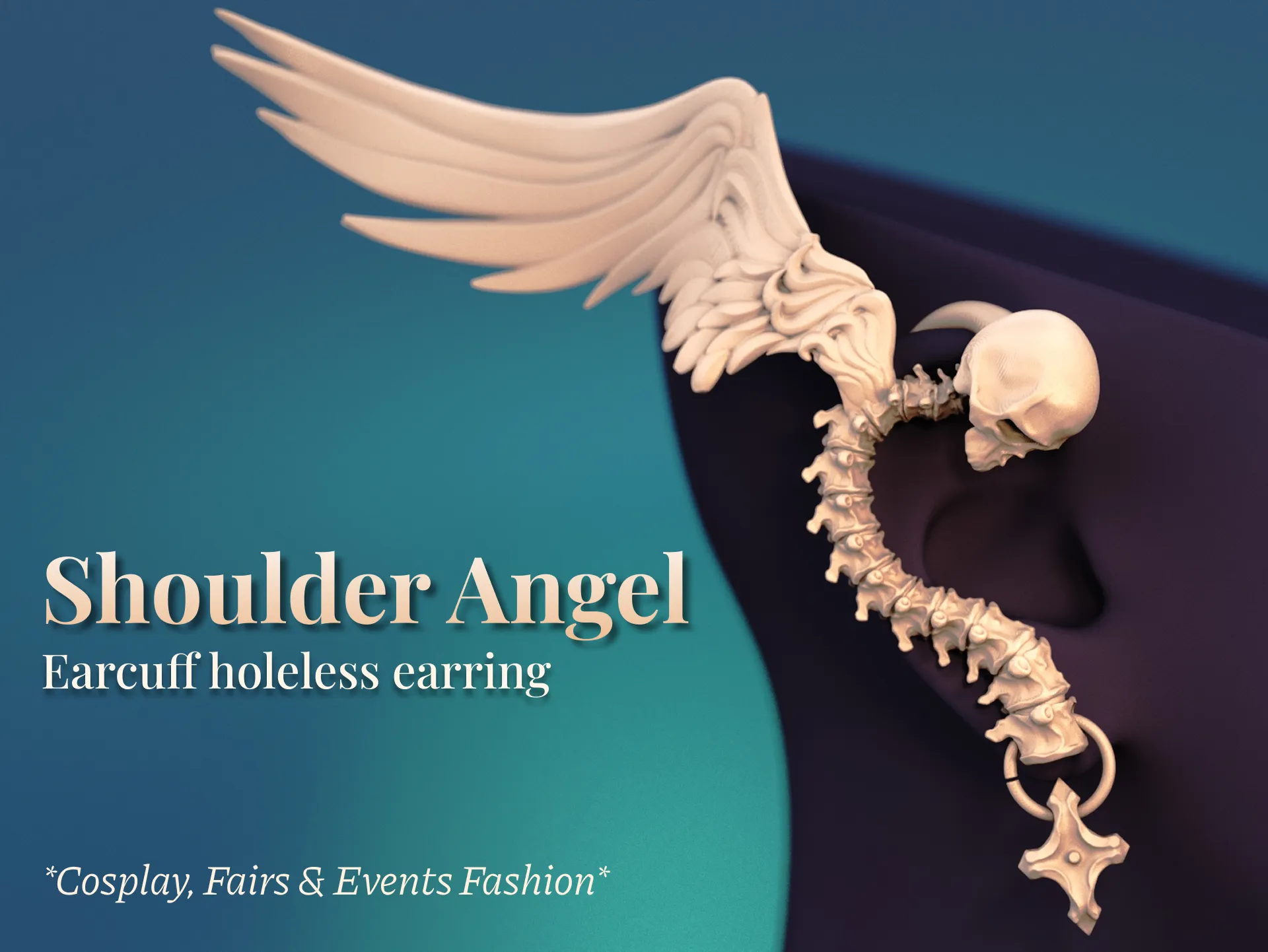
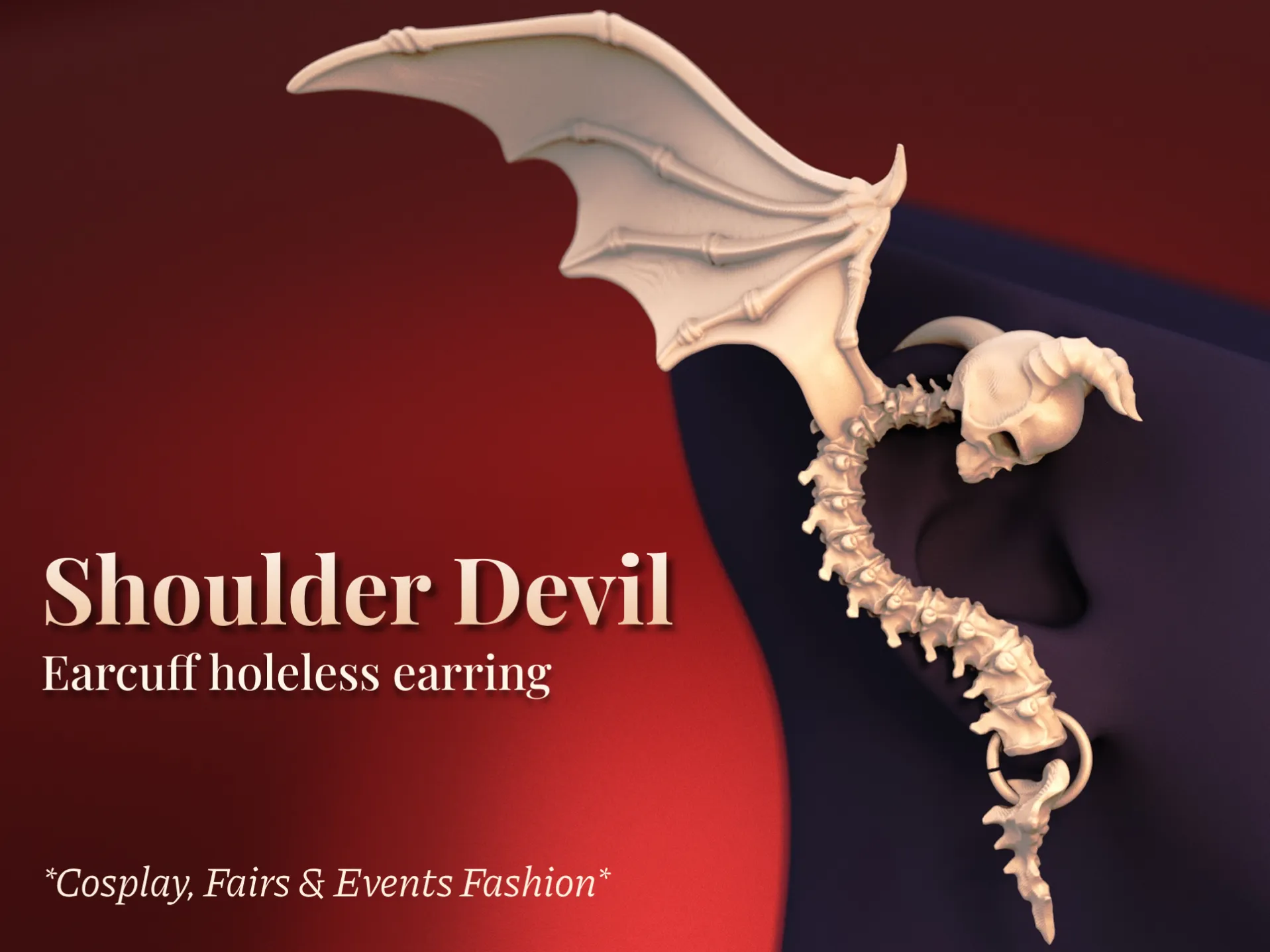
Don't miss out on my newest Earcuff Earring Design matching set, Shoulder Angel & Shoulder Devil!
*End of Creator Message*
Boost Me (for free)
Enjoyed this model? Support me in creating more cool stuff by boosting me - for free! 🚀
Hey there! :)
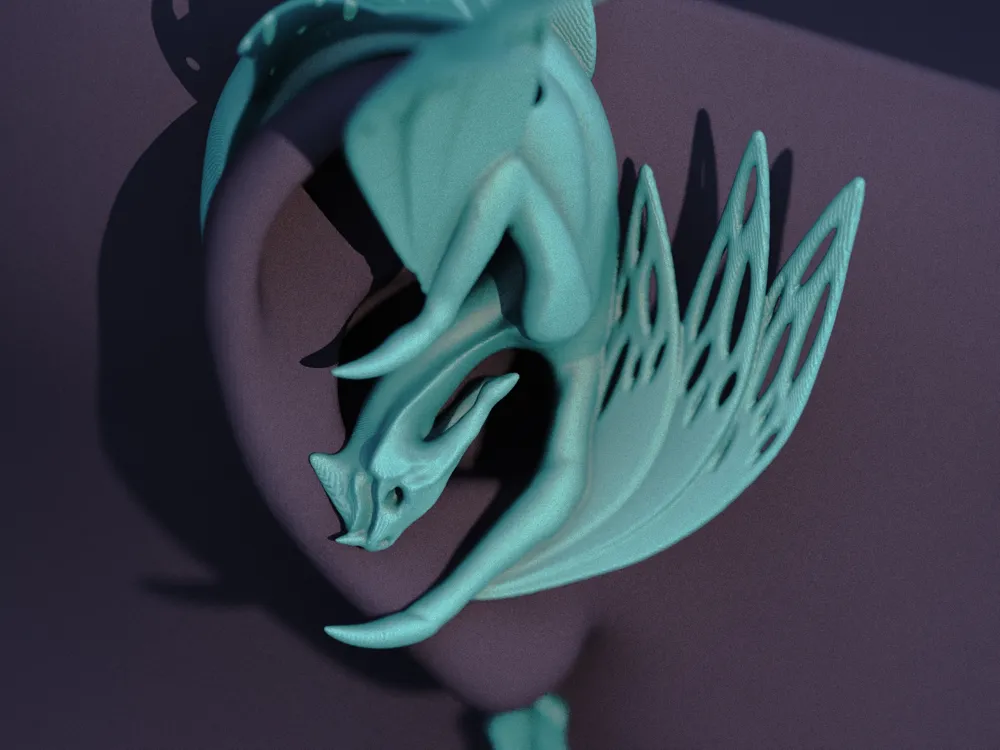
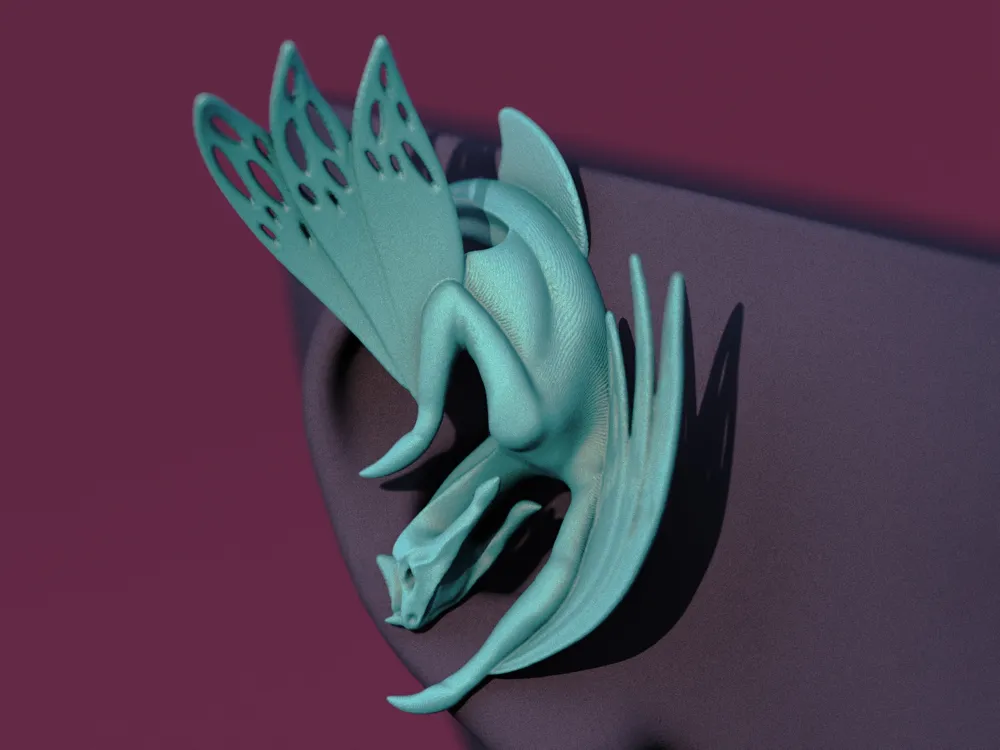
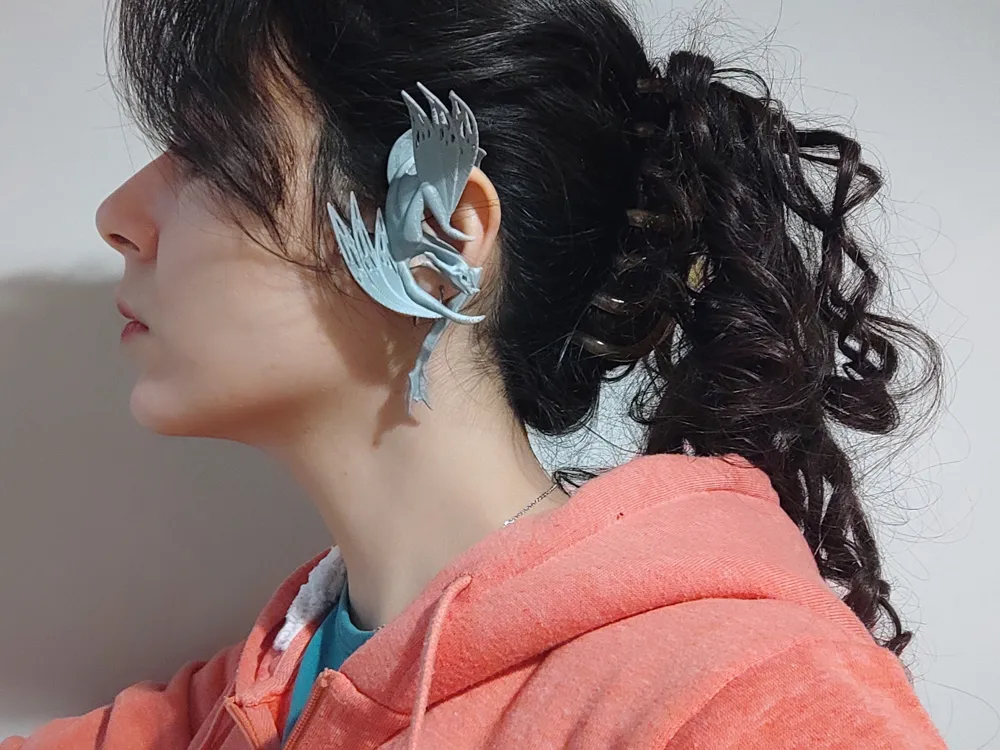
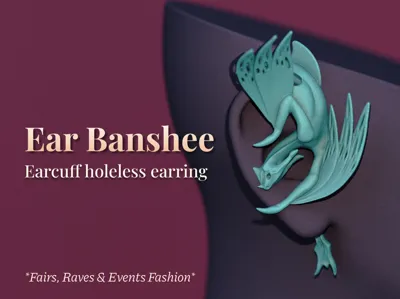
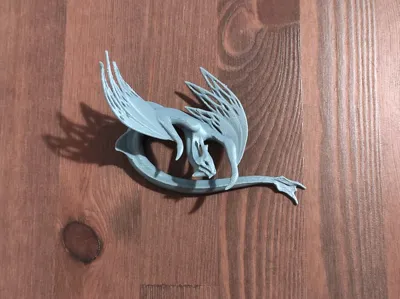
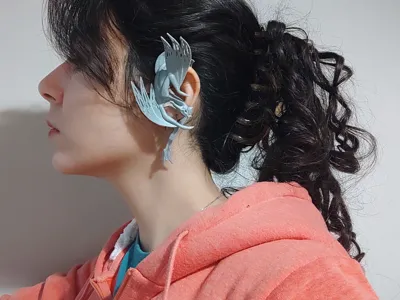
Since everyone around me was so excited about the new Avatar movie, here is a little baby Banshee to climb on your ear! This is a single ear holeless earring that you can wear on your earcuff.
Similar to my other Holeless earcuff earrings, Elf Ears, I tried my best to make this design comfy to wear easily, even for several hours. However, I still very much wanted a dynamic and realistic scene of a tiny creature hanging off your ear.
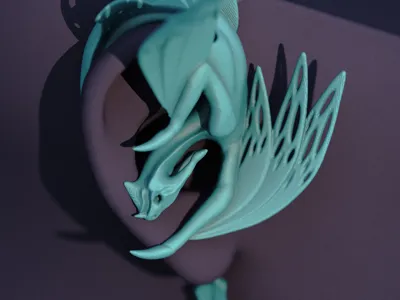
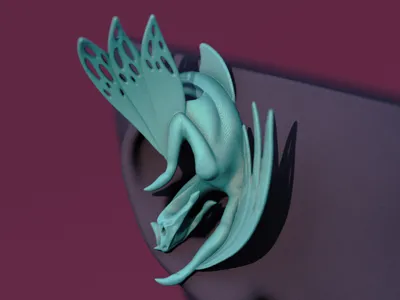
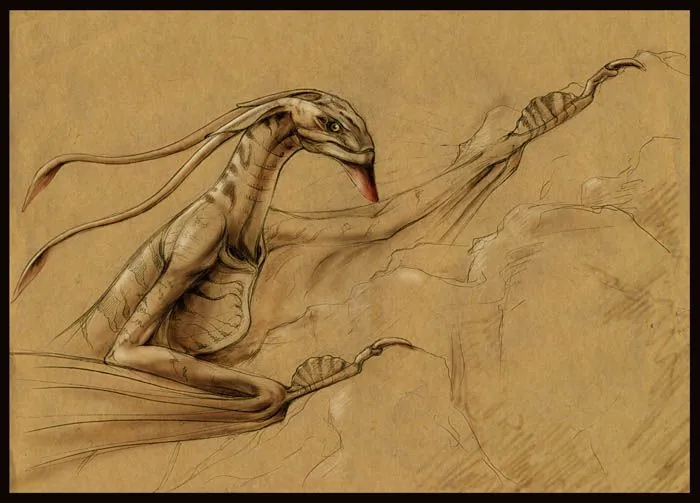
Balancing these two factors took me some days to figure out, and in the end, I decided to go for this pose of a climbing Banshee with closed wings. I took anatomical inspiration from a sketch I found on DeviantArt by hontor.deviantart.com. (Of course, mine is a simplified version to be printable in a smaller size :D)
Print Suggestions:
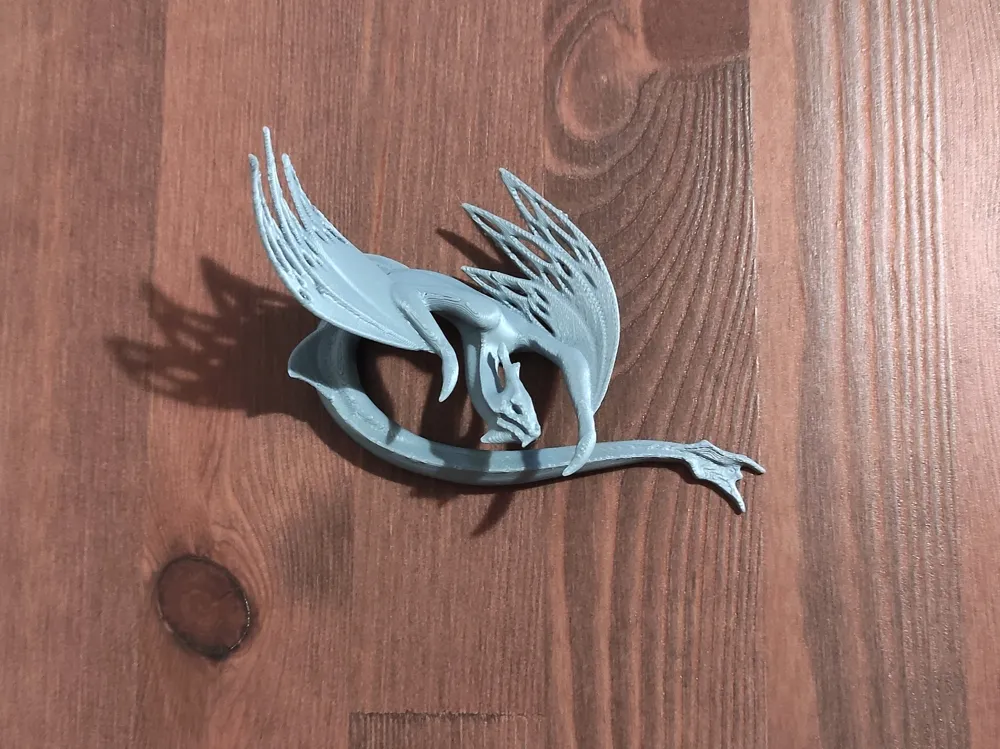
I uploaded a profile with all of my settings for print, including reduced speed and some increase in the first layer of supports. (Initial layer expansion for having connected tree stumps). However, not all of them are necessary if you're assured of buildplate adhesion and tuning of your printer. Here are the most important ones:
- Print with a layer height of 0.12 or 0.16 mm.
- Increase the wall numbers to 3, reduce the infill to 5 or 10% (for a stronger but lighter earring)
- This model needs quite a bit of support, so reduce the Threshold angle to 25 (65 degrees of overhang) to get the best support density to quality ratio. Tree supports are the best for this print; I don't recommend printing this model with normal supports.
- Enable the outer brim option.
- Very important: Let the model completely cool off before cleaning the supports, and be very careful when cleaning the head and ear supports.
Also, I think a dual-color filament fits this print nicely, although I didn't have one on hand to try myself. If you had any and printed this Banshee, let me know! :)
I hope you enjoy it, and happy printing! 🥂✨
If you really loved my work, you can always get me a coffee :)
(Commercial licences and high-quality renders also available on Ko-fi)

License

You shall not share, sub-license, sell, rent, host, transfer, or distribute in any way the digital or 3D printed versions of this object, nor any other derivative work of this object in its digital or physical format (including - but not limited to - remixes of this object, and hosting on other digital platforms). The objects may not be used without permission in any way whatsoever in which you charge money, or collect fees.


Comment & Rating (130)