
Easy Move&Rotate Sled X2D/P2S/P1S/X1C/H2D/H2C/H2S
Print Profile(4)

Description
The model details are just below—feel free to scroll down!
Boost Me (for free)
Thanks for checking out my design! If you liked it, a Boost would mean a lot. I truly appreciate every follow, download, like, and boost. Thank you for your support!

- Making 3D Printing More Fun & Functional. -
◀ Printer Upgrade Collection ▶


Maintenance Sled: Easy Move & Rotate
🆕 Update Log
- [2026-01-13] Removed locking wedges; redesigned to lock securely with filament only for easier assembly.
- [2026-01-18] Added H2 Series (Connected Type) – Special thanks to @Mythmarco for the testing and collaboration!
Overview
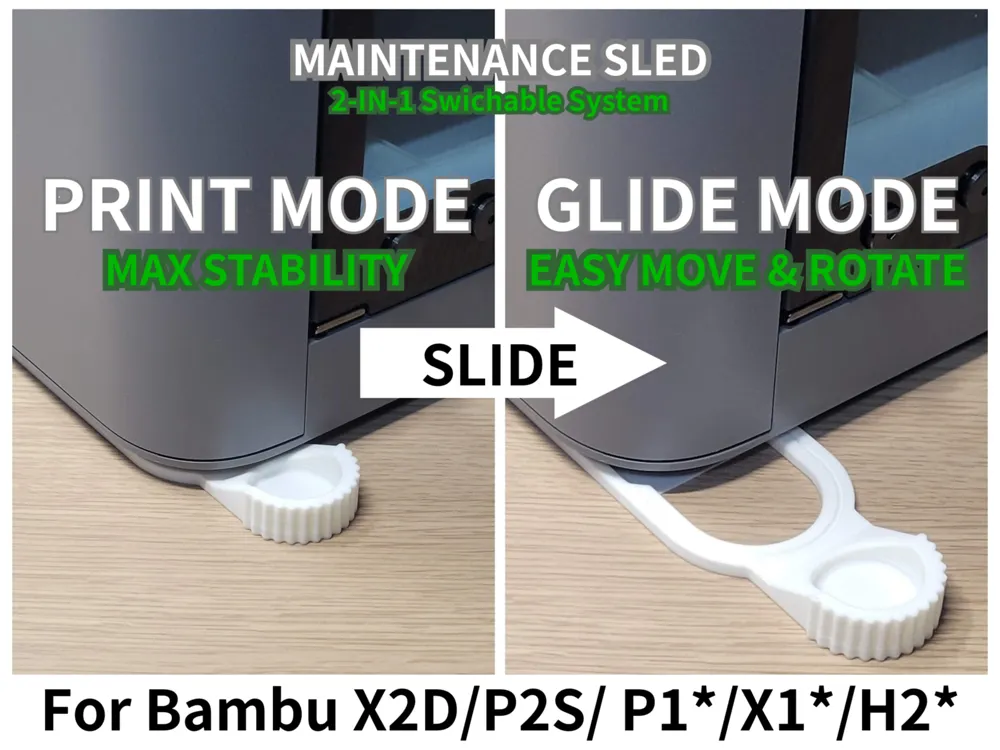
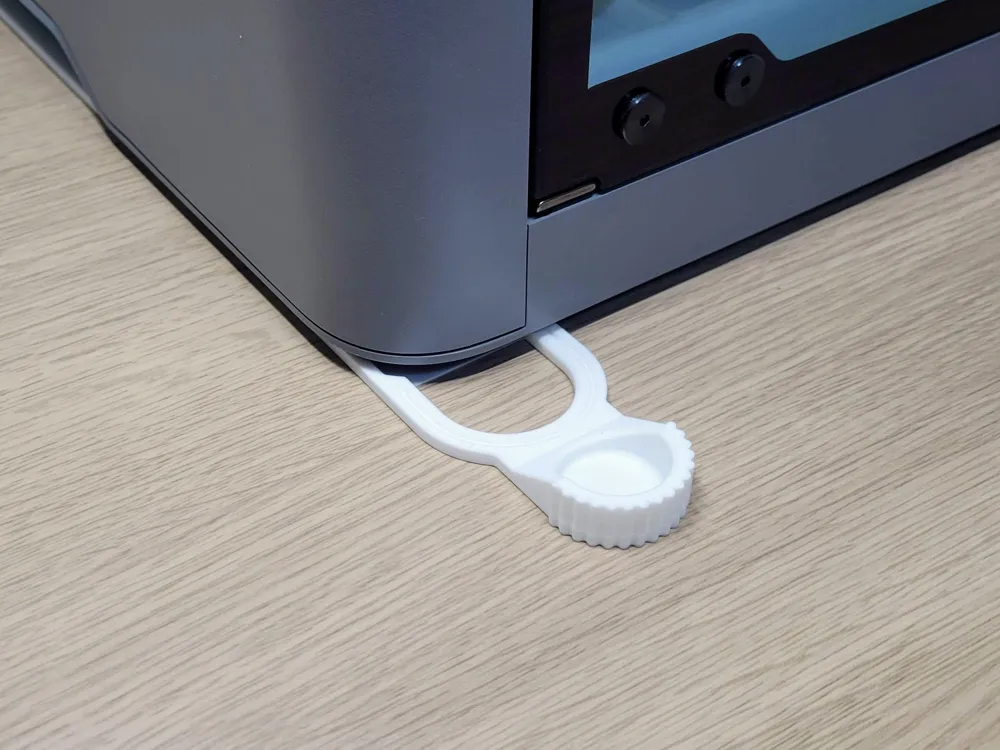
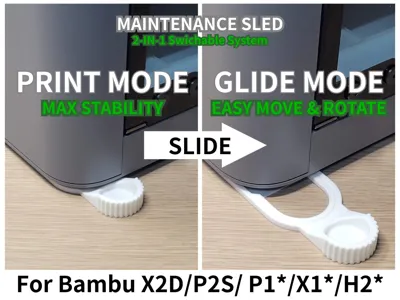
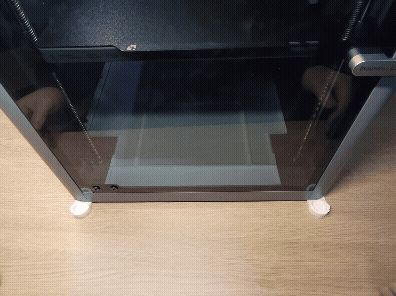
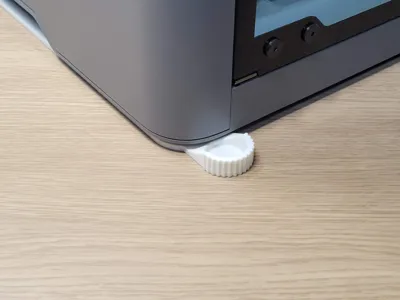
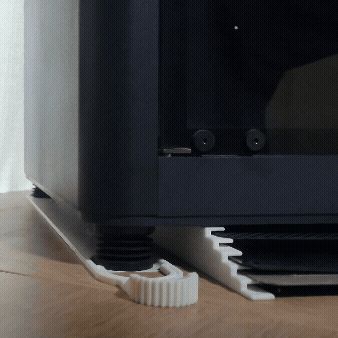
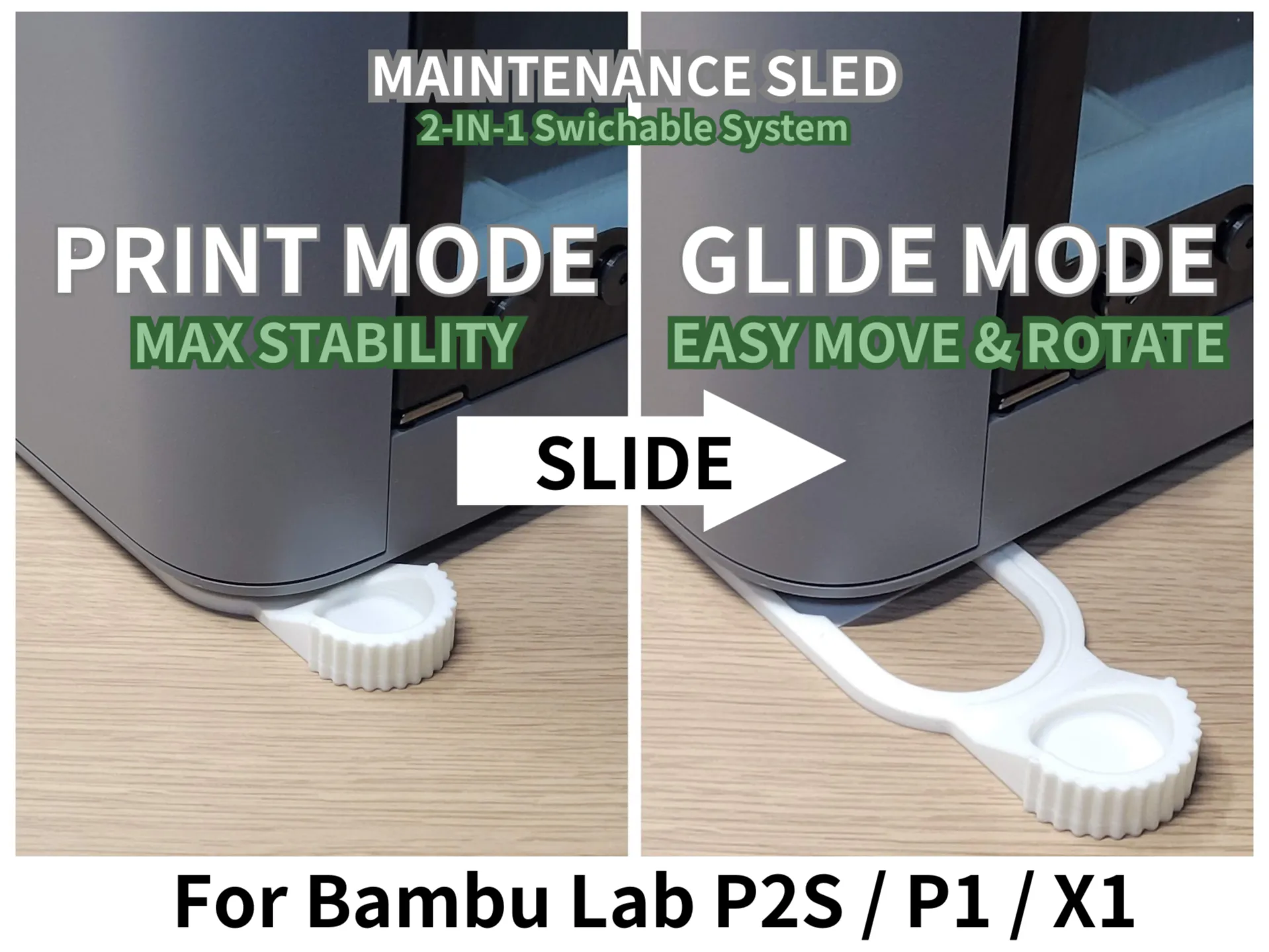
Rotating or moving a heavy 3D printer for maintenance and cable management is a difficult task. The Maintenance Sled is a functional floor system that allows you to toggle between Print Mode (Maximum stability) and Maintenance Mode (Low-friction sliding) by simply sliding a handle.
This system is designed on the principle that on a smooth, flat desk, low-friction plastic slides much more easily than high-grip rubber.
By transferring the printer's weight from the high-grip rubber feet to the low-friction plastic sled, the machine can be moved or rotated with minimal effort.
This project offers two distinct types: the Connected Type for specific models and the Independent Type for universal use.
Key Features
- Dual Mode System: Toggle from a stable printing base to a smooth-gliding sled.
- Low-Friction Glide: Leverages the natural sliding properties of plastic on smooth surfaces.
- Filament Lock System: Uses 1.75mm filament as a locking pin for maximum durability and resistance to vibration.
- Tool-Free Assembly: Designed for easy setup without specialized hardware.
Choose Your Type & Compatibility
- Type Connected (Optimized for Bambu Lab X2D / P2S / P1 / X1):

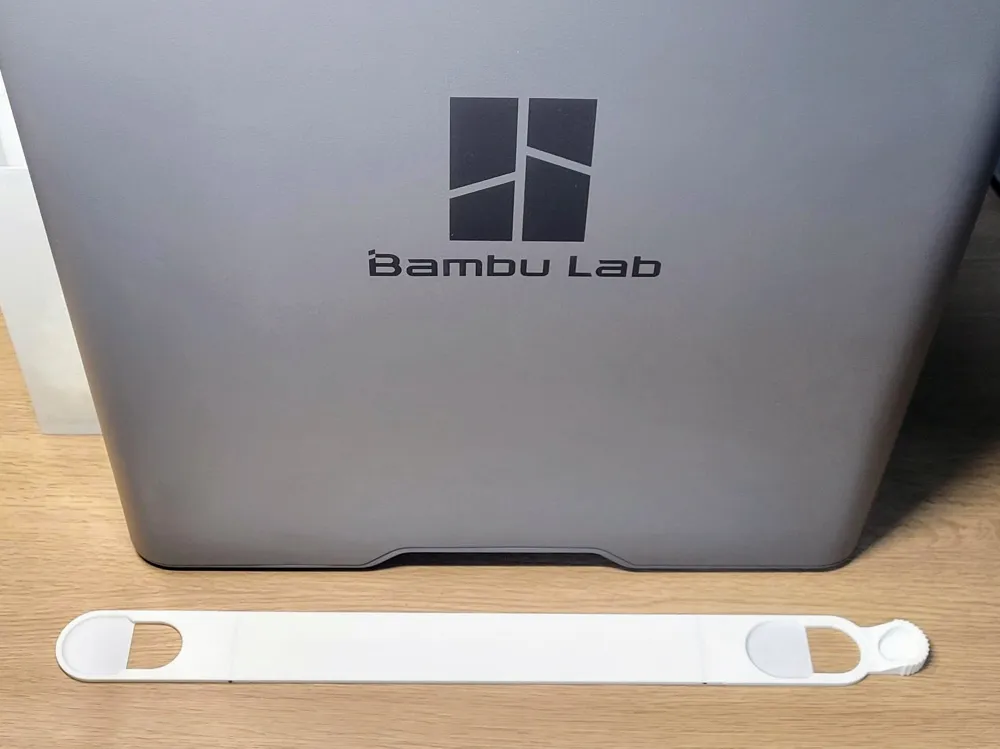
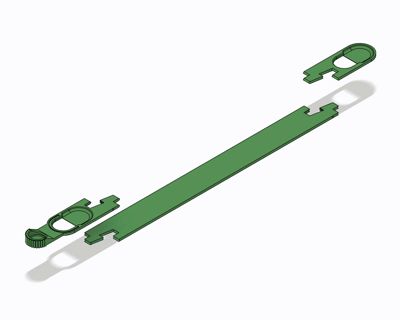
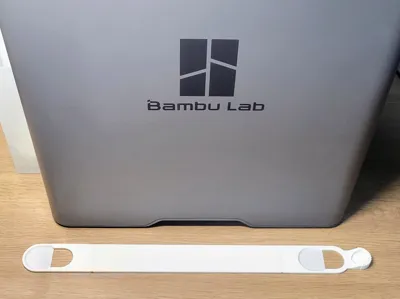
- Includes a central rail (Sled Joint) linking the front and rear for maximum stability.
- Type Connected (Optimized for Bambu Lab H2D / H2S / H2C):
- Includes a central rail (Sled Joint) linking the front and rear for maximum stability.
- Type Independent (Universal: <28mm Feet):
- Consists of separate units for each foot. It is not restricted by printer depth.
- Compatibility: Fits any rubber feet with a diameter of 28mm or less.
Usage: How to Switch Modes
- Maintenance Mode: ON (To Move/Rotate)
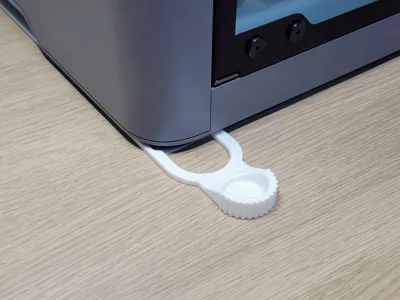
- Gently lift the side frame of the printer by approximately 1mm to relieve pressure, and pull the handle forward until it hits the physical stopper.
- The feet climb onto the sled, lifting the rubber feet off the desk.
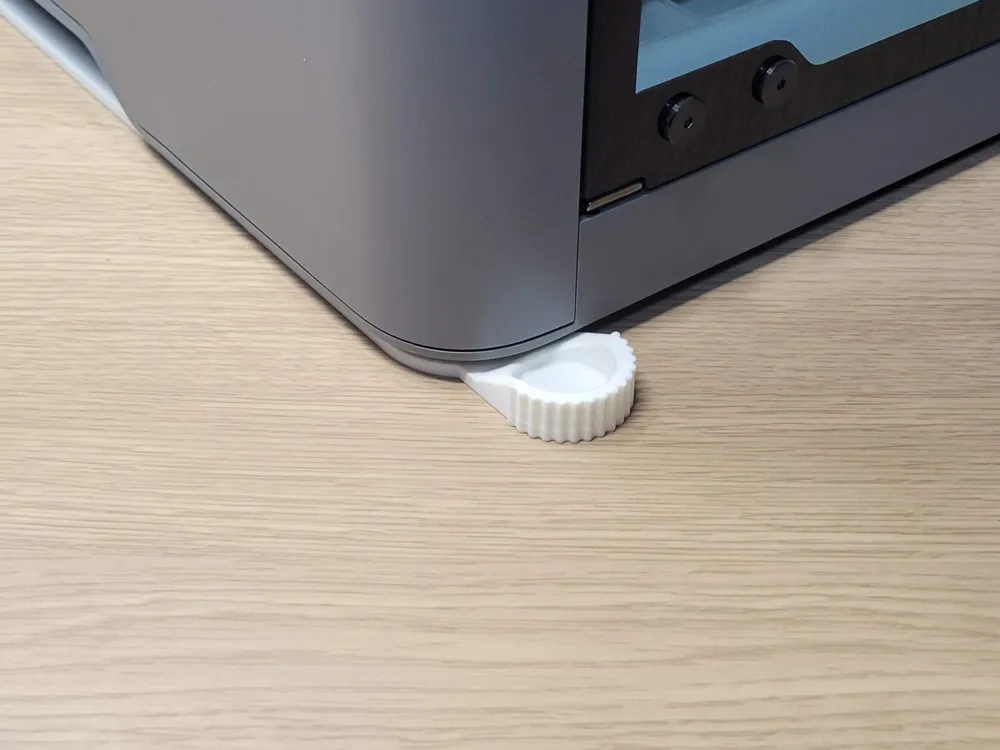
- Maintenance Mode: OFF (To Print)
- Gently lift the frame and push the handle back until the feet drop into the designated holes.
- The printer’s original rubber feet make direct contact with the desk for maximum stability.
Assembly Instructions

- Connect the Parts: (For Connected Type only) Insert the Head and Tail into the Sled Joint.
- Filament Lock: Insert a small piece of 1.75mm filament into the hole on the side. Trim the excess flush. This physically locks the assembly.

- Final Placement: Position the units under the feet of your printer.
💡 Tip: If the filament is difficult to insert, try cutting the end at a 45° angle for easier threading.
Print Notes & Handling
- Cooling: Wait for the build plate to cool completely before removal to prevent warping.
- Bed Adhesion: Ensure the build plate is thoroughly degreased. Avoid touching the surface with bare hands.
- Calibration: Ensure your printer's flow rate and tolerances are calibrated for a precise mechanical fit.
⚠️ READ BEFORE USE
- Surface Requirements This system is designed strictly for smooth, flat, and hard surfaces (such as polished desk countertops). On uneven surfaces, textured finishes, or soft mats, the sled may not function correctly.
- Damage Prevention Sliding plastic parts directly on a desk may cause scratches.
- 🛑 Use at your own risk. The designer is not responsible for any damage caused by use or misuse of this model.
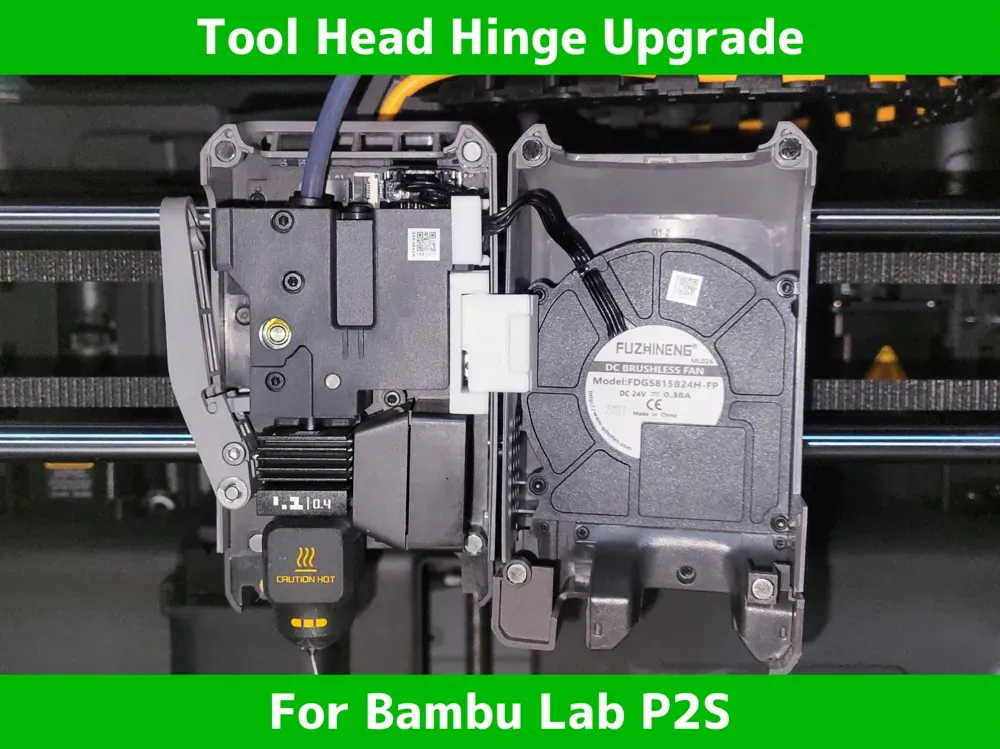
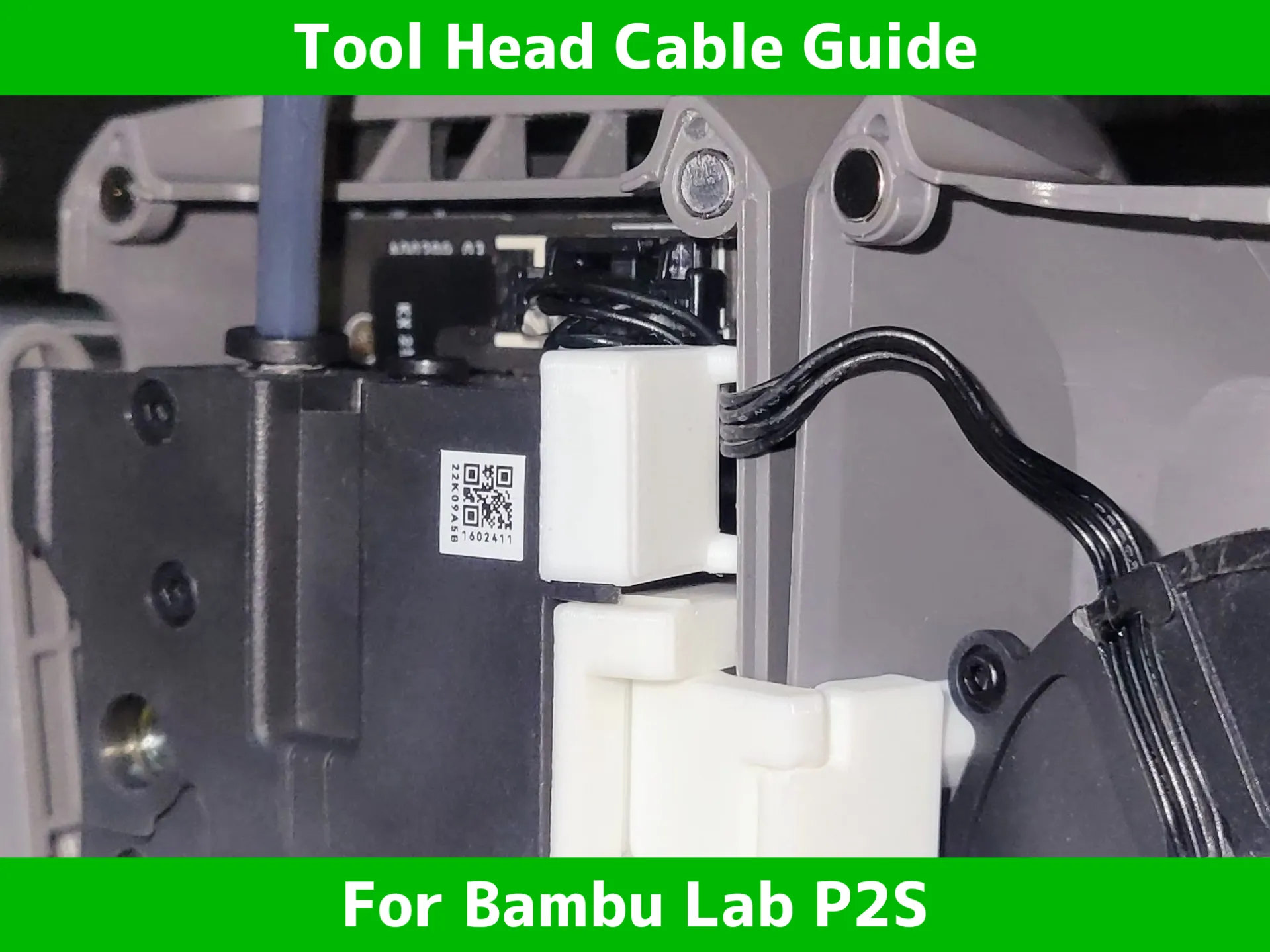
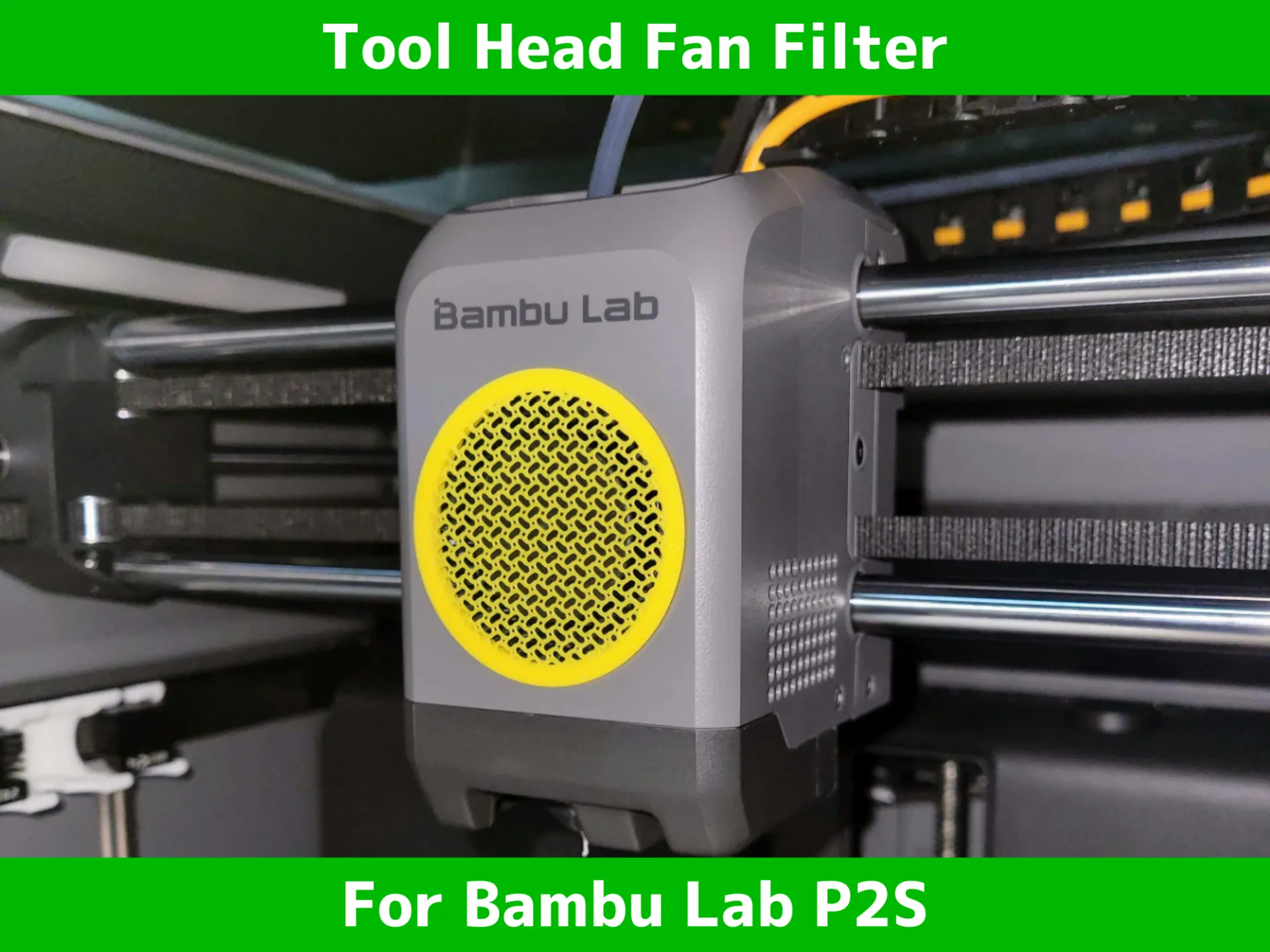
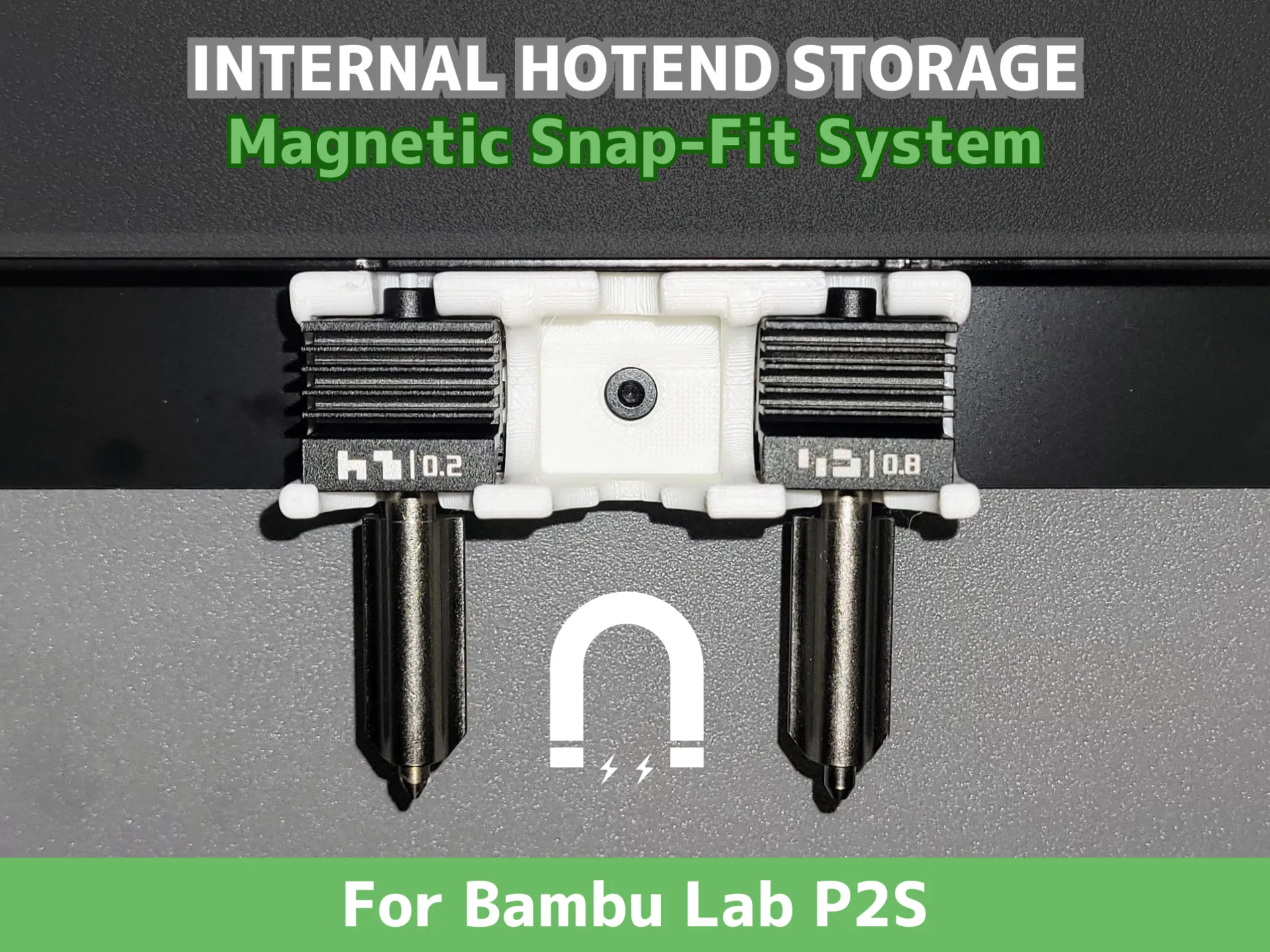
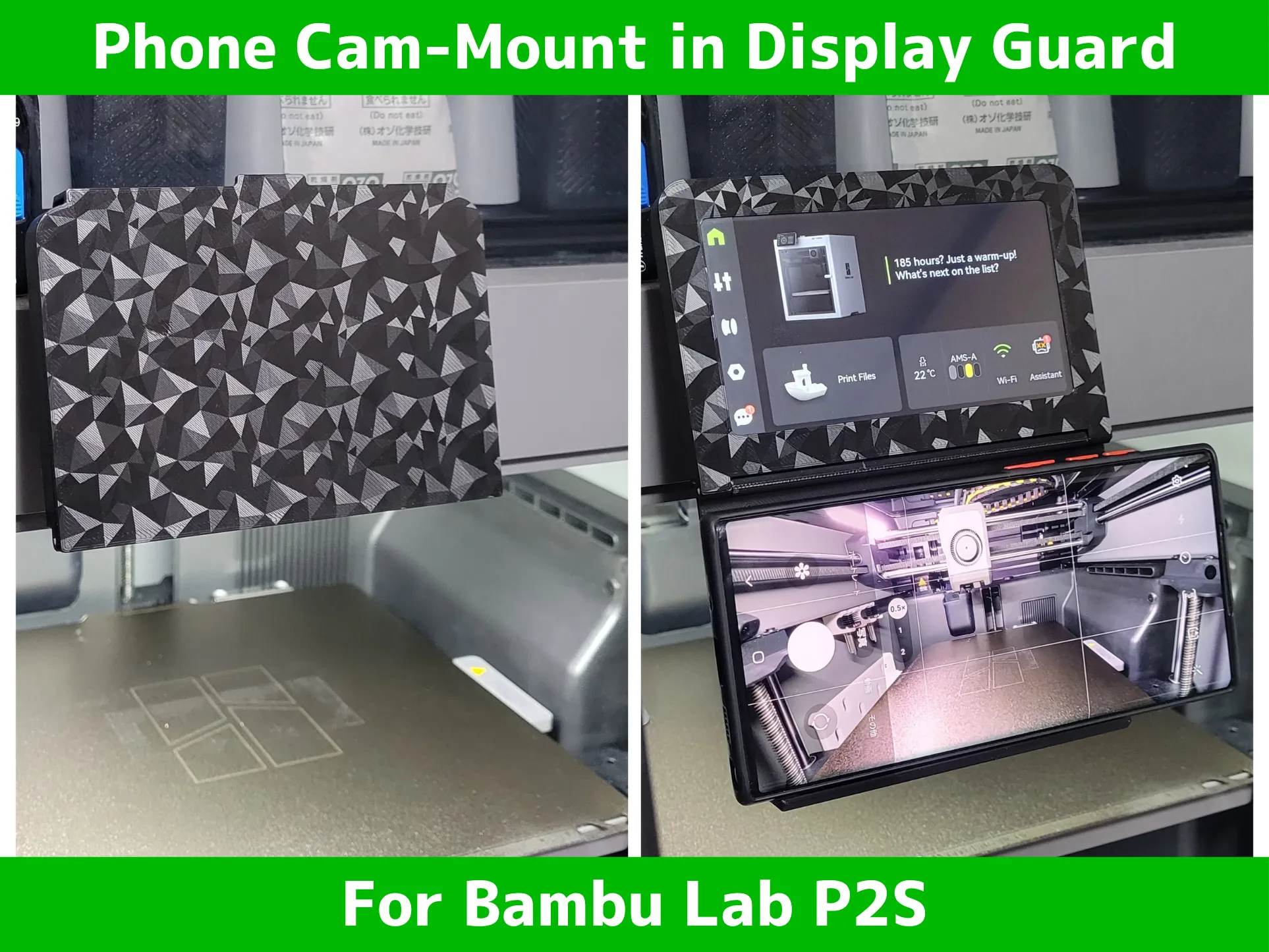
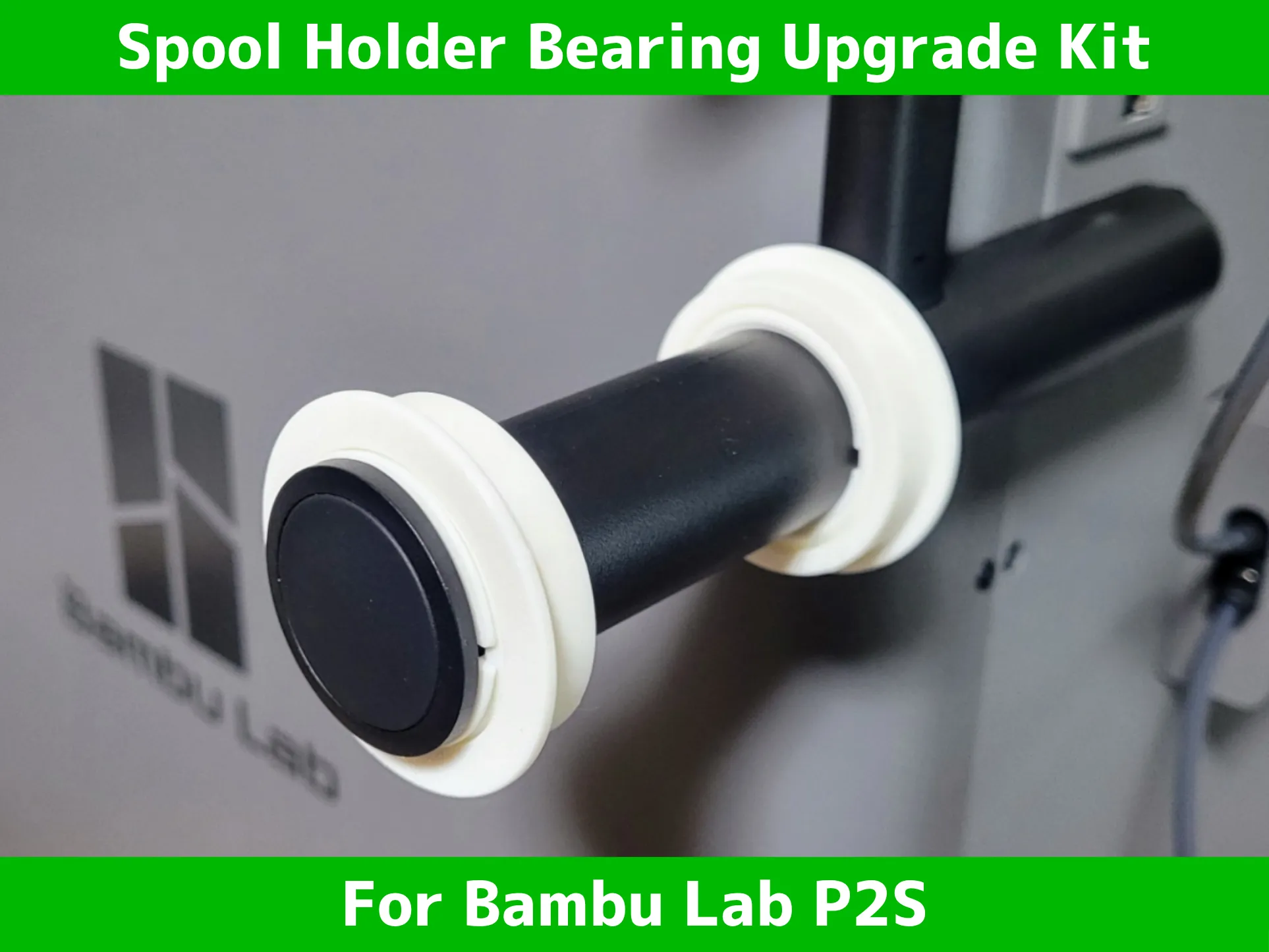
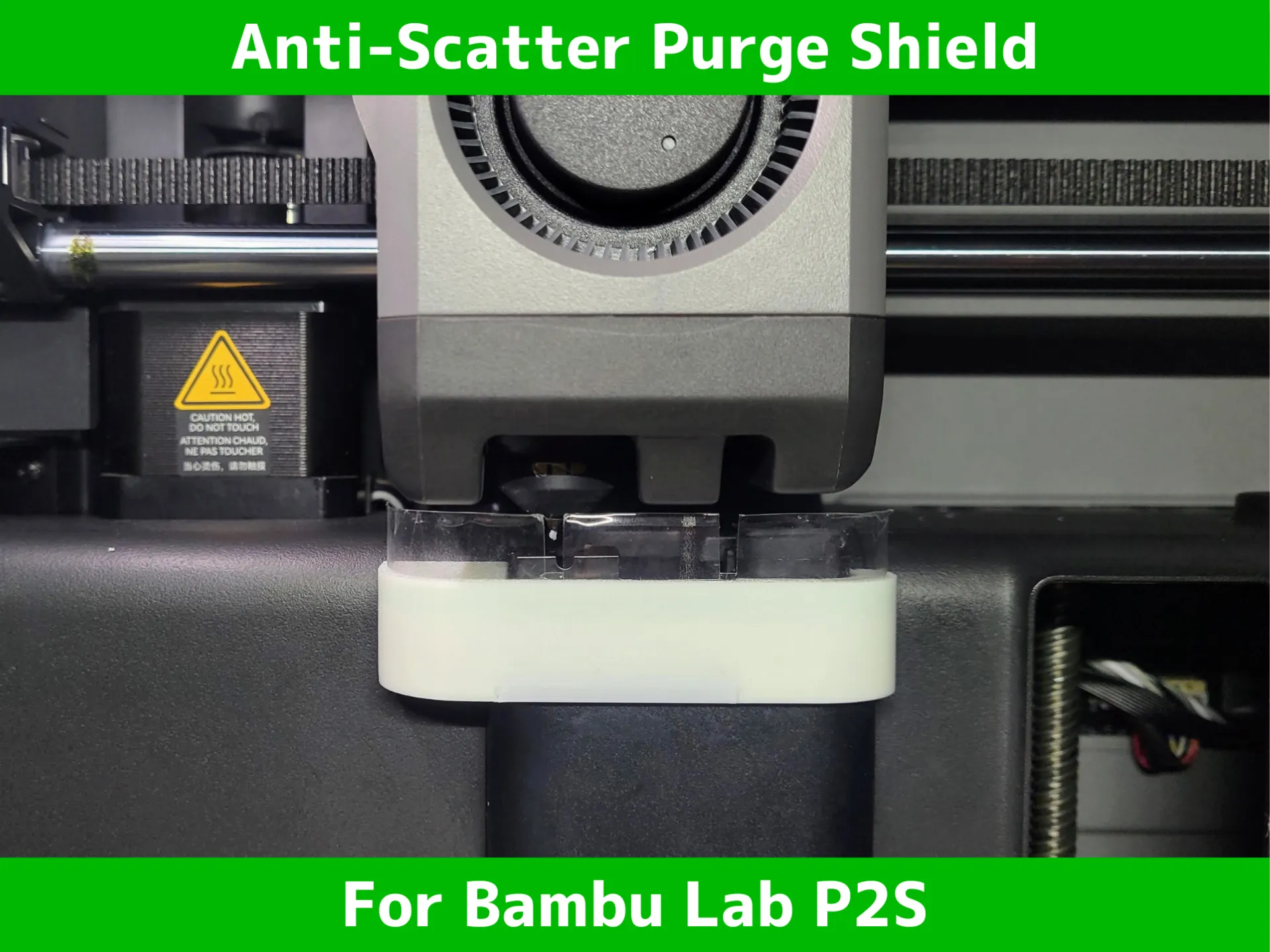
🔥 my favorite printer upgrade for P2S 🔥 | |
 |  |
 | 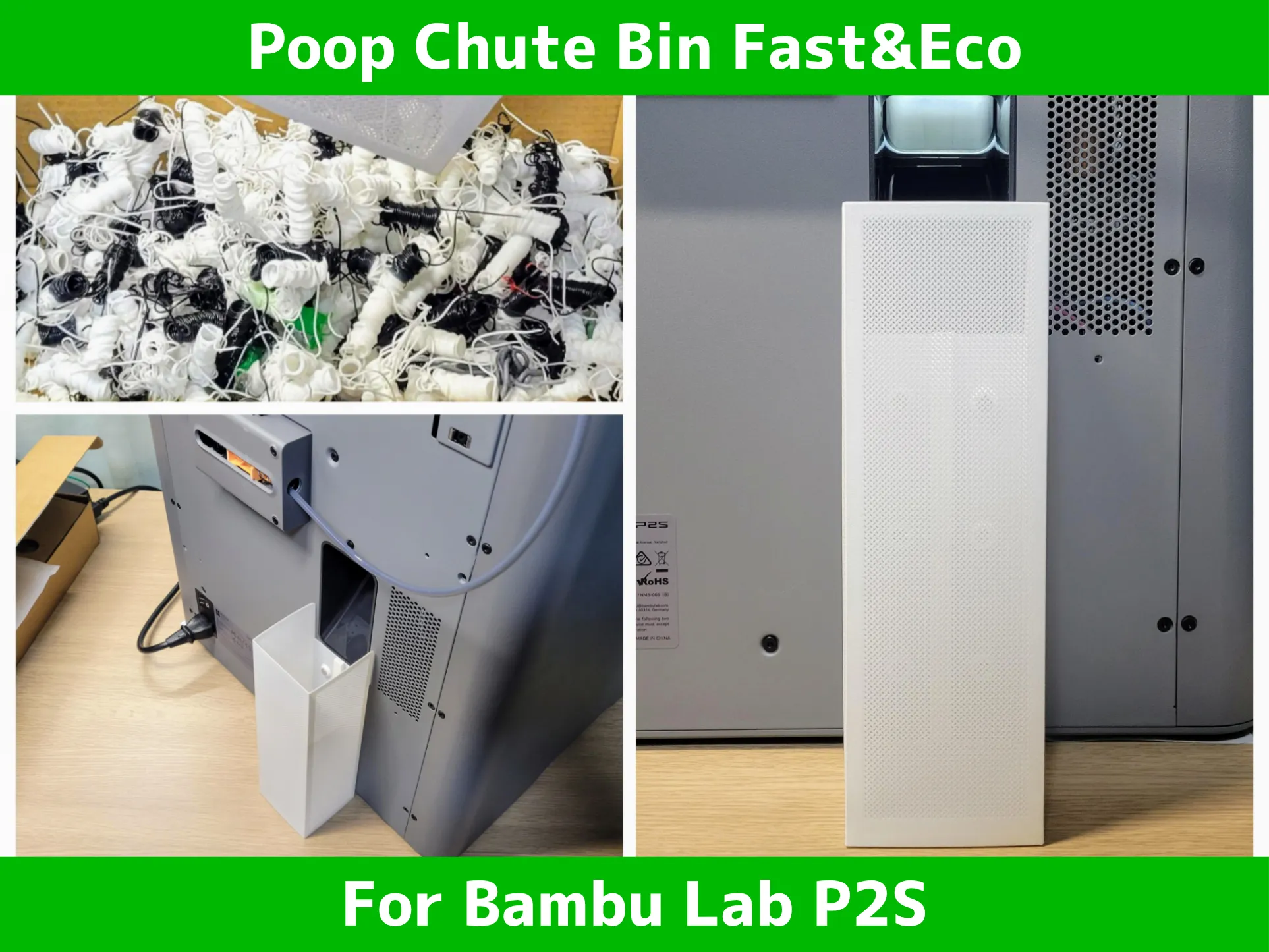 |
 |  |
 |  |
 |  |
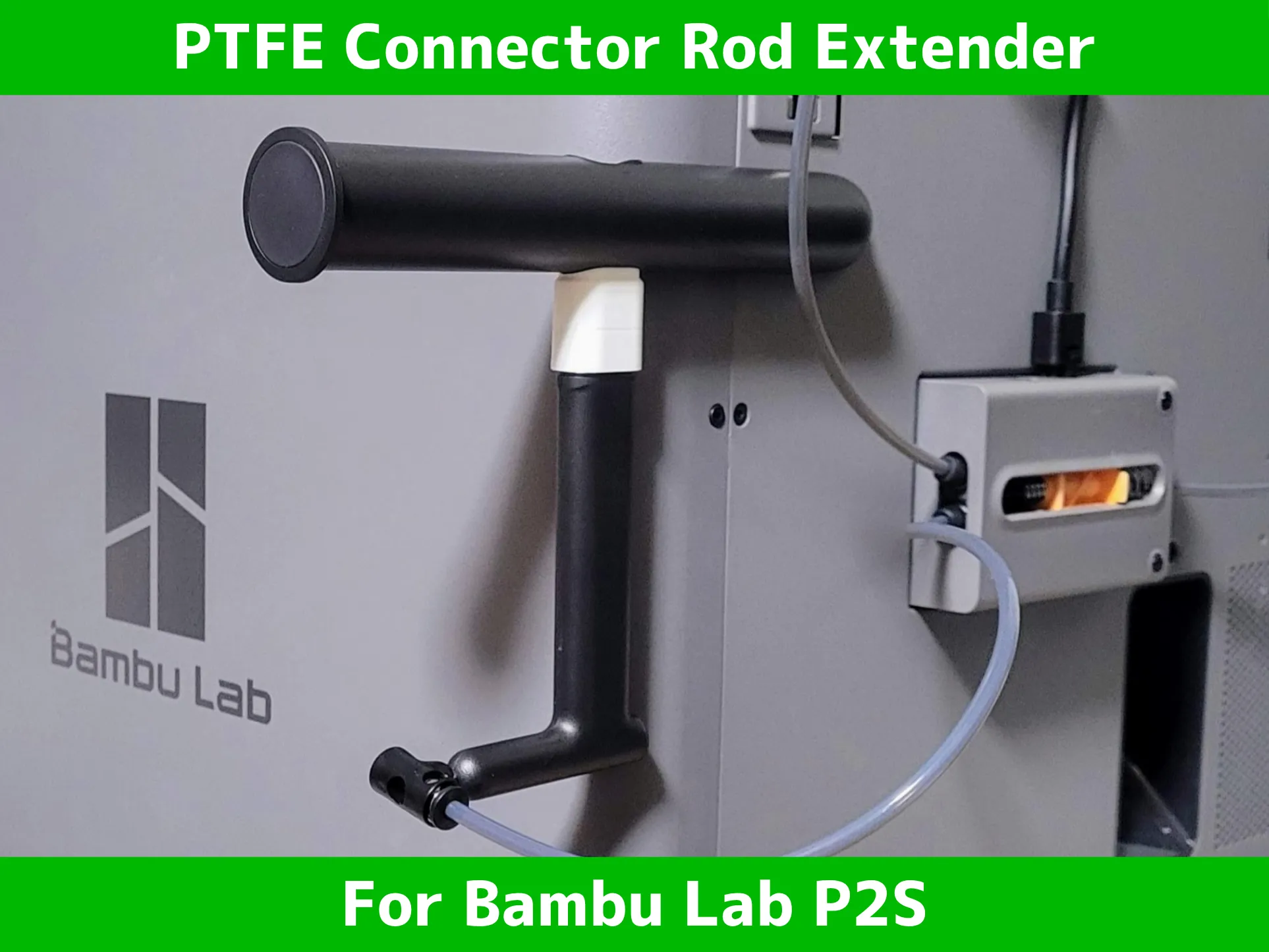 | 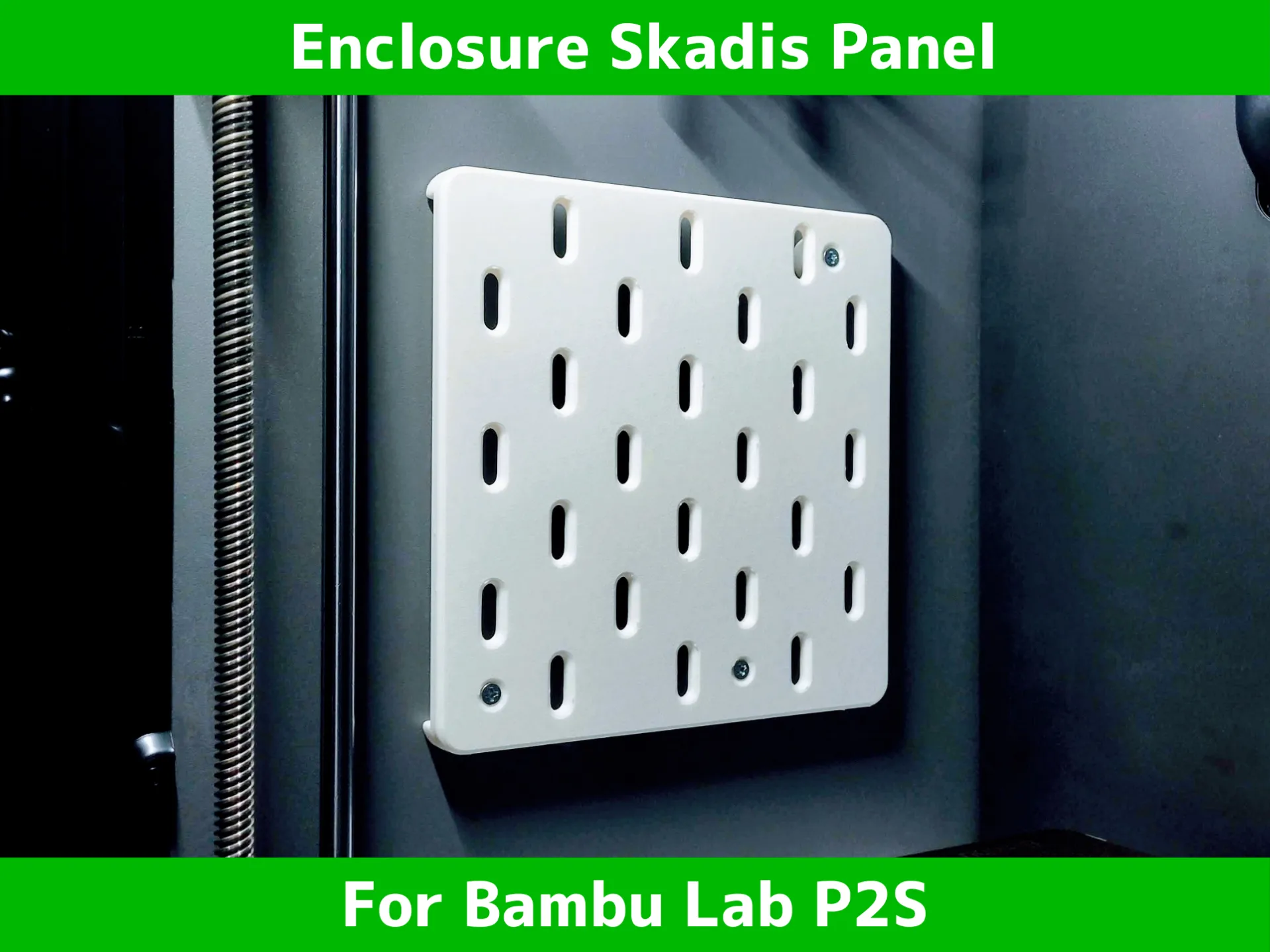 |
🔥 my favorite printer upgrade 🔥 | |
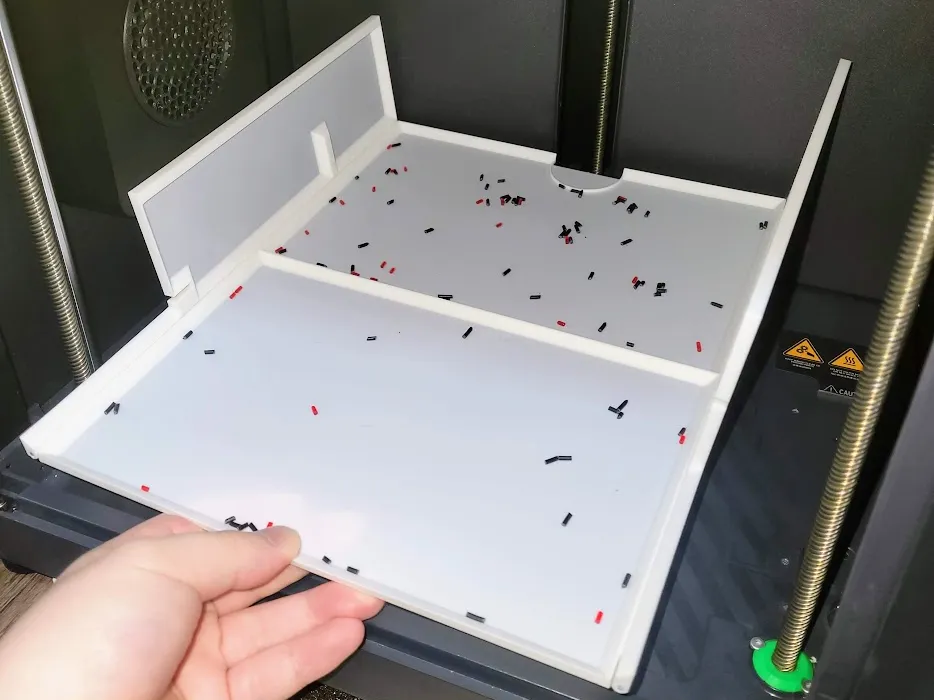 | 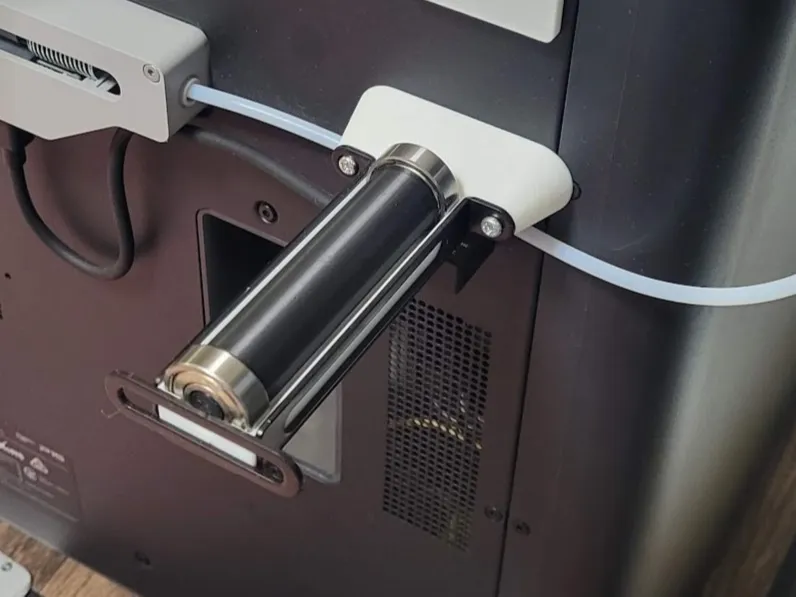 |
 |  |
 |  |
 |  |
 |  |
 |  |

License

You shall not share, sub-license, sell, rent, host, transfer, or distribute in any way the digital or 3D printed versions of this object, nor any other derivative work of this object in its digital or physical format (including - but not limited to - remixes of this object, and hosting on other digital platforms). The objects may not be used without permission in any way whatsoever in which you charge money, or collect fees.


Comment & Rating (218)