
Magnetic Fidget Slider/Spinner
Print Profile(2)


Bill of Materials

Description
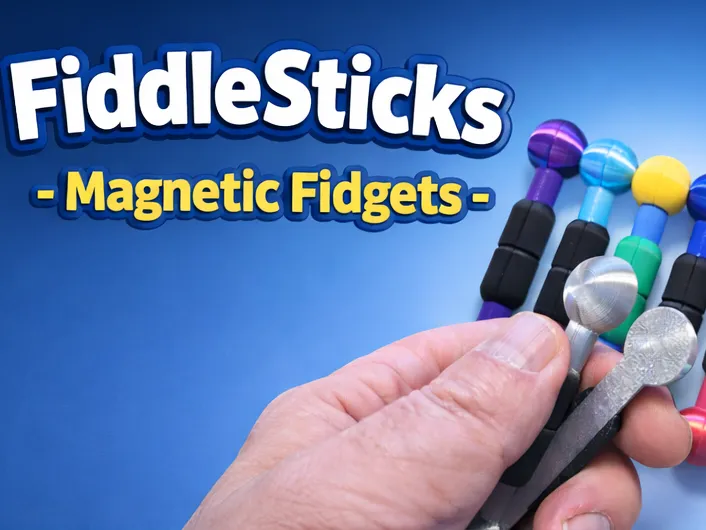
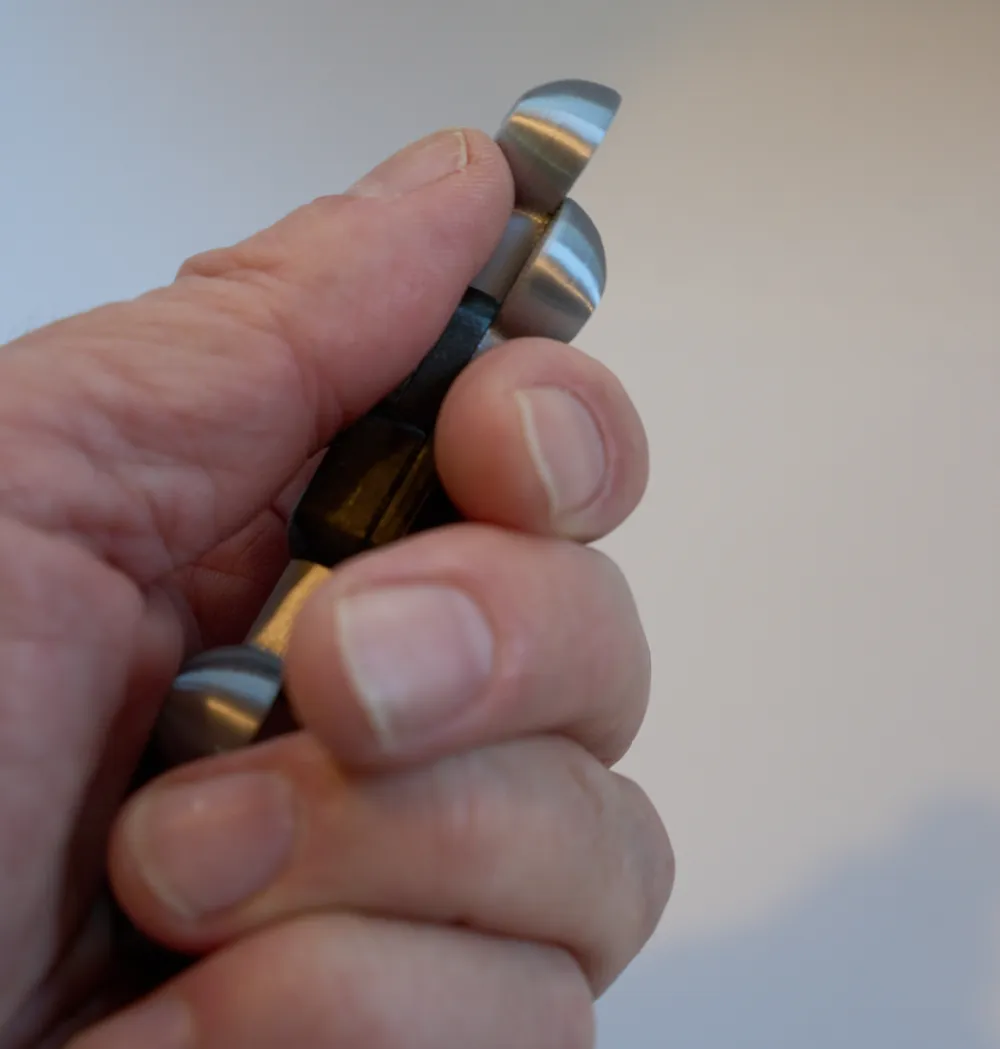
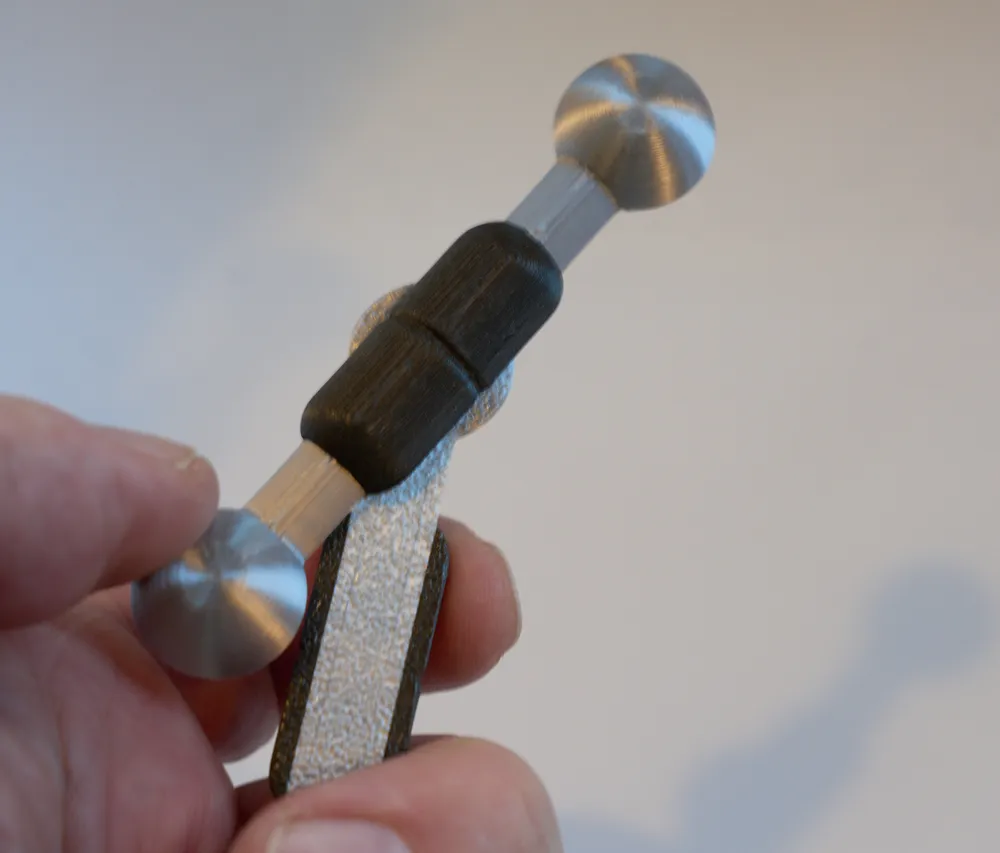
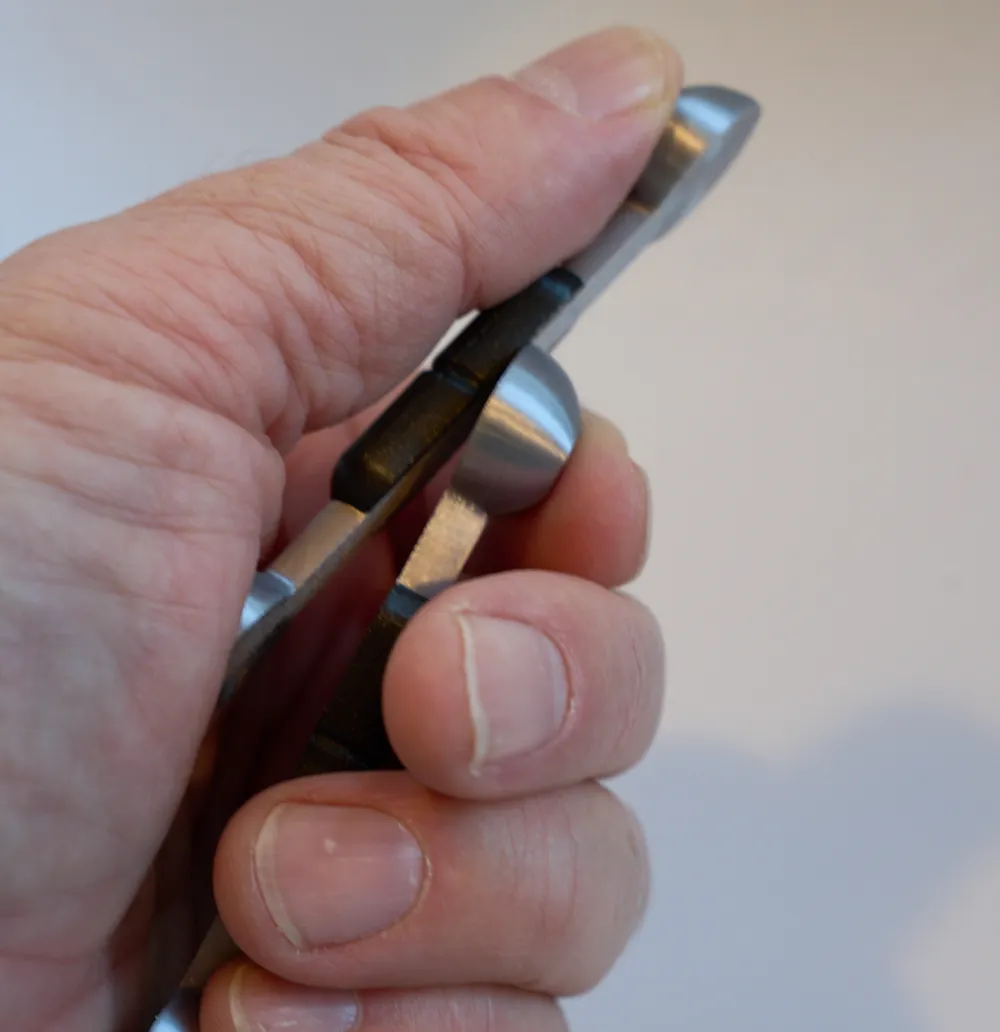
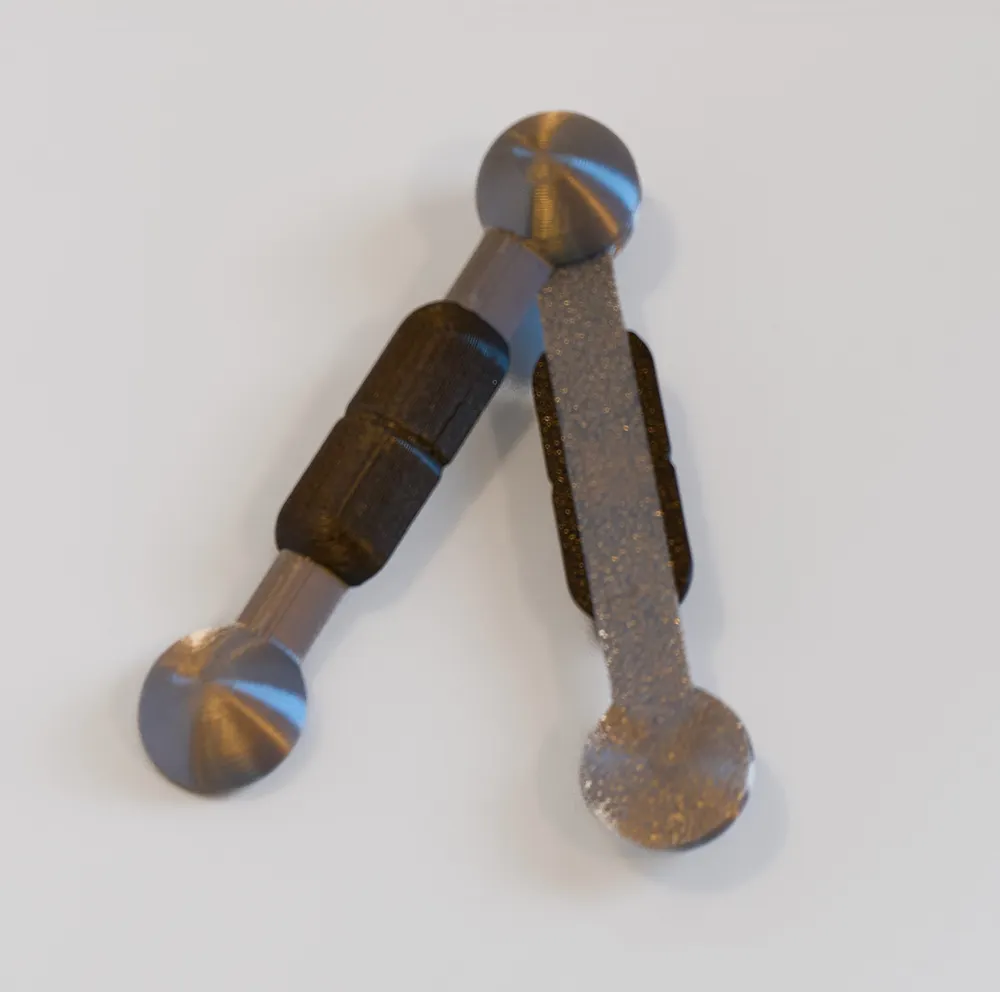
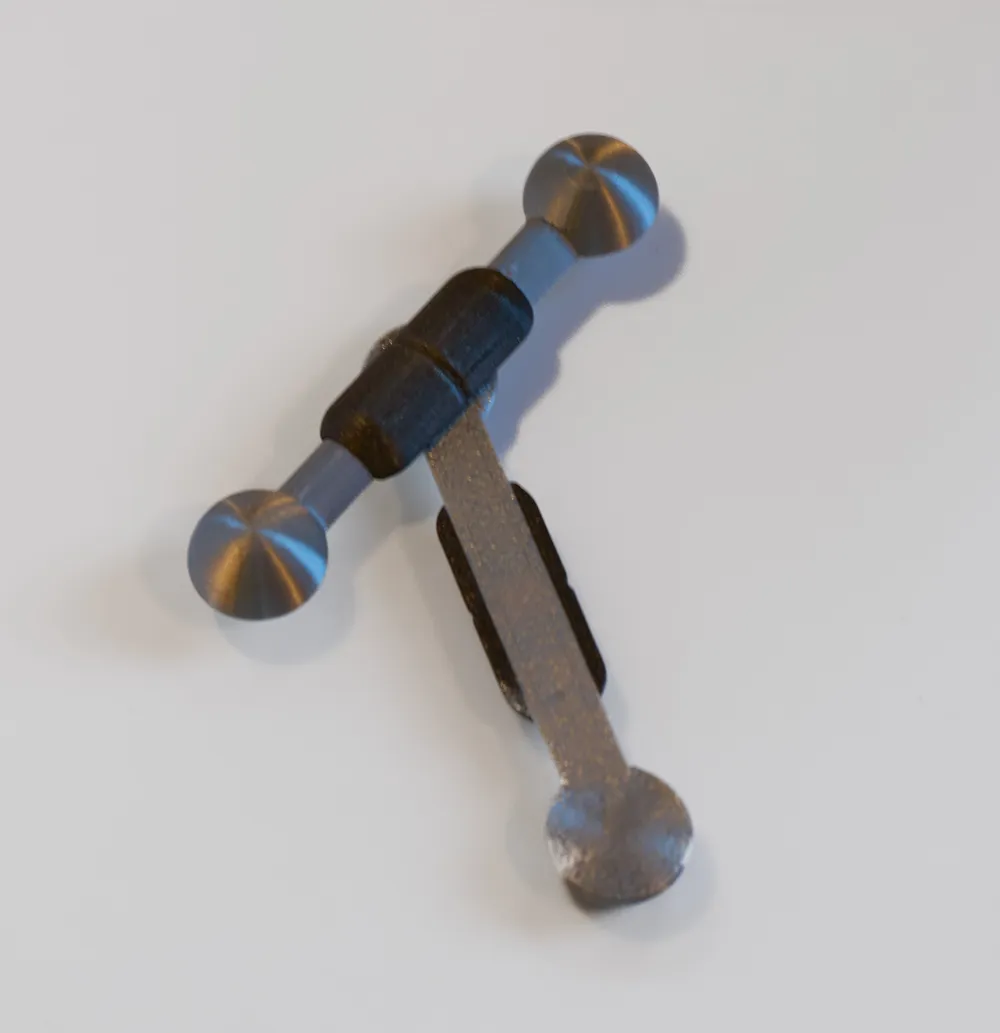
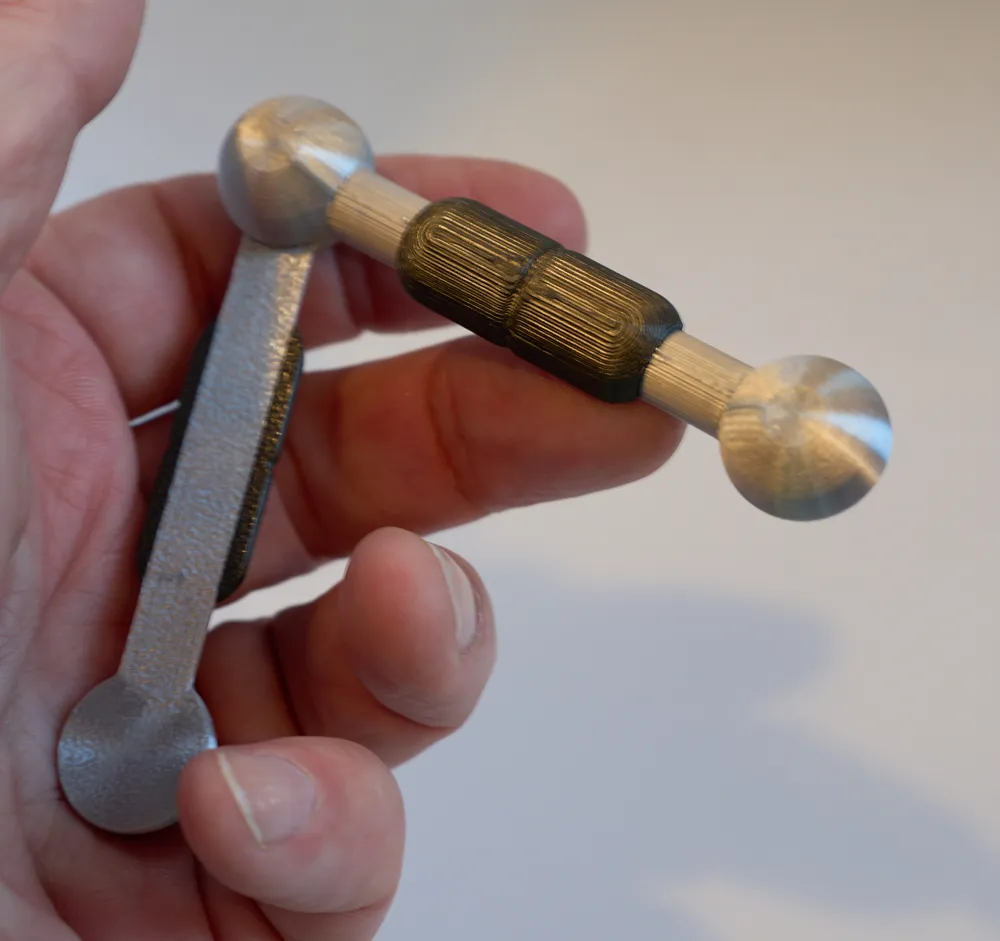
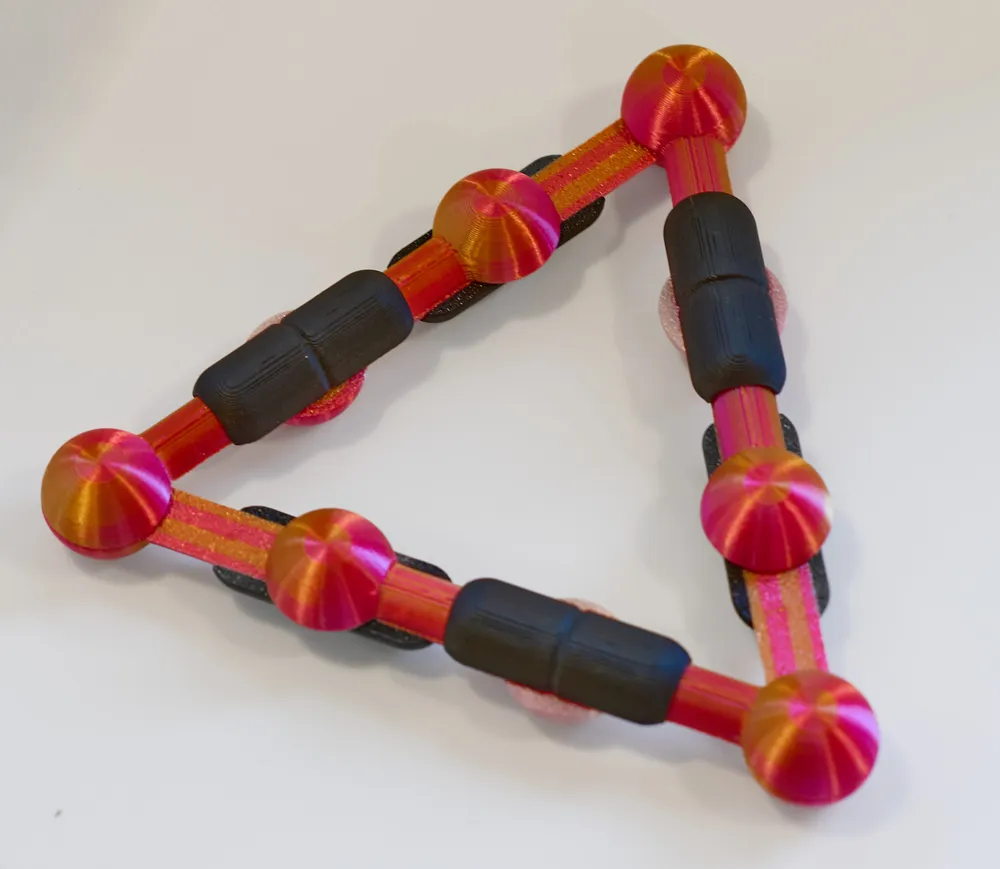
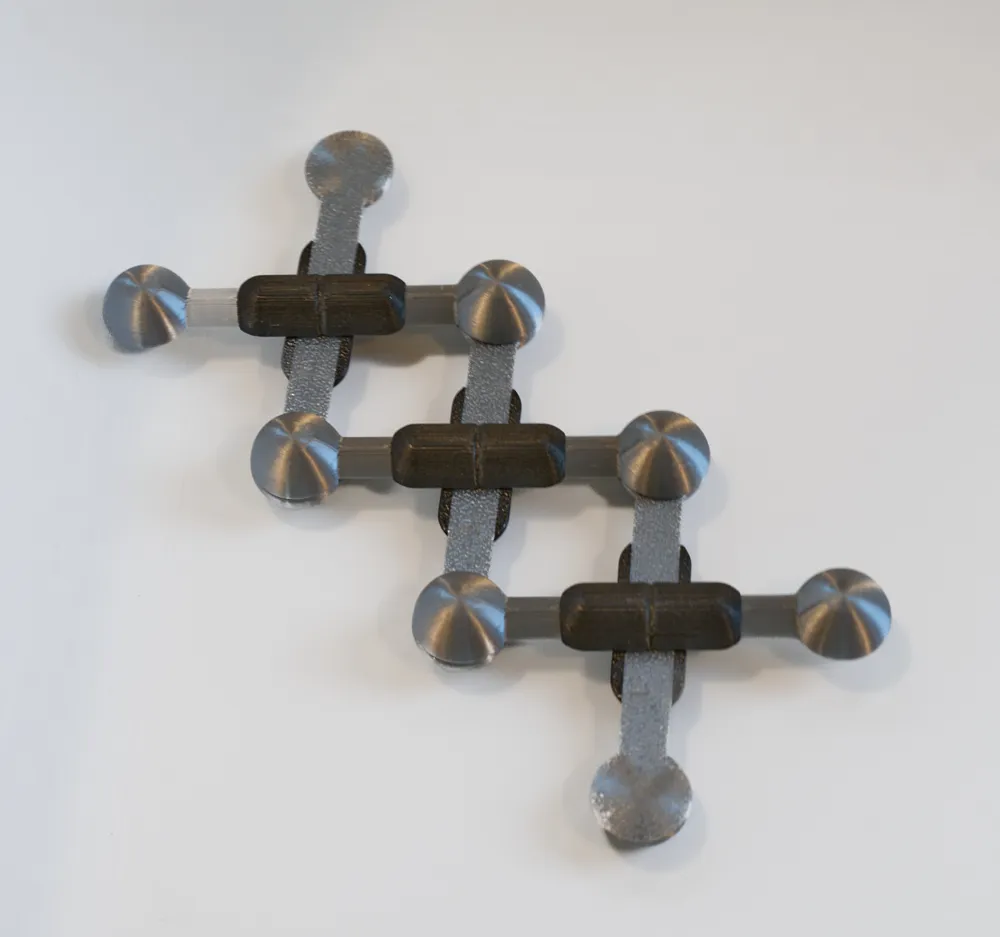
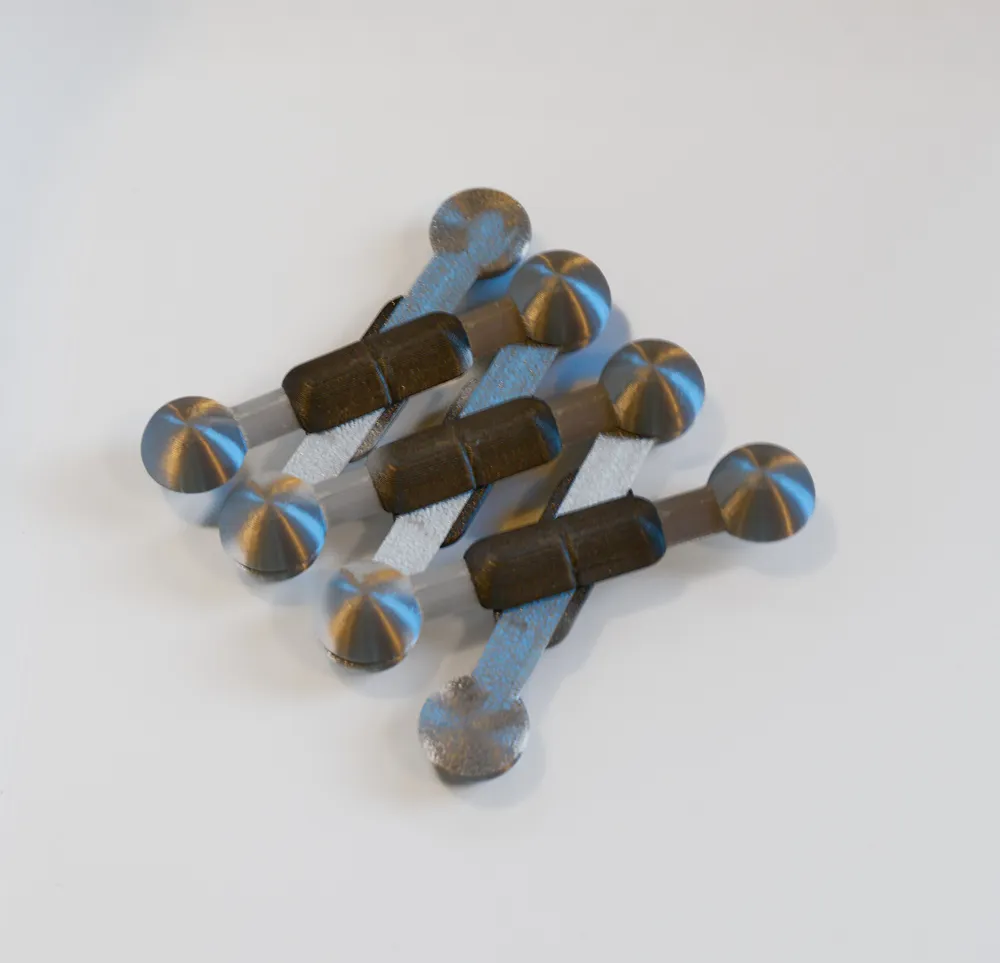
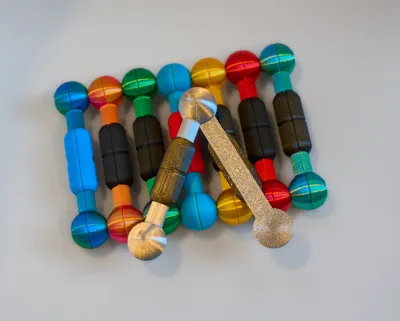
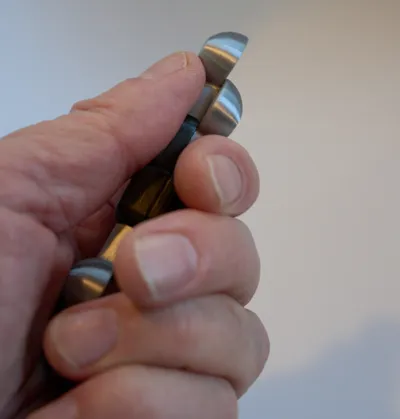
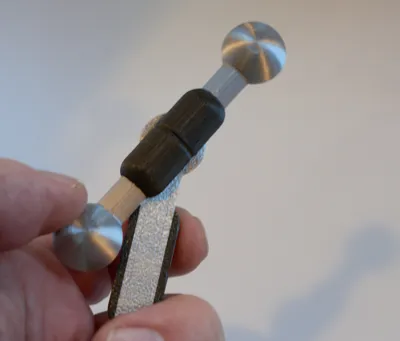
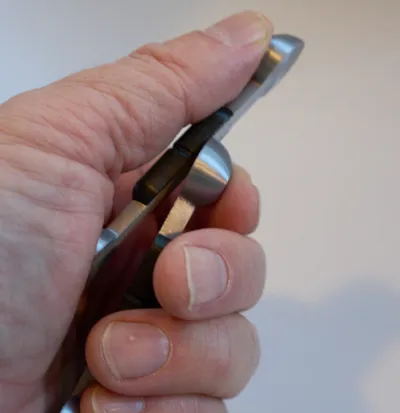
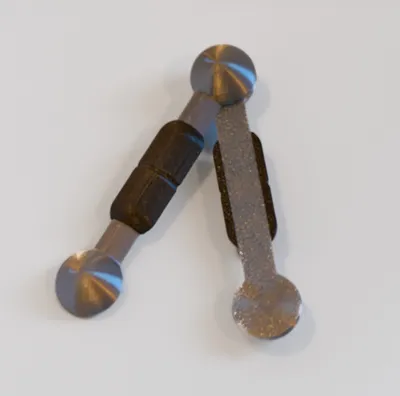
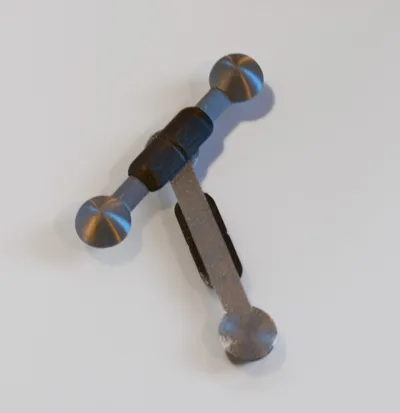
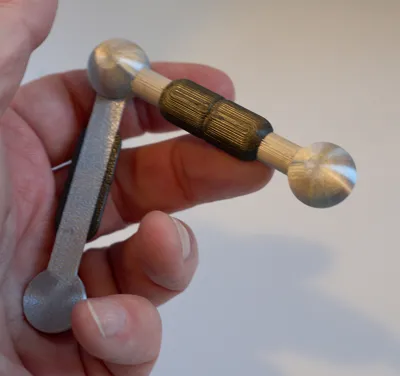
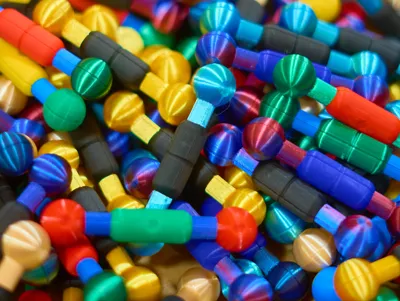
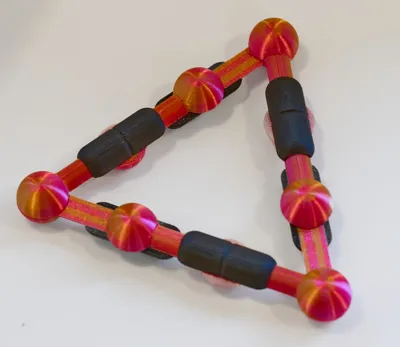
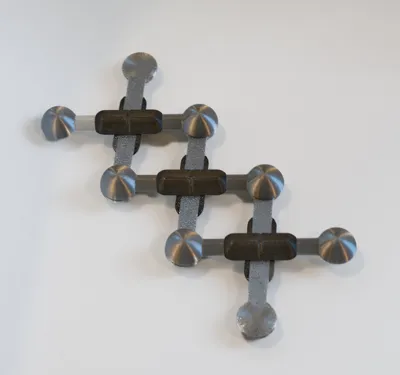
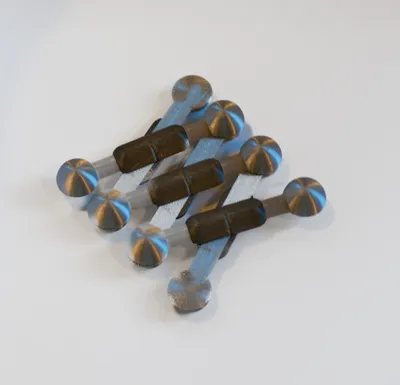
Each fidget has halves that latch magnetically using 8x3 cylindrical magnets, at each end and in the middle. This allows each half to be rotated around the other in several different ways, as well as allowing sliding and pivoting. Each movement ends with a solidly tactile but nearly inaudible click as magnets re-align. The fidget is sized to be used discreetly in one hand and is perfect to carry in your pocket.
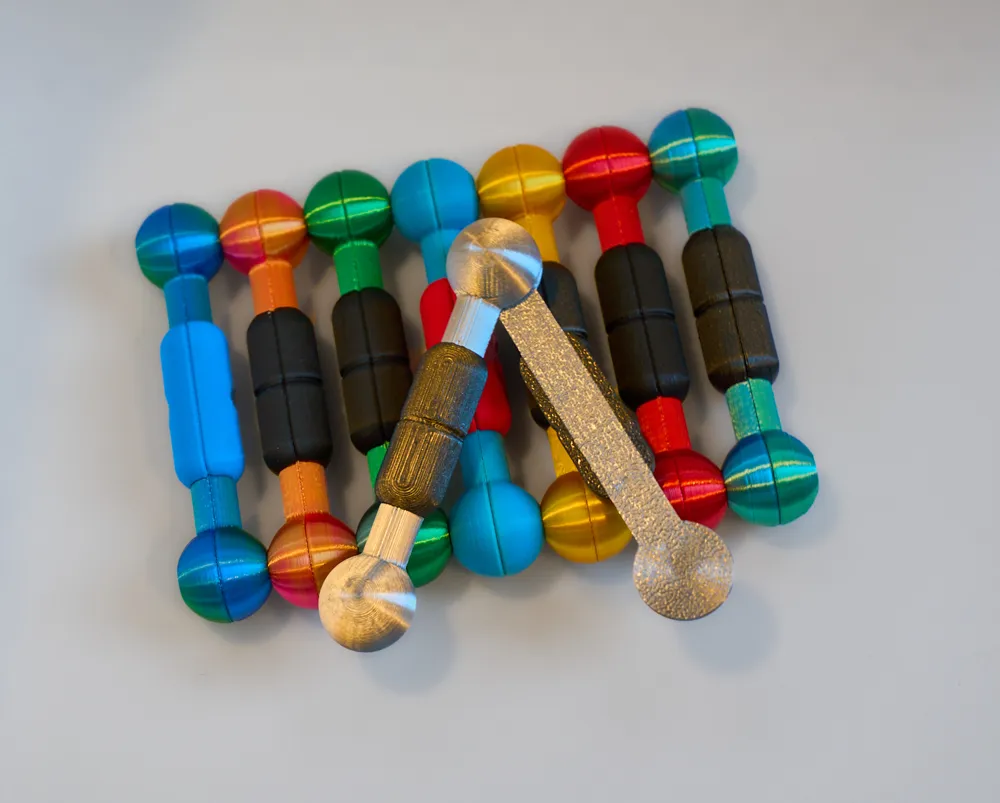
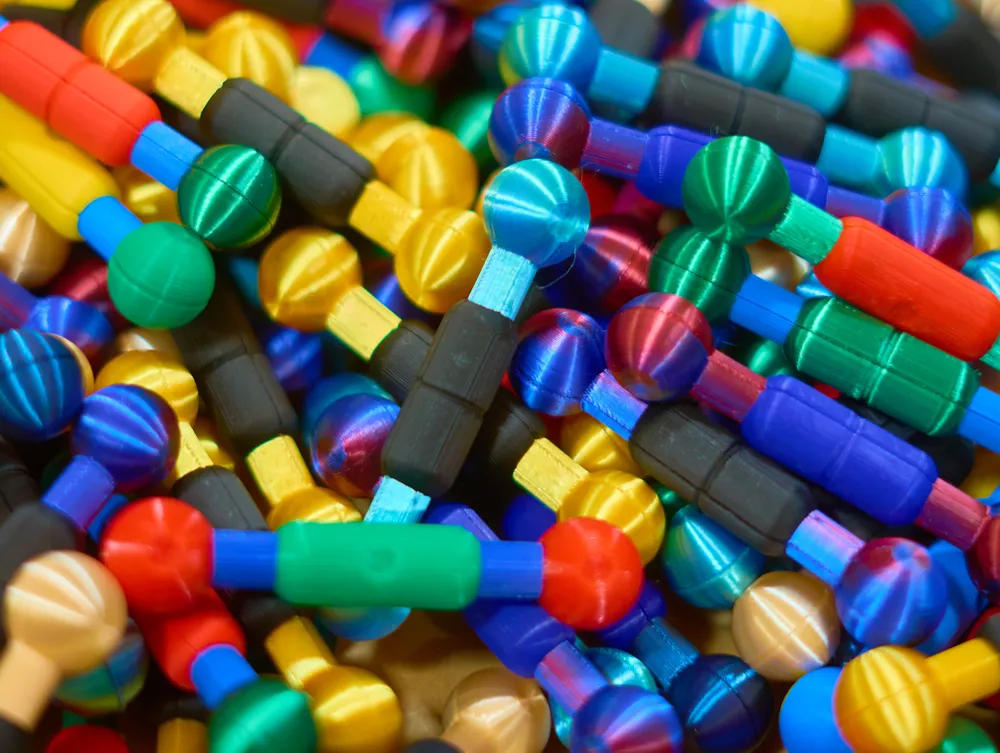
I've printed hundreds of these for friends and kids and I feel I've stumbled upon something kind of special. The fidgets are small and quiet, can be manipulated in many different ways, are visually fun when printed in different colors, and have a satisfying weight and tactile feel. The “clunk” as the magnets align is really nice.
For Christmas, I printed 130 of these for my son’s middle school students. Staff and other students are still asking for more of them. Staff have found them to be no problem in the classroom and are giving them away as rewards.
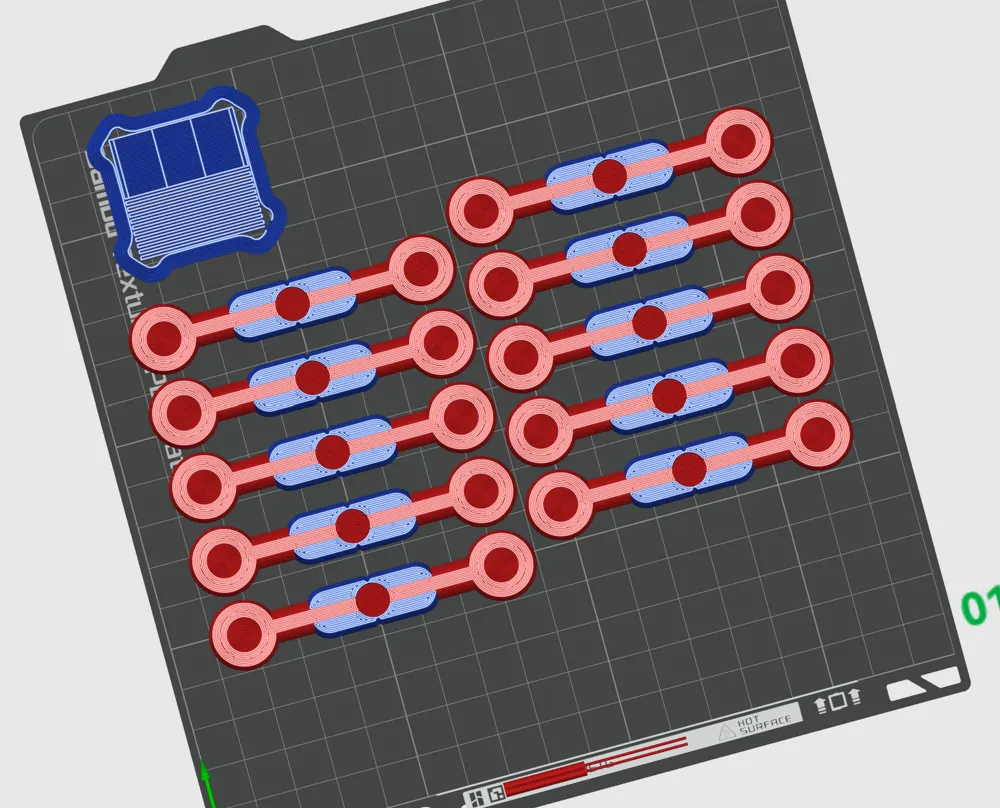
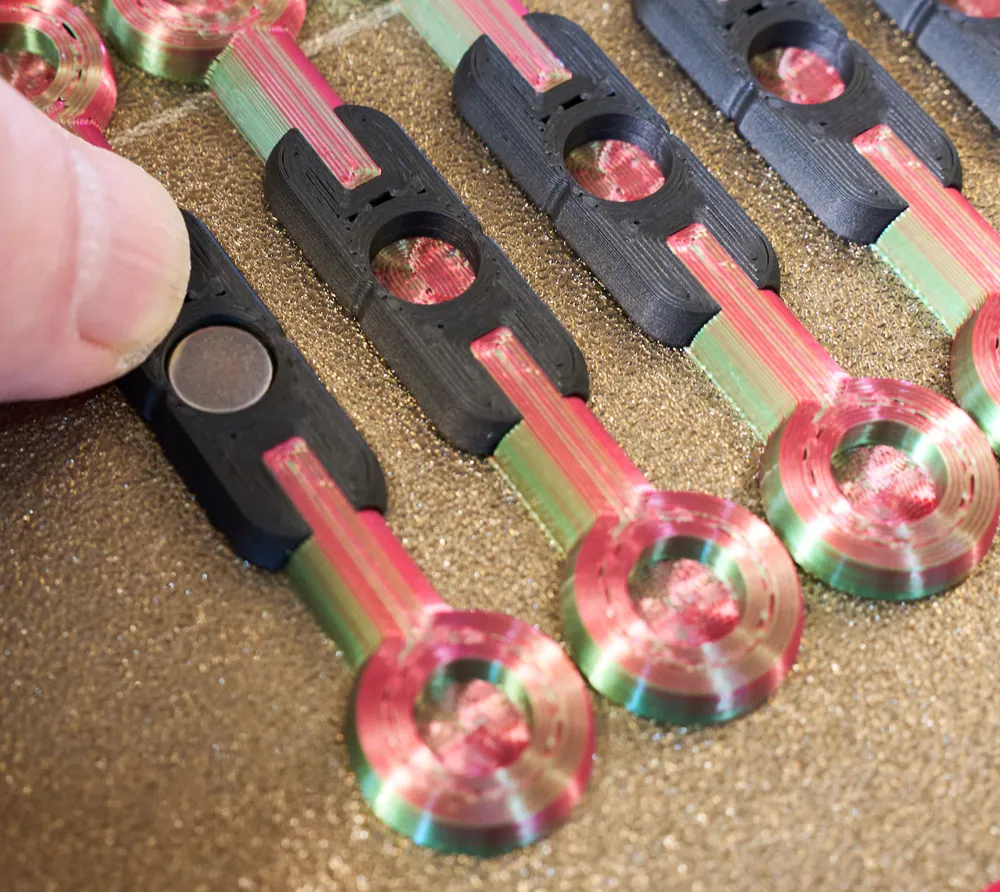
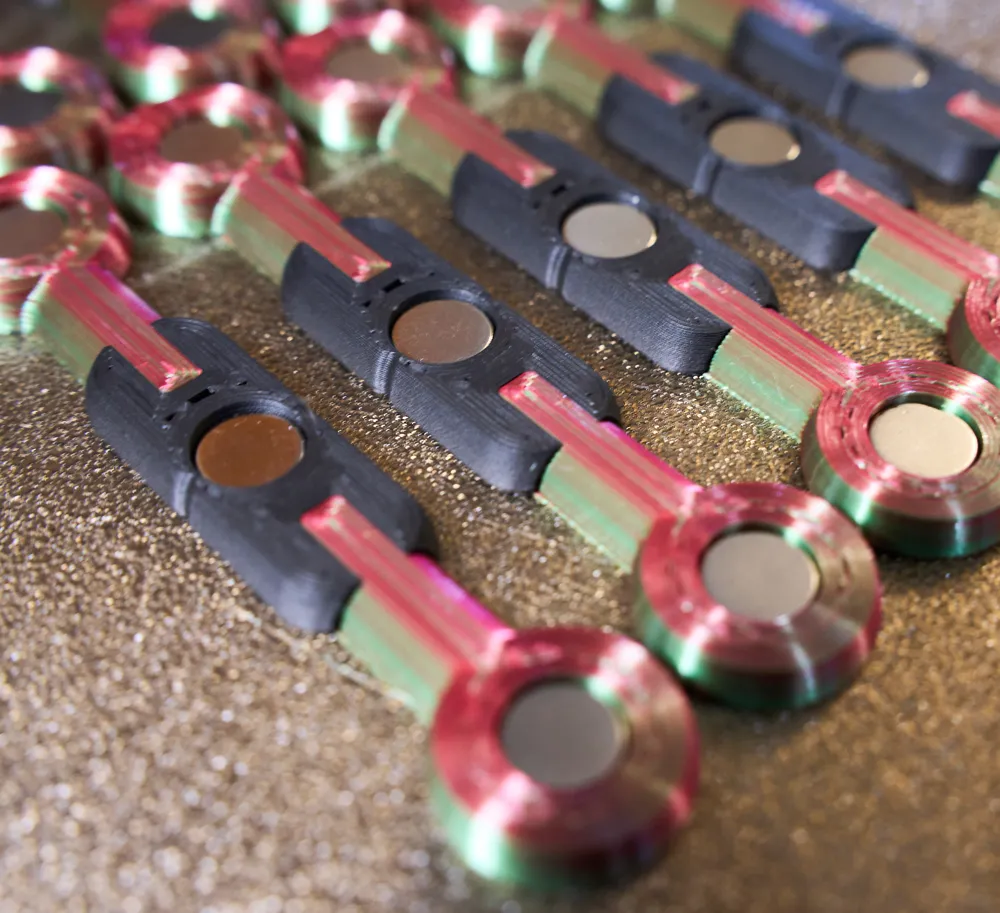
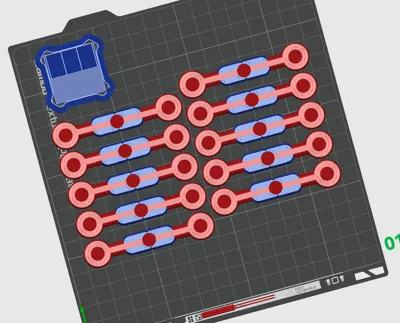
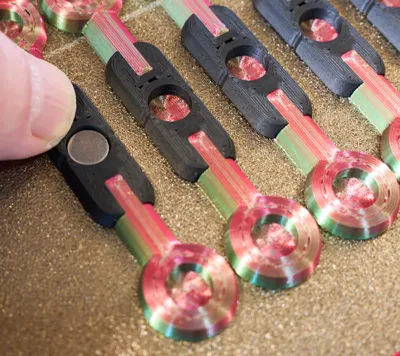
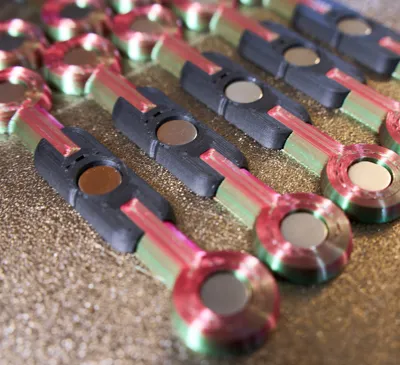
About 45 minutes printing time per pair (when printing 5 at a time). The two halves of each fidget are held together by 8 × 3 mm neodymium magnets (6 per fidget): https://www.amazon.com/dp/B0CDGYTLH6. The magnets are inserted midway through the print—the printer will pause automatically. Insert three magnets in the same orientation for the first fidget half, and then three in the opposite orientation for the second fidget half.
Because color changes happen layer-by-layer, this is a great print to run in batches. Printing several at once is far more efficient—and useful, since these tend to disappear once people try them. You may want to print a bowl to hold a few dozen and leave them on a coffee table or office desk.
For extra fame and recognition, use your slicer to emboss your name, a school name, or company logo on the inside surfaces. :-)
Printing Notes
- Textured build plate yields optimal sliding friction
- Color-change overhead becomes less significant as you clone more items on a single plate
Plate Options
- Two-color version
Allows different colors for center collar and ends - Three-color version
Adds a separate color for the rods, at the cost of additional color-change time - Single-swap version
Faster printing in mostly one color, with a single color change near the end to add highlights on the spheres
License

You shall not share, sub-license, sell, rent, host, transfer, or distribute in any way the digital or 3D printed versions of this object, nor any other derivative work of this object in its digital or physical format (including - but not limited to - remixes of this object, and hosting on other digital platforms). The objects may not be used without permission in any way whatsoever in which you charge money, or collect fees.


Comment & Rating (9)