
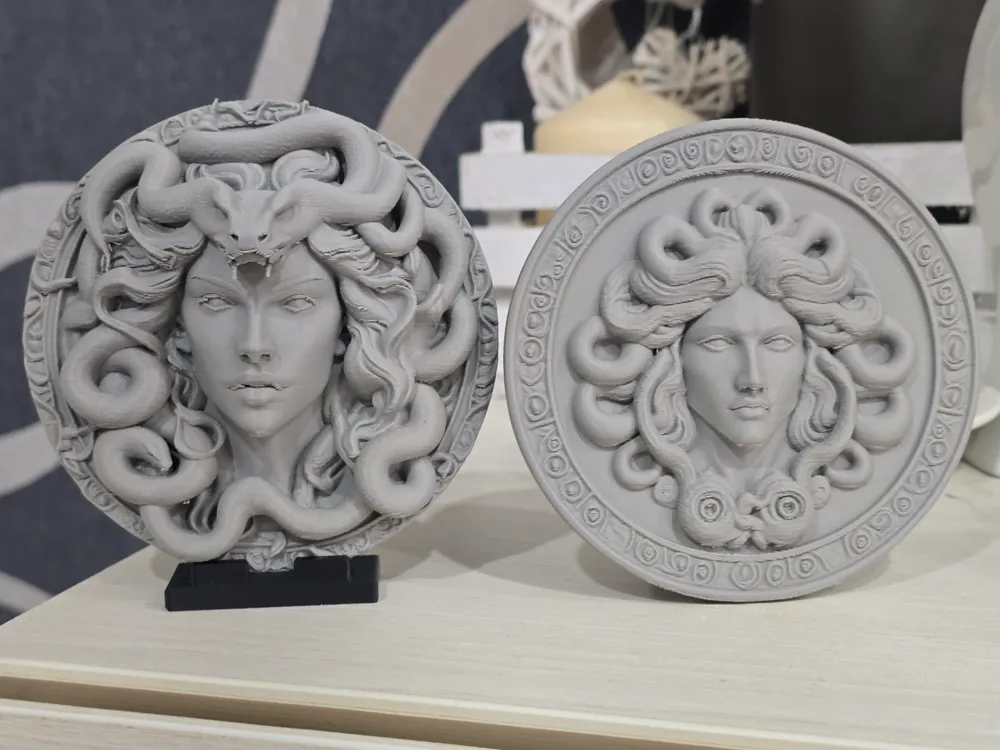
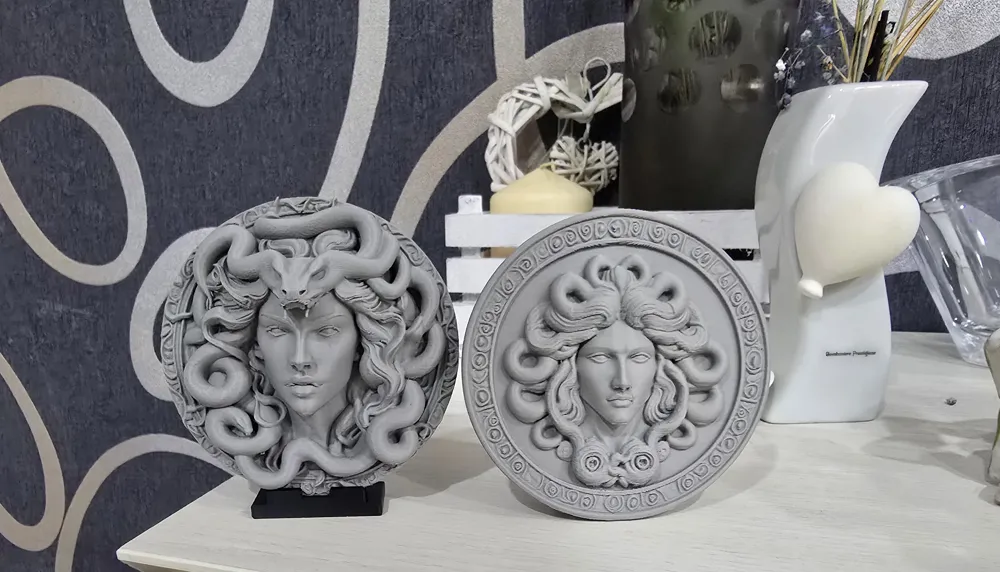
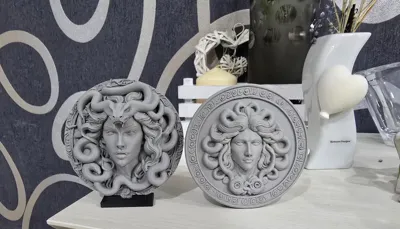
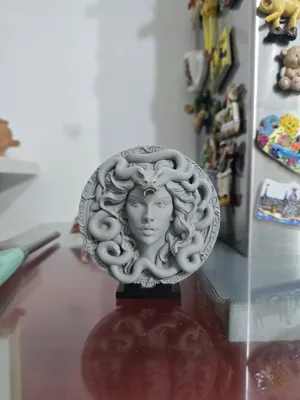
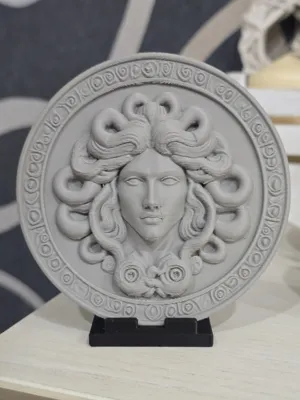
Medusa decorative sculptural reliefs
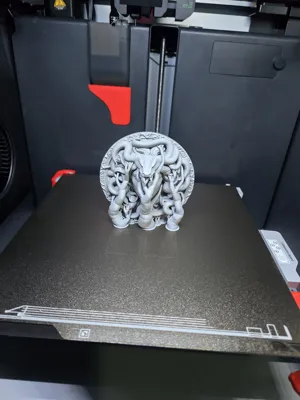
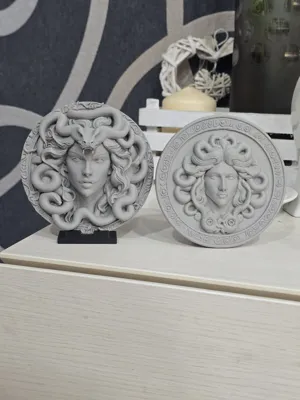
Print Profile(1)


Description
Boost Me (for free)
If you want to support me, I would be grateful. Thank you
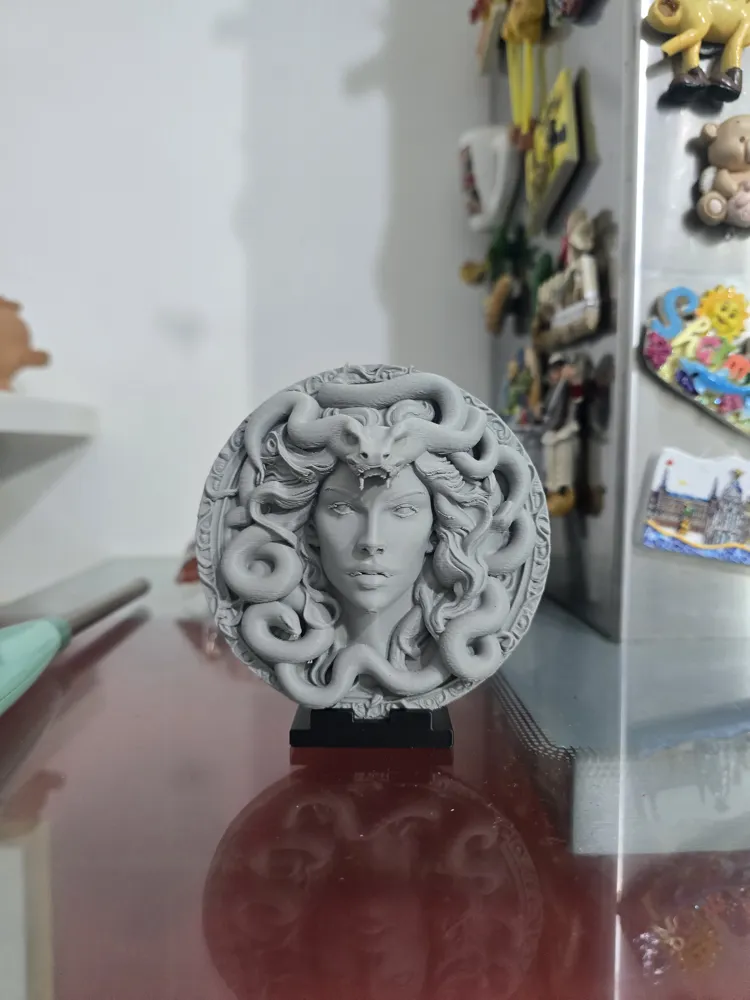
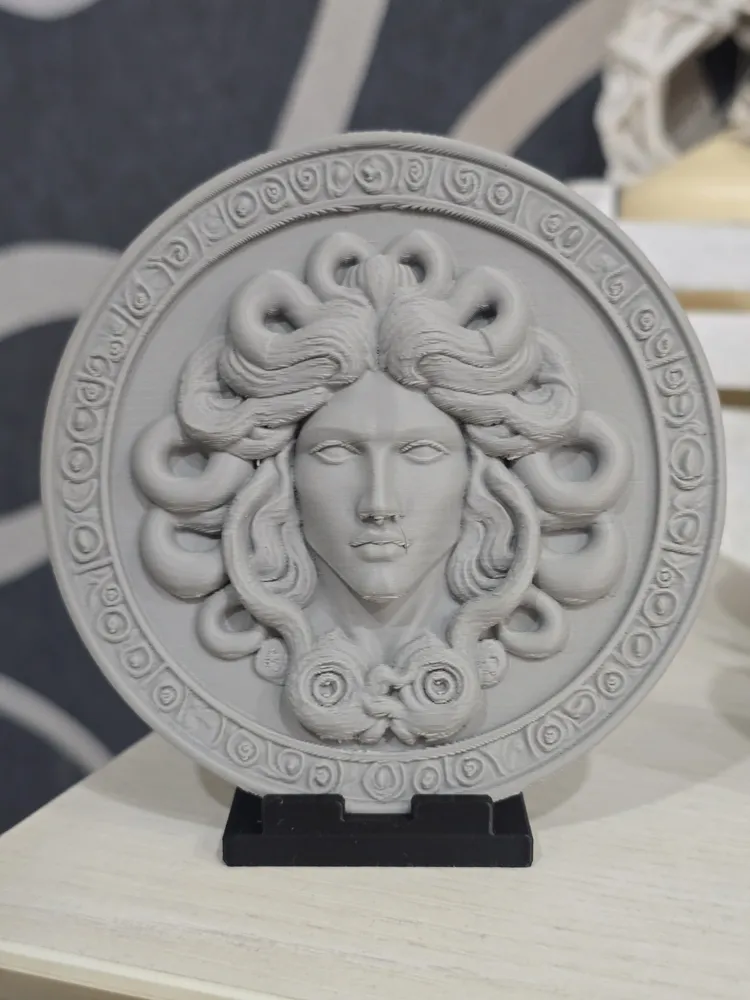
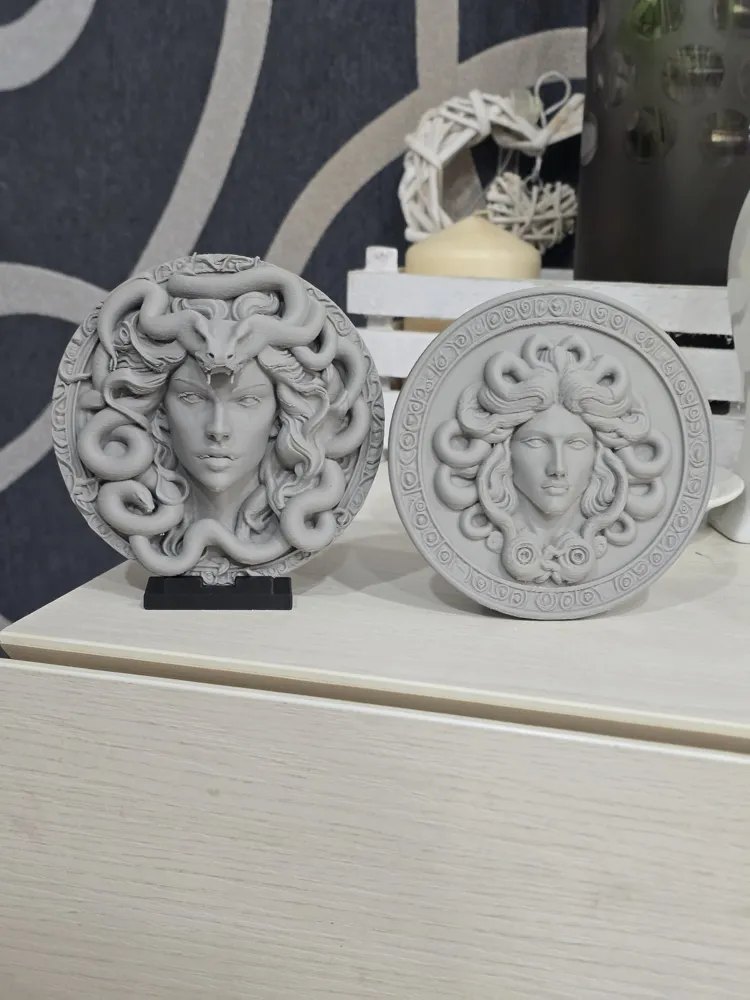
The artworks depict Medusa, a figure from Greek mythology, known for her hair of snakes and the ability to petrify anyone who met her gaze
The pieces are designed for modern decoration
I used Bambulab PLA Basic in gray and black for the base (colors can be changed in the slicer)
The print is simple and only consumes 48 grams of filament in total
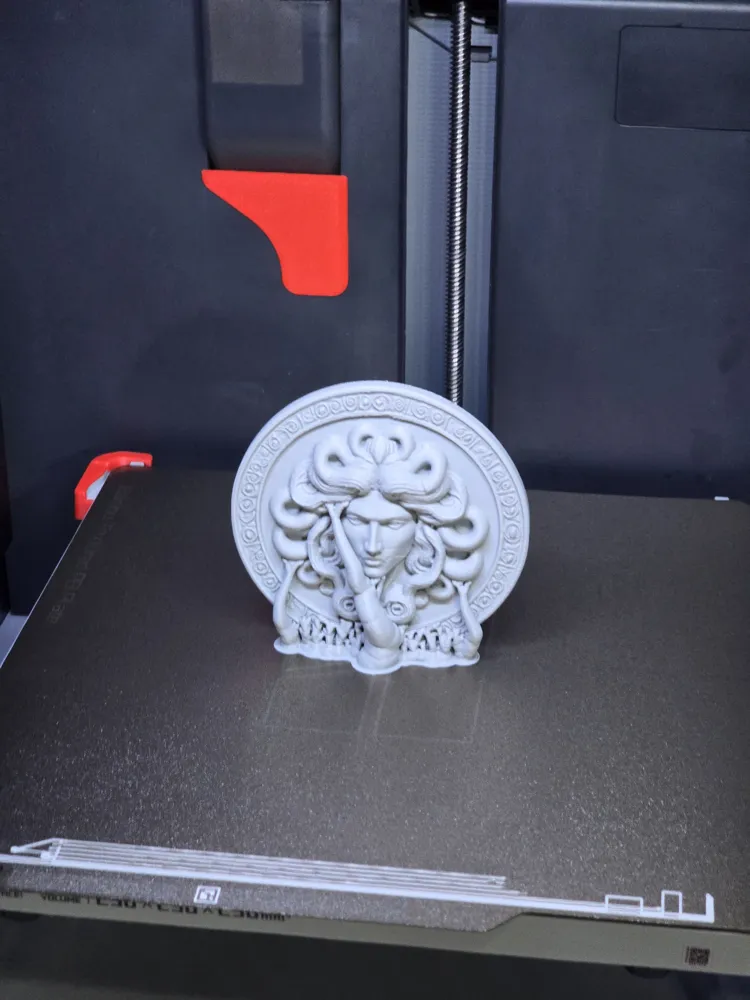
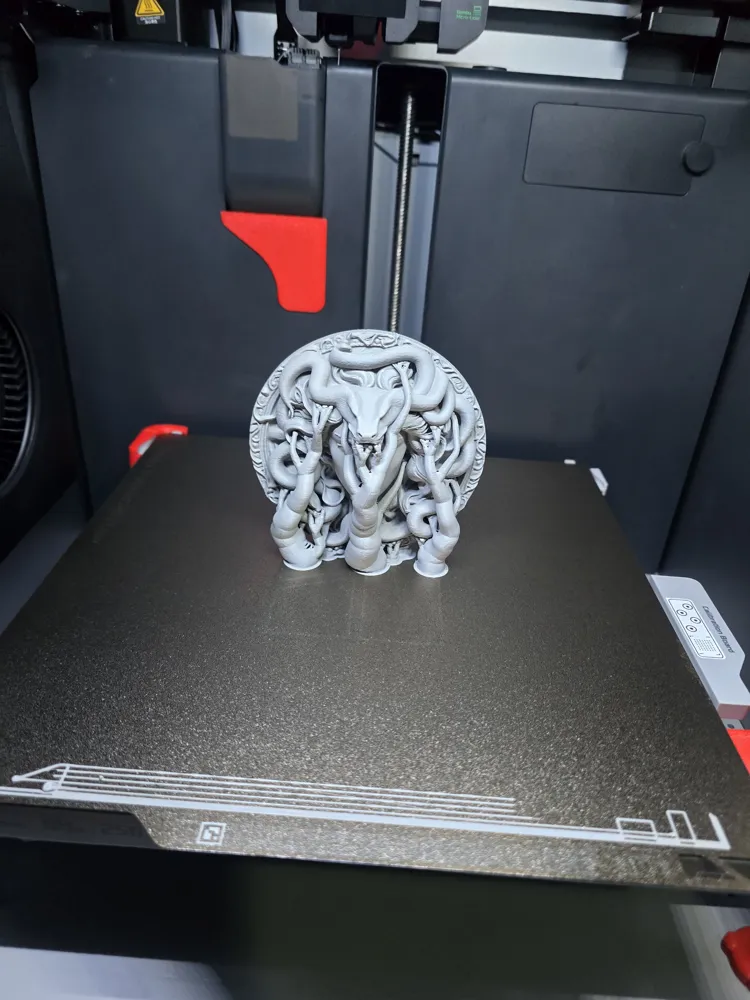
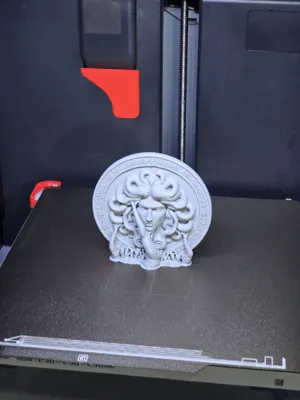
I included supports, and since these are circular patterns, I also added rafts
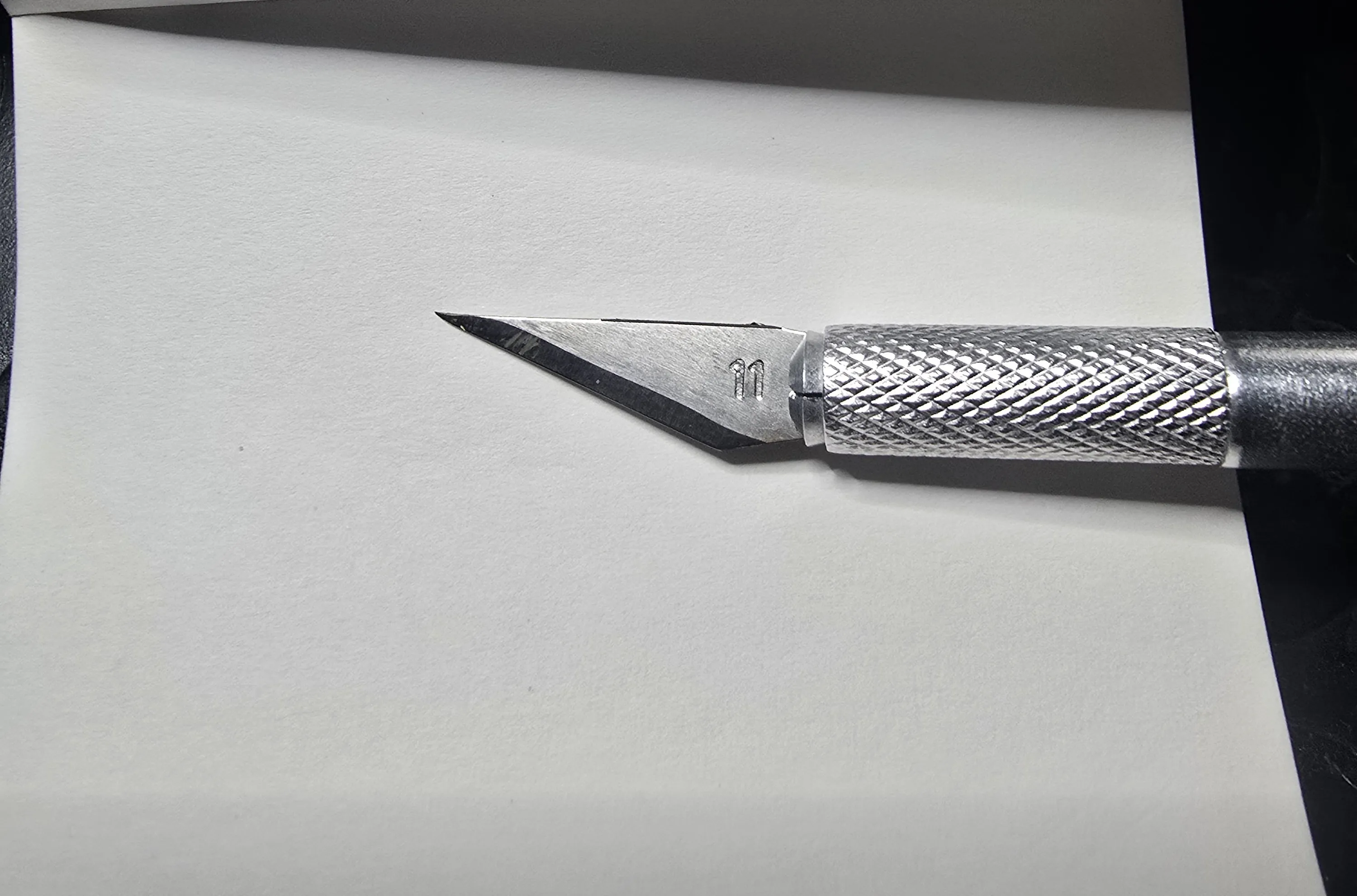
For some, the supports might seem difficult to remove in certain areas, however, if pulled downwards with a bit of force, they come off, do not worry. Use a cutter like this to remove any residue
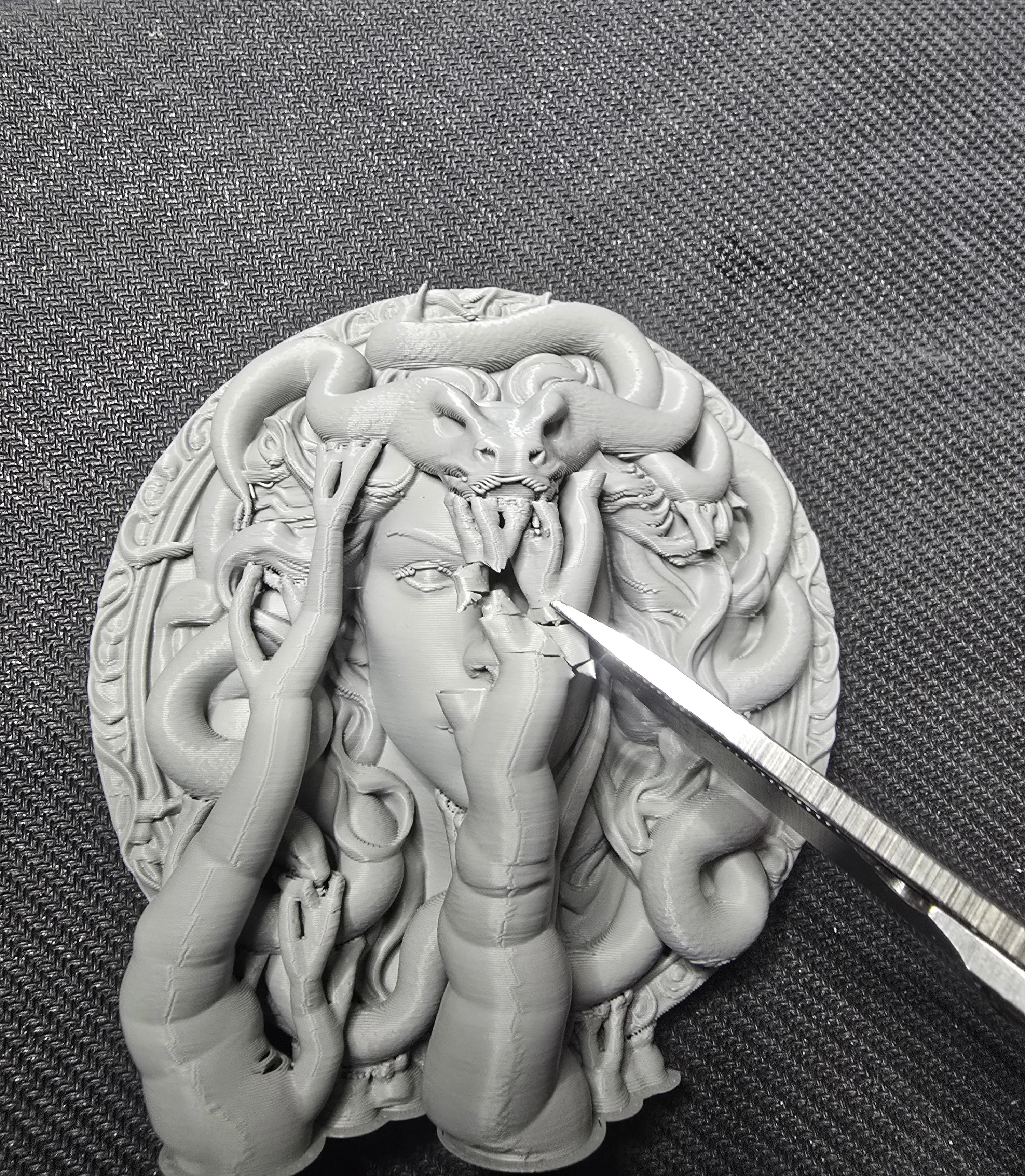
When removing the supports from the object with the snake on its head, be careful, as the snake's teeth are thin and might break. Cut the supports with scissors or wire cutters as shown in the photo. In any case, if they break, take the piece and glue it with cyanoacrylate adhesive, using tweezers to help
I also designed a small black base to break up the color (obviously, if you scale up the model, you will also need to proportionally scale up the base) Adjust it as you see fit and experiment!
In alternative, you can also use another display stand that I designed, for which I am providing the link, choose the large version (Coin and medal display (S M L size) custom - Free 3D print model - MakerWorld)
If you do not want the base, just delete it in Bambu Studio; if you want to change the color, you can do so in the slicer
Choose the model you like best and delete the other one from the slicer
If you want maximum detail, perhaps use a 0.16 preset instead of 0.20 (obviously print times will increase)
PRINTING INSTRUCTIONS:
Layer height 0.2 mm
Initial layer height 0.2 mm
Wall loops 2
Top shell layers 5
Bottom shell layers 3
Infill 15%
Infill pattern Grid
Supports Yes
Raft Yes (raft layers 9 - raft Z distance 0.28 mm)
Outer wall speed 200 mm/s
Inner wall speed 300 mm/s
Normal print acceleration speed 8000 mm/s
Outer wall acceleration speed 8000 mm/s
License

You may create derivative works based on this object, provided that all such derivative works are published exclusively on the MakerWorld platform and include proper attribution to the original creator. You may not share, upload, host, distribute, or publish this object—or any derivative work of this object—on any other digital platform, marketplace, or distribution channel. Commercial use of this object and any derivative works is strictly prohibited. This includes, but is not limited to, selling, renting, sublicensing, or using the object in any context in which you receive monetary compensation or other financial benefits.


Comment & Rating (8)