
MODULAR ROBOT EDUCATIONAL PROJECTS IN THINKERCAD


Print Profile(0)
Description
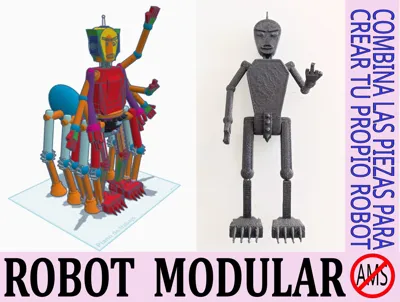
MODULAR ROBOT FOR THINKERCAD PROJECTS
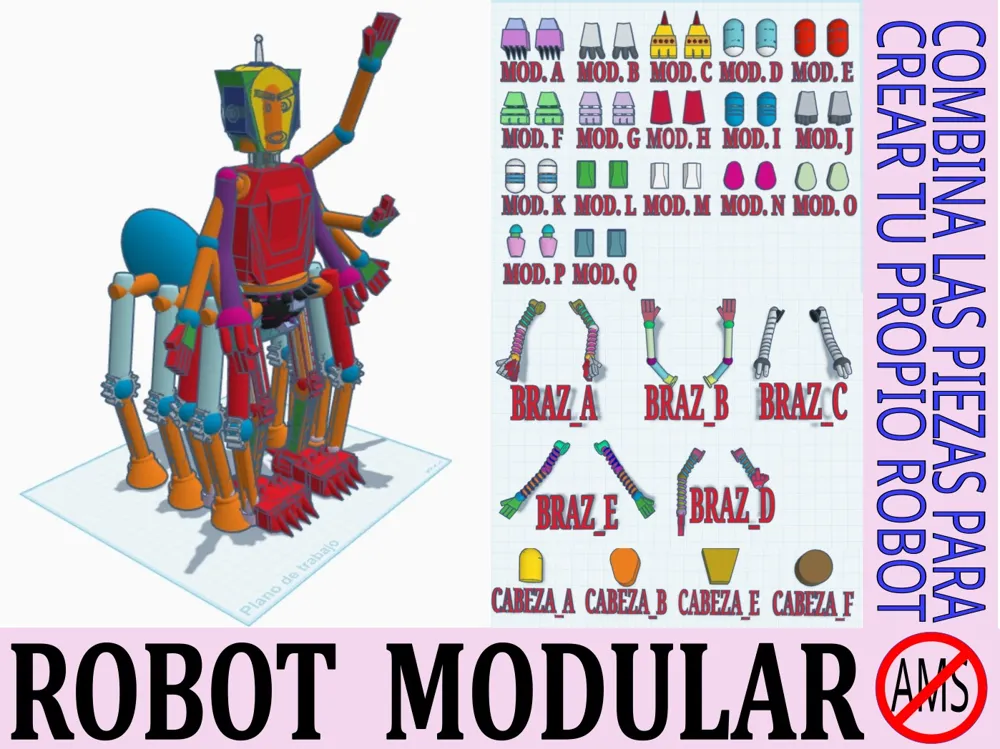
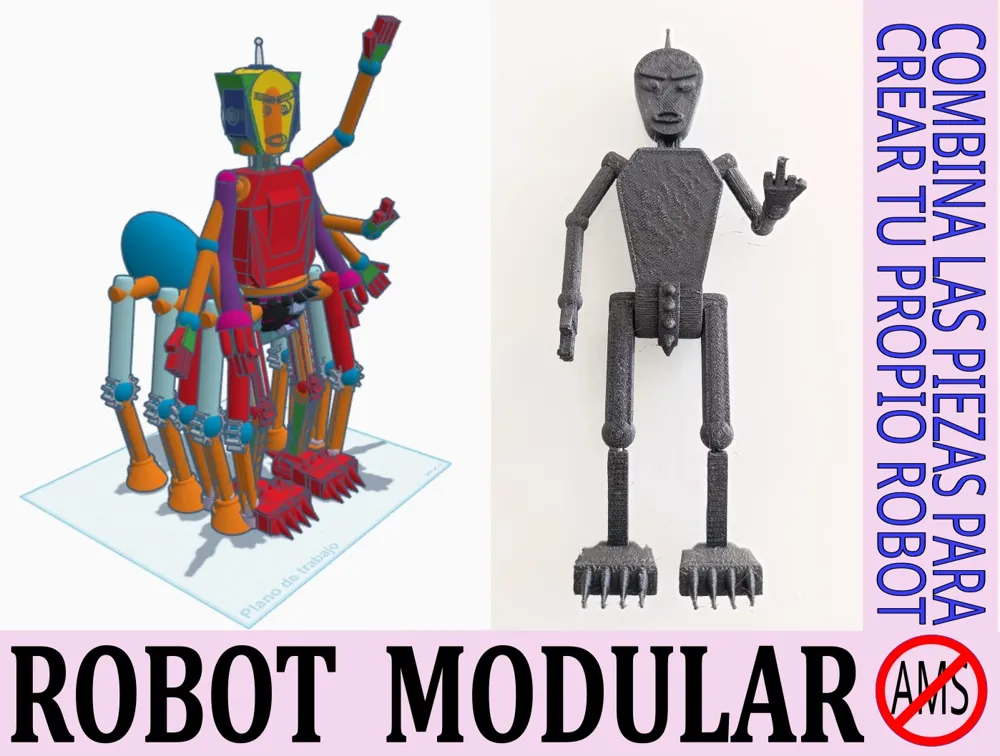
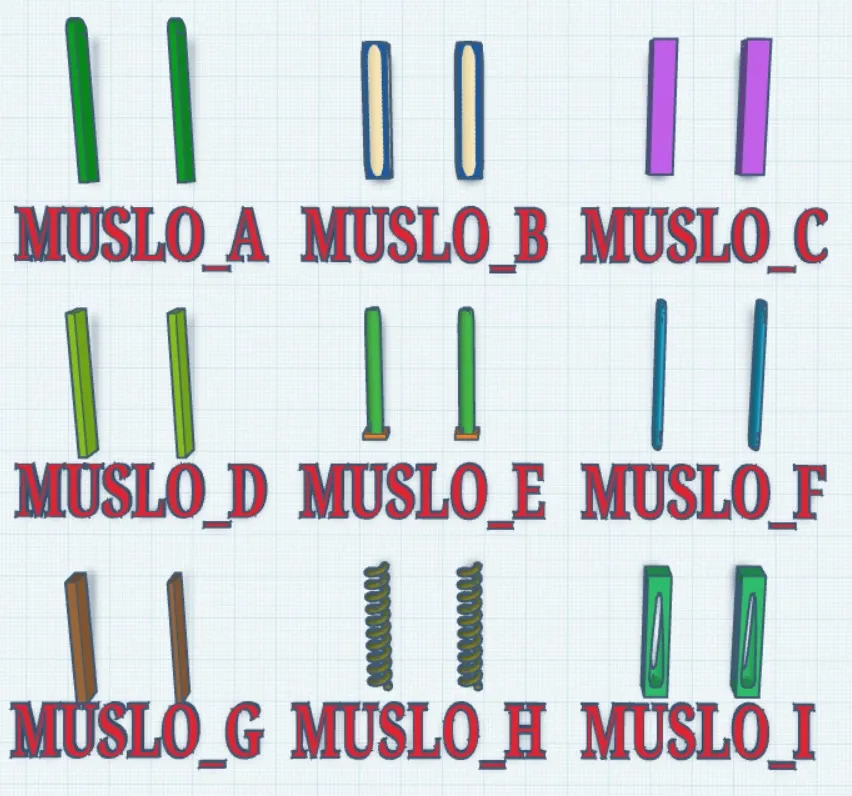
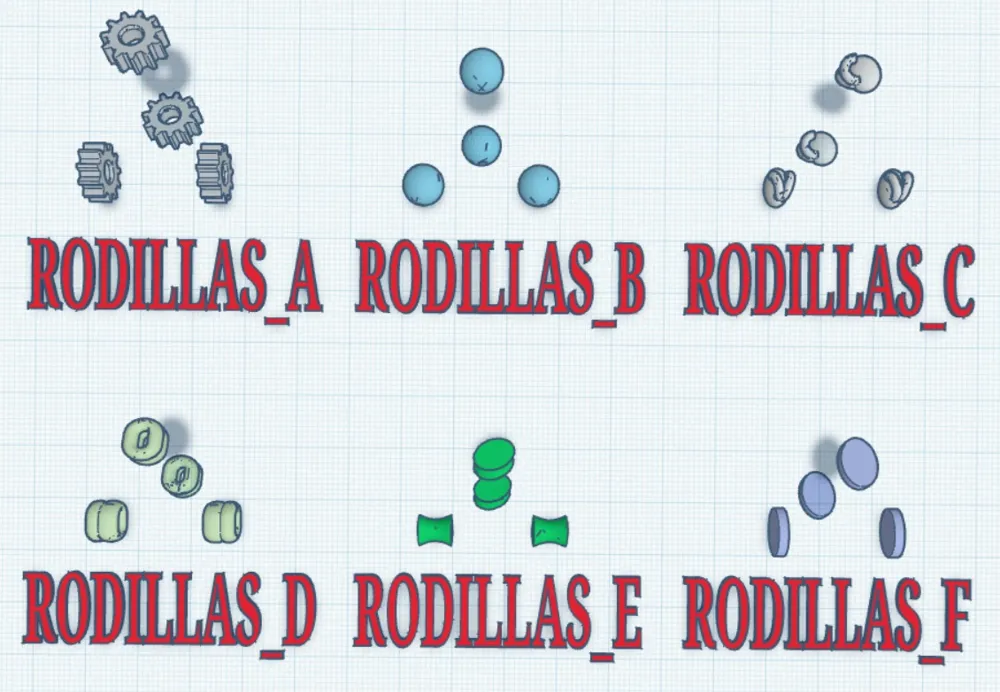
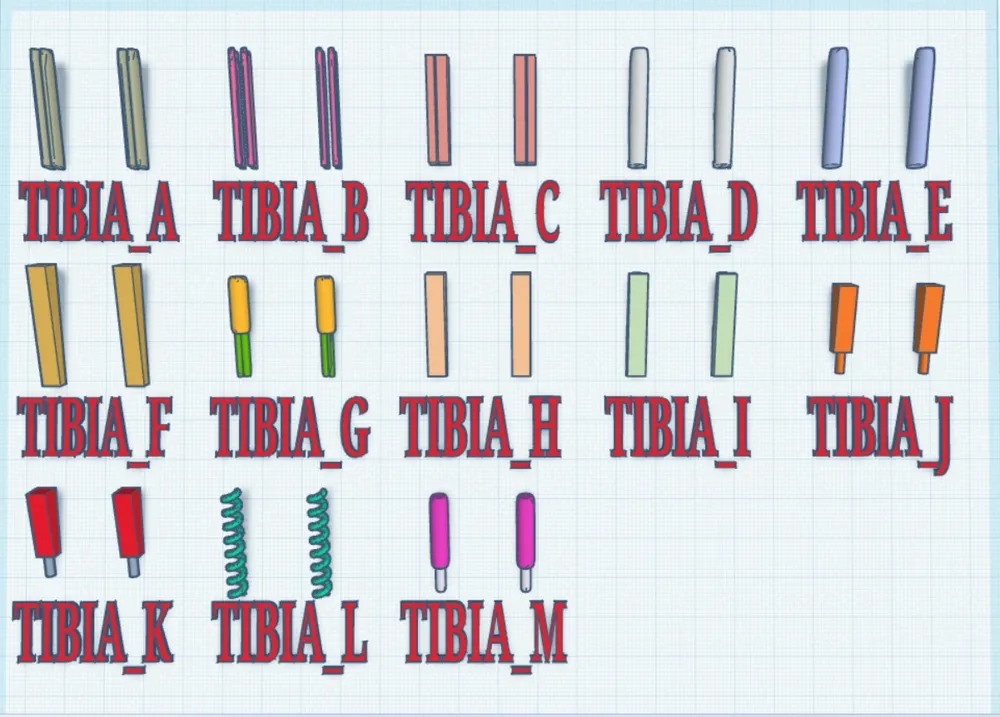
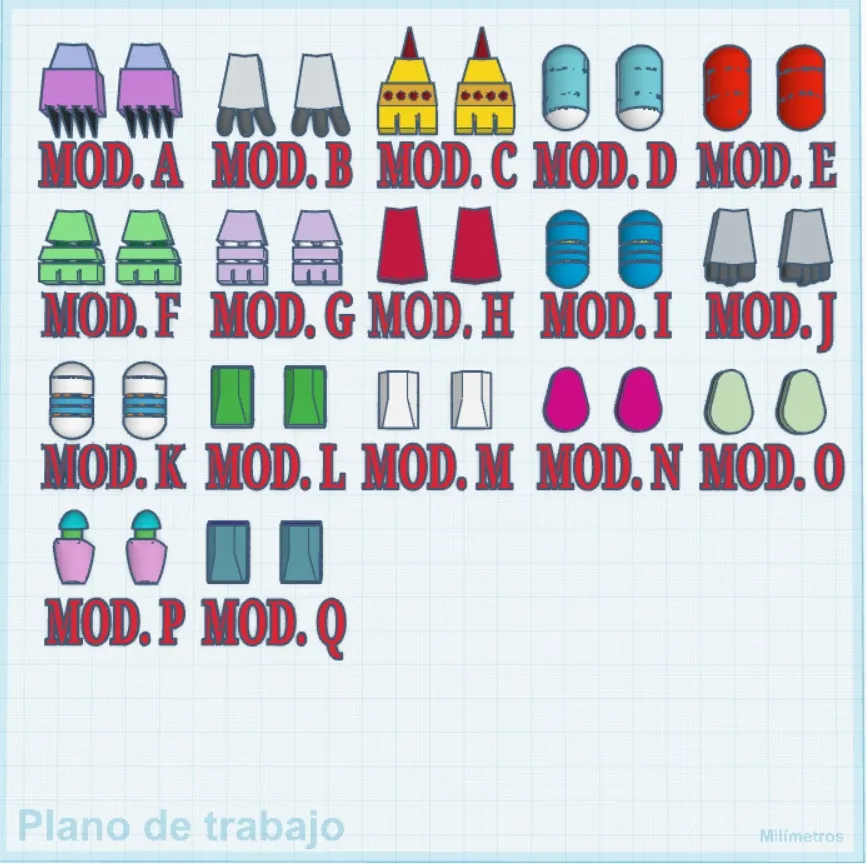
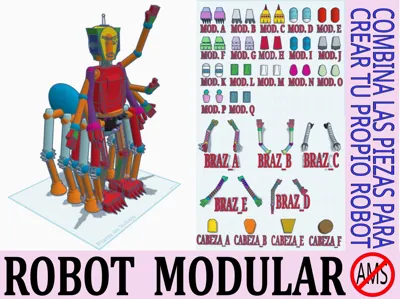
I present a robot divided into interchangeable parts that are fully compatible with each other. It is ideal for educational projects.
To create your own robot, you just need to download the chosen parts, upload them to THINKERCAD, align them (this is done with 3 clicks) and change the colors or customize them as you like.
The process is very simple, but I will try to detail it in some videos. The images you can see below this text are actually Animated Gifs. If you are using a personal computer, they will animate automatically, but if you use a mobile phone or a tablet, you will probably have to click on them to play.
STEP 1: REGISTER ON THE PAGE:

MakerWorld only allows a limited number of downloads if you are not registered. So if you want to download all the robot parts, you will need to register. To do this:
Look for the LOG IN icon in the top right corner.
Click CREATE YOUR ACCOUNT.
Enter your email.
Request the verification code. You will receive it at the address you provided.
Create a password.
Click LOG IN NOW.
IMPORTANT: This page only allows downloading .stl files from a computer, even if the publication can be viewed from a mobile phone or tablet.
STEP 2: DOWNLOAD THE ROBOT PARTS

The process is very simple, just follow these steps:
Open the model on your computer. (This page does not allow downloads from mobile phones)
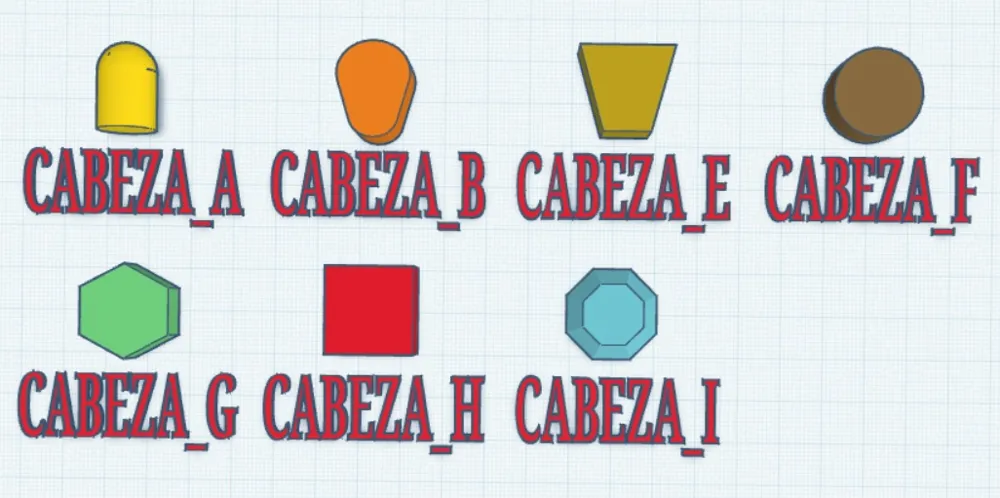
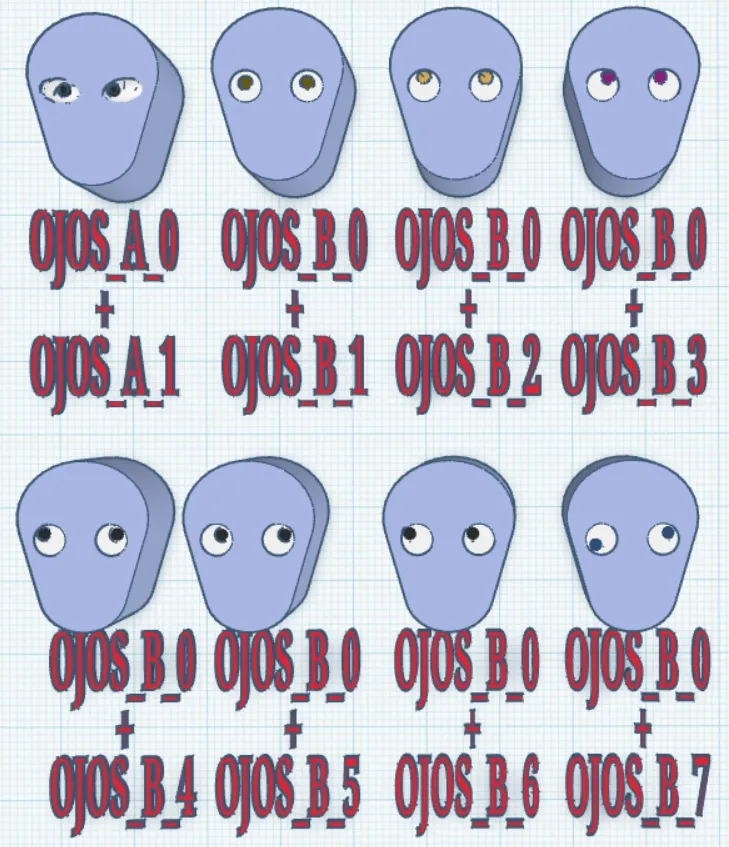
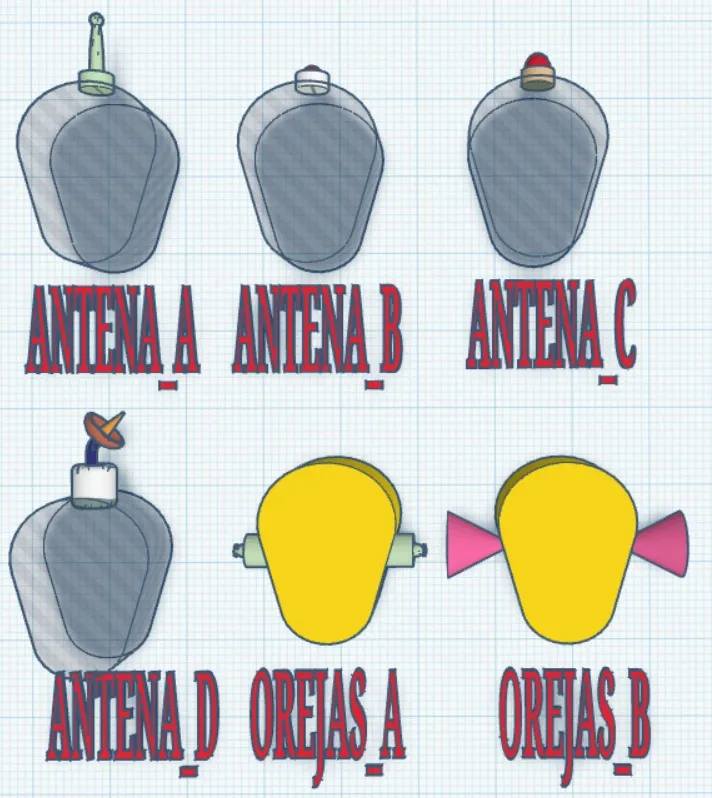
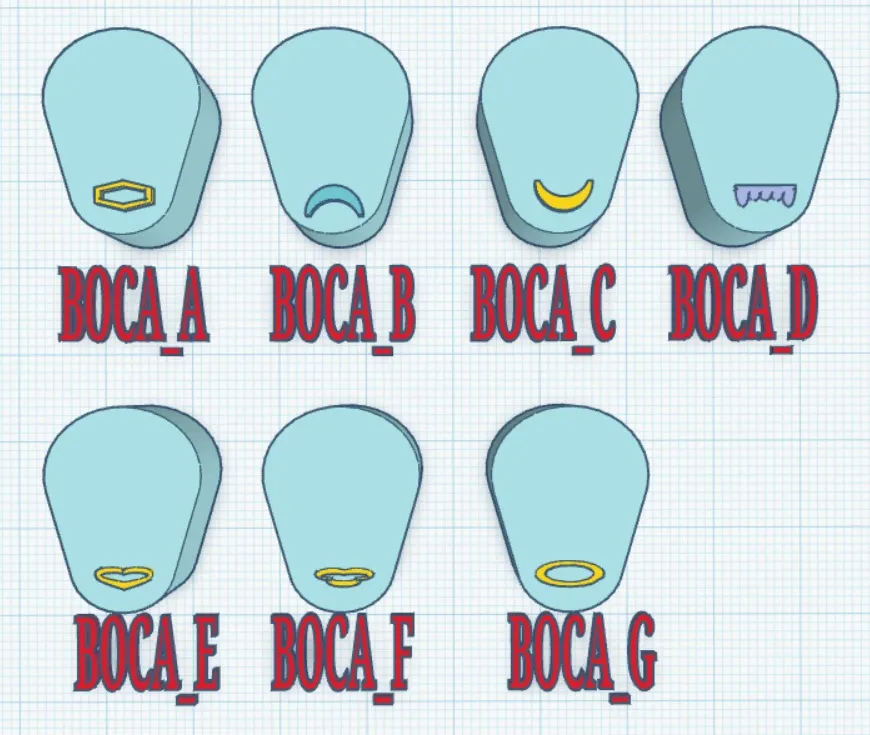
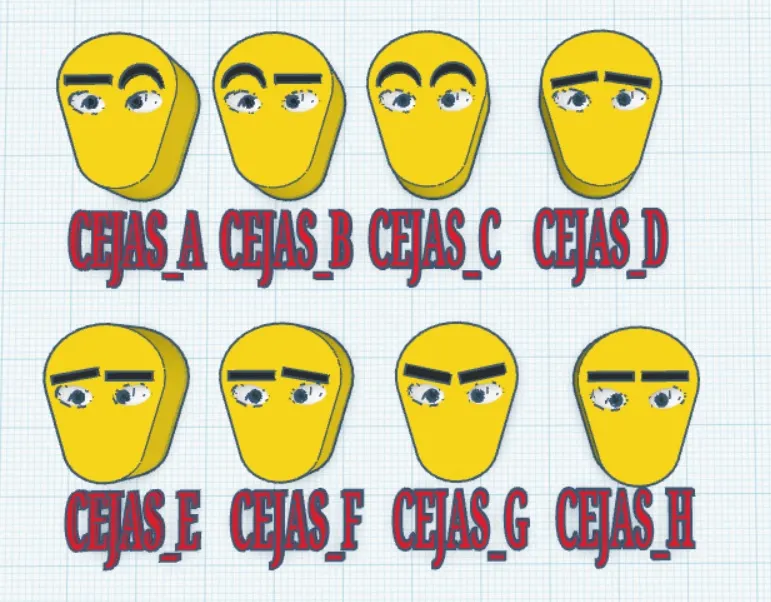
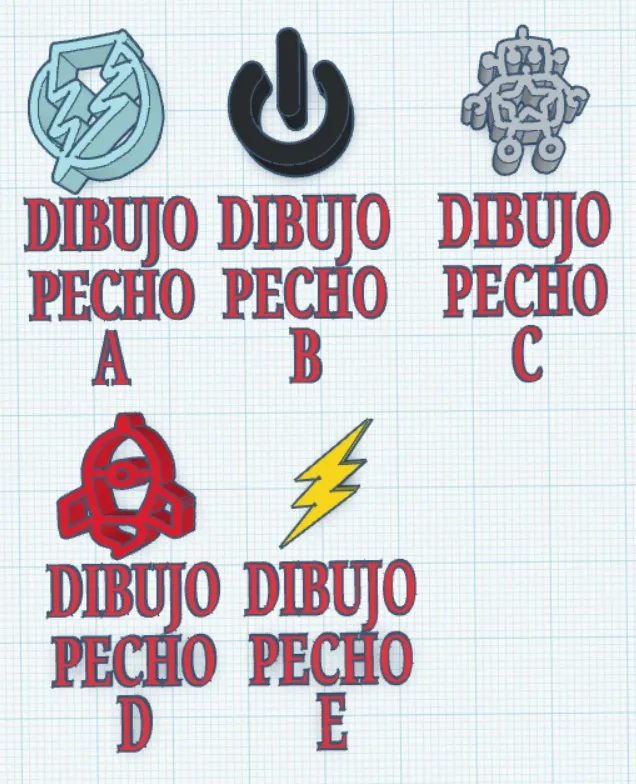
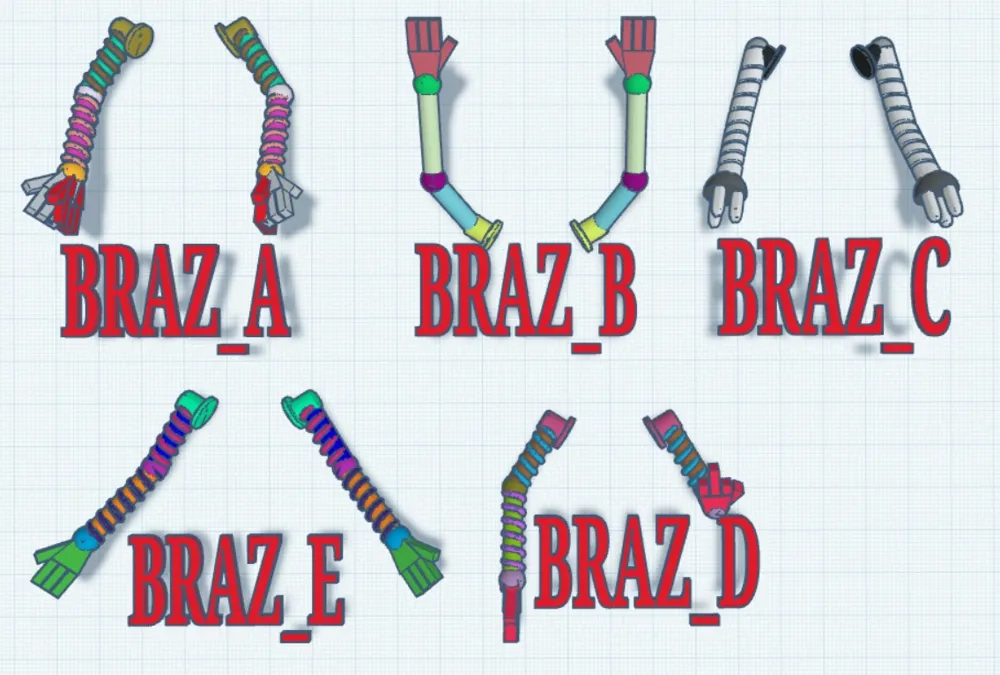
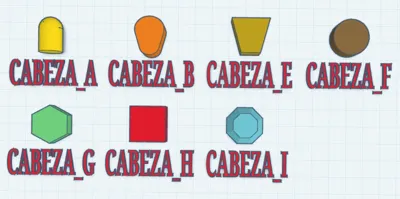
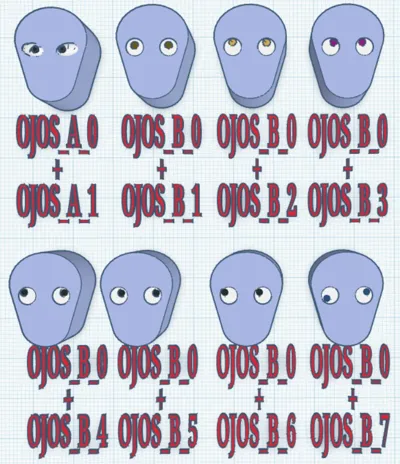
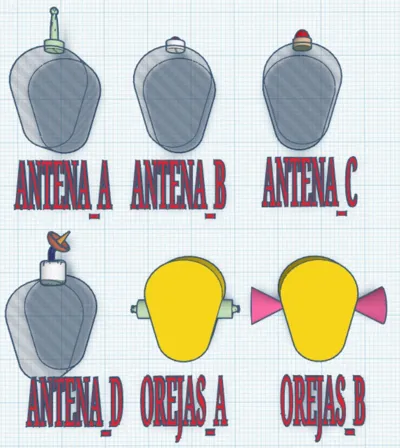
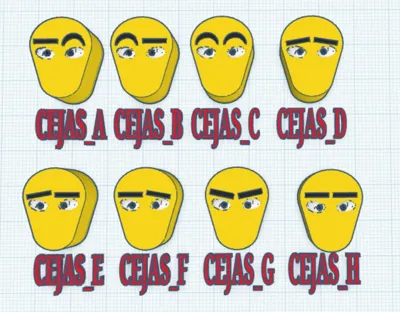
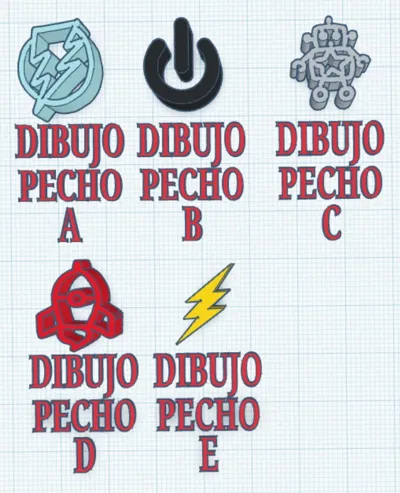
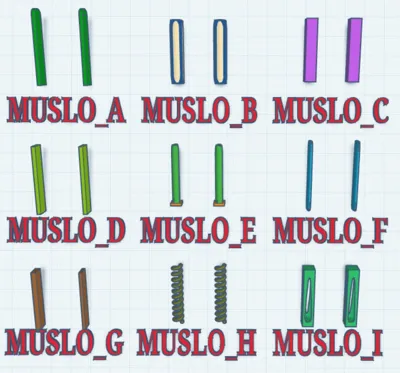
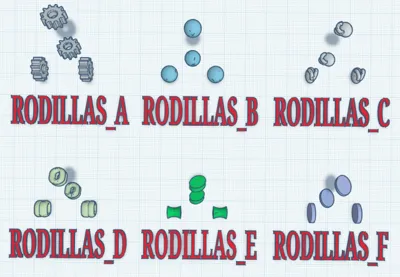
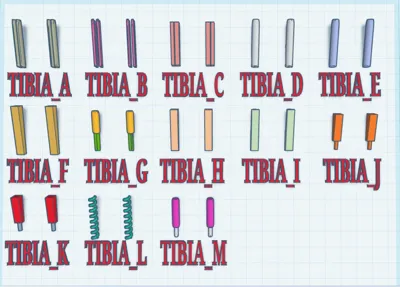
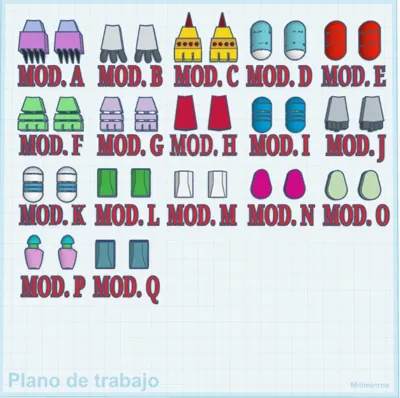
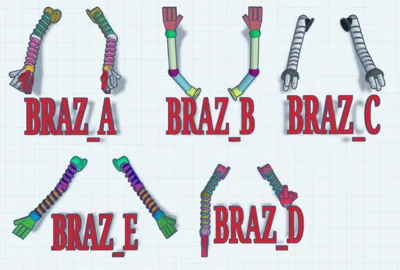
Review the photographs of each part. For example, view the image with the heads, and write down the name of the one you like best, then the eyebrows, eyes, neck, etc…
Click the elongated green button you will find on the right side of the page. The button says DOWNLOAD STL/CAD FILES.
Once you click the green button, a window with all the files will open. The files are grouped into folders. For example, there is a folder for knees, another for heads, etc… Expand a folder, find the file you previously chose, and click the button with a downward arrow to download it to your computer.

STEP 3: UPLOAD THE PARTS TO THINKERCAD
For this, you only need to remember where the parts you downloaded in the previous step were saved, and then:
Open THINKERCAD.
Click the IMPORT button, which is in the upper right corner.
Find the folder where the files are saved.
Open the files. They must be imported one by one. Repeat the process until you have all the parts in THINKERCAD.
STEP 4: ORGANIZE YOUR ROBOT

You've probably noticed that all the parts are attached to a small square on their right. In fact, after uploading all the robot parts to THINKERCAD, you will probably have a lot of disorganized squares and parts. To organize it, simply:
With the left mouse button pressed, select all parts.
Look for a button in the upper right part of the screen with a vertical black line, and two horizontal rectangles. When you hover the mouse pointer over it, a small sign will appear that says ALIGN. Click the button.
You will see that lines and circles appear around the figure.
Click with the mouse on the bottom left circle and also on the bottom right one. If you have doubts, look at the video.
STEP 5: COLOR YOUR ROBOT
Since all the parts are independent, you can change their colors to others you prefer. Simply select one of them, and a window will appear where you can choose the color you like best. In the video for step 3, at the end, I show you how to do it.
Boost Me (for free)
If you liked this model, you can give me a boost.
You can also leave a comment to ask me to do something similar with other models.
License

You shall not share, sub-license, sell, rent, host, transfer, or distribute in any way the digital or 3D printed versions of this object, nor any other derivative work of this object in its digital or physical format (including - but not limited to - remixes of this object, and hosting on other digital platforms). The objects may not be used without permission in any way whatsoever in which you charge money, or collect fees.


Comment & Rating (2)