Search models, users, collections, and posts

2in Vending Machine Prize Capsules - THERMOFORMING

Print Profile(1)

All
A1
H2D
X1E
P1P
X1
H2S
X1 Carbon
P2S
H2D Pro
A1 mini
H2C
P1S
X2D
A2L

Standard Profile 0.2mm layer, 4 walls, 20% infill
Designer
3.4 h
5 plates
4.9(44)

Open in Bambu Studio
Boost
1376
3613
103
49
1.7 k
920
Released 

Description

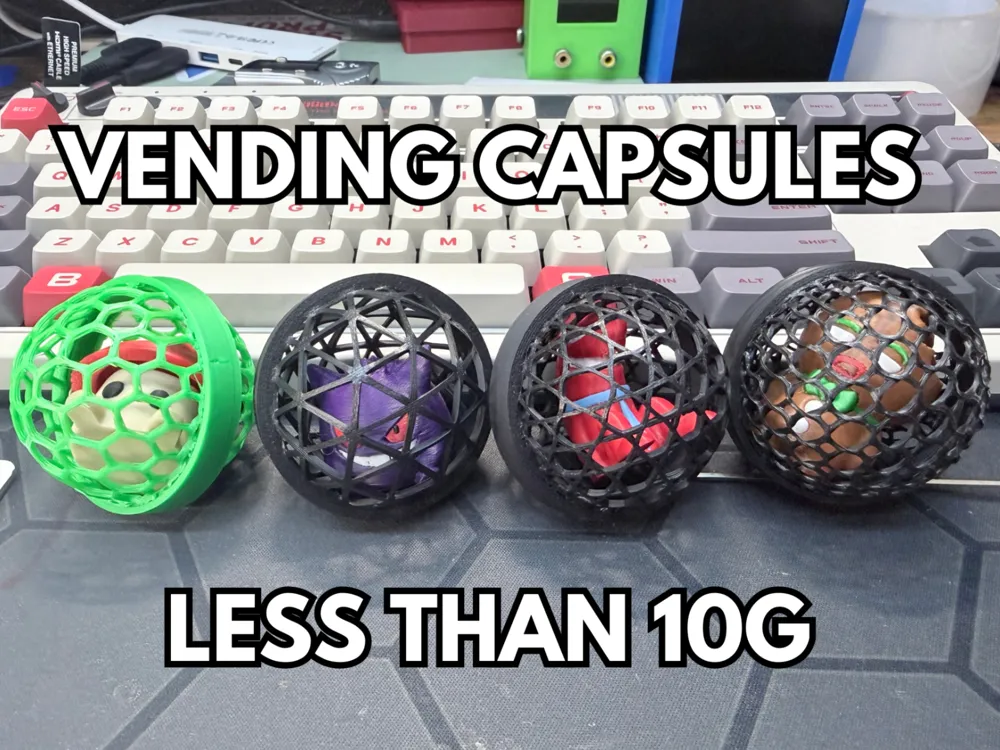
Make Capsules for any 2in capsule vending machine for a FRACTION of the cost with the magic of THERMOFORMING!!

It's easy! Just follow the steps:

  1. Print the two halves of the capsule “puck” with the pre-loaded settings in Bambu or Orca
  2. print the form and press in PETG with at LEAST 4 walls - This makes it able to withstand the direct heat!
  3. Place one half of the puck in the press

  4. Blast it with a heat gun until it BARELY starts to stretch (You want the filament to be elastic, not liquid)
  5. Press down HARD with even pressure and hold it there until its cool. You can speed this up with a little fan or by blowing on the model.
  6. Repeat for the other half
  7. Screw 2 halves together
  8. Vend!


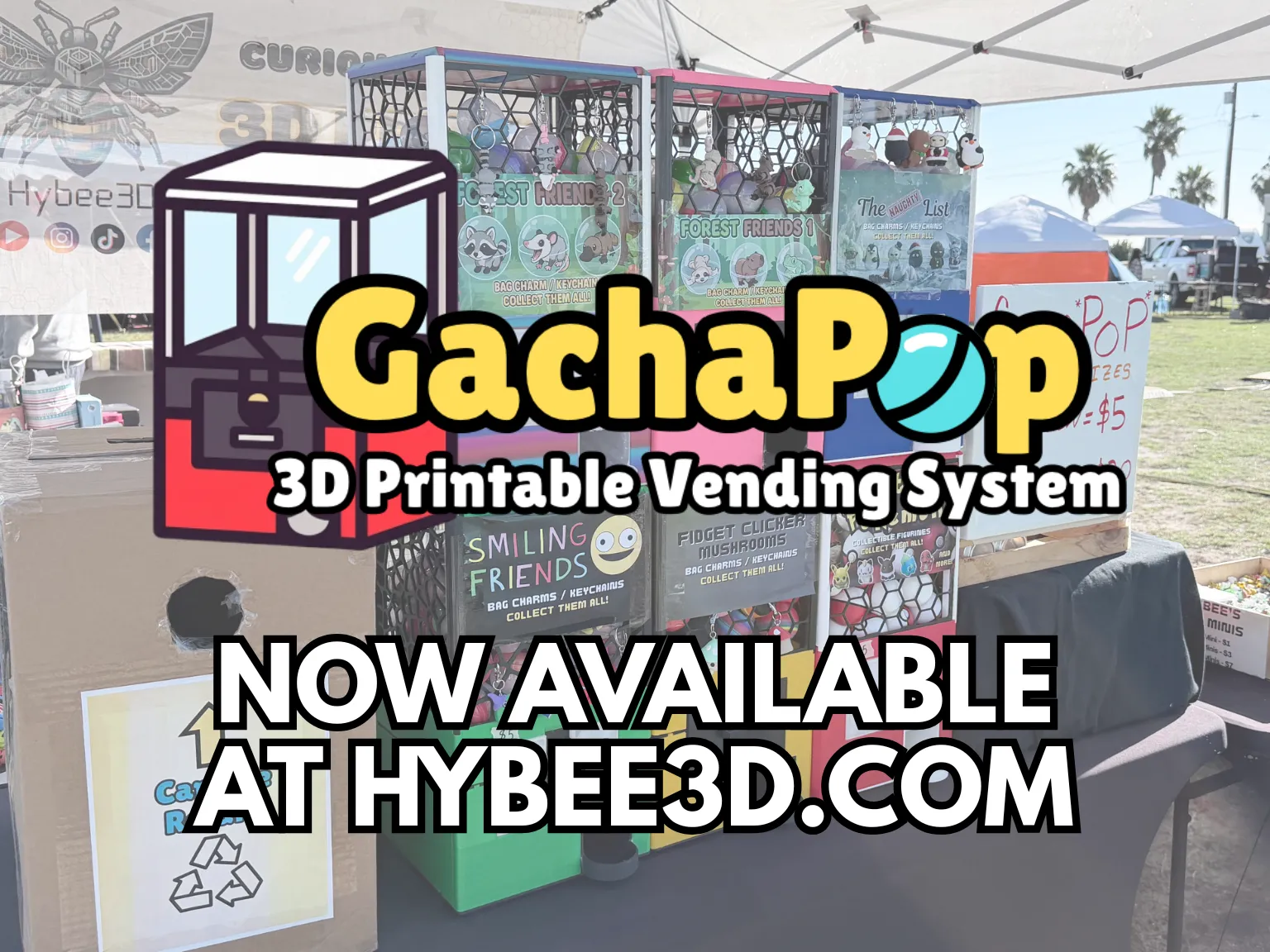
Don't have a vending machine? Print one!

GachaPop 3D Printable Vending System
Comment & Rating (103)

(0/1000)

I don't know if i am doing something wrong, but the only files i have dont have any of the shapes for the balls, just a solid top and botoom, am i supposed to be doing another step?
1
Reply
same here
0
Reply
the problem is that the walls disappear in the slicer, when you laminate you will notice that only the infill remains
Show original
1
Reply
Replying to @Milo25 :
the same thing happens to me, when laminating the walls are not removed, it remains completely flat like a lid
Show original
0
Reply
Print Profile
Standard Profile 0.2mm layer, 4 walls, 20% infill
The profile uploader has replied
profile
2
Reply
CUTE as HECK
0
Reply
How do I get this to print like this, mine print flat puck like solid, can you please walk me through this to achevieve this thank you in advance
0
Reply
Replying to @MichelleConely :
One of the plates for this file should be a mold that you will print. Once you have the mold, you will use a heat gun to warm the honeycomb flat piece. It should only take a few seconds. while it is warm you will press it down using the top part of the mold against the bottom part of the mold. After about 10 to 20 seconds you should be able to pop it right off of the mold. you will have to do this for every flat piece.
0
Reply
can someone tell me what i am doing wrong
0
Reply
this is exactly the same problem I have.
0
Reply
Replying to @BruggieNLD :
thats just the heat not being even. i still run the ones that come out like this myself
0
Reply
Replying to @user_2674171984 :
after trial and error i now can make capsules 👌🏻
0
Reply
Awesome print, i've downscaled it to 75% for my 1.5inch starry gacha and its perfect. For this file to work on other slicers take the same 0.2mm layer but turn top and bottom layers to 0 and put some infill pattern like honeycomb and it prints perfect regardless of which slicer do you use.
2
Reply
I appreciate this thank you! I am making for the same machine.
0
Reply
Print Profile
Standard Profile 0.2mm layer, 4 walls, 20% infill
I feel like some of the shapes work better than others, but it could just be user error when I’m heating them. All in all I think they are great and my kids loved filling them for our vending machine.
The profile uploader has replied
0
Reply
definitely! The tri-hexagons are the strongest i've found
0
Reply
The secret for those of you having issues with printing pucks is to download the 3MF rather than the STL. At least thats what worked for me. Bottom is the STL imported. The rest are all from the 3MF.
0
Reply
Print Profile
Standard Profile 0.2mm layer, 4 walls, 20% infill
made some changes so it could fit my machine 😉
(Edited)
0
Reply
It looks quite interesting. I'm about to try them and use them on an educolon machine, they look great!
Show original
0
Reply
Print Profile
Standard Profile 0.2mm layer, 4 walls, 20% infill
I love these, any chance you can make a profile for a 1 inch capsule?
0
Reply
These are awesome! took a couple of times to get the hang of it but I can't wait to at them to my machine!
0
Reply

License

This user content is licensed under the MakerWorld Exclusive License.

You may create derivative works based on this object, provided that all such derivative works are published exclusively on the MakerWorld platform and include proper attribution to the original creator. You may not share, upload, host, distribute, or publish this object—or any derivative work of this object—on any other digital platform, marketplace, or distribution channel. Commercial use of this object and any derivative works is strictly prohibited. This includes, but is not limited to, selling, renting, sublicensing, or using the object in any context in which you receive monetary compensation or other financial benefits.