
BambuBeacon – Smart State Light for Bambu Printers
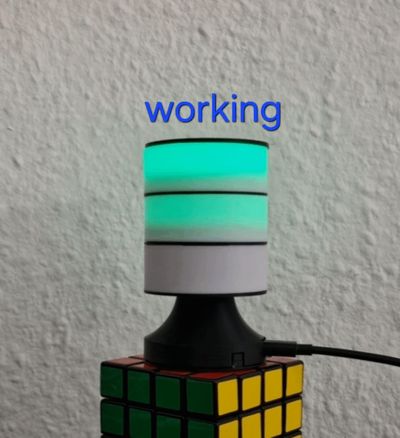
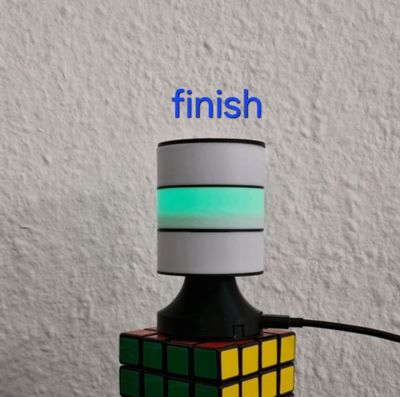
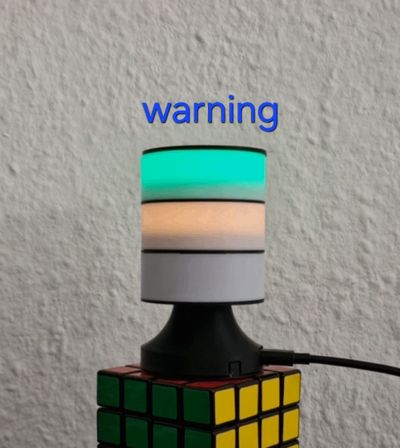
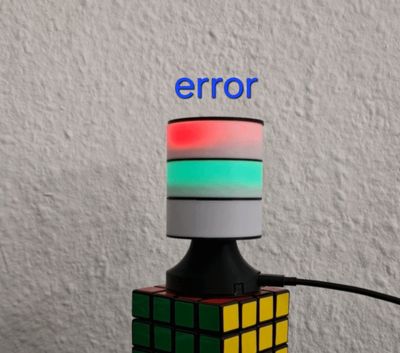
Print Profile(6)


Bill of Materials
- Wemos D1 Mini ESP32 x 1: For Wemos Variant
- WS2812b 12Bit LED Ring x 3: ID_min 22mm | OD_max 52mm For Wemoos Variant
- Soldering Wire x 1:
- ESP32-C3 Nano x 1: for the ESP32-C3 Nano Variant
- Athom Wled Slim x 1: for the Solder Free variant
- bambuBeacon LED KIT x 1: https://all-solutions.store/bambubeacon/
Description

Smart Status Light for BambuLab Printers
Boost Me (for free)
Enjoyed it? A like + Boost would mean a lot and helps me keep creating. Thanks!
BambuBeacon – Multi-Ring Status Beacon for BambuLab Printers (DIY or Solderless Kit)
BambuBeacon is a compact, ESP32-powered status beacon designed specifically for BambuLab 3D printers.
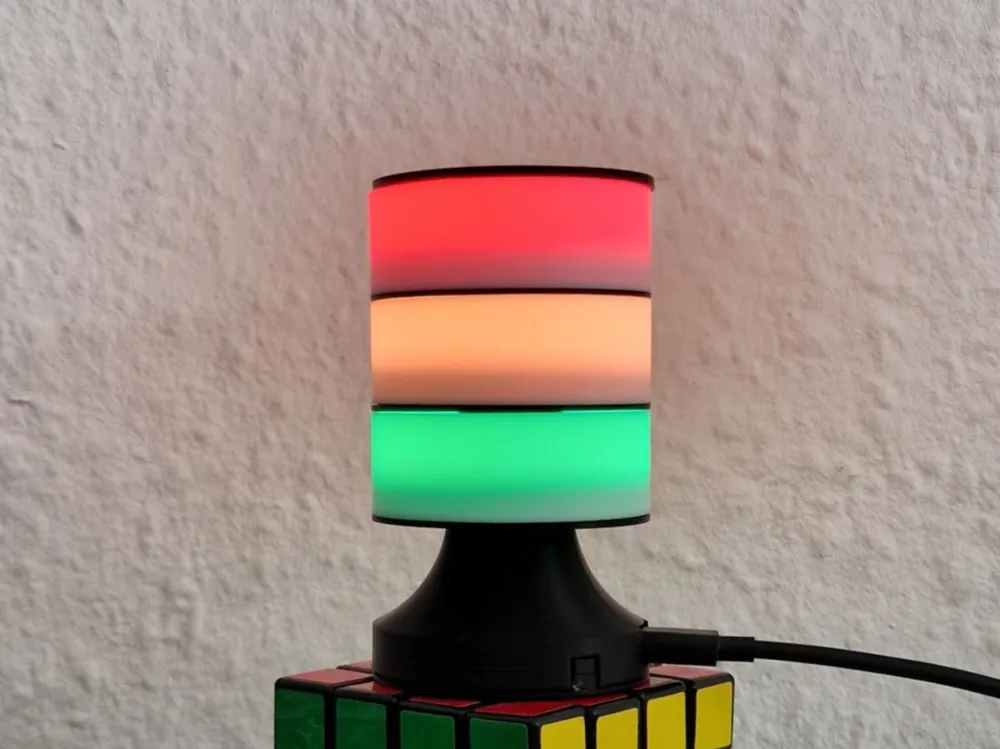
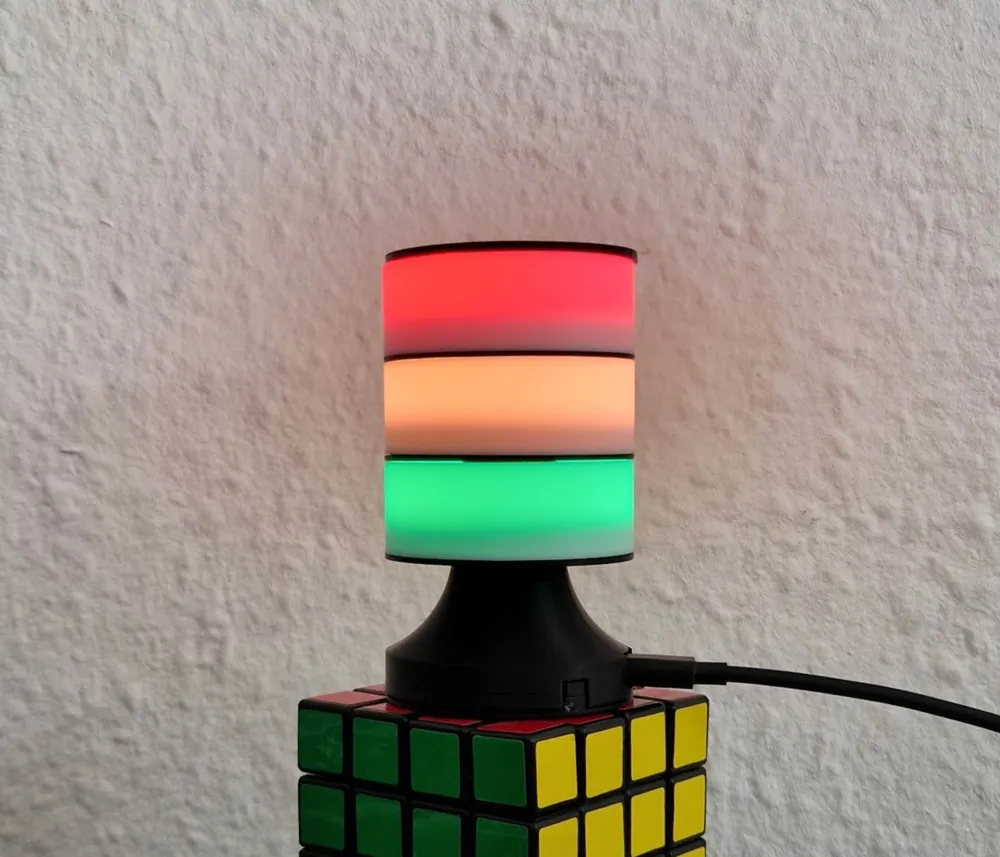
It sits directly on your printer and visualizes its current state using stacked WS2812 RGB LED rings — clear, intuitive, and visible from across the room.
No more checking the slicer or the app every few minutes: one glance at the beacon tells you exactly what your printer is doing.
✨ What does it do?



BambuBeacon listens to your printer’s live status updates and translates them into color-coded LED animations:
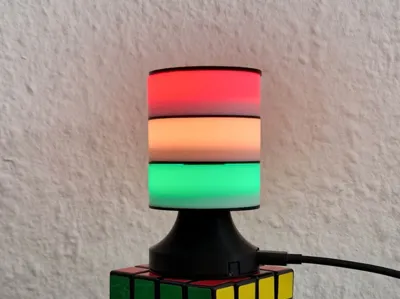
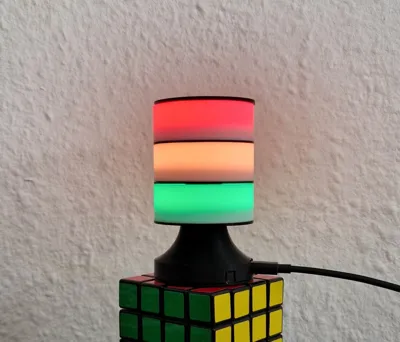
- 🟢 Printing / OK


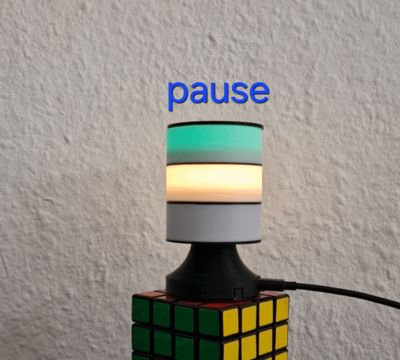
- 🟠 Heating / Warnings / Paused
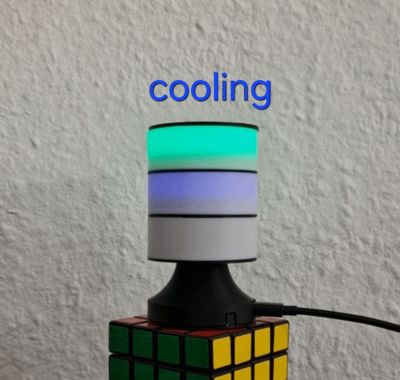
- 🔵 Cooling / Downloading


- 🔴 Errors / Fatal states
- 🟣 Wi-Fi reconnecting

- 🟢✨ Print finished animation
Each LED ring has a dedicated role, making the information easy to understand at a glance — even for color-blind users thanks to different motion patterns.
💡 Multi-Ring Concept (2 or 3 Rings)
BambuBeacon supports 2 or 3 stacked LED rings (fully configurable in the web interface):
- Top ring – Global printer state (OK / error / finished)
- Middle ring – Process states (heating / cooling / paused / warnings)
- Bottom ring – Connectivity & progress (Wi-Fi / download / print progress)
Ring order and LED count per ring are configurable.
🌐 Firmware, Web UI & Online Flasher (Local-Only)
No apps, no cloud, no accounts. Everything runs locally on the device.
- Online Flasher (recommended): https://softwarecrash.github.io/BambuBeacon/
- Open-source project & docs: https://github.com/softwarecrash/BambuBeacon
Included features:
- First-time Wi-Fi setup (AP mode)
- Printer IP / USN / access key configuration
- LED brightness & current limiting
- Ring count + LEDs per ring (1–64)
- Ring order (top-to-bottom or reversed)
- OTA firmware updates
- JSON backup & restore
- Live debug logs via WebSerial
- Built-in LED test page: http://<device-ip>/ledtest
- Wireguard client, watch your Printer state from everywhere
🧰 Build Options (Choose what fits you)
🔌 Option A: Solderless Kit (No soldering required)
For makers who don’t want to solder (or don’t have tools), there is a solderless kit option:
- LED Kit + LED rings chosen to fit together nicely
- Simple assembly
🔧 Option B: DIY Variant (Soldering / custom parts)
If you prefer full flexibility, you can build it with common ESP32 boards:
- 1× ESP32 controller (e.g. Wemos D1 Mini ESP32, ESP32-C3 Nano, Athom Slim WLED)
- 2 or 3× WS2812 LED rings (up to 64 LEDs per ring)
- 5V power supply (≥ 500 mA, more recommended)
- Wires + soldering iron
- Optional: 330–470 Ω resistor on the data line
- This printed enclosure
🔧 Assembly Notes
- LED data pin:
- Wemos D1 Mini ESP32: GPIO16
- ESP32-C3 / Athom Slim WLED: GPIO10
- Common ground between ESP32 and LED rings is required
- Power LEDs from a stable 5V source
- No Developer / LAN Only Mode needed — all printer features work normally
🚀 Quick Start
- Flash firmware via the Web Flasher: https://softwarecrash.github.io/BambuBeacon/
- Power the device and connect to the Wi-Fi AP BambuBeacon-xxxxx
- Open setup: http://192.168.4.1 and configure Wi-Fi
- Then open: http://bambubeacon.local (or http://<device-ip>)
- Go to “Printer setup” and hit "Search printer" when your printer is found, click on it and enter your access key then save.
- Configure rings (2/3), LEDs per ring, max current, ring order — Save
💬 This model is the physical enclosure for the BambuBeacon project.
Firmware and browser-based flashing are available via the links above.
Questions? join Discord
License

You may create derivative works based on this object, provided that all such derivative works are published exclusively on the MakerWorld platform and include proper attribution to the original creator. You may not share, upload, host, distribute, or publish this object—or any derivative work of this object—on any other digital platform, marketplace, or distribution channel. Commercial use of this object and any derivative works is strictly prohibited. This includes, but is not limited to, selling, renting, sublicensing, or using the object in any context in which you receive monetary compensation or other financial benefits.


Comment & Rating (26)