
Spin the Bottle - Magnetic Snap
Print Profile(4)
![[Print by Object] 0.2mm layer, 2 walls, 15% infill](https://makerworld.bblmw.com/makerworld/model/USab9d5a353c2a8a/537428703/instance/2025-12-25_ae797bcf0a7348.png?x-oss-process=image%2Fresize%2Cw_100%2Fformat%2Cwebp)
![[Single Fields ] 0.2mm layer, 2 walls, 15% infill](https://makerworld.bblmw.com/makerworld/model/USab9d5a353c2a8a/537430244/instance/2025-12-26_643fdfbdb6268.webp?x-oss-process=image%2Fresize%2Cw_100%2Fformat%2Cwebp)
![[Alternative Spinner] 0.2mm layer, 2 walls, 15% infill](https://makerworld.bblmw.com/makerworld/model/USab9d5a353c2a8a/538043302/instance/2025-12-27_bae428befda628.jpg?x-oss-process=image%2Fresize%2Cw_100%2Fformat%2Cwebp)
![[Roulette Styled] 0.2mm layer, 2 walls, 15% infill](https://makerworld.bblmw.com/makerworld/model/USab9d5a353c2a8a/543131822/instance/2025-12-30_79040b15bd2cf8.png?x-oss-process=image%2Fresize%2Cw_100%2Fformat%2Cwebp)
Bill of Materials








Description
Spin the Bottle
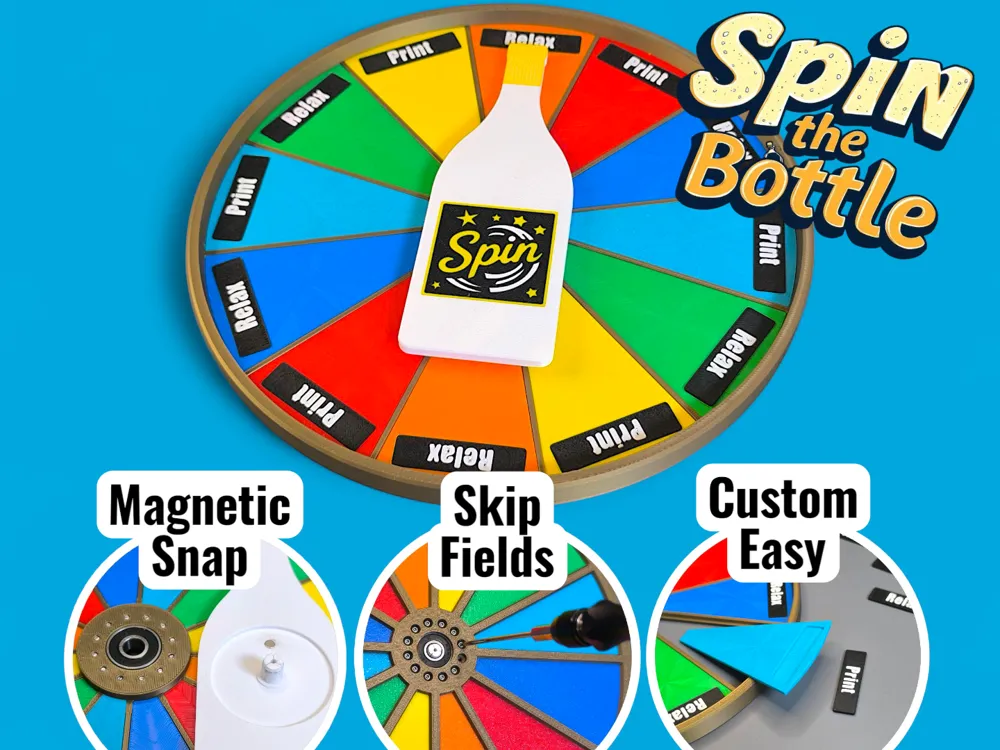
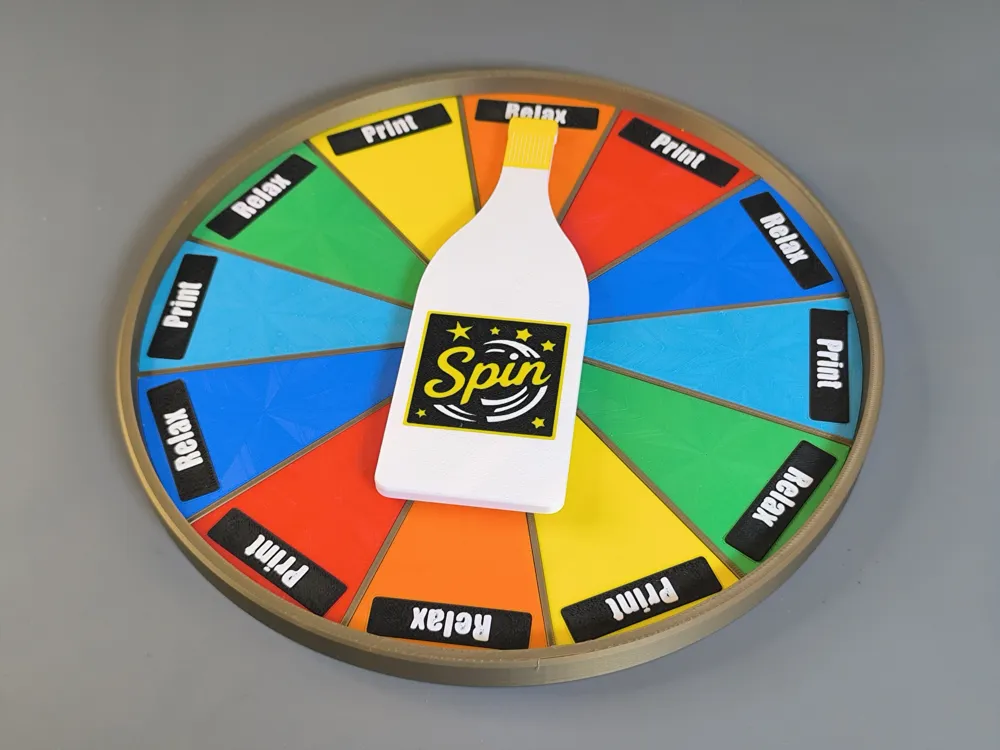
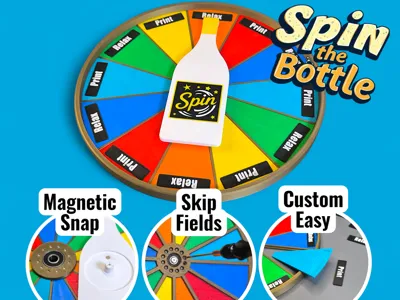
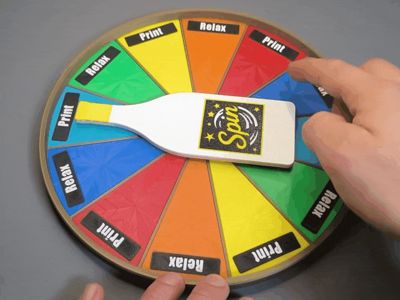
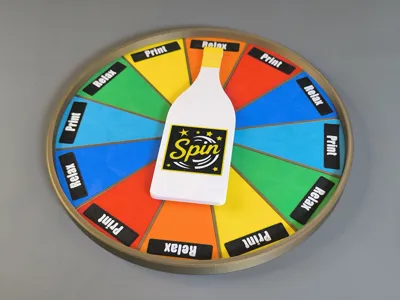
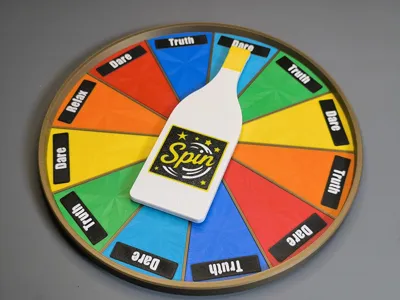
This highly customizable “Spin the bottle” plate could be used in various situation as game, as price wheel for other board games or decisions helper.
Boost Me (for free)
Features:

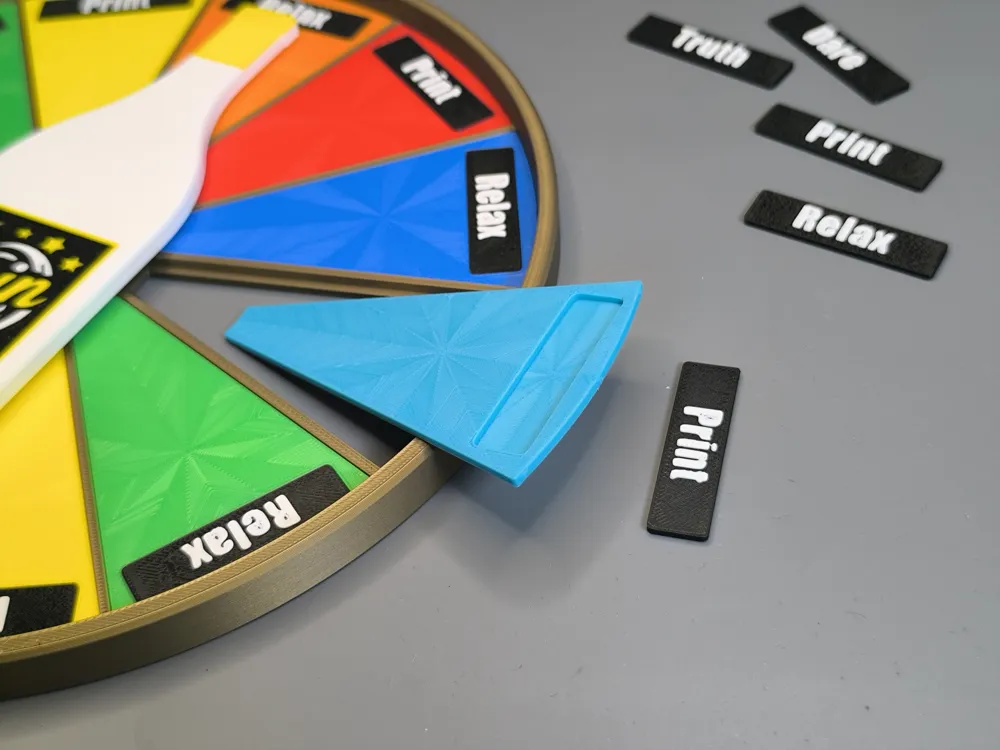
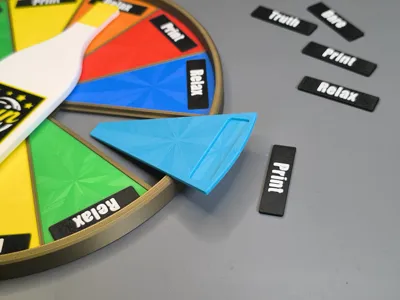
- 12 Magnetic Snap position - The bottle will always land on one of the 12 positions and will not stop between fields.
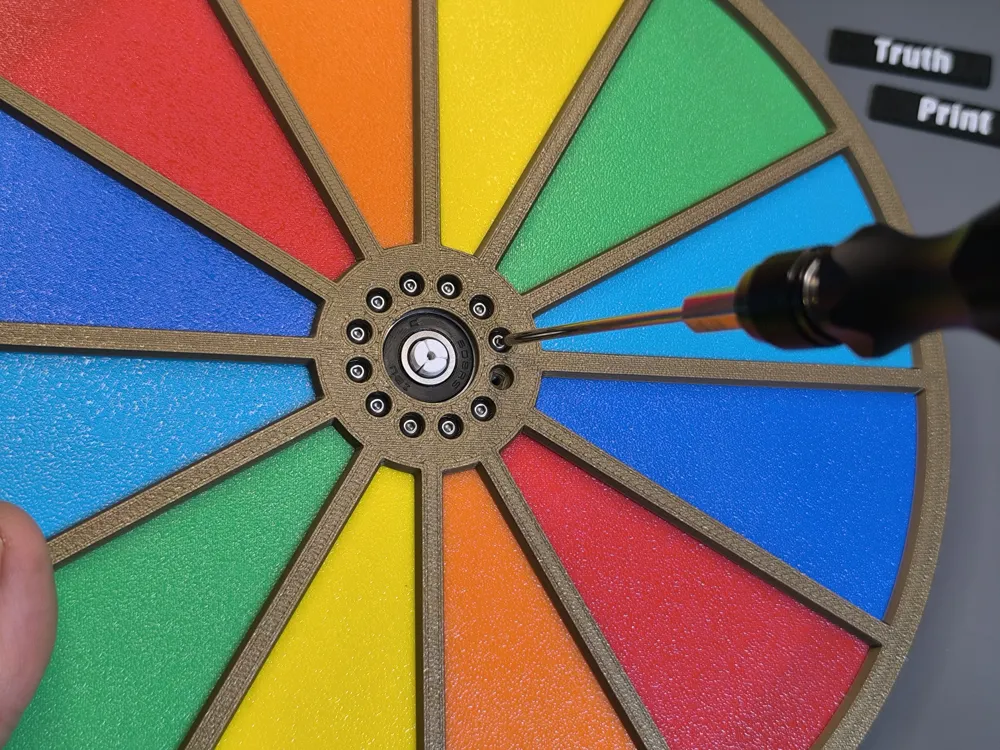
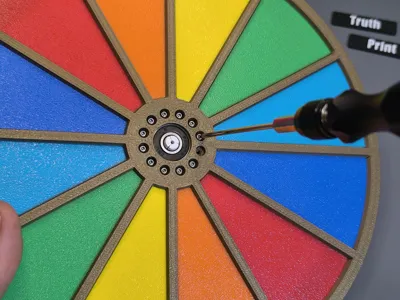
- Skip fields by unscrew the individual snap position (some kind of cheating 😄😇)
- Spins nice with a basic 608 ball bearing (Skateboard bearing)
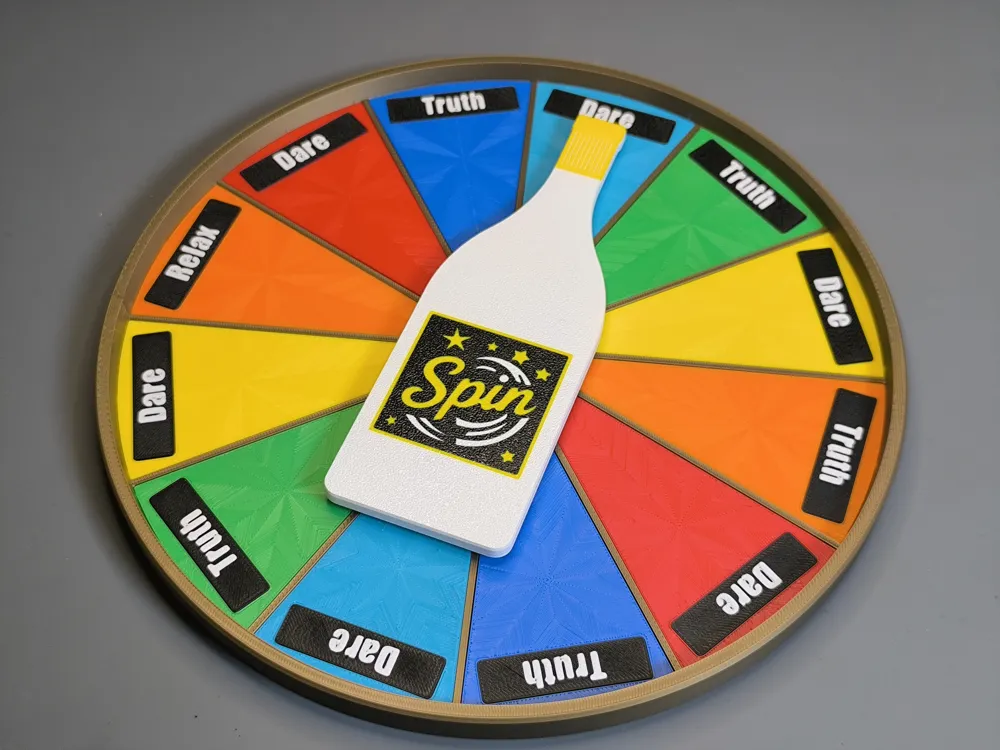
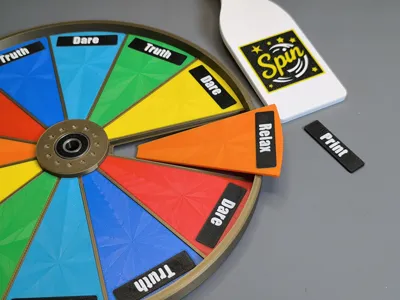
- Individual Text Plates
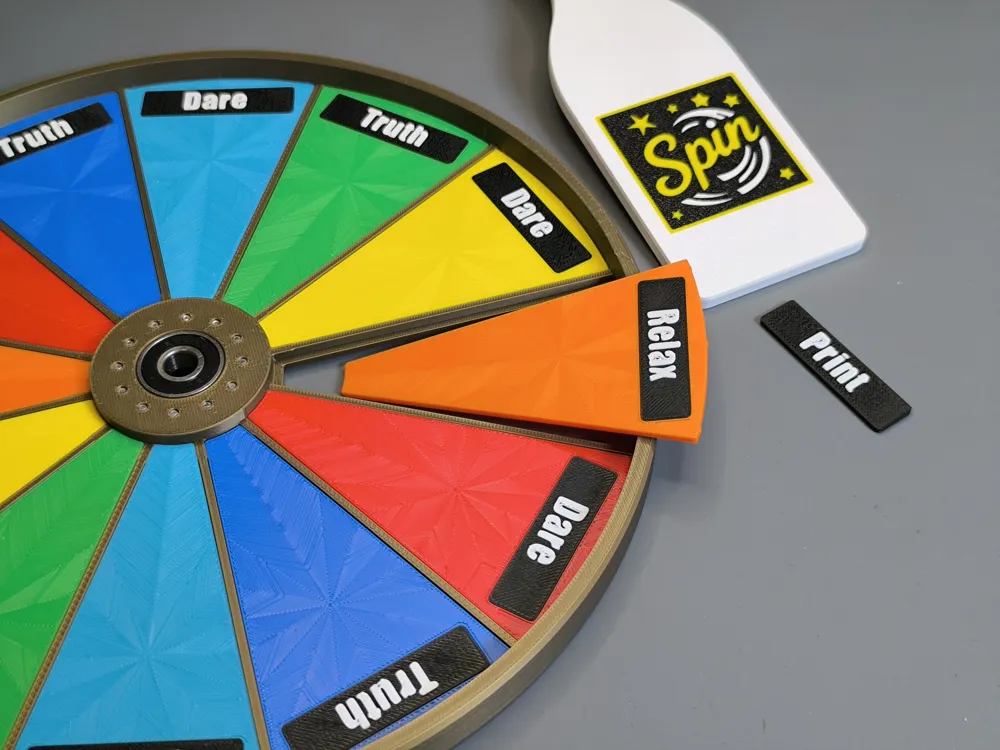
- Fields can be printed separate in various colors
- Fields fits perfect in the base and not fall apart
- Fields also fits 180° direction on the blank site
- All designed with less waste and prints fast without support
Skip Feature:
To skip individual fields, the screws in the respective fields can be removed. This works 99% reliably as long as the two adjacent fields still have screws that serve as locking positions. If two screws in a row are removed, it may rarely happen that the bottle stops in an intermediate position. With three removed in a row, the likelihood increases further.
Individual Text Plates:
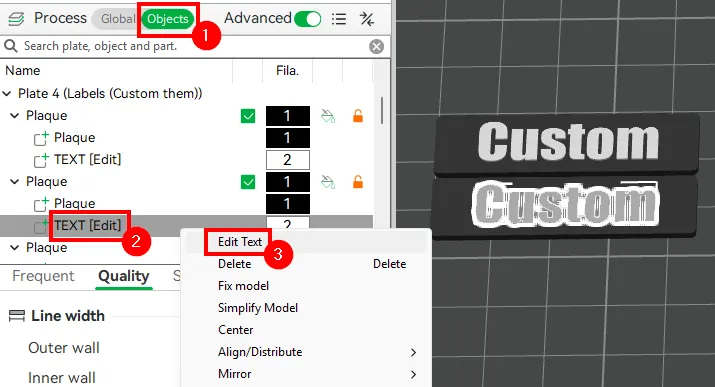
It is very easy to create your own custom-labeled text fields. Open the 3mf in bambu Slicer and simply go to a plaque in the Objects tab, right-click on Text [Edit], then select Edit Text and modify it as desired.
Assembly:
You need 12x M2,5x6 screws 1x Round 4x2 Magnet 1x 608 ball bearing
- Screw the 12pcs M2,5x6 screws from the bottom to the base
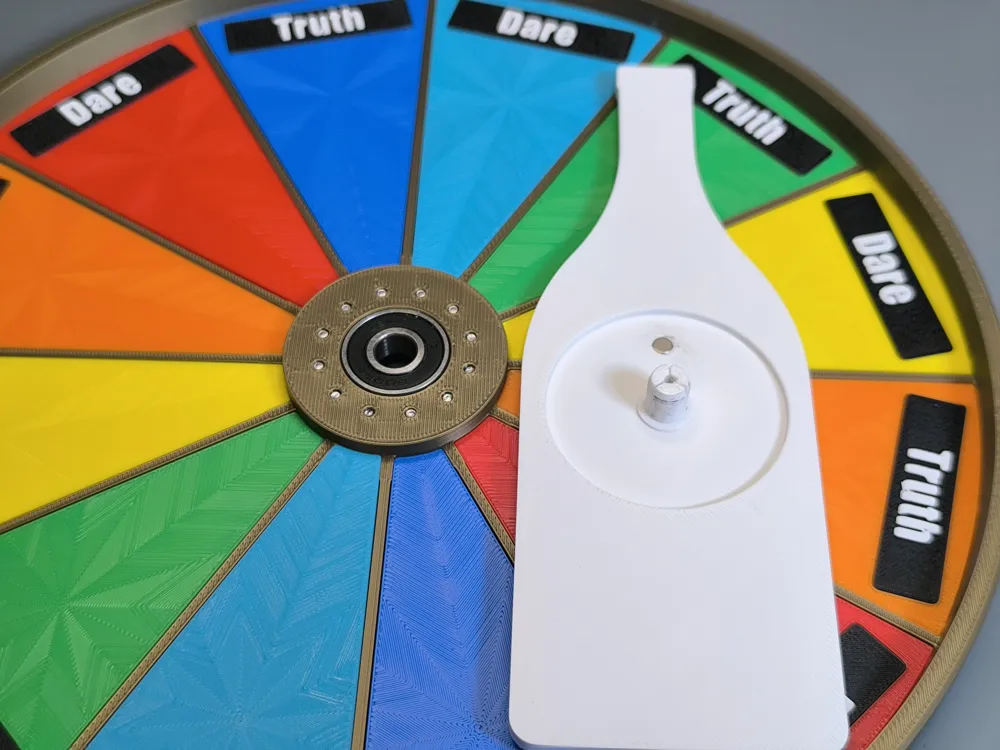
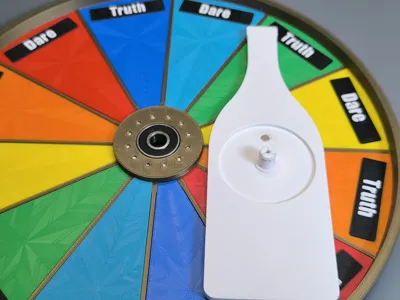
- Push the 608 ball bearing into the base
- Push the Round 4x2 Magnet into the bottle
- Slide and push all Fields with attached Name Plates into the base
- Push the pin from the bottle part into the ball bearing. You can lock it with an optional M2,5x6 screw from underneath.
- You can use the optional Sponge Strip Tape (20x0.5mm-5m (1PCS) -NC005) , cut 3pcs 20x20 and stick it underneath to prevent from sliding
More is coming:


It's a great technique with the snapping positions, I definitely will providemore alternative parts in the future.
Happy Printing!
If you want to support me, you can simply like and boost the model and follow here and on social media.
Membership
You want to sell printed objects from my designs or just support my work? Now you can subscribe on Makerworld! Thank you!
License

You shall not share, sub-license, sell, rent, host, transfer, or distribute in any way the digital or 3D printed versions of this object, nor any other derivative work of this object in its digital or physical format (including - but not limited to - remixes of this object, and hosting on other digital platforms). The objects may not be used without permission in any way whatsoever in which you charge money, or collect fees.


Comment & Rating (20)