
Print Profile(1)

Bill of Materials


Description
Boost Me (for free)
Boost, likes and downloads Appreciated
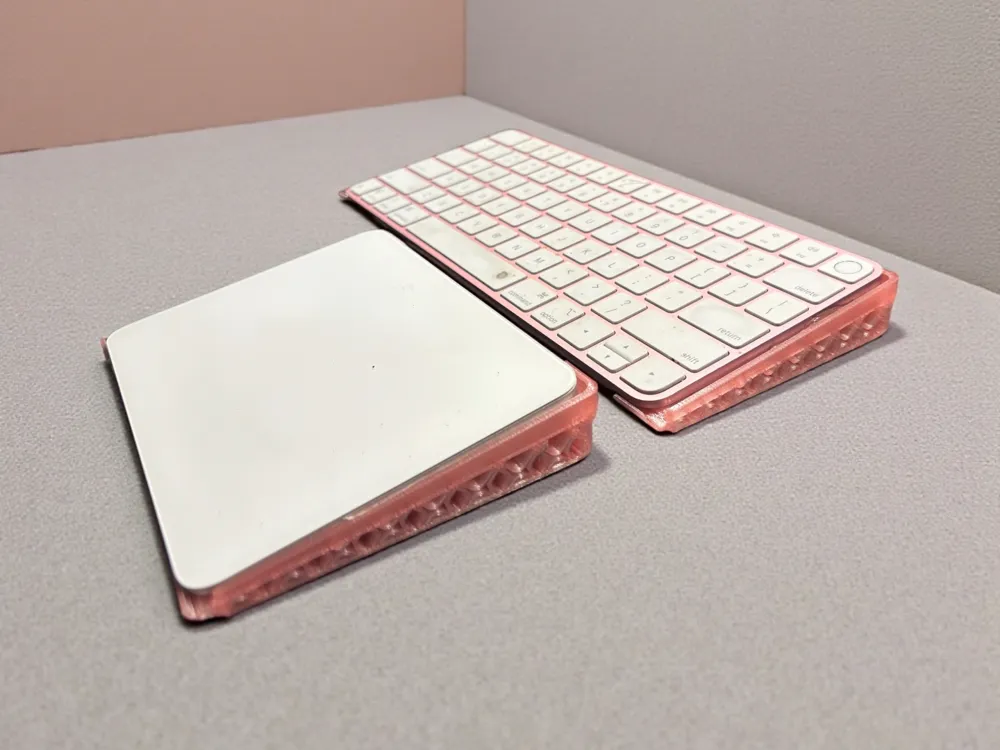
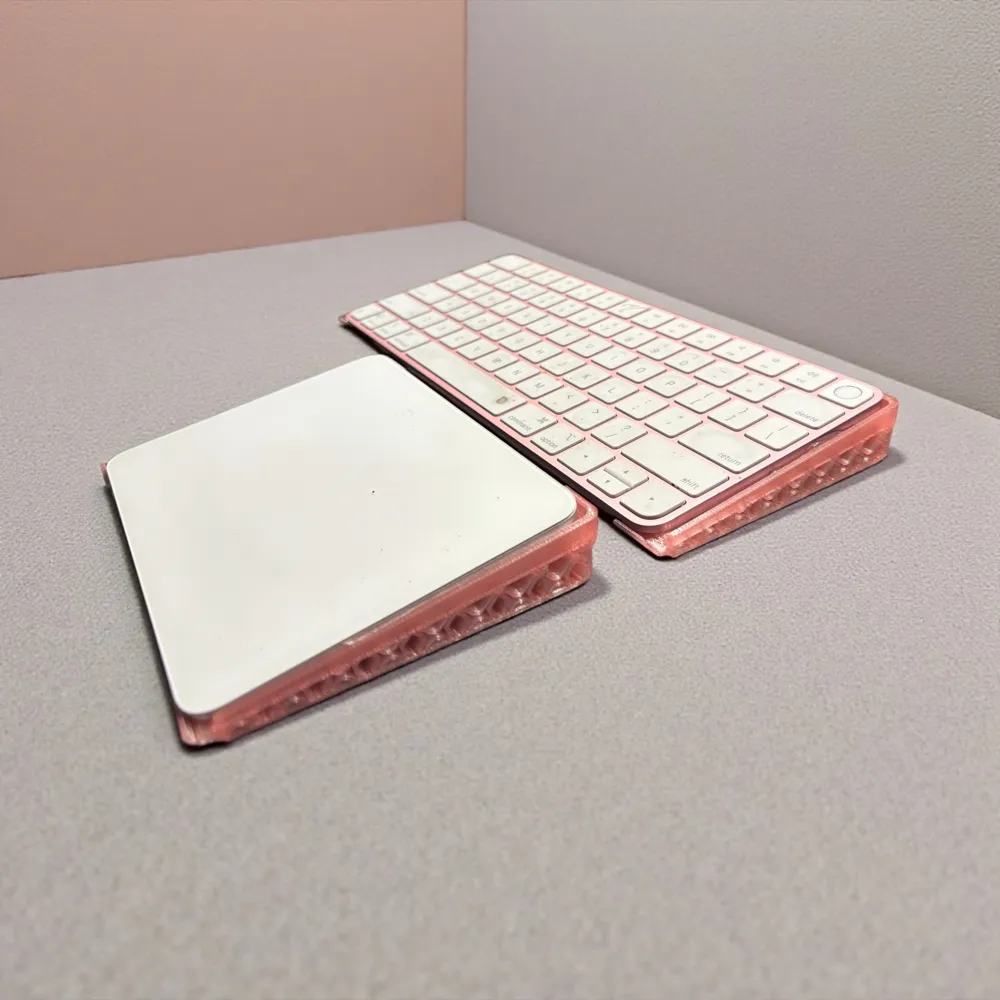
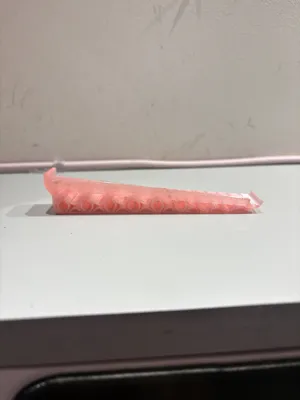
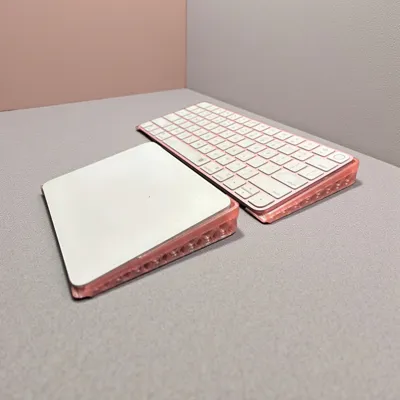
Upgrade your workspace with the newest addition to the Modular Desk Monitor Riser. This 3D-printed stand is designed to securely cradle your Mac keyboard and trackpad, sliding in with a precise, tool-free fit. No tape, no clamps, no fuss—just a clean, stable support that stays in place during use.
Key features:
- Easy slide-in design: Precisely engineered channels guide the keyboard and track pad into a snug, secure position every time.
- Tool-free setup: No hardware or adhesives required—simply slide in and go.
- Secure fit: Retains orientation and placement even with light movement or typing pressure.
- Compatible with Mac keyboard and Track Pad: Sized to accommodate standard Magic Keyboard and Trackpad, with a low-profile footprint that keeps your desk tidy.
- Designed to complement the Modular Monitor risers set
Why you’ll love it:
- Keeps your desktop neat and organised by consolidating your input devices.
- Quick to deploy—perfect for hot-desking or changing setups.
- Durable, print-friendly design optimised for reliable long-term use.
- Can be printed in any filament/Colour
Why Raise your Keyboard?
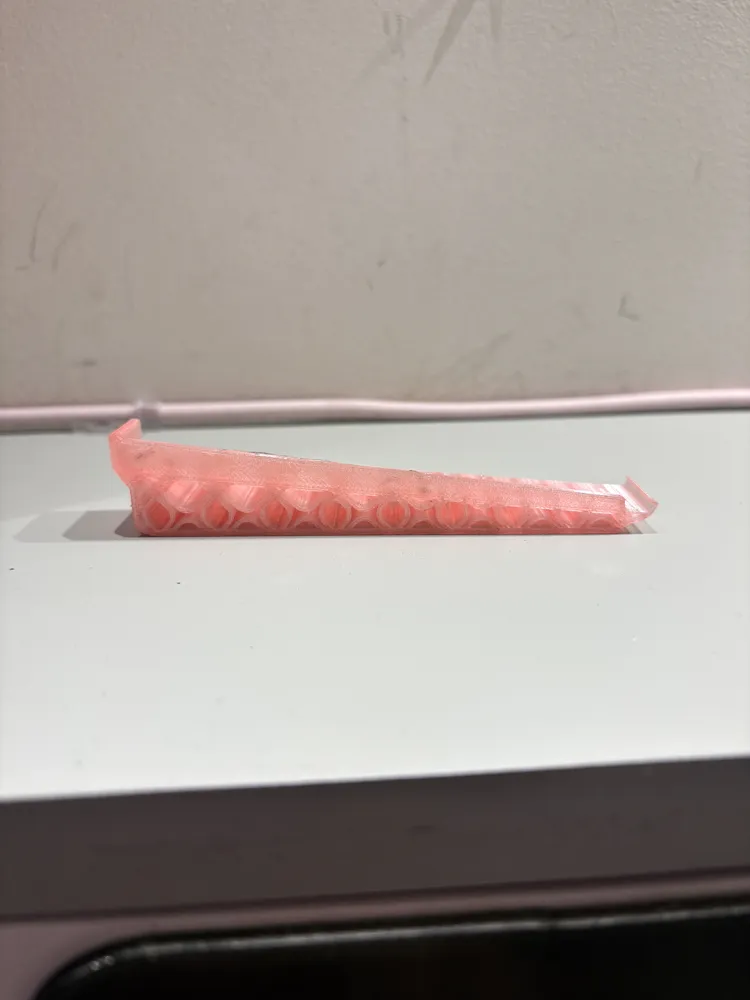
- Ergonomic alignment: Elevating the keyboard can help keep wrists in a neutral position and reduce extension or flexion, thereby lowering the risk of strain in the wrists, forearms, and shoulders. A slight tilt can position the wrists more ergonomically for typing.
- Hand and forearm posture: A raised setup can encourage a more ergonomic forearm angle, helping to keep elbows closer to the body and reducing reaching or hunching.
Cooler or more comfortable layout: For some users, a raised keyboard with a sloped stand improves airflow around the hands and reduces warmth or crowding on the desk.
- Compatibility with other devices: When paired with a low-profile trackpad or mouse, a raised keyboard can align more naturally with the pointing device, creating a more comfortable line of sight and reach.
Install Instructions:
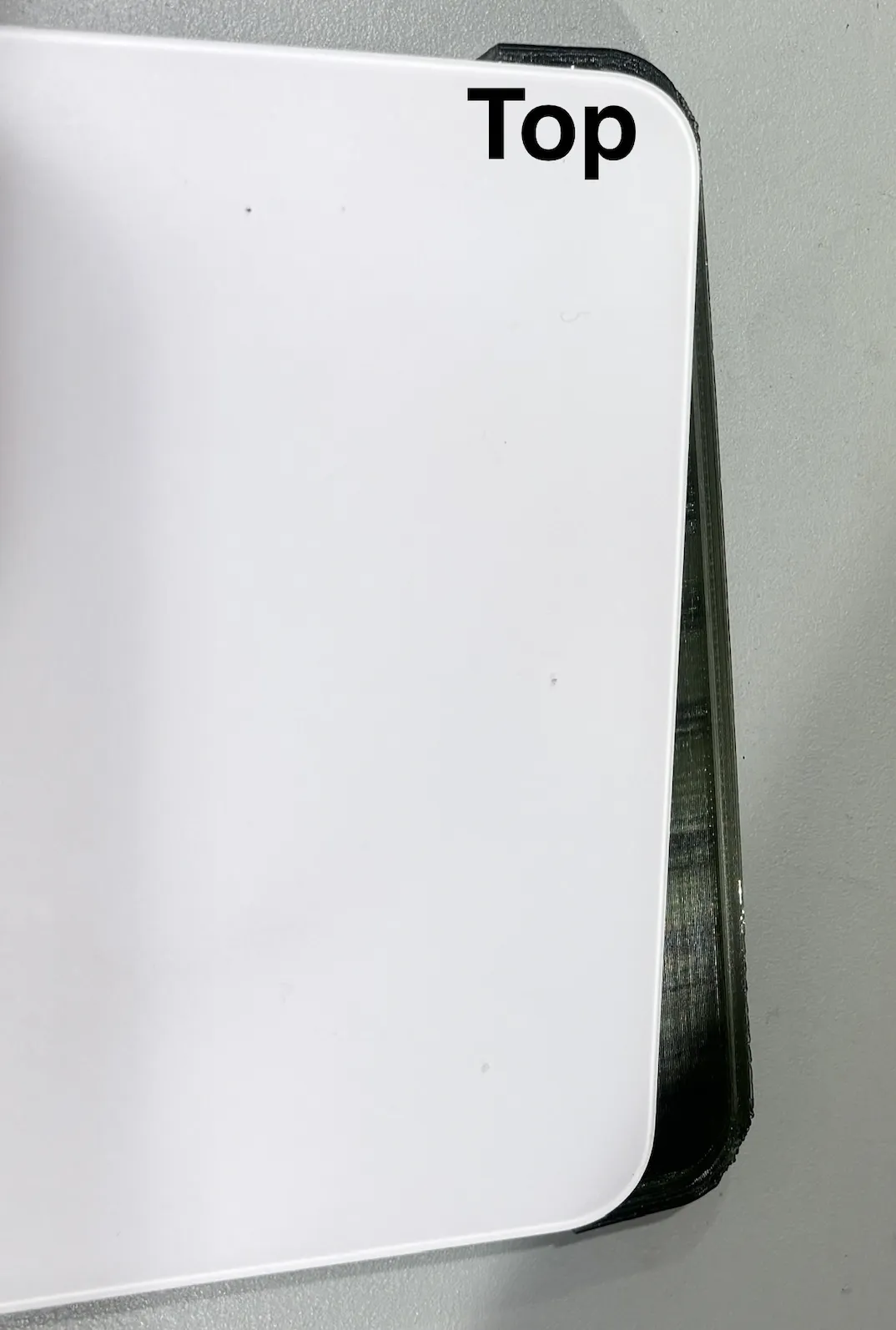
To ensure a snug fit, place the top section first and then slide the bottom as shown in the diagram below
Check out my other models: https://makerworld.com/en/@melmermaid24/upload
License

You shall not share, sub-license, sell, rent, host, transfer, or distribute in any way the digital or 3D printed versions of this object, nor any other derivative work of this object in its digital or physical format (including - but not limited to - remixes of this object, and hosting on other digital platforms). The objects may not be used without permission in any way whatsoever in which you charge money, or collect fees.


Comment & Rating (12)