
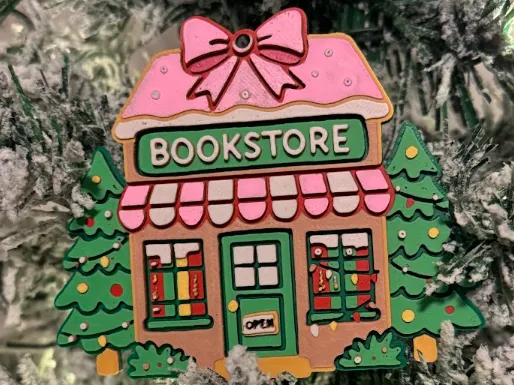
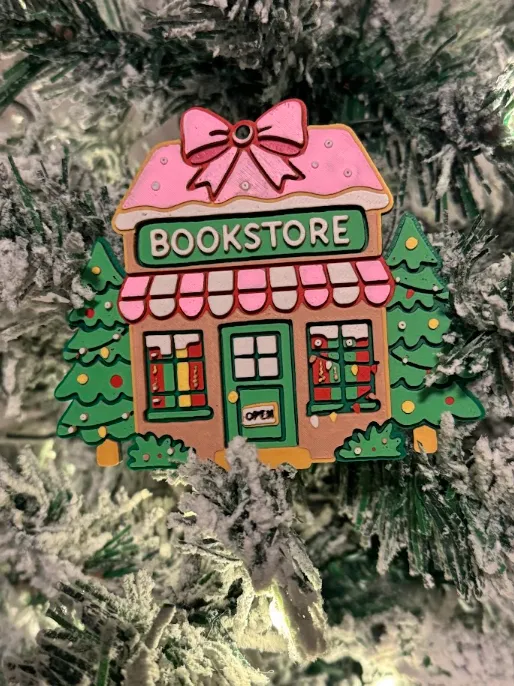
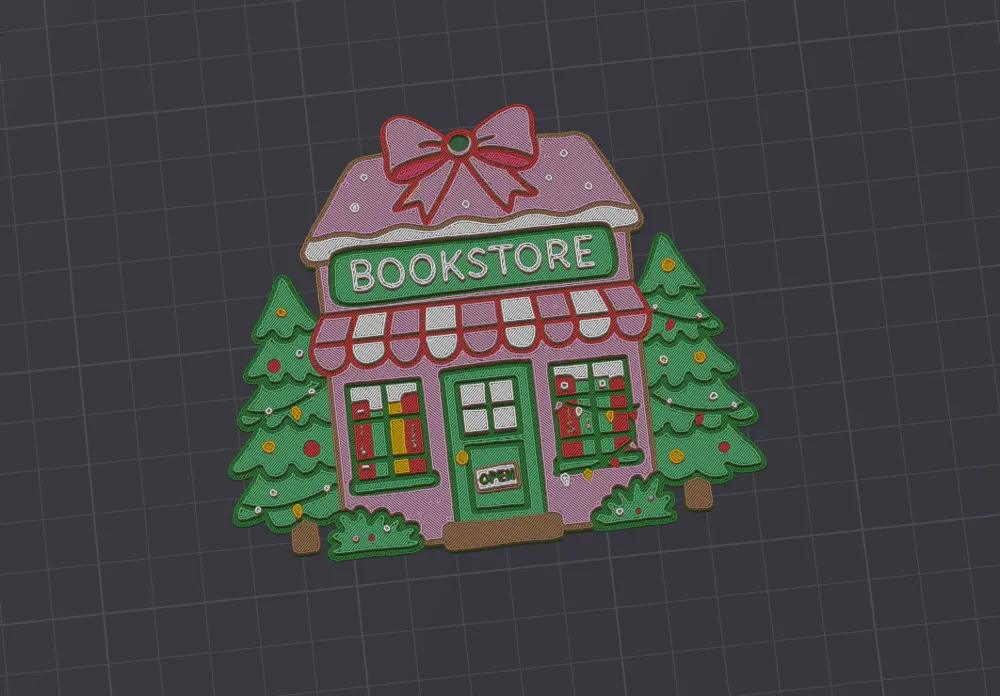
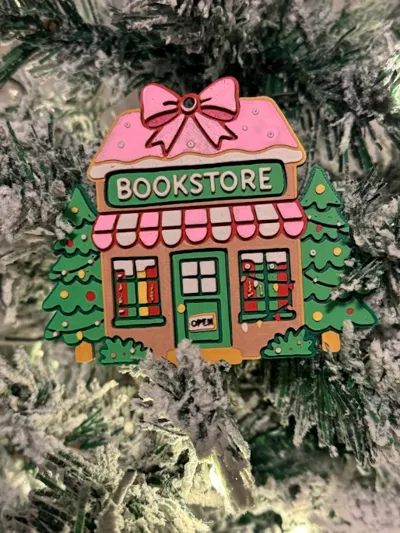
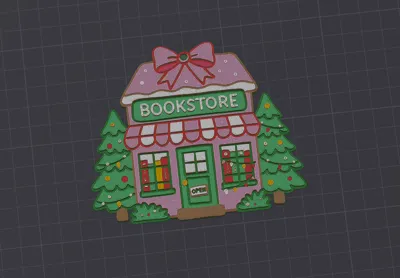
The Bookstore Ornament
Print Profile(2)


Description
Boost Me (for free)
Please Consider Giving A Boost It's Free🚀
So Are Little Berry Astronauts🫐🧑🏼🚀 Can get Back To The Moon Base
Thank You So Much For The Support 🌛🫐

Swap Instructions
Start with Mistletoe Green
At layer #22 (1.84mm) swap to Scarlet Red
At layer #27 (2.24mm) swap to Grass Green
At layer #33 (2.72mm) swap to Hot Pink
At layer #39 (3.2mm) swap to Sunflower Yellow
At layer #43 (3.52mm) swap to Caramel
At layer #47 (3.84mm) swap to Sakura Pink
At layer #52 (4.24mm) swap to Ivory White for the rest.
* Note for No AMS users Put PAUSE on layers that would be a color change *
How to do more than 4 colors on a single AMS?
Always start the print from either Bambu Studio or Bambu Handy App - This will allow you to map the rolls of filaments to a certain slot in the AMS:
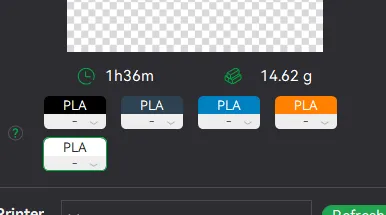
Now map the first 4 colors (which should already be inserted in the AMS to Slots 1 - 2 - 3 - 4
Once that's done move to mapping colors 5 - 6 - 7 - 8 to respectively AMS Slots 1 - 2 - 3 - 4 again!
as needed for how many colors you will need, (In the picture 👆 I would only need to map out the white).
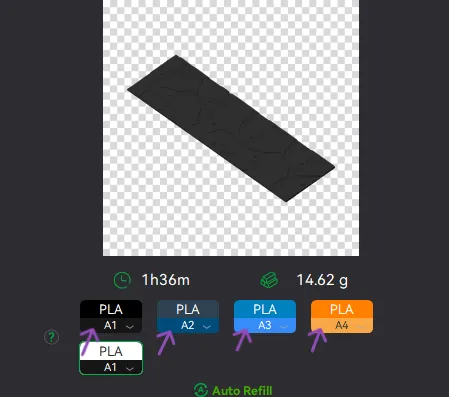
This will allow you to Change the rolls of filament once the printer is done with that color.
For example, in the picture above once we are done with the Black color (Which is usually first) we are going to remove the black roll (you can do that while printing) Change it with White. 🪄 You can do that with as many colors as you need!
🐕YOU CAN PLACE A PAUSE ON THE LAST LAYER OF COLOR 4 TO AVOID HAVING TO BABYSIT THE PRINTER. ONCE PAUSED CHANGE 1-2-3 WITH 5-6-7 AND RESUME. IF YOU NEED MULTIPLE PAUSES YOU CAN DO THAT TOO 🫐
License

You shall not share, sub-license, sell, rent, host, transfer, or distribute in any way the digital or 3D printed versions of this object, nor any other derivative work of this object in its digital or physical format (including - but not limited to - remixes of this object, and hosting on other digital platforms). The objects may not be used without permission in any way whatsoever in which you charge money, or collect fees.


Comment & Rating (3)