
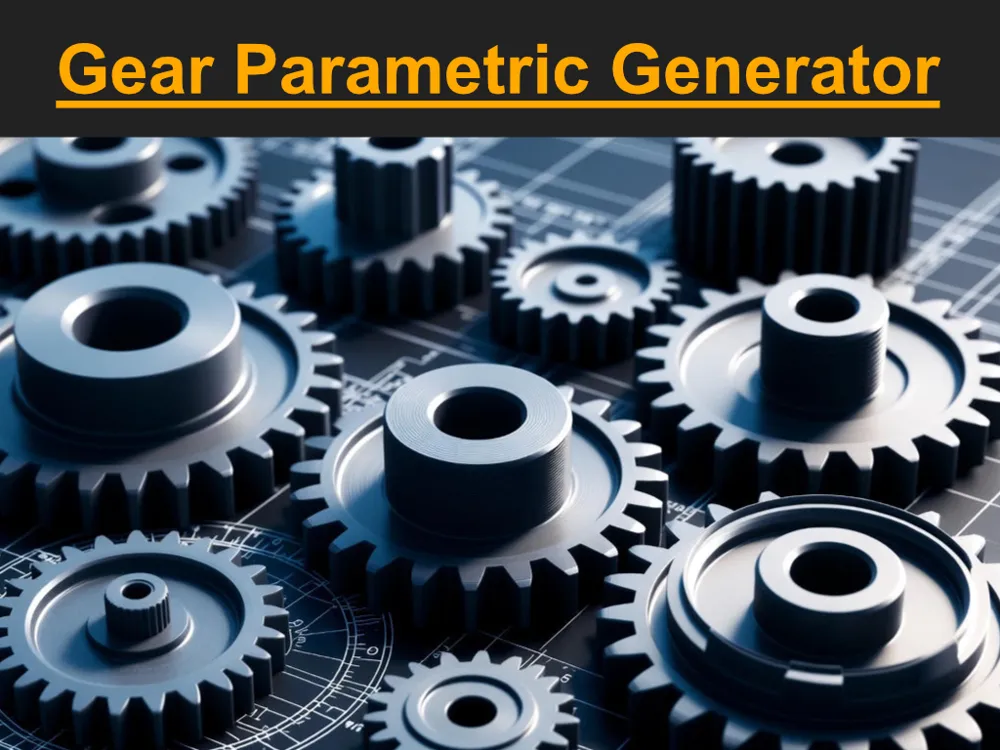
Ultimate Gear Parametric Generator
Print Profile(1)

Description
Update Summary: Version 12 (Double-Layer Gear v2)
This update focuses on expanding gear geometry options, improving mechanical alignment for shaft bores, and adding new structural customization features.
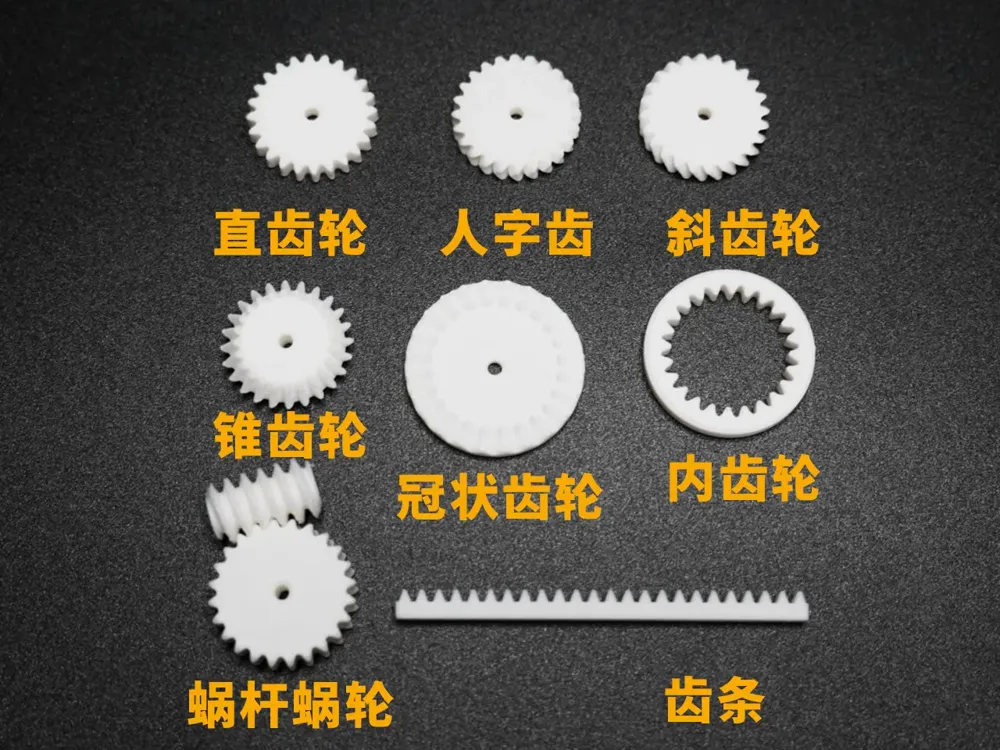
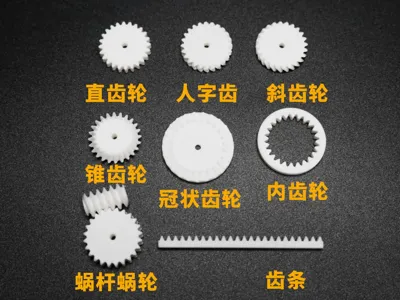
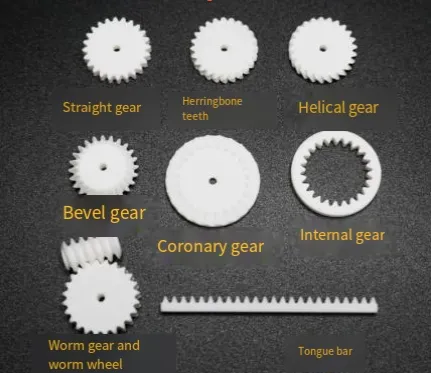
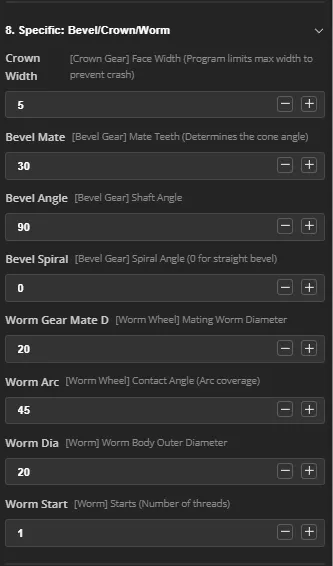
- Bevel Gear Overhaul: Resolved the issue where straight bevel gears could not be generated. The system now supports both Straight Bevel Gears and Spiral Bevel Gears.
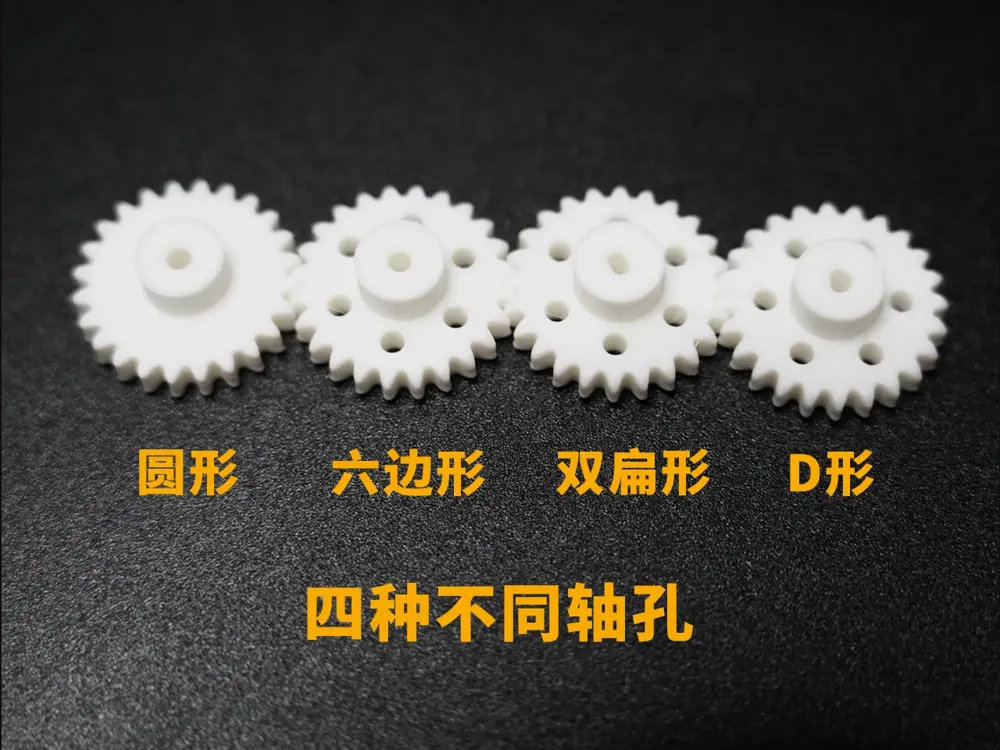
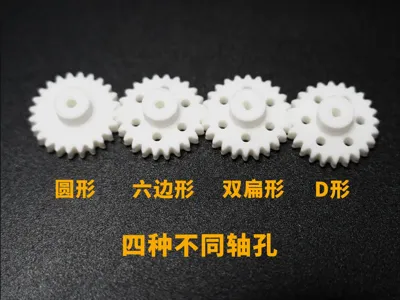
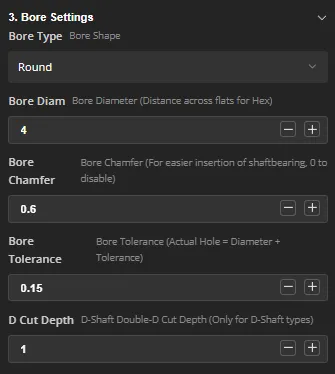
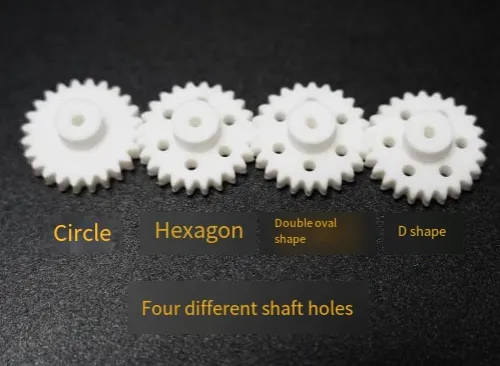
- Enhanced Shaft Bore Utility: * Added support for Cross Shafts and Keyed Shafts.
- Introduced Bore Rotation: This allows for precise alignment. For example, if one gear is rotated by 0.5 tooth units while the other remains stationary, the gears will mesh perfectly while keeping the keyed shafts aligned in a straight line.
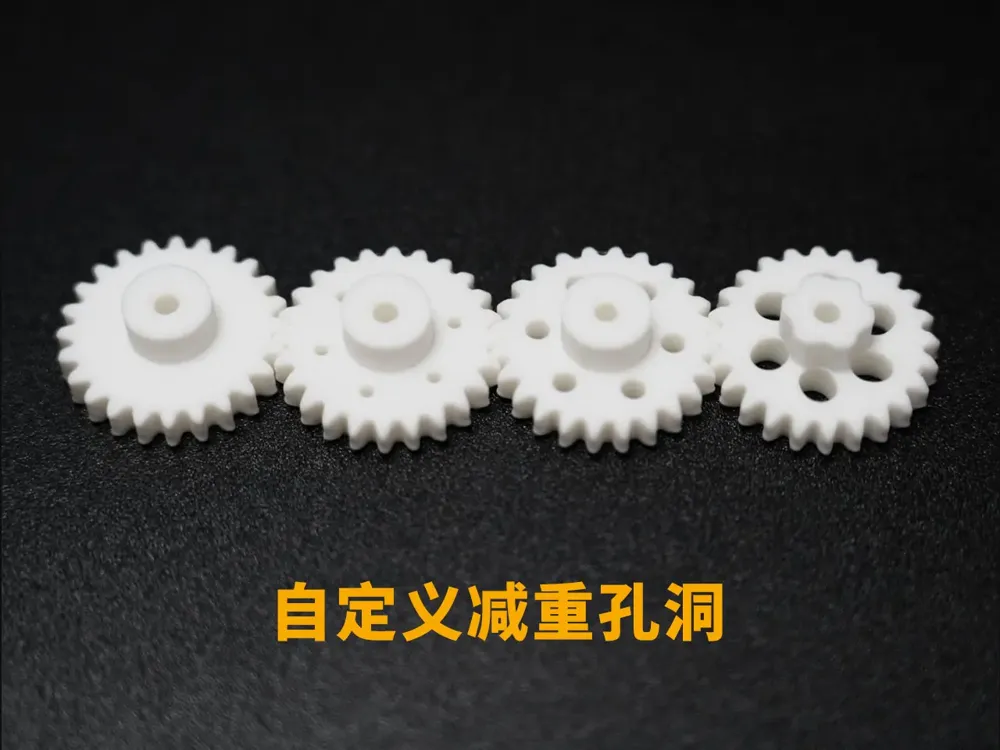
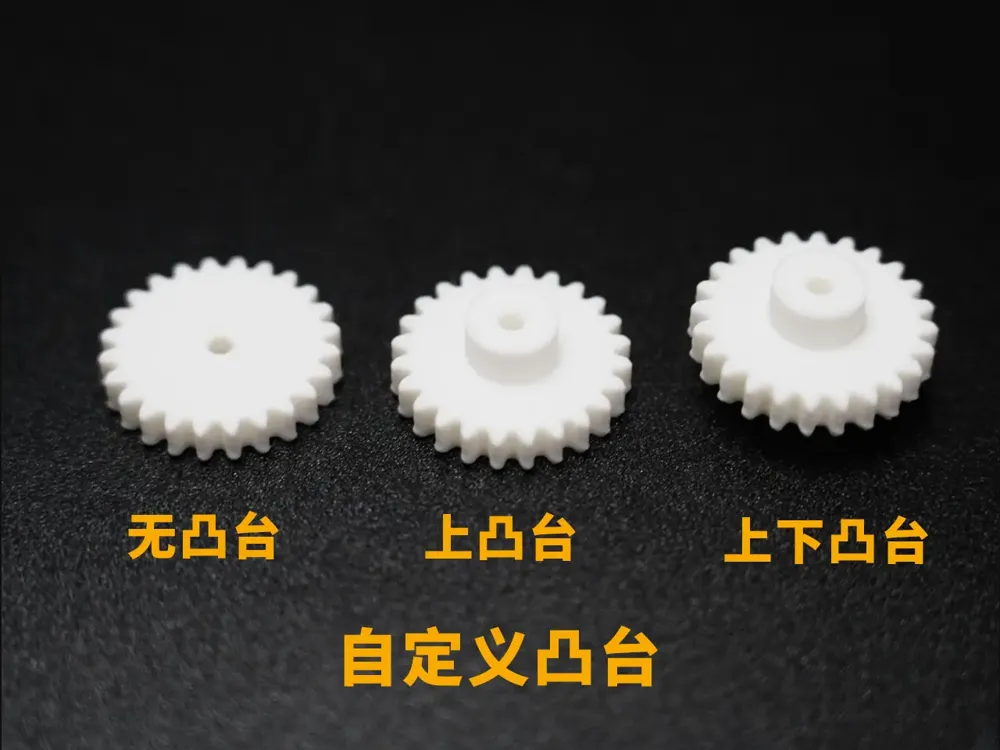
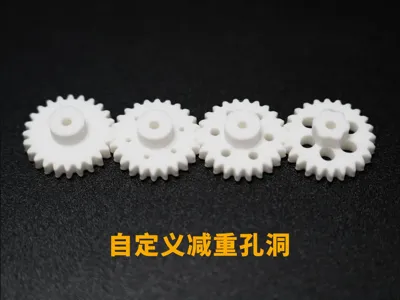
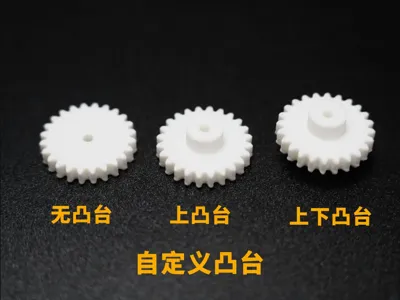
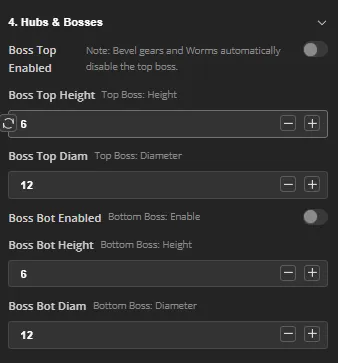
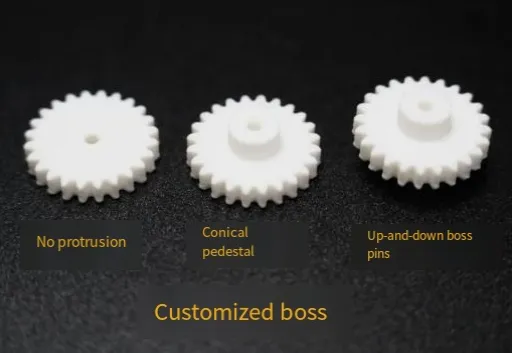
- New Recess Feature: Added a Recess/Concave Platform (凹台) function. This feature is fully integrated with the logic of all existing functions.
📢 The All-in-One! Ultimate Parametric Gear Generator v11
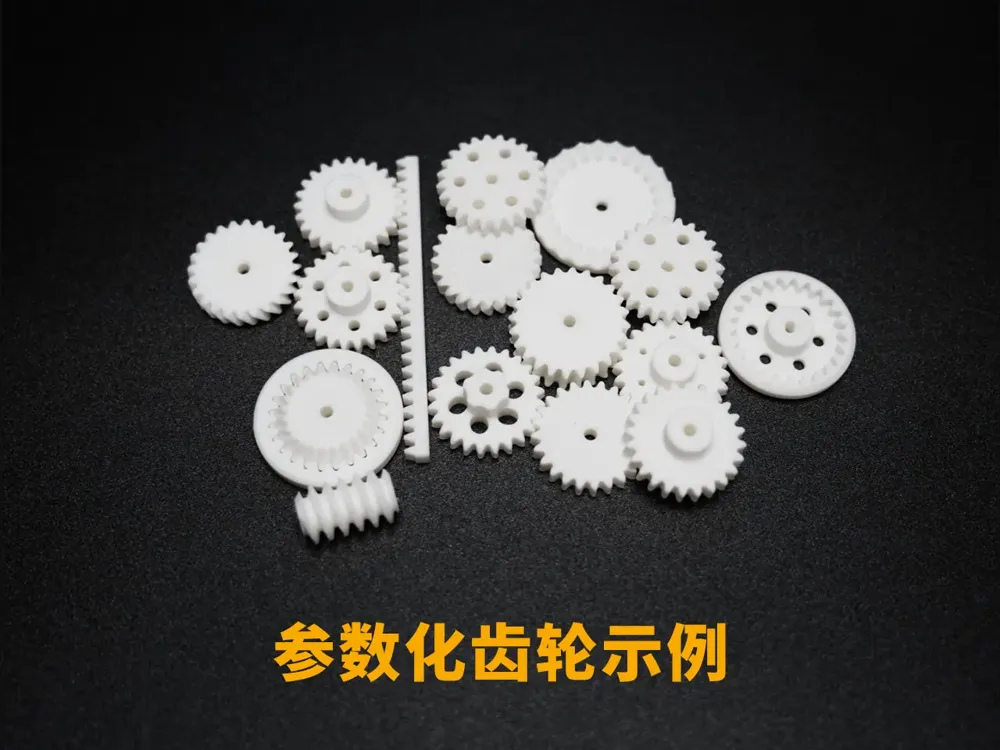
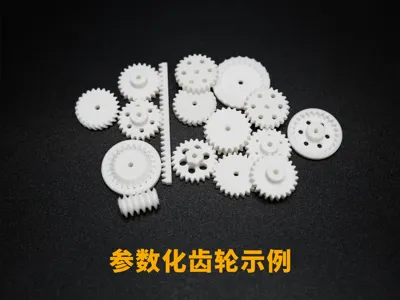
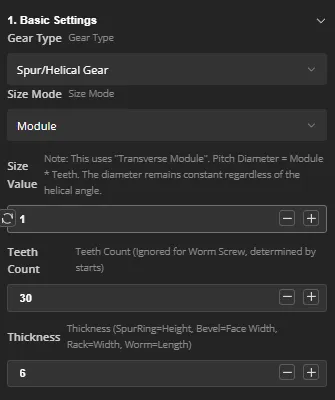
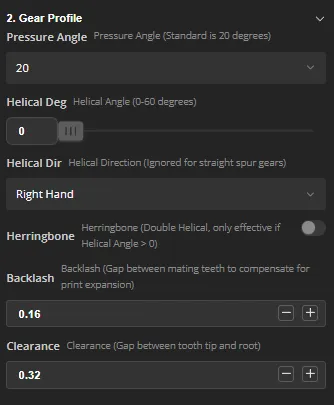
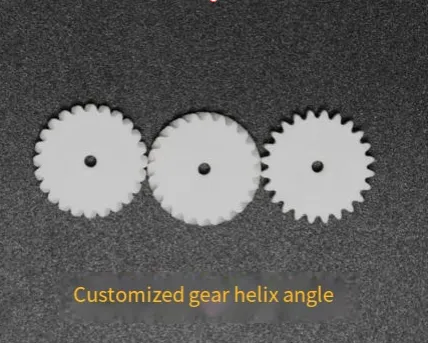
If you can imagine it, you can build it. From miniature worms for precision instruments to heavy-duty herringbone gears for power transmission—generate them all with one click.
Introduction:
Release Date: 2025-12-22
v11 Update Logs: Fixed internal gear baseplate height issues, resolved thin-layer artifacts on worm gear top surfaces, and optimized default parameters.
The 3D Printable Gear Generator v11 Ultimate Edition has arrived!
Deeply reconstructed based on the powerful BOSL2 library and refined through 10 major iterations, this is currently the most robust and engineering-standard gear generator for 3D printing.
🔥 Core Highlights:
Download now and end your search for the perfect gear library!
If you encounter any bugs, please report them in the comments section.
Video tutorial attached.
License

You shall not share, sub-license, sell, rent, host, transfer, or distribute in any way the digital or 3D printed versions of this object, nor any other derivative work of this object in its digital or physical format (including - but not limited to - remixes of this object, and hosting on other digital platforms). The objects may not be used without permission in any way whatsoever in which you charge money, or collect fees.


Comment & Rating (121)