





Print Profile(2)


Bill of Materials



Description
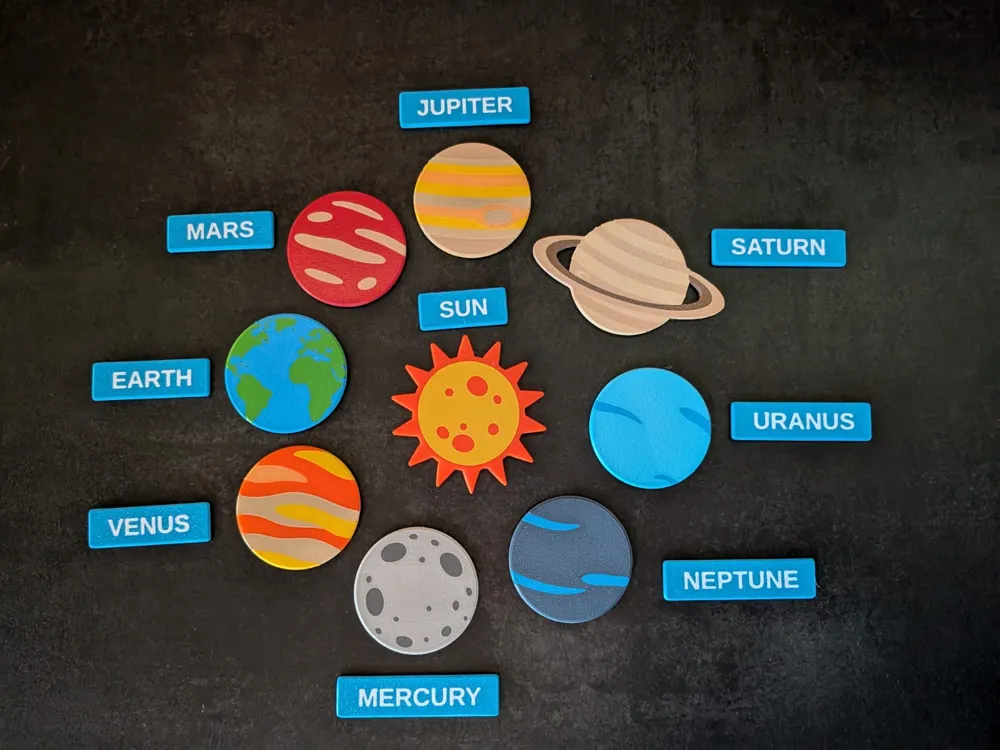
A fully parametric OpenSCAD name tag generator, designed as a reusable tool rather than a static STL.
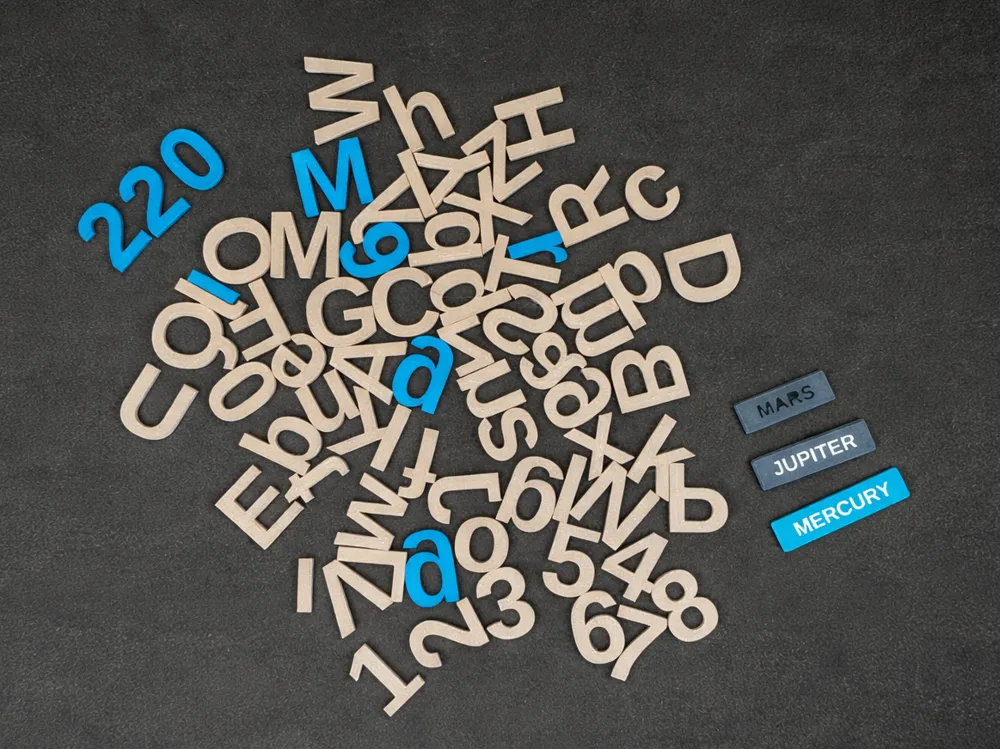
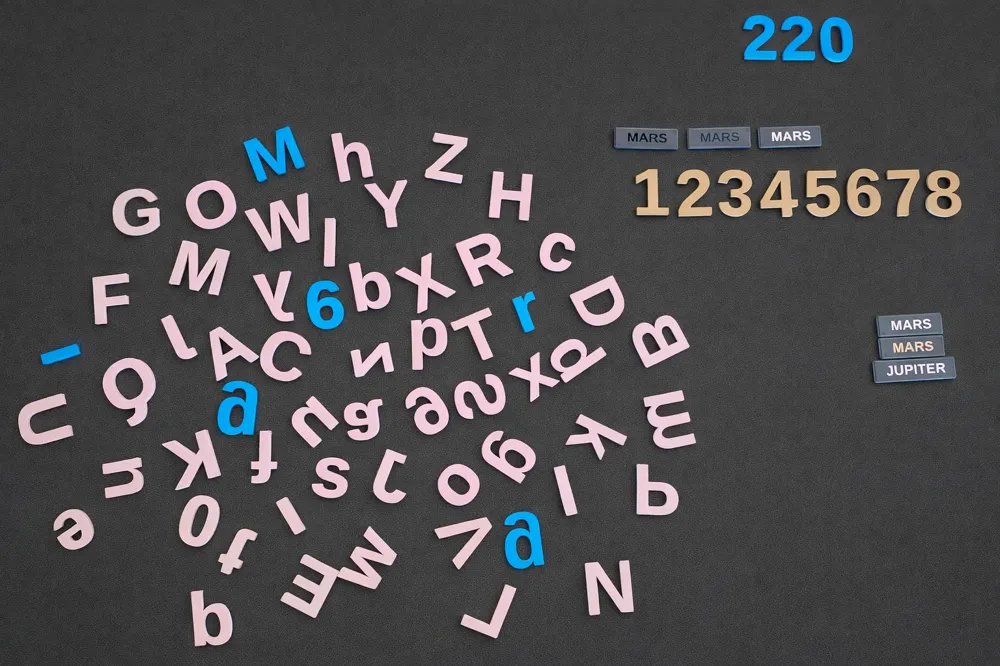
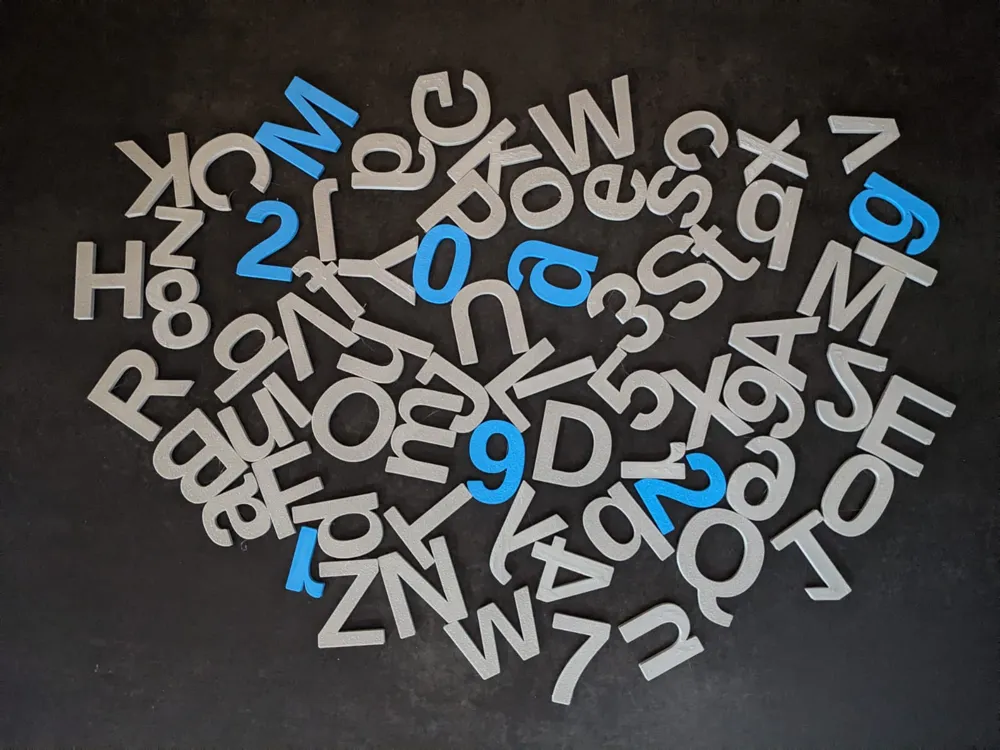
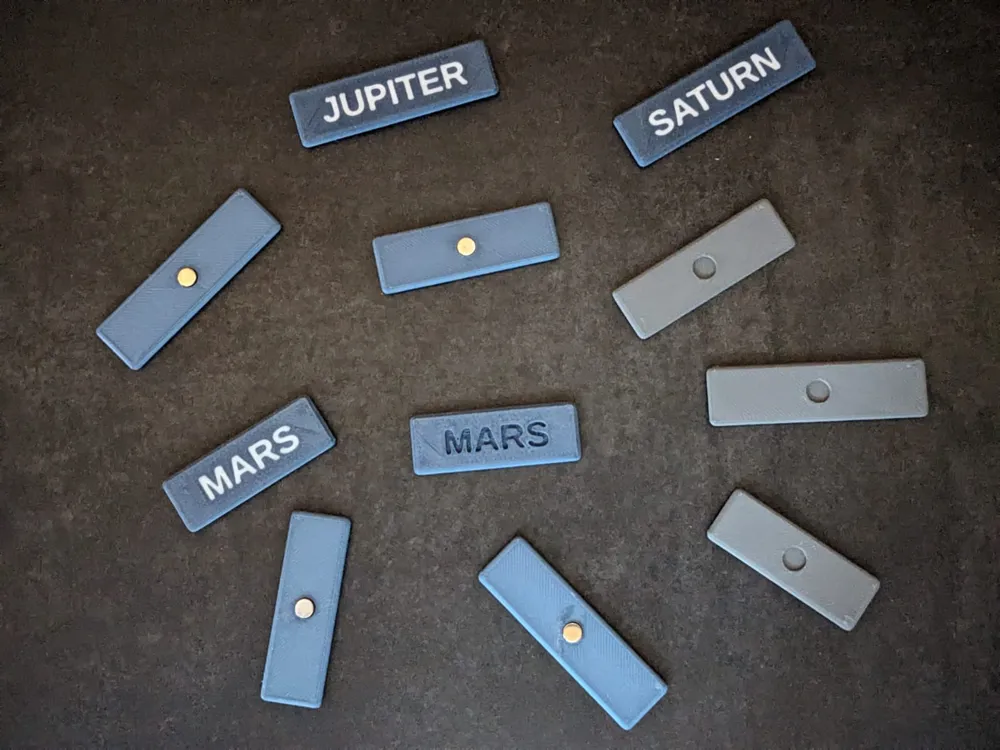
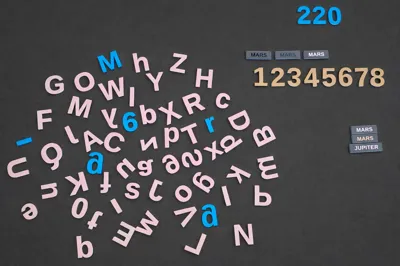
The primary use case is clean, reliable name tags, but the same code can also generate individual letters, numbers, and custom text-based tags using different parameters and print profiles.
This model is built with a strong focus on:
- consistent geometry
- print reliability
- clean edges and rounded 3D surfaces
- flexibility across multiple use cases
Key features
- Original parametric OpenSCAD design
- Generates name tags, letters, and numbers from a single codebase
- Optimized for 0.4 mm nozzle
- No supports required
- Easy to scale and customize
- Suitable for single-color and multi-color printing
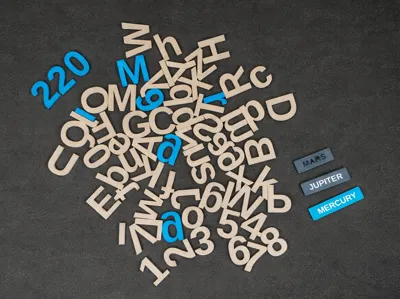
Included print profiles demonstrate:
- uppercase letters
- lowercase letters
- numbers
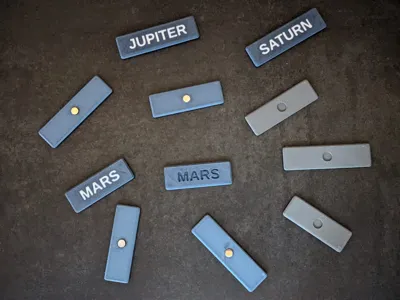
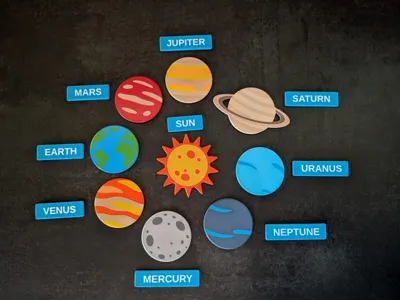
- example name tags
Parameters explained (OpenSCAD)
Text
- name
Text to generate (name, word, single letter, or number). - text_size
Controls overall text size. - text_offset_x, text_offset_y
Fine optical centering of the text.
Tag dimensions
- tag_height
Overall thickness of the tag. - padding_x, padding_y
Spacing between text and tag edges.
Print style
- print_style
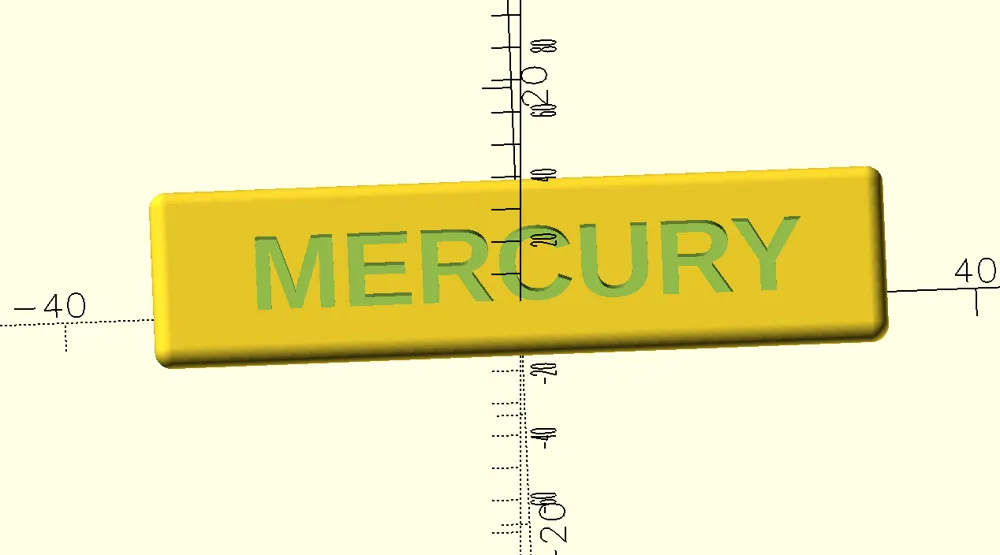
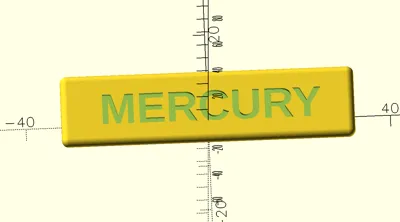
- "simple" → cut-through text (single-color print)
- "multicolor" → inset text for multi-color printing
Note:
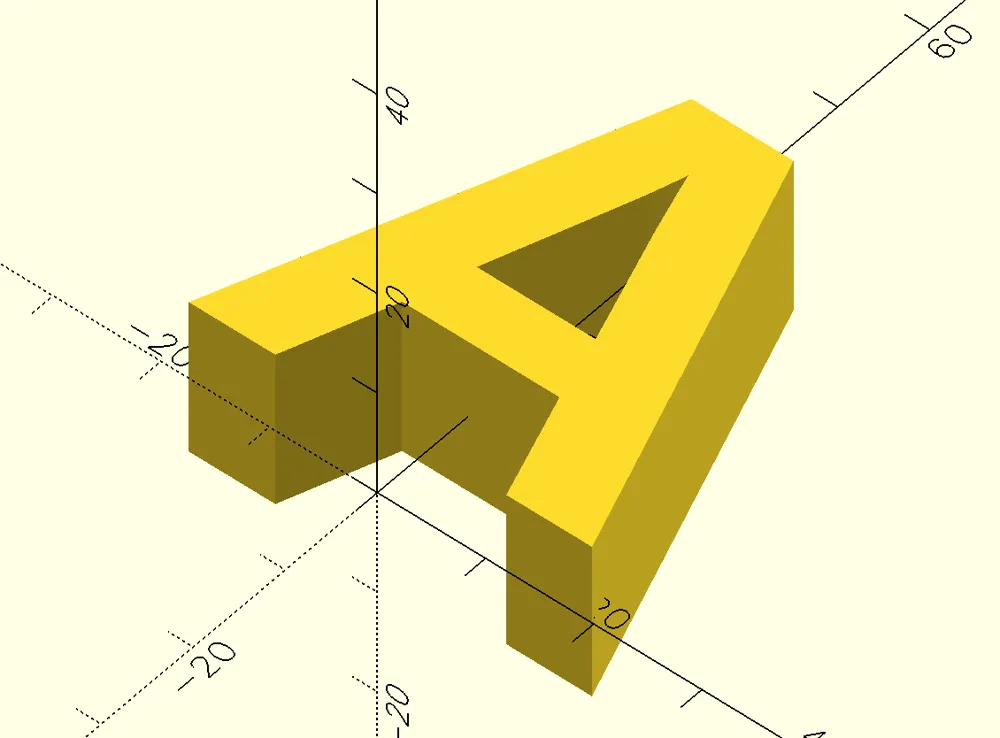
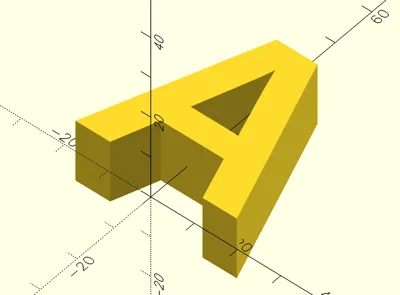
Cut-through text works best for letters without enclosed shapes (e.g. E, L, M, S). Letters like A, O, R will lose inner islands in simple mode.
Magnets / holes
- use_magnets
Enables magnet pockets or hanging holes. - magnet_diameter
Diameter of magnet or hole. - magnet_clearance
Extra tolerance for easier fit. - magnet_inset_height
- < tag_height → magnet pocket
- ≥ tag_height → through-hole for hanging
Export mode
- export_part
- "tag" → exports the full name tag
- "text" → exports text only (letters or numbers)
This parameter is essential for multi-color printing.
How to print
Option 1: Simple (single-color)
Fast and minimal setup.
Set:
- print_style = "simple";
- export_part = "tag";
- Export one STL
- Slice and print normally
✔ One filament
✔ Quick prints
Option 2: Multicolor (recommended)
Clean, professional result with inset letters.
Step 1: Export two STL files
- Tag body
- print_style = "multicolor";
- export_part = "tag";
- Text only
- print_style = "multicolor";
- export_part = "text";
You will get:
- one STL for the tag
- one STL for the text
Step 2: Combine in Bambu Studio
Import both STL files simultaneously into BambuStudio
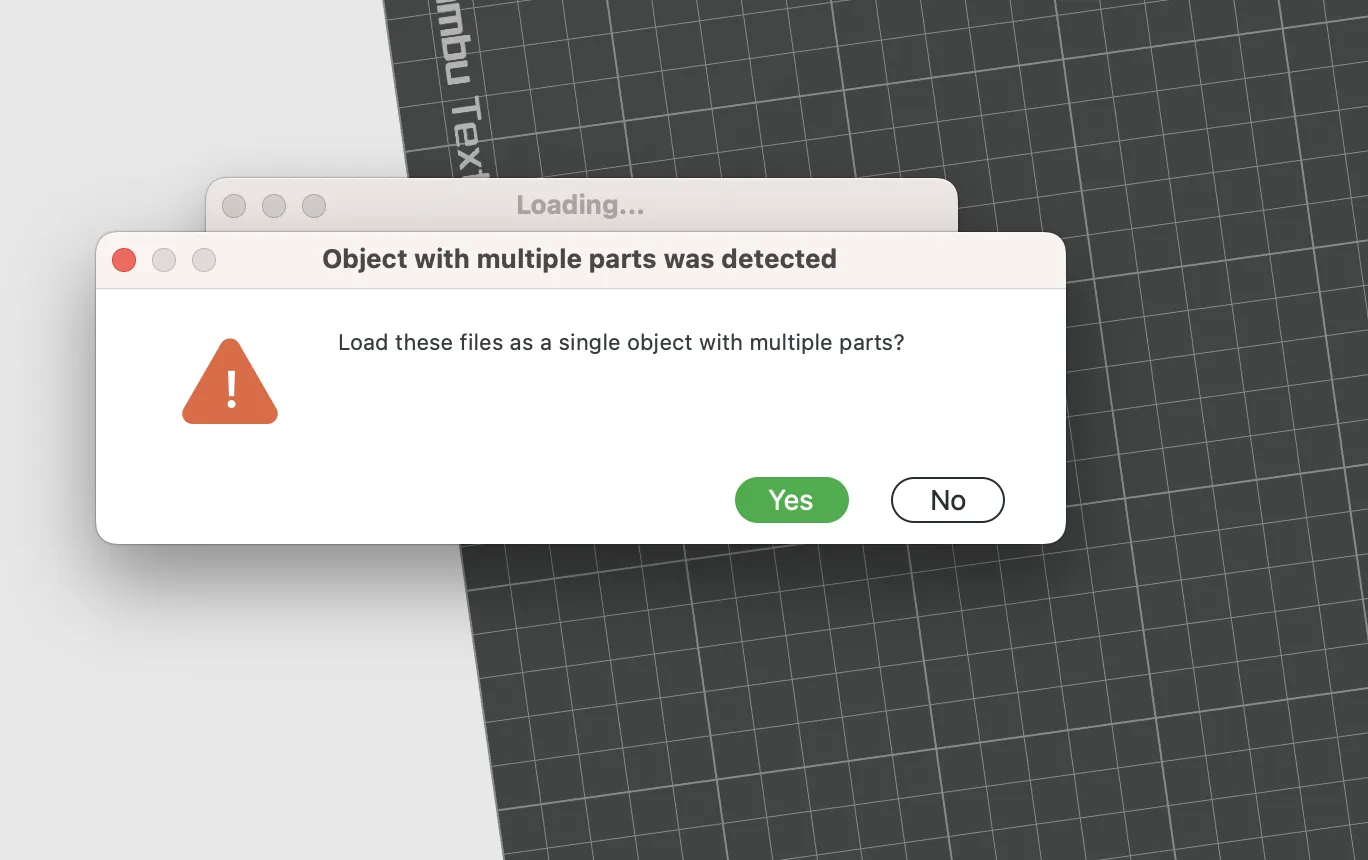
- Click “Yes” to “Load these files as a single object with multiple parts?”
- Assign different filaments to:
- tag body
- text
- Slice and print
✔ Perfect alignment
✔ Clean inset letters
✔ No manual painting
Design notes
- This is an original parametric generator
- Presets and print profiles are provided as examples of use
- The same code can be reused for many text-based applications
- This generator is meant to be reused, adapted, and extended for many future projects.
If you like modular functional and STEM projects, follow for upcoming models.
📂 This model is part of my 3D model collections.
Explore more functional & educational models on my profile.
Boost Me (for free)
If you like this model and want to support my work, consider giving it a boost 🚀
License

You shall not share, sub-license, sell, rent, host, transfer, or distribute in any way the digital or 3D printed versions of this object, nor any other derivative work of this object in its digital or physical format (including - but not limited to - remixes of this object, and hosting on other digital platforms). The objects may not be used without permission in any way whatsoever in which you charge money, or collect fees.


Comment & Rating (0)