
1/10 80's California License Plate | CUSTOMIZABLE
Print Profile(1)

Description
Boost Me (for free)
Boosting is free, and supports me just as much as a membership! Your points go straight to my filament and printer part costs, fueling more dope models like these!
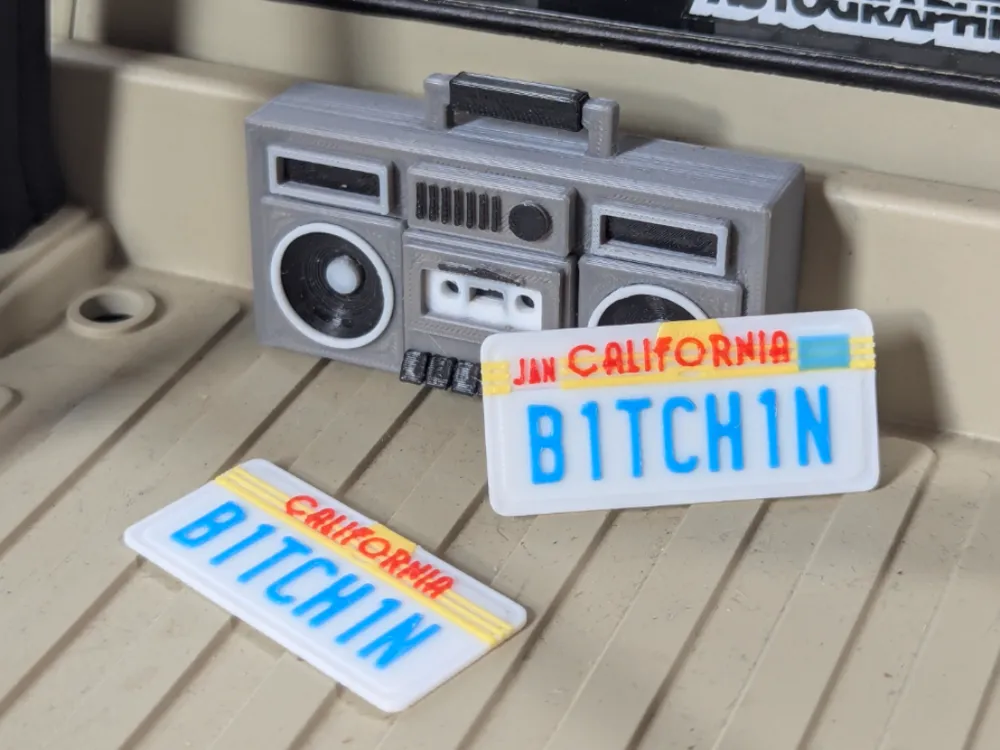
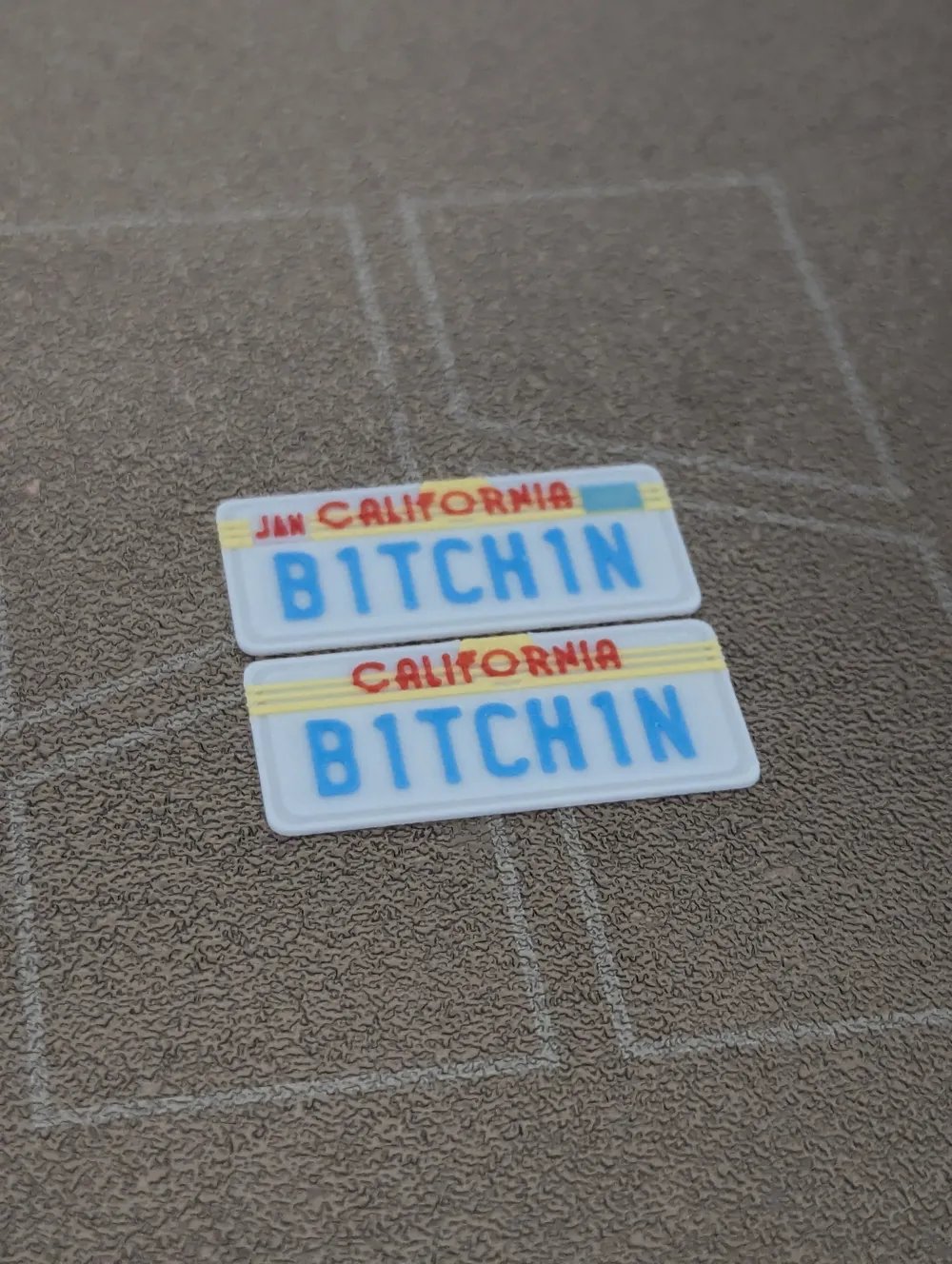
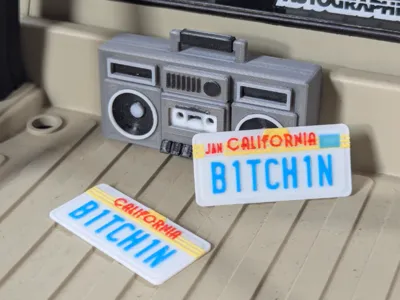
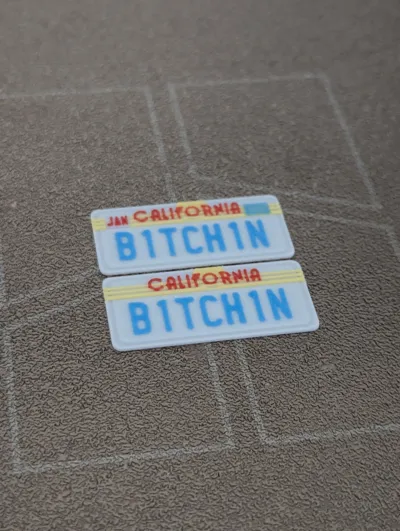
Fully Customizable 80's California 1/10th Scale RC Car License Plates!
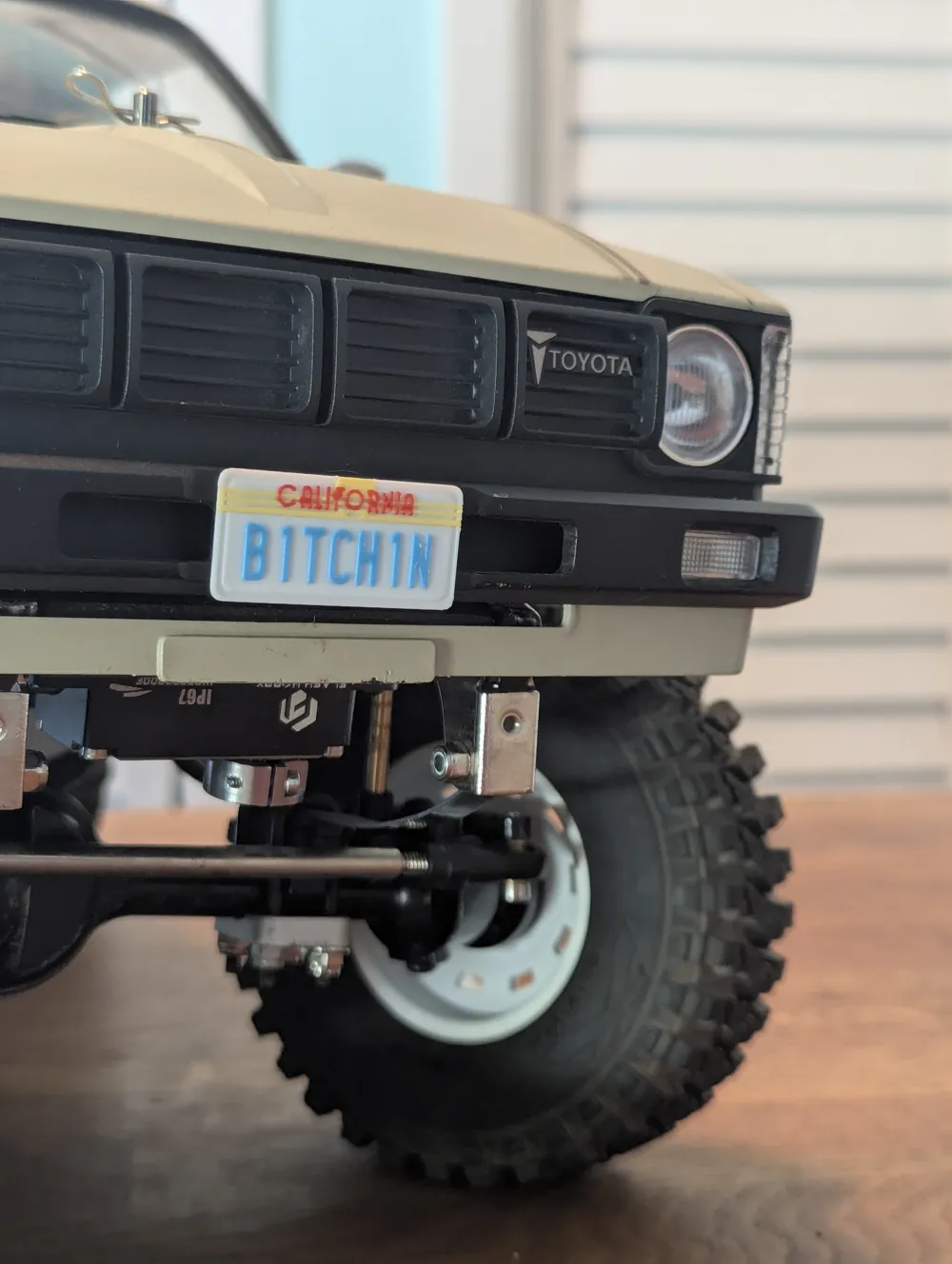
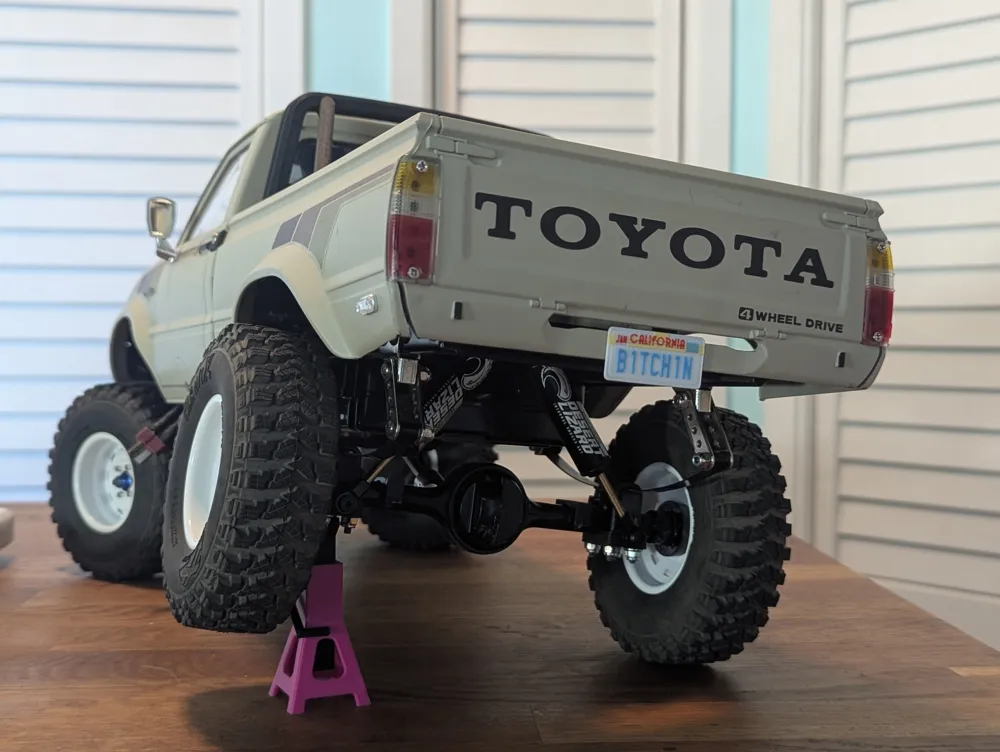
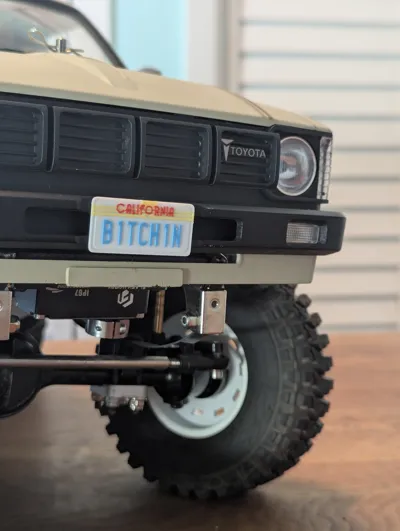
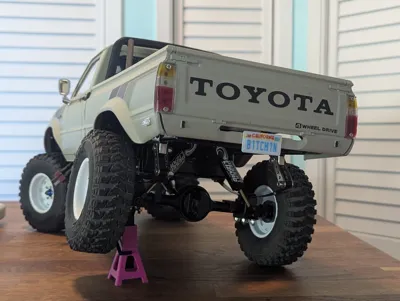
Really wanted a custom 80's style Cali plate for my custom-built Hilux crawler, but I couldn't find anything truly complete and customizable. This aims to fill the gap in the hobby! They're scaled to match the License plate stickers from Tamiya Bruisers, and are totally compatible with any other 1/10th scale RC car. All you need to mount them is a little glue or preferably 3M VHB tape so they can be more easily removed in the future. One of my favorite projects yet, I couldn't be happier with how they came out.
NOTES:
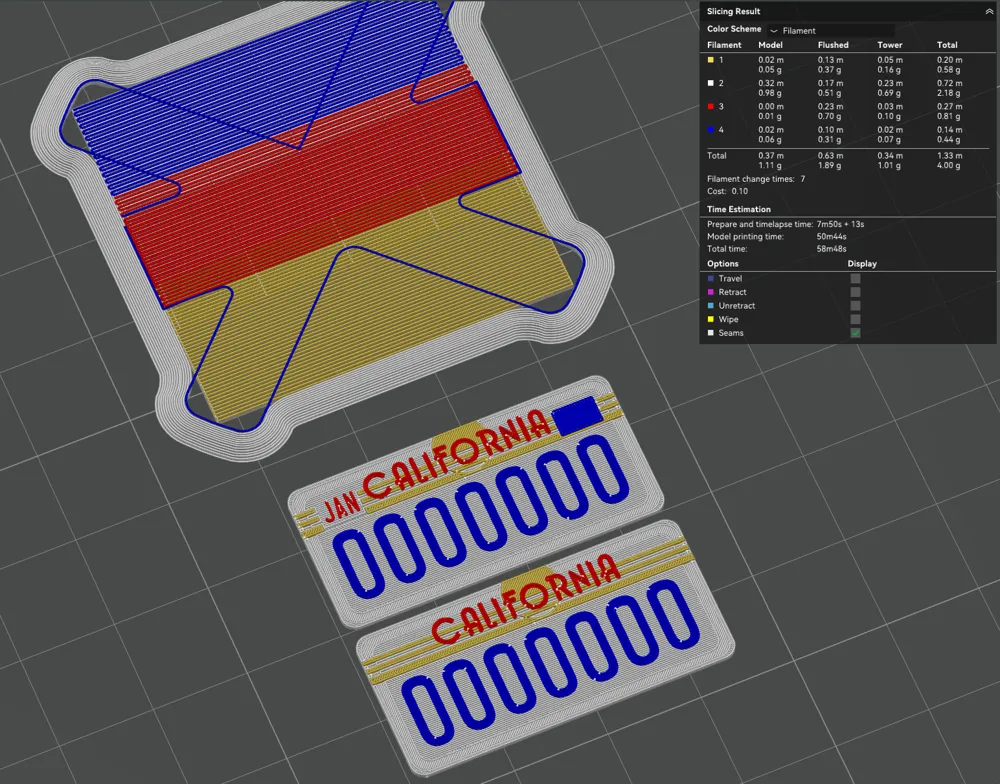
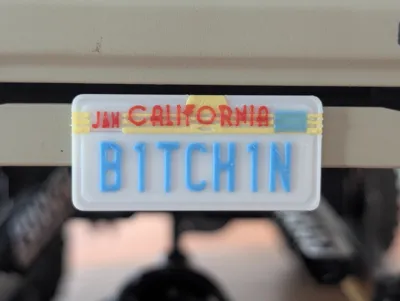
A 0.2MM Nozzle is REQUIRED. details like the “CALIFORNIA” text are too small, even when turning on “Detect Thin Walls” in the slicer.
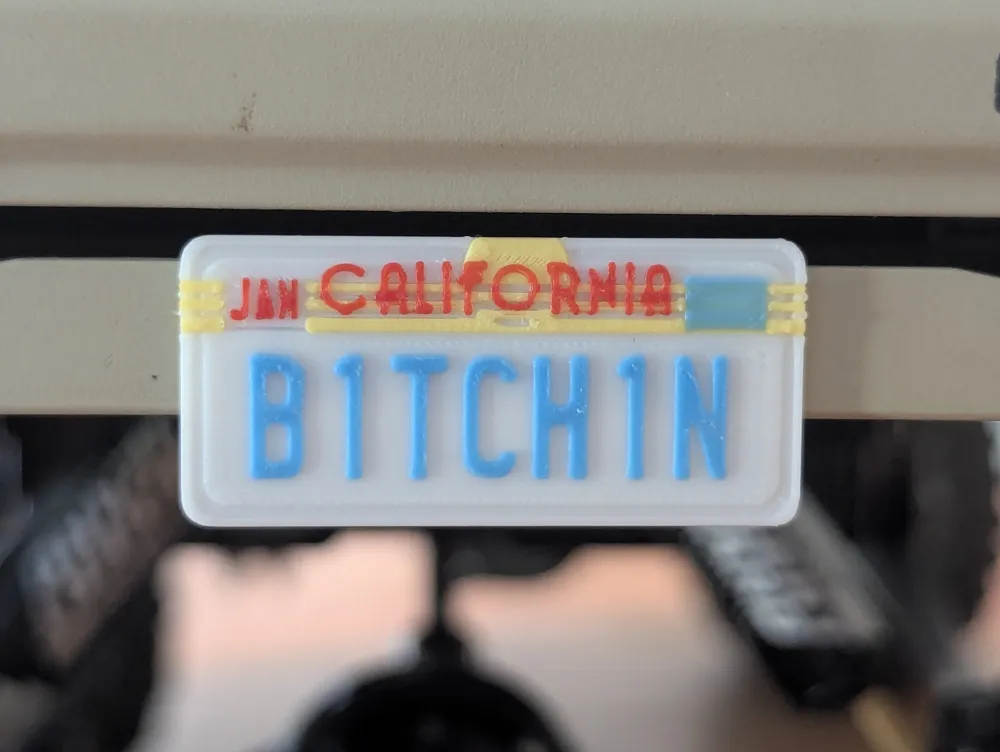
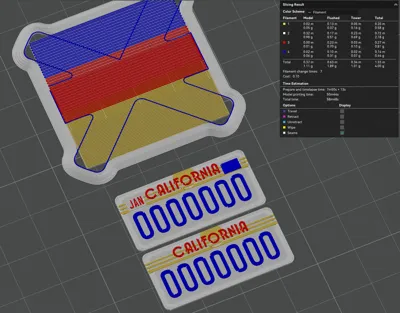
AMS IS OPTIONAL, But preferred. Hand-painting would be very difficult at this scale. Colors needed are White, Blue, Red and Yellow.
To modify the license plate you'll need a computer, the 3MF and the font used for the plate. A link to the font I used is provided here: https://www.fontspace.com/license-plate-font-f3359
PRE-CONFIGURED PLATE
Included in the print profile is the “B1TCH1N” plate I used on my own car, so feel free to print it as-is for a cool plate to put on your rig!
CUSTOMIZING A PLATE
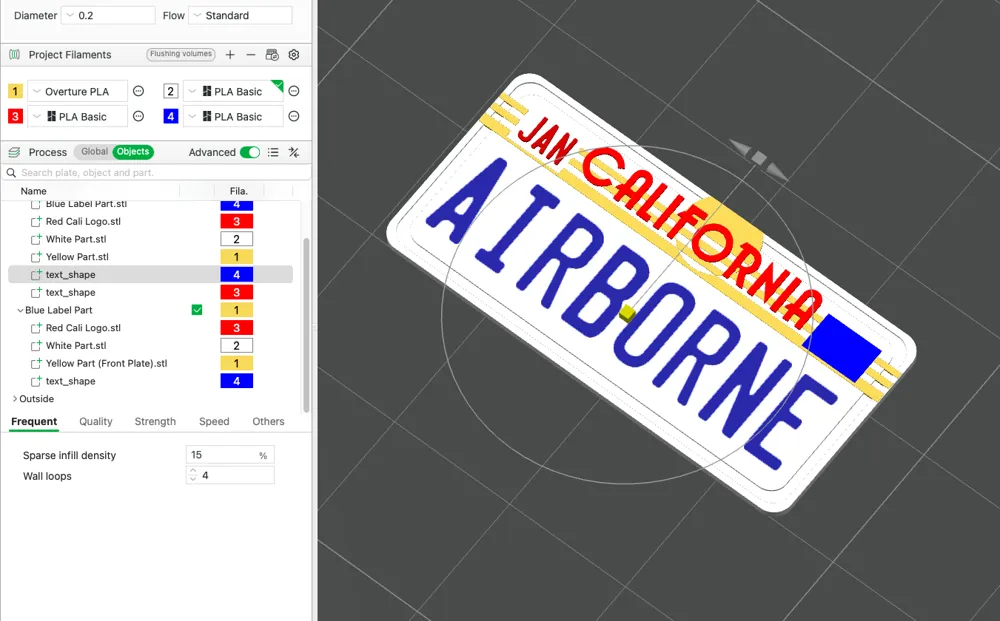
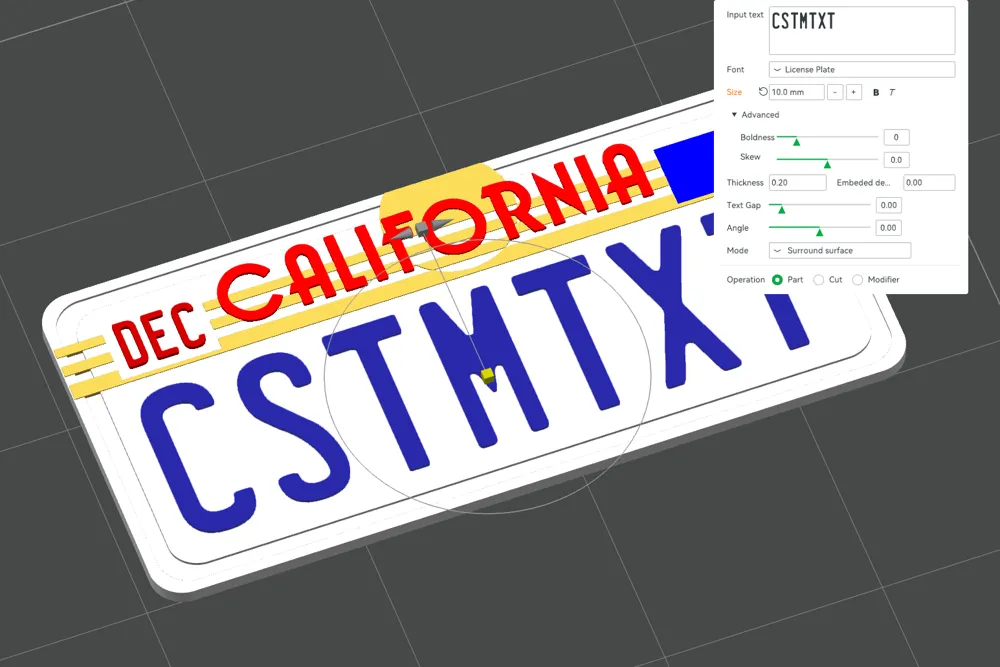
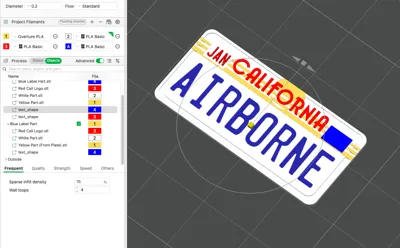
If you'd rather make something custom, here's how: First before opening or downloading anything, download and install the font I used: https://www.fontspace.com/license-plate-font-f3359. Bambu 3MFs don't save the custom font, so it needs to be preinstalled on your computer so you'll be able to change it to something else. Once you've installed it, download and open the 3MF in Bambu Studio and go the “Objects” section of the Process bar.
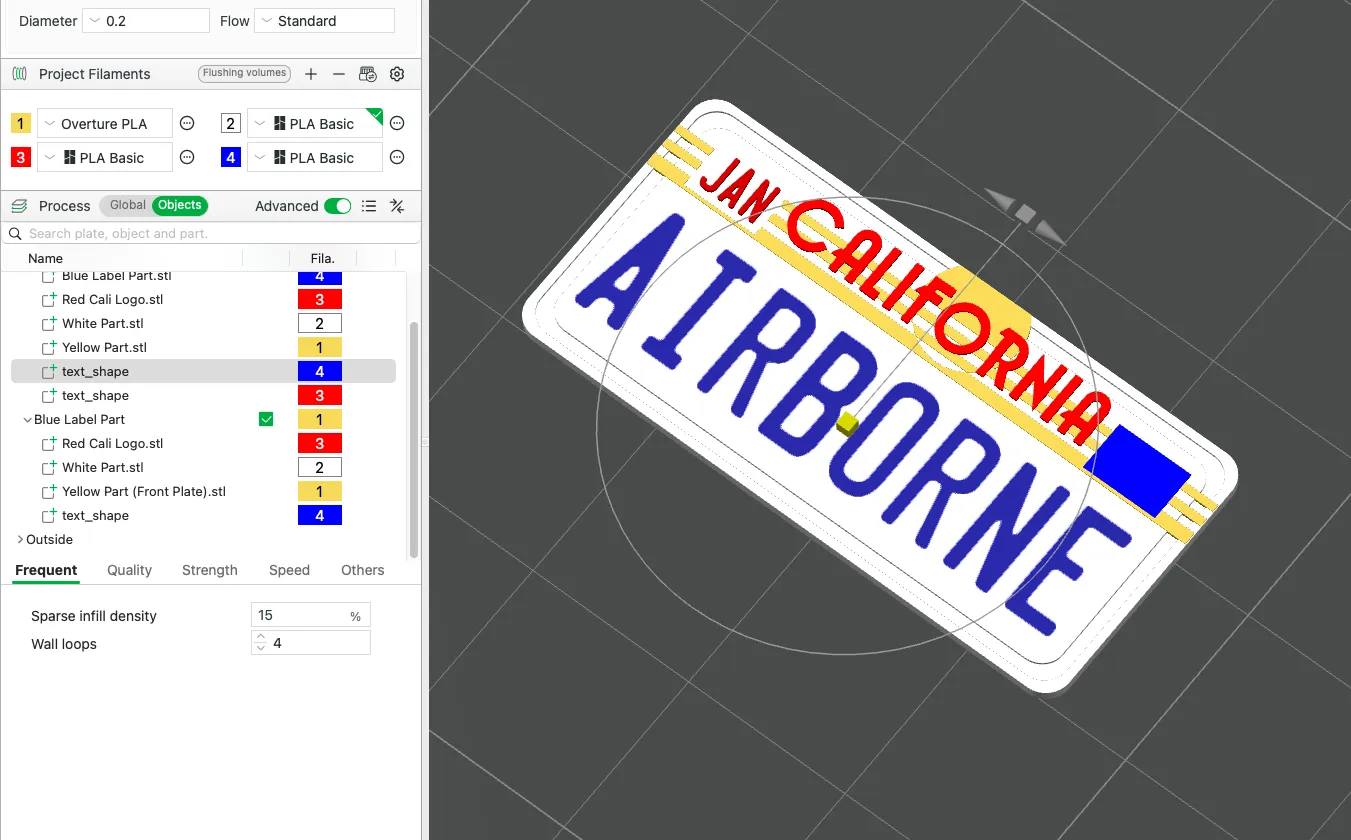
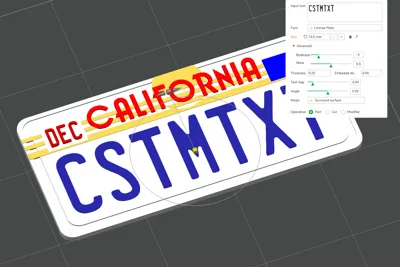
From there if you expand both object part pages you should see “text_shapes,” those are the customizable texts. Blue ones are the main IDs and the red one is the month in the top left corner of the rear plate. with a text_shape selected select the “Text Shape” tool at the top of the Bambu Studio project and it'll give you a page to modify the text however you want!
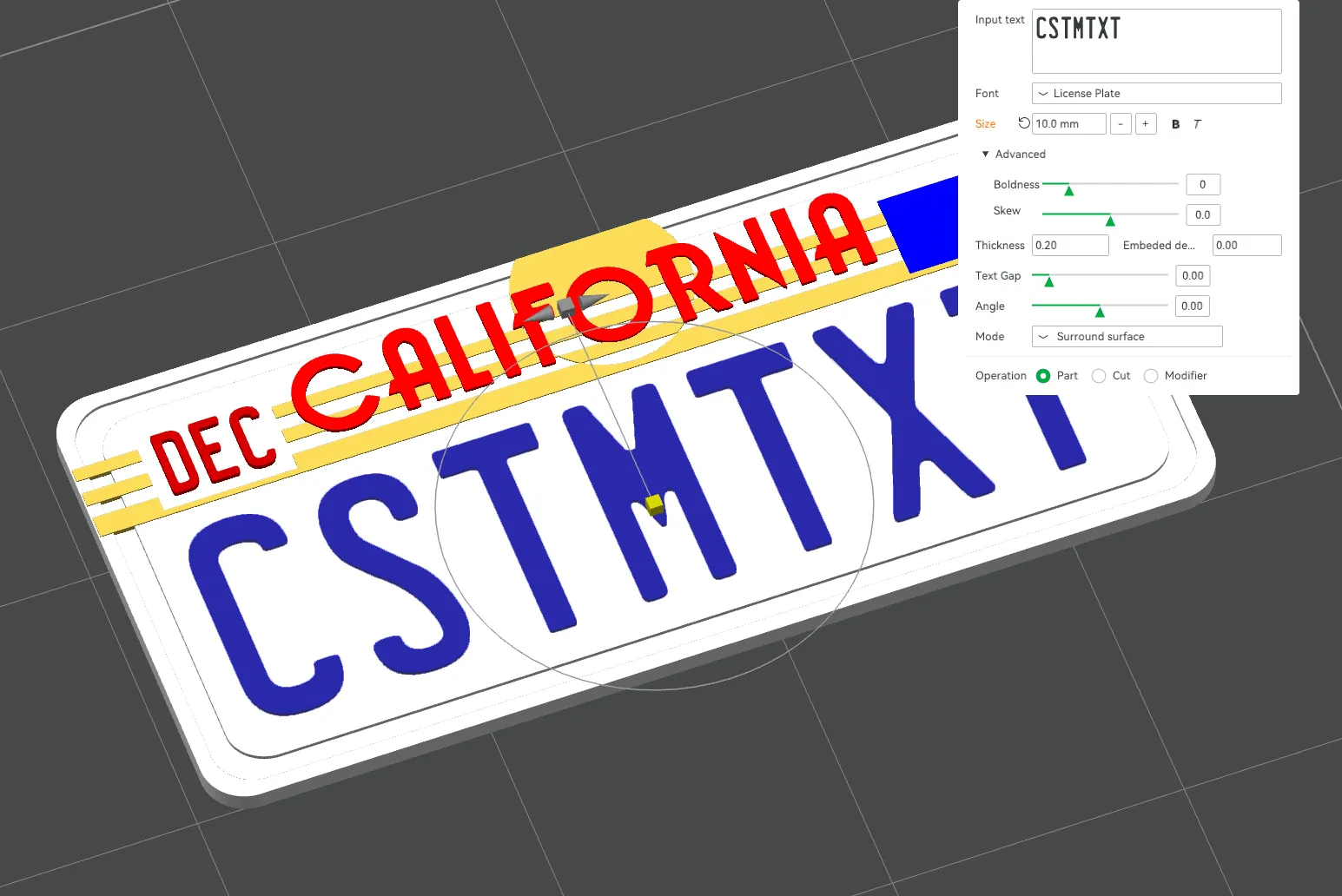
Both main IDs on the front and rear plate can be modified, along with the month in the top left corner! (FYI, you may need to re-select the “License Plate” font before modifying just so your computer knows where to pull it from.)
Feel free to upload your own custom plates as print profiles to this listing for other users to try!
Happy printing, and stay tuned for more scale parts like it!
Membership
your contributions as a commercial member both give me the financial incentive to continue creating valuable designs, while also providing you with the opportunity to resell parts and models to hobbyists without printers!
License

You shall not share, sub-license, sell, rent, host, transfer, or distribute in any way the digital or 3D printed versions of this object, nor any other derivative work of this object in its digital or physical format (including - but not limited to - remixes of this object, and hosting on other digital platforms). The objects may not be used without permission in any way whatsoever in which you charge money, or collect fees.


Comment & Rating (16)