
WiFi Temperature Sensor
Print Profile(1)

Description
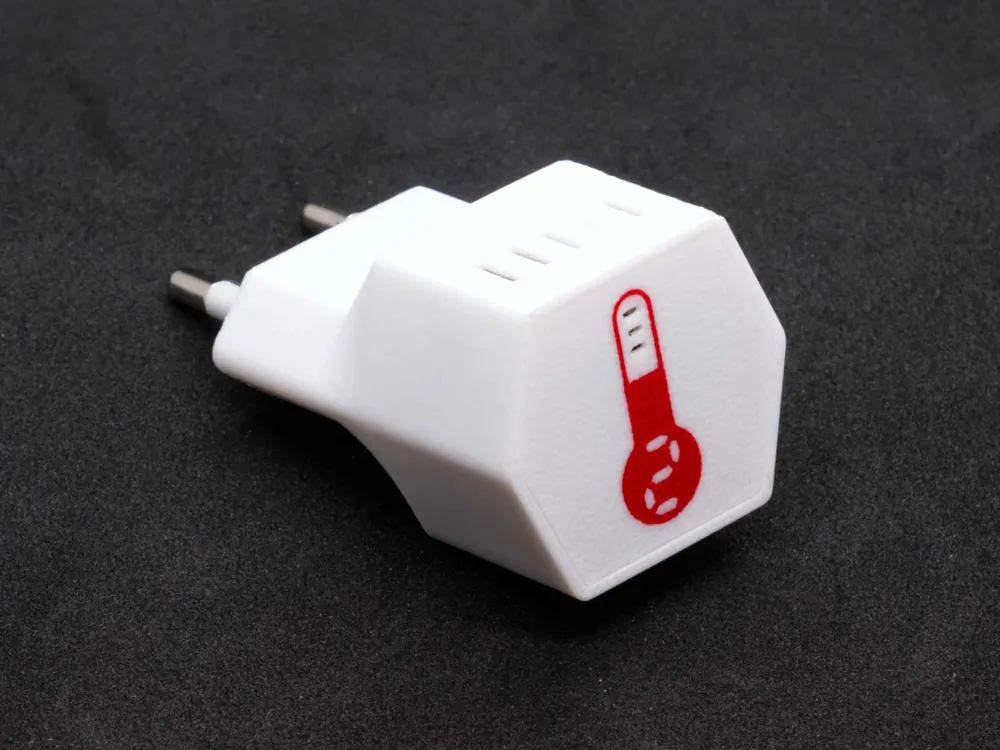
WiFi Temperature Sensor
To control my heating via Home Assistant, I needed some temperature sensors. These should be powered by mains voltage and not by batteries, so they can reliably deliver temperature readings
WARNING
This project is only for people who know what they are doing. It involves the use of 220V mains voltage, which can be fatal if touched. I assume no liability for damages of any kind that may arise from replication
Requirements
Required Knowledge
- Soldering experience
- ESP Home
- MQTT
Parts
The links point to AliExpress items that I used
Printing
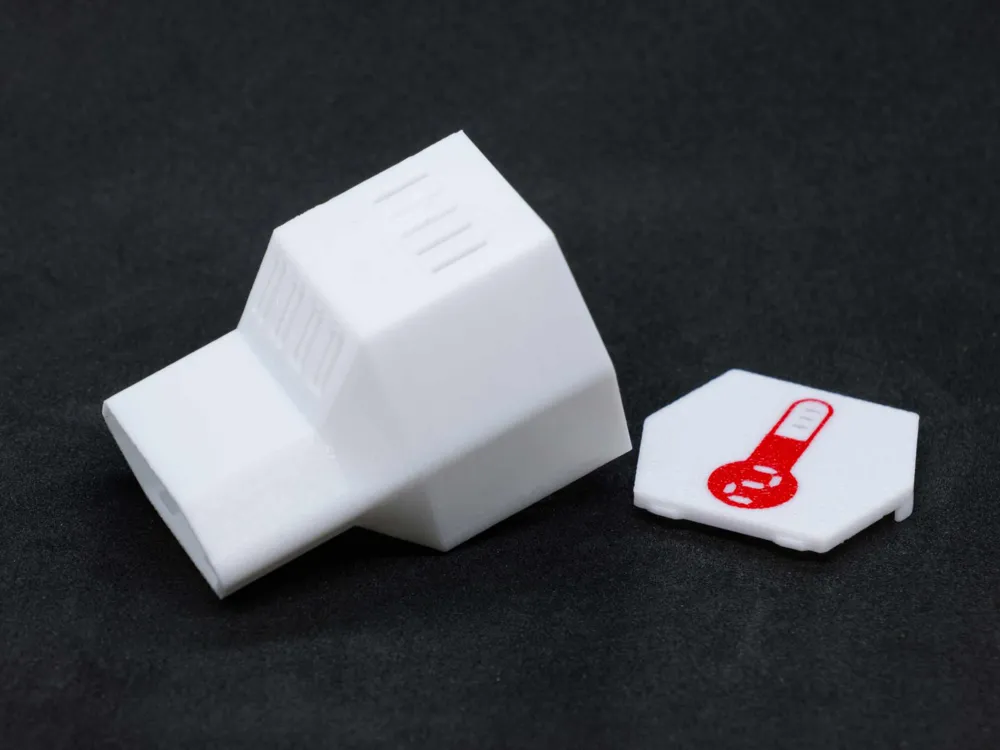
The number on the lid can be easily changed by coloring the segments with the paint bucket and edge detection feature
Make sure the print bed is clean, otherwise the housing will fall over. If you like, you can use some “mouse ears” (brim)
Electronics
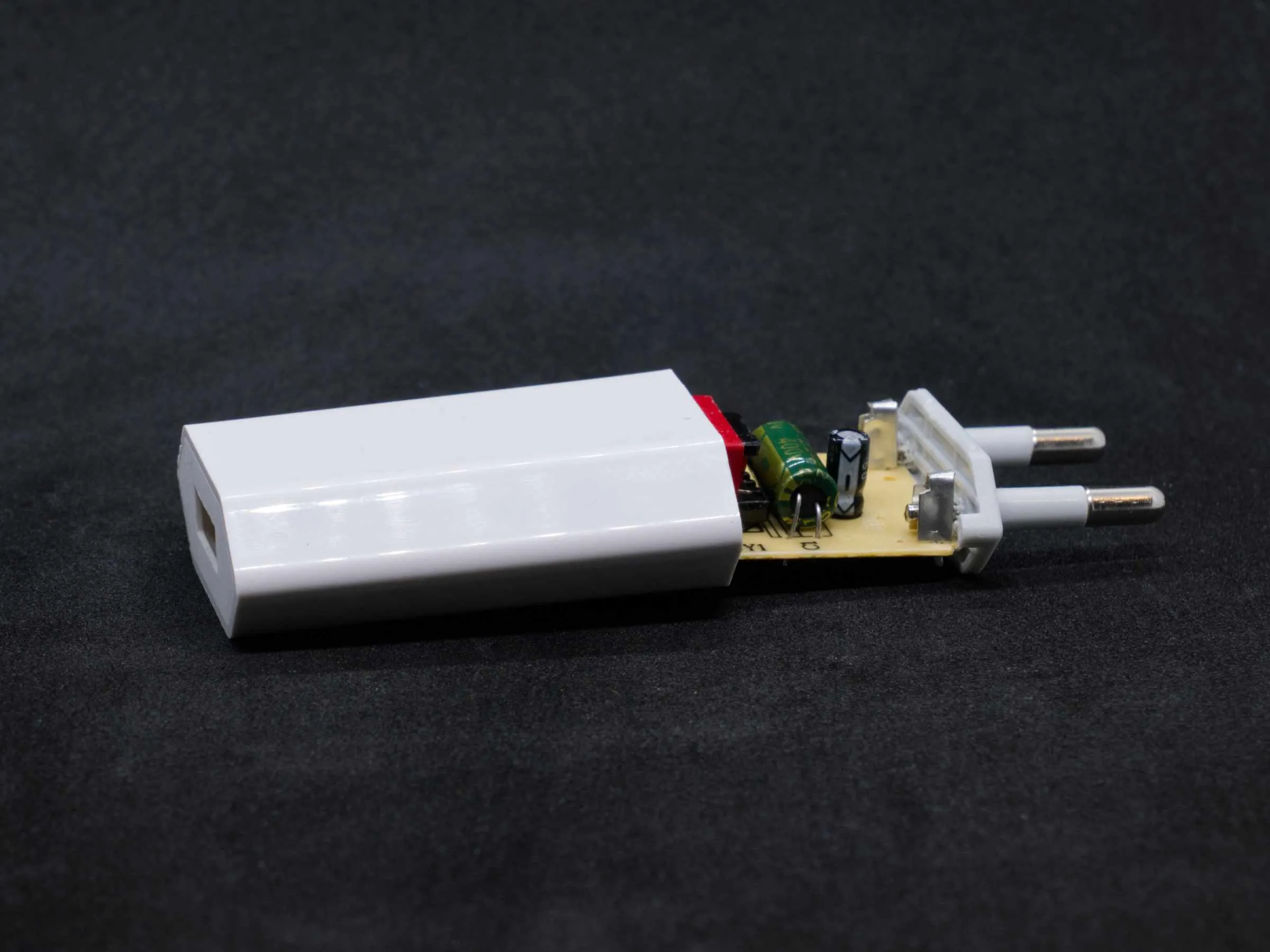
Carefully pry open the plug-in power supply on the plug side with a knife or small screwdriver and pull it apart
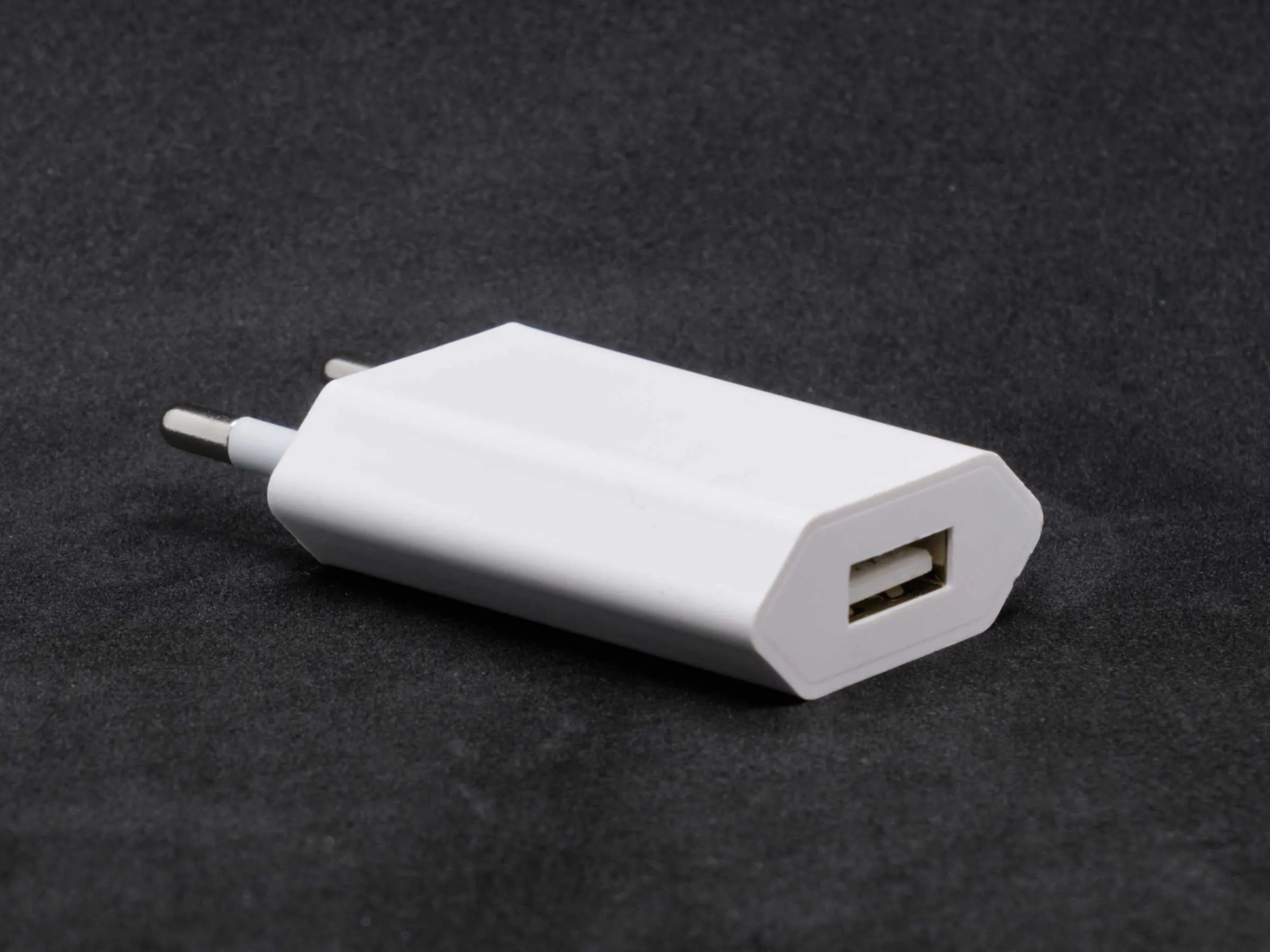
| 
|
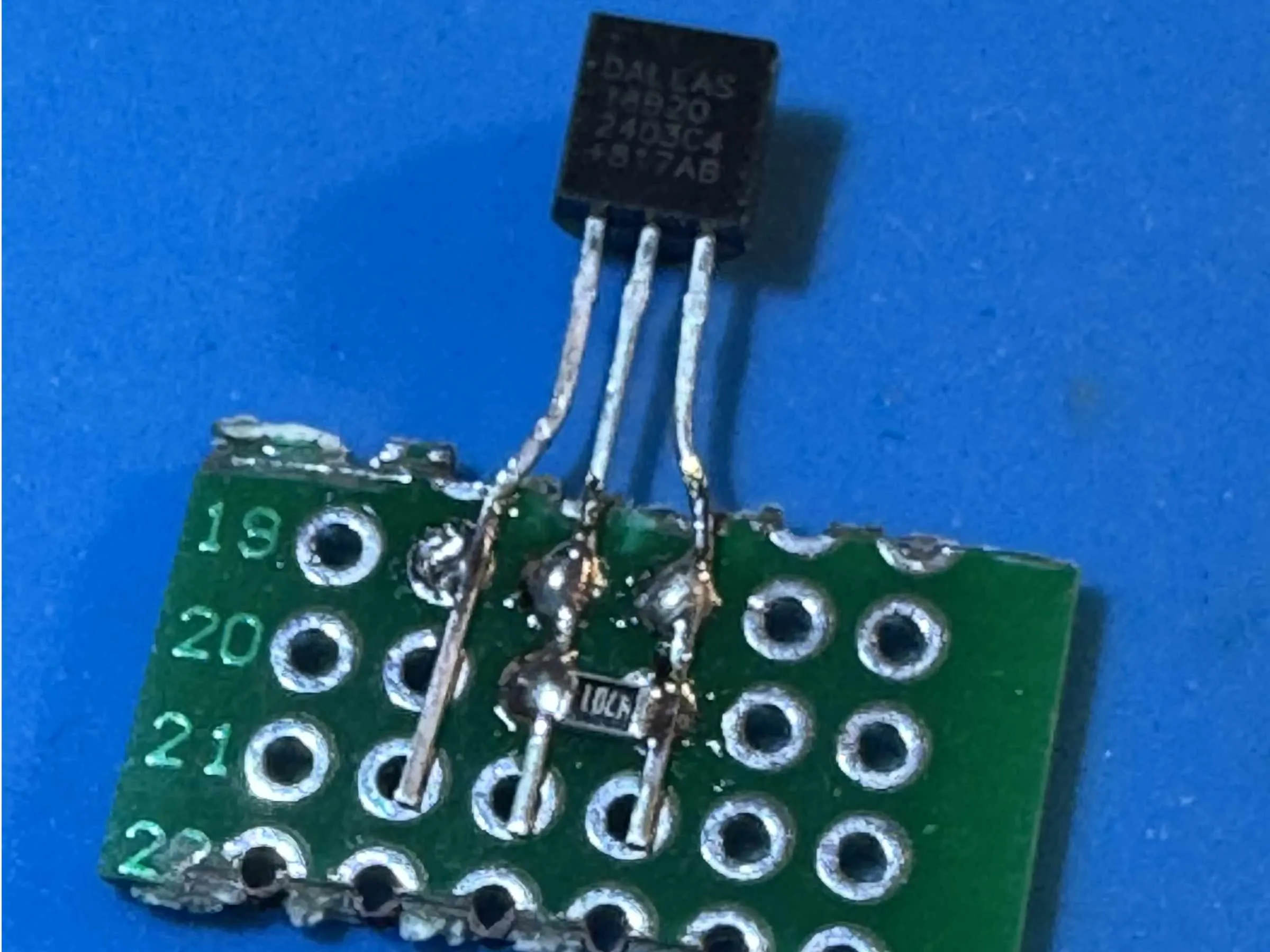
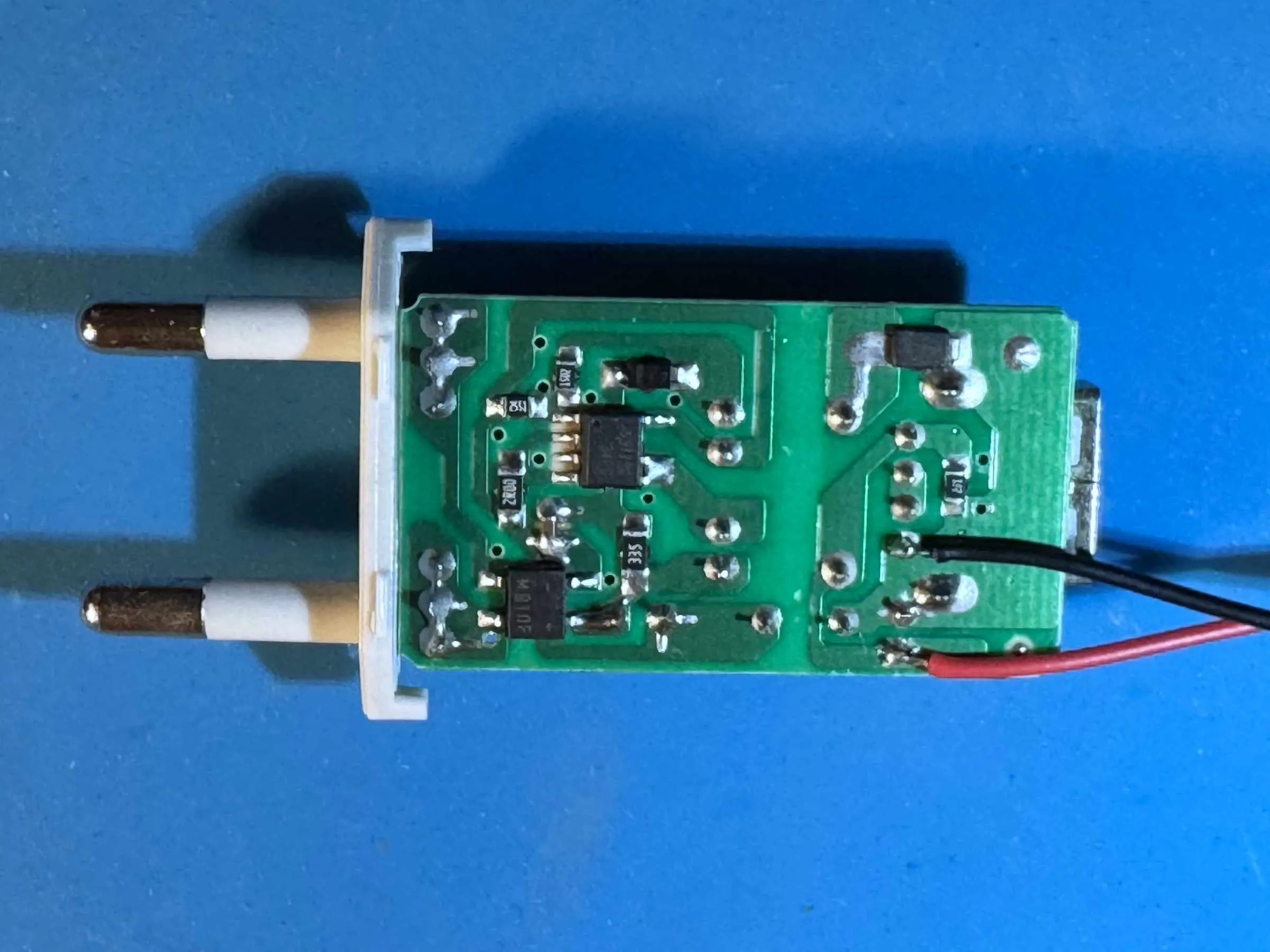
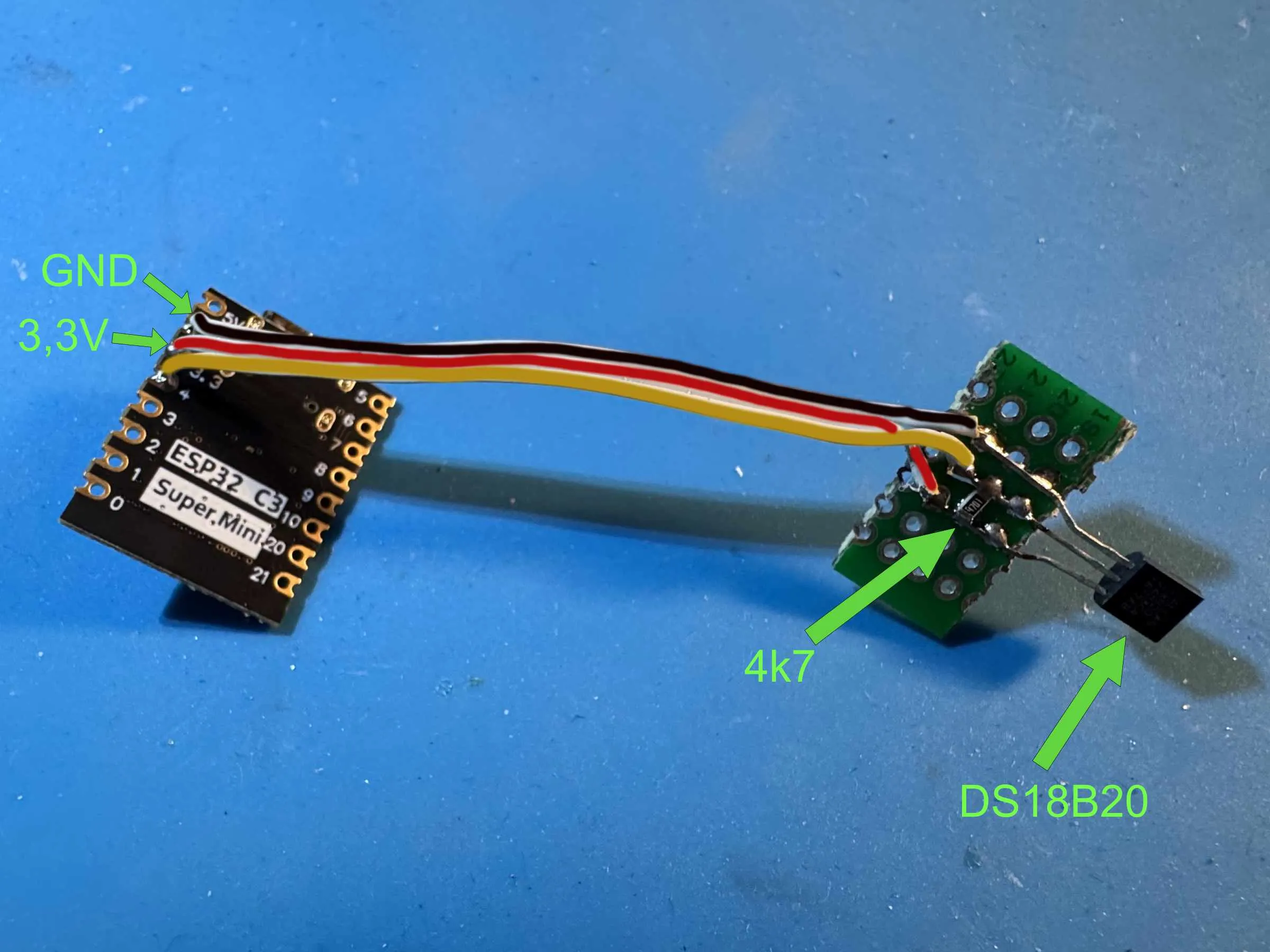
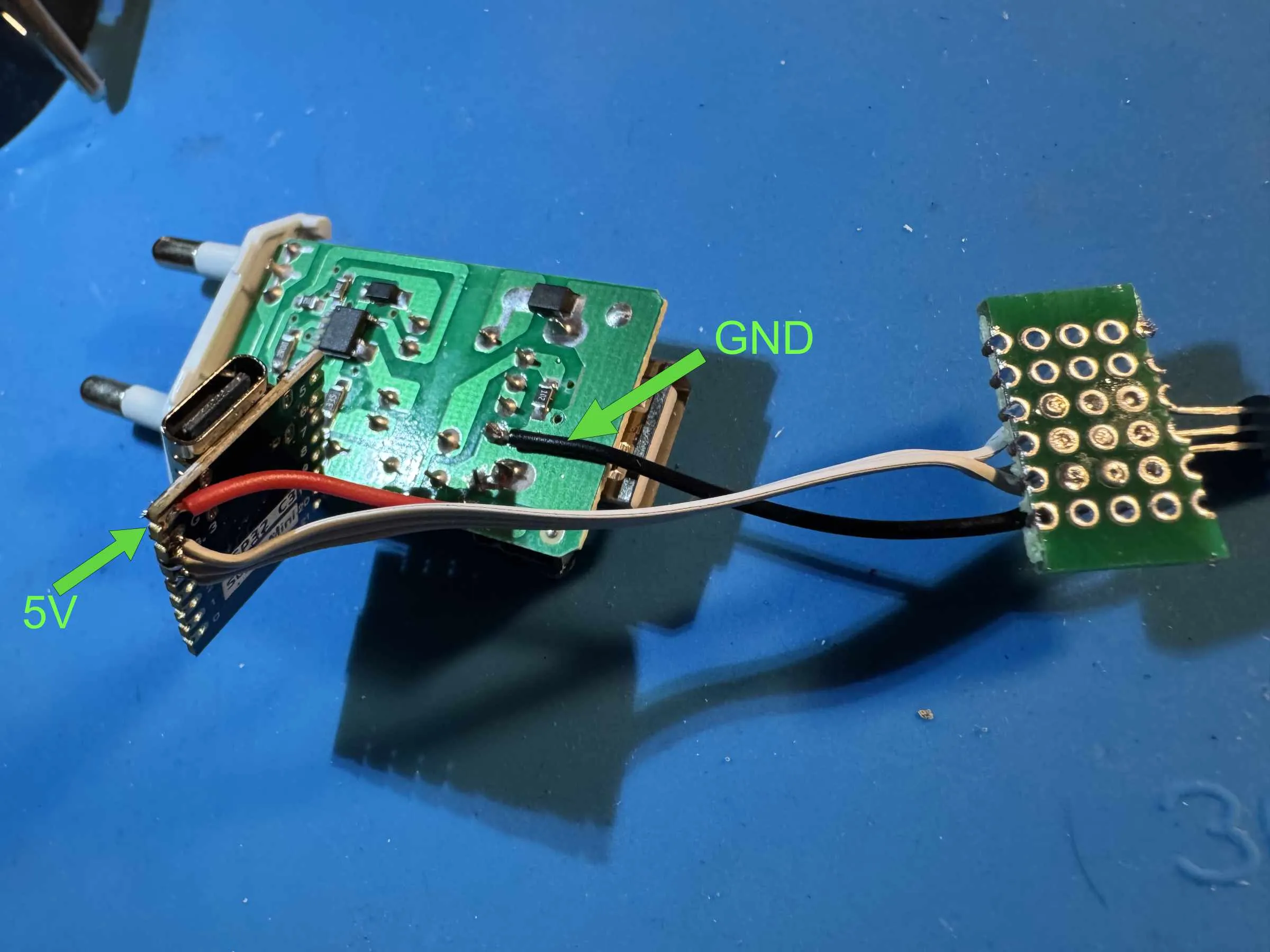
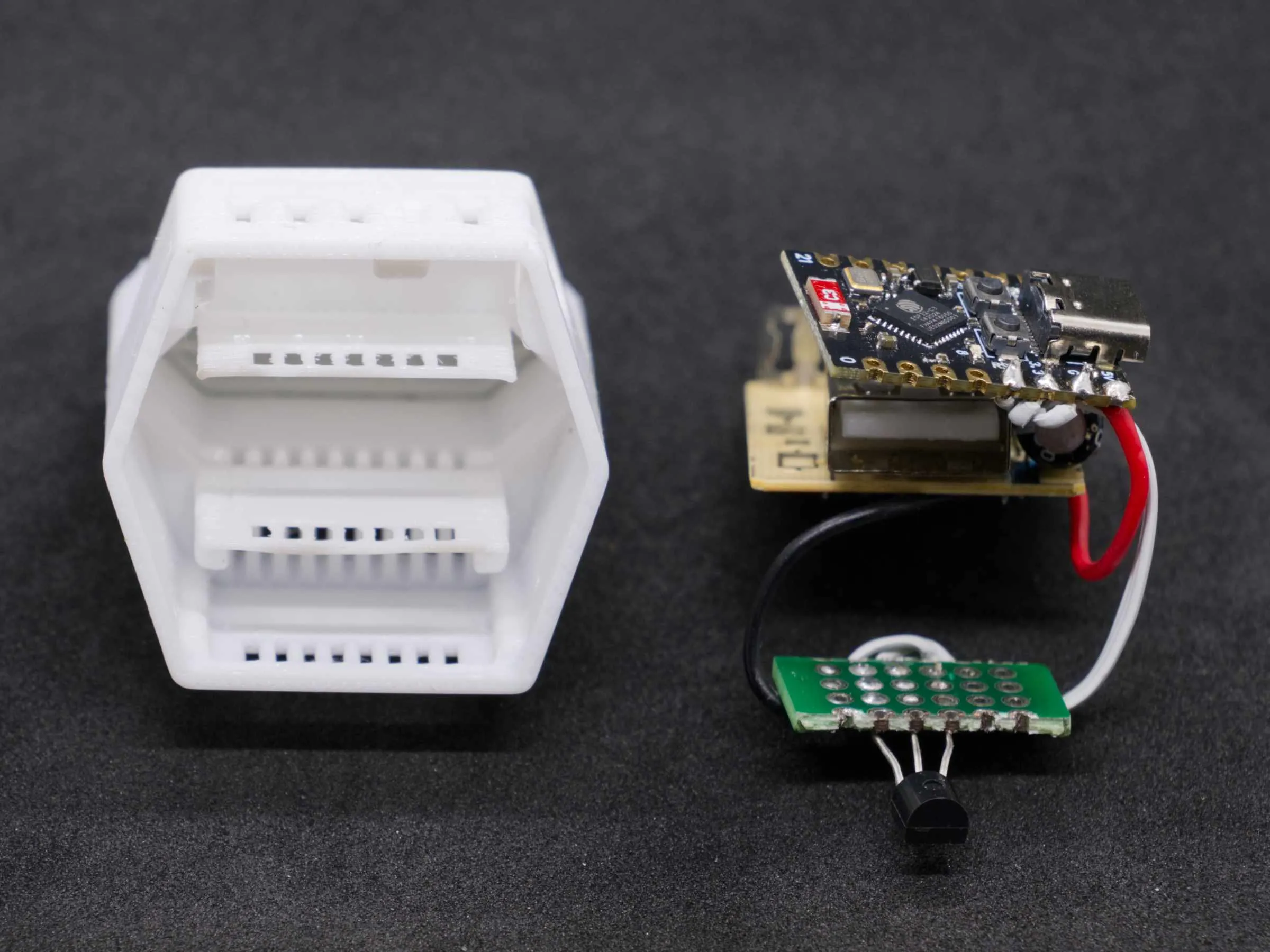
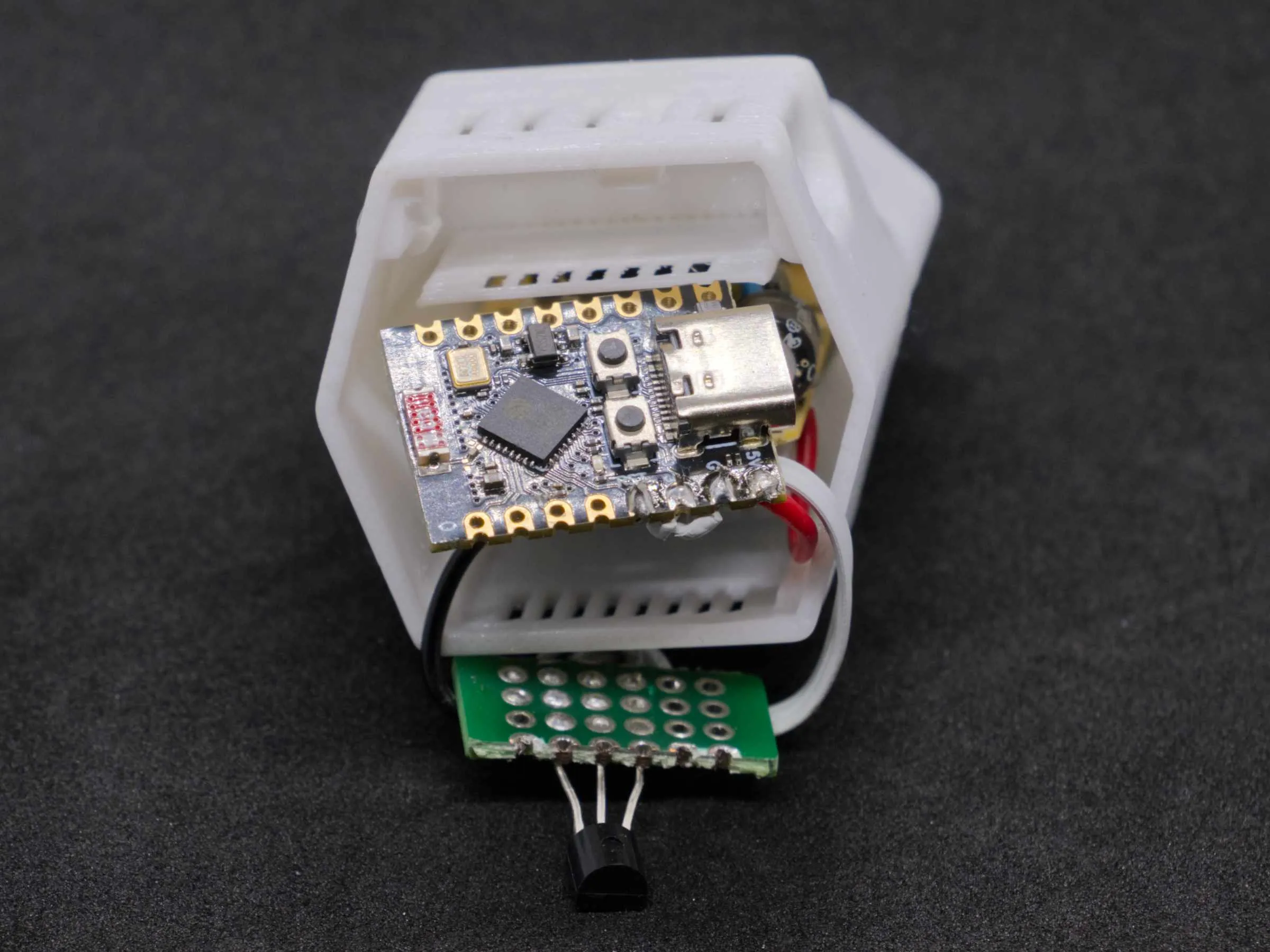
The following pictures show the assembly of the electronics. Due to the simple circuit, I did not include a circuit diagram
Clicking on the photos makes them larger
| 
| 
| 
|
| Solder the Dallas Sensor onto a 20x10mm PCB. A 4k7 SMD resistor goes between Vcc and DQ | Solder 5V and GND cables to the plug-in power supply | Connect ESP32-C3 and sensor as shown (GND, 3.3V and Pin 4 to DQ) | Connect 5V from the power supply to ESP32-C3 5V, connect GND to the sensor board GND |
Final Assembly
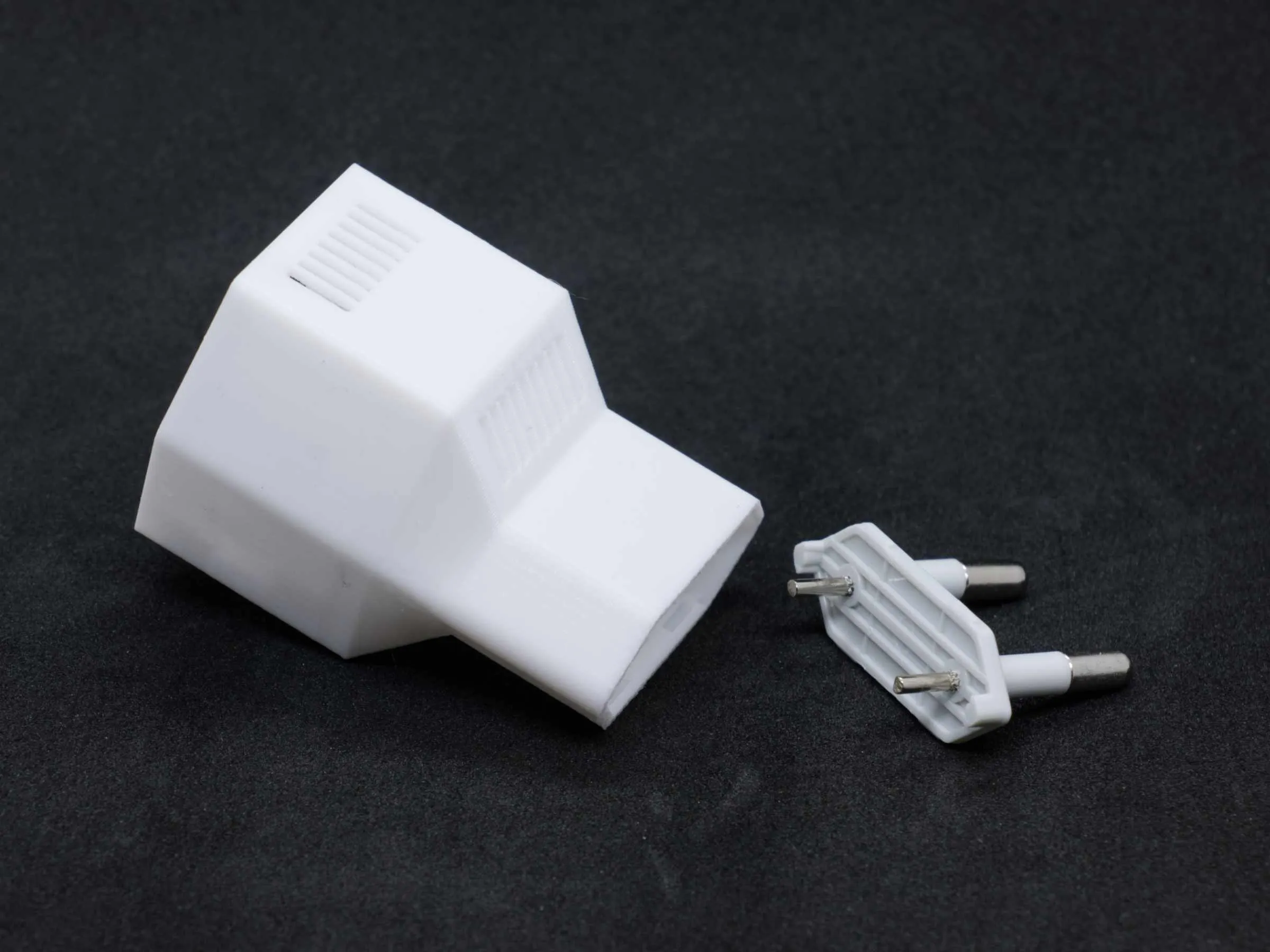
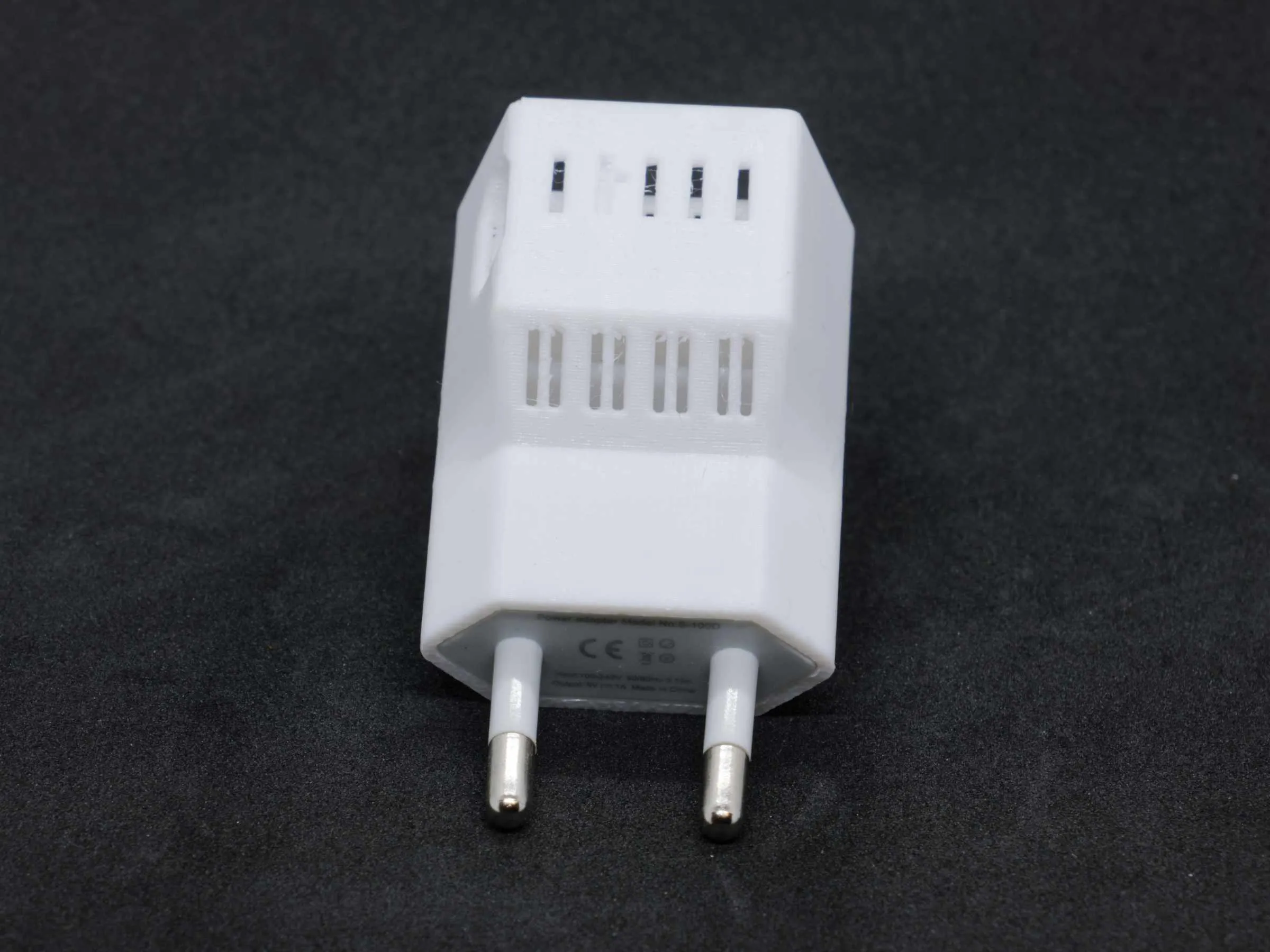
First, unplug the power supply and snap it into the printed housing
| 
|
| 
| 
|
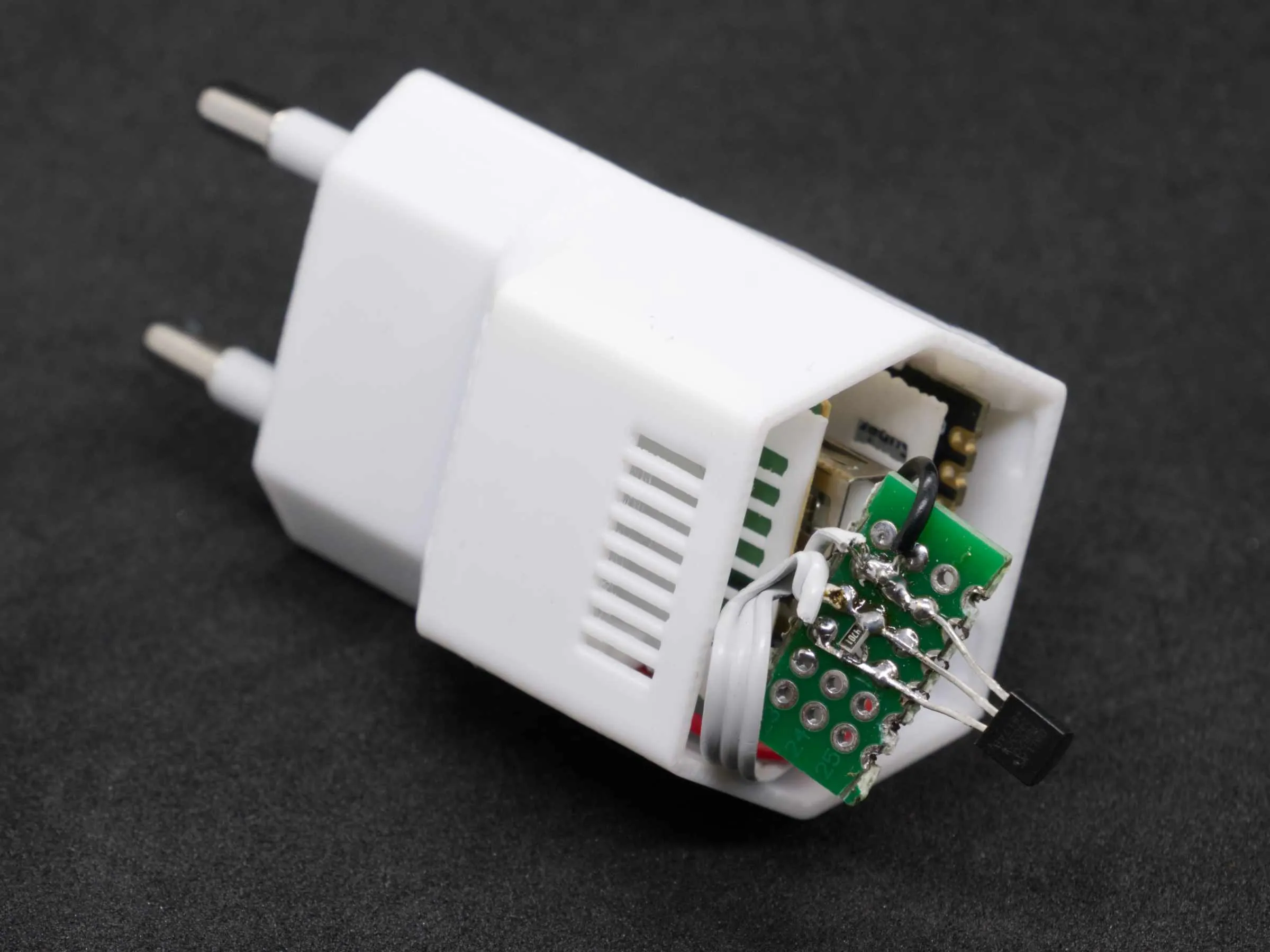
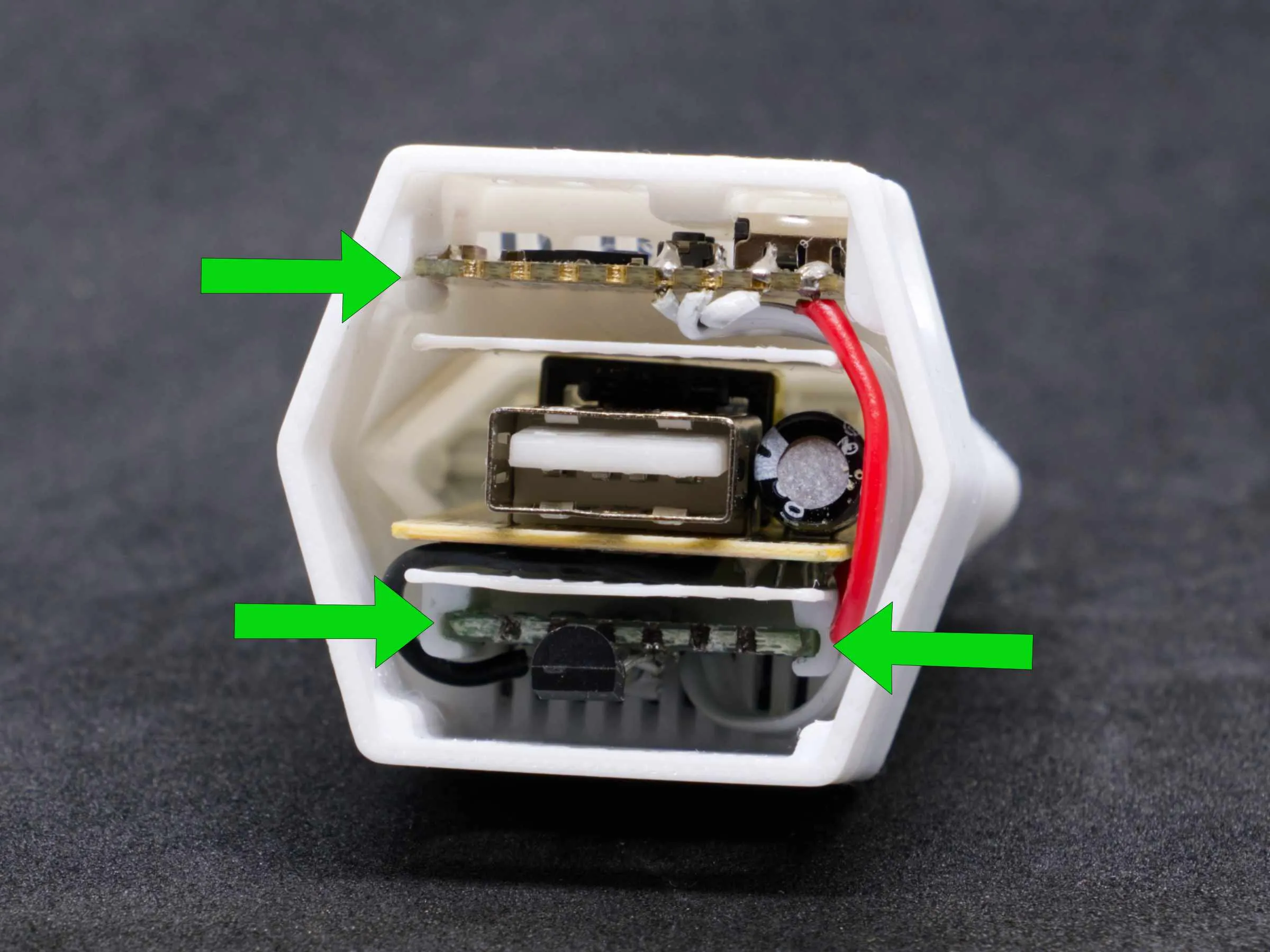
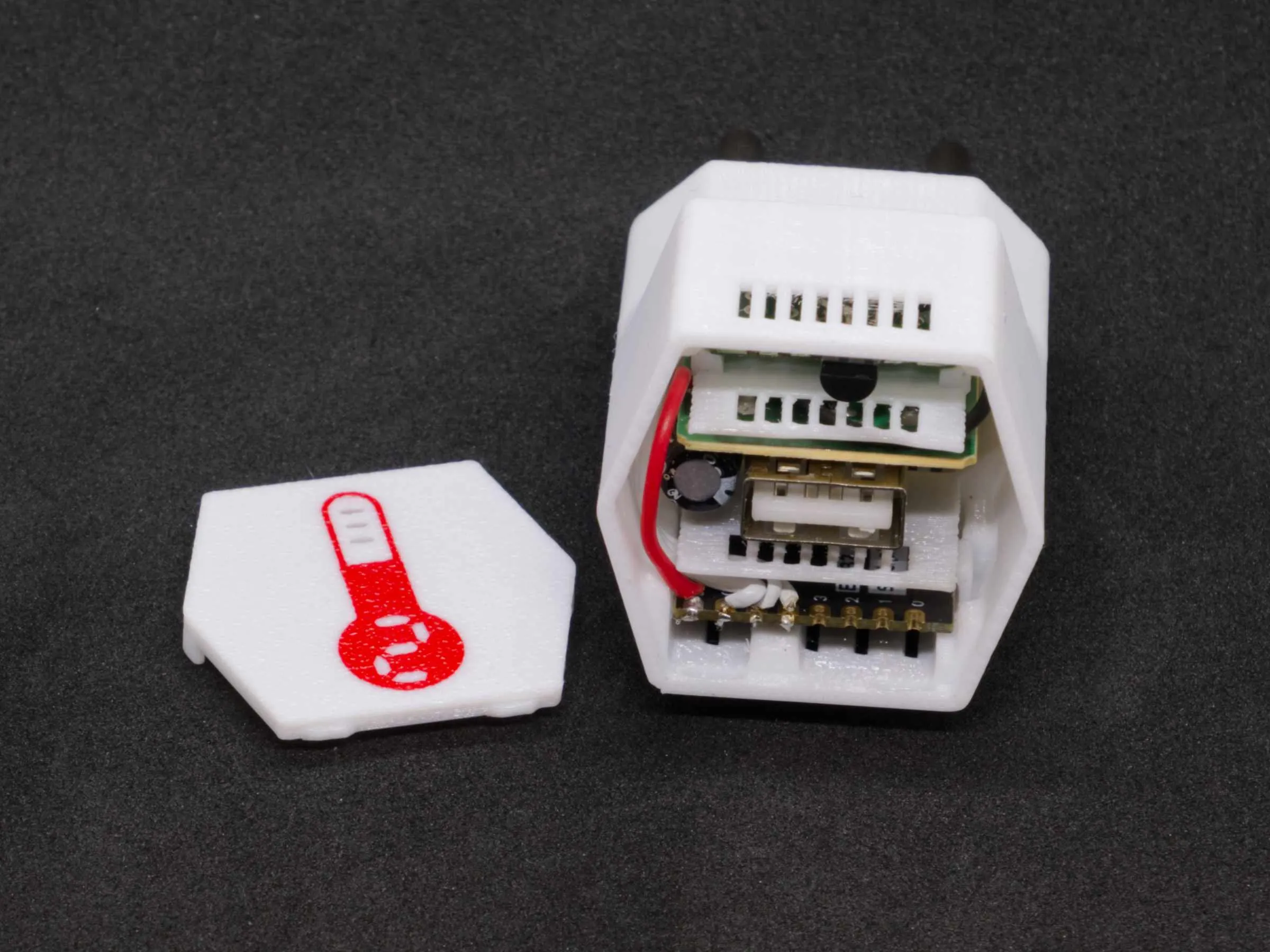
| Arrange the electronics | Insert the power supply so that it has firm contact with the plug | Insert the ESP32-C3 board with the USB port first |
| 
| 
|
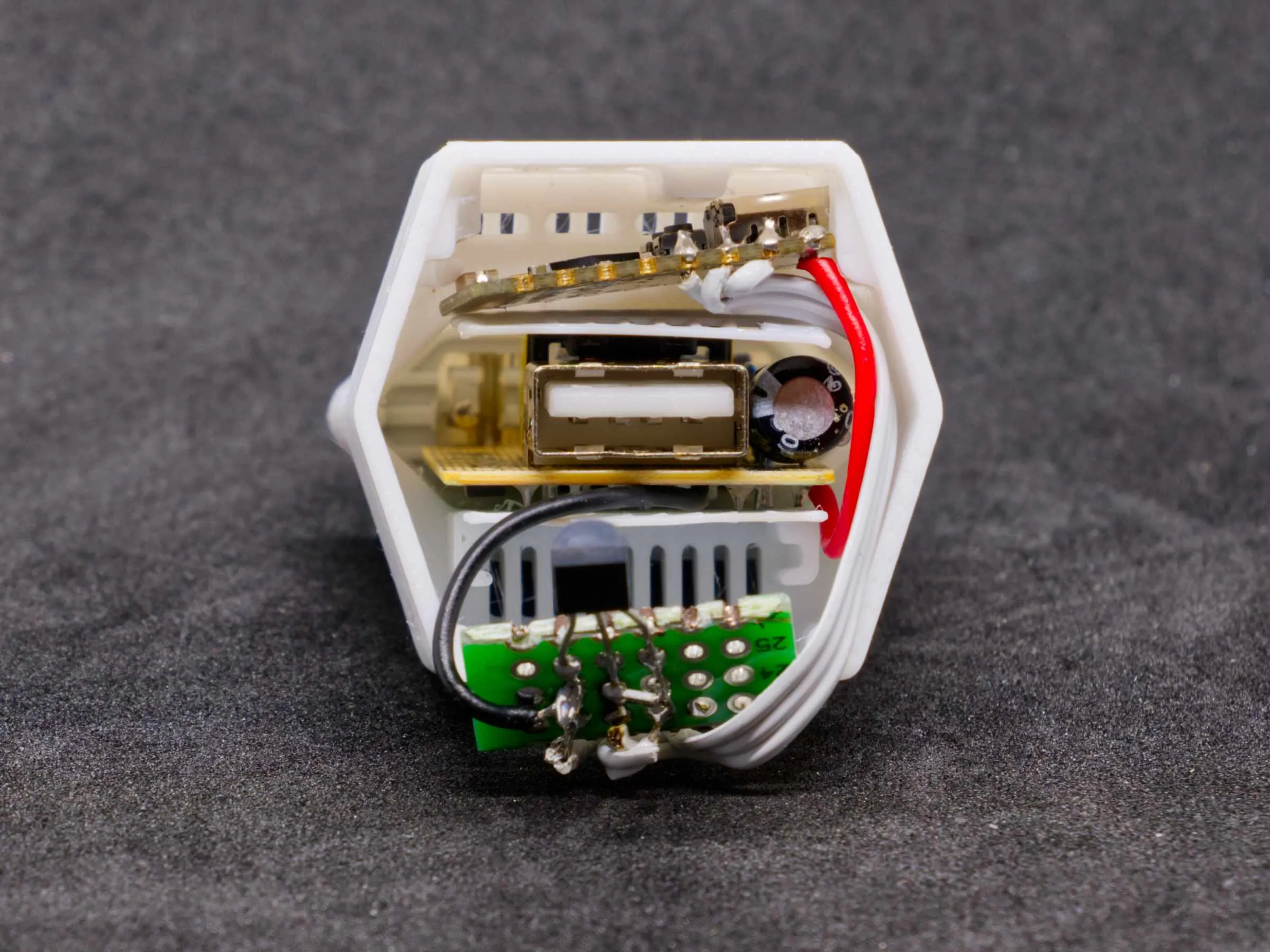
| Insert it so that the USB port sits in the designated hole | Carefully push the ESP32 board up from the back with a screwdriver until it clicks into place. Slide the sensor board into the designated guide. Pay attention to the cables here! | Insert the front panel, the temperature sensor should be at the bottom |
I have attached my ESPHome code, it works with MQTT. Of course, other solutions are also possible. The housing can also accommodate a combined temperature/humidity sensor
Programming can be done via the USB port without the device being plugged in
Please remember to work cleanly and double-check everything before plugging the device into the socket. And as I said: It's not my fault :-)
Have fun tinkering and always a warm home
Documentation (1)
License

You shall not share, sub-license, sell, rent, host, transfer, or distribute in any way the digital or 3D printed versions of this object, nor any other derivative work of this object in its digital or physical format (including - but not limited to - remixes of this object, and hosting on other digital platforms). The objects may not be used without permission in any way whatsoever in which you charge money, or collect fees.


Comment & Rating (3)